


Magic Caster Wand Home Assistant Integration
|
|
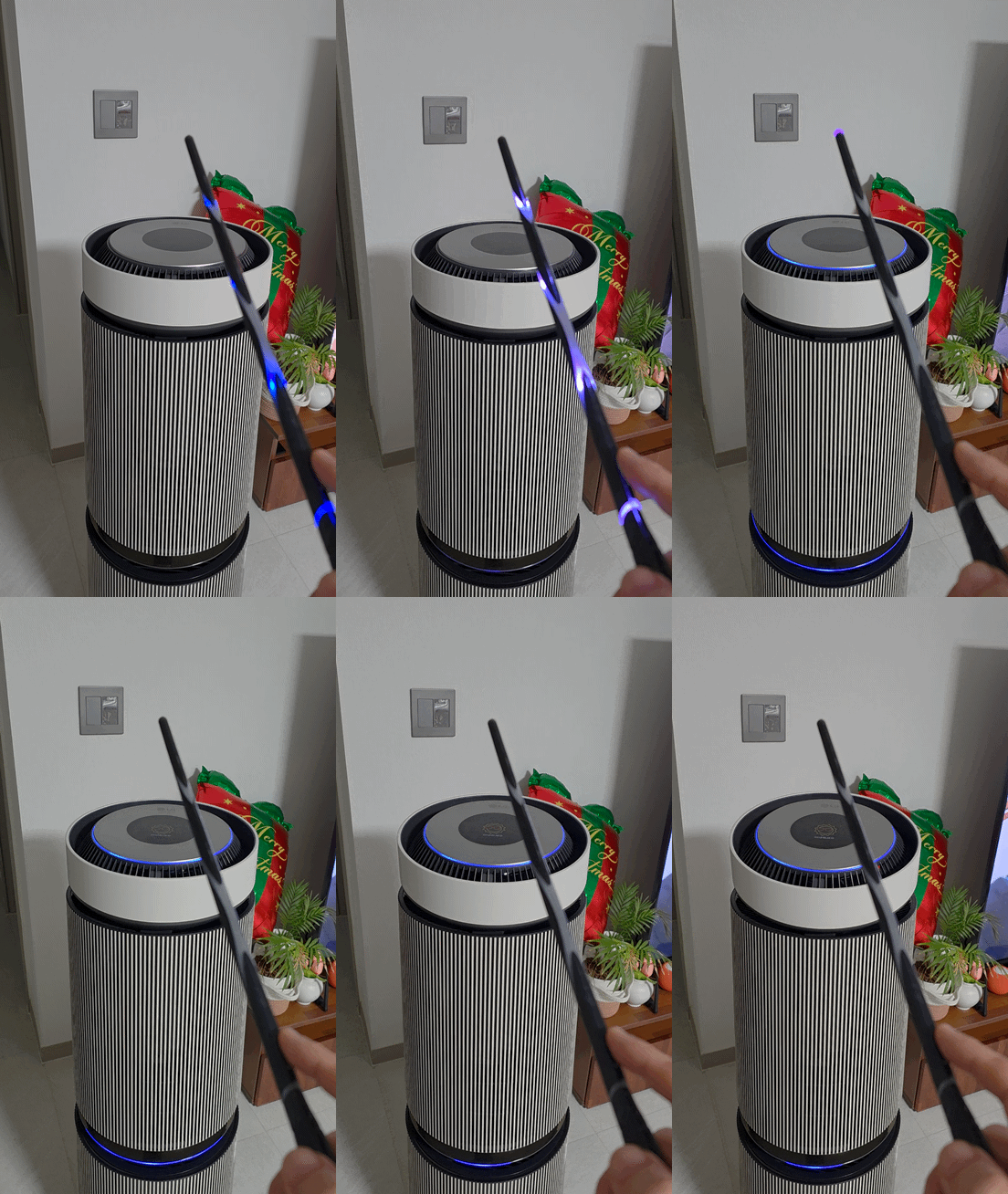
Turn on Device |
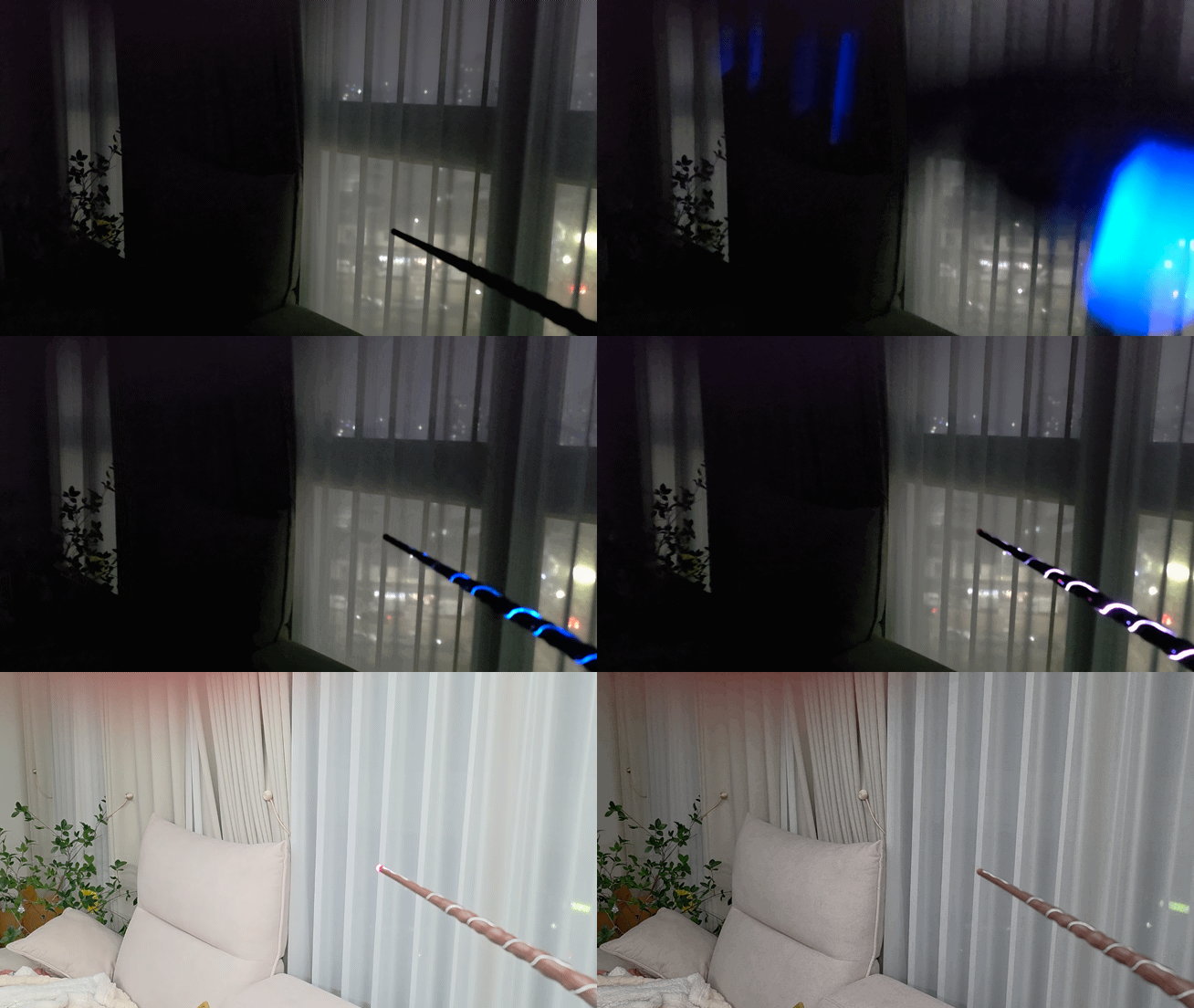
Turn on Light |
💬 Feedback & Support
🐞 Found a bug? Let us know via an Issue.
💡 Have a question or suggestion? Join the Discussion!
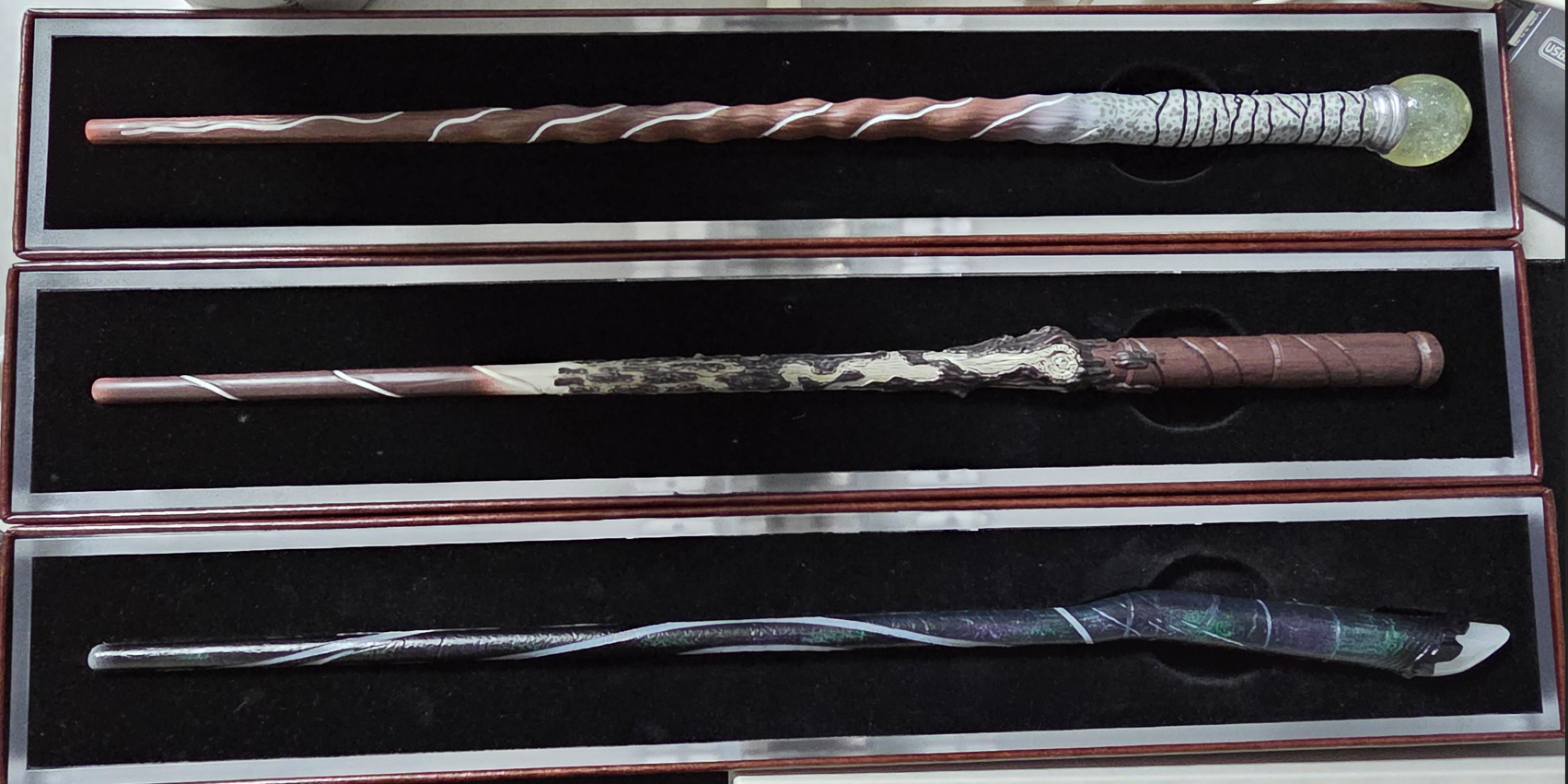
Supported Models
- Defiant
- Loyal
- Honourable
Installation
- Install this integration with HACS (adding repository required), or copy the contents of this
repository into the
custom_components/magic_caster_wanddirectory. - Restart Home Assistant.
⚠️ Important Notice
- It is strongly recommended to use a Bluetooth proxy instead of a built-in Bluetooth adapter.
Bluetooth proxies generally offer more stable connections and better range, especially in environments with multiple BLE devices.
-
When using a Bluetooth proxy, it is strongly recommended to keep the scan interval at its default value.
Changing these values may cause issues with Bluetooth data transmission. -
bluetooth_proxy: must always have active: true.
Example (recommended configuration with default values):
esp32_ble_tracker:
  scan_parameters:
    active: true

bluetooth_proxy:
  active: true
Spells & Motions
Important
You must connect to the wand via Bluetooth(Switch) first in order to receive the spell values.
Built-in Spell Gestures for the Wand
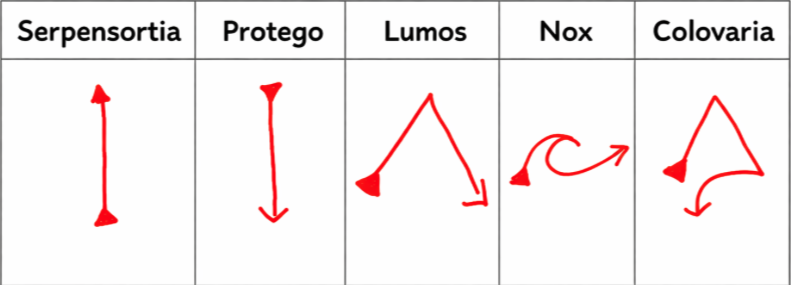
Spell Gestures
Aberto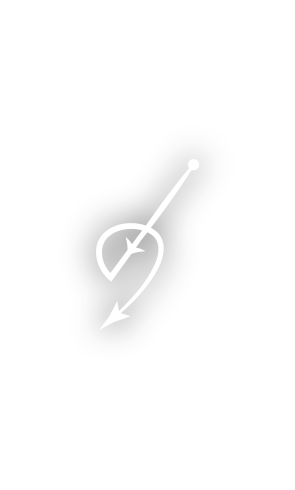 |
Accio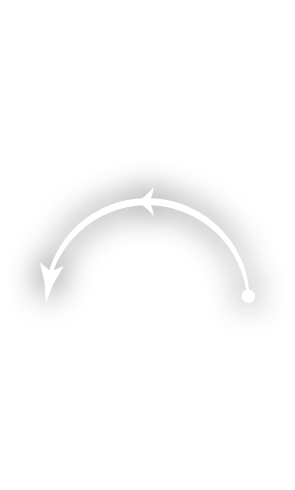 |
Aguamenti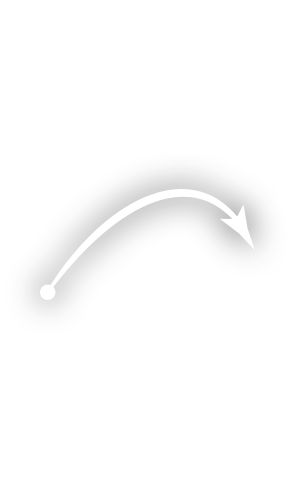 |
Alohomora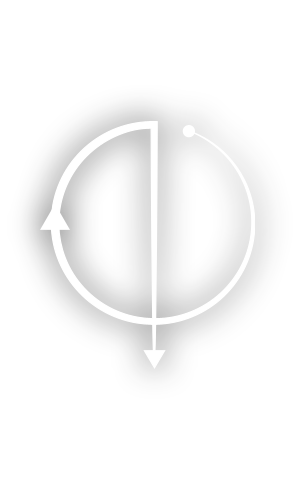 |
Anteoculatia |
Appare Vestigium |
Arania Exumai |
Ascendio |
Bombarda |
Brachiabindo |
Calvorio |
Cantis |
Colloportus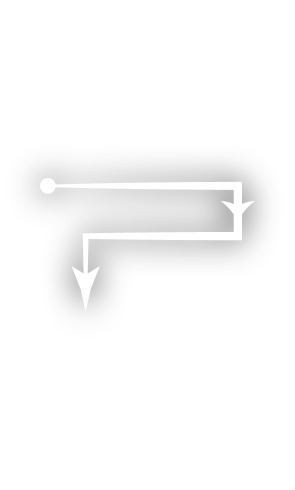 |
Colloshoo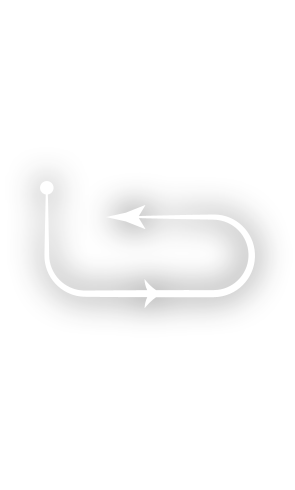 |
Colovaria |
Confringo |
Confundo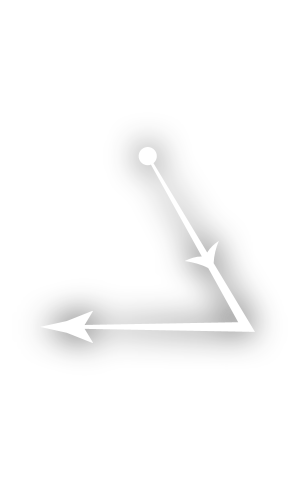 |
Densaugeo |
Entomorphis |
Evanesco |
Expecto Patronum |
Expelliarmus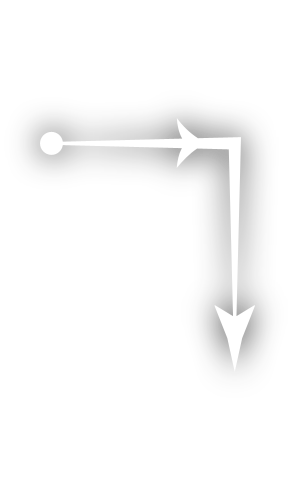 |
Expulso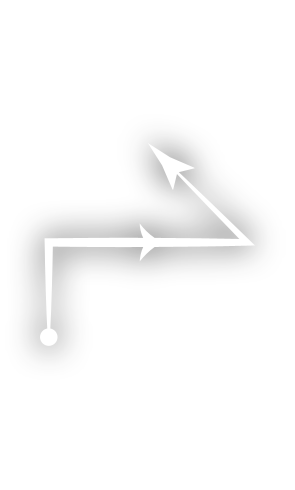 |
Finestra |
Finite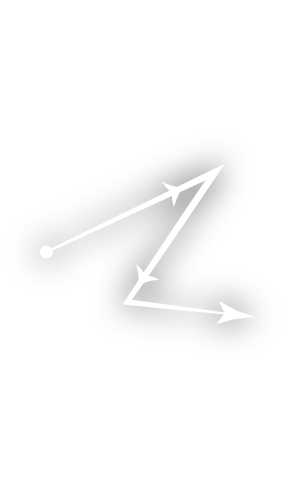 |
Flagrate |
Flipendo |
Fulgari |
Glacius |
Herbivicus |
Immobulus |
Impedimenta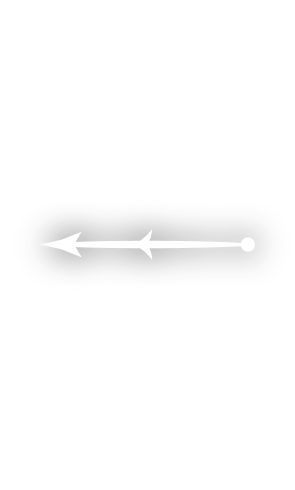 |
Incarcerous |
Incendio |
Lumos |
Lumos Maxima |
Melefors |
Meteolojinx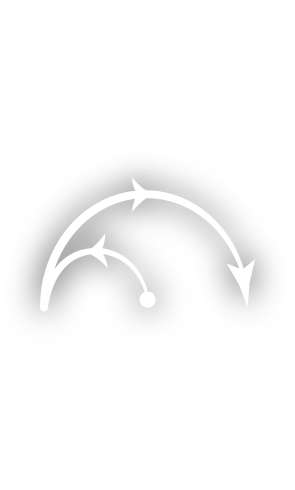 |
Mucus Ad Nauseum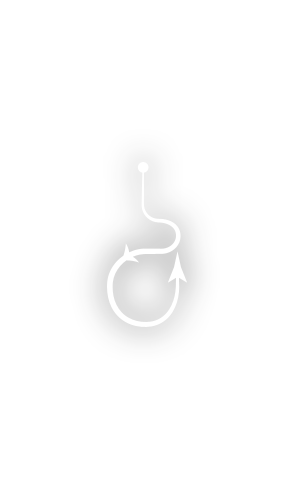 |
Nox |
Orchideous |
Petrificus Totalus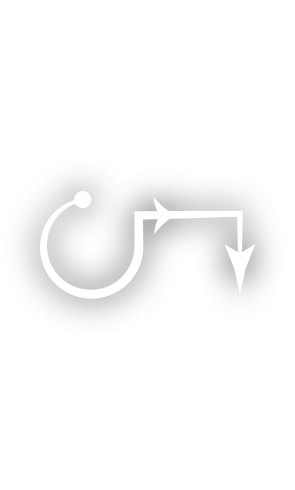 |
Piertotum Locomotor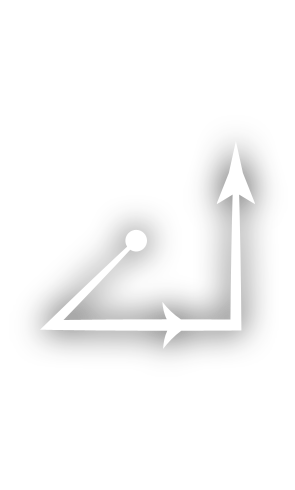 |
Protego |
Quietus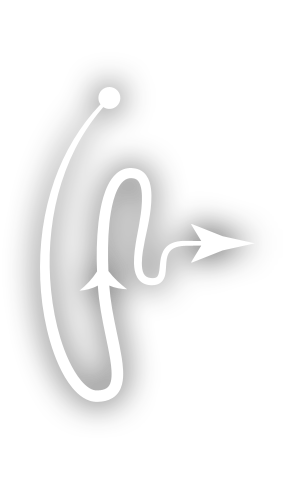 |
Reducto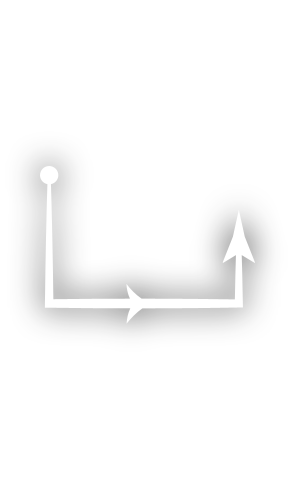 |
Reparo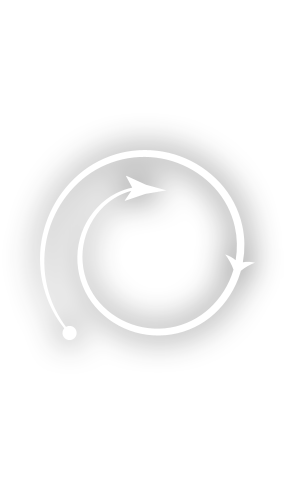 |
Revelio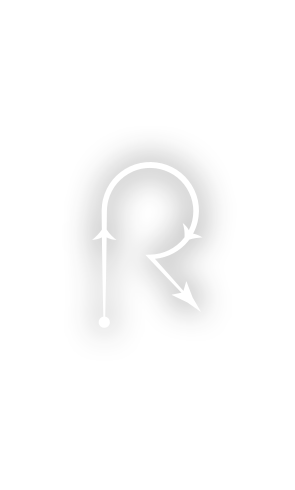 |
Rictusempra |
Riddikulus |
Salvio Hexia |
Scourgify |
Silencio |
Stupefy |
The Cheering Charm |
The Force Spell |
The Hair Thickening Growing Charm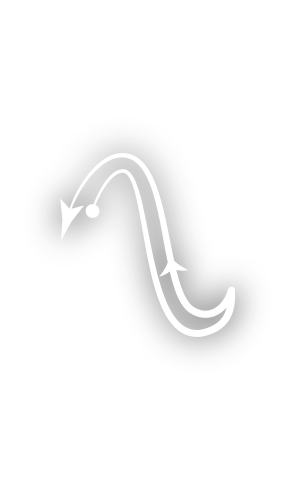 |
The Hour Reversal Charm |
The Sleeping Charm |
The Spell Thickening Charm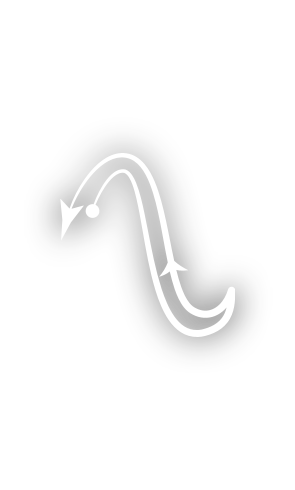 |
The Stretching Jinx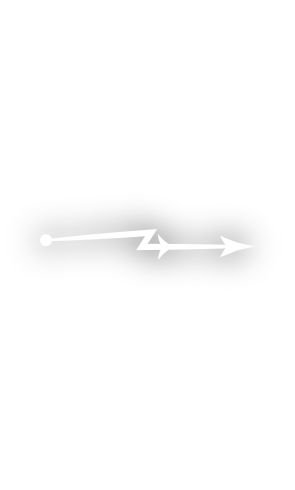 |
Ventus |
Verdimillious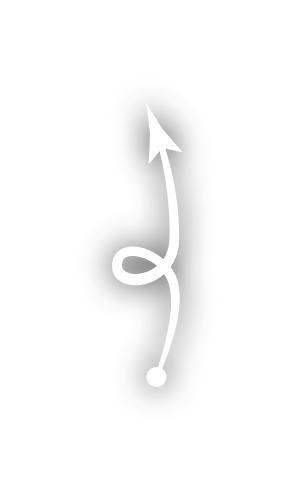 |
Vermillious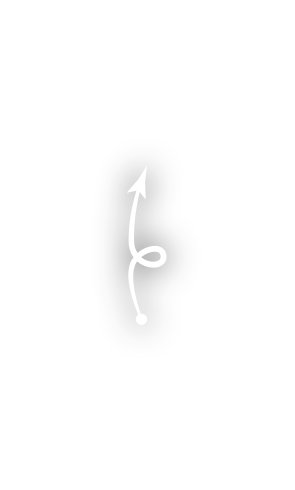 |
Wingardium Leviosa |
Spell Canvas
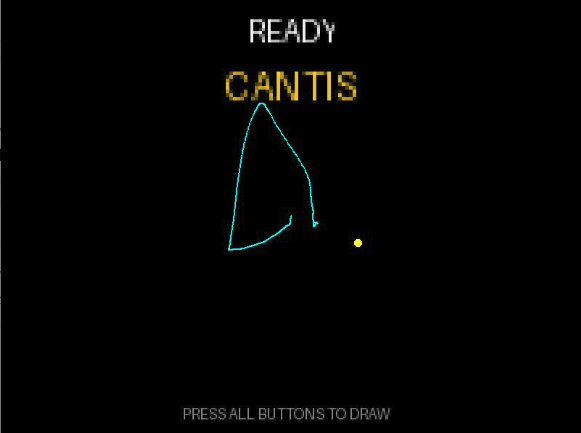
Real-time visualization of wand movements.
| Feature | Description |
|---|---|
| Spell tracking | Enable the Spell Tracking switch to receive IMU data from the wand. |
| Drawing | Drawing starts when the wand button is pressed and button states are detected. |
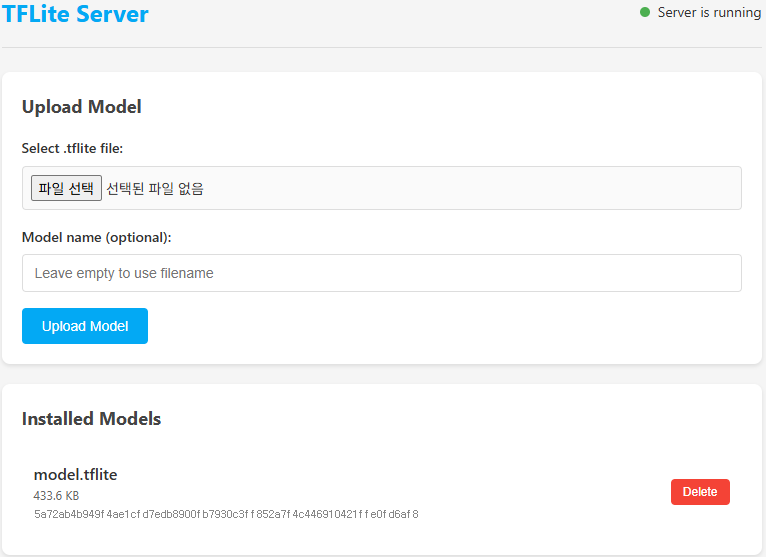
| Spell recognition | Install the hass-tflite add-on, then use Open web UI to upload model.tflite. Configure the server address in settings if using a custom fork. |
|
|||||

|

|

|
Note
The model.tflite file is not shared publicly at this time due to potential issues and to ensure compatibility.
Available Services
This integration provides custom actions (services) to control the wand and box:
magic_caster_wand.vibrate: Triggers wand vibration motor.duration: Vibration duration in milliseconds.[!NOTE] Due to wand firmware behavior, a single vibrate command produces a fixed ~800ms pulse regardless of the requested
durationvalue. Sending repeatedbuzzmacro commands less than 500ms apart can extend the continuous vibration pulse.
magic_caster_wand.set_led: Controls LED color and duration for a specific LED group (TIP,MID_UPPER,MID_LOWER,POMMEL).magic_caster_wand.clear_leds: Clears all wand LEDs immediately.magic_caster_wand.play_spell: Plays a pre-defined spell macro effect (e.g.lumos,nox,incendio).magic_caster_wand.send_macro: Sends a custom sequence of macro commands (changeled,clear,delay,buzz,set_loops,loop,wait).
Automation Example
alias: Lumos
description: ""
triggers:
  - trigger: state
    entity_id:
      - sensor.mcw_5363f8ea_spell
    attribute: last_updated
conditions: []
actions:
  - choose:
      - conditions:
          - condition: state
            entity_id: sensor.mcw_5363f8ea_spell
            state:
              - Lumos
        sequence:
          - action: light.turn_on
            target:
              entity_id: light.esp_kocom_livingroom_light_1
mode: single