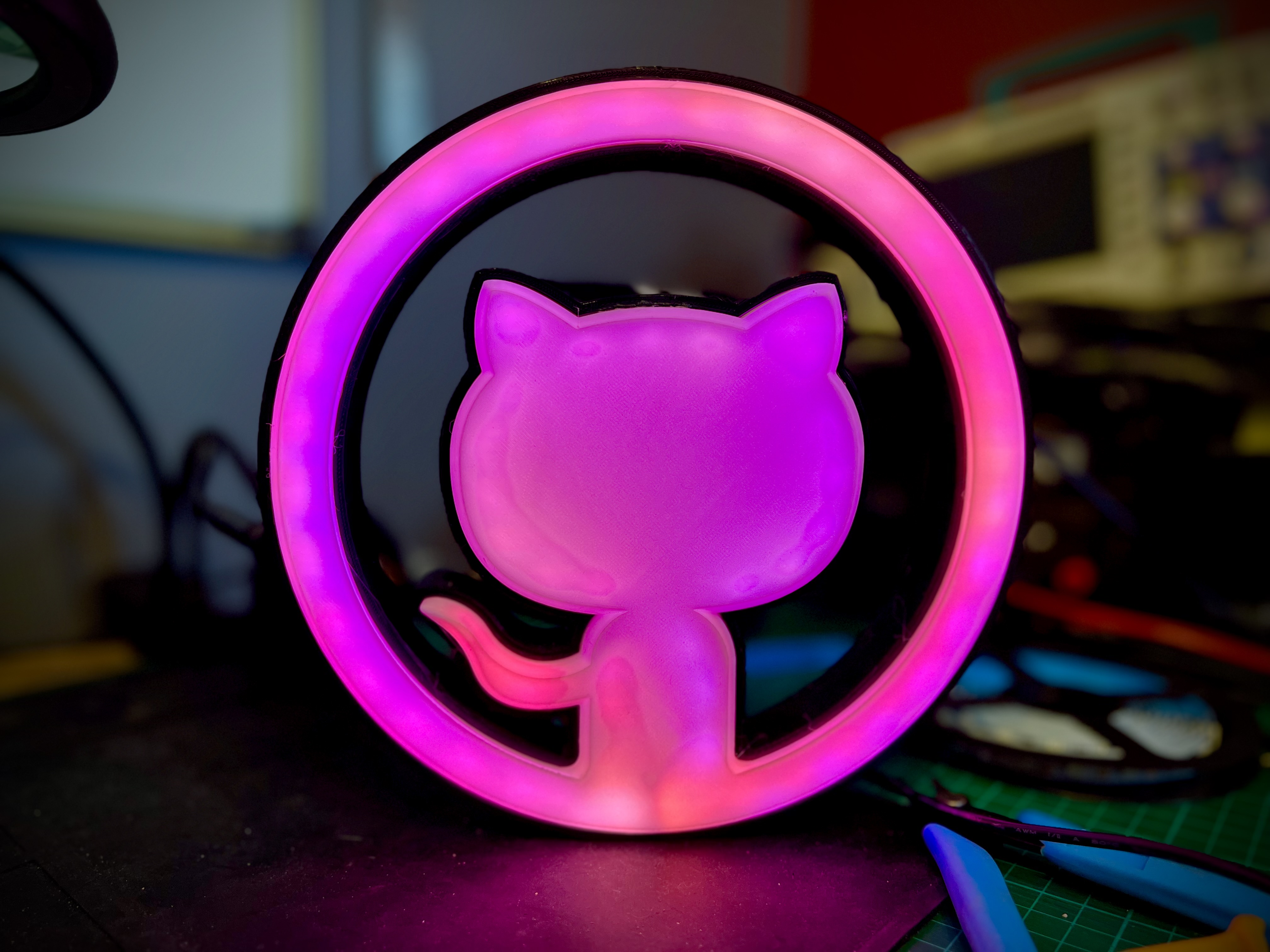
Built for the Octolamp.
A WLED usermod that polls the GitHub Status API and blinks all LEDs red when GitHub reports any incident.
When GitHub recovers, the strip restores its previous state.
Installation
Prerequisites
Install PlatformIO and esptool:
pip3 install platformio esptool
Clone WLED
git clone --depth 1 --branch v0.15.4 https://github.com/wled/WLED.git
cd WLED
Add the usermod
Copy the usermod header into WLED's usermods directory:
mkdir -p usermods/github_health
cp /path/to/usermod_github_health.h usermods/github_health/
Register it in wled00/usermods_list.cpp. Add the include near the other usermod includes:
#ifdef USERMOD_GITHUB_HEALTH
#include "../usermods/github_health/usermod_github_health.h"
#endif
And add the registration inside registerUsermods():
#ifdef USERMOD_GITHUB_HEALTH
UsermodManager::add(new GithubHealthUsermod());
#endif
Configure the build
Copy platformio_override.ini to the WLED root directory. To set your upload port, add these lines to the [env:github_health_esp32] section:
upload_port = /dev/cu.wchusbserialXXXXXReplace the port with your device's serial port (check ls /dev/cu.* after connecting).
Build and flash
Put your ESP32 into bootloader mode: hold BOOT, press RESET, release BOOT.
cd WLED
pio run -e github_health_esp32 -t upload
Configuration
Settings are exposed in the WLED Config UI under "GitHub Health":
| Setting | Default | Description |
|---|---|---|
| enabled | true | Enable/disable the health check |
| checkInterval | 60 | Seconds between status checks |
| blinkInterval | 500 | Milliseconds between blink toggles |
| alertOnMinor | true | Alert on minor status indicator |
| alertOnMajor | true | Alert on major status indicator |
| alertOnCritical | true | Alert on critical status indicator |
The GitHub Status API returns one of four indicator levels: none, minor, major, or critical. By default the lamp alerts on all non-healthy states. Disable individual levels to only react to the severities you care about.
How it works
- Every
checkIntervalseconds, makes an HTTPS GET togithubstatus.com - Parses the
status.indicatorfield —"none"means healthy - If the indicator matches an enabled alert level, saves the state of all segments and blinks them red
- When GitHub recovers, restores the previous state for all segments