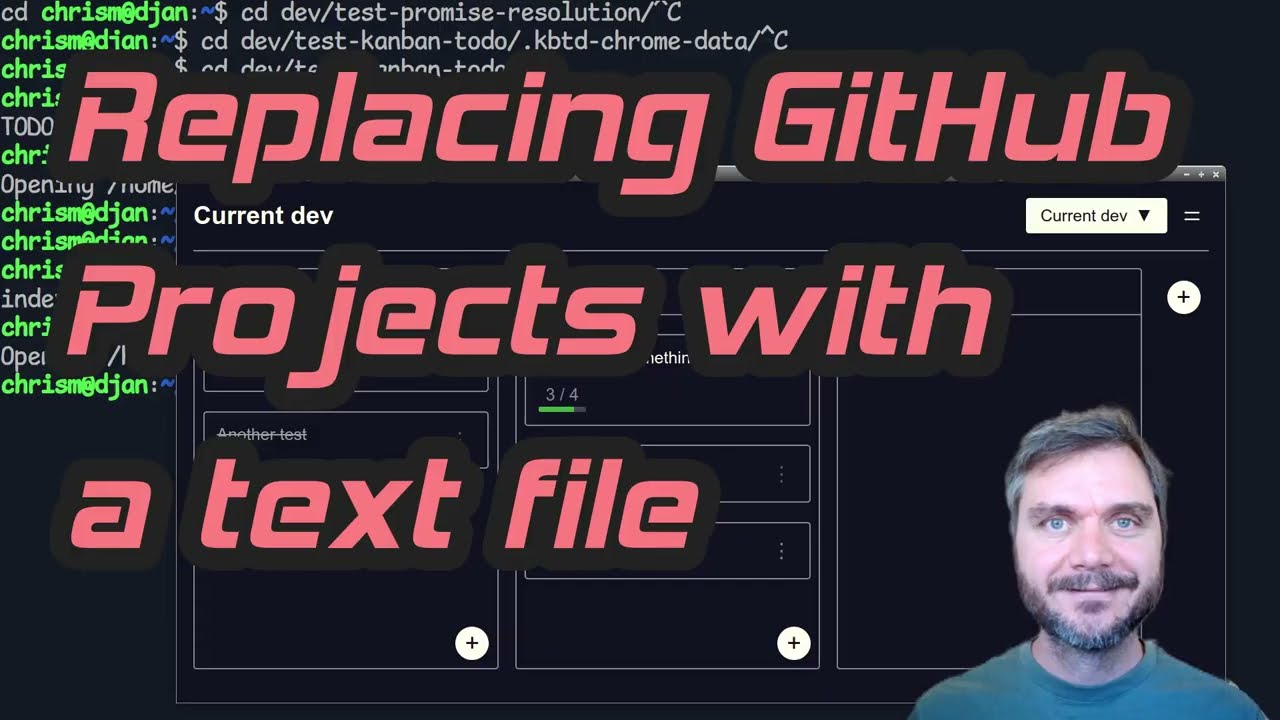
A markdown textfile based kanban board in a single index.html file.
Download index.html | Download Zip
- Drag-and-drop visual editing of plain text Markdown TODOs
- Runs 100% in your browser - no server, no database
- Single HTML file - simply upload to self-host
- CLI tool to launch as a Chrome app:
kbtd TODO.md - Two-way binding between UI and text file
- Great for indie-scale solo projects and small teams
File format | CLI Install | Self Host | Browser Support | Video Walkthrough

File Format
The text based format is designed to be simple for humans, git, and LLMs to read and edit.
# Project name

## Column name

- [ ] Task number one.
- [ ] Some other task.

## Another column

- [ ] Yet another task.
CLI Install
curl -O https://mccormick.cx/apps/kanban-todo/kbtd
chmod 755 kbtd

# By default `kbtd` loads the web app from the my server.
# If self-hosting, set KBTD_URL to load from your server instead:
# export KBTD_URL="https://mccormick.cx/apps/kanban-todo/"

# Then launch with:
./kbtd TODO.md
Self Host
Copy index.html up to your server.
If you're using the kbtd command line launcher, set KBTD_URL to point at your server.
Browser Support
Unfortunately the web app requires a Chromium-based browser (Chrome, Edge, Brave, etc.) for the FileSystem Access API. Firefox and Safari don't implement it. The kbtd script runs the app in an isolated browser instance that doesn't interfere with your main browser.
Video walkthrough