




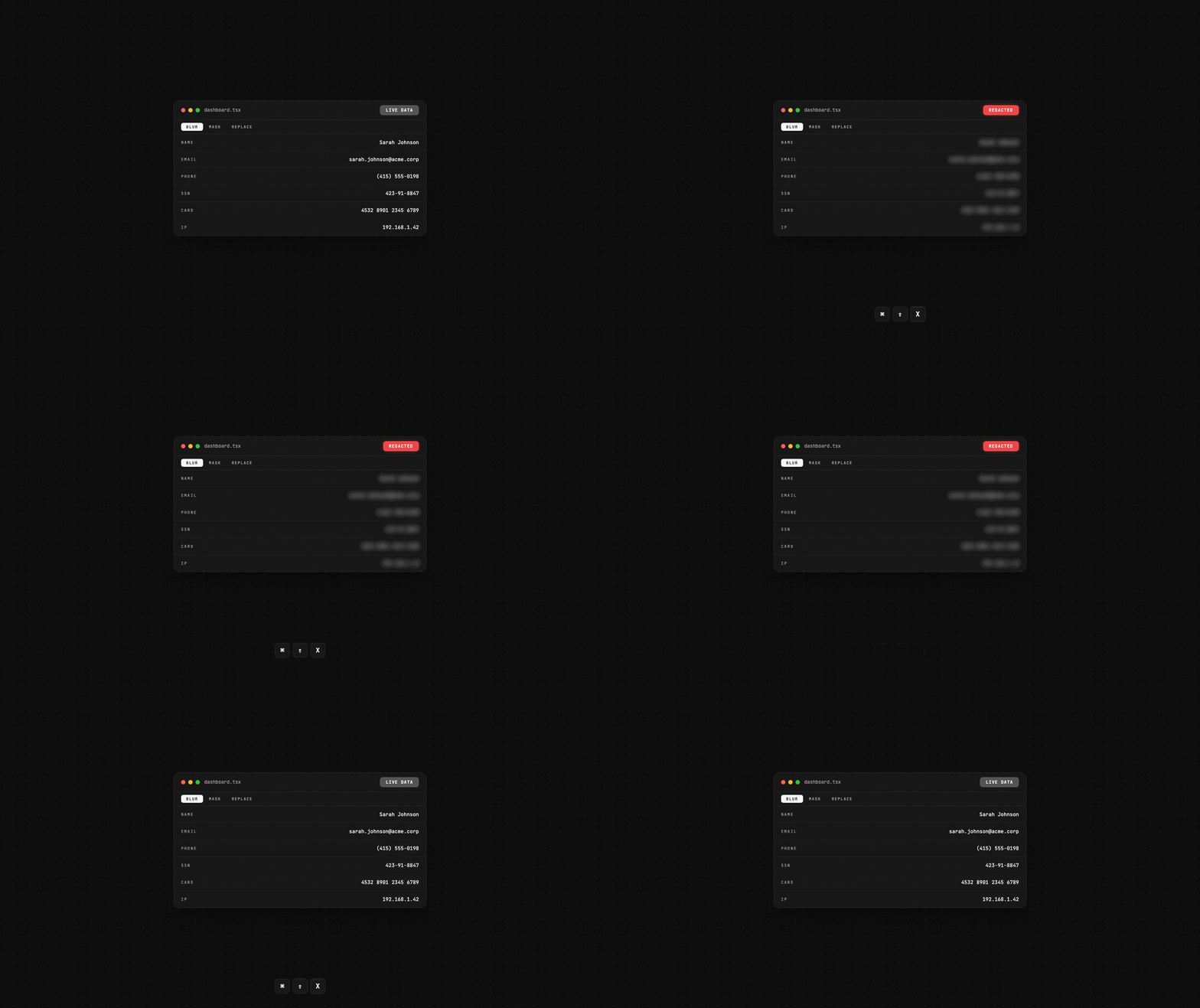
One keyboard shortcut to make your entire app demo-safe.
Zero-dependency React components that visually hide PII — for demos, screenshares, and presentations.
Visual-only: This is a UI convenience tool for demos and screenshares. It does not remove data from the DOM.
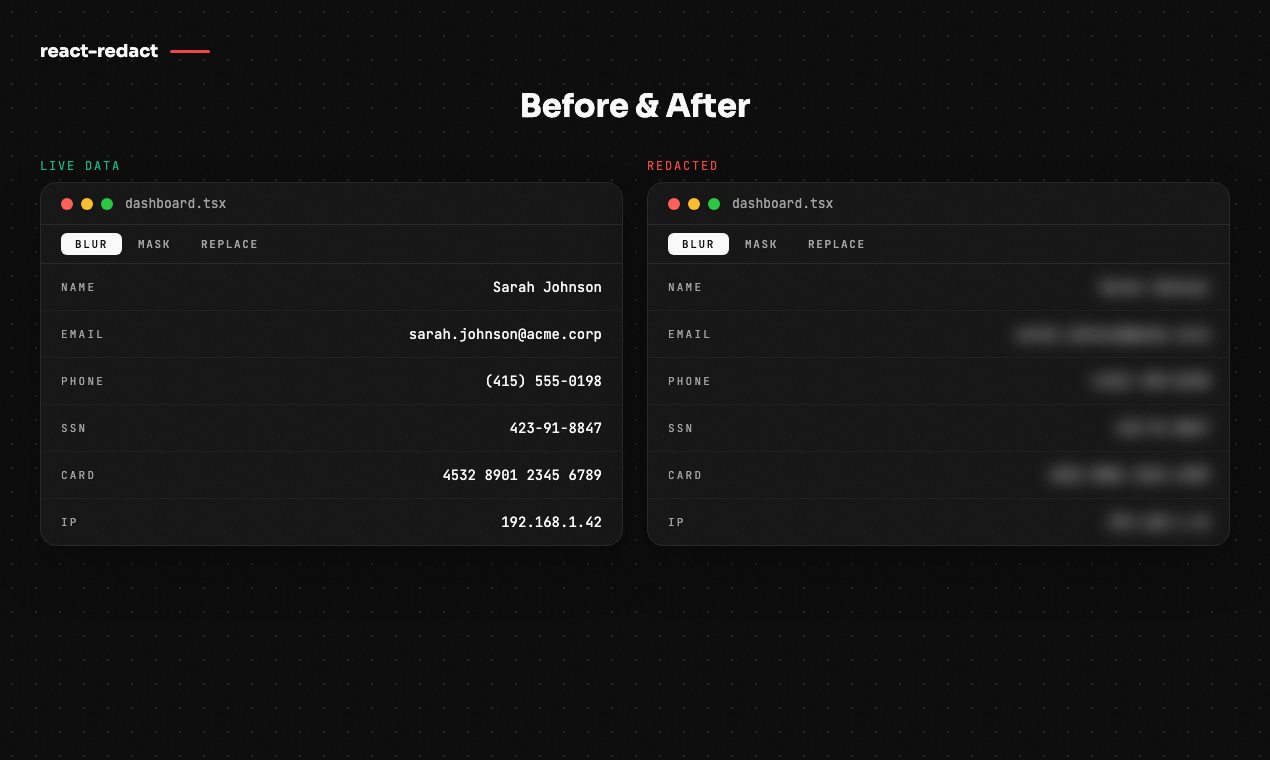
Why react-redact?
You're about to share your screen. Your app is full of real customer data — emails, phone numbers, credit cards. You need to hide it now, not refactor your entire data layer.
react-redact solves this in one line: wrap your app in <RedactProvider>, press ⌘⇧X, and every marked piece of PII is instantly blurred, masked, or replaced with fake data. No backend changes. No environment switching. Just a keyboard shortcut.
Features
- Instant toggle — Keyboard shortcut (
⌘⇧X/Ctrl+Shift+X),useRedactMode()hook, or?redact=trueURL param - Three modes — Blur, mask (bullets), or replace with deterministic fake data
- Manual wrapping —
<Redact>component for known PII fields - Auto-detection —
<RedactAuto>scans subtrees for email, phone, SSN, credit card, IP (+ custom regex) - Custom mode — Bring your own render function for full control
- Zero dependencies — React is the only peer dep. ESM + CJS, tree-shakeable
- Next.js ready —
"use client"directives included, works with App Router out of the box - TypeScript-first — Strict types, exported interfaces,
isolatedDeclarationscompatible
Install
Quick Start
import { RedactProvider, Redact, useRedactMode } from "react-redact";
import "react-redact/styles.css";

function App() {
  return (
    <RedactProvider shortcut="mod+shift+x">
      <Dashboard />
    </RedactProvider>
  );
}

function Dashboard() {
  const { isRedacted, toggle } = useRedactMode();
  return (
    <>
      <button onClick={toggle}>{isRedacted ? "🔒" : "🔓"} Demo mode</button>
      <p>Email: <Redact>user@company.com</Redact></p>
      <p>Phone: <Redact>(555) 123-4567</Redact></p>
    </>
  );
}
Press ⌘⇧X (Mac) or Ctrl+Shift+X (Windows/Linux) to toggle.
Modes
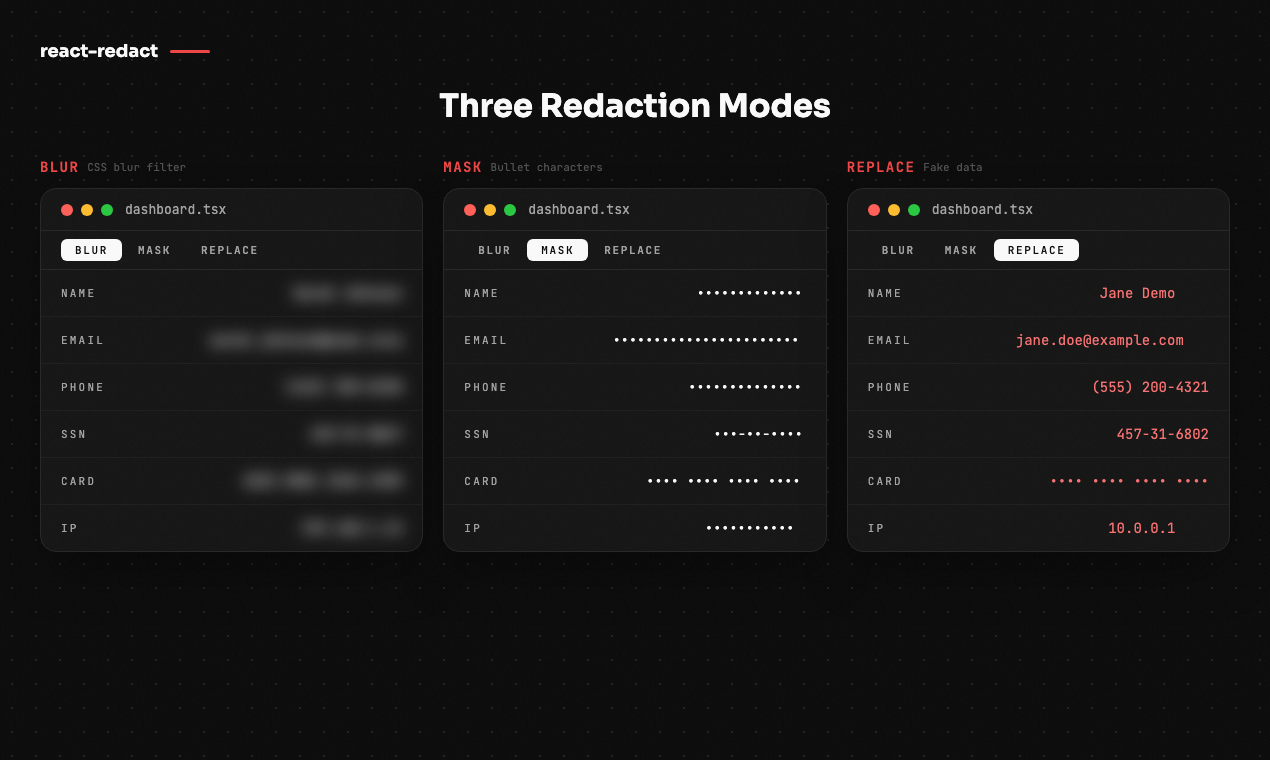
| Mode | What it does | Example output |
|---|---|---|
| Blur | CSS blur filter over original text | ░░░░░░░░░░░ |
| Mask | Replaces each character with a bullet | ••••••••••• |
| Replace | Deterministic fake data (same input → same output) | jane.doe@example.com |
<RedactProvider mode="blur">   {/* default */}
<RedactProvider mode="mask">
<RedactProvider mode="replace">

{/* Or per-component: */}
<Redact mode="replace">user@company.com</Redact>
Auto-Detection
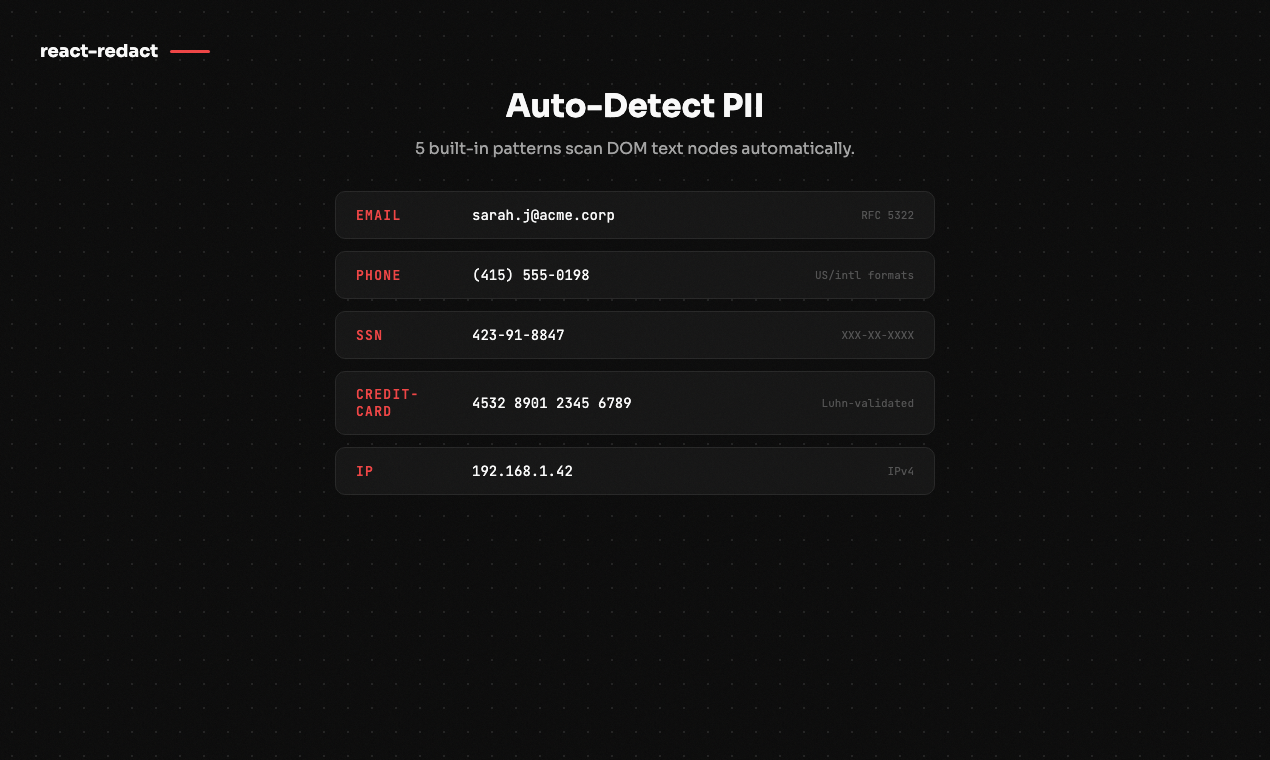
<RedactAuto> scans DOM text nodes for PII patterns and wraps matches automatically:
<RedactAuto patterns={["email", "phone", "ssn", "credit-card", "ip"]}>
  <div>{/* any content — PII gets auto-wrapped */}</div>
</RedactAuto>

{/* Add custom patterns: */}
<RedactAuto customPatterns={[/ORDER-\d{6}/g]}>
  <div>Order: ORDER-123456</div>
</RedactAuto>
Built-in patterns: email · phone · ssn · credit-card (Luhn-validated) · ip
API at a Glance
| Export | Type | Description |
|---|---|---|
<RedactProvider> |
Component | Context provider — wraps your app, configures mode/shortcut |
<Redact> |
Component | Wraps known PII for manual redaction |
<RedactAuto> |
Component | Scans a subtree and auto-wraps detected PII |
useRedactMode() |
Hook | Returns { isRedacted, toggle, enable, disable } |
useRedactPatterns() |
Hook | Read active patterns and add custom ones |
getInitialRedactEnabled() |
Utility | Read ?redact=true from URL for initial state |
Documentation
Full docs, API reference, and interactive demos:
- Local:
pnpm --filter react-redact-docs dev→ localhost:3001 - Content:
apps/docs/content/docs
Contributing
Contributions are welcome! Please open an issue first to discuss what you'd like to change.
git clone https://github.com/btahir/react-redact.git
cd react-redact
pnpm install
pnpm run build
pnpm test:run