hai ≡ Hacker AI




A CLI (hai) with a REPL for hackers using LLMs.

Documentation
Documentation is available at braincore.github.io/hai-cli
Or, you can dive in and rely on hai -h (CLI), /help (REPL), and
/task hai/help (LLM helper within REPL).
Highlights
- ⚡️ Starts in 30ms (on my machine).
- 📦 Single, standalone binary—no installation or dependencies required.
- 🪶 Lightweight (< 9MB compressed) for your machine, SBCs, and servers.
- 🗯 Run many instances for simultaneous conversations.
- 🤖 Supports AIs from OpenAI, Anthropic, DeepSeek, Google, xAI, and llama.cpp/Ollama (local) all in a single conversation.
- 🕶 Go incognito
hai -i. - ⚙ Give AI the power to run programs on your computer.
- 🍝 Share AI prompt-pasta publicly using the task repository.
- 📂 Load images, code, or text into the conversation.
- 🔗 Load URLs with automatic article extraction and markdown conversion.
- 🎨 Highlights syntax for markdown and code snippets.
- 🔌 Connect to Model Context Protocol (MCP) servers.
- 🤖 Let the LLM cook with agentic mode.
- 🖼 Render output to browser.
- 💾 Auto-saves last conversation for easy resumption.
- ☁ Store and share data on the cloud for easy access by AIs. Supports selective end-to-end encryption.
- 📧 Get emails from AI—send notifications or share data.
- 🔍 Source available: Know what's running on your machine.
- 💻 Supports Linux and macOS. Windows needs testing (help!).
Installation
Installer [Linux, macOS]
curl -LsSf https://hai.dog/hai-installer.sh | sh
Alt: Download binary [Linux, macOS, Windows]
Go to releases and download the version for your machine.
Alt: Build from source [Linux, macOS, Windows]
Demo
Markdown & code syntax highlighting

Load image

Load URL

Using the shell !sh tool

Using the Python !py tool

Using the Python-uv !pyuv tool
Like !py but delegates to the LLM the responsibility of defining and
installing Python library dependencies.

Using the HTML !html tool
hai-html-tool-2025-08-14_14.11.32-trimmed-720p.mp4
Using the !hai tool

Using the function tool (Python) !fn-py

Using a task
Example uses ken/code-review task.

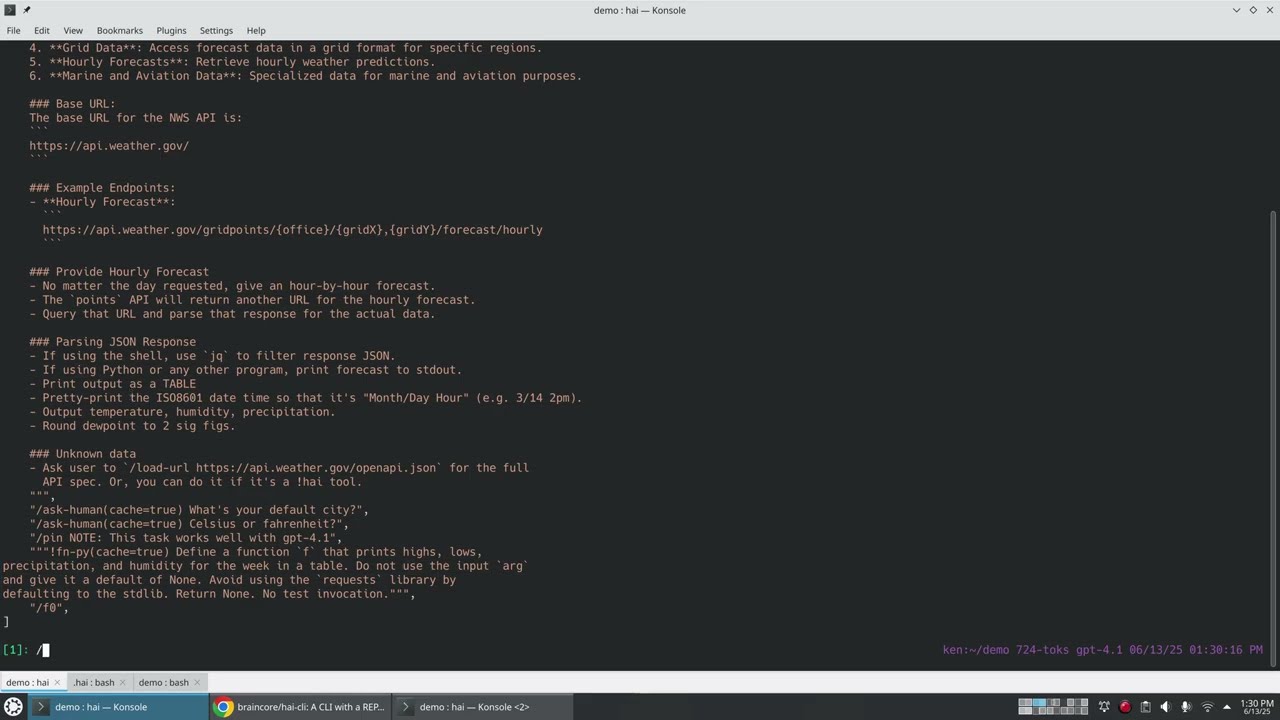
Example uses ken/weather task.

NOTE: Human input and code generation is cached so the next invocation of task doesn't require the LLM at all.
Using assets
Assets are a key-value object store in the cloud that you and the LLM can read or write to. Assets can be shared publicly, monitored for changes, and support revisions.

The LLM can use assets without loading them into the conversation:

Multi AI

Send email

Video Walkthrough (YouTube)