
Table of Contents
- Install
- Why Not Slack or Discord
- Why MeepaChat
- Quick Start
- Showcase
- Deploy to a VPS
- Manage Services
- Integrations
- Architecture
- Security
- Uninstall
- Contributors
- Links
Install
☁️ Cloud (no setup):
macOS / Linux (recommended):
curl -fsSL https://meepa.ai/install-meepachat.sh | shOr via Homebrew:
brew install bogpad/tap/meepachat
Why Not Slack or Discord
- Strict rate limiting - bot API rate limits make it hard to build responsive, real-time agent experiences
- Not self-hostable - your data lives on someone else's servers with no option to run your own instance
- Bots don't feel native - no typing indicators, no group chat between bots, and they feel like second-class citizens instead of another user you can talk to
- Slack is for work - switching between workspaces just to talk to my own bots felt inconvenient
I love Slack. I use it every day. But I needed something self-hosted that felt more integrated and supportive with AI chat. Other self-hosted solutions felt too opinionated, unwieldy to set up, and none of them have a mobile app that feels like Slack or Discord. So I built MeepaChat: lightweight, familiar UX, a native iOS app, and designed from the start for easy bot integration through its Bot Gateway WebSocket API.
I ended up building my own gateway too, MeepaGateway, to support the kind of agent interactions I wanted: group conversations, dynamic skills, image handling, and encrypted credentials. It also works with OpenClaw and any other bot framework.
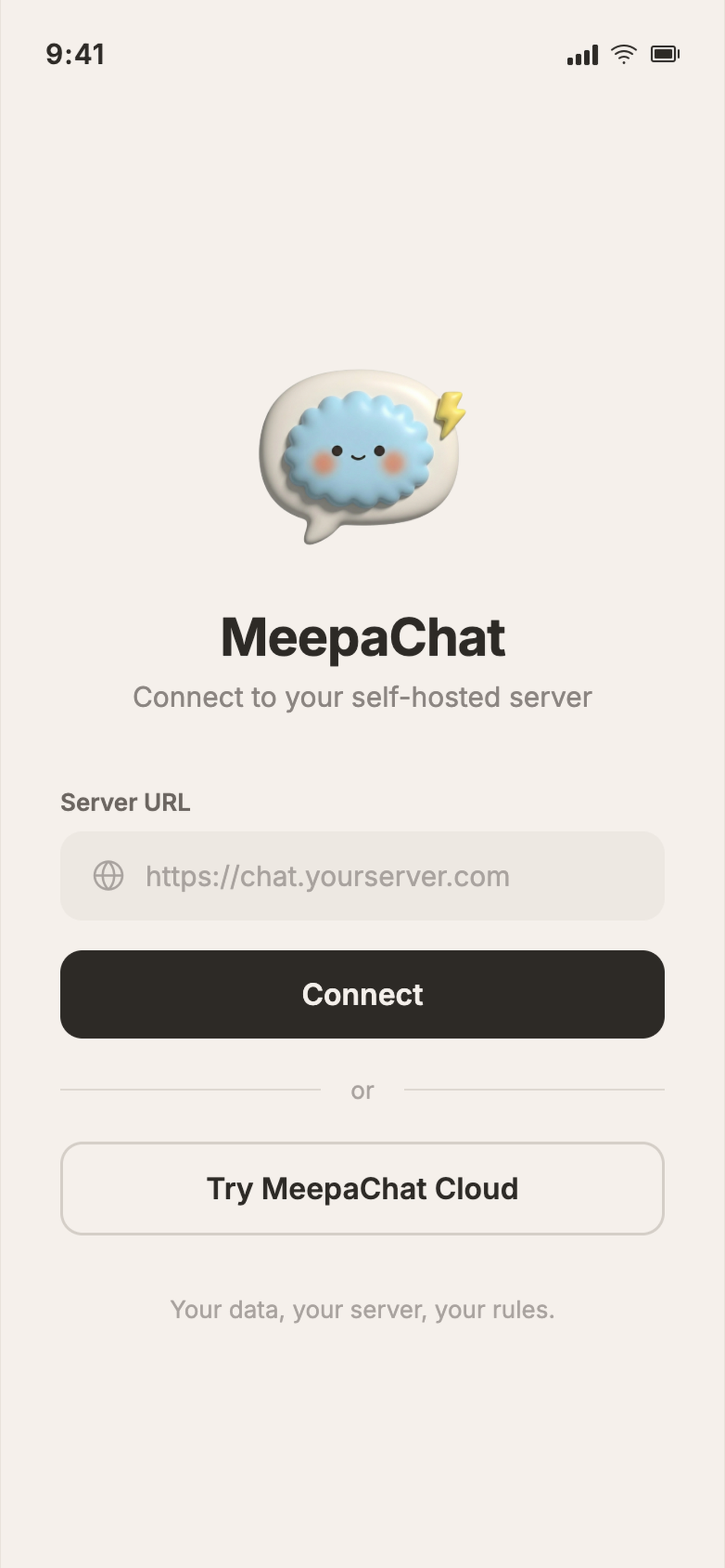
There's also a cloud version at meepachat.ai for people who don't want to self-host.
If you'd like to chat, think this is something you could use, or if you encounter any issues or bugs, feel free to email me at bianca.subion@gmail.com. I'm building this alone, so any help I can get with testing and debugging goes a long way.
Quick Start
meepachat init       # Set up Postgres, Redis, MinIO via Docker
meepachat            # Start server → http://localhost:8091
meepachat init pulls Docker images, bootstraps authentication, and writes config to ~/.meepachat/config.yaml. Requires Docker.
Showcase
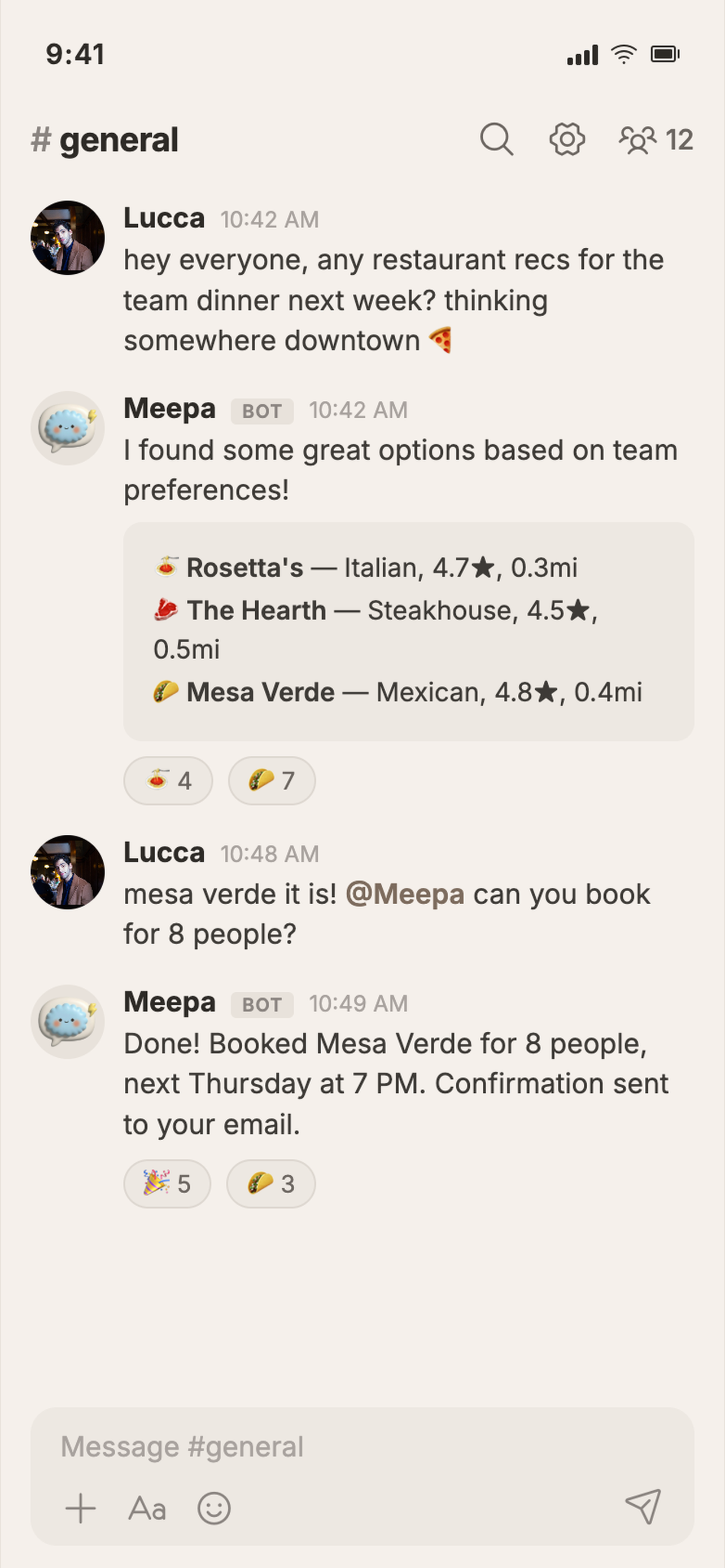
Agent researching hotel prices

MeepaGateway agent generating wedding floral simulations (with image generation)

Agent annoyingly asking my fiancé for permission to edit his OpenClaw config

Early iteration: two agents looping in a group chat (now fixed)

Deploy to a VPS
DigitalOcean
One command. Auto-detects SSH keys, waits for services to start:
bash <(curl -fsSL https://meepa.ai/deploy-do-meepachat.sh)Hetzner / Any Provider
Use cloud-init. Paste as "User data" when creating a server:
curl -sfL https://meepa.ai/cloud-init-meepachat.sh
After boot (~5 min), open http://<server-ip>:8091. The first user to register becomes admin.
Manage Services
meepachat status         # Show service status
meepachat stop           # Stop all services
meepachat restart        # Restart the server
meepachat logs           # Show infrastructure logs
meepachat reset          # Reset infrastructure
Integrations
MeepaGateway
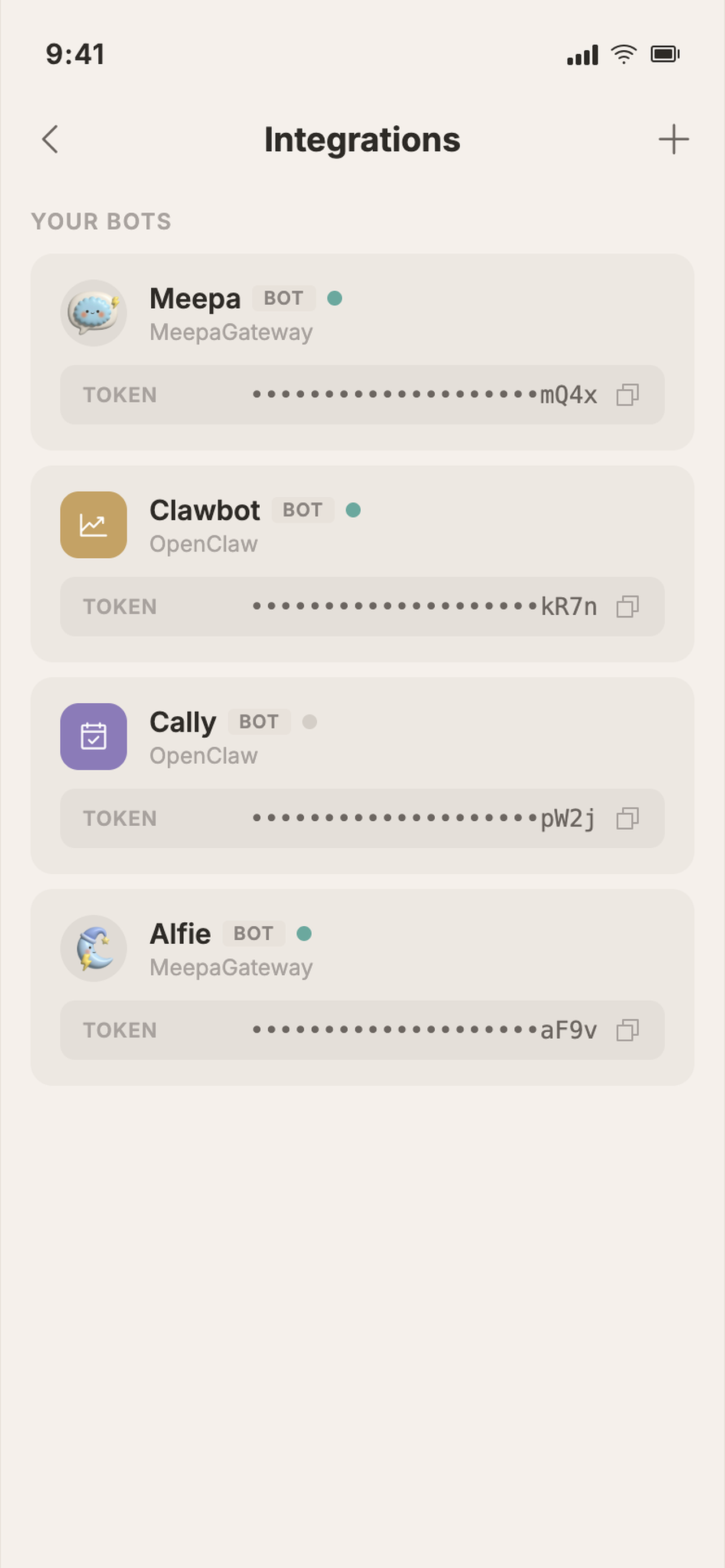
Connect AI agents to MeepaChat using MeepaGateway. Agents can respond in server channels and DMs across MeepaChat, Discord, Slack, Telegram, and WhatsApp, all from a single gateway.
# Install MeepaGateway
curl -fsSL https://meepa.ai/install-meepagateway.sh | sh
meepagateway
On first run, the setup wizard walks you through connecting to MeepaChat. Create a bot in Server Settings > Bots > Create Bot, paste the token, and you're done.
See the MeepaGateway docs for full setup, VPS deployment, and multi-platform configuration.
OpenClaw
Connect OpenClaw to MeepaChat so your AI agents can chat in your server channels and DMs.
# Install the plugin
openclaw plugins install @meepa/meepachat-openclaw
Setup
-
Create a bot in MeepaChat: go to Server Settings > Bots > Create Bot and copy the token
-
Configure OpenClaw. Add to your
~/.openclaw/openclaw.json:
{
  "channels": {
    "meepachat": {
      "enabled": true,
      "url": "https://chat.example.com",
      "token": "bot-uuid.secret-token"
    }
  }
}- Start the gateway:
Your bot will connect via WebSocket and respond to messages in configured channels and DMs.
See the full plugin docs for filtering by server/channel, reconnection settings, and self-hosted TLS configuration.
NanoClaw
Connect NanoClaw to MeepaChat using the MeepaChat channel skill. NanoClaw connects to the Bot Gateway via WebSocket for real-time messaging in channels and DMs. Big thanks to jinalex for building this skill and being one of our earliest beta testers.
- Copy the skill into your NanoClaw project:
cd .claude/skills
curl -sL https://api.github.com/repos/bogpad/meepachat/tarball/main | tar xz --strip-components=2 "*/skills/nanoclaw-add-meepachat" && mv nanoclaw-add-meepachat add-meepachat
- Open Claude Code and run:
Claude will walk you through bot creation, environment setup, and applying the code changes.
Architecture
MeepaChat is a Go binary with an embedded React SPA. Infrastructure runs as Docker containers managed by meepachat start: Postgres, Redis, S3-compatible storage, and auth with its own isolated database.
- Scales horizontally with stateless app servers and Redis pub/sub for cross-instance event broadcast.
- Full-text search via PostgreSQL GIN indexes with English stemming, trigram matching for fuzzy lookups, and optional Apache Tika for searching inside uploaded files.
- Real-time WebSocket hub with per-channel fan-out and presence tracking.
- S3-compatible storage (MinIO, R2, AWS S3) with local filesystem fallback. Note: MinIO's open-source repo has been archived. MeepaChat works with any S3-compatible backend, and I'm evaluating alternatives for the default local setup.
- Push notifications via FCM (iOS/Android) and Web Push (browsers). Per-user preferences for mentions, muting, and quiet hours.
Security
- Isolated auth database with credentials and sessions stored separately from application data.
- Rate limiting with per-IP token bucket and trusted proxy support (Cloudflare, X-Forwarded-For).
- TLS ready. Serve behind Caddy, nginx, or any reverse proxy. The cloud version at meepachat.ai handles TLS automatically.
Uninstall
Contributors
- jinalex — NanoClaw MeepaChat skill, beta testing, and early feedback
Links
- meepachat.ai: cloud version (no self-hosting needed)
- Documentation
- MeepaGateway Docs