
We’ve all merged bad pull requests and wanted to roll back the changes without having to rely on Git commands. Starting today, you can easily revert a pull request on…
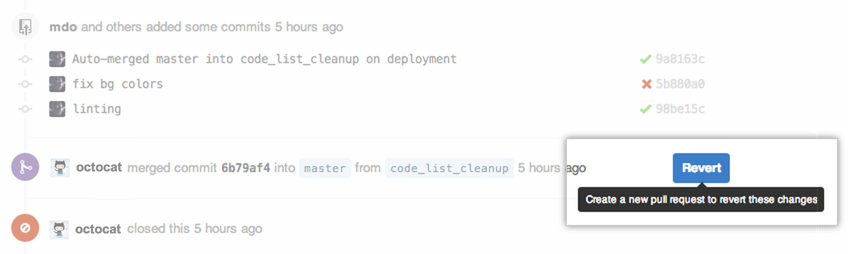
We’ve all merged bad pull requests and wanted to roll back the changes without having to rely on Git commands. Starting today, you can easily revert a pull request on GitHub by clicking Revert:
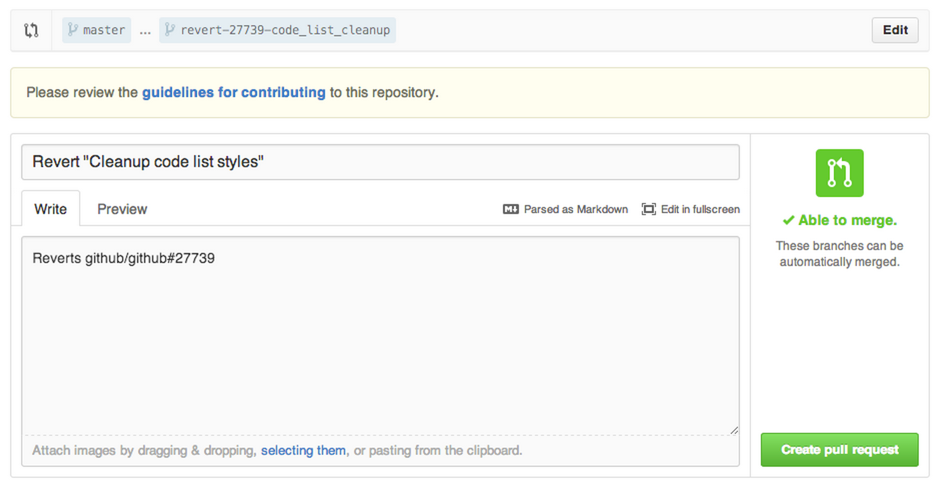
You’ll be prompted to create a new pull request with the reverted changes:
More details about reverting pull requests are available in Help.
Written by