Open Video Overview
An open-source alternative to NotebookLM's Video Overview. Built with Mastra to create narrated videos from text using AI-generated images (Gemini Nano Banana Pro) and voice (ElevenLabs).
This was quickly built as an experiment. Expect rough edges.
Examples
Generated Video Examples
Example 1: Repository Explainer (Retro Style, 16:9)
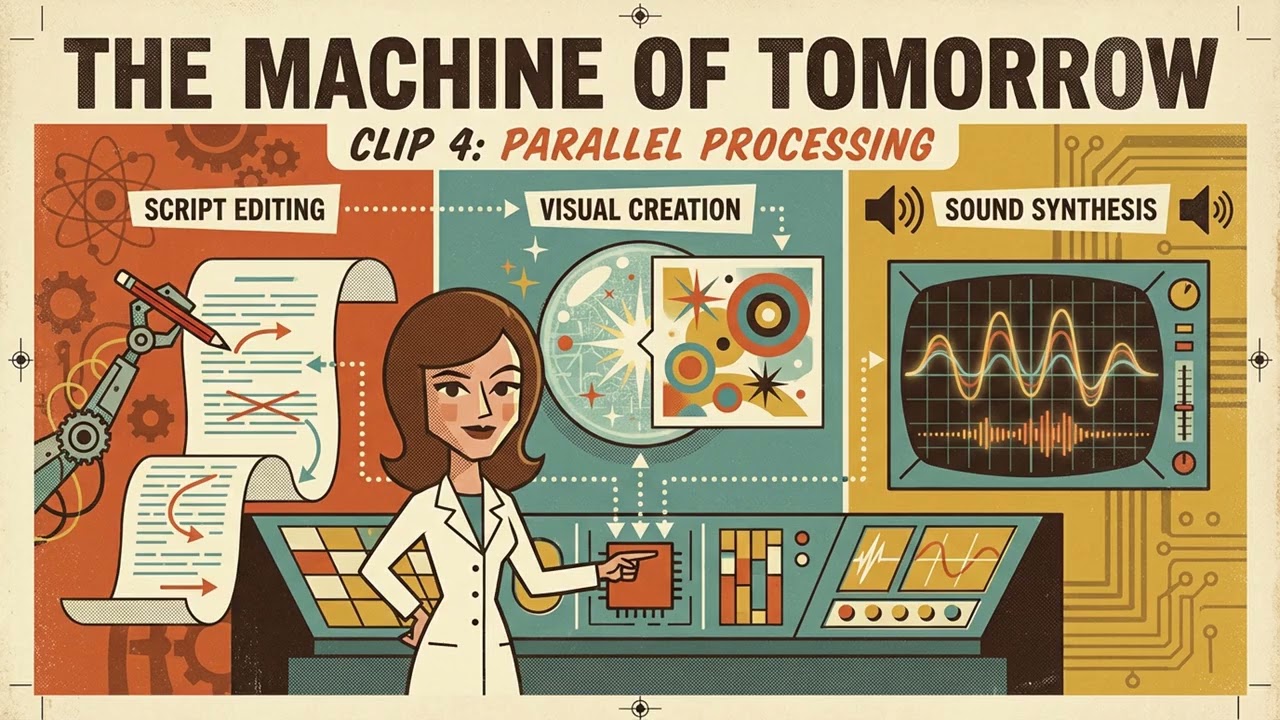
Brief format video explaining this repository in retro visual style
Example 2: Why Are Planets Round? (Anime Style, 9:16)
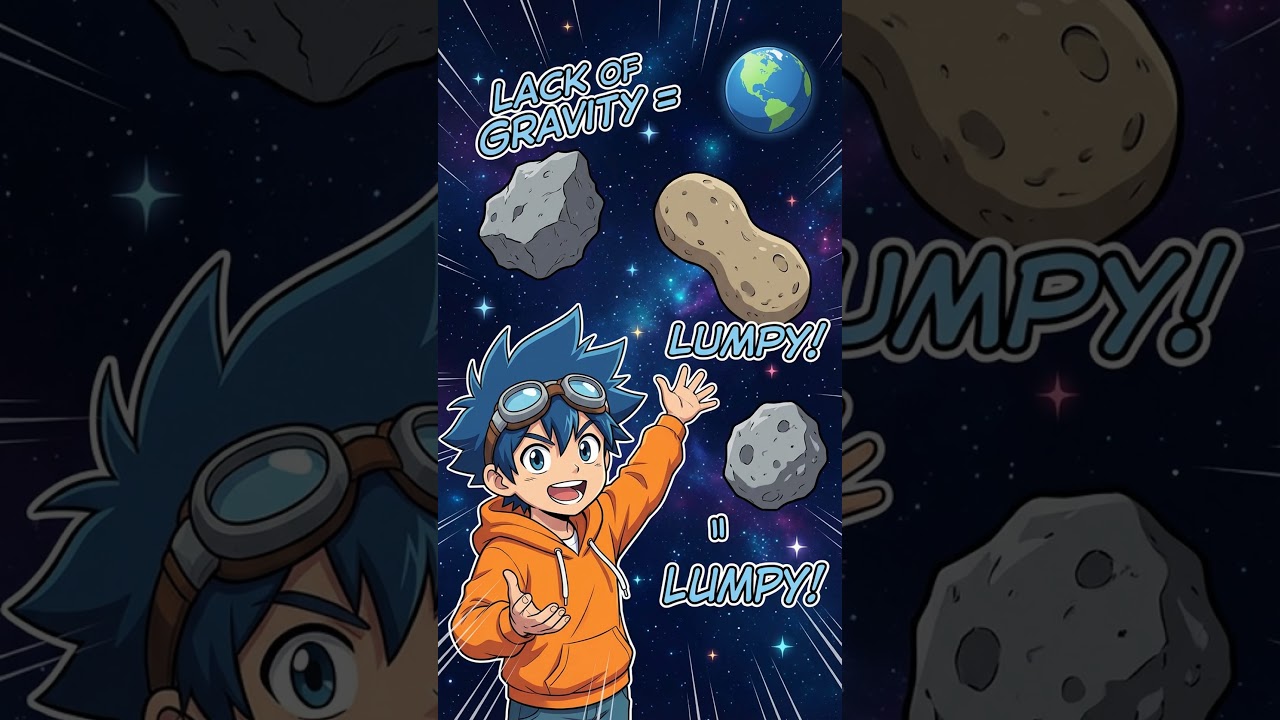
Short-form vertical video in anime visual style
Mastra Workflow Playground

The interactive Mastra playground interface for running video generation workflows
What it does
- Generates video storyboards from text content
- Creates images using Gemini
- Generates narration using ElevenLabs TTS
- Supports 25+ visual styles (watercolor, anime, 3b1b, etc.)
- Supports 16 languages
- Outputs MP4 videos with narration and visuals
Prerequisites
- Node.js 18+ and pnpm
- ffmpeg and ffprobe (for video processing)
# macOS
brew install ffmpeg

# Ubuntu/Debian
sudo apt install ffmpeg
- Google Generative AI API Key (Get one here)
- ElevenLabs API Key (Get one here)
Installation
# Clone the repository
git clone https://github.com/baturyilmaz/open-video-overview.git
cd open-video-overview

# Install dependencies
pnpm install

# Configure environment variables
cp .env.example .env
# Edit .env with your API keys
Configuration
Create a .env file with your API keys:
GOOGLE_GENERATIVE_AI_API_KEY=your_google_api_key
ELEVENLABS_API_KEY=your_elevenlabs_api_key
Usage
Development Server
Start the Mastra development server with interactive playground:
Access the playground at http://localhost:4111
Video Generation Workflow
The videoGenerationWorkflow accepts:
Required Parameters:
content(string): Source content for the videostyle(string): Visual style (see available styles below)format(string): "explainer" or "brief"aspectRatio(string): "16:9" or "9:16"
Optional Parameters:
language(string): ISO language code (default: "en")customInstructions(string): Additional instructions for generationnarrativeVoiceId(string): ElevenLabs voice IDnarrativeStyle(string): Narrative tone (e.g., "casual", "professional", "storytelling")
Visual Styles
watercolor, anime, retro, whiteboard, classic, cinematic, isometric, flat, comic, neon, oil, sketch, papercut, popart, storybook, pixel, minimalist, infographic, documentary, gothic, pastel, 3b1b, corporate, presentation, tech
Output
Generated videos are saved to output/<project-name>-<timestamp>/:
images/- AI-generated imagesaudio/- Narration audio filesvideos/- Individual video clips<title>-final.mp4- Complete concatenated video
Development Commands
pnpm run dev          # Start Mastra dev server
pnpm run build        # Build the project
pnpm run typecheck    # Run TypeScript type checking
pnpm run lint         # Run ESLint
pnpm run format       # Format code with Prettier
Architecture
The videoGenerationWorkflow handles the complete pipeline:
- Generate storyboard from source content
- For each clip: create transcript, generate image, produce audio, combine into video
- Concatenate all clips into final video
Contributing
PRs welcome.
Credits
Inspired by NotebookLM's Video Overview.
License
MIT