This CtrlP extension allows you to change the current working directory and to open files using fasd and NERDTree
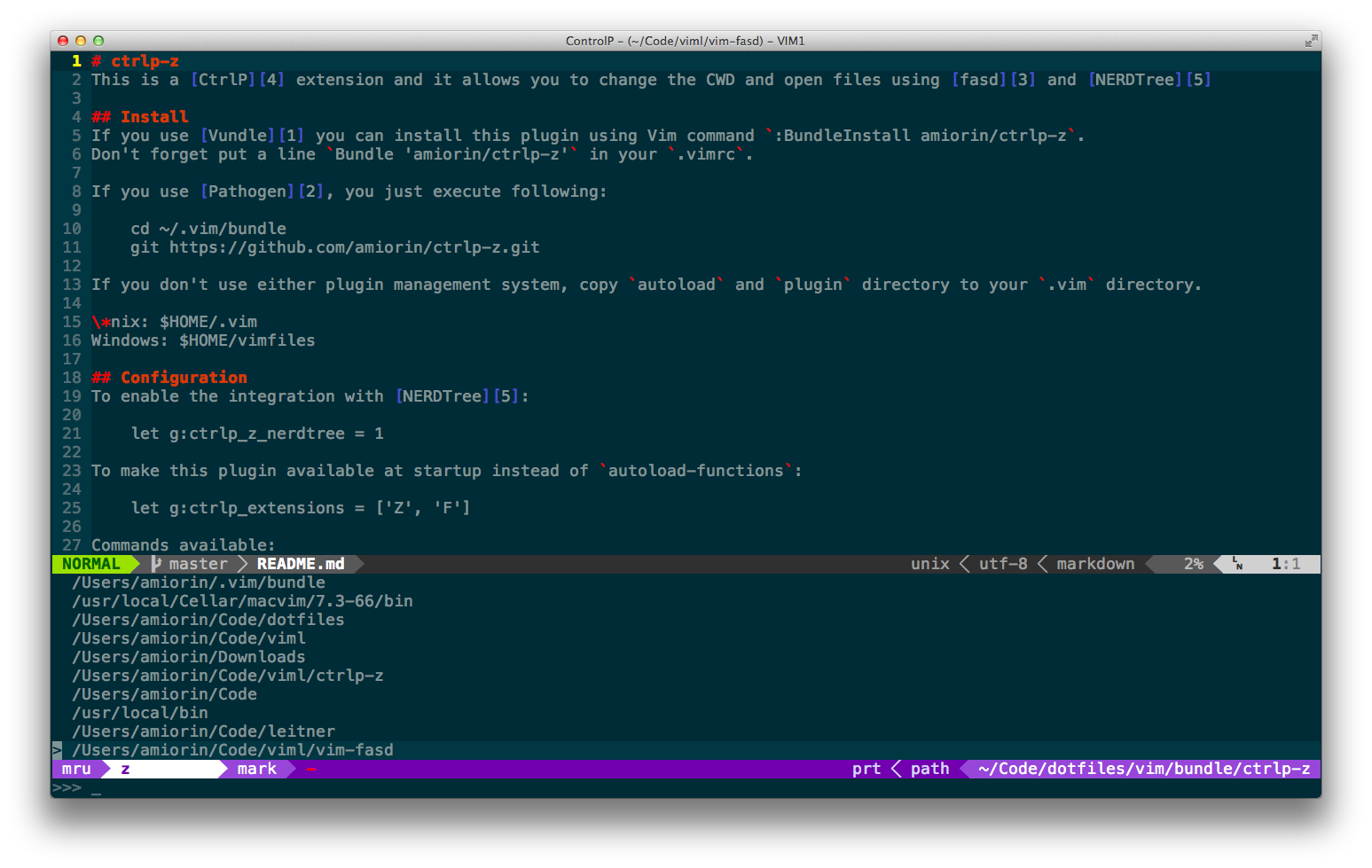
Install
If you use Vundle you can install this plugin using Vim command :BundleInstall amiorin/ctrlp-z.
Don't forget put a line Bundle 'amiorin/ctrlp-z' in your .vimrc.
If you use Pathogen, you just execute following:
cd ~/.vim/bundle
git clone https://github.com/amiorin/ctrlp-z.git
If you don't use either plugin management system, copy autoload and plugin directory to your .vim directory.
*nix: $HOME/.vim Windows: $HOME/vimfiles
Configuration
To enable the integration with NERDTree:
let g:ctrlp_z_nerdtree = 1
To make this plugin available at startup instead of autoload-functions:
let g:ctrlp_extensions = ['Z', 'F']
Commands available:
It might be useful like these mappings:
nnoremap sz :CtrlPZ<Cr>
nnoremap sf :CtrlPF<Cr>
Inside CtrlP use <C-r> to toggle between the string mode and full regexp mode.
Link
License
Copyright (C) 2013 Alberto Miorin. Distributed under the MIT License.
