Compilation abuse: playing Bad Apple using gcc warnings
This repo uses gcc's compile-time warnings to render the infamous Bad Apple video on the terminal (without sound). It's a playful abuse of the compiler, turning a tool meant for serious software into an experimental video renderer.
Warning messages can output ANSI codes. The simplest method to print warning
messages would be to use #pragma message, but that feels like cheating. So
instead, an invalid string cast to integer is used to trigger a warning. With
ANSI codes, the screen can be cleared and one frame of the video displayed.
v1.py
v1.py generates a C file. In order to advance from one frame to the next, we leverage the fact that the compilation step succeeds. Running the resulting binary gives us the command to compile the subsequent frame. Rinse and repeat and we are playing Bad Apple (at a relatively slow framerate, at least on my machine).
Enjoy this techno-art project with:
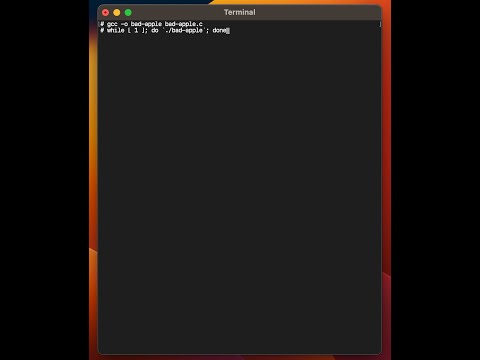
gcc -o bad-apple -c bad-apple.c
while [ 1 ]; do `./bad-apple`; done
Notes
- The original video was downloaded from archive.org.
ffmpegwas used to downscale the video to 64x48:ffmpeg -i original.mp4 -s 64x48 %04d.png- The C file is 39MB.
- Make sure you are using an actual
gcc. I have tested the code with 15.2.0. On macOS, thegcccommand sometimes maps tollvm. - I tried to just generate the entire video in one compiler pass, but
gccleaks memory (try to compile memleak.c if you don't believe me).
Screen recording
v2.py
Version 2 is work in progress -- #pragma message, which I initially
dismissed, enables an interesting form of compression:
- We can define strings with:
#define FOO "some string". - We can concatenate simply using spaces:
FOO1 FOO2. - We can define patterns:
#define FOO(X, Y, Z) X Y X Z. - We can undefine and redefine identifiers.
The goal of v2 is to play a larger version of the original video but with a smaller file size.
Credits
- Erling for bouncing off ideas and beta testing.