



Yamtrack is a self hosted media tracker for movies, tv shows, anime, manga, video games, books, comics, and board games.
📚 Documentation
The full documentation is available at fuzzygrim.github.io/Yamtrack.
🚀 Demo
You can try the app at yamtrack.fuzzygrim.com using the username demo and password demo.
✨ Features
- 🎬 Track movies, tv shows, anime, manga, games, books, comics, and board games.
- 📺 Track each season of a tv show individually and episodes watched.
- ⭐ Save score, status, progress, repeats (rewatches, rereads...), start and end dates, or write a note.
- 📈 Keep a tracking history with each action with a media, such as when you added it, when you started it, when you started watching it again, etc.
- ✏️ Create custom media entries, for niche media that cannot be found by the supported APIs.
- 📂 Create personal lists to organize your media for any purpose, add other members to collaborate on your lists.
- 📅 Keep up with your upcoming media with a calendar, which can be subscribed to in external applications using a iCalendar (.ics) URL.
- 🔔 Receive notifications of upcoming releases via Apprise (supports Discord, Telegram, ntfy, Slack, email, and many more).
- 🐳 Easy deployment with Docker via docker-compose with SQLite or PostgreSQL.
- 👥 Multi-users functionality allowing individual accounts with personalized tracking.
- 🔑 Flexible authentication options including OIDC and 100+ social providers (Google, GitHub, Discord, etc.) via django-allauth.
- 🦀 Integration with Jellyfin, Plex and Emby to automatically track new media watched.
- 📥 Import from Trakt, Simkl, MyAnimeList, AniList and Kitsu with support for periodic automatic imports.
- 📊 Export all your tracked media to a CSV file and import it back.
📱 Screenshots
| Homepage | Calendar |
|---|---|
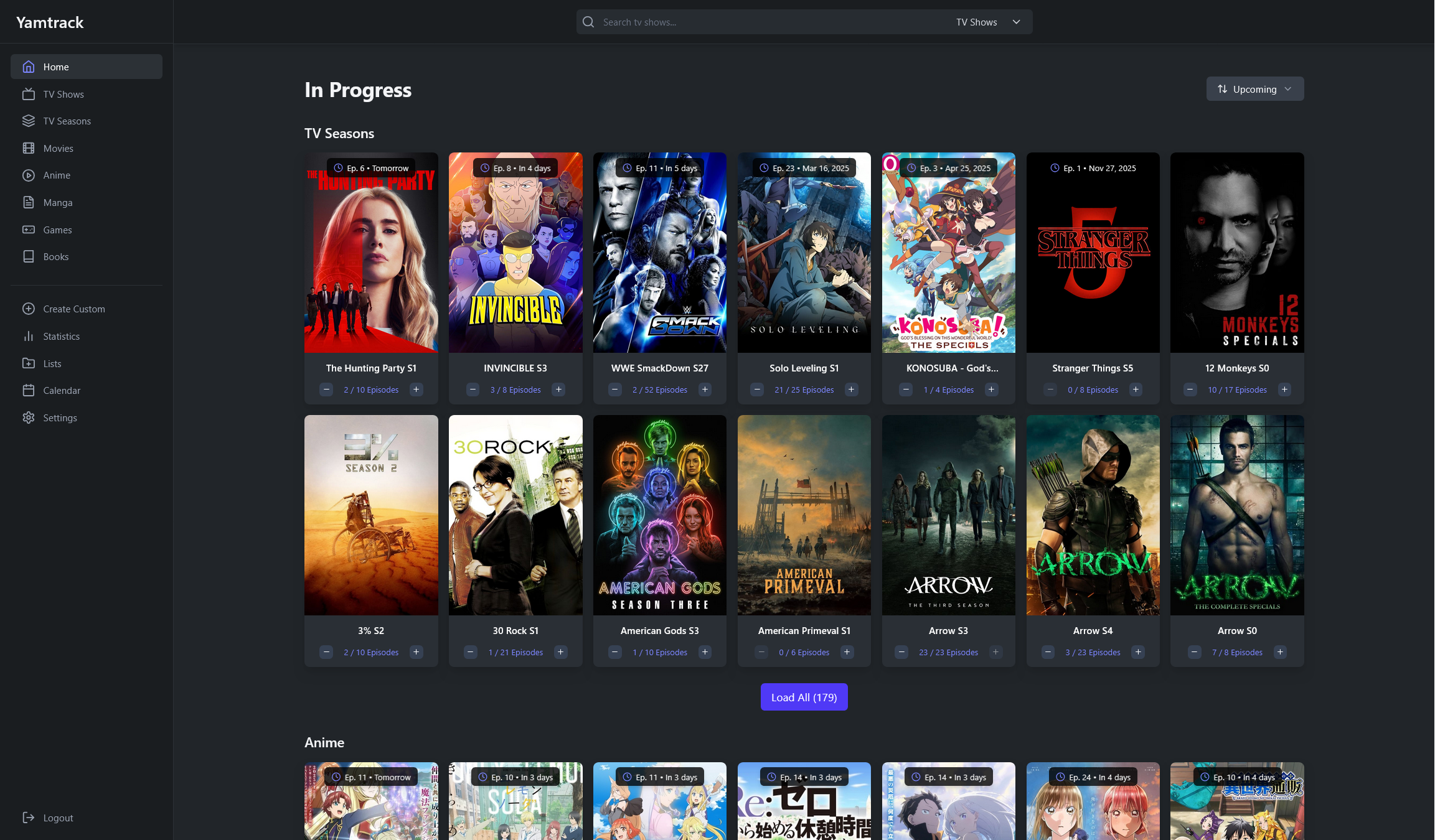 |
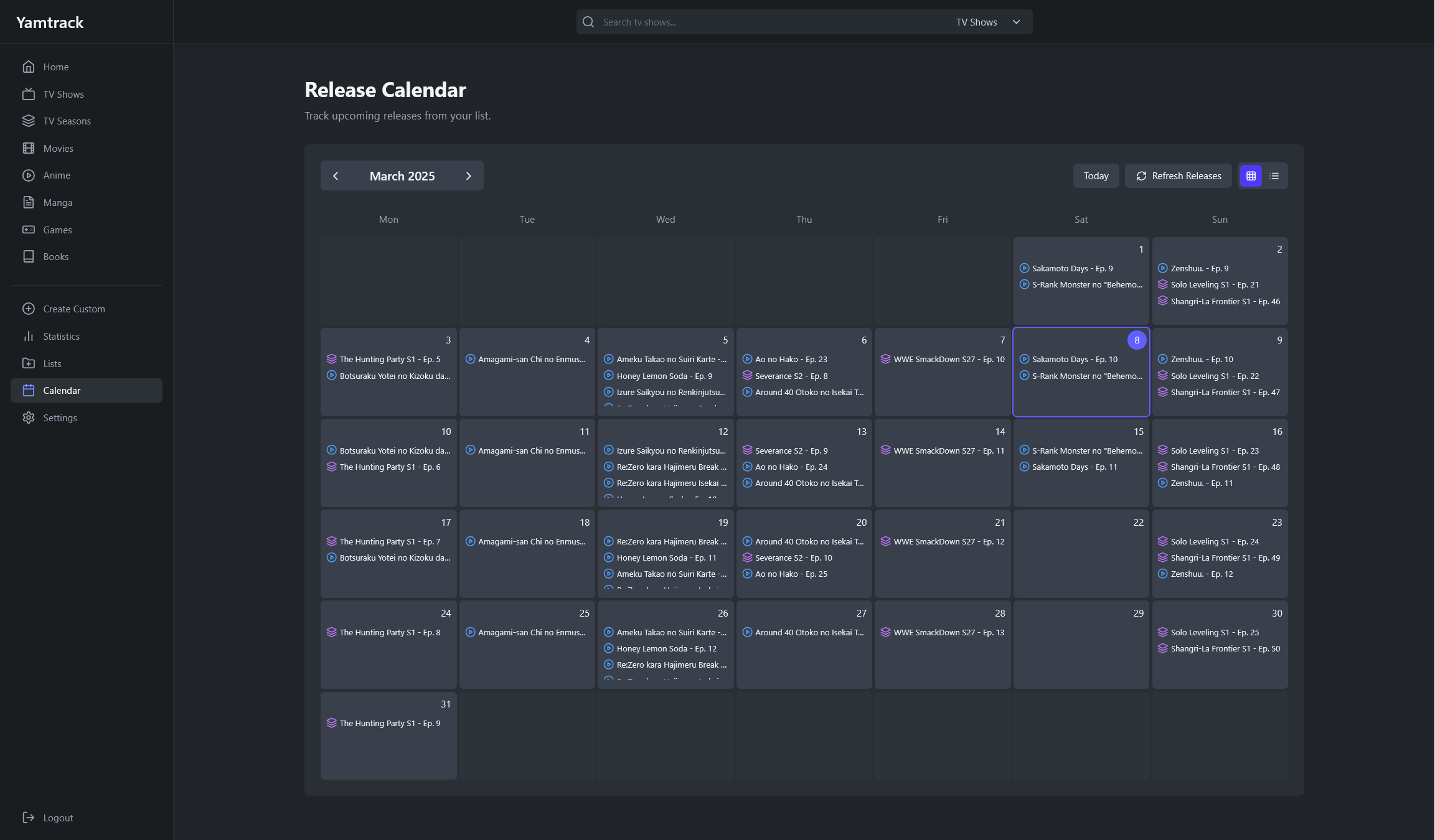 |
| Media List Grid | Media List Table |
|---|---|
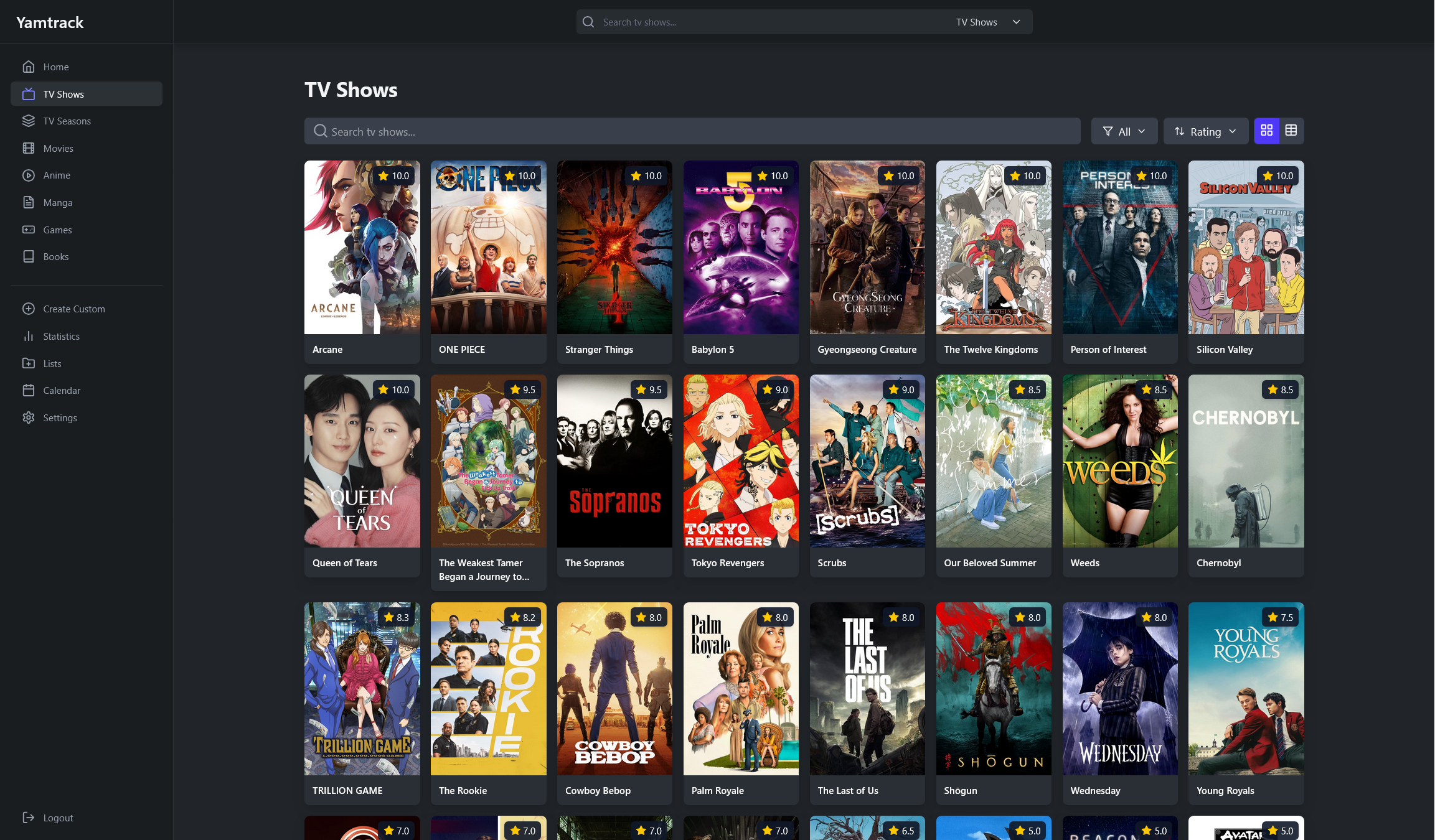 |
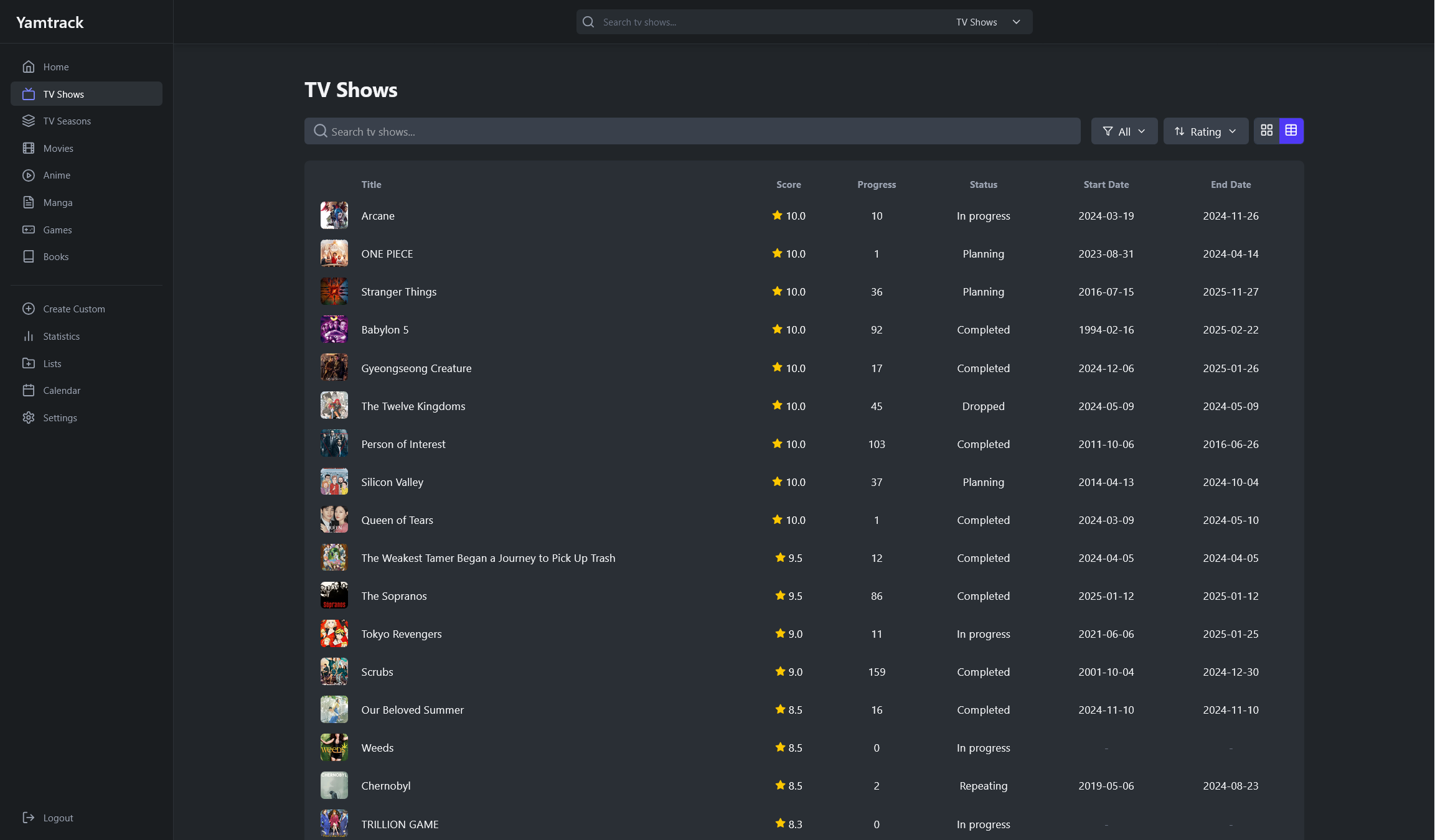 |
| Media Details | Tracking |
|---|---|
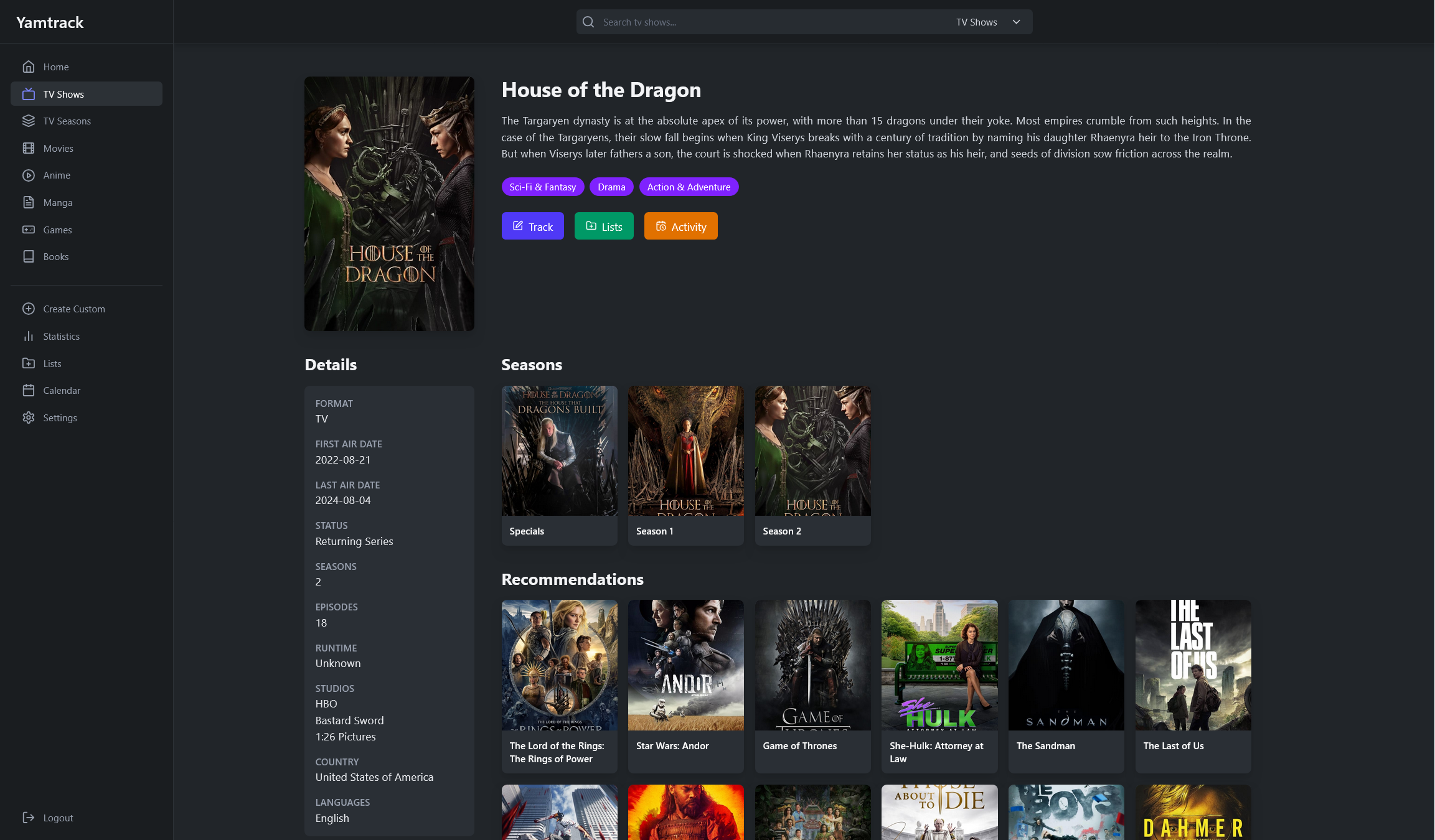 |
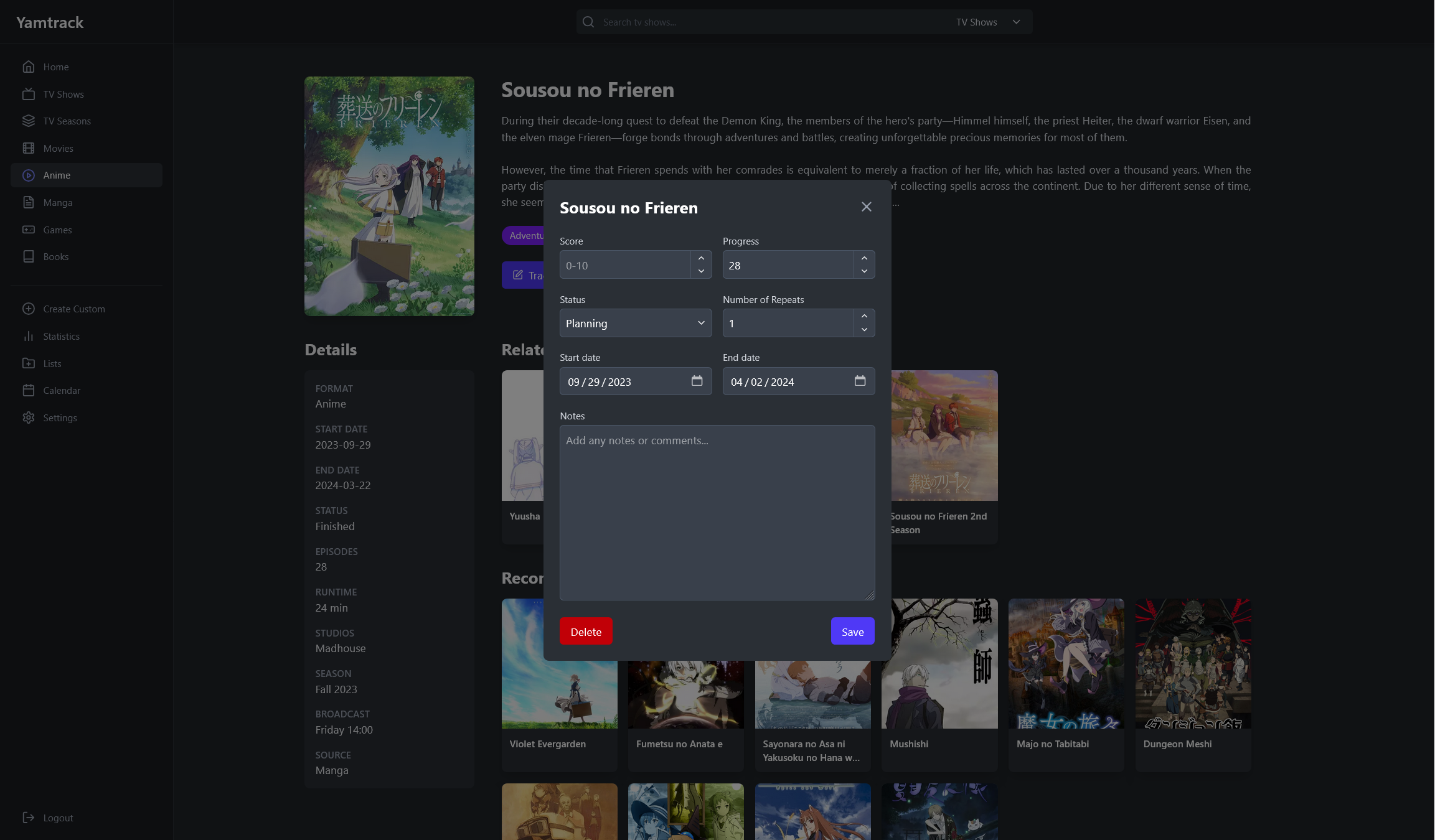 |
| Season Details | Tracking Episodes |
|---|---|
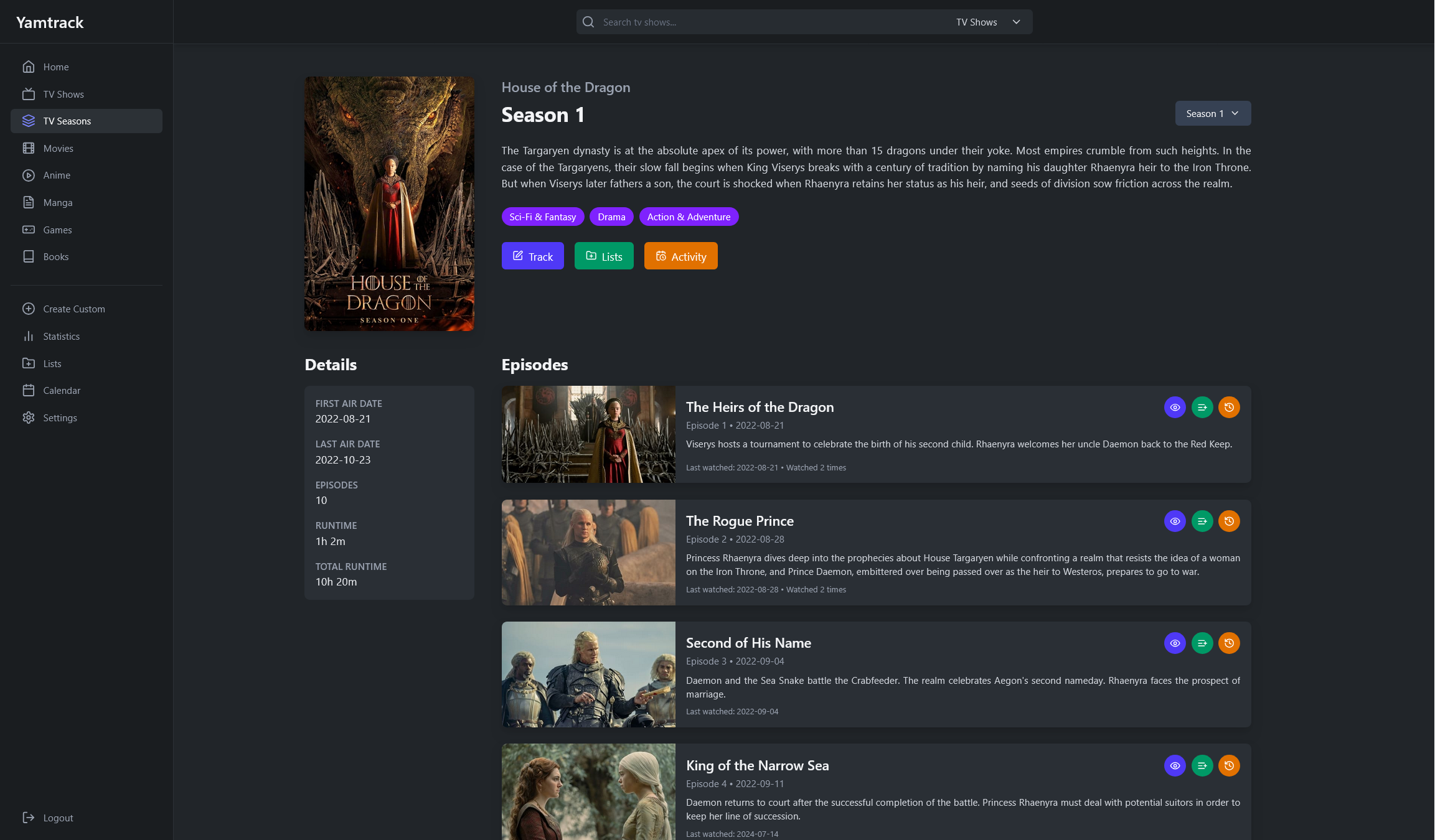 |
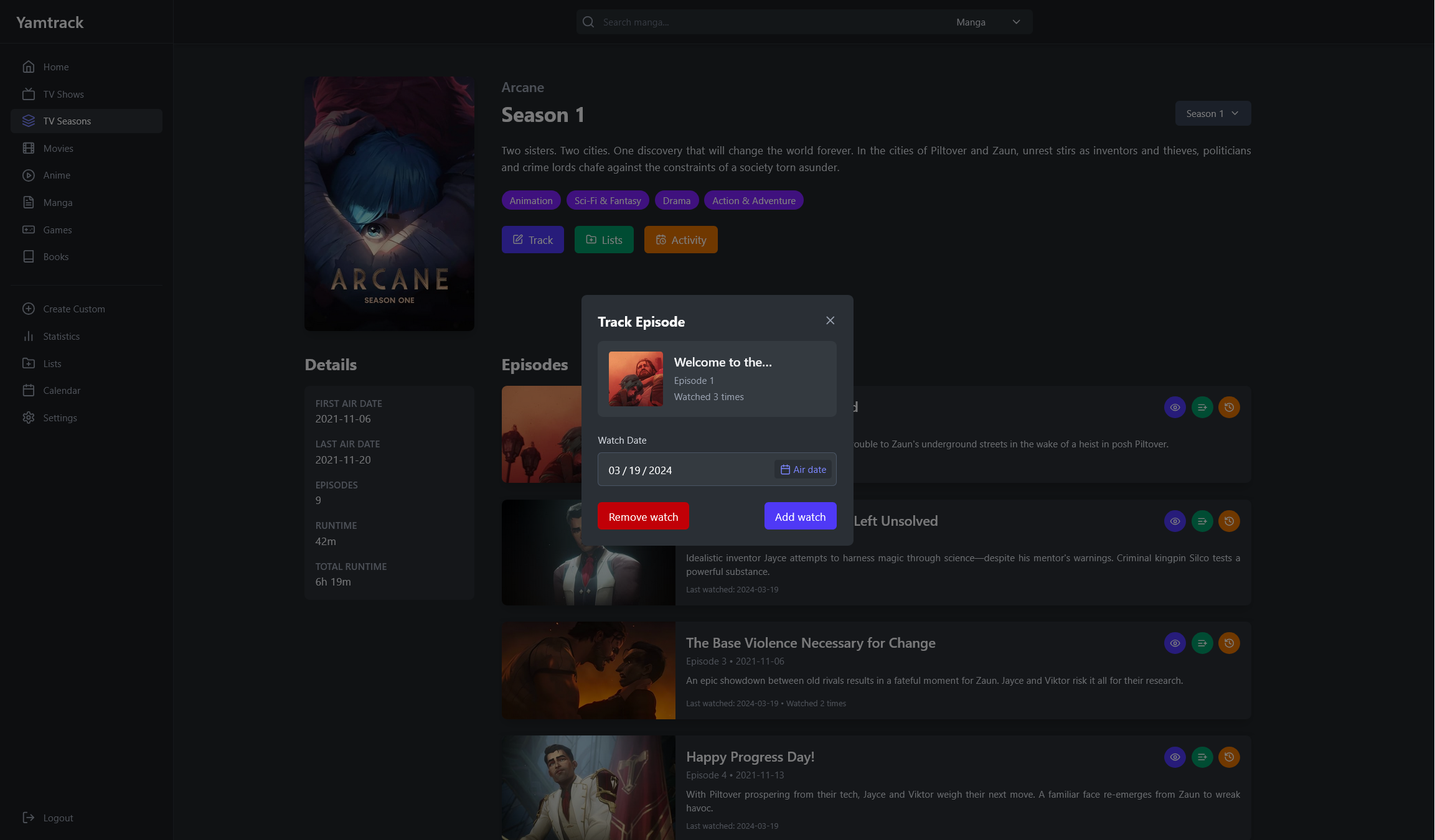 |
| Lists | Statistics |
|---|---|
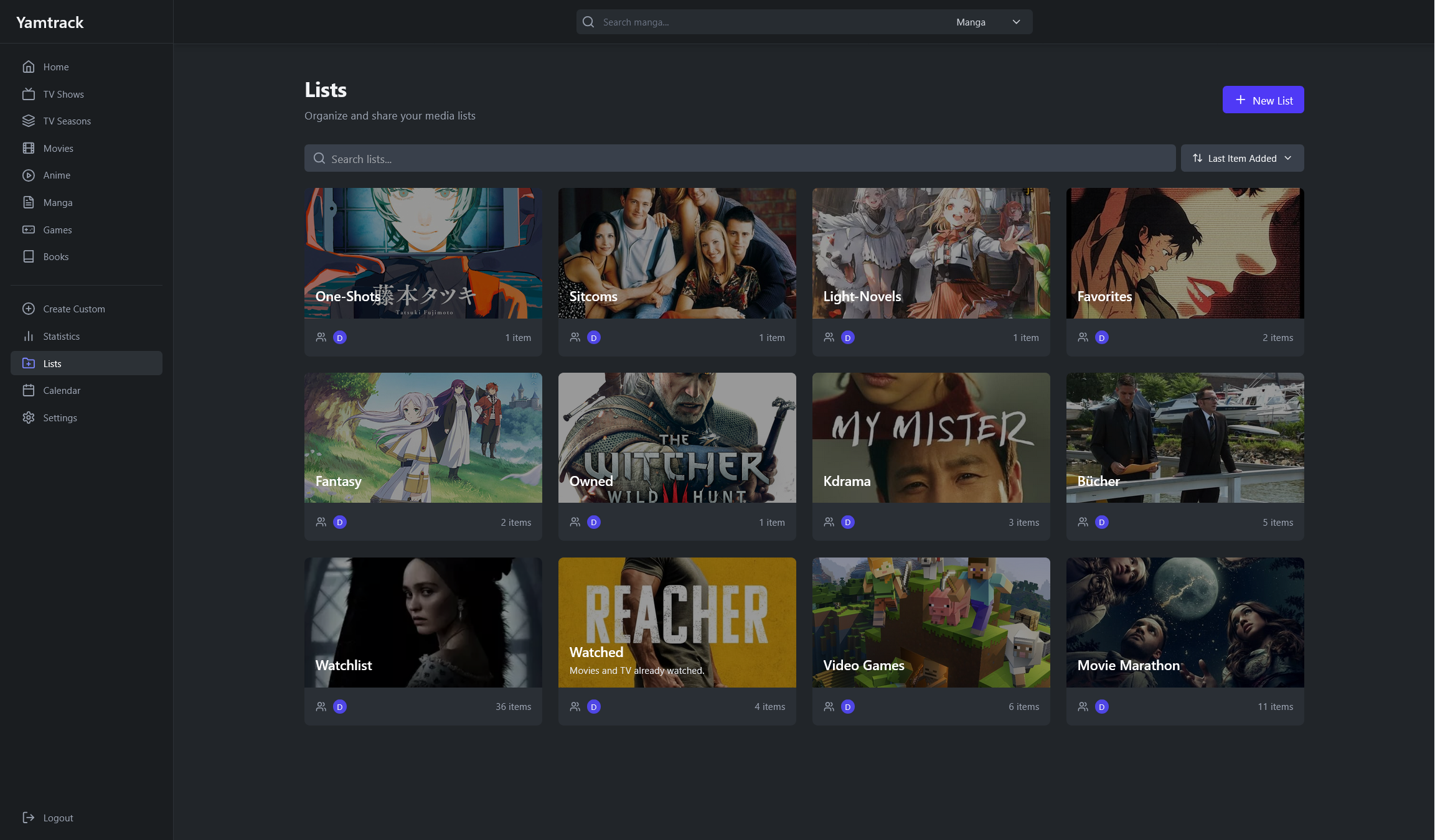 |
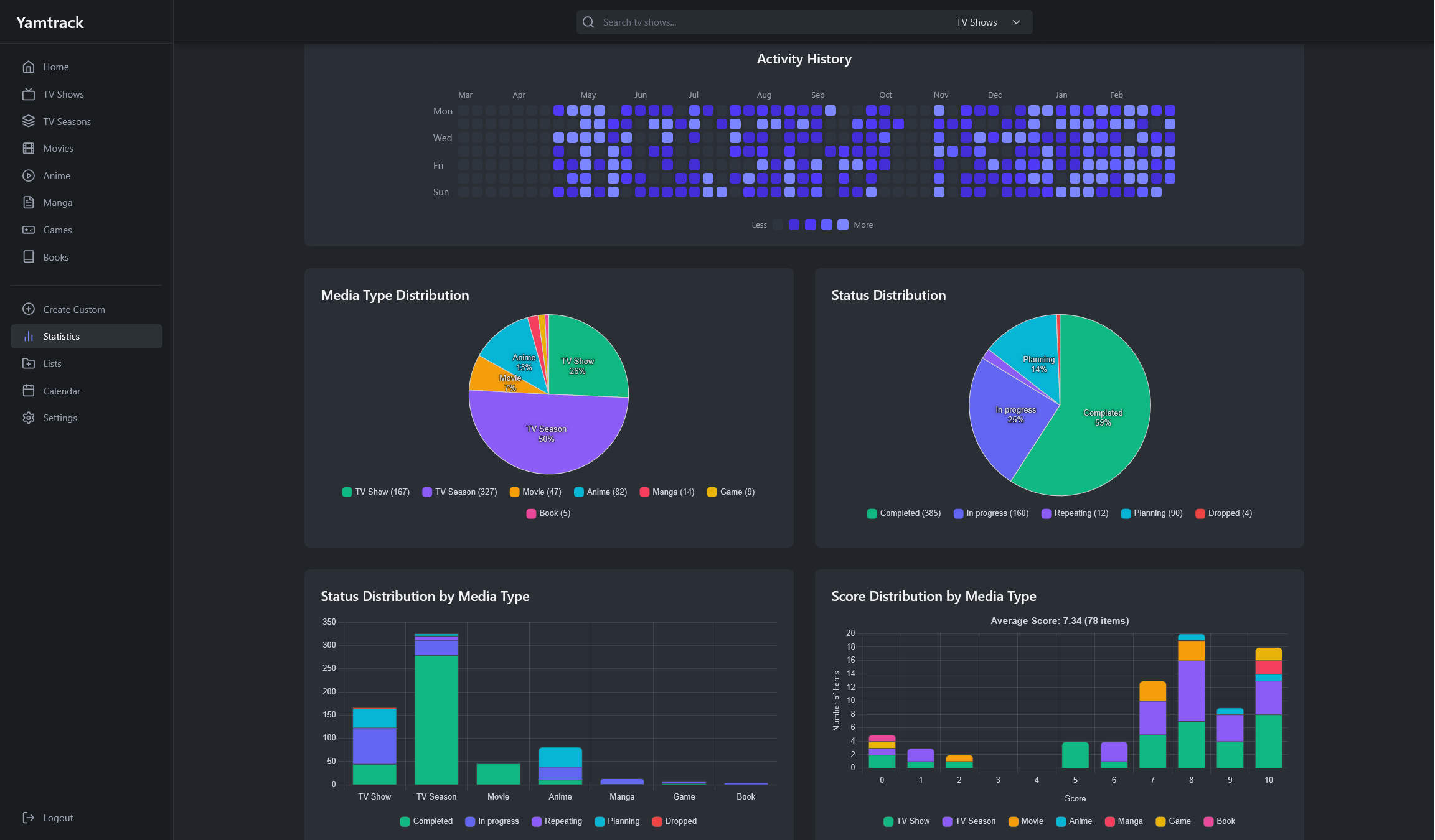 |
| Create Manual Entries | Import Data |
|---|---|
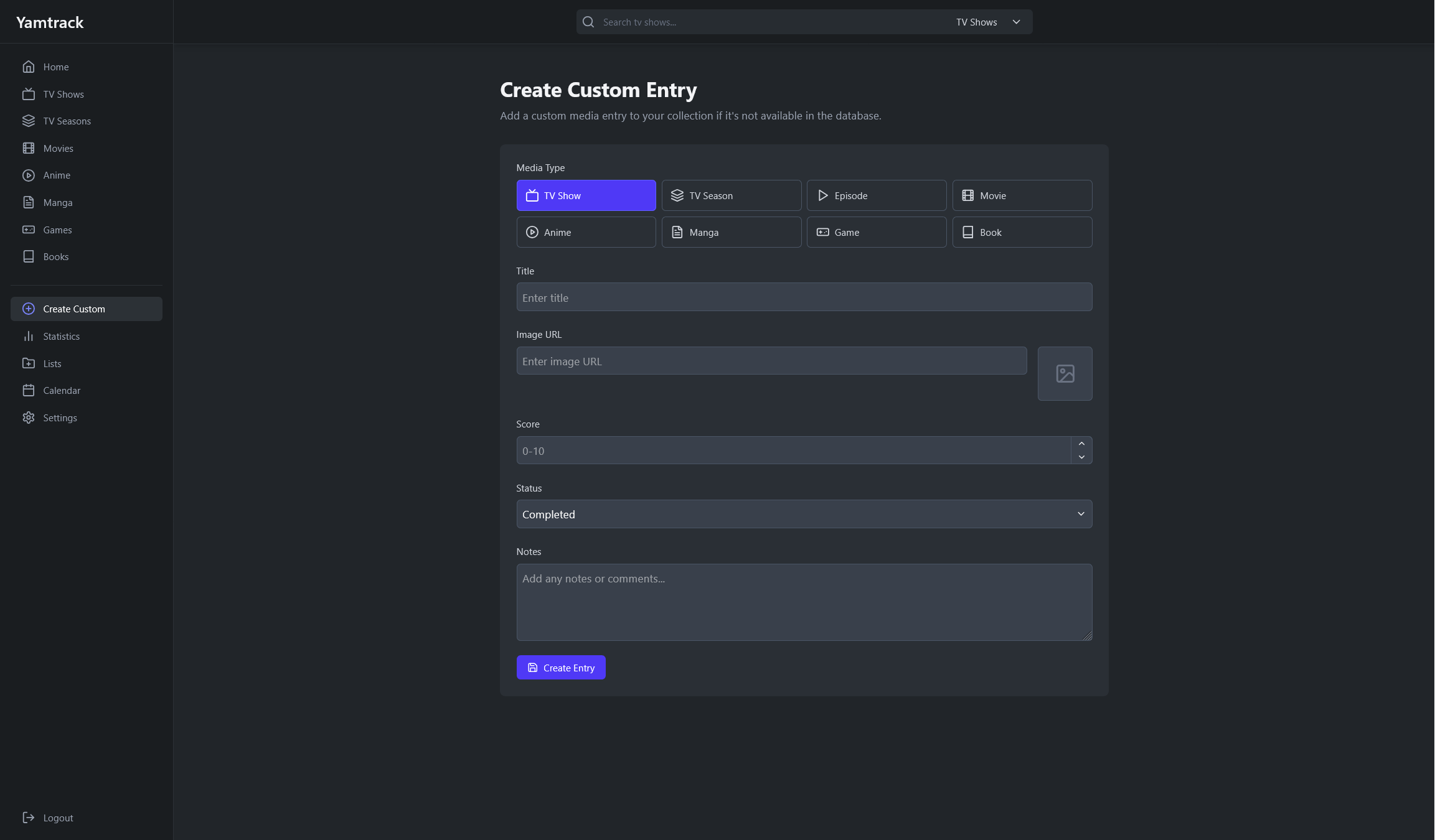 |
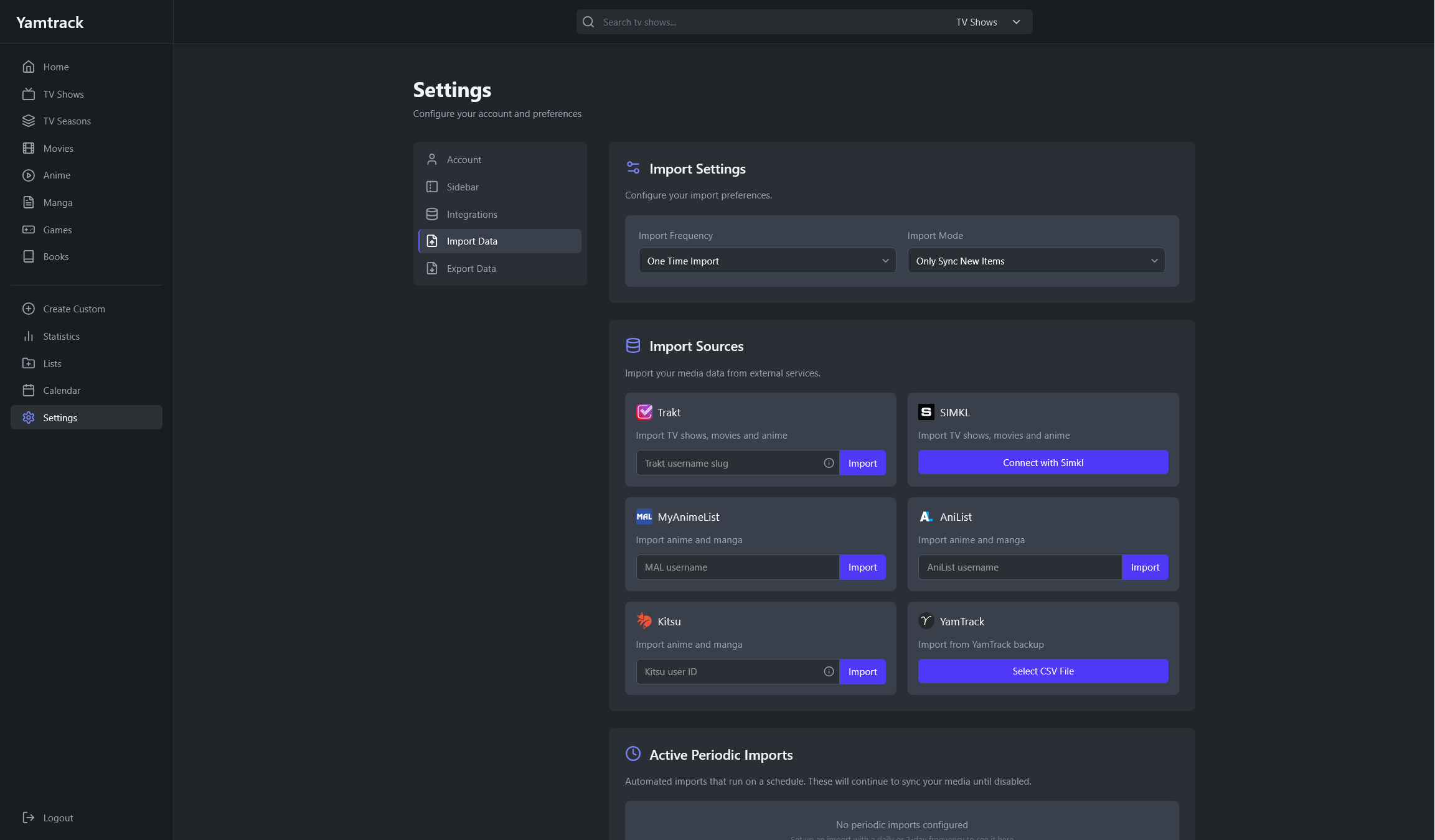 |
🐳 Installing with Docker
Download the default docker-compose.yml file from the repository, update the environment values, and start Yamtrack:
The default Compose file uses SQLite, which is enough for most personal installs. For full SQLite, PostgreSQL, and reverse proxy setup instructions, see the Setup documentation.
💻 Development
Development instructions are available in the Development documentation.
💪 Support the Project
There are many ways you can support Yamtrack's development:
⭐ Star the Project
The simplest way to show your support is to star the repository on GitHub. It helps increase visibility and shows appreciation for the work.
🐛 Bug Reports
Found a bug? Open an issue on GitHub with detailed steps to reproduce it. Quality bug reports are incredibly valuable for improving stability.
💡 Feature Suggestions
Have ideas for new features? Share them through GitHub issues. Your feedback helps shape the future of Yamtrack.
🧪 Contributing
Pull requests are welcome! Whether it's fixing typos, improving documentation, or adding new features, your contributions help make Yamtrack better for everyone.
☕ Donate
If you'd like to support the project financially:
