
It's your digital home, content hub, and visual workspace – all in one.
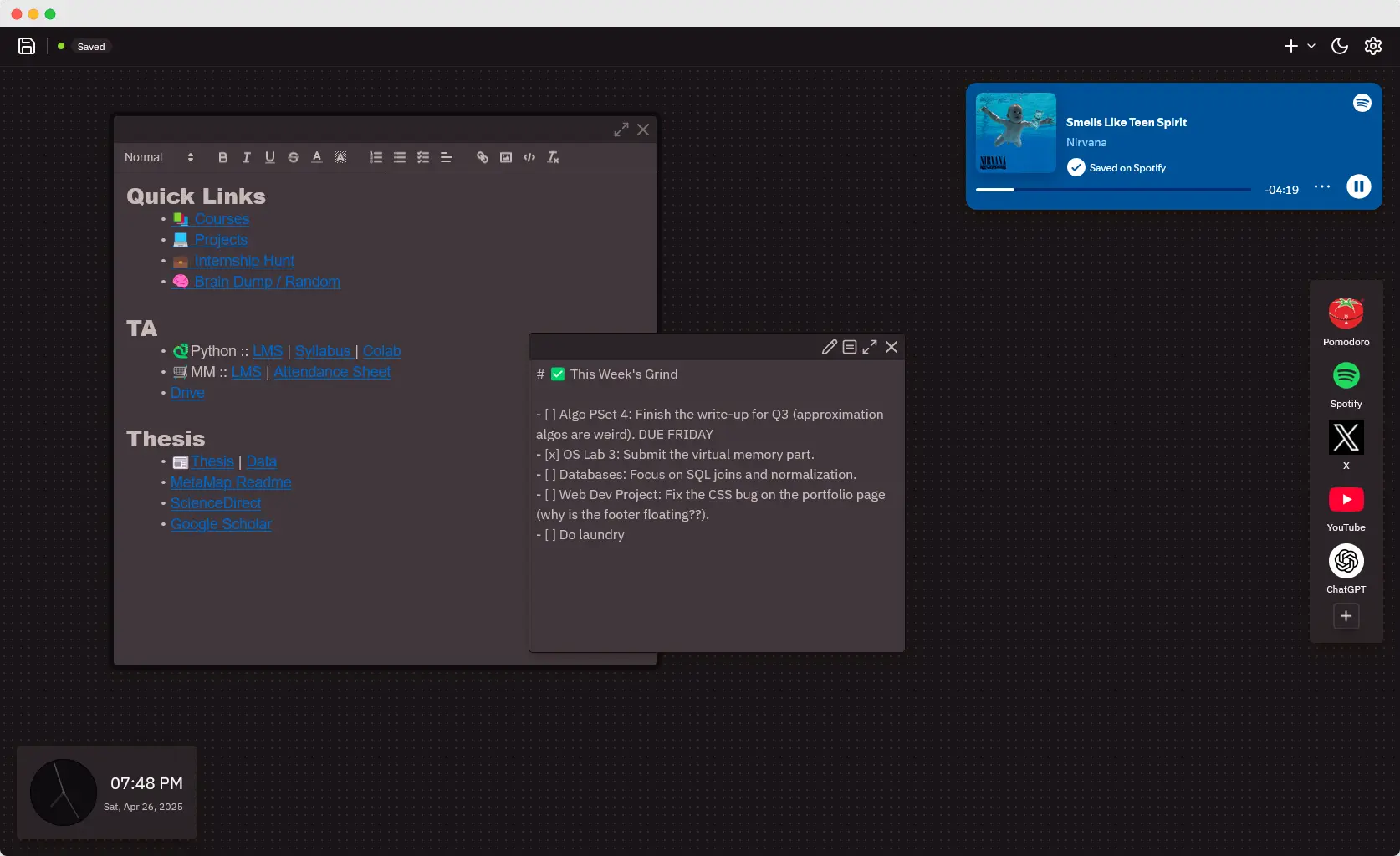
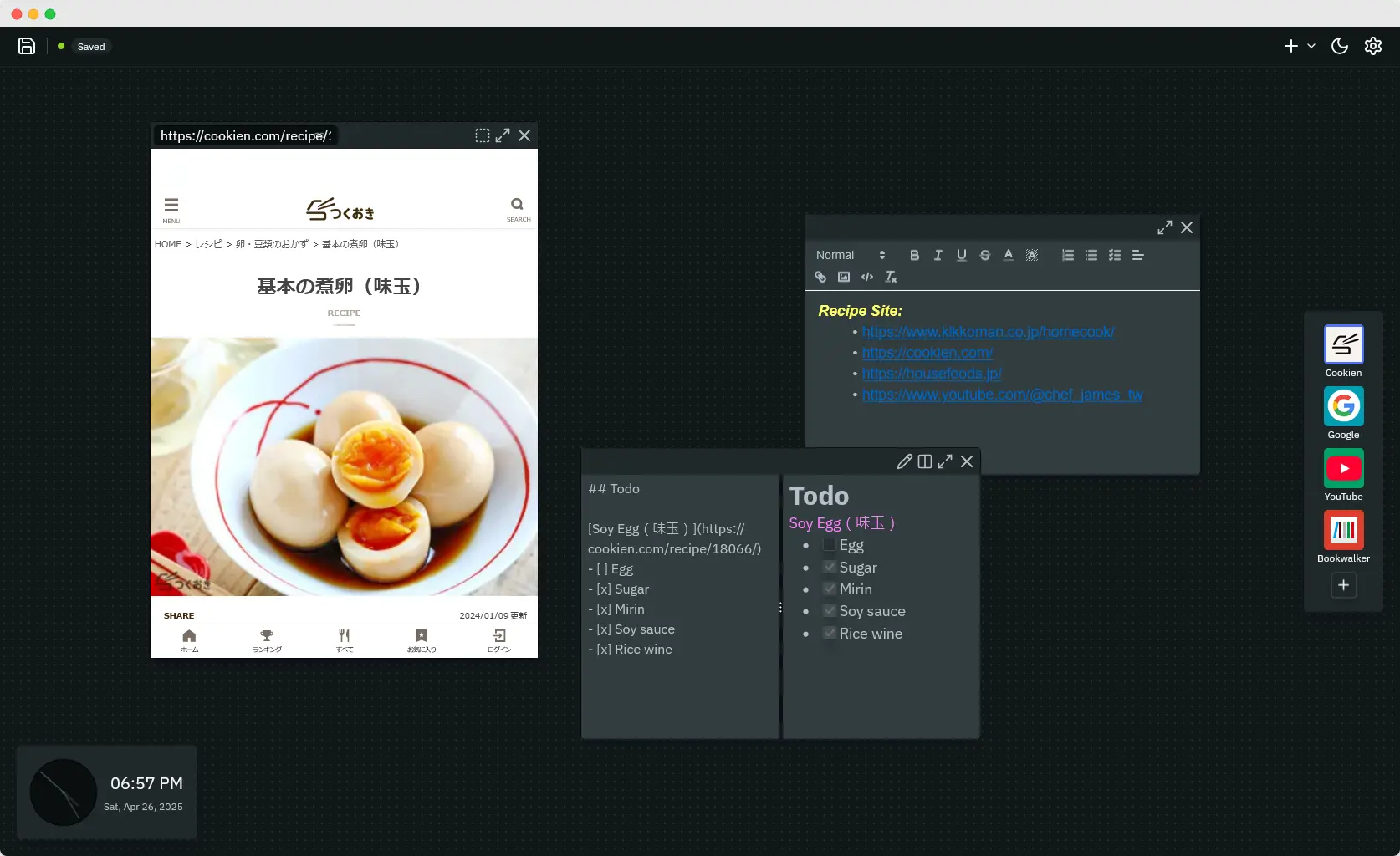
- Arrange notes, bookmarks, and media with sticky.
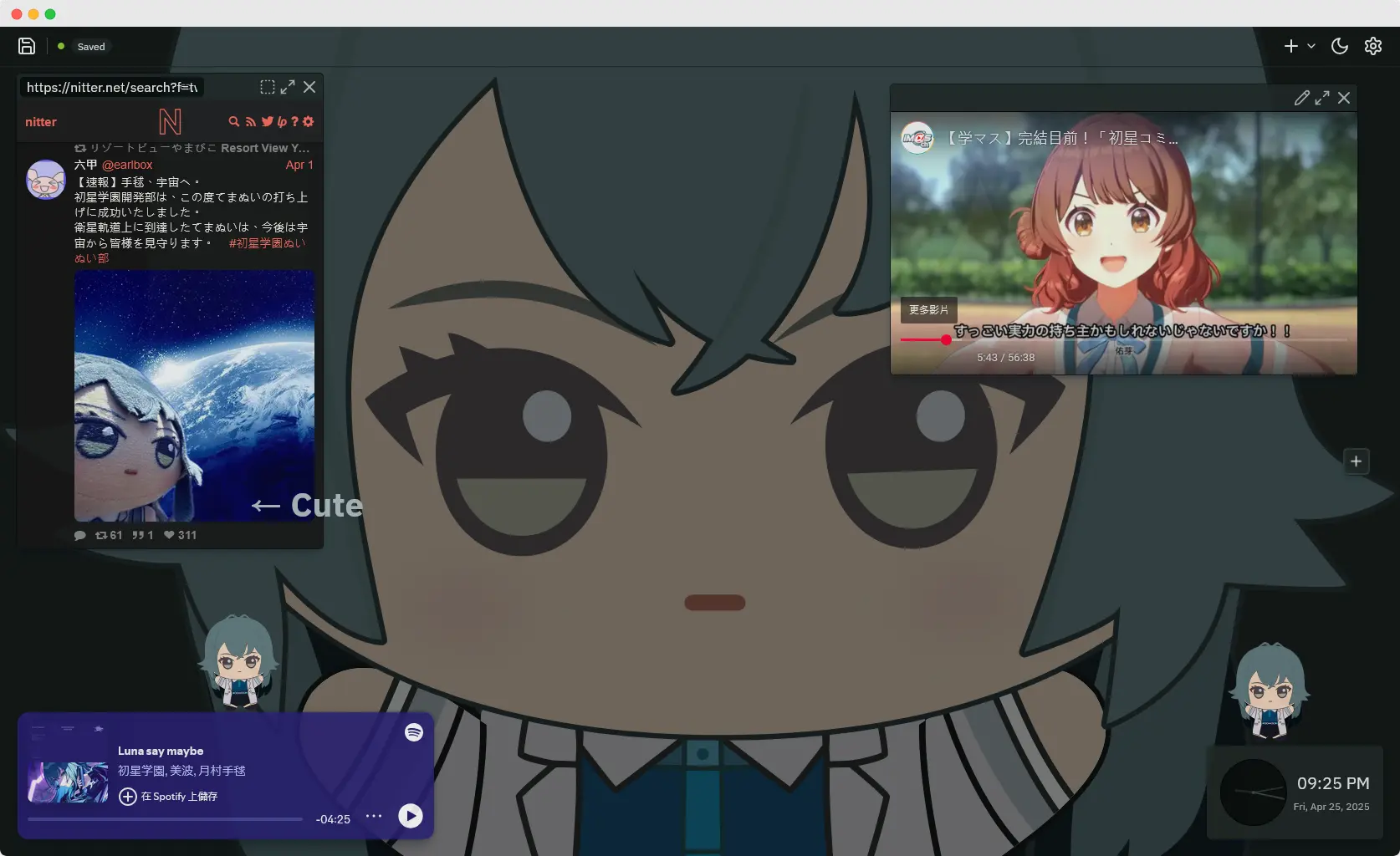
- Stream Spotify, watch YouTube, view web pages, or even Chrome Dino.
- Tailor appearance with themes and backgrounds.
- Powerful API for developers.
✨ Try Now • 📘 Documentation
Installation
Use Online
Go to https://mencrouche.com and you are ready to go!!
Browser Extension
Use this option if you want to set Mencrouche as browser's new tab page (i.e., whenever you open a new tab, you see Mencrouche).
Limitations: browser extension does not support custom JavaScript execution.

Build from Source
Mencrouche is a static site without backend, visit Mencrouche Docs Site for more information.
Extensible API Examples
Here are some examples of how you can extend Mencrouche. Visit Mencrouche, open the developer tools, and paste the snippet to see the effect.
Create a Weather widget:
const WEATHER_CODE_MAP = { 0: "☀", 1: "🌤", 2: "⛅", 3: "☁", 45: "🌫", 48: "🌫", 51: "🌦", 53: "🌦", 55: "🌦", 61: "🌧", 63: "🌧", 66: "🌧", 80: "🌦", 81: "🌧", 82: "⛈", 95: "⛈", 96: "⛈", 99: "⛈" }; // Get geolocation and fetch weather data. async function getWeatherData() { const coords = await new Promise((resolve) => { navigator.geolocation.getCurrentPosition((pos) => resolve({ lat: pos.coords.latitude, lon: pos.coords.longitude }), ); }); const response = await fetch( `https://api.open-meteo.com/v1/forecast?latitude=${coords.lat}&longitude=${coords.lon}¤t=temperature_2m,weather_code`, ); return await response.json(); } // Register the weather sticky. mc.registerSticky({ type: "weather", onMount: async (sticky) => { // Use "h" to create HTML from a string. sticky.replaceBody( mc.h(` <div class="container"> <div class="emoji">⏳</div> <div class="temperature">Loading...</div> </div> `), ); try { const data = await getWeatherData(); // jQuery-like syntax for writing spaghetti code (and I love spaghetti). sticky.$(".temperature").textContent = `${data.current.temperature_2m}°C`; sticky.$(".emoji").textContent = WEATHER_CODE_MAP[data.current.weather_code] ?? "❓"; } catch (error) { sticky.$(".temperature").textContent = "Error"; sticky.$(".emoji").textContent = "❌"; } }, onDelete() {}, onSave() {}, // Yup, you can apply CSS right here without polluting global stylesheets. css: ` .container { display: flex; flex-direction: column; align-items: center; justify-content: center; height: 100%; .emoji { font-size: var(--size-8); } .temperature { font-size: var(--size-5); font-weight: bold; } } `, }); // Create the sticky. mc.workspace.createSticky({ type: "weather" });

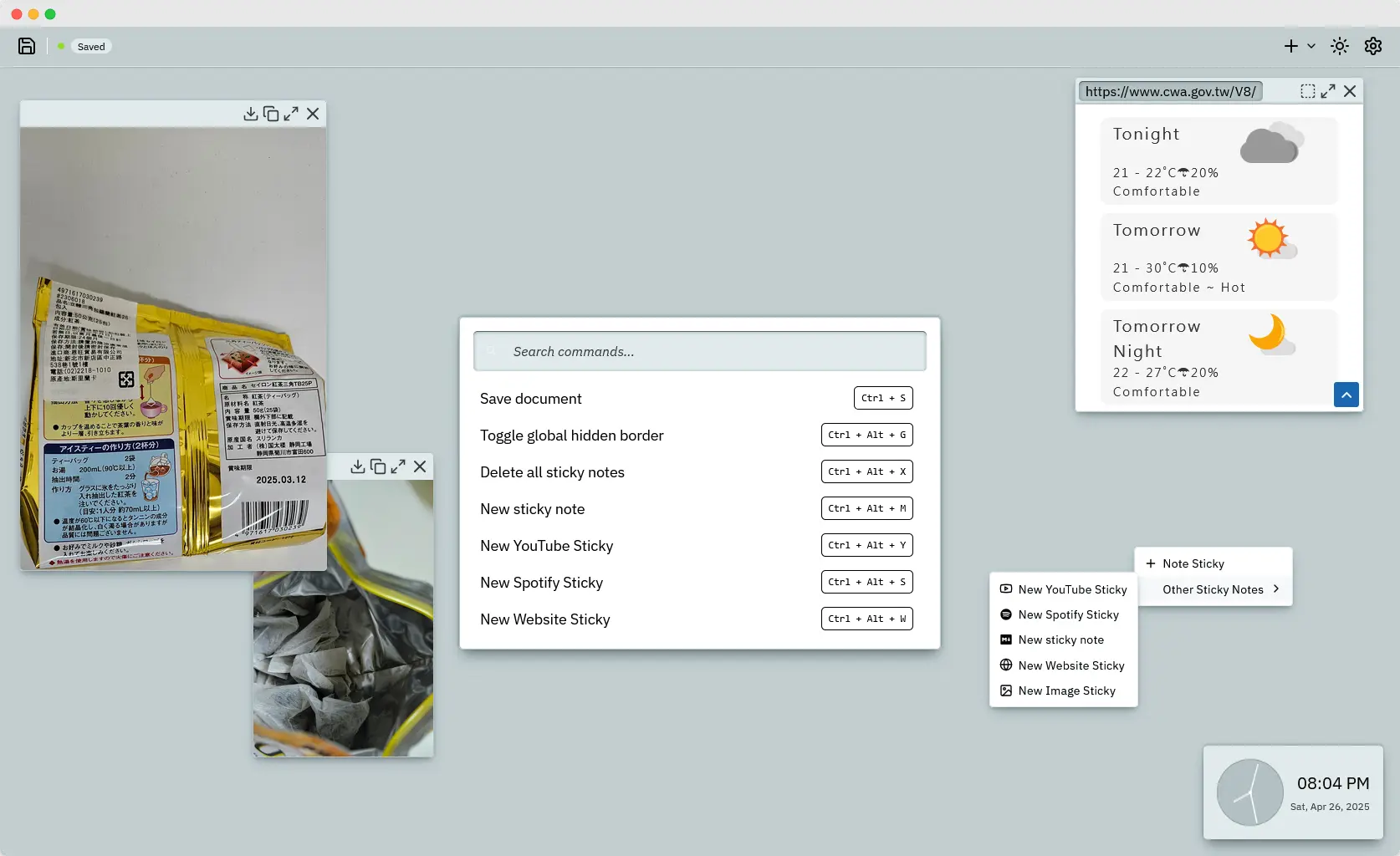
Command for searching pull request by commit SHA (press Ctrl + . to open command palette):
// Add a command for searching pull requests by commit.
mc.registerCommand({
    name: "githubPr",
    execute(commitSha) {
        const url = new URL("https://github.com/search?type=pullrequests");
        url.searchParams.set("q", commitSha);
        window.open(url, "_blank");
    },
    argName: "commitSha",
});

// Add the corresponding translations.
mc.n81i.addTranslations({
    en: {
        githubPr: {
            message: "Search GitHub PR by Commit SHA",
        },
        commitSha: {
            message: "Commit SHA",
        },
    },
});

Screenshots
Authors
License
- app: AGPLv3
- packages: MIT, see LICENSE under individual package (e.g.,
./packages/apocalypse/LICENSE).