Live demo
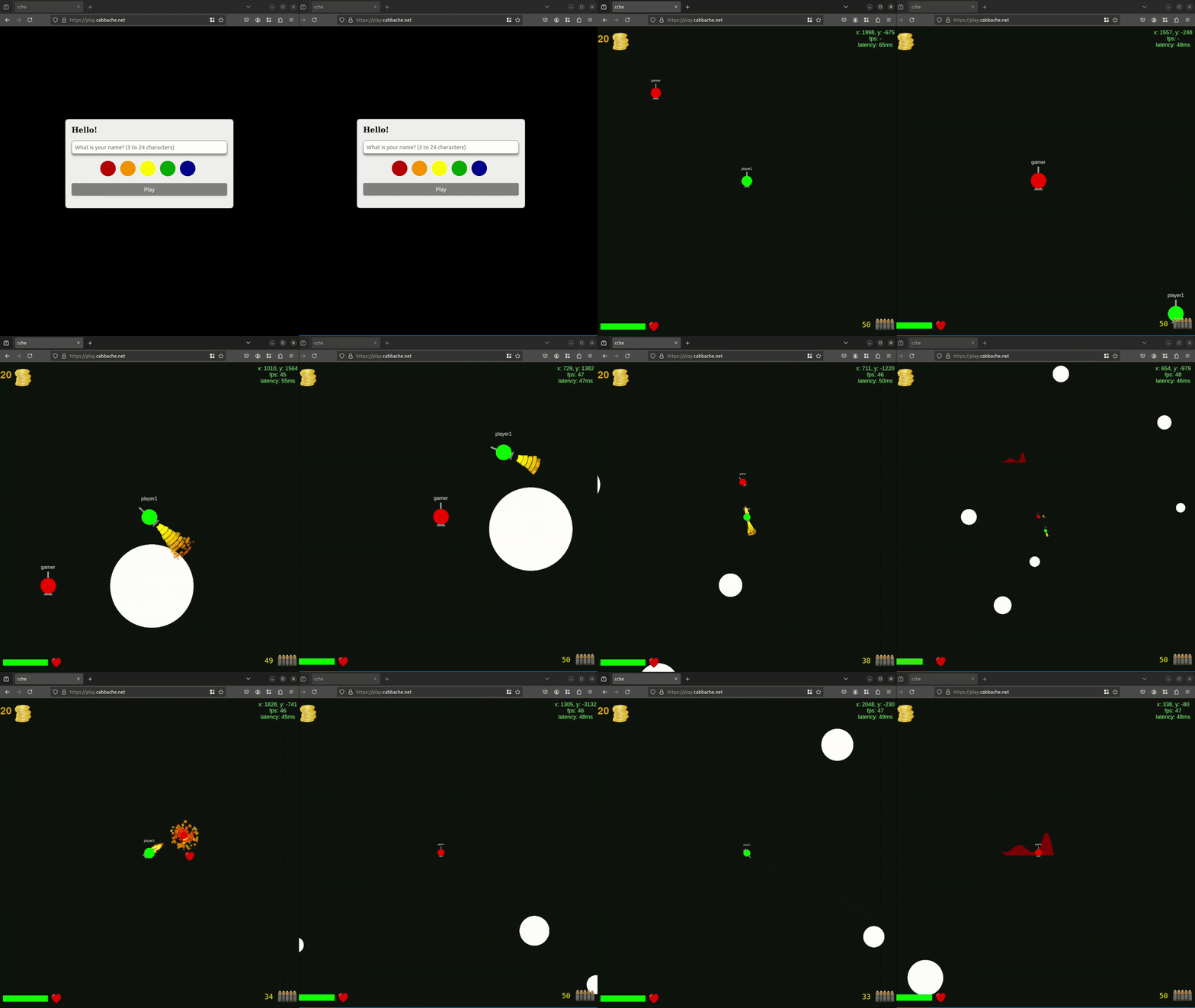
Table of Contents
Introduction
This project is a multiplayer game built using Rust for the server and shared logic, and JavaScript for the client-side application. The game logic is shared between the server and client using WebAssembly (Wasm). This ensures deterministic behavior across both environments.
Project Structure
Utils
The utils directory contains shared Rust code that is compiled to WebAssembly for use in the browser as well as for the server backend.
Server
The server directory contains the Rust code for the game server.
Client
The client directory contains the client-side JavaScript code along with assets and WebAssembly bindings.
Installation
To get started, you need to have Rust installed on your system.
-
Clone the repository:
git clone https://github.com/Cabbache/mpspaceshooter cd mpspaceshooter -
Build the project:
cargo build --release
cd utils
wasm-pack build --target web
cd ../
cp -r utils/pkg client/
Running the Game
Server
To run the server and host the client, navigate to the root directory and execute the following command:
cargo r -r <port number to listen on>
This command will automatically host the static website on the specified port and listen for WebSocket messages on the same port.
Client
Make sure to have the correct line enabled here, then simply open localhost on the port specified in the browser
Technical Details
Shared Code
The shared code in the utils directory is crucial for maintaining deterministic game logic across both the server and client. This code includes the definitions for game objects, their behaviors, and the physics calculations.
Key files:
lib.rs: Entry point for the shared code.trajectory.rs: Contains the core physics and movement logic for game objects. Most importantly, the step function which defines all physical movement from one time step to another time step.shared_gameobjects.rs: Defines common game objects and their properties.
Server Implementation
The server is responsible for managing game state, handling player connections, and ensuring synchronized game logic.
Key files:
main.rs: The entry point for the server application.game.rs: Contains the main game loop and game state management.handler.rs: Manages incoming and outgoing WebSocket messages.ws.rs: WebSocket implementation for player communication.
Client Implementation
The client is a web application that renders the game using PixiJS and WebAssembly. It communicates with the server to receive game state updates and send player actions.
Key files:
main.js: Entry point for the client-side application.site.html: Main HTML file that includes the game canvas.