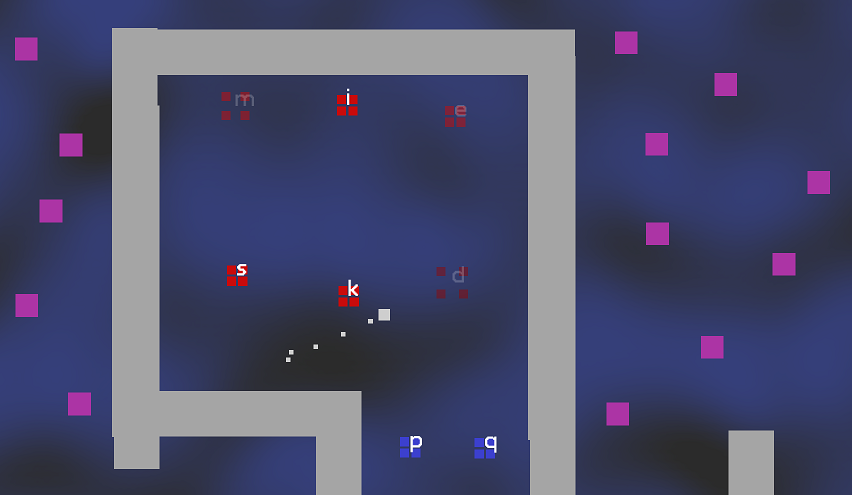
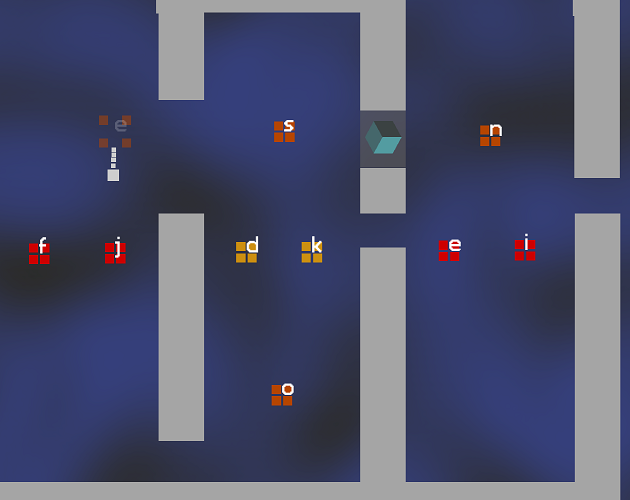
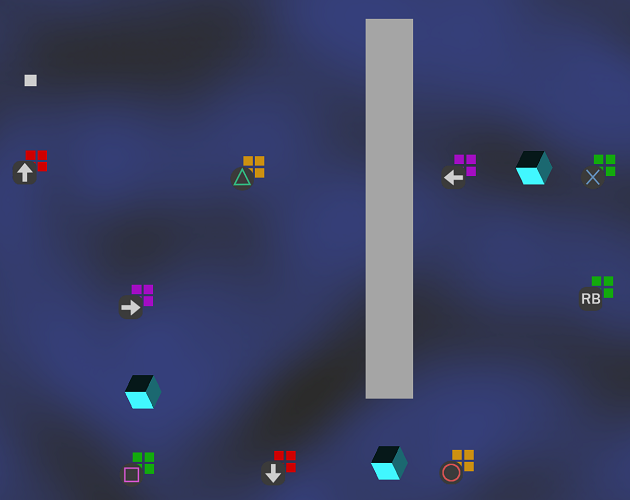
You play as the little white square. Press the keys that you see on the screen to move around and make music. Explore the space and enjoy how the music changes with your actions. My hope is that playing this game feels like improvising on a musical instrument.
If you're using wireless headphones and it feels like there's a long delay between your keypresses and the sound you hear, try using wired headphones instead.
You can play this game with your keyboard or with a gamepad.
Keyboard controls: this game currently assumes you can touch-type and you use a US QWERTY keyboard. I'm sorry if this excludes you! I'm working on making this more accessible. Avoid pressing the space bar - that's a debugging feature that I forgot to remove from the latest build.
Gamepad controls (NEW!): plug your controller in before launching the game. When the game starts, press any button on the controller and the game will show gamepad controls. The displayed controls currently assume a playstation-style controller.
This is a very early prototype. I still don't know what this thing is.
Download
Install instructions
WINDOWS:
Just unzip the .zip file and double-click "game.exe".
Note: you currently need to set your monitor refresh rate to 60Hz for the game to work correctly. Sorry
Note: if your game crashes on startup, try playing with your headphones unplugged; if that works, then please leave me a comment about the headphones you were using. Thanks!
MAC:
Unzip the .zip file, right-click on "game", click Open, and confirm that you're cool with running the executable.
There are 2 builds available for mac: one for newer macs (both intel and ARM), and one for older macs (tested to run on 10.13 high sierra). Try the newer one first; if you see an error like "dyld: Symbol not found: .....", then try using the build for older macs.
Development log
- Game controller support and more
Aug 29, 2023