Your agents need more than a container.
Give them a Mac.
GhostVM runs fully isolated macOS workspaces on your machine, one per agent, project, or client. You control what data each one can see.
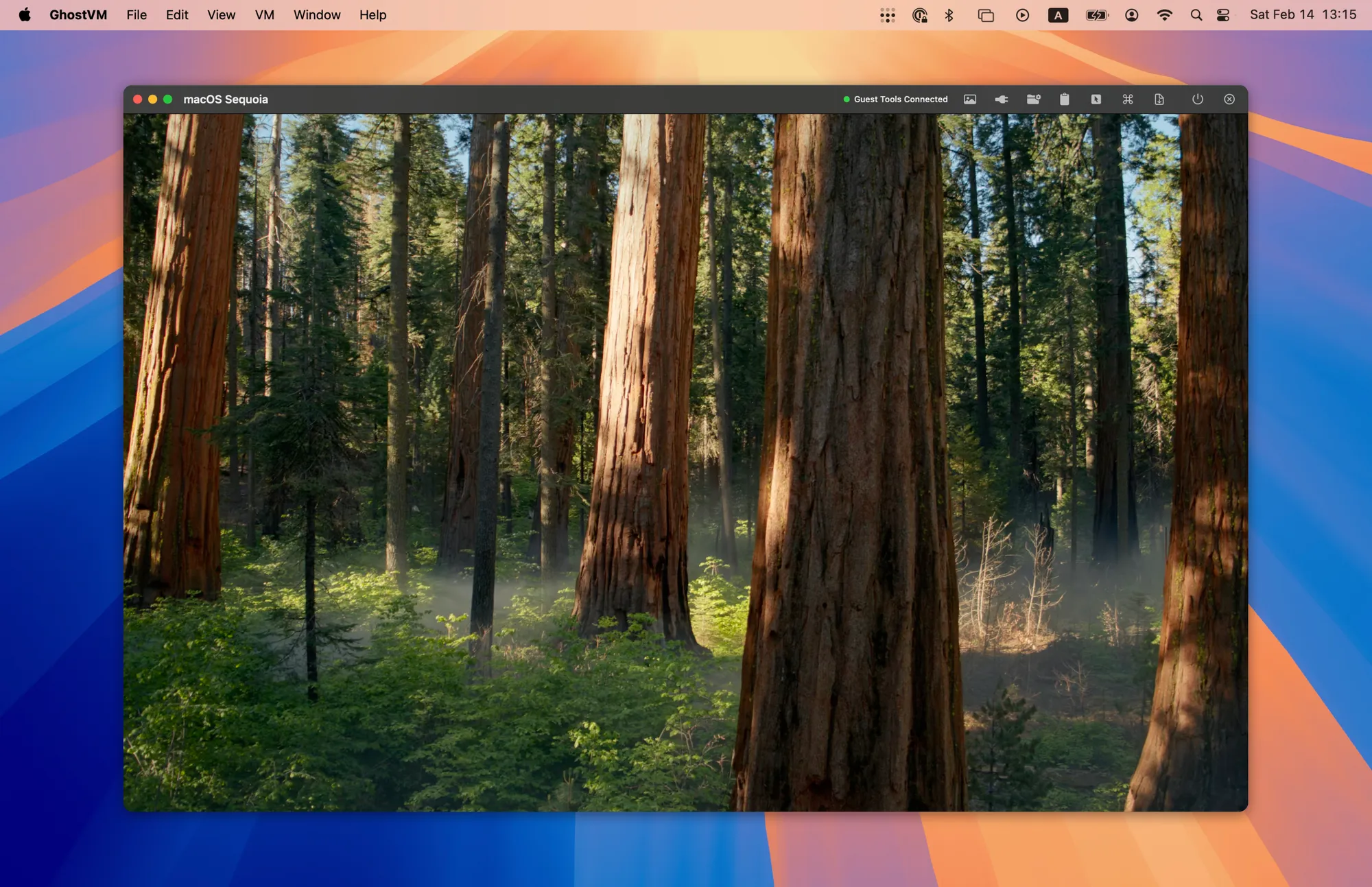
Move in and out of workspaces like switching apps
Deep host integration means each workspace feels native. Clipboard, files, and network stay connected.
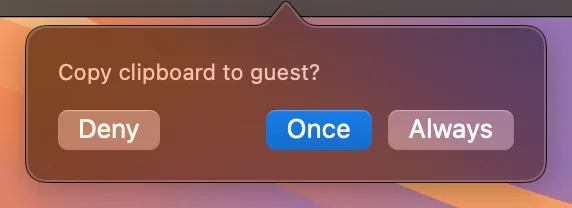
Clipboard Sync
Copy-paste flows between host and workspace. A permission prompt gives you control.
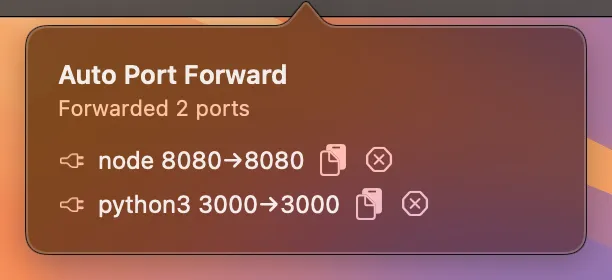
Port Forwarding
Listening ports are auto-detected with process names. Manage them from the toolbar.
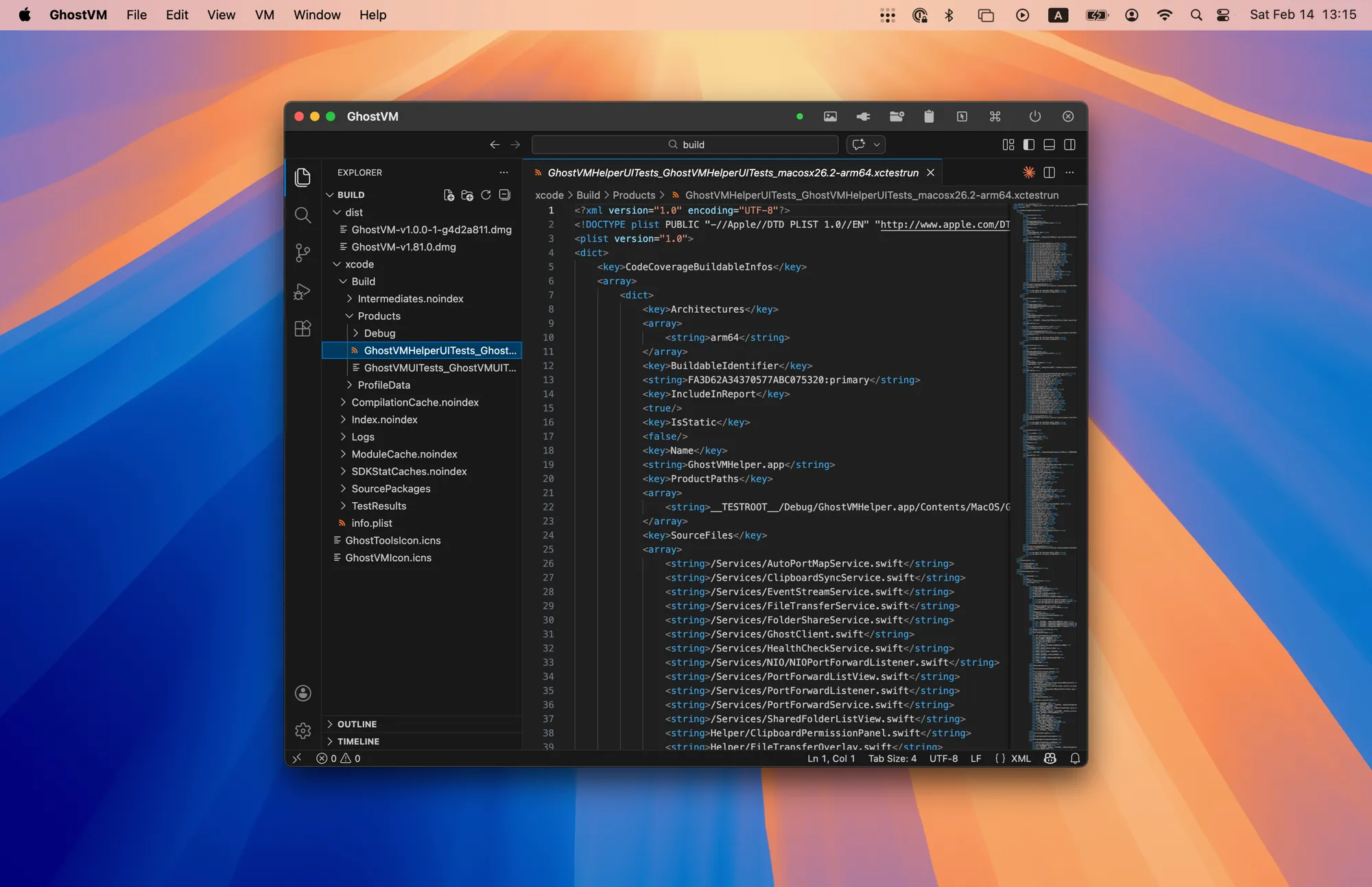
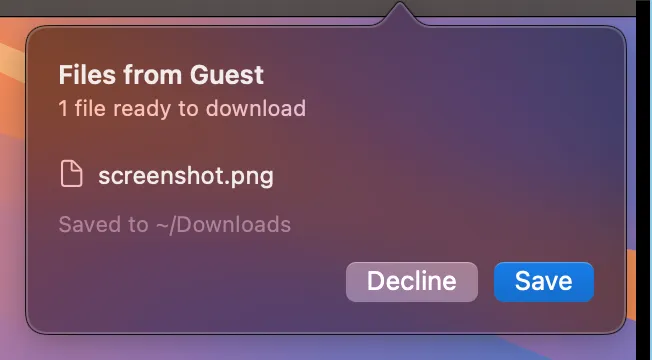
File Transfer
Drag files in, pull them out. Transferred files are quarantined by default.
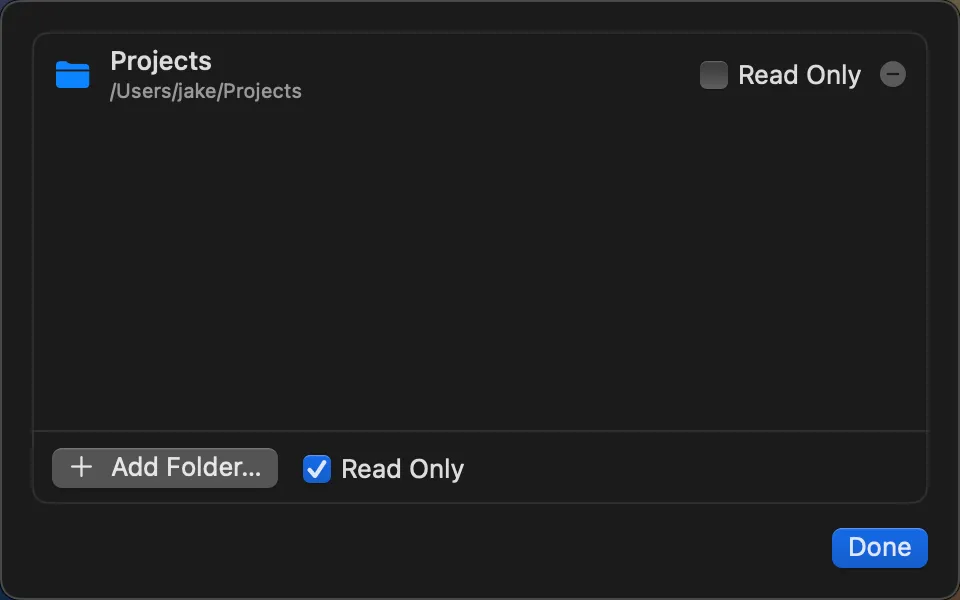
Shared Folders
Mount host directories inside the workspace.
Run multiple workspaces, each fully isolated
Each workspace is its own macOS. Run as many as you need, fully isolated from each other and your host.
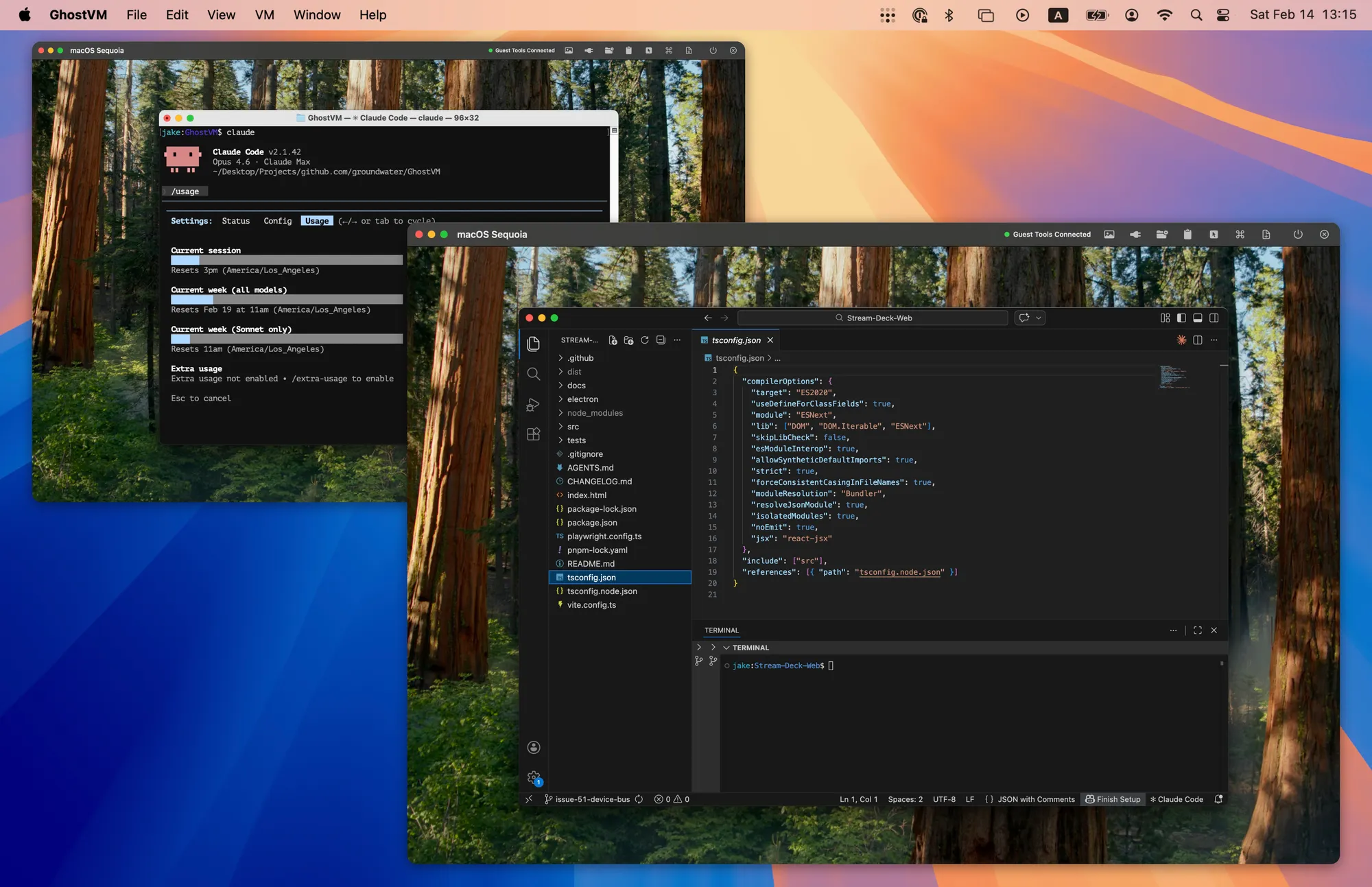
Each workspace runs as its own window.
Customize each workspace's icon
Every workspace appears in the Dock and App Switcher with its own icon.

Clone
Mirror an existing app's icon so the workspace looks like the real thing.


Stack
Layer two app icons together to show what's running inside the workspace.

Custom
Pick from 10 built-in presets or upload your own image.
Glass
Wrap any app icon in the GhostVM glass frame for a unified look.
Built for speed, isolation, and security
Native Performance
Built on Apple's Virtualization.framework. Near-native speed, no emulation.
Self-Contained Bundles
Each workspace is a single .GhostVM folder. Copy, move, or back it up like any file.
Snapshots & Clones
Checkpoint before risky changes. Clone instantly with APFS copy-on-write.
Security Boundaries
Isolated by default. File transfers are quarantined. Clipboard syncs require permission.
Suspend & Resume
Suspend a workspace to disk and resume exactly where you left off.
Bridged & NAT Networking
NAT out of the box, or bridged mode for full network presence. Each workspace gets its own network stack.
Terminal meets GUI
Every action in the GUI is also available from the terminal via vmctl. Create, start, snapshot, and manage workspaces programmatically.
Ready to get started?
Download GhostVM and start running isolated workspaces in minutes. Built-in updates keep you current.
Download GhostVMApple Silicon (M1 or later)