Vector: a lightweight IDE for working with coding agents

2 min read Original article ↗

A lightweight, tab-based workspace for Claude Code, Codex, and Cursor. Organize your tasks, discuss agent output, and explore without losing your place. Bring your own subscriptions.

Try free for 14 days

No credit card required. $99 for a perpetual license with one year of updates. Buy a license

macOS 13+ on Apple silicon

Vector with a chat in one tab group and an HTML checkout preview and Agents tab in another, alongside Active, Todo and Archived workspaces

Tabs

Work in tabs.

Conversations, previews, documents, web pages, and code changes, side by side in tab groups. Arrange your work around the task, rather than the limitations of a chat interface.

  • See changed files and per-file diffs, including work agents do in their own git worktrees and through shell commands
  • Hand work to background agents and watch them in the Agents tab
  • Keep tasks in Active, Todo, and Archived workspaces, and jump to any of them with ⌘P
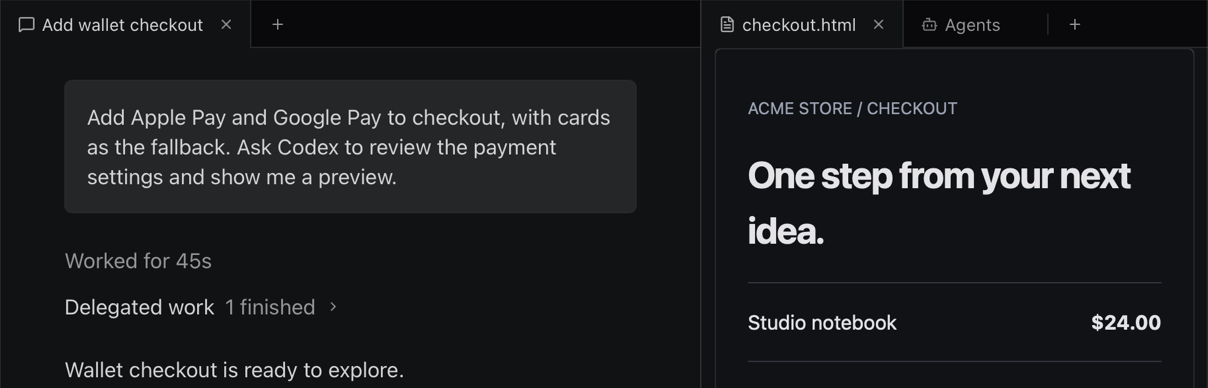
Two tab groups side by side. On the left, a chat tab titled “Add wallet checkout”. On the right, a checkout.html preview tab next to an Agents tab.

Comments

Comment on anything.

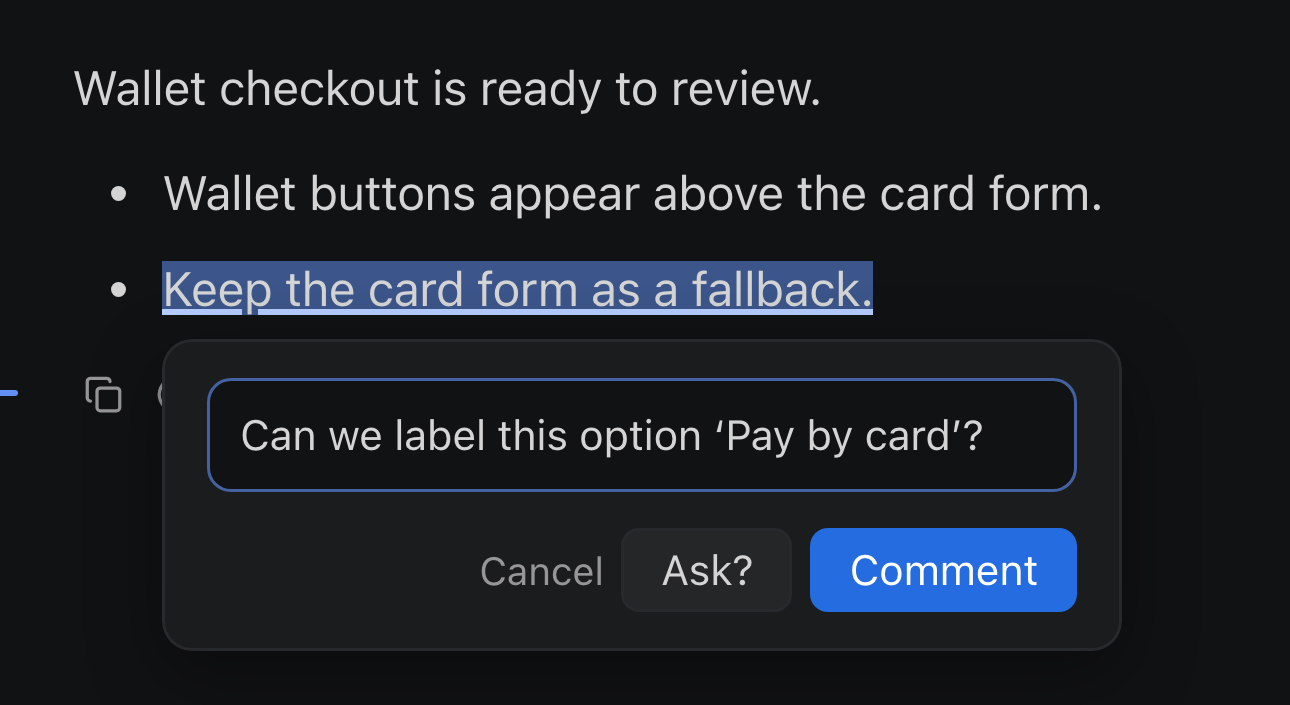
Give agents feedback directly on the thing you’re discussing, instead of describing it in another prompt. Select any passage and comment on it, like comments in a doc.

The line “Keep the card form as a fallback.” is selected in the agent’s reply, with a comment box open beneath it reading “Can we label this option ‘Pay by card’?”

Threads

Explore without losing your place.

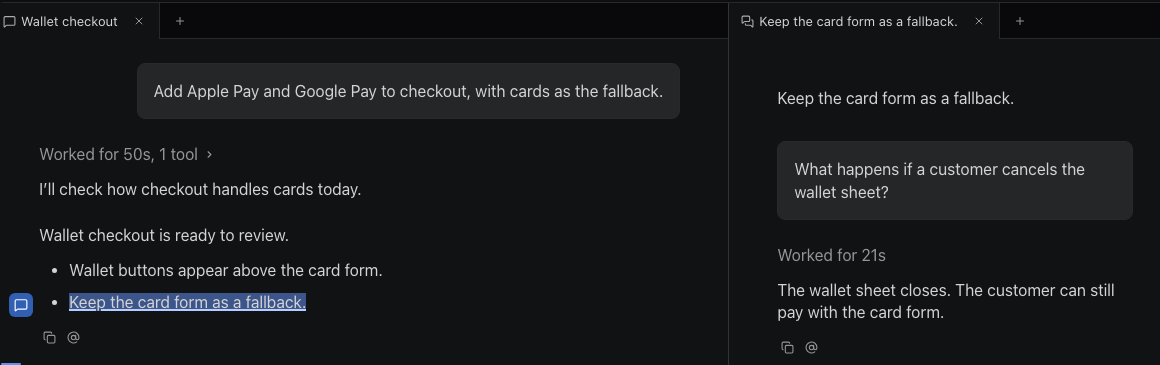
Ask questions, investigate alternatives, and pursue tangents without derailing your main conversation. Each one gets its own thread beside the main one. The agent answers there, and the discussion carries back into the main conversation.

A side conversation opened from the line “Keep the card form as a fallback.” sits beside the main chat, where the agent answers what happens if a customer cancels the wallet sheet.

Providers

Bring your own subscription.

Vector uses the Claude, Codex, and Cursor CLIs you already have installed, with your accounts, configuration, skills, and MCP servers. It doesn’t resell tokens.

Claude CodeYour CLI and login

CodexYour CLI and login

CursorYour CLI and login

Good to know

14 days free. Then $99 a year.

14 days free, then $99 a year

Try Vector free for 14 days, with no credit card. A license is $99 per year and includes a year of updates. If you don’t renew, Vector keeps working and you stay on the version you have. You still pay your agent providers as you do today. Buy a license

macOS, Apple silicon

Requires macOS 13 or later. Other platforms aren’t available yet.

Works with what you have

If the agent CLI runs in your terminal, Vector can use it.

Your agents deserve more than a terminal.

Download for macOS

Free for 14 days, no credit card. Then $99 per year for updates.