Available for MacOS, Linux and Windows*
How It Works
Trici is a desktop application that records your screen activity during a Focus Session and replays it at high speed to help you remember faster.
How Trici saves you a little bit of time - everytime!
Start Coding Sooner
Rebuild your train of thought in seconds by watching Smart Replay of your last focus session. No more switching between files in your editor or tabs in your browser to recollect your train of thought.
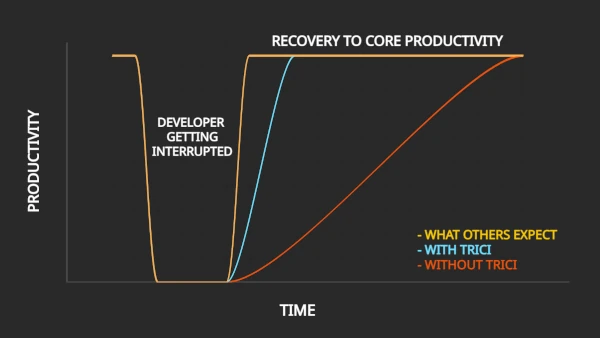
Time taken to recover to core productivity after an interruption.
Easier Context Switching
Having to switch between tasks often? With Trici, you can filter Focus Sessions by Task or date allowing you to recover your train of thought for a task you had to leave unfinished. Trici is a superpower for those who have to switch between tasks often.
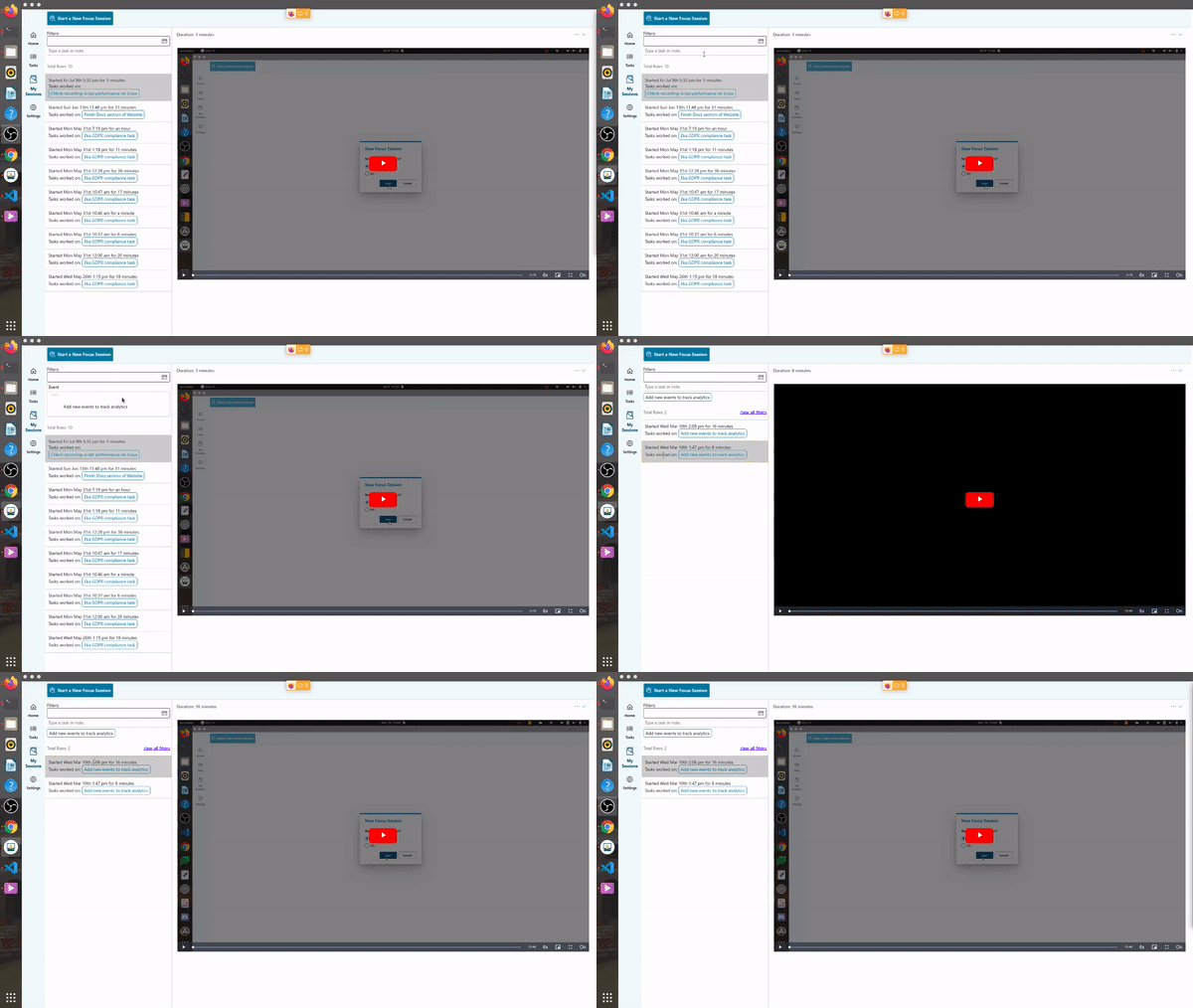
Filter Focus Sessions by Task Name or Date.
Block Distracting Websites
Checking Twitter while your code builds? Block distracting websites when you start a Focus Session and don't break your train of thought in the first place.
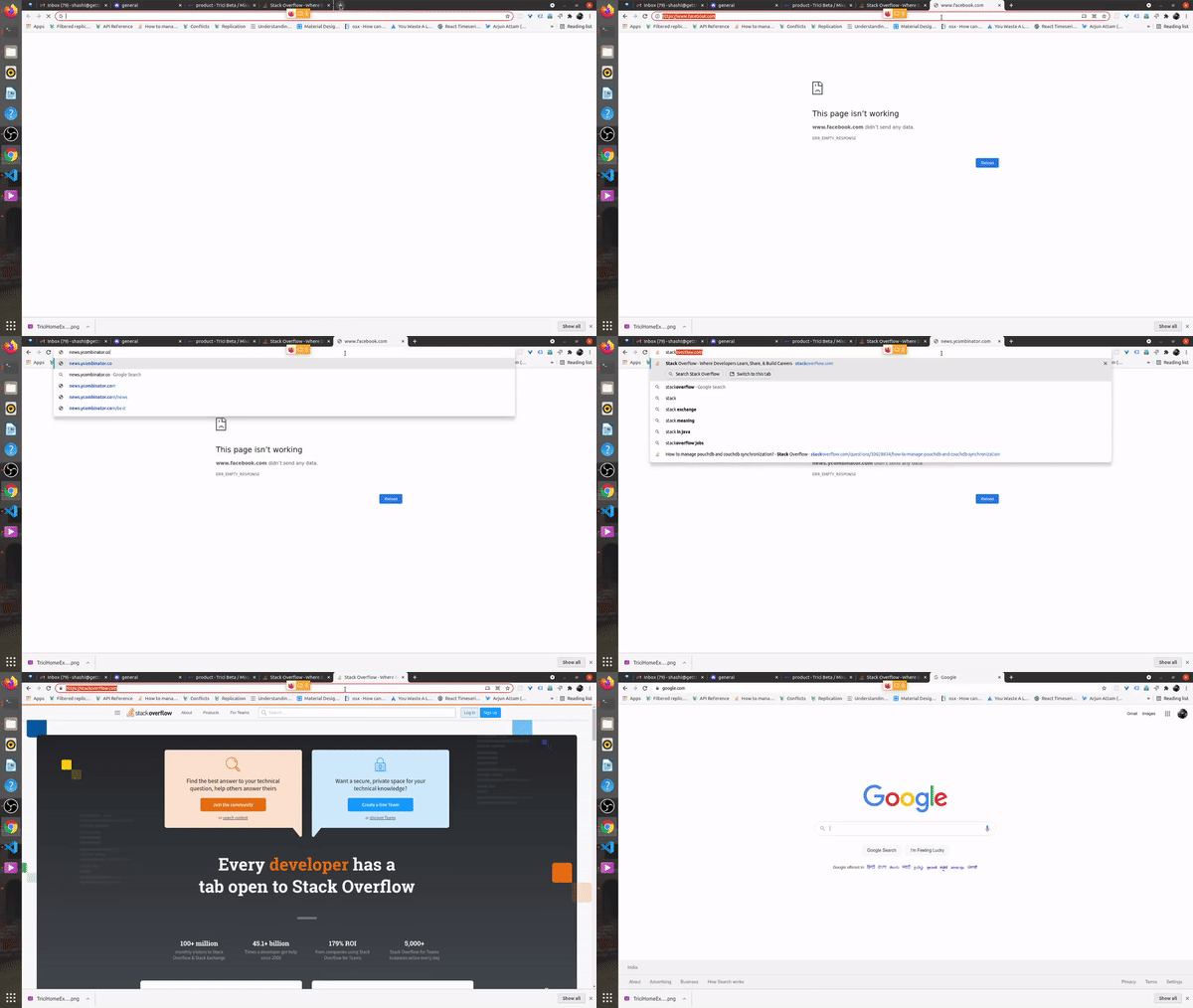
Twitter, facebook and other sites blocked during a Focus Session.
More reasons why you will love Trici
Privacy Guaranteed
No registration needed. All data resides on your computer.
Smart Replay
Replays session video at variable high speeds. 6x speed when you were active, 20x when you were inactive.
Inactivity Detection
Automatically ends Focus Session if user is not active on the computer.
Track Focus Time
Tasks completed, lines of code committed can vary between days. Hours focused every day is a consistent metric to track across days.
Annotate and Search Sessions
Annotate moments of a Focus Session, like spotting a bug. Search annotations across sessions.
Disk Space Management
Choose how much space should recordings occupy before they start getting purged.
Automatic Daily Work Log
Trici keeps a log of your daily work. Add tasks to your day plan, note down thoughts about the day.
Create Clips
Create smaller clips from your Focus Session recordings.
Frequently Asked Questions
What are the system requirements to install Trici?
Trici is currently available for macOS (10.12 or higher), Ubuntu Linux(20.10 or higher) and Windows (10 or higher). The system RAM should be 8 GB or more. For macOS, separate builds are available for Intel and Apple Silicon.
Where is my data stored?
All Trici data, i.e. screen recordings, tasks, settings etc. is stored on your local system and is never sent to any remote location. Trici works even when you are completely offline.
How much disk space do the recordings occupy?
By default, the focus session recordings will occupy a maximum space of 2 GB, after which purging happens. The recording of a typical 30 minute focus session occupies around 50-80 MB disk space.
What if I use multiple monitors?
You can specify which screen to record in the settings. Currently, Trici can only record one screen.
What is Smart Mode when viewing Recordings?
When viewing a recording in smart mode, the player plays at variable speeds, playing at much higher speeds, those portions of the session where the user was inactive. By default, the smart mode is switched on.
Can Trici be used for other flavors of Linux?
The build of Trici has been tested on Ubuntu 20.10. For older versions of Linux, a build will have to be published separately compatible with the version of GLIB_C installed on that version. A zip file of the build of Ubuntu 20.10 is availble which should work on other flavors of Linux. You can reach out on email for any specific issues you may face. An email is sent to you with the download link when you submit a request. Just respond to that.