
We’ve all felt it: the context loss between agent sessions. You finish a long coding run, close the window, and next time you start fresh. The agent has no memory of what you built, how you decided things, or even which tool you chose at the very end.
I’ve tried several memory management systems. None of them stuck. Until last weekend, when I set up Honcho.
Honcho differs from the others. It doesn’t just dump memory into a vector store and call it a day.
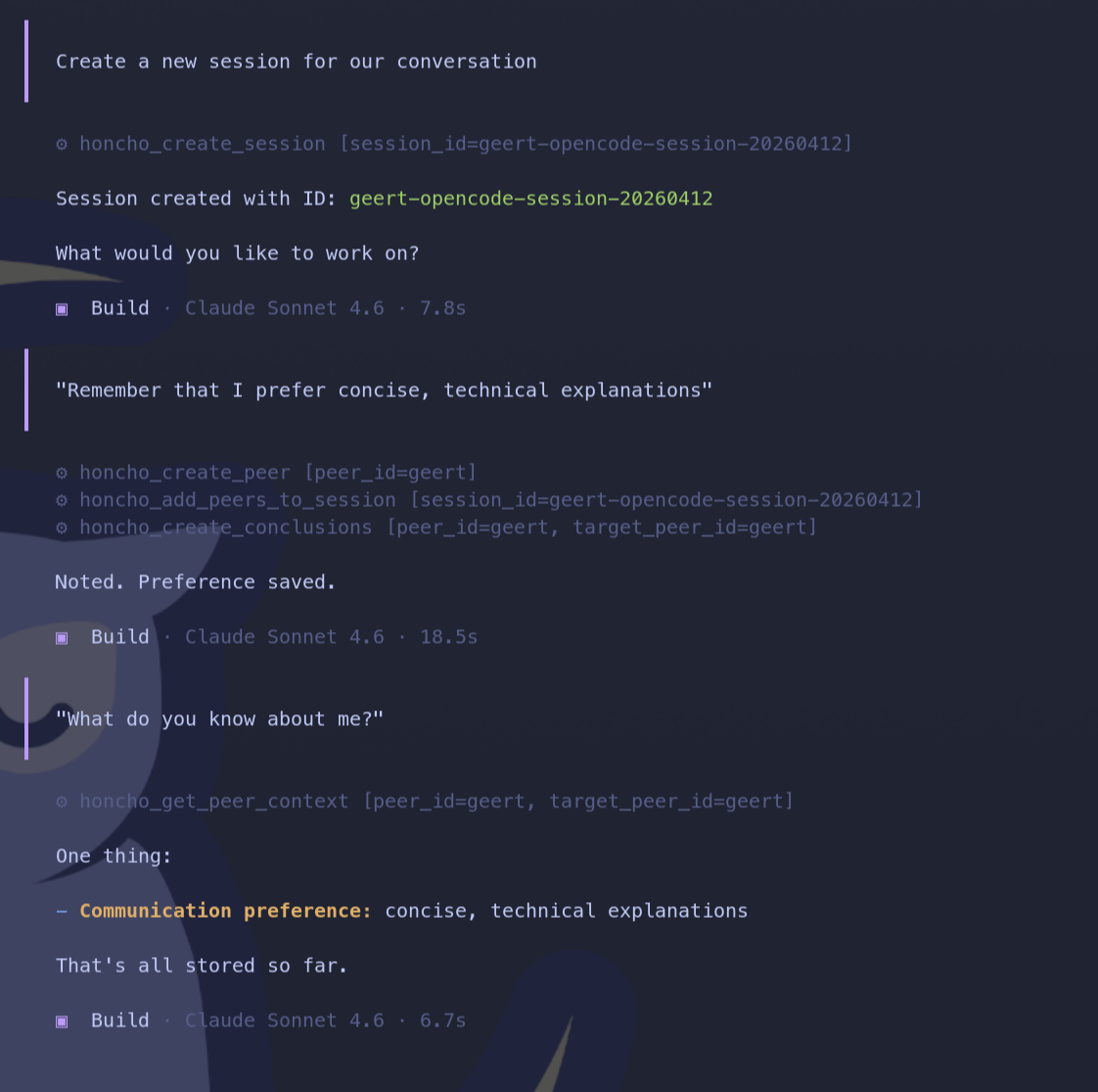
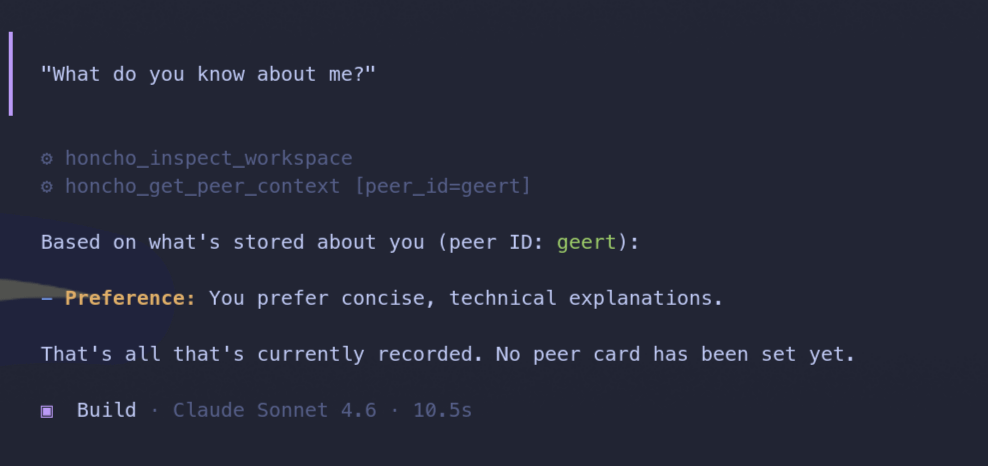
It links memory to peers. A peer can be you, a teammate, an agent, anything that “owns” a perspective. In my case, I’m the peer.
The system learns from my writing sessions, meeting notes, and style. It doesn’t merely log them. It “dreams” on them. That means it reasons across conversations, surfaces links between them, and makes past sessions useful again. Now imagine all the coding decisions you too? See the possibilities?
This is new. I’ve tried to RAG, writing agents, and context injection. None of them connected the dots like this.
Honcho has a concept of workspaces: logical namespaces for memory. I set up two:
Personal workspace: writing, meeting minutes, action items
Coding workspace: style preferences, tool choices, decisions for my day job
The coding workspace has been especially useful. You know the experience: at the end of a long session, the agent asks which option to run. I used to forget, redo the work, or guess. Now Honcho remembers. Even if I don’t.
I wanted full control, so I self-hosted. Honcho runs entirely on my machine. No cloud dependency, no usage limits.
I wrote a single bash script that spins up:
PostgreSQL 15 + pgvector (persistent named volume)
Redis 8
Honcho API + Deriver worker
All in Docker. Data is ephemeral by default, so you can experiment freely. If you want persistence, the script gives you that option too.
The full setup is here: github.com/gtheys/setup-honcho
The hosted Honcho MCP server at mcp.honcho.dev is a thin Cloudflare Worker proxy. It doesn’t support local backends. The maintainers closed a PR that would have routed through their hosted endpoint, explaining that the “natural path” for self-hosters is to run the MCP server locally alongside Honcho.
So I did.
The repo includes a full walkthrough for wiring Honcho’s local MCP entrypoint into OpenCode. Once configured, the agent opens Honcho tools automatically, and I get memory across sessions without thinking about it.
I’ll keep feeding it sessions for a few weeks to see how it scales. I have two experiments planned:
Wire it into git commit hooks. Let Honcho comment on my work based on what it’s learned.
Add more peers. Not just me, but teammates and other agents, to see if cross-peer memory works as advertised.
If it holds up, this could solve the biggest friction point in my current workflow: context switches.
If you’ve been burning out on context-switching, this might be worth a weekend. The script is open, the setup is one command, and the memory actually sticks.