FrameOS - The operating system for smart frames

FrameOS

2 min read Original article ↗

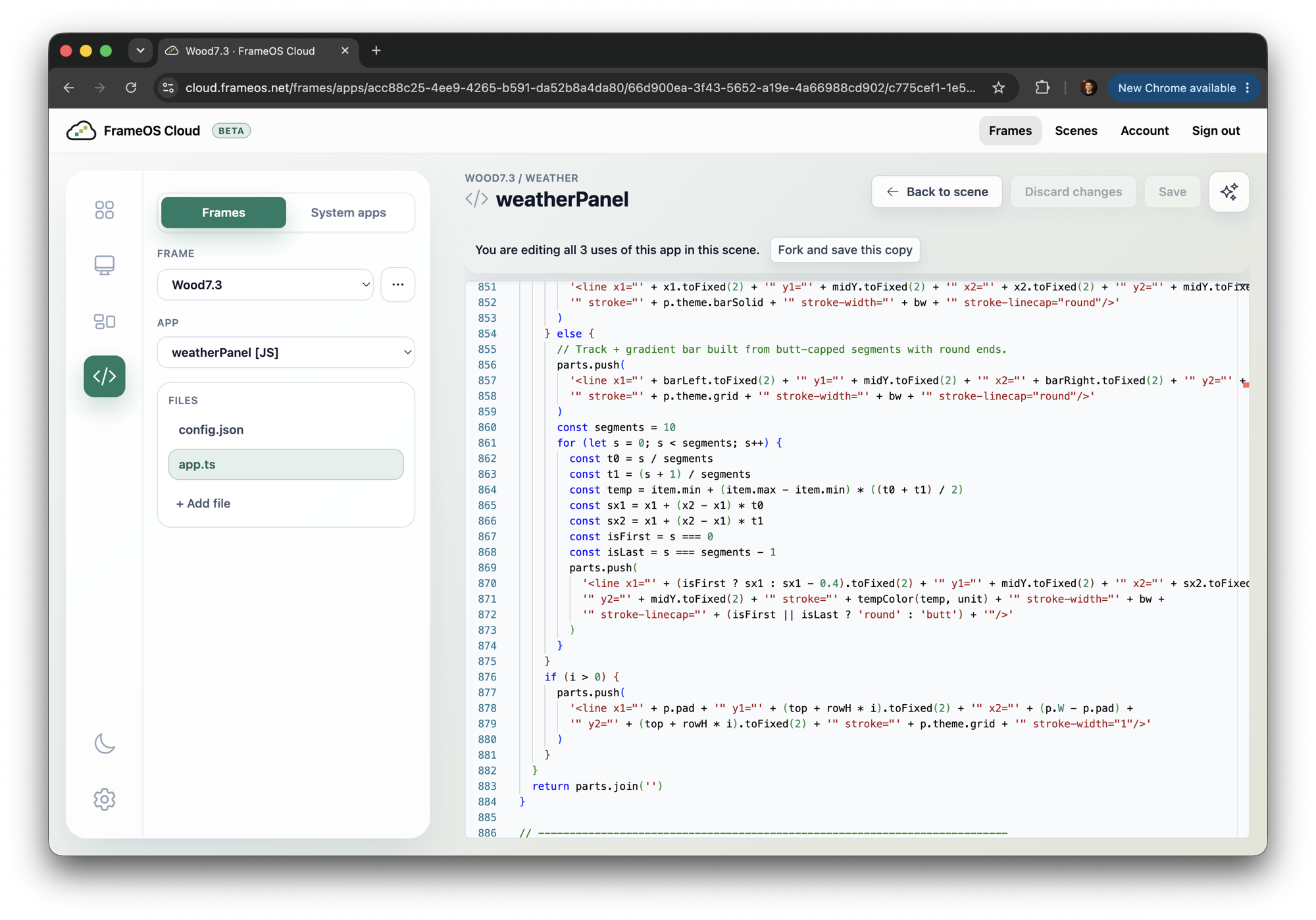
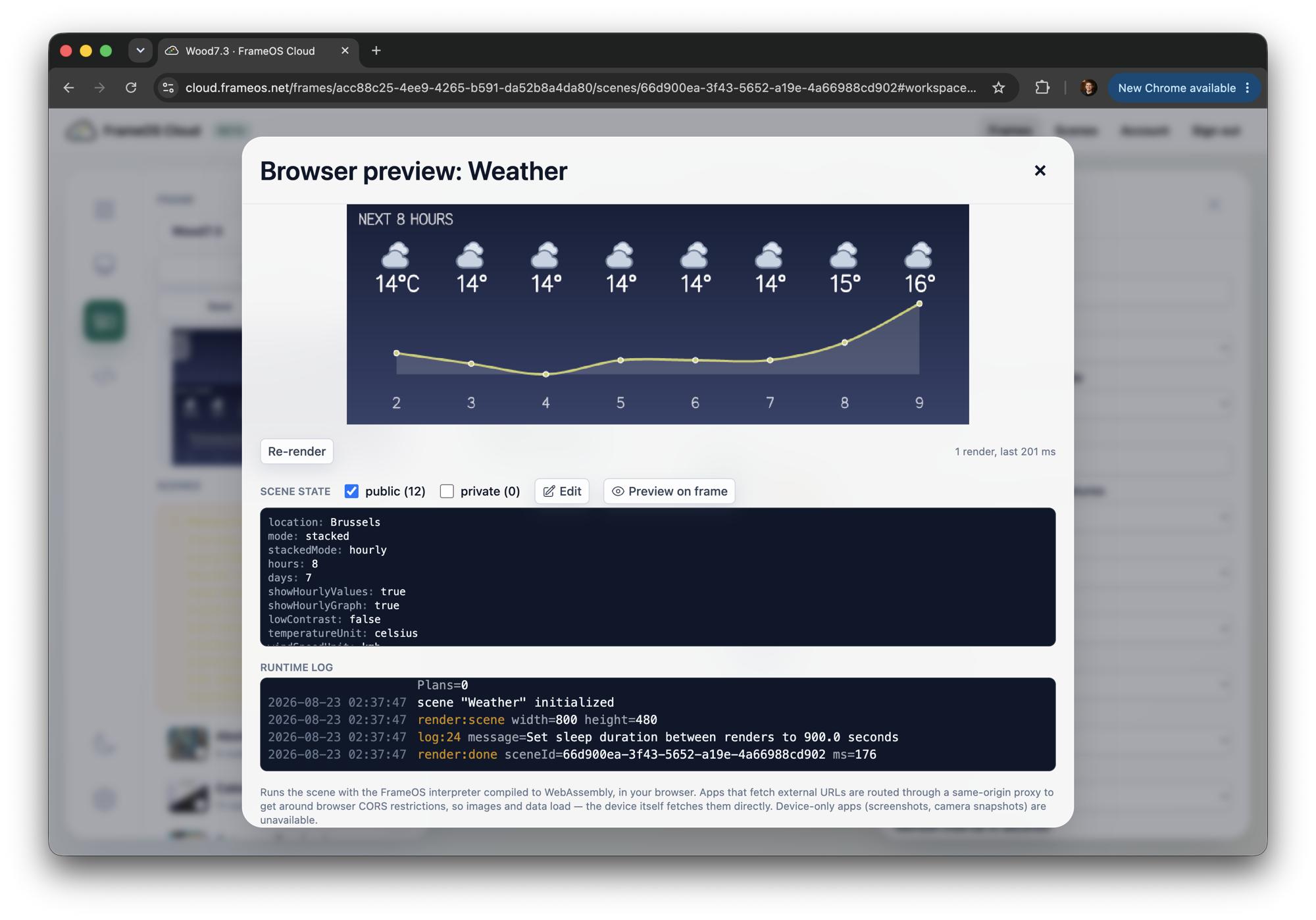
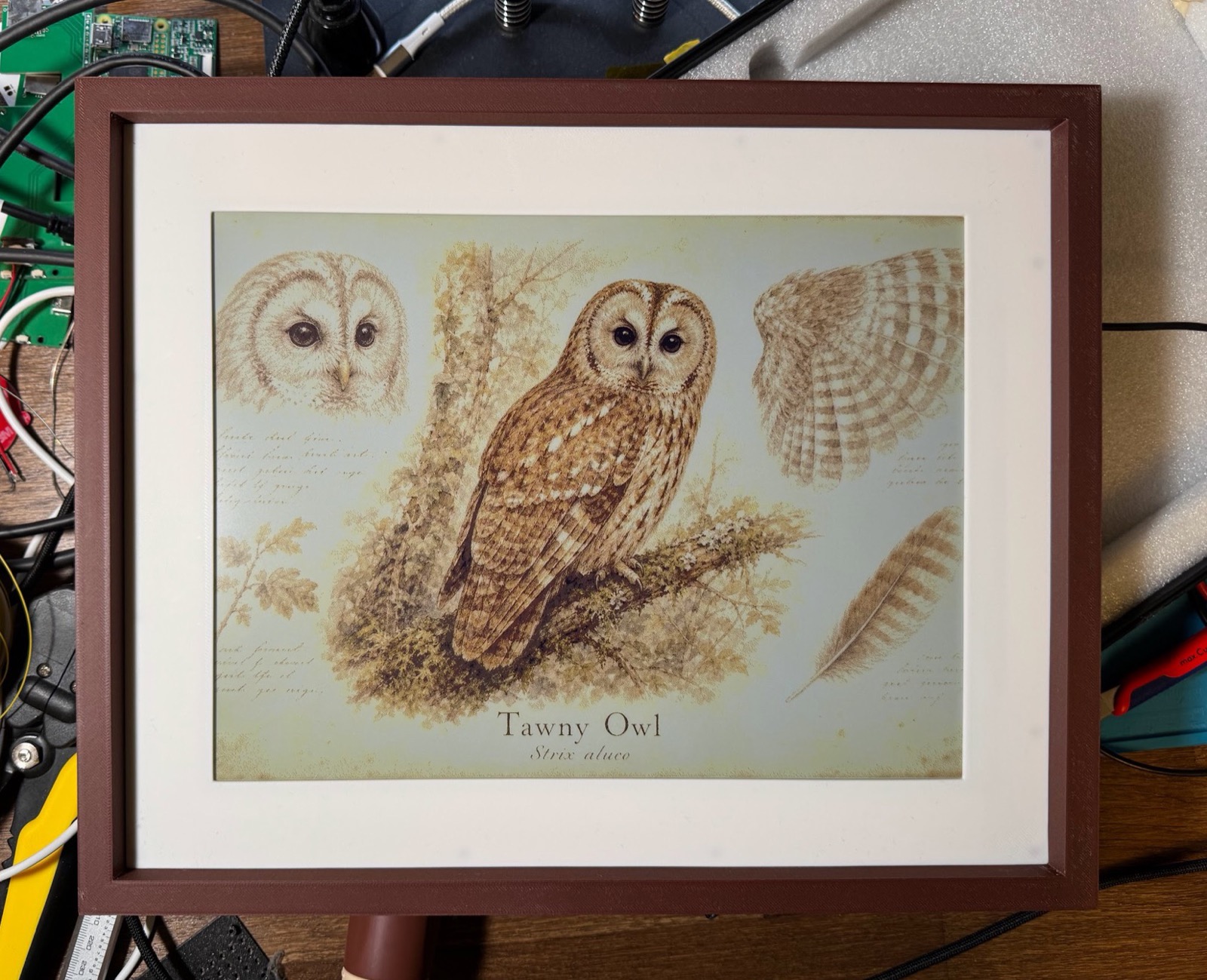
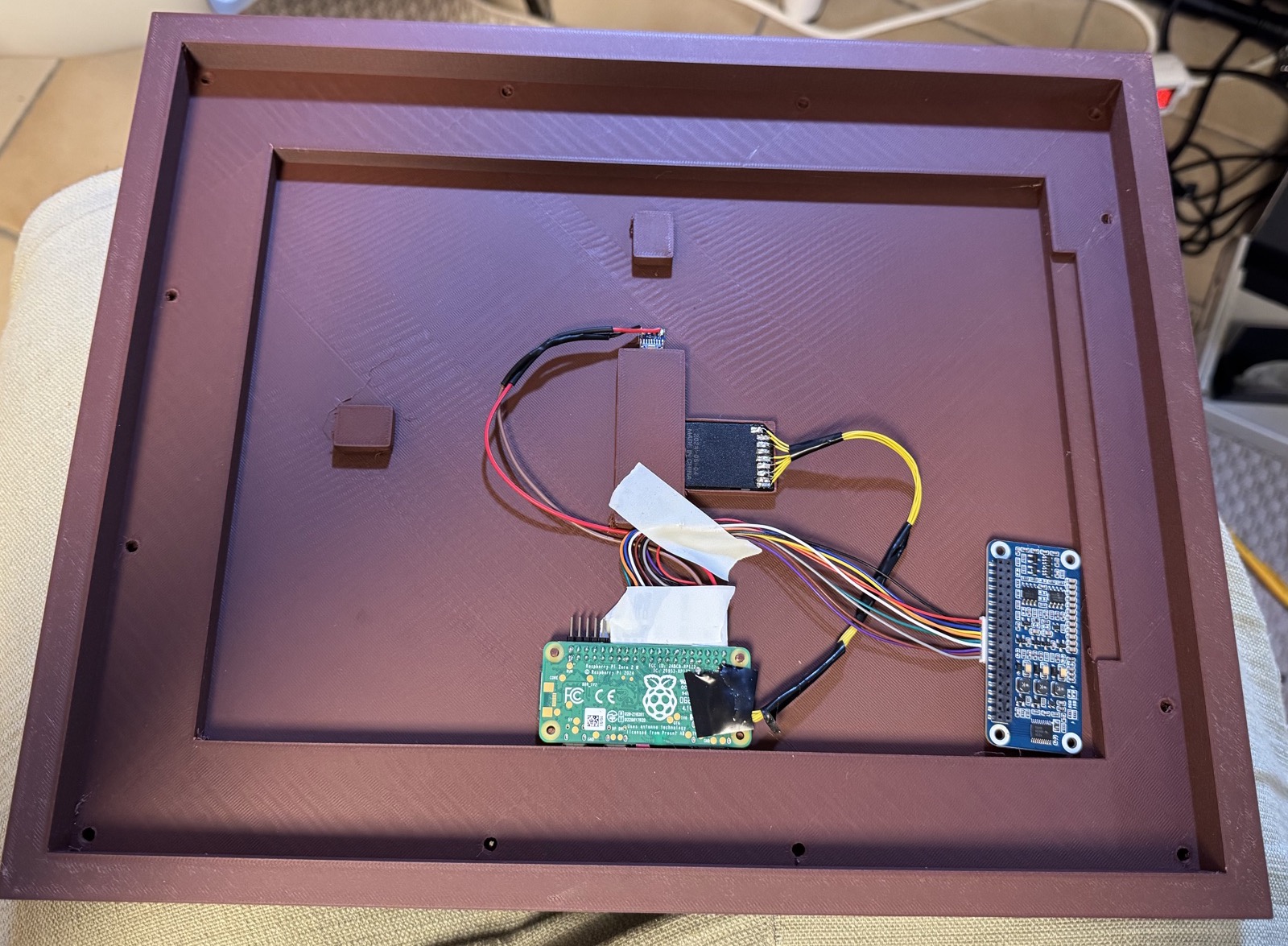
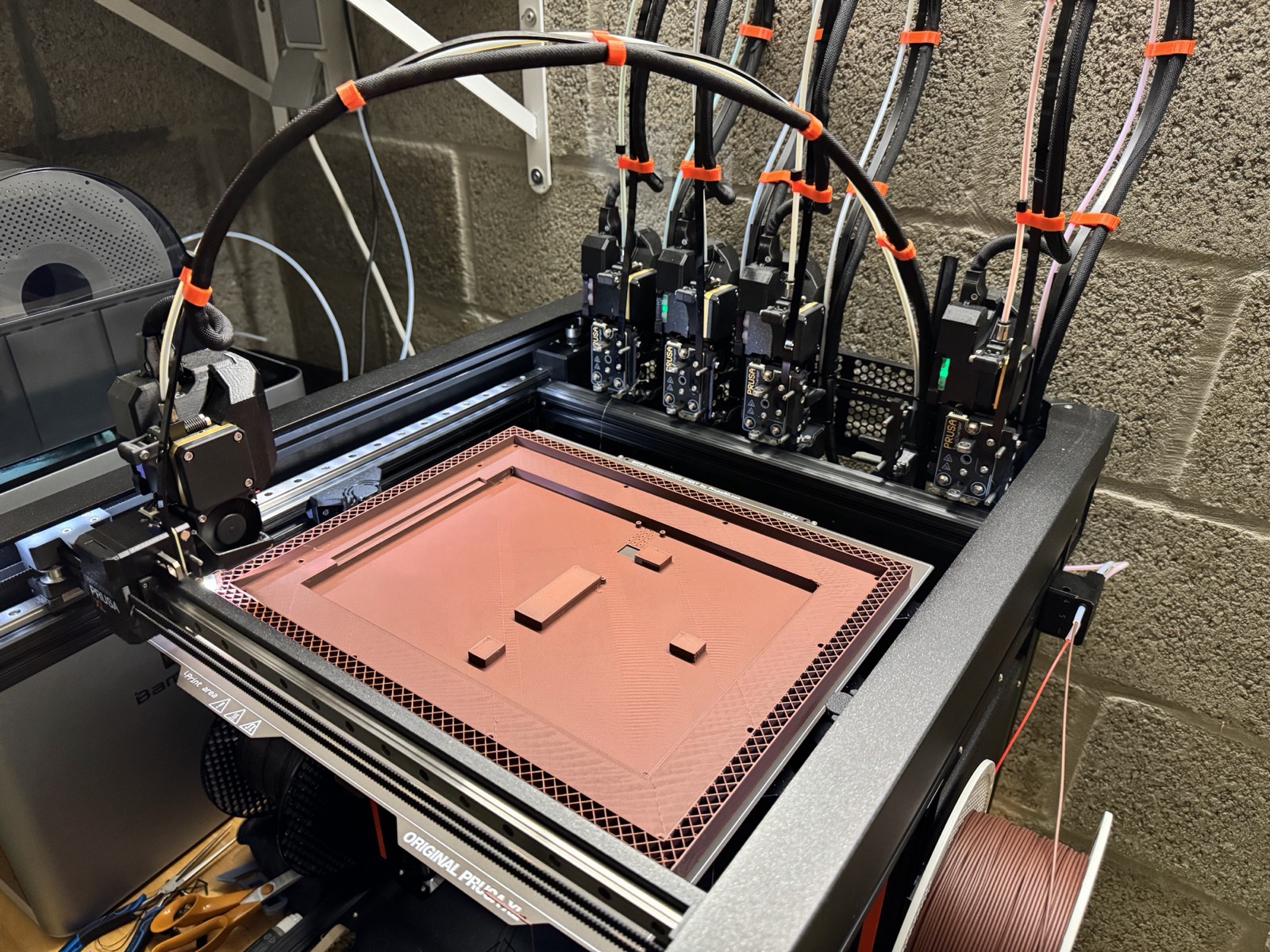
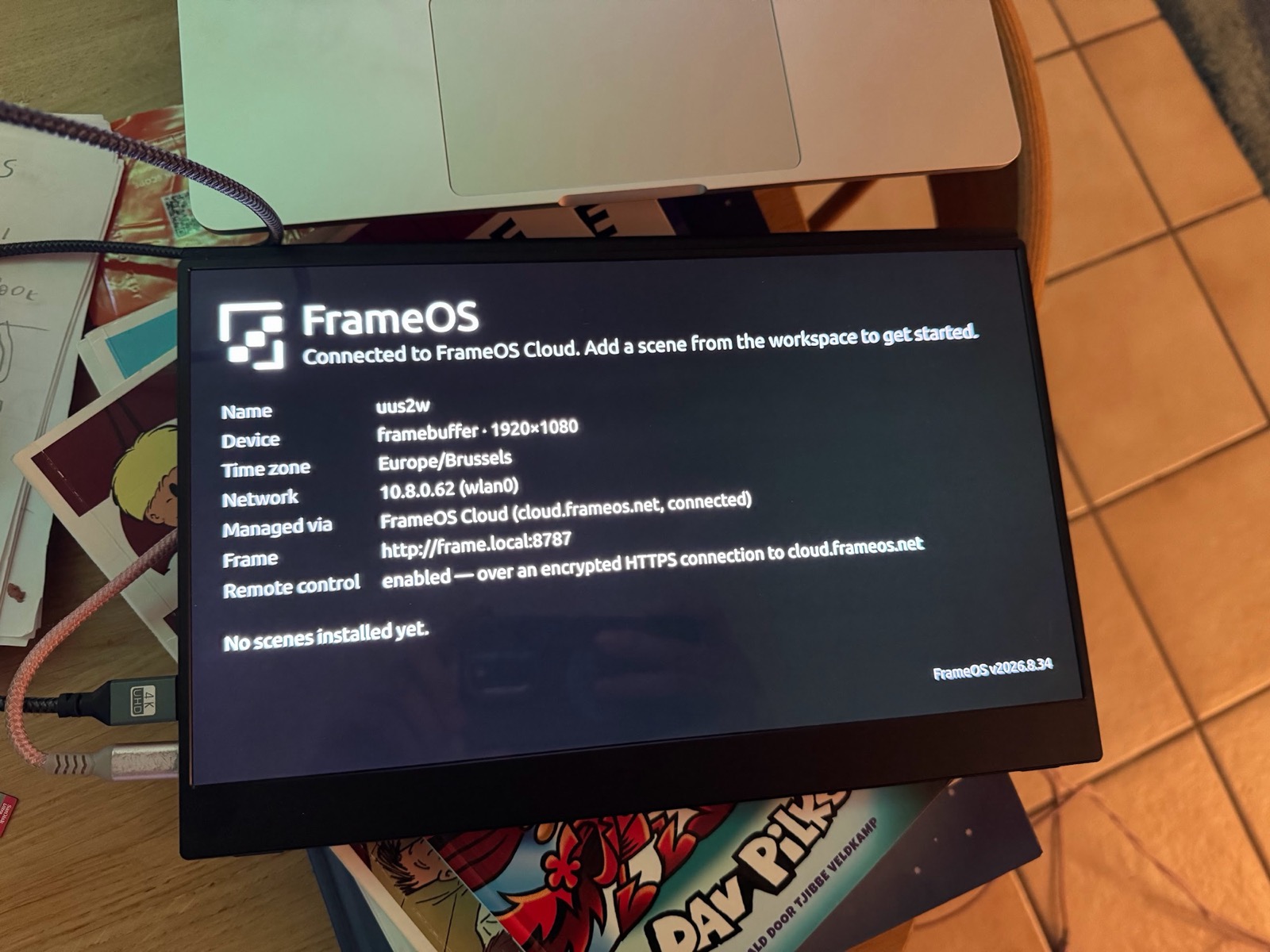
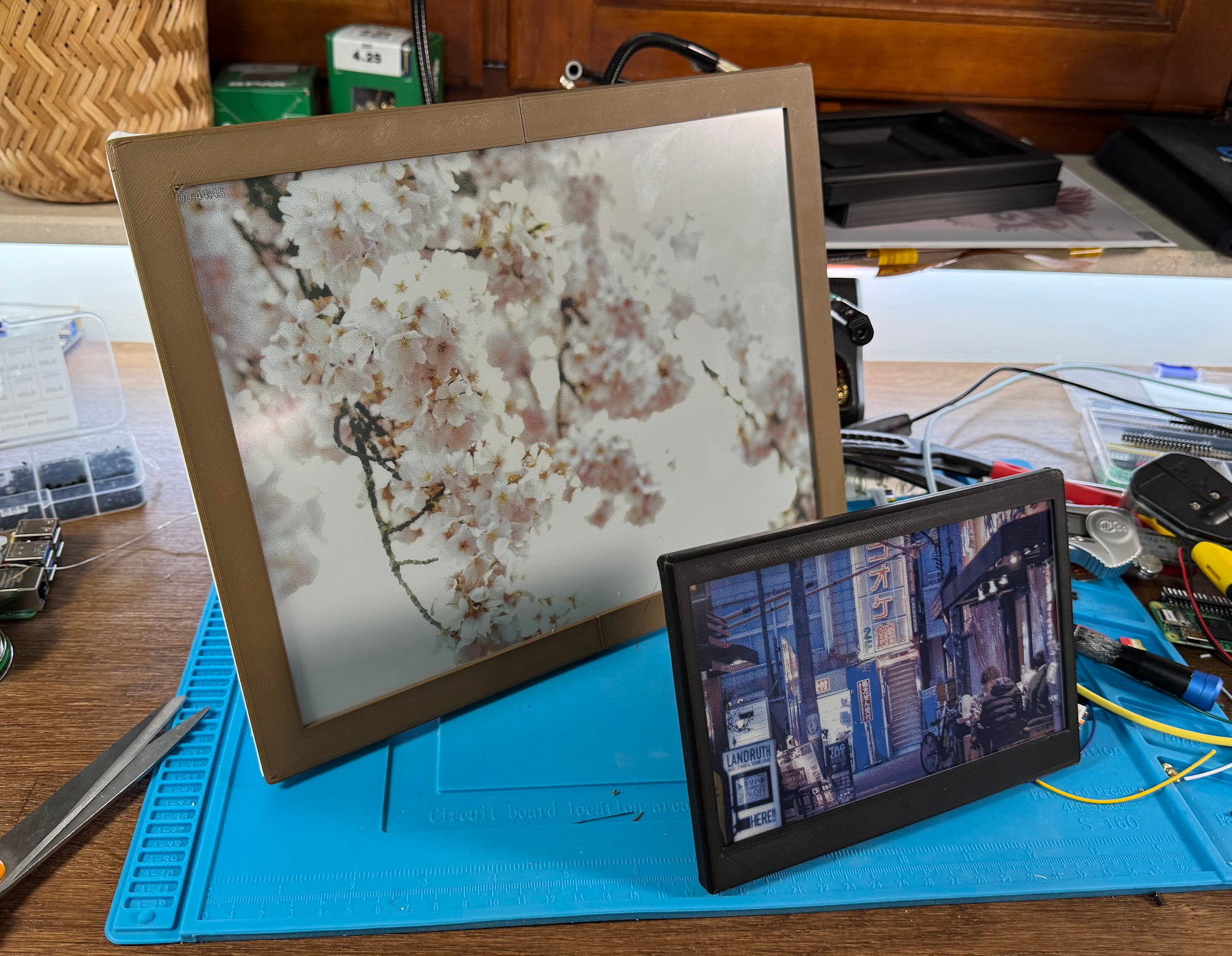
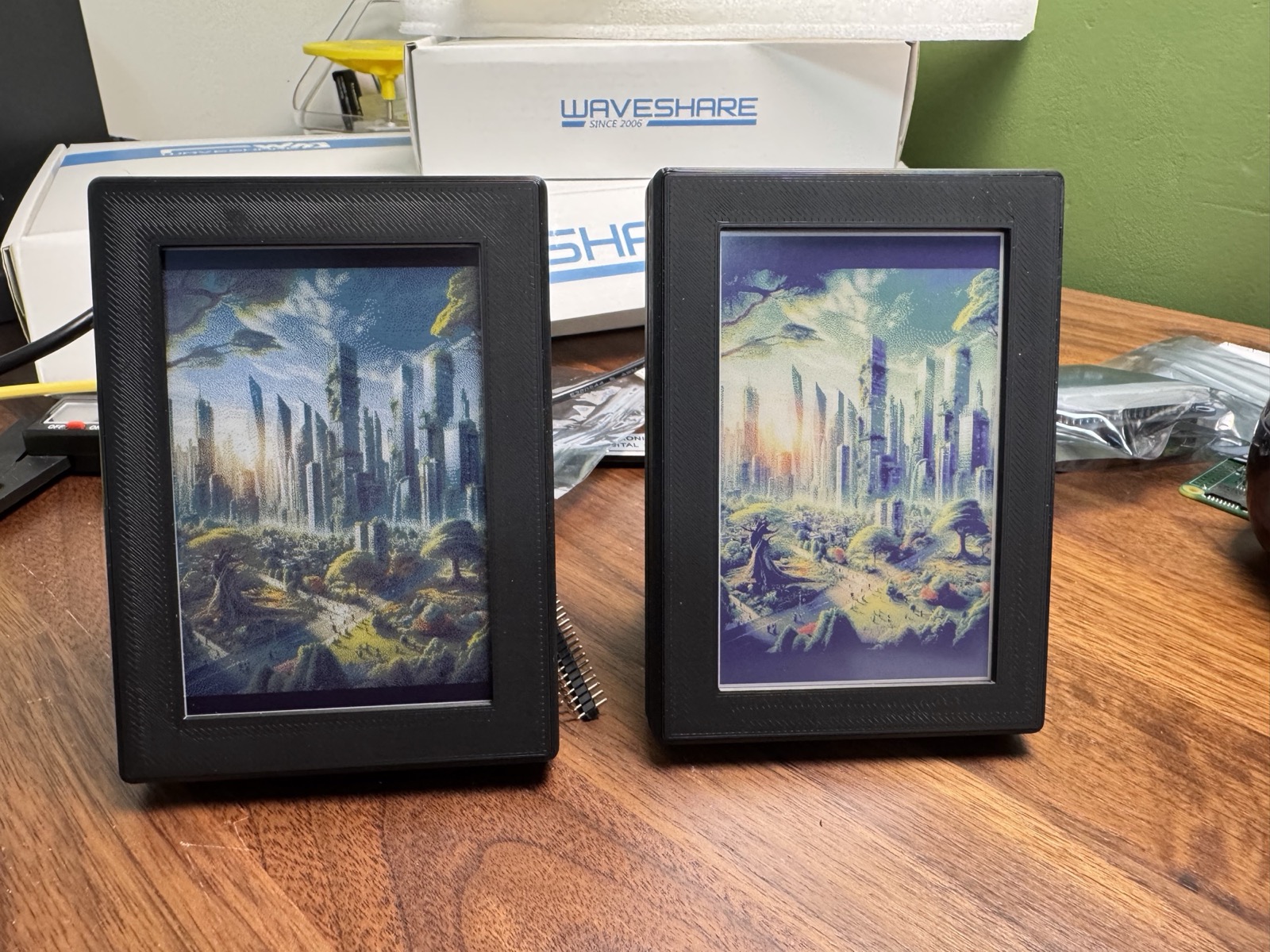
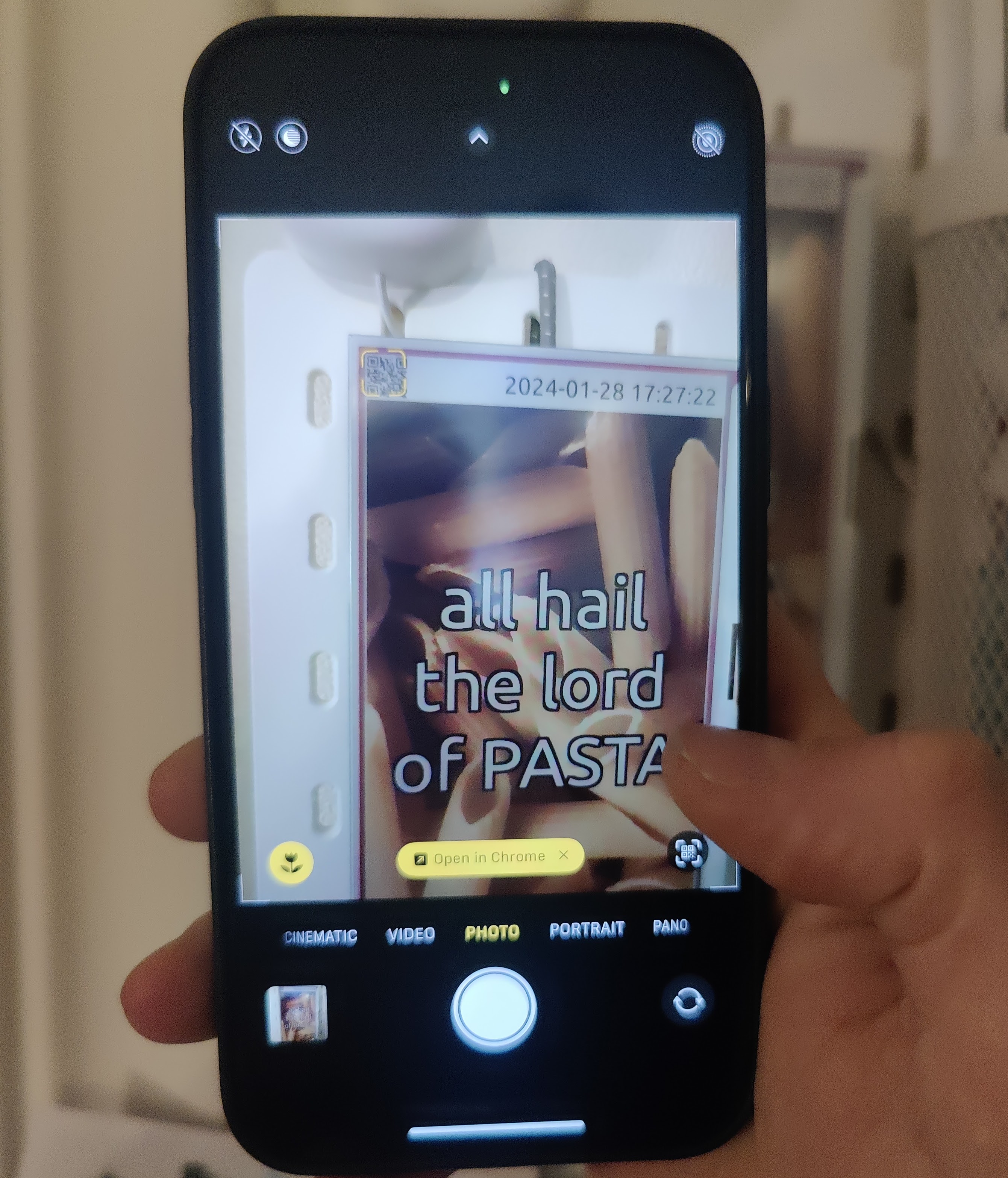
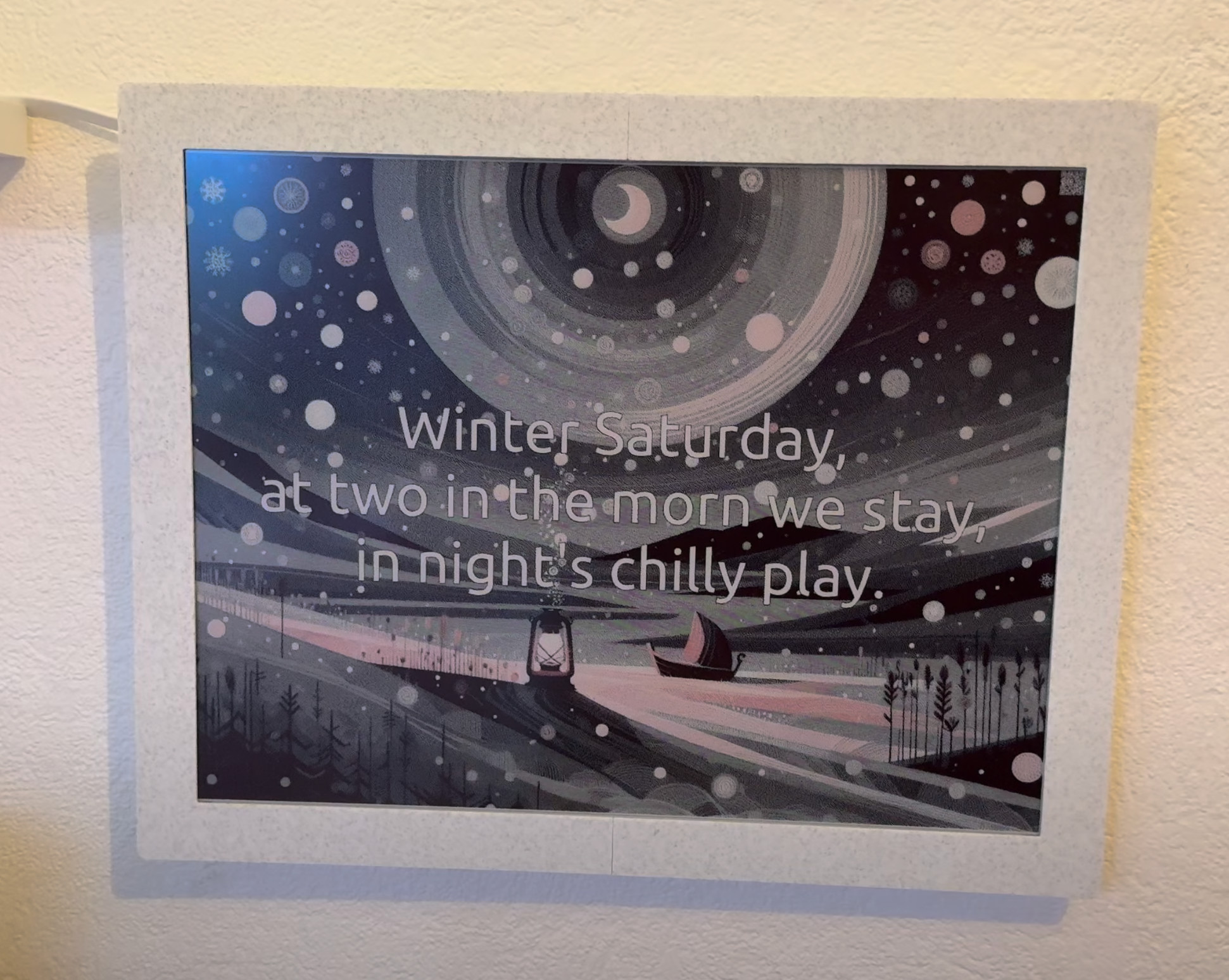
13.3 inch Spectra 6 color e-ink panel in a 3D-printed rosewood frameThe back of the 13.3 inch frame: Raspberry Pi Zero, Waveshare e-paper HAT and a soldered SD card extensionThe 13.3 inch frame being 3D printed on a Bambu Lab printerA portable HDMI monitor showing the FrameOS welcome screen from a Raspberry PiTwo e-ink frames with 3D-printed kickstandsTwo 4 inch frames side by side, one with a Spectra 6 panel and one with an ACeP panelPhone scanning the QR code shown on a frame to control itAI-generated image and haiku on a 12.48 inch e-ink display

A 13.3" Spectra 6 color e-ink panel in a 3D-printed frame

How do you want to get started?

All three render on the device, and a frame can move between them without reflashing.

Choose a path to see the next step.

The editor

A visual editor backed by real code

Build a scene by wiring nodes together, then open any of them to see the code underneath. Apps are written in Nim (built in) or TypeScript. Preview changes in the browser, or on the frame directly. Check out the scene store for more examples!
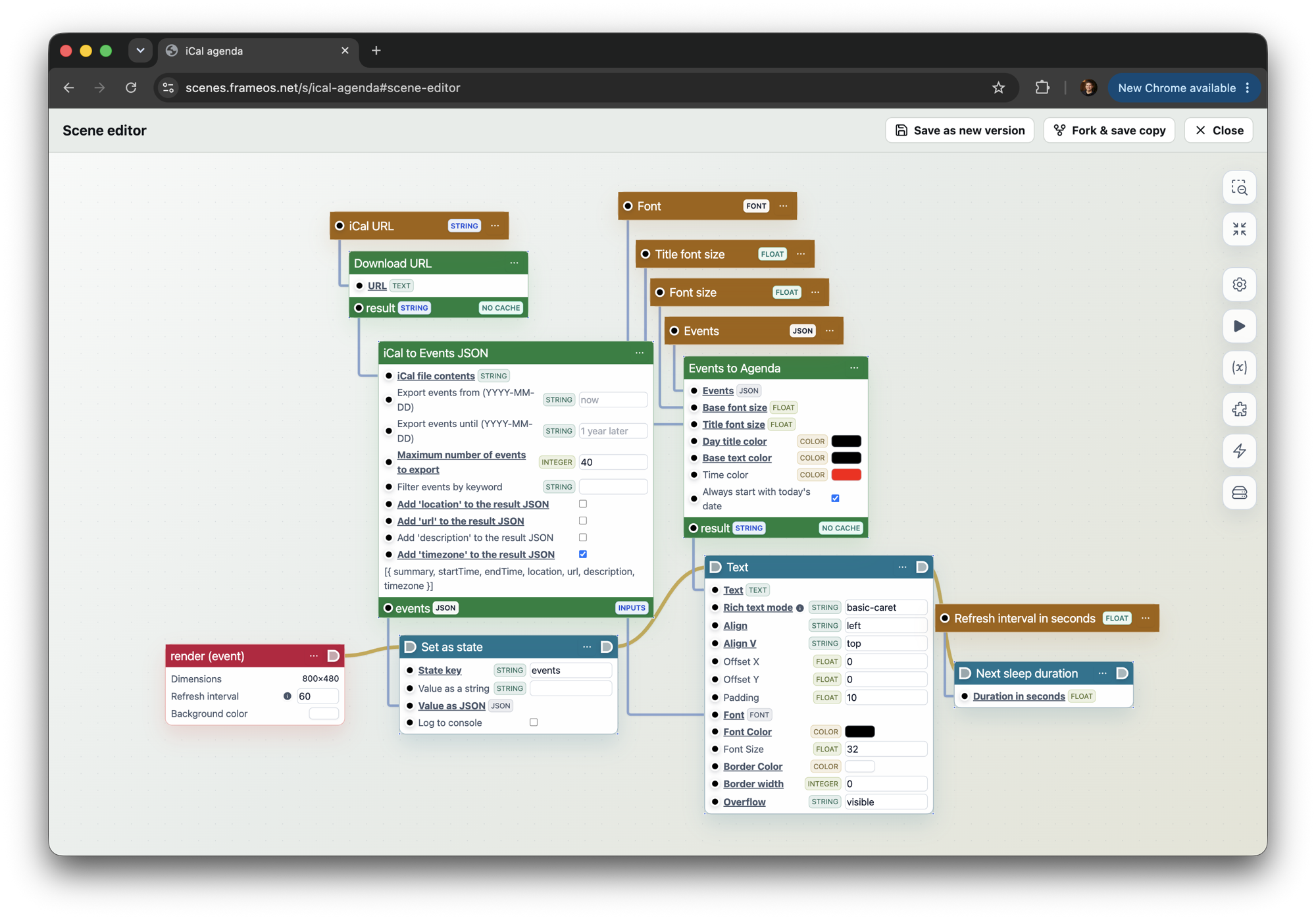
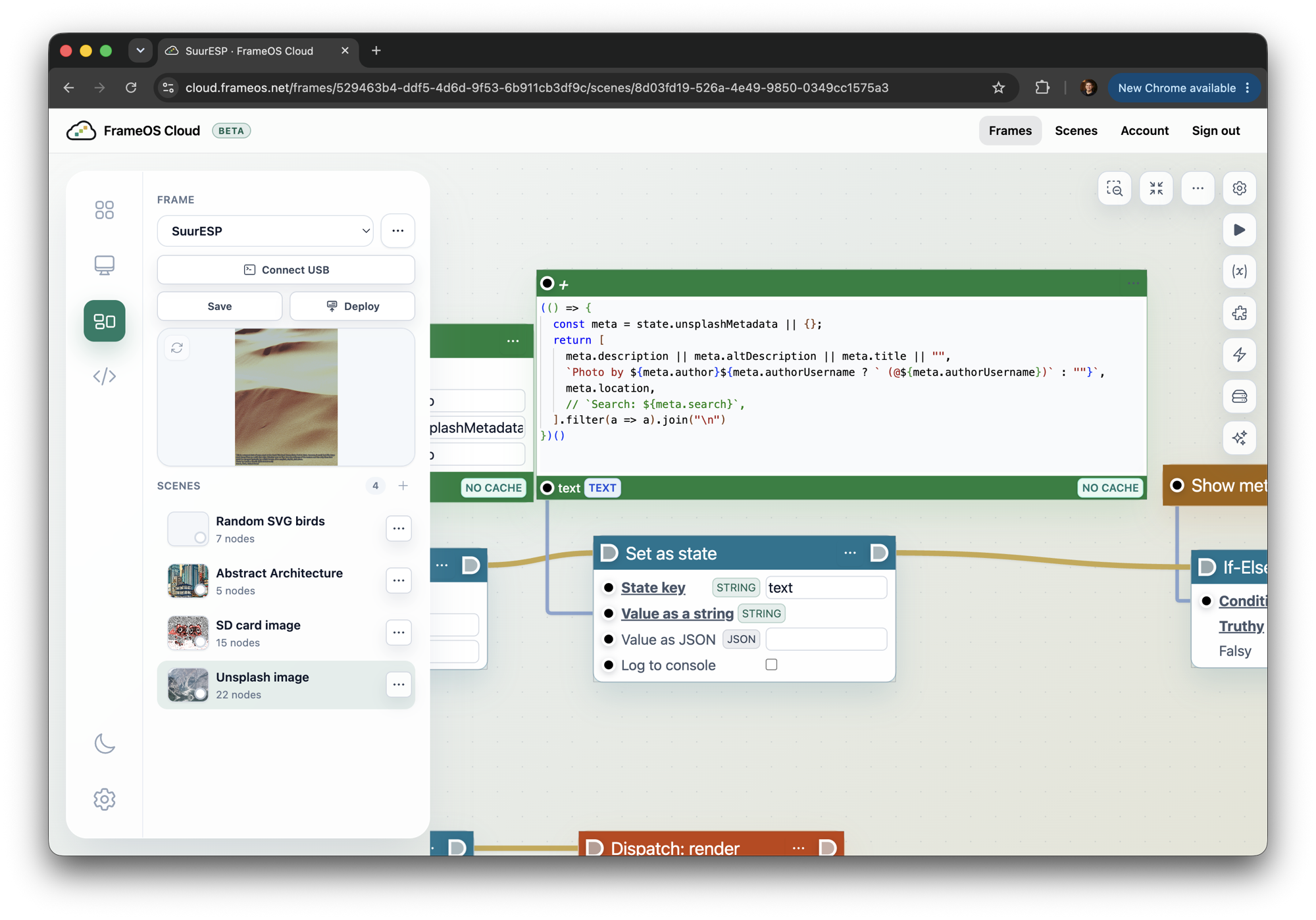
The FrameOS scene editor showing the iCal agenda scene as a node graphA code node in the scene editor with a few lines of JavaScript building a caption from photo metadataThe TypeScript source of the weather panel app open in the in-browser editorThe browser preview of the weather scene in FrameOS Cloud, with its state and runtime log

The iCal agenda scene: fetch a URL, turn it into events, lay them out as text - every step is a node you can inspect and change

Case Maker

Design a printable case around your exact frame

The FrameOS Case Maker generates parametric, 3D-printable enclosures for supported panels and Raspberry Pi layouts. Pick a template, tune the depth and bezel, add wall mounts, kickstands, USB-C cutouts and screw posts, then download the STL.

It is built for the same hardware database as the docs, so common Waveshare and Pimoroni builds start from sane dimensions instead of a blank CAD file.
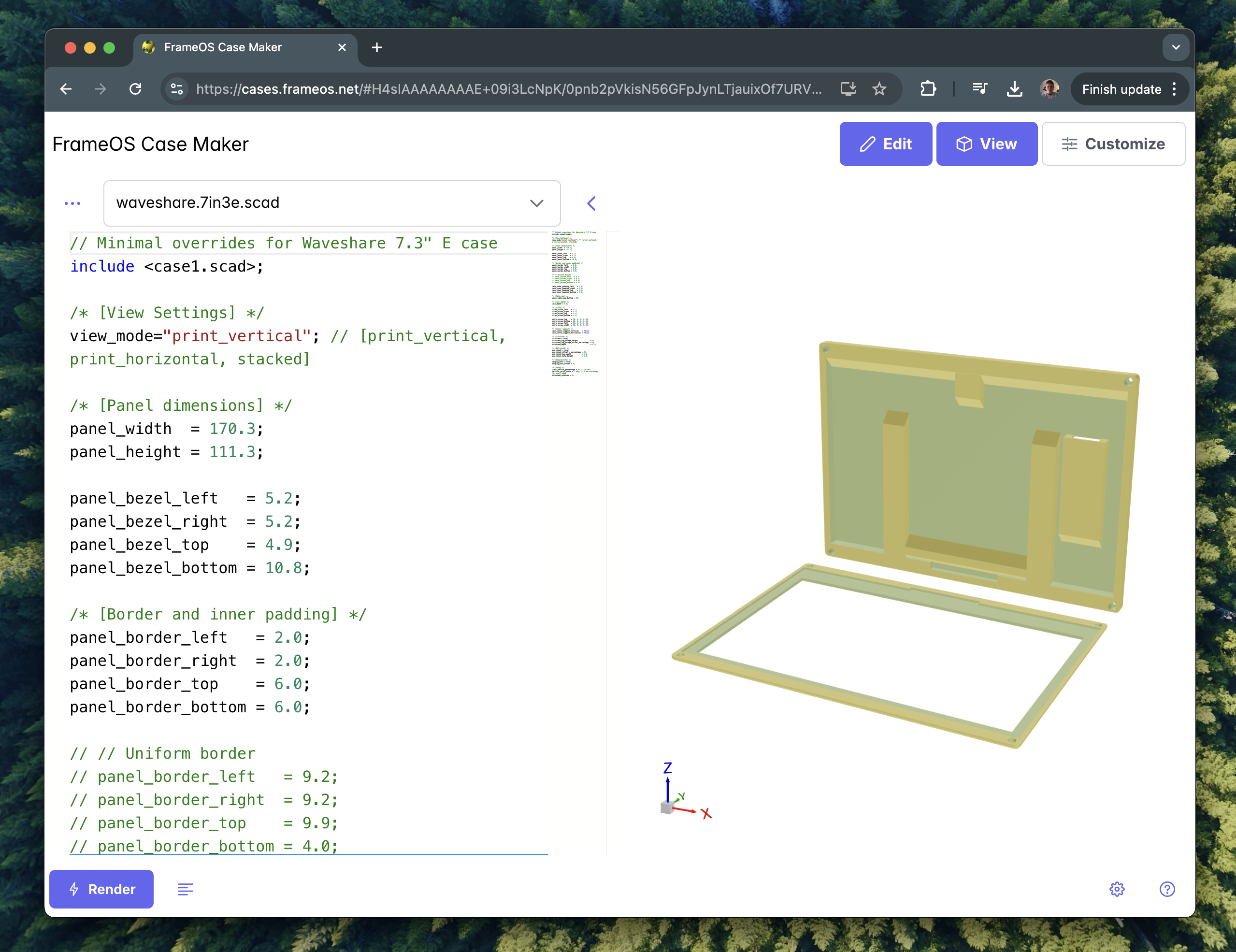
The FrameOS Case Maker interface for configuring a 3D-printed frame enclosure

Watch a full build (Raspberry Pi)

From bare panel to finished frame

Recorded over a year ago, before FrameOS Cloud and ESP32 support existed.

Build your first frame this weekend

A standalone Pi, a self-hosted backend, or a FrameOS Cloud account - the guide walks through all three, and the frame you end up with is the same.