Smart Conditional Logic AI Form Builder with Six Logic Types.

7 min read Original article ↗

AI Conditional Logic

Build conditional logic forms with AI. Skip the rule-builder.

Tell Formester the rule in one sentence. It writes the show, hide, skip, calculate, and route logic into your form. You preview, edit, publish.

Get Started — It's Free

Six logic types, one prompt · Preview and edit before publish · Trusted by 56k+ users

Type What it does Example rule
Show or hide a field Reveal a field only when an earlier answer matches. If "Are you employed?" = Yes, show "Employer name"
Skip a page Jump past sections that don't apply. If "Account type" = Personal, skip the "Company billing" page
Make a field required Toggle required-on-the-fly so the form stays short for everyone else. If "Need invoice?" = Yes, require "VAT number"
Filter the choices Narrow a dropdown based on a previous answer. If "Country" = USA, show US states; if "Canada", show provinces
Calculate a value Compute totals, scores, or pricing as the user fills. "Total" = "Quantity" × "Unit price" + tax
Route email and redirect Send the response to the right inbox and the right thank-you page. If "Department" = Sales, email sales@yourco and redirect to the booking link

Why teams use the AI to write the rules

star icon

Fast and Easy Setup

Create conditional logic forms using simple prompts. No need to manually set complex rules.

Edit the AI's logic before it ships

AI gets fast wrong sometimes. Every rule the AI writes lands in the standard rule editor first. Read it, change a condition, change the action, save. Nothing publishes until you say so.

user icon

Add rules to a form you already built

Paste any existing form into Formester (or import from Google Forms, Typeform, Microsoft Forms). The AI reads the fields and lets you describe rules against them, no rebuild.

data flow icon

Smarter Data Collection

Gather only the most relevant information with branching questions. Say goodbye to irrelevant fields!

workflow icon

Better Accuracy

Reduce errors by displaying fields only when conditions are met. Improve data quality automatically.

rocket icon

Save Time with Automation

Let AI handle rule creation while you focus on growing your business. Build smart forms in minutes, not hours.

STEP 1

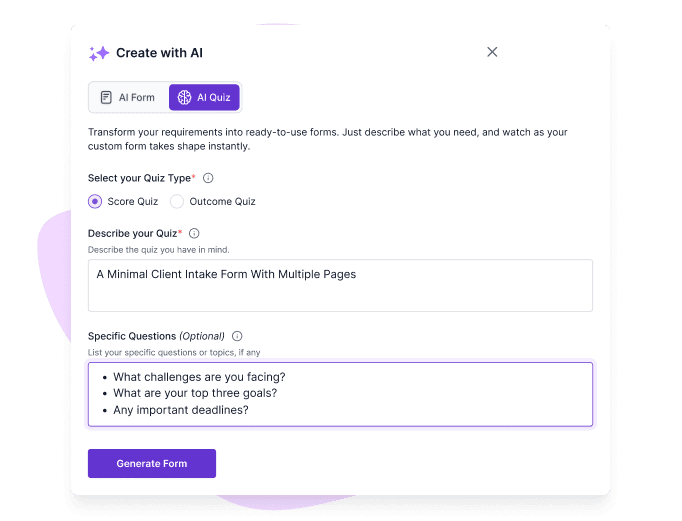
Create Your Form

Start with a blank canvas or a template to set up your form.

a screenshot of formester's ai form builder ui

STEP 2

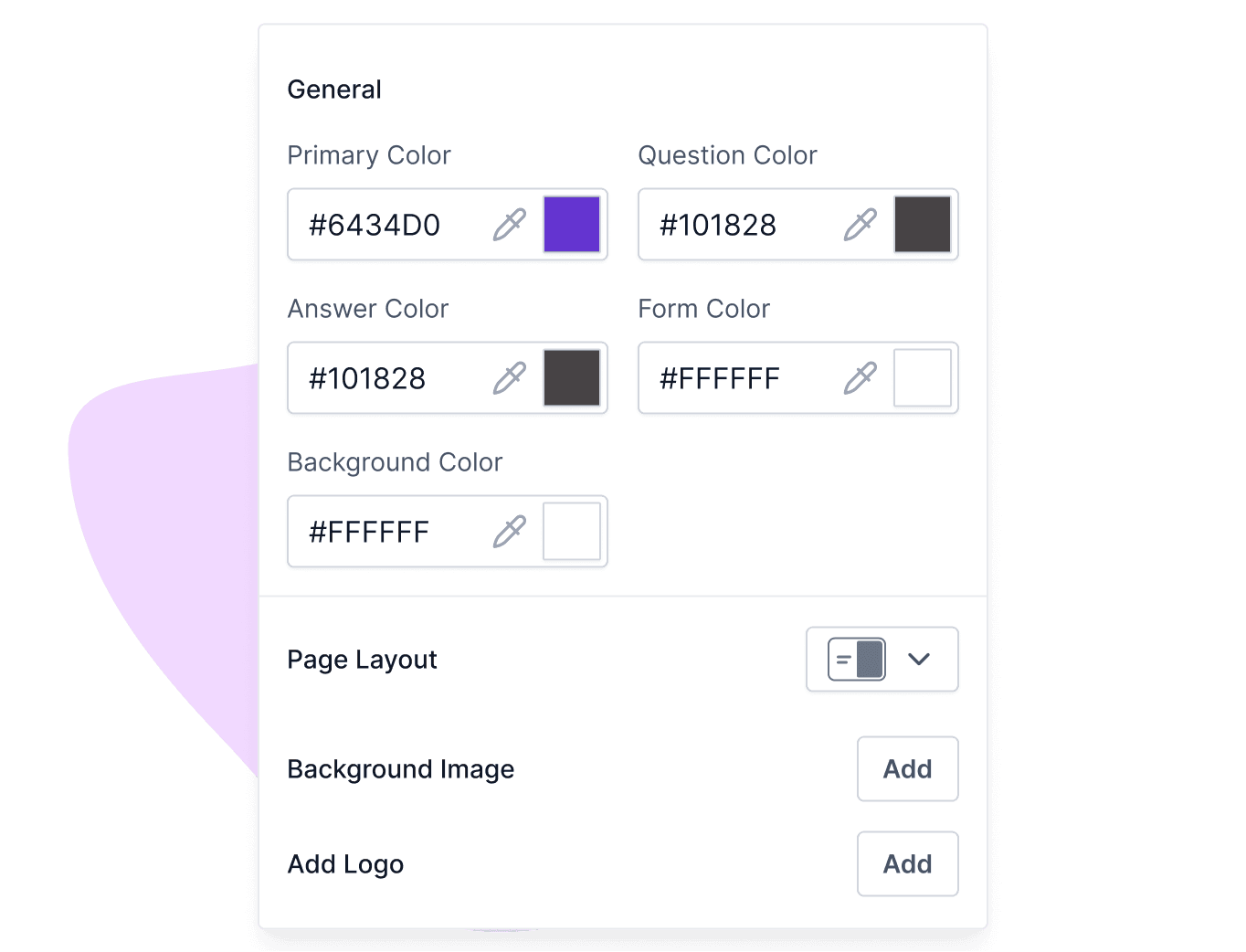
Customize It

Add fields like text boxes, dropdowns, or checkboxes to fit your specific needs.

a screenshot of formester's customization ui

STEP 3

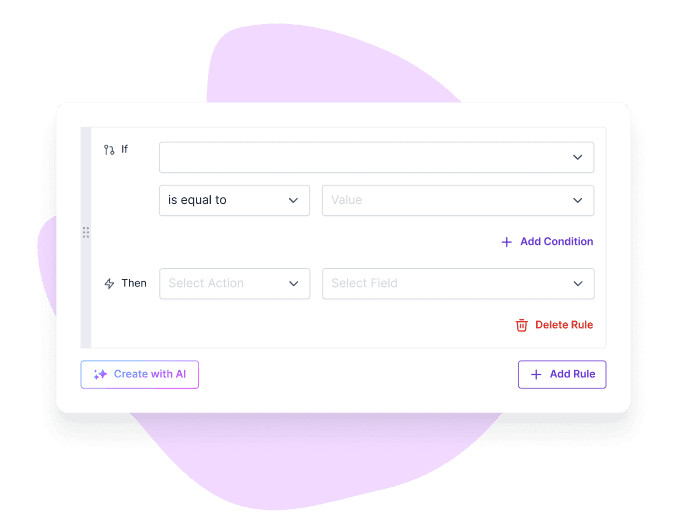
Generate Conditional Rules with AI

Use a simple prompt to let AI generate your conditional rules. Just tell it how you want your conditional fields to behave.

Example: If the T-shirt type equals "Men" or if it’s empty, then Hide the fields "women size" and "kid’s size".

a screenshot of create conditional logic with ai ui

STEP 4

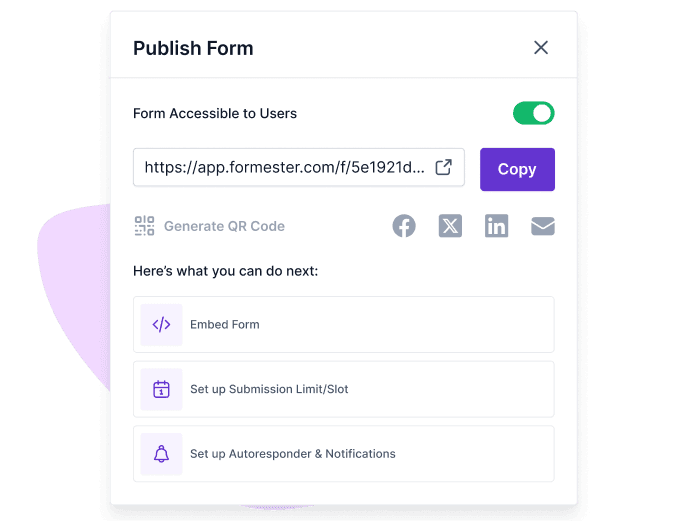
Test & Publish

Preview your form, make adjustments, and publish it to start collecting responses!

a screenshot of formester's form sharing ui

Multilingual Support

Build multilingual forms that cater to a global audience by translating the form into their native language. Perfect for surveys and applications!

multi language translation ui

Analytics Dashboard

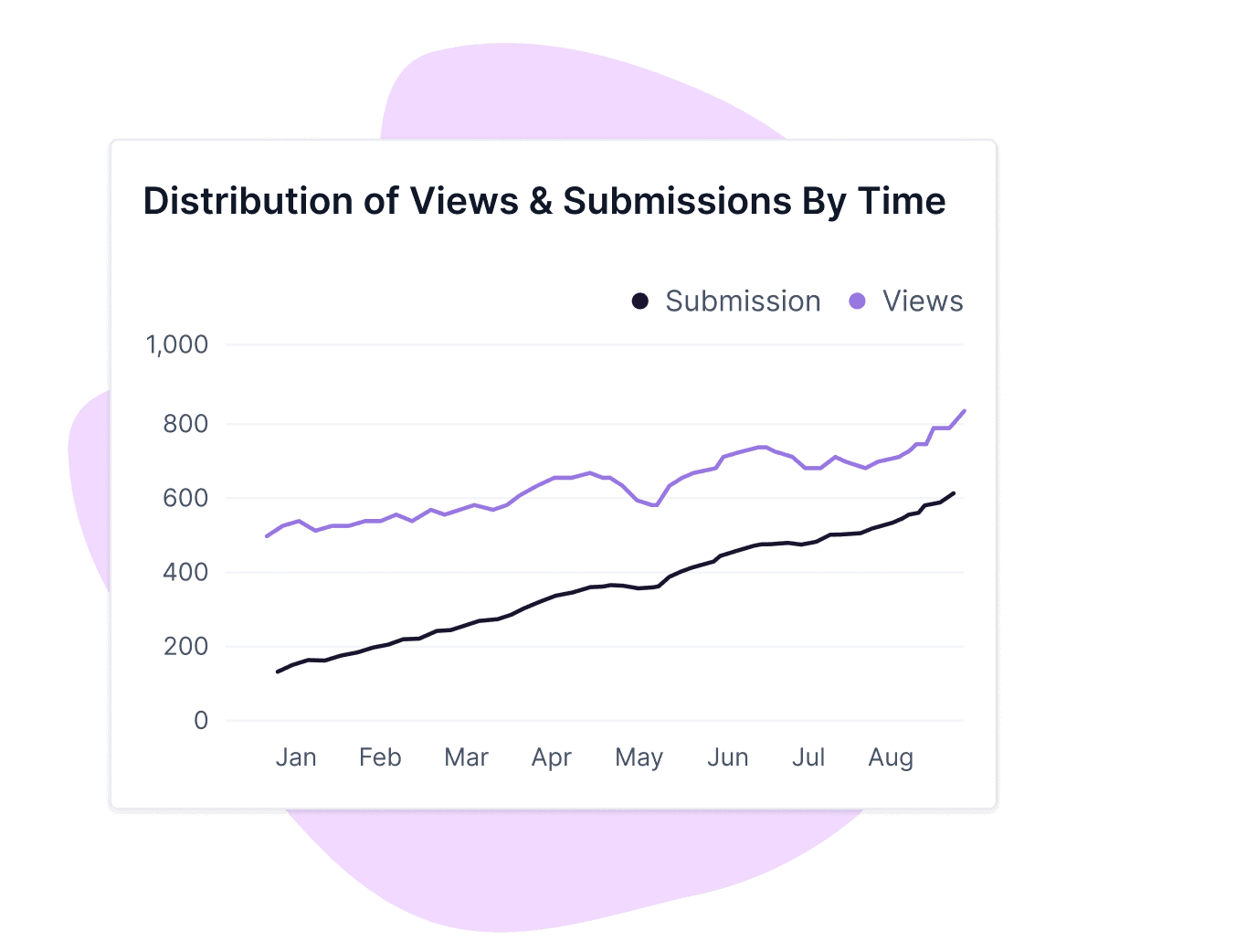
Use the form analytics to track responses and analyze data easily. Know which conditional questions are working and how users engage with your forms.

formester's analytics ui

Order forms that price themselves.

Customers pick options and the form does the math. Tax, shipping, line totals, and conditional fields like "PO number" all resolve as they fill it in.

Rule: Total = Quantity x Unit price. If Country = USA, add state tax. Show "PO number" only when Pay by invoice = Yes.

Application forms that fork by role.

Show only the questions that match the position. Engineers see the technical screen, designers see the portfolio prompt, managers get the team-size question.

Rule: If Position = Engineer, show technical questions. If Designer, require portfolio link. If Manager, ask team size.

Adaptive surveys that go deeper on the bad scores.

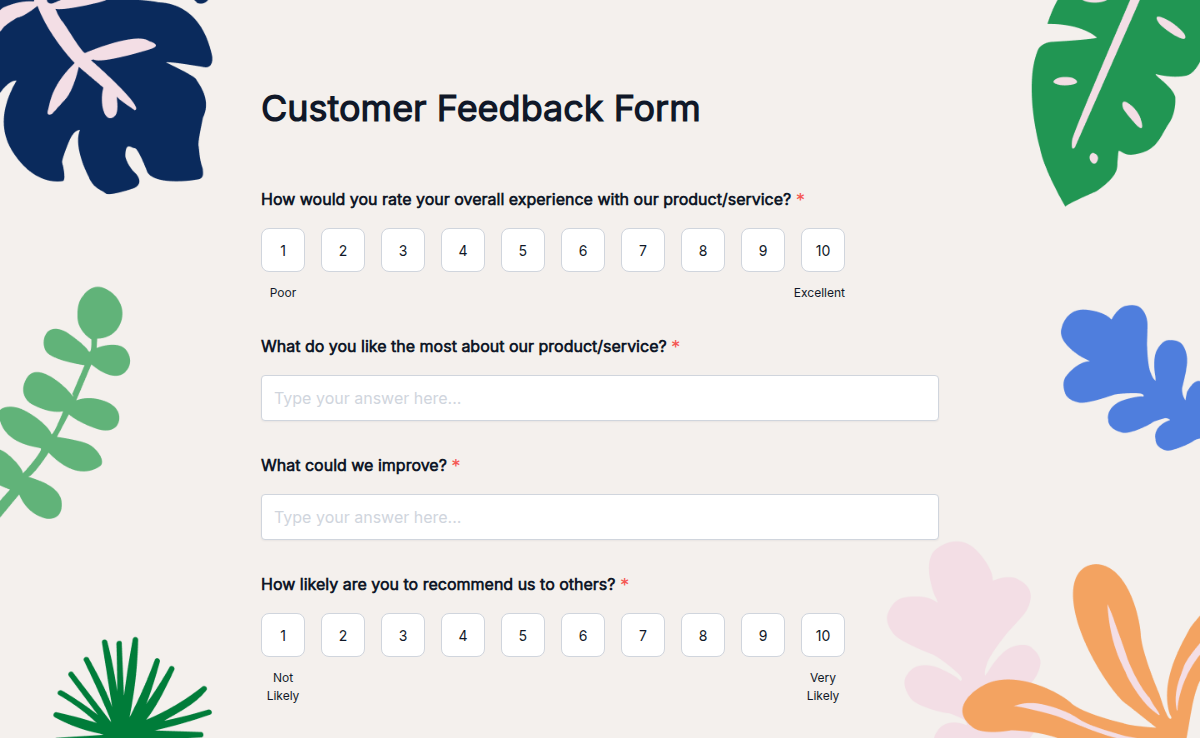
Stay short for happy users and dig in only when something went wrong. Route detractors to your CS lead. Send promoters to the referral box.

Rule: If NPS <= 6, show "What went wrong?" and route to CS. If NPS >= 9, show the referral box and link the case-study page.

Quizzes that branch on the answer.

The next question depends on the last one. Easy mode for beginners, harder follow-ups for power users, scoring that adapts to the path each person takes.

Rule: If Q1 = correct, jump to the harder track. If incorrect, show the hint and re-ask. Tally weighted score by section.

Manual rule-builder Formester AI rule-writer
Time to write a 6-rule form 15-25 minutes the first time Under a minute
Renaming a field with rules attached Hunt every rule, fix each one Re-prompt; the AI rewrites against the new name
Adding a rule to a form built last quarter Re-learn the editor Read the rule out loud, paste, done
Rule preview before publish Yes Yes
Edit a rule the AI wrote Yes, in the same editor Yes, in the same editor
Multi-condition AND / OR Yes, after a few clicks Yes, written as you'd say it
Forms with one rule Manual is fine AI is faster but not by much
Forms with twenty rules Painful Where AI earns the buy
Auditability of complex logic trees Visual flow chart in some tools Plain-English source of truth

The short version. A clickable rule editor is fine when you're writing one rule on one form once. The minute the form gets longer, the team gets bigger, or the field names start changing, the AI rule-writer pays itself back on every change.

Privacy and data

Your form data is yours. We don't train on it.

The prompt you type to describe your conditional logic, the form responses you collect, and the rules the AI generates from them are all Customer Data. Per Section 4.4 of our Data Processing Addendum, Formester does not use Customer Data to train AI models, run advertising, run analytics, or feed marketing. The Google Gemini integration that powers the rule generation inherits the same boundary.

Your account is encrypted at rest, your form responses move over TLS, and payment data carries an additional AES-256 layer through Stripe. We are GDPR, UK GDPR, and CCPA compliant. We are not SOC 2, ISO 27001, or HIPAA certified yet, and we say so on the security page rather than implying otherwise.

Free Online Form Templates

Get started quickly with ready-to-use form templates for different use cases. Customize each template to match your needs and create professional forms in minutes.

Costanza Casullo

Volunteer

Deepika K

Business Development Executive

Alex

Customer Success Manager

Ready to build your perfect form?

Get access to advanced AI, unlimited forms & more. See pricing for more details.

FAQ

FAQs

Find answers to common questions below, or reach out to our team for more help.

Logic that lets a form react to what's already been answered. The form decides which fields to show, which pages to skip, when to require something, what to calculate, and where to send the response, based on rules you define.

Create your form, choose fields, and set rules based on user responses. With Formester, you can use AI to automatically generate conditional logic and build smart forms quickly.

Yes, you can add branching questions that guide users through different paths based on their answers. This helps you collect accurate and structured responses.

Yes, Formester provides ready-to-use templates for different use cases. You can customize them and add conditional logic to get started faster.

Show or hide a field, skip a page, make a field required, filter the choices in a dropdown, calculate a value, and route the email or redirect on submit. You can stack them with AND / OR

No. Describe the rule in one sentence. Formester's AI translates it into the rule editor. You can also build rules manually in the same editor.

Yes. Every rule the AI generates appears in the standard rule editor. Open it, change the condition, change the action, save.

Yes. Skip-page rules jump past sections that don't apply, based on previous answers.

Yes. Multiply, add, percent, conditional totals. Common cases are quantity × price, score-based outcomes, and tier-based discounts.

Yes. Route submissions to different inboxes, change the email body, or redirect to a different thank-you page based on the response.

Yes. Import from Google Forms, Microsoft Forms, or Typeform; paste a list of questions; or upload a PDF. Then describe the rules.

Conditional logic is on the Personal plan and above. The Free plan covers form building and AI form generation; rules ship from $12/month

No. Customer data isn't used for training, advertising, marketing, or analytics, per Formester's DPA.

No hard limit. We've seen forms with 80+ rules running cleanly. We'd recommend stress-testing anything past 50 rules in preview before publish.

Yes. Conditional logic runs the same on desktop, tablet, and mobile. Forms reflow responsively.