Legally binding signatures
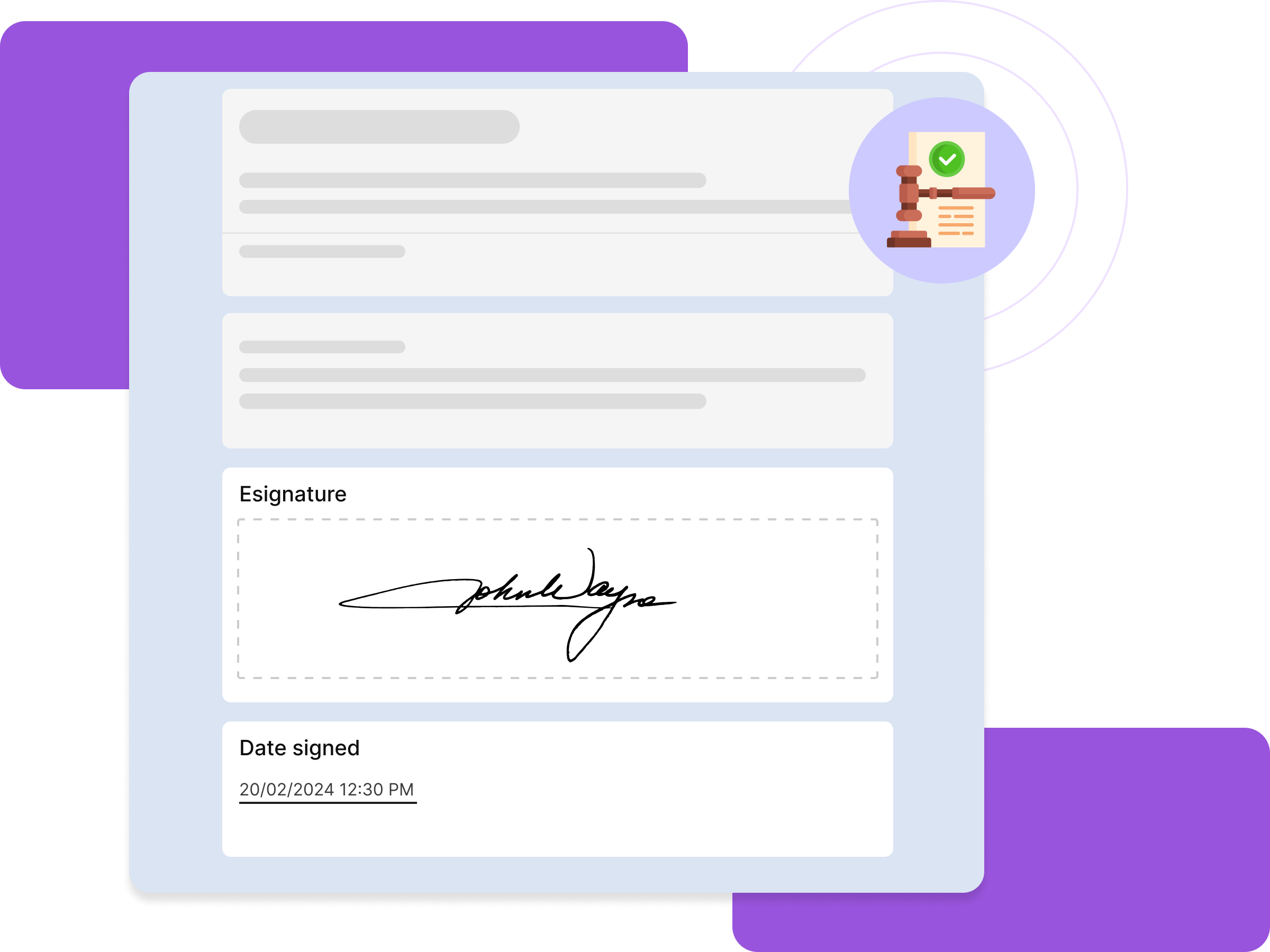
Formesign ensures that signatures collected through Google Forms are legally enforceable, meeting electronic signature regulations
Collect multiple signatures
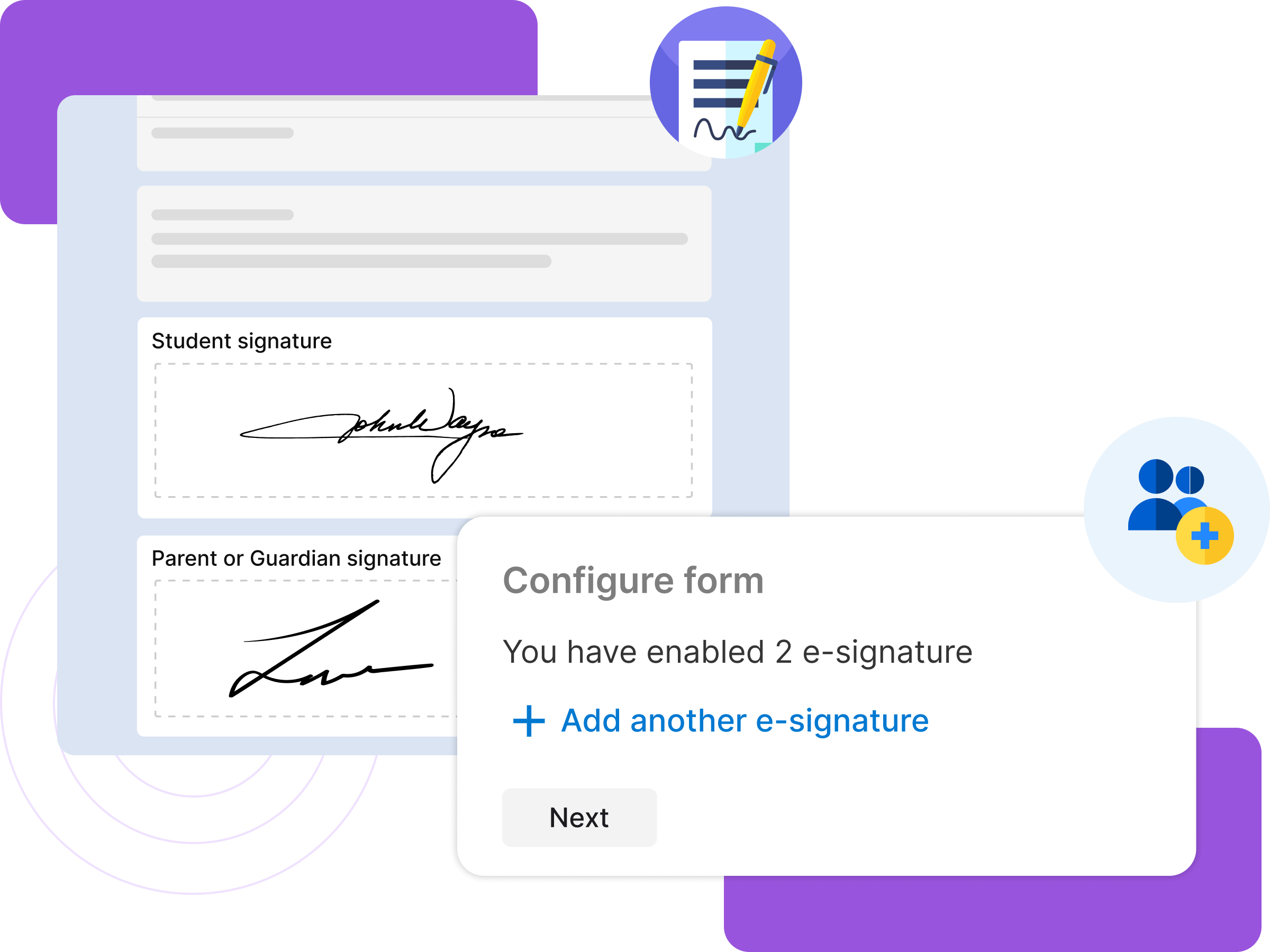
Incorporate additional signatures for witness, guardian etc, ensuring all necessary parties sign the document before form submission.
Google drive integration
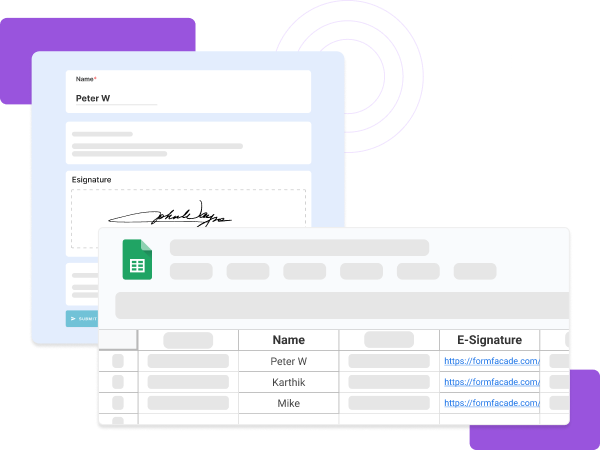
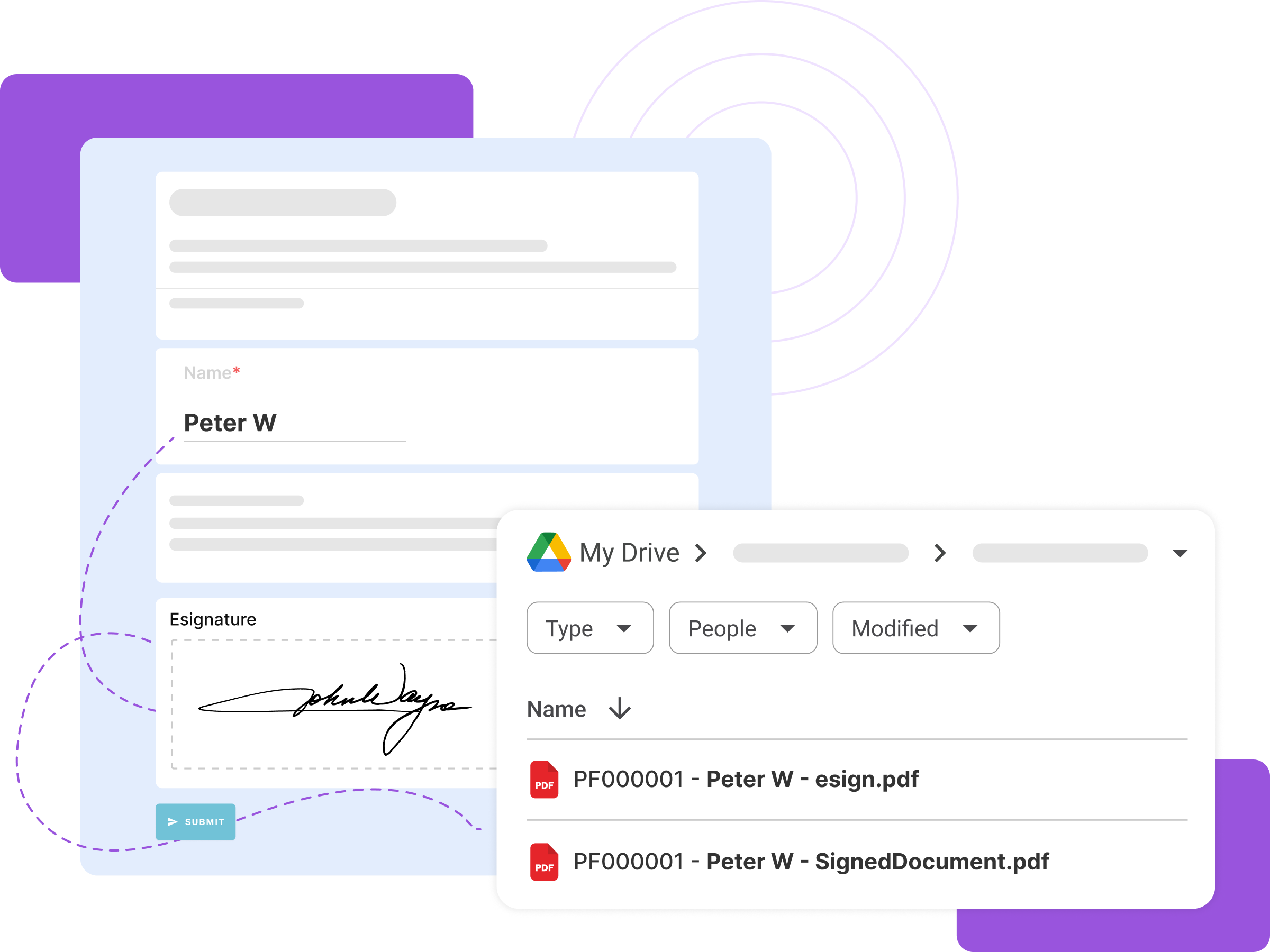
Automatically convert the form responses into signed pdf files and sync them to your Google Drive folder when the user submits the form
Email signed forms
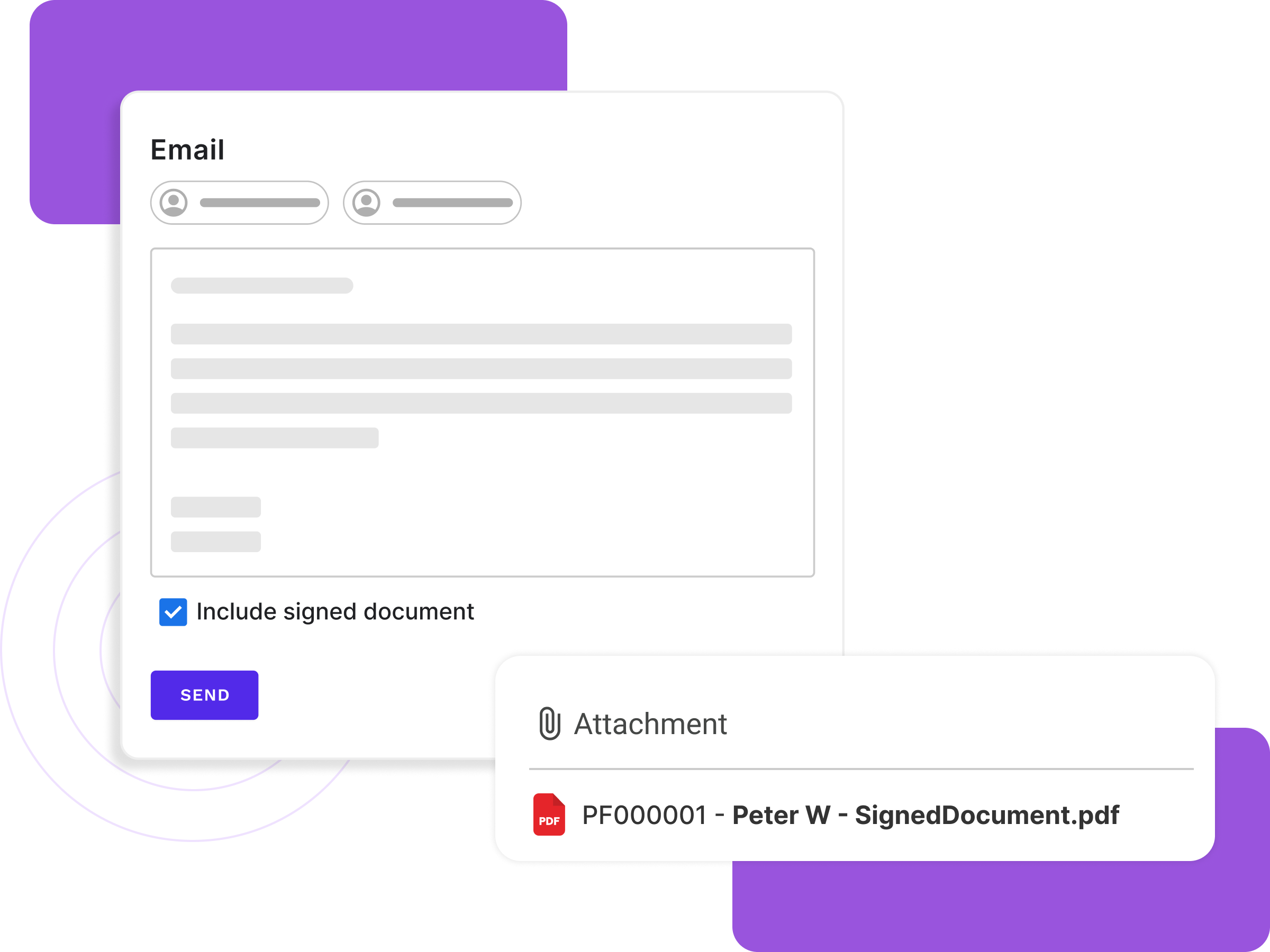
Send customized emails with signed pdf files to respondents & collaborators for seamless communication and record-keeping
Seamless signing experience
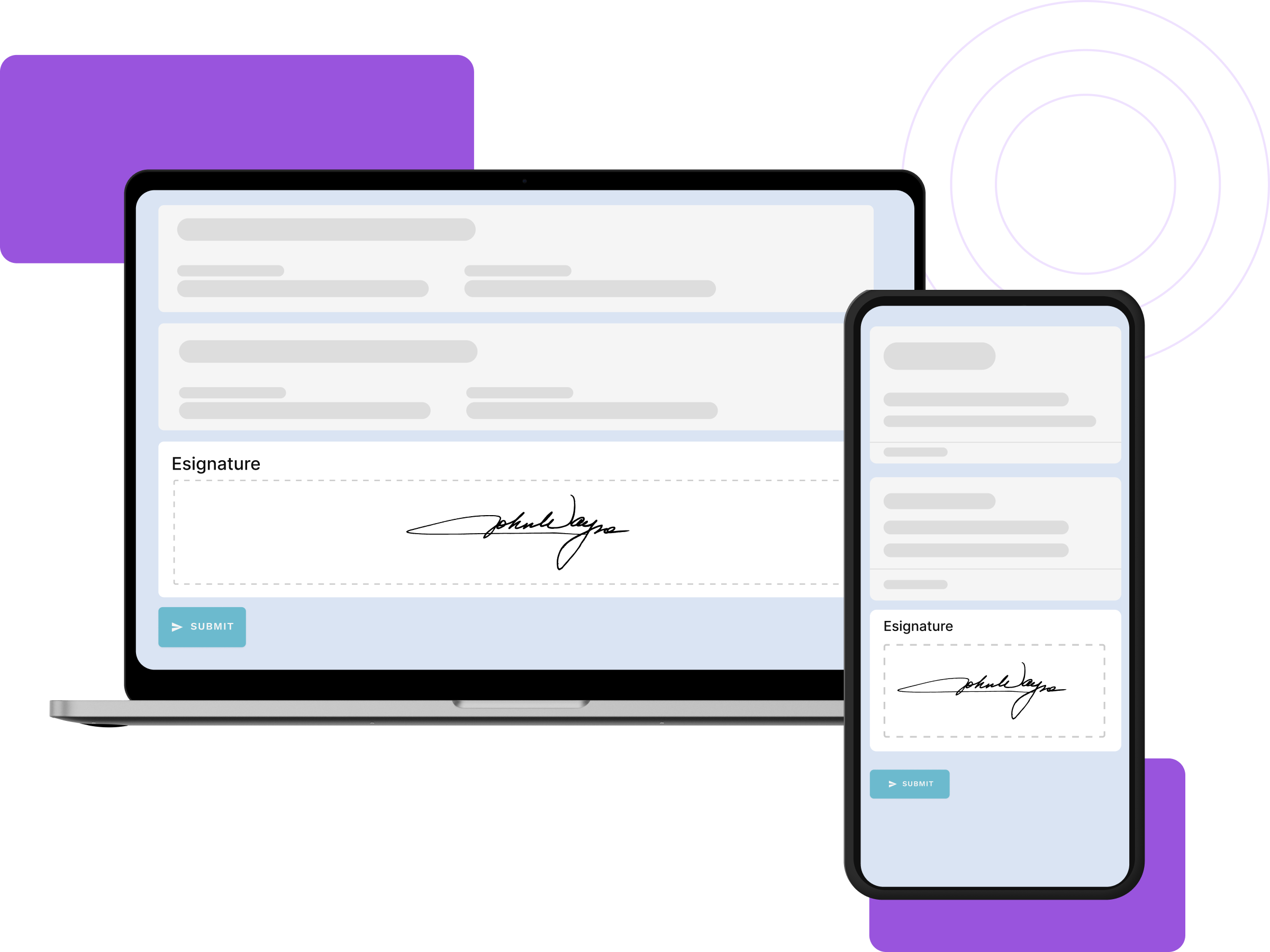
Easily sign forms on any device, including mobiles and tablets, for convenient, secure and accessible signing experience