The TIGHT AS HELL proof is in the computer PRINT YOUR HEART OUT
Font proof with Hellbox, a Mac app for type designers. It watches your Glyphs file, builds real PDF proofs, and updates the moment you save. You just keep drawing.
Download for macOS
Built for macOS 14 (Sonoma) and later. macOS 12 and 13 in beta.
Works with Glyphs 3 and 4. RoboFont and FontLab support in beta.
🙏
Trusted by leading foundries and designers around the world
Save in Glyphs. See it in your proof.
Hellbox connects directly to Glyphs. Move a point, adjust your spacing, toggle a feature. It shows up in your proof before you can put your coffee down. Save your Glyphs file and your proof is already looking back at you.
What you see is what you print.
You're working on the actual PDF the entire time. Not a preview that kind of looks like one. Swap a font, adjust the spacing, add a section. Already updated. Print whenever.
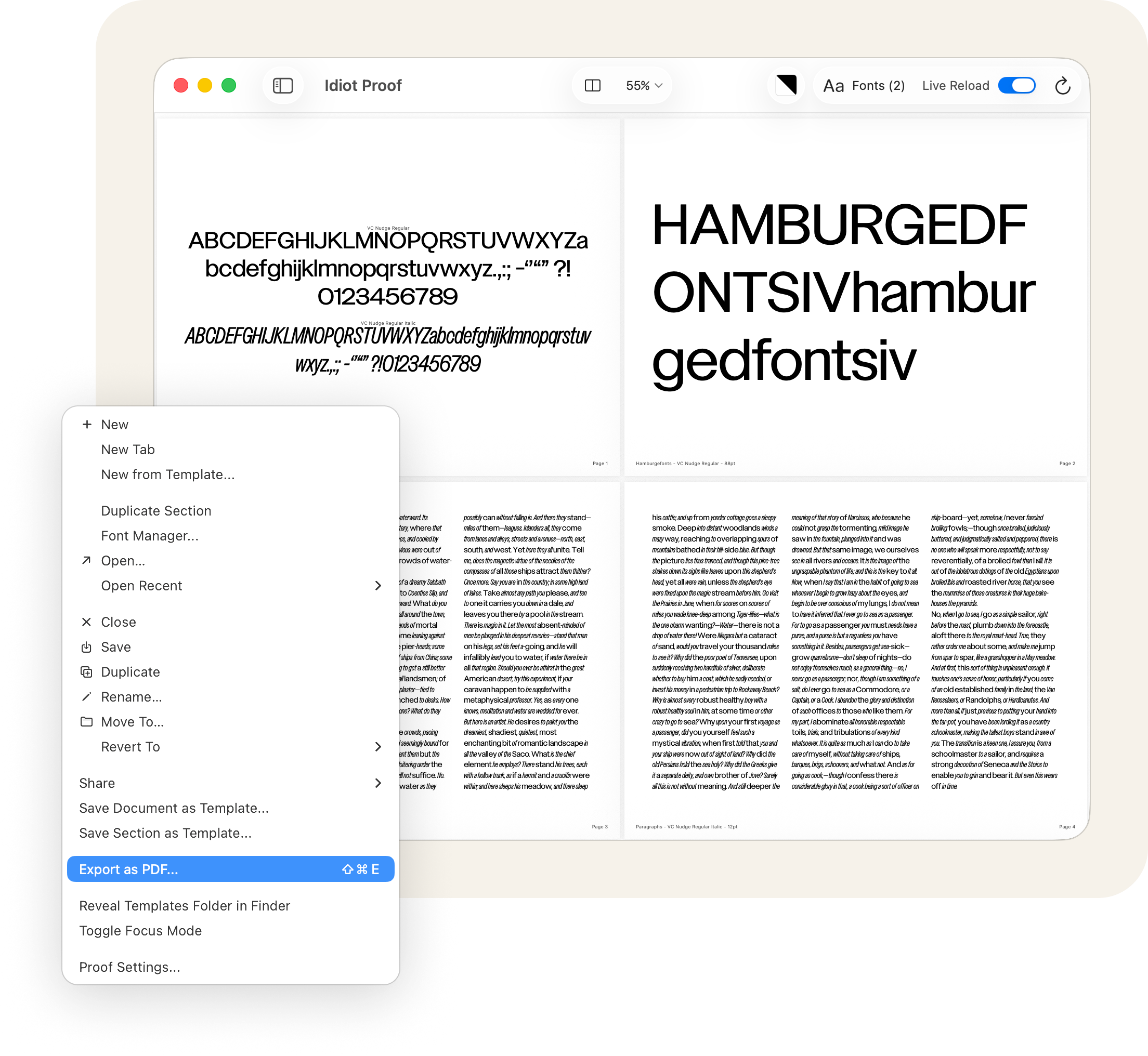
A proof for every kind of staring.
Waterfalls, glyph sets, columns and rows, compare styles, simple text, and markup annotation. Each one built for a different kind of looking. Because you don't evaluate kerning the same way you evaluate texture.
Bring your own text.
Link a .txt, .rtf, or .md file to any section or grid cell. Edit the file, the proof updates. You can finally stop pasting the same kerning string into every document you open.
Mix fonts in the same paragraph.
Auto mode distributes fonts across your text by weighted probability. Great for testing how a family reads in running copy. Manual mode lets you tag exact ranges with specific styles. Either way, you'll know fast whether your roman and italic are getting along.
Columns and rows. Then merge them.
Chop the page into a grid, then combine cells until it reads like a specimen spread. Every cell can run its own font, size, and text, or inherit from the section and behave. Complex layouts without a detour through InDesign.
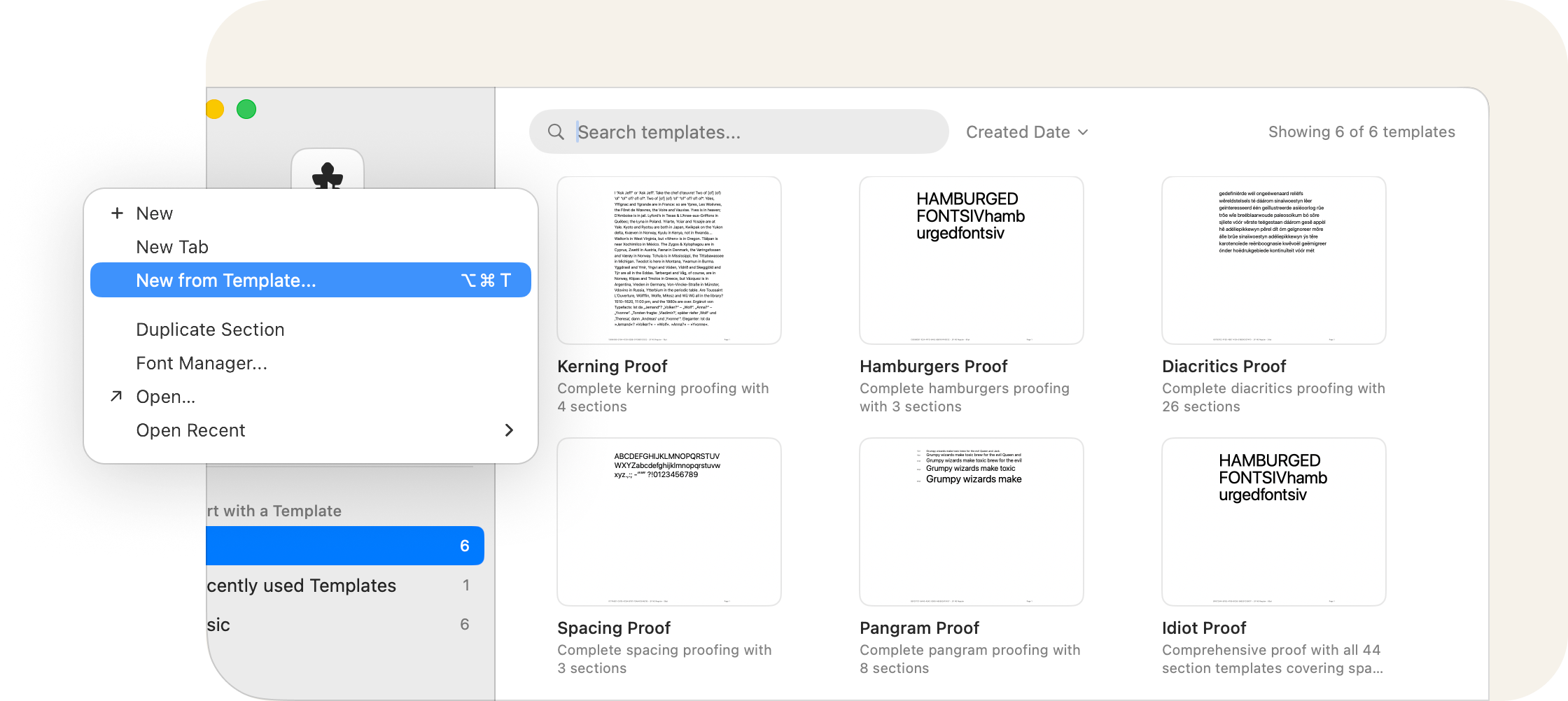
Save the proof. Swap the font.
Pangrams, spacing tests, kerning pairs, diacritics for 26 languages. All built in as section templates. Proof templates save everything else: sections, fonts, settings, page size. Build your proof once, drop any font into it later.
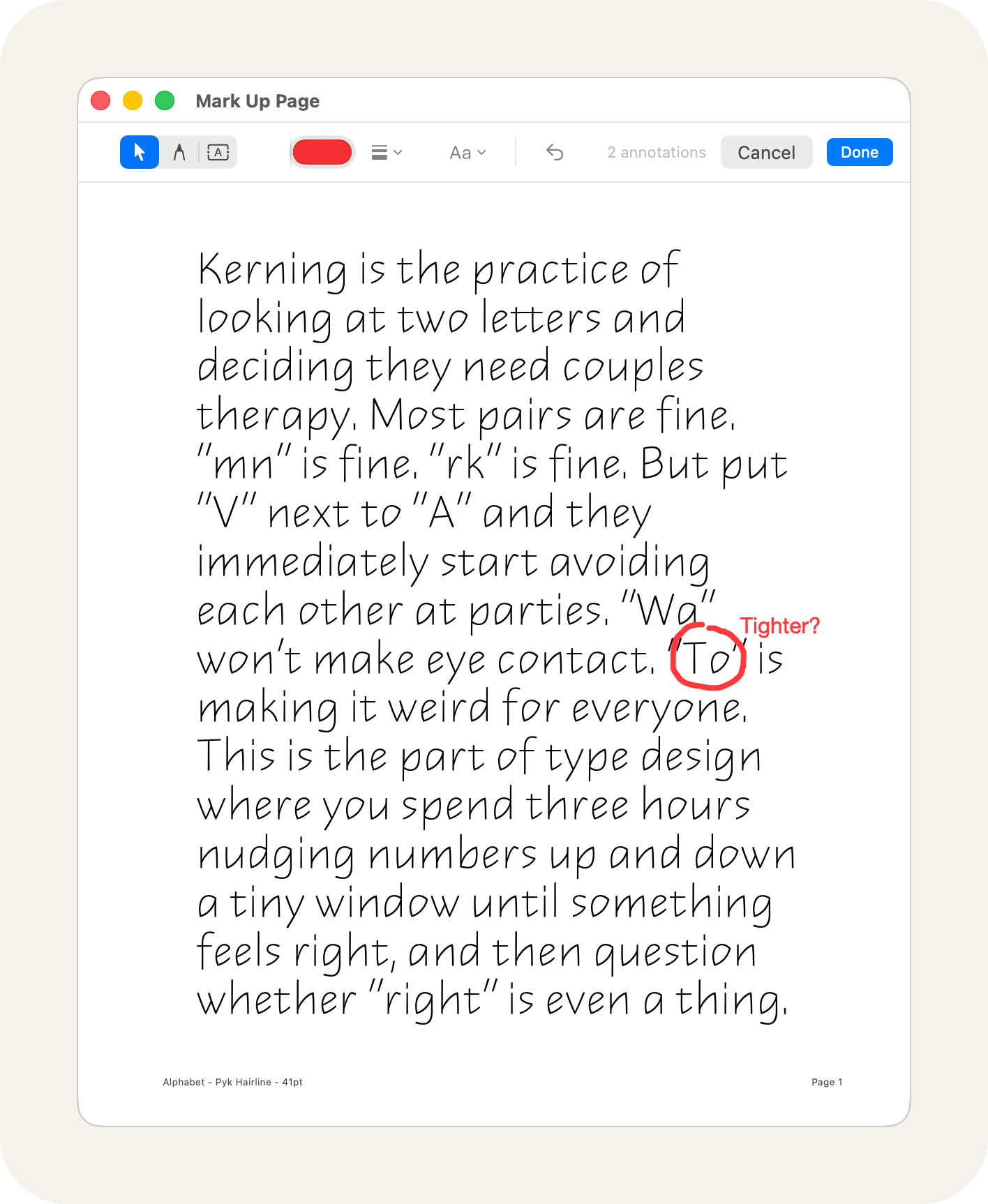
If you give a shit about trees.
Freeze a PDF snapshot and mark it up right there. Freehand pen, text annotations, adjustable colors and stroke widths. Your notes live inside the proof file, not on a Post-it stuck to your monitor.
Ask the printer's devil.
Hellbox ships with a built-in MCP server, so AI assistants like Claude can build and edit proofs for you. Ask in plain English for a waterfall, a kerning gauntlet, or the whole specimen, and the pages appear in your open document. One click to enable. No terminal, no config files.

Make a proof for Urushi that stress-tests vertical CJK
Waterfall Gooper Italic, 8 to 96 point
Glyph set of what's drawn so far in Goiters Condensed
Hamburgefontsiv in Boxout Black, big
Compare all three Tiki Baby weights
Lowercase pangrams for Tiki Baby Casual


Pay once. Proof forever.
$100 one time
No subscription. No seats. No nonsense. Buy it once, own it forever, and keep proofing while you draw. Every update is included.
Download for macOS
Try it free for 14 days, no card needed. When you're ready, buy your license right inside the app. Requires macOS 14 (Sonoma) or later.
Are you a student? Email jake@hellbox.com for a discount.