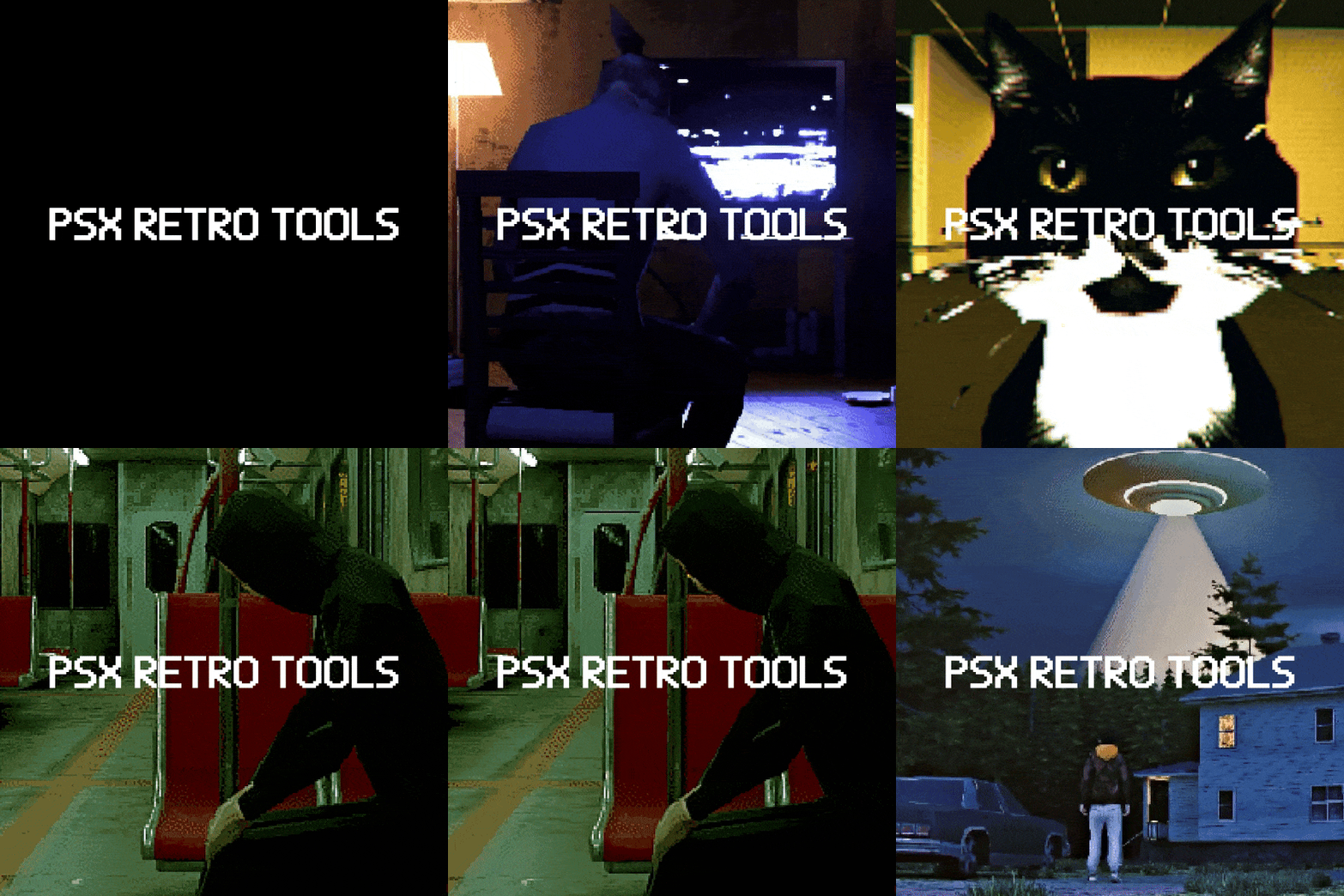
Turn Blender scenes into convincing PlayStation 1-style visuals in minutes
PSX Retro Tools is a free Blender addon for artists and indie developers who want low-poly, low-resolution, dithered, unstable retro graphics without building the whole setup from scratch
Who it’s for
- 3D artists
- indie game developers
- retro horror creators
- stylized animation tests
- anyone chasing real PS1-era visual flavor
Why use PSX Retro Tools?
Because PS1-style visuals are not just about low resolution
You also need the right mix of geometry simplification, texture handling, wobble, snapping, dithering, and post-processing
This toolkit puts those building blocks in one place so you can get results faster and iterate visually inside Blender
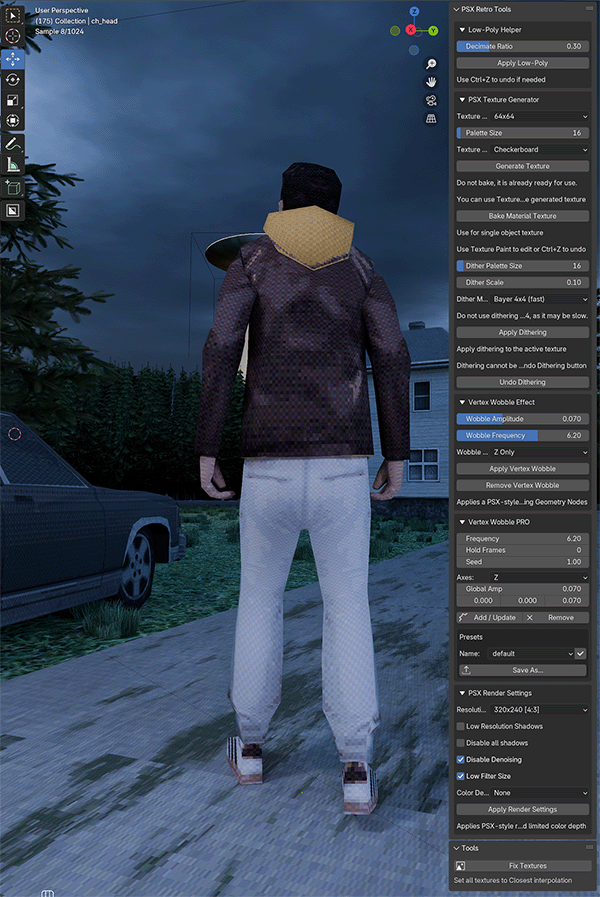
Features:
-
Low-Poly Simplifier — Automatically decimate and triangulate meshes for authentic PSX aesthetics
-
Low-Resolution Texture Baking — Bake all object materials into a single low-res texture, preserving UV layout and palette
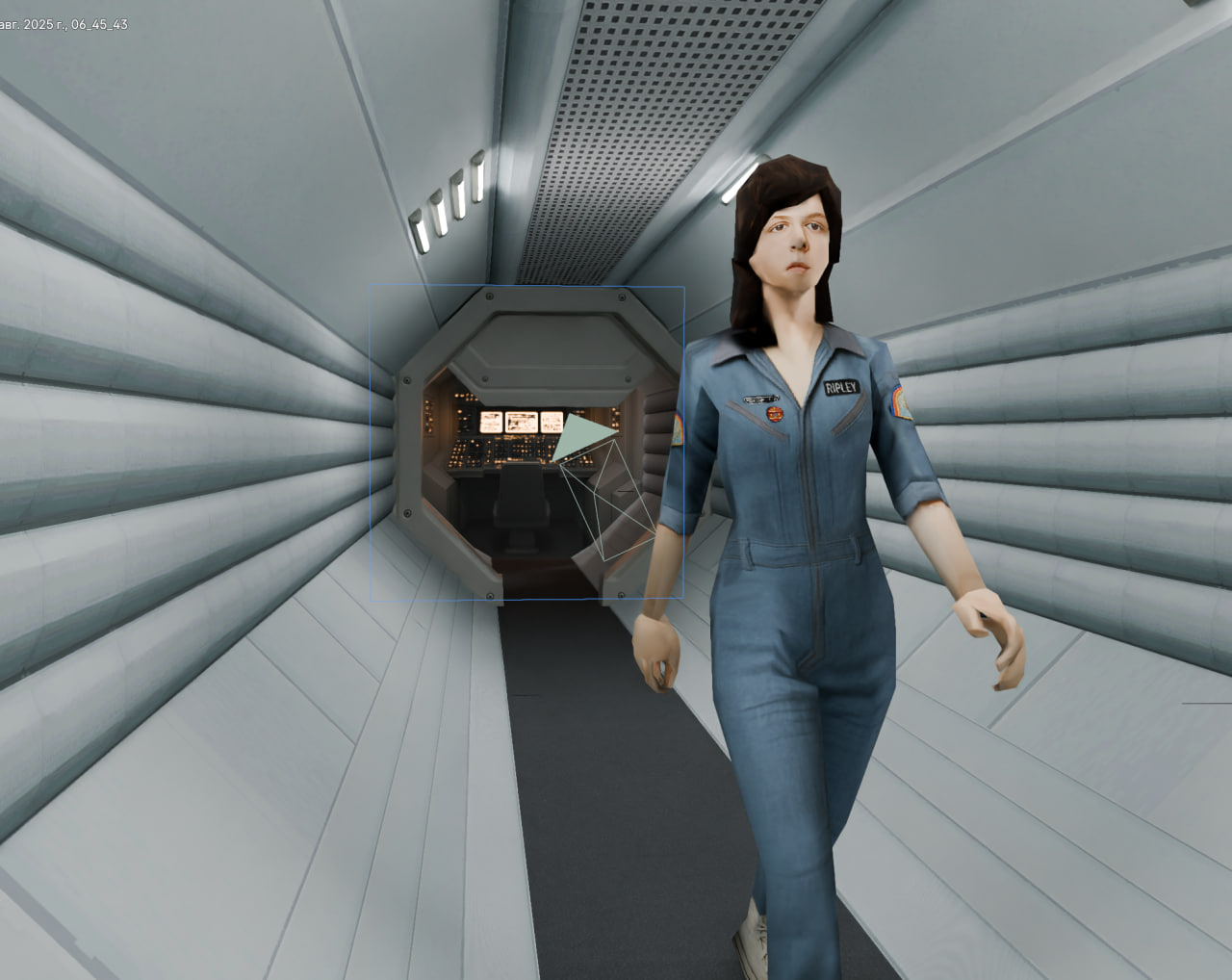
- Texture Generator — Generate base textures (checkerboard, gradients, for texture painting) with limited color palettes
Color Dithering — Bayer, Floyd–Steinberg, Atkinson, and more, with adjustable scale
-
Vertex Wobble — Geometry Nodes–based vertex jitter effect in the style of PS1
-
Vertex Wobble PRO — Hold frames, axis selection, per-axis amplitude, presets, instant modifier sync
-
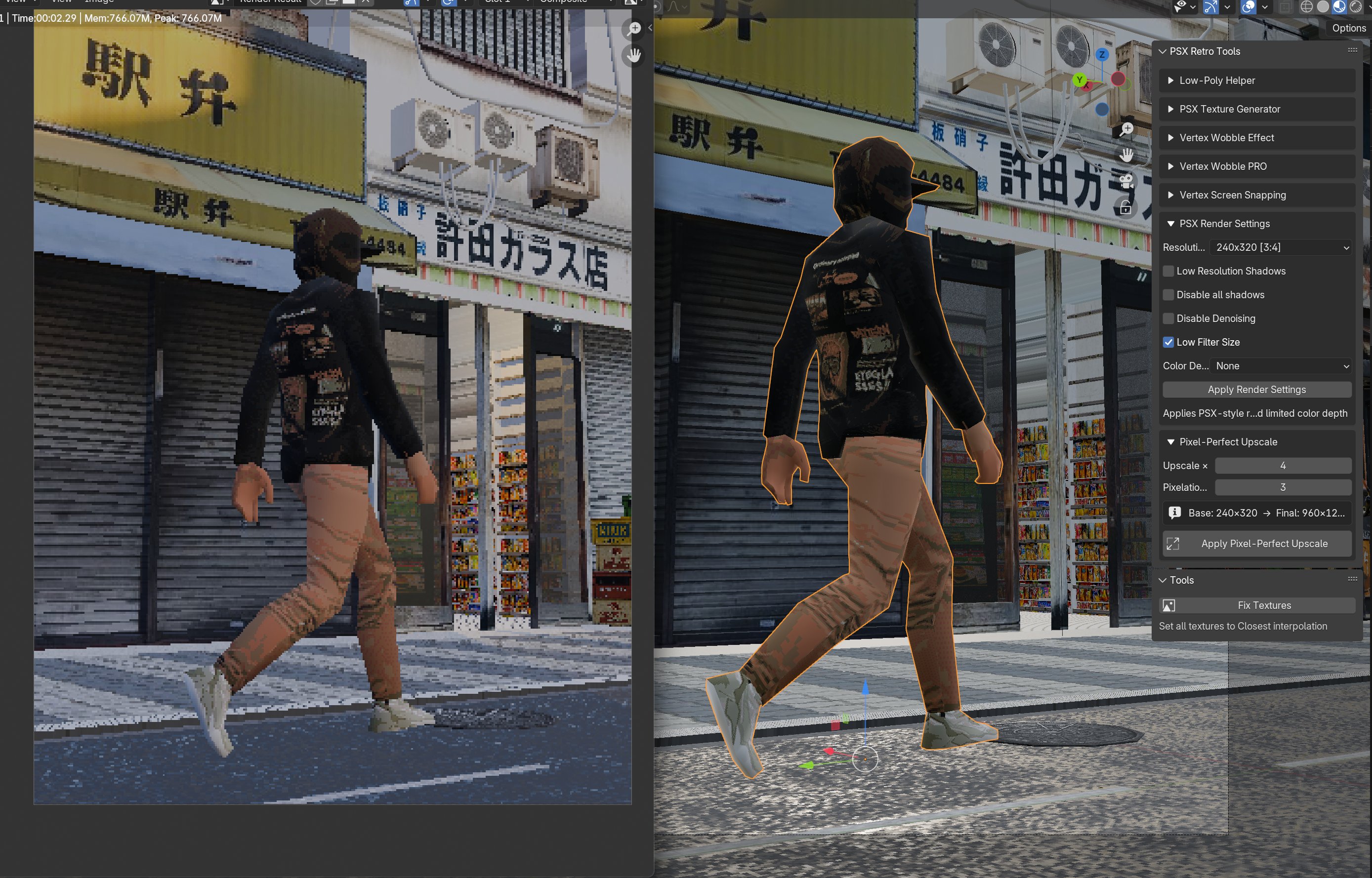
Shadow Controls — Low Resolution Shadows mode and full shadow disabling
- Vertex Screen Snapping — True vertex snapping effect
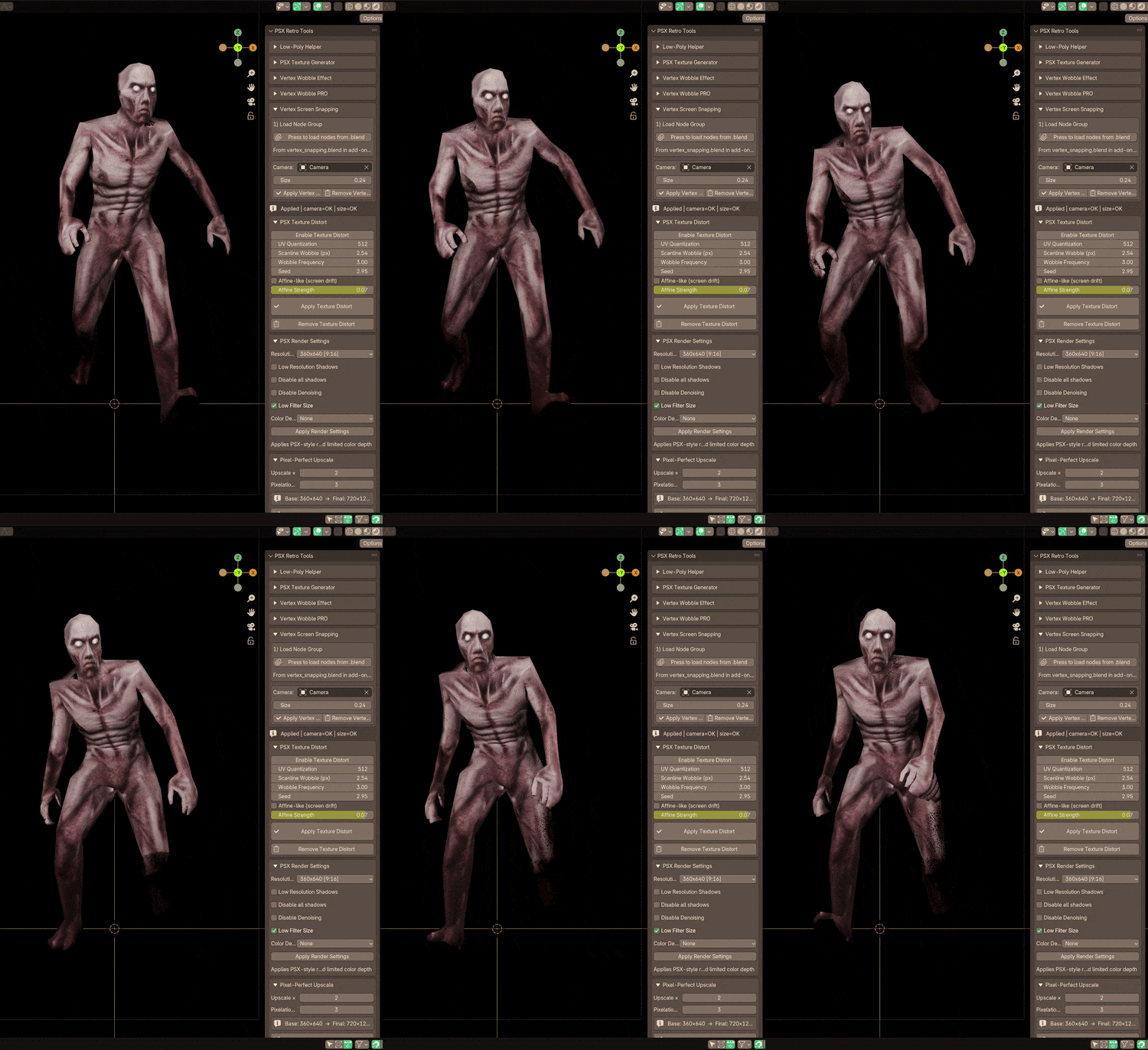
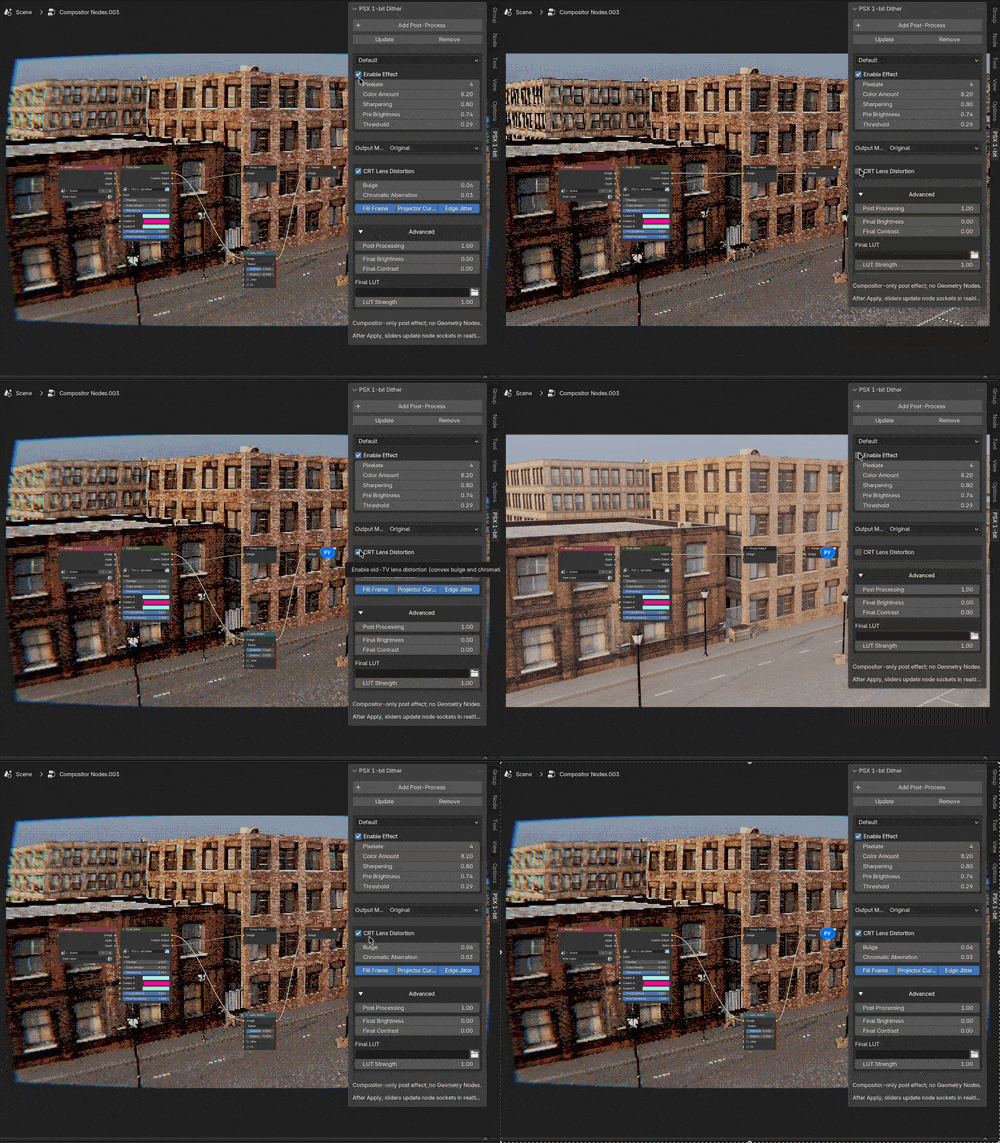
Render Presets — Quick PSX resolution presets, color depth options, AA toggle
Pixel - Perfect Upscale
Texture Distort
Download it, try it on one scene, and if it helps your workflow:
leave a rating
post your result
share your feedback in the comments
Featured by:
80lv x Creative Bloq
Featured in Garbaj’s “P S 1 G R A P H I C S” using PSX Retro Tools
Install instructions
Dependency:
You need to install Pillow, this library is required for the PSX Texture Generator function:
Run blender as administrator!
- Download
psx_tools_dependency_installer.py. - In Blender: Edit → Preferences → Add-ons → Install…, select the file, click Install Add-on.
- Search for PSX Tools — Dependency Installer and enable it.
- In 3D View, press N → PSX Retro tab → Dependencies panel.
- Check status:
- ✅ OK — installed.
- ❌ Not installed — missing.
- Click Install NumPy, Install Pillow, or Install/Update All.
- Wait until the log says finished and a popup asks to restart Blender.
- Restart Blender.
- Install PSX Retro Tools
Addon:
1. Download psx_addon.zip
2. In Blender: Edit > Preferences > Add-ons > Install
3. Enable 'PSX Retro Tools' from the list
FAQ
What Blender versions are supported?
Blender 4.3 to 5.0.
Do I need dependencies?
Yes. Some features require Pillow / NumPy. Use the Dependency Installer on this page.
Using Blender Steam version?
Please read the separate install guide below
https://fawkek.itch.io/psx-retro-tools/devlog/1060488/blender-steam-how-to-insta...
The addon says dependencies are missing
Run the Dependency Installer, restart Blender, and check the Dependencies panel again.
Where can I ask questions?
Leave a comment here or join:
[Telegram @fawkes/ X @fawkek_obj]