Align and crop your portraits perfectly
About
FaceCrop helps you align multiple portrait photos by detecting faces and suggesting optimal crops.
FAQs
Coming soon - Common questions and answers about using FaceCrop.
Privacy
Your photos never leave your device. All processing happens locally in your browser. Read our privacy policy.
How does it work?
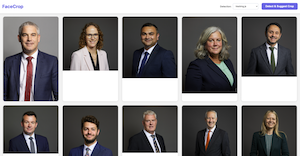
1. Detect
After uploading your photos, click on "Detect & Suggest Crop".
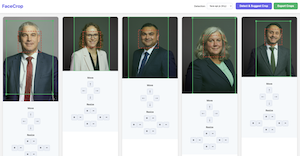
2. Adjust
Adjust the crops using the UI controls.
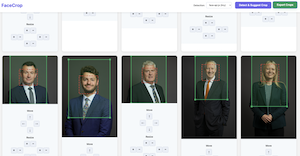
3. Export
Export and enjoy your cropped portraits.