Pi Session Manager

2 min read Original article ↗

Open Source · MIT Licensed

Your Pi Sessions,
Beautifully Managed

Browse, search, and manage your Pi AI coding sessions across every platform. Full-text search, tree visualization, dashboards, and more.

Get StartedGitHub

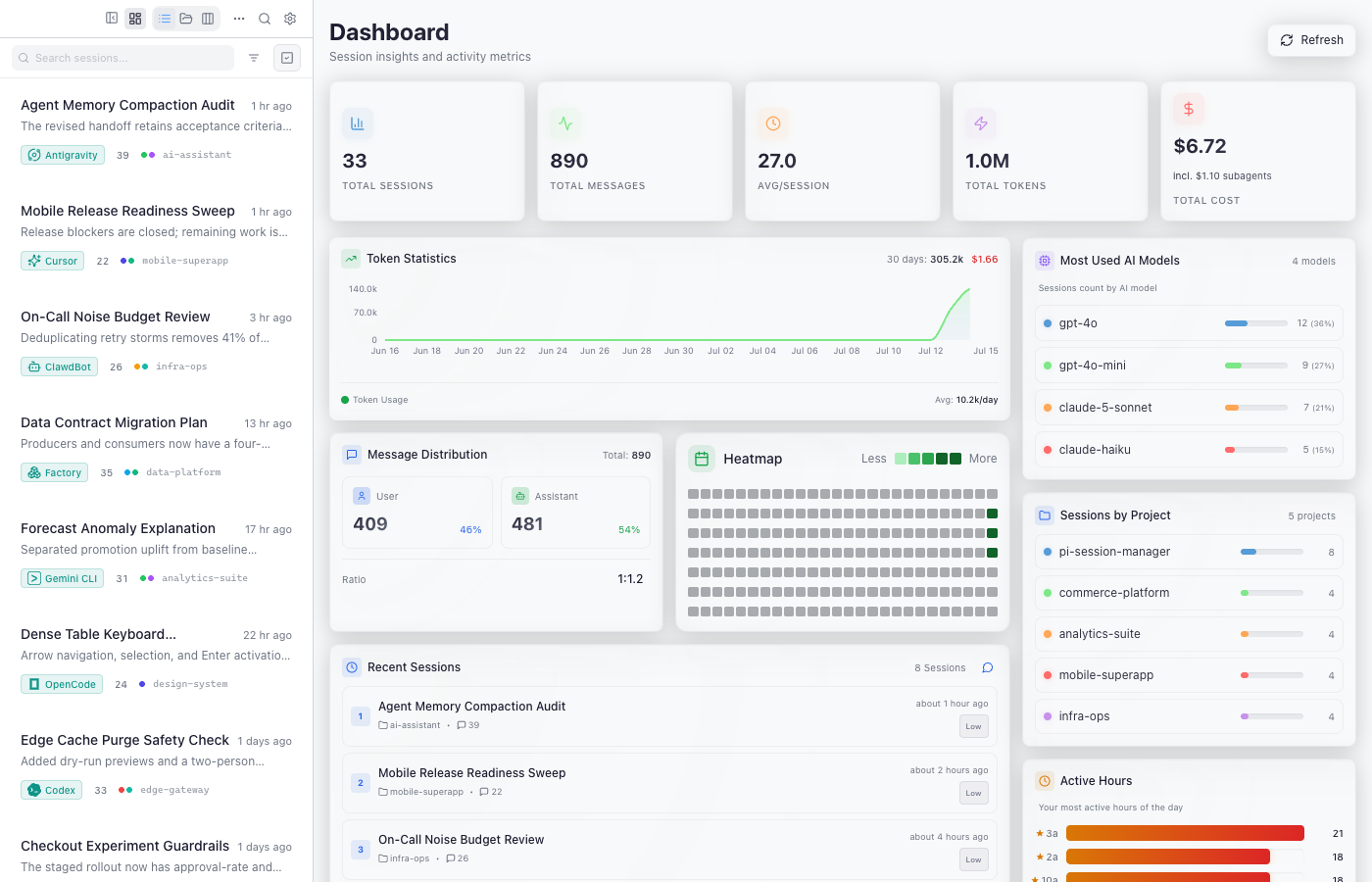
Pi Session Manager screenshot

Everything you need

A complete toolkit for managing your AI coding sessions

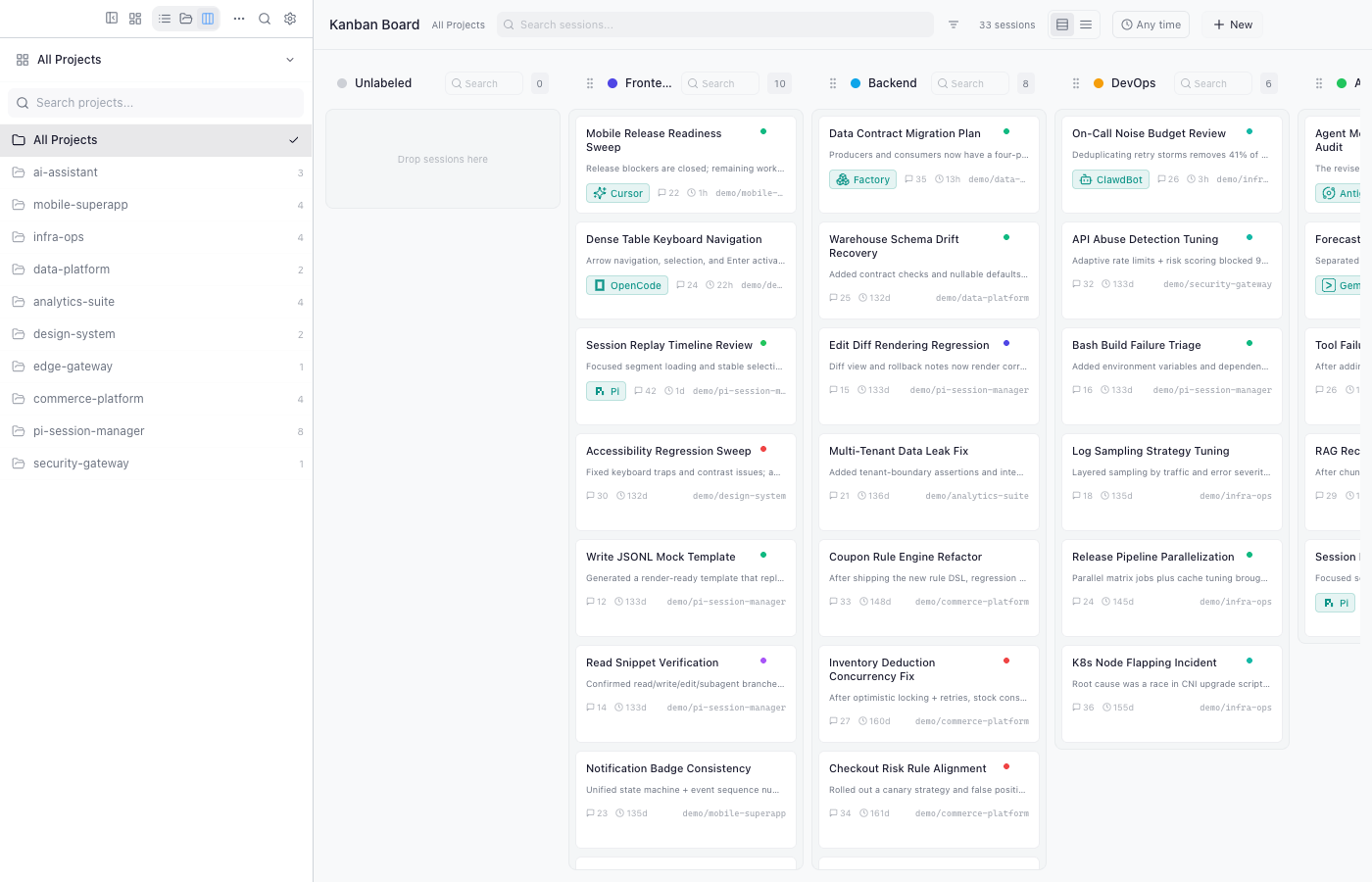
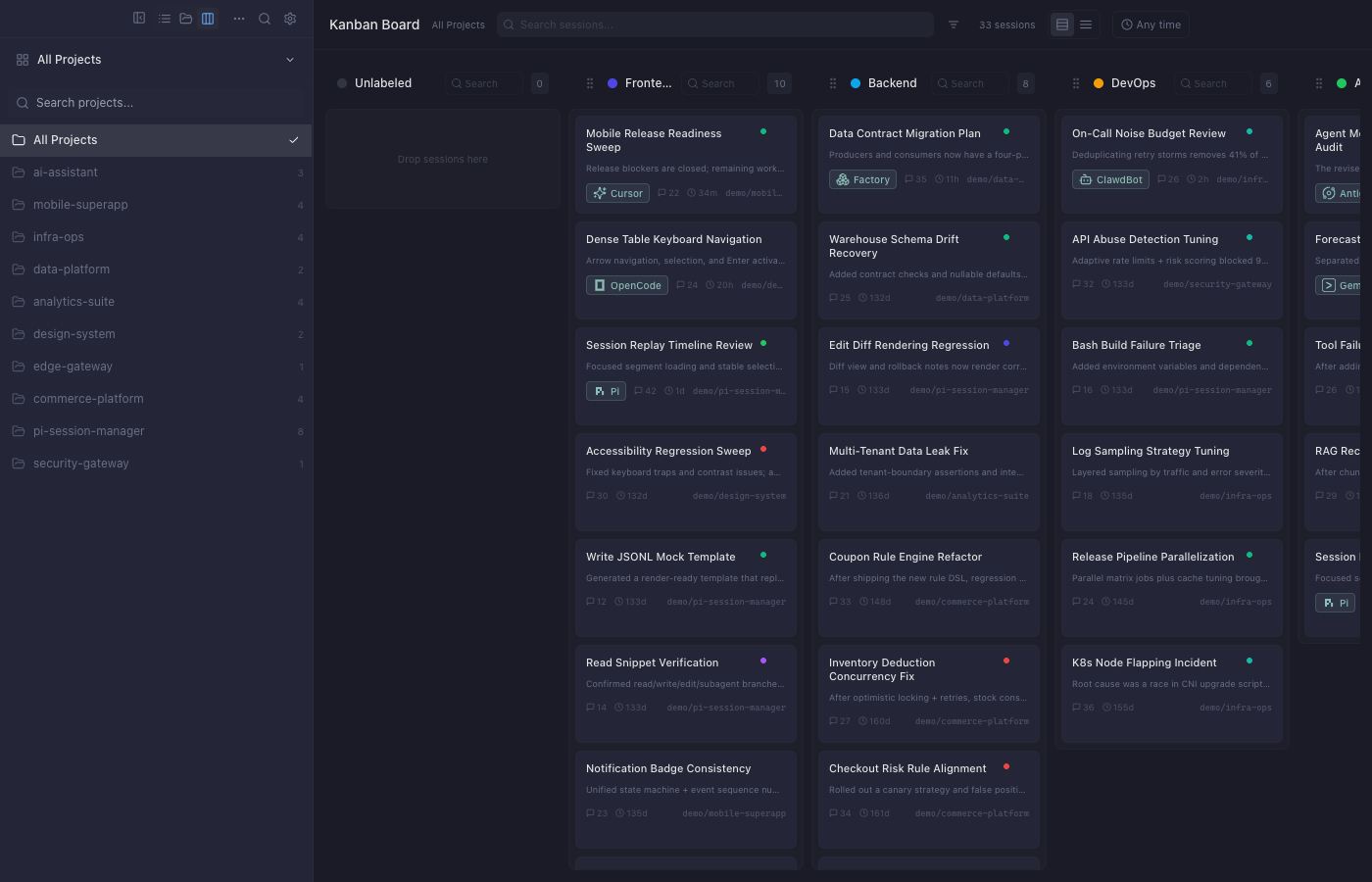
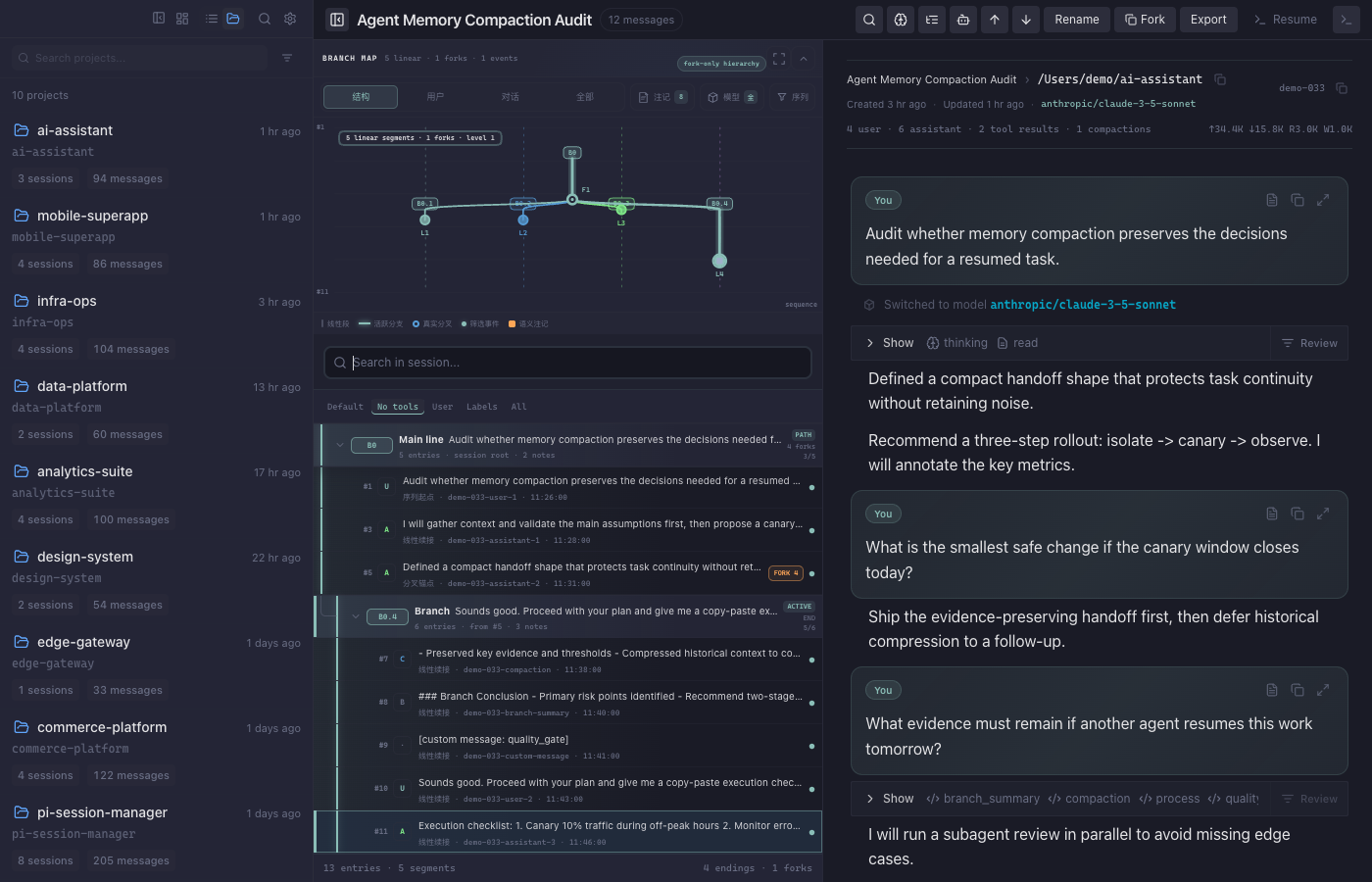
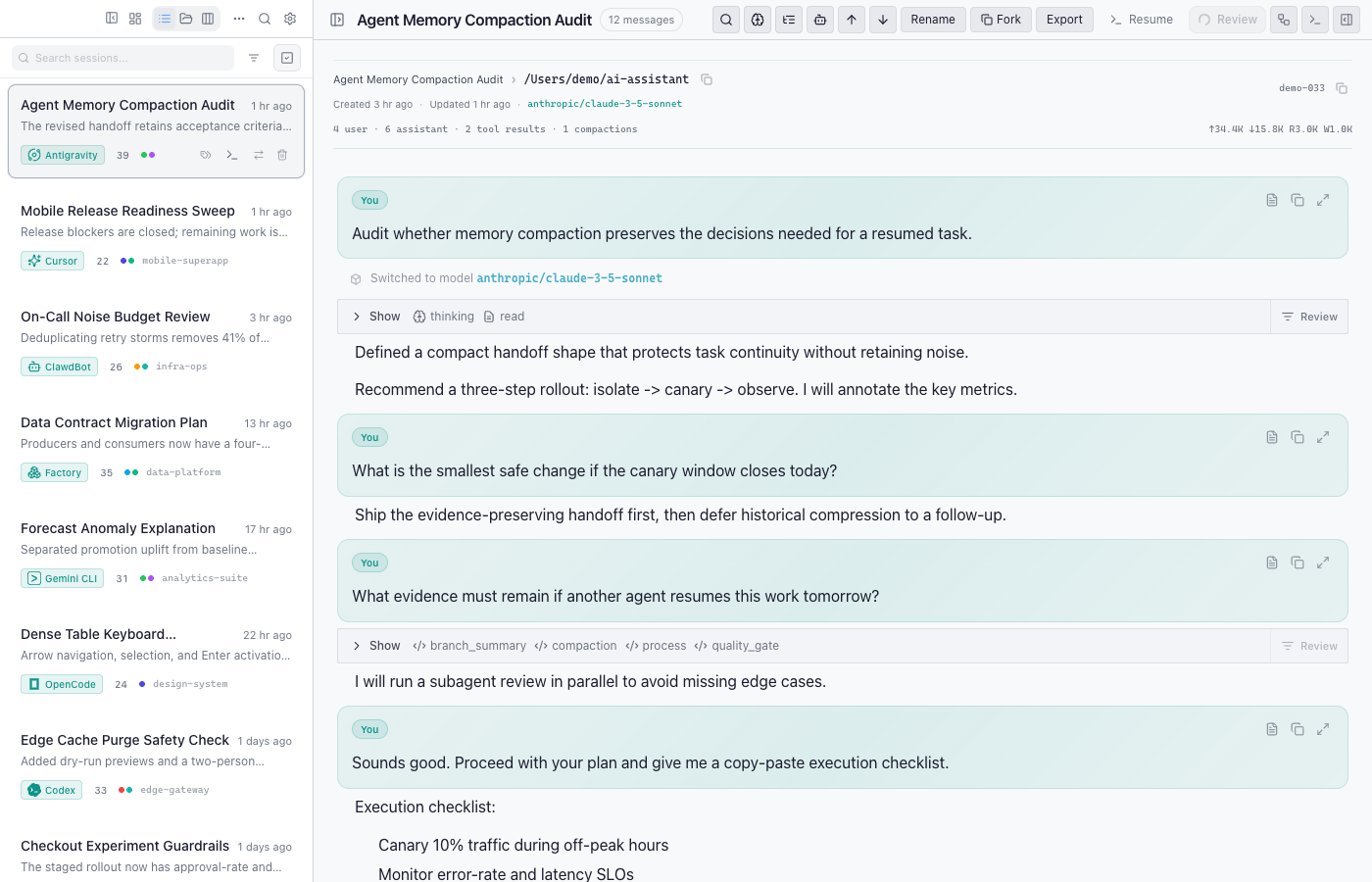
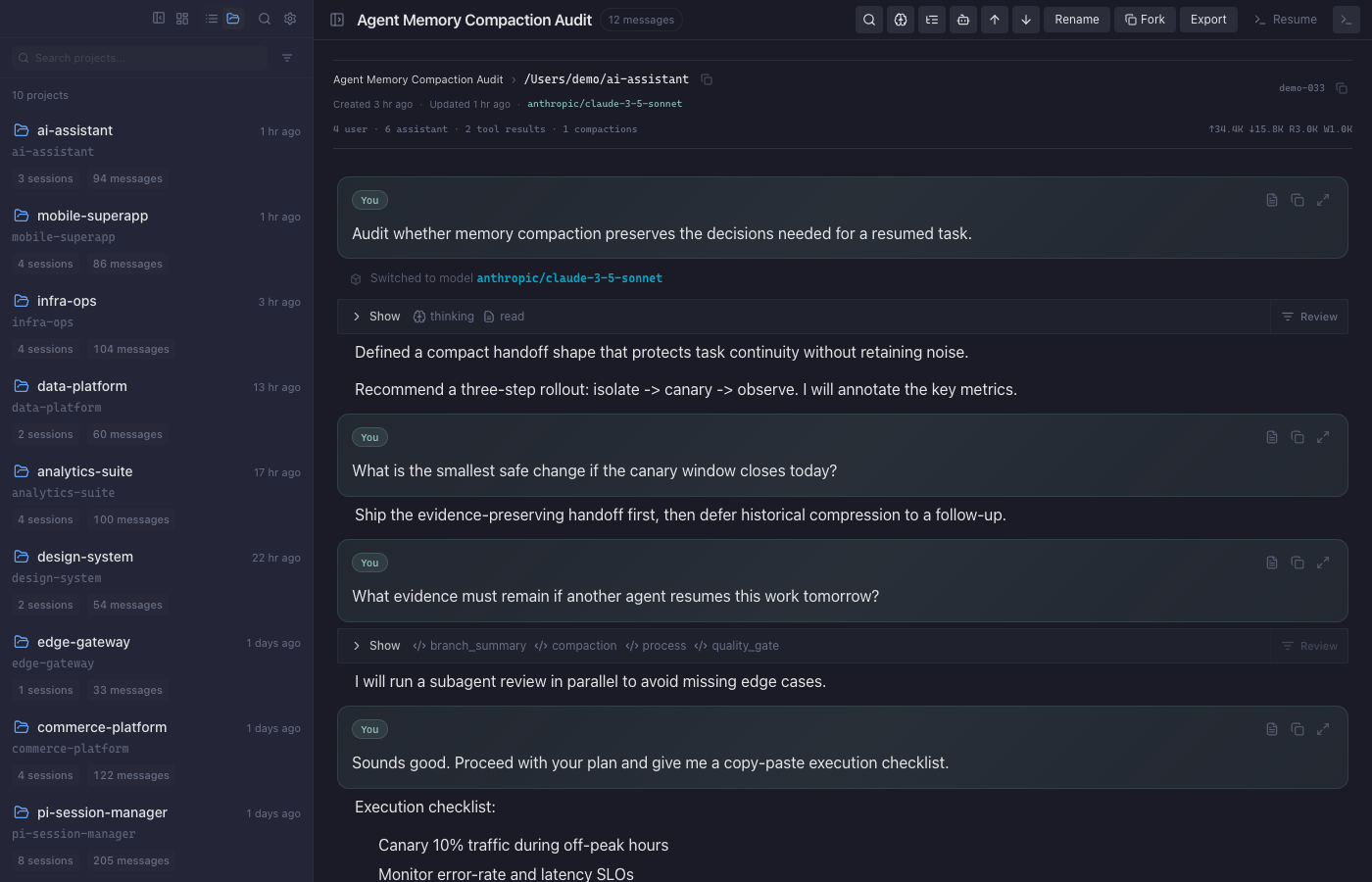
Multi-View Browser

List, project, and kanban views to organize sessions your way. Filter by tags, search, and sort.

Full-Text Search

SQLite FTS5 powered search across all sessions with normalized indexing. Find any conversation instantly.

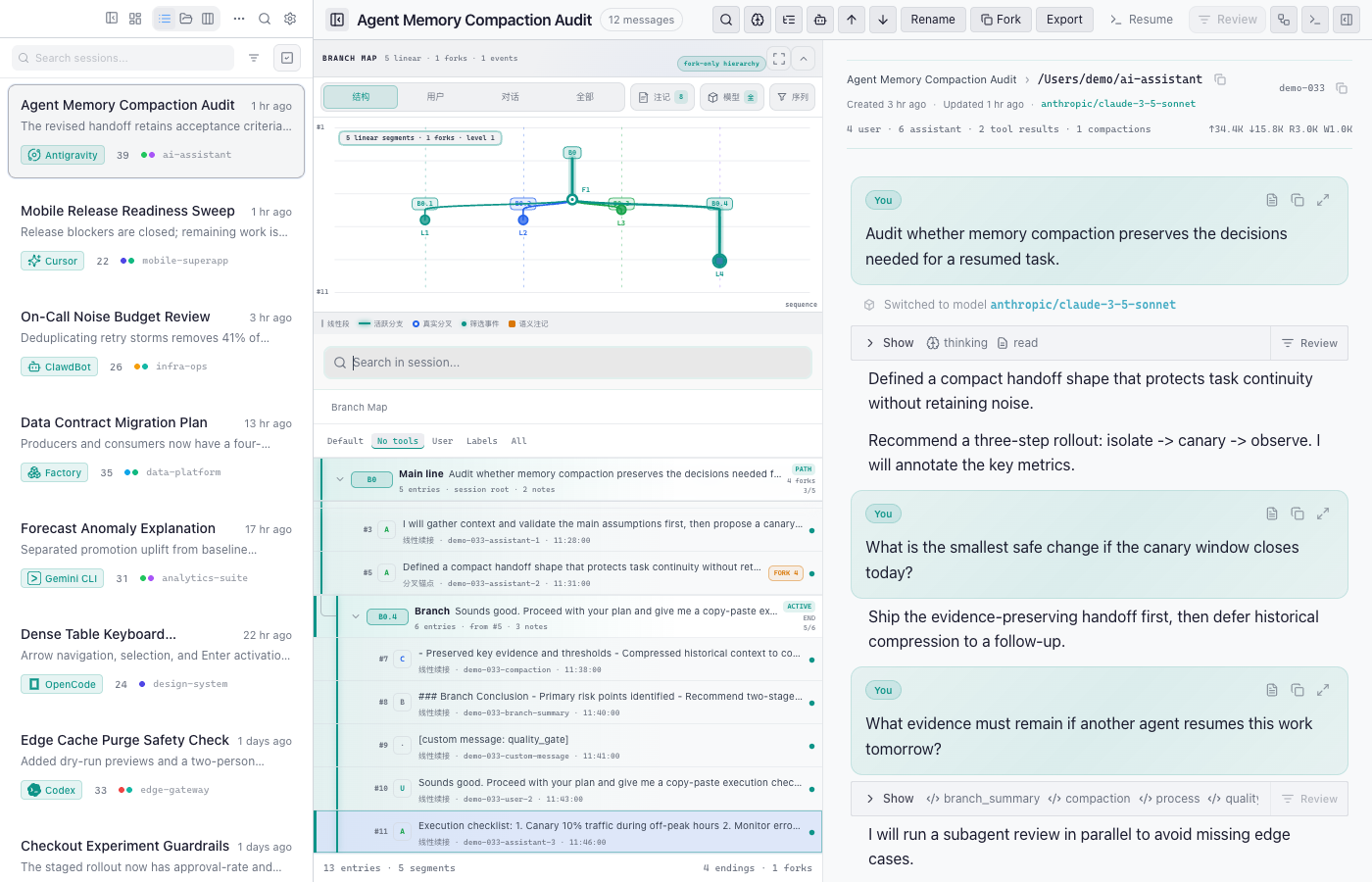
Session Visualization

Tree view and flow visualization to explore branching conversations and tool call chains.

Built-in Terminal

Integrated xterm.js terminal for running commands without leaving the session viewer.

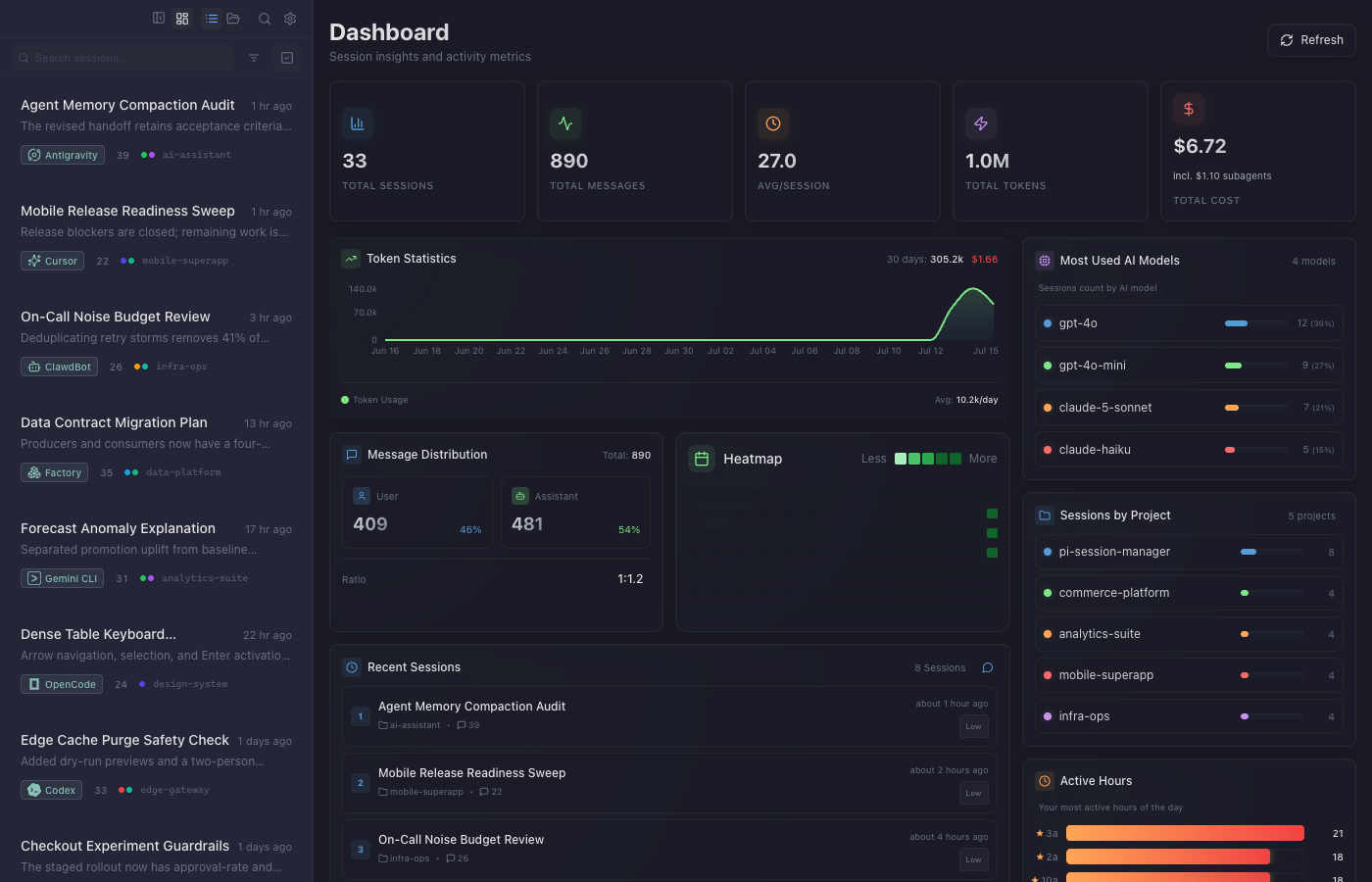
Dashboard & Stats

Activity heatmaps, usage statistics, and achievement badges to track your coding journey.

Hierarchical Tags

Organize sessions with nested tags. Bulk operations and smart auto-tagging support.

Flexible Export

Export sessions to HTML, Markdown, or JSON. Share conversations or archive them offline.

Multi-Protocol API

Tauri IPC, WebSocket, and HTTP endpoints. CLI mode for headless servers. Mobile optimized.

Built for every platform

One codebase, three protocols, runs everywhere

FrontendReact 18 + TypeScript + Tailwind

TransportTauri IPC · WebSocket · HTTP POST

BackendRust + Tokio + Axum + SQLite

Up and running in minutes

Three steps to manage all your Pi sessions

01

Download

Grab the latest release for your platform from GitHub Releases.

# Or install CLI for headless servers
curl -fsSL https://github.com/Dwsy/pi-session-manager/releases/latest

02

Configure paths

Point to your Pi session directories. Auto-detects the default location.

# Default: ~/.pi/agent/sessions
# Add custom paths in Settings → Session Paths

03

Start exploring

Browse sessions, search conversations, view dashboards, and manage tags.

# CLI mode for remote servers
./pi-session-cli --bind 0.0.0.0:52131