How do you ensure that your asset tracking system works with 100k+ assets when the hardware to track those assets exist only in sample quantities? We used AI coding agents to build a city-scale Bluetooth asset tracking simulator in a matter of weeks, covering Birmingham and Wolverhampton with 70 stores and thousands of simulated assets, so that the system would be ready when the hardware arrived.
Blecon, a startup based in Cambridge, UK, founded by the team behind the ARM Mbed OS, is known for its Bluetooth technology. Recently a new Bluetooth-based device entered the market: Bluetooth stickers. Those are peelable stickers that have a built-in Bluetooth chip and a printed battery.
Asset tracking is an established market, but Bluetooth stickers open up new possibilities: assets can be tracked from any nearby smartphone. They cost less than GPS trackers and don’t need the dedicated readers that RFID requires.

Blecon already had the raw Bluetooth technology in place, both on the device side and on the smartphone side. Now customers were screaming for it to be used for asset tracking.
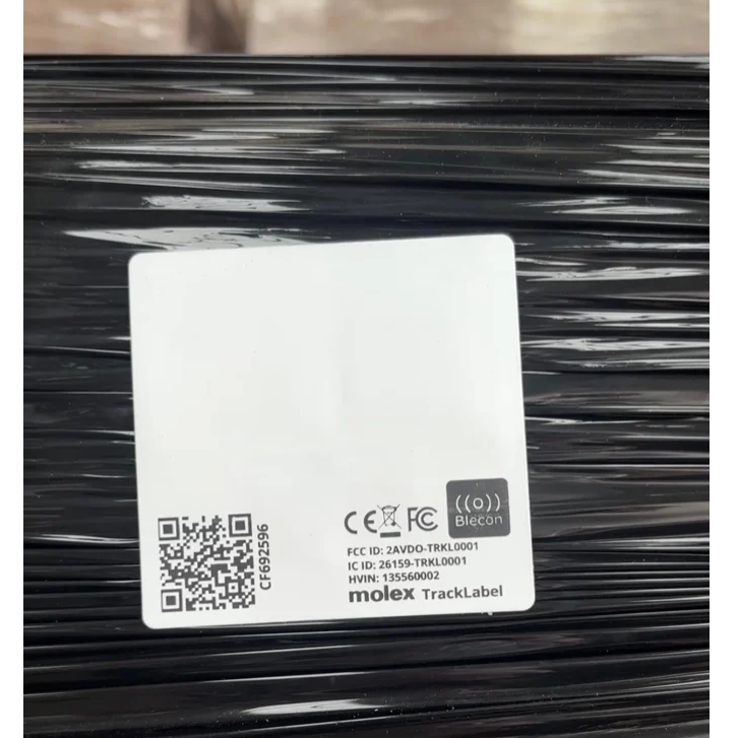
So how were we able to develop an asset tracking system that can reliably track hundreds of thousands of assets before we even had our hands on the hardware? We built a large-scale simulator first.
Asset and Vehicle Simulation at City Scale
Asset tracking is an inherently large-scale operation: the purpose is to track large volumes of assets over large distances. Any asset-tracking system has to be large-scale from the start: you can’t start small and expand, you have to start at scale.
Our simulator started at the smallest scale that we could think of: the scale of a city. For our city, we chose Birmingham. And because we wanted to have a few longer routes, we included its sister city Wolverhampton too.
In our simulated city, assets are driven around on vehicles on city streets. The vehicles will stop at specific locations to offload and reload assets. We started out with 70 stores that the vehicles would drive to and from.
Every asset is tagged with a Bluetooth sticker and each vehicle has a driver who is equipped with a smartphone. The smartphone detects nearby Bluetooth assets and reports them to our backend system. It also detects its own GPS location.
In the real world, detection of assets and detection of location are never exact, so our simulator has to add a level of uncertainty to anything it does.
The physical movement of assets and vehicles also affects the realism of the data we generate.
To create a realistic city scenario, we used the Open Source Routing Machine with Open Streetmap data. This provides us with realistic paths for vehicles that drive around a city. Since we are based in the UK, our vehicles drive on the left side of the road. The routing system handles this automatically.
Watching the running system feels a bit like playing SimCity.
Simulating Bluetooth Device Detection
Simulated vehicle drivers are equipped with simulated smartphones running a simulated version of the Blecon agent app.
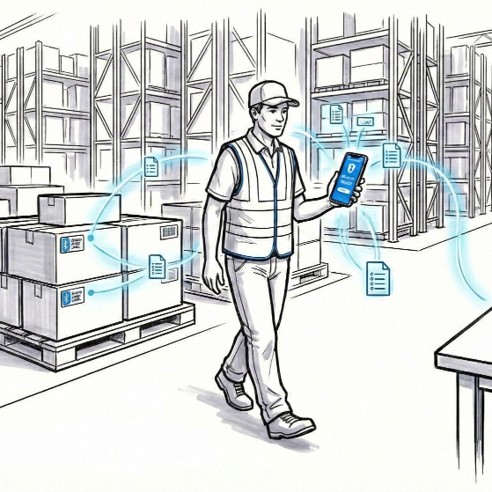
The challenge is modelling the fuzzy boundary: Bluetooth detection isn’t binary, and we need enough uncertainty in the simulation to produce realistic data for the backend.
We use an intentionally simple algorithm for detecting when a Bluetooth device is in the vicinity of a simulated smartphone: detection rate is 100% in a given radius around the Bluetooth device, then the detection rate linearly falls off until we hit an outer radius where detection rates are 0%.
From physical testing with Bluetooth devices, we knew this to be a reasonable model. And it is simple enough to run at scale.
Tracing API Calls
In a simulator, we have access to ground truth at a level that simply isn’t possible with a real-world setup. In our case, we wanted to see how the physical location of the phones in the system was affecting our location estimation mechanisms on the backend. So we instrumented the simulator to track the location of every API call that we made.
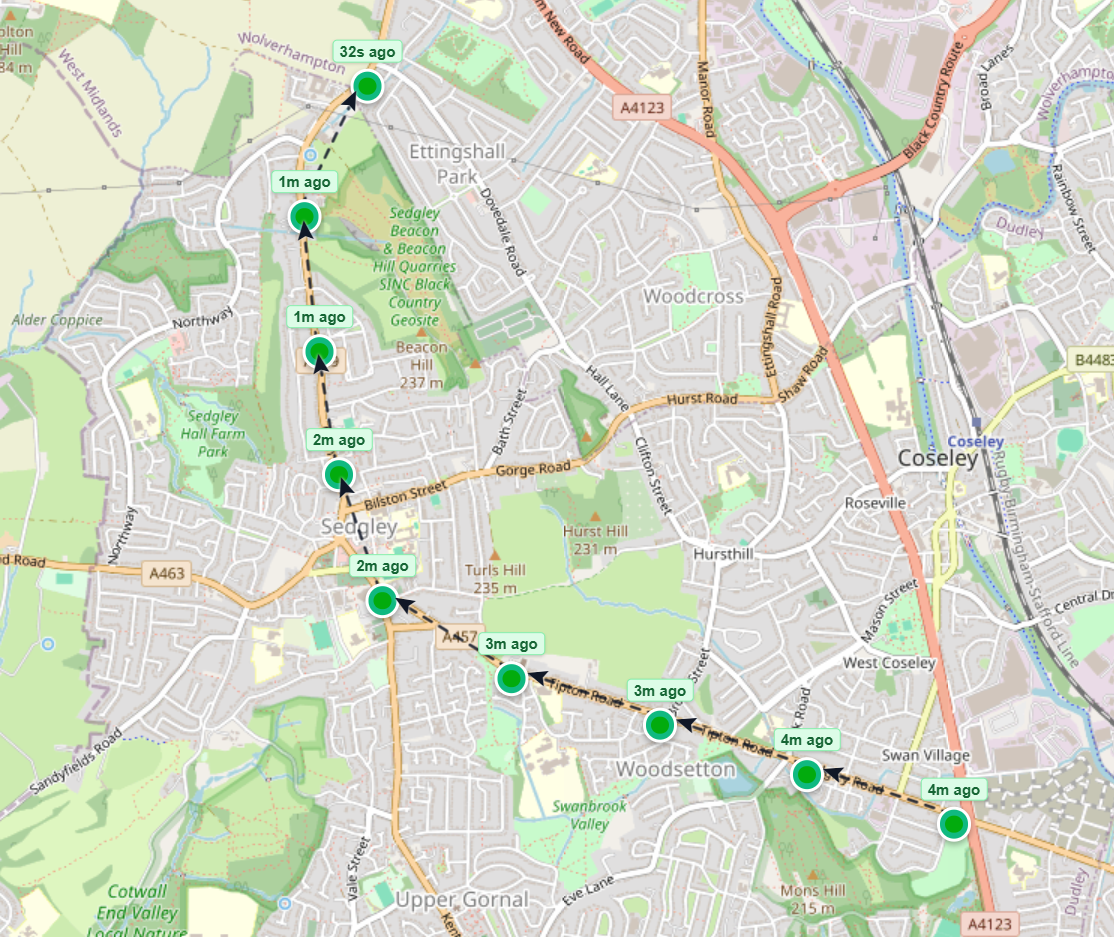
To understand how the location of API calls affects the location estimation, we log every API call and tag it with the speed and direction of the vehicle when the call was made. We then have a view in the simulator frontend where we can see exactly where the calls are made.
If we see a discrepancy on the backend, we are able to trace exactly where and why this discrepancy occurred.
How Does Battery Life Affect Tracking Accuracy?
One issue with having smartphones do the tracking is battery life. Bluetooth scanning, GPS lookups, and backend reporting all drain the battery, and we need to be smart about how we balance them.
There are several factors that affect the power consumption of our smartphones:
- How often we scan for Bluetooth assets in the vicinity
- How often we take a GPS location
- How often we report our location and our assets to the backend
These all also affect the data quality of the system: if we scan too seldom, we may miss the moment when assets are being offloaded. If we take too few GPS locations, we will not be able to accurately track assets’ locations. If we do not report our location often enough, we will create too much uncertainty in the system.
Fortunately, with a simulator, we can easily control all of these parameters and see how they affect the battery life of our smartphones. For this we need a model of the battery usage. It doesn’t have to be exact, because real-life smartphones and batteries aren’t exact anyway, but it should give us a rough estimate good enough to compare different configuration settings.
We can also see how close the tracking system comes to actually tracking the assets.
We can also compare several configuration settings alongside each other, for the exact same scenarios. We can run thousands of assets being shipped through our city in a matter of hours.
To get good simulation parameters for the power consumption of the simulated Blecon app, we run nightly tests on the current build of the Android version and measure power consumption using Perfetto. This gives us confidence both in the power consumption of the Android app itself and in our ability to simulate it.
Finding Regressions Before Customers Do
A simulator is useful beyond development. It provides an ongoing safety net as the system is deployed and continues to evolve. We can set up static scenarios to run every night, that show us the current quality of the system: are we still able to correctly identify 99%+ of all asset movements? Do we still attribute the assets to the correct vehicle, as we should?
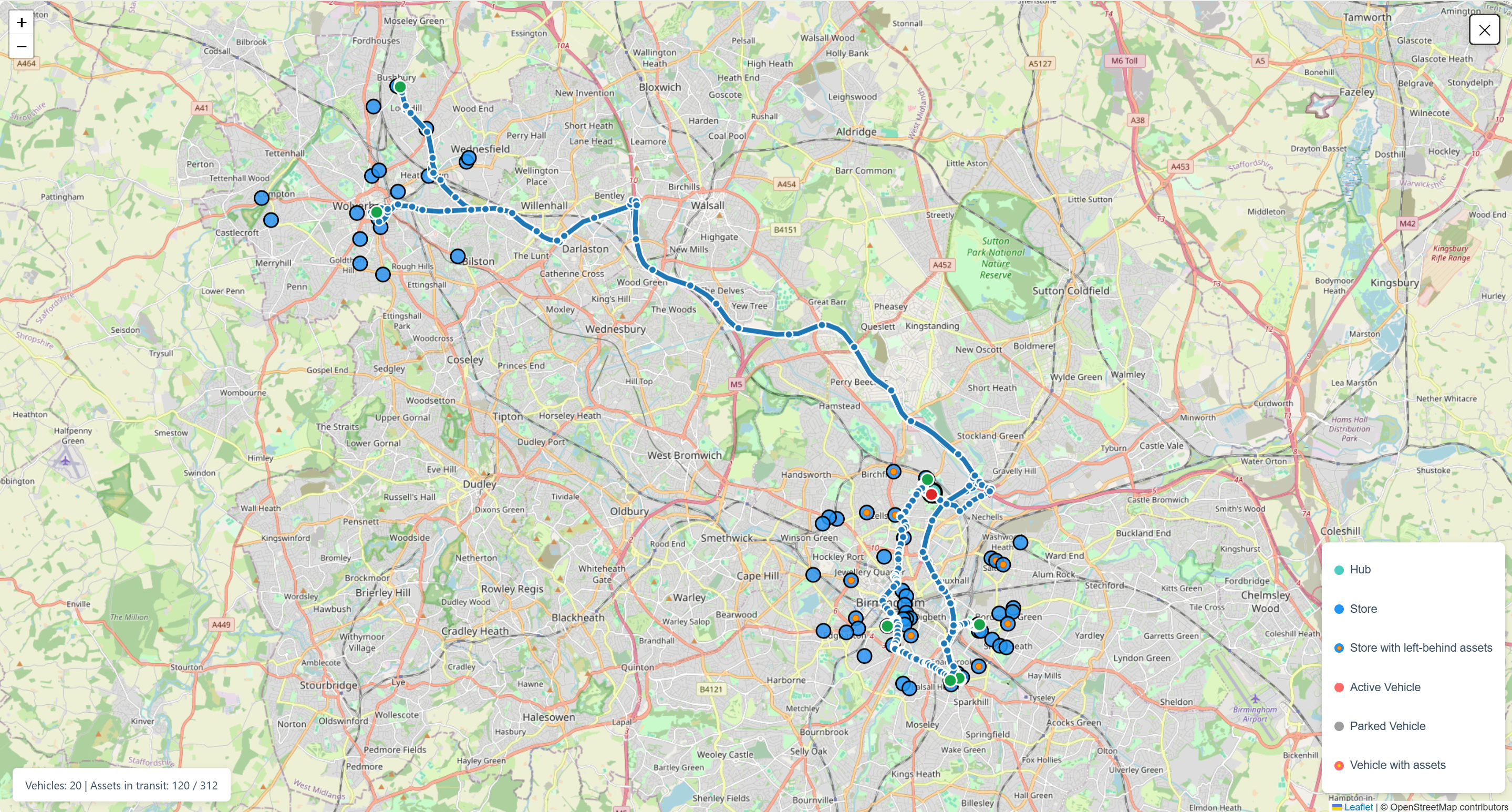
Unlike the normal simulator flow, the regression test scenarios are static and fully deterministic. Every vehicle drives exactly the same route every time and every asset is detected at exactly the same time every night. All randomness is seedable though, so it is possible to run the scenarios multiple times to get slightly different outcomes, which is useful for thorough testing.
If we happen to introduce a regression, we want to be the first to know. We don’t want our customers to figure it out before we do. So by having a nightly run, with results posted to Slack every morning, we know that the system is always working.
How Do AI Coding Agents Build a Complex IoT System?
With guardrails, testing, and a tight workflow. Not a single line of code in the simulator was written by hand. Instead, we carefully used AI coding agents with a structured plan-test-build process to ensure the generated code did what it should.
Building a simulator at this scale, with city-wide routing, realistic Bluetooth physics, battery modelling, and regression infrastructure, is a lot of software. A few years ago, it would have been a multi-month project for a dedicated team. We got it running in a few short weeks with a small team.
Plan, Test, Build, Repeat
The workflow we used throughout development and for each new feature was simple: we asked the agents to plan the feature first, then implement the test harness for the feature, then implement the feature, then debug the feature. And as part of the implementation and debugging, the agent was asked to always document everything in a set of markdown files.

In the planning step, we asked the agents to request human input for any high-level intent descriptions or important decisions throughout every iteration. Having a good, user-steered, high-level intent structure was key to allowing the agents to do their work in the implementation steps. Also, asking the agents to break down the work in chunks that would fit into the context window of a single agent improved the quality of the output.
Once the test harness was developed and reviewed by the agents, the implementation step usually was easy. But if we had provided a bad high-level plan for the agents, the results would suffer. For each new feature, we improved our own ability to write a good plan for the agents.
Once a feature was complete, debugging was done by having the agent first iteratively develop a test that would fail for the specific bug report, then fix the code until the test was green. We then kept the test around. Because the agents had failed to write correct code at that point in the past, we knew this could also be a weak point moving forward. Having a regression test for that part of the code would mean that it would stay correct.
After setting up a good workflow, and because we had significant experience with test automation and simulator development, new features could be released on an almost daily basis.
And because we had access to the physical version of the system, with Bluetooth devices and smartphones, we could always ensure that new simulator features matched the reality.
This workflow requires a tight agent contract to prevent the agent from going off the rails, but once the contract is in place, each addition is self-contained and the tests cover it even before the code is written.
The end result is a system where each feature has a solid set of tests, with a higher test coverage than we typically would achieve with manual development.
A Fully Self-Documenting System
In addition to making sure the tests always work, we made the agent contract require that all code is documented in a set of Markdown files. Agents shouldn’t need to look at the code to understand a feature. This has two benefits:
- Coding agents are more token-efficient when they don’t need to read all the source to understand a capability
- The system is self-documenting: every piece of code has a corresponding documentation file
The self-documenting aspect is important, because it takes the weight off each individual developer: no single person is indispensable. New developers get up to speed quickly, because they can ask an agent questions about the system, and the agent will know how it works from the documentation.
What Does AI Development Mean for Complex IoT Projects?
It means that projects which used to take months can be done in weeks. A system like this, with city-scale routing, Bluetooth physics, battery modelling, and nightly regression, used to be a multi-month commitment that required a dedicated team. We built it in weeks.
The simulator itself proved its worth: it caught issues before customers did, and it let us validate the system at a scale we couldn’t have tested physically. But the more interesting takeaway is what this says about IoT development speed today.
The bottleneck has shifted from writing code to knowing what to build. Domain expertise, test automation, and the ability to structure work so that AI coding agents can execute it correctly. That combination is what makes complex IoT projects like this possible on a timeline that would have been unreasonable a year ago.