Hi @JimmyYang-MSFT ,
I'm able to participate as a guest user using the previous version of the linux teams application but not with the most current one.
The steps to join a meeting are:
Enter the meeting url (https://teams.microsoft.com/dl/launcher/ ....) into the browser.
I'm then presented with this page:

Then next screen I'm seeing after choosing "Open your Teams app" is this sign in screen:
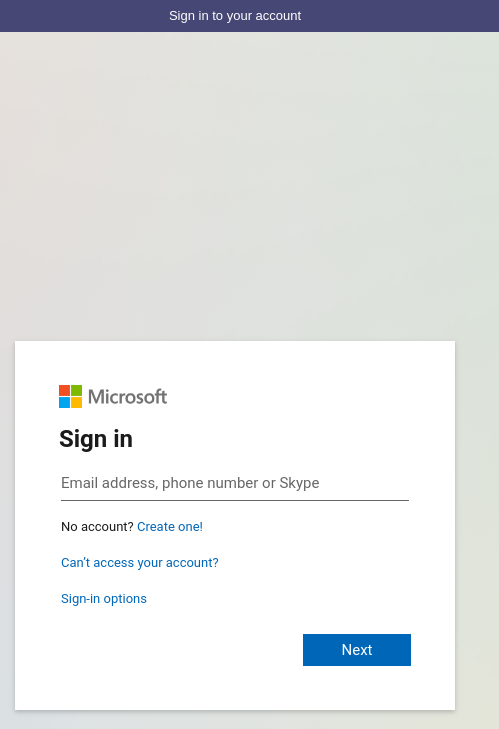
Other colleagues who join the same meeting from the Teams app on their Macs don't see this signup screen and are able to join the meeting as a guest without signing in.
If I click on "Continue on this browser" instead, I'm also transferred straight to the join meeting page. (without the need to sign in).
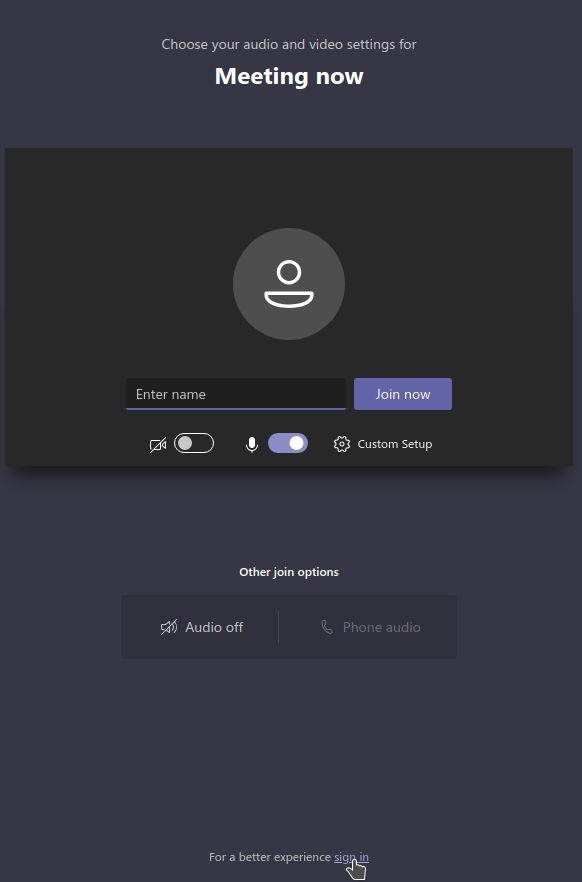
The change was introduced when I updated the new version of the Teams Linux app. (teams-1.3.00.30857-1)
I'm still forced to sign in to the account as with the old version. There is no option not to sign in.
(Sidenote: This account is not related to the enterprise organising the meeting. I do join the meeting as a guest).
After having signed in the next screen displayed is this:
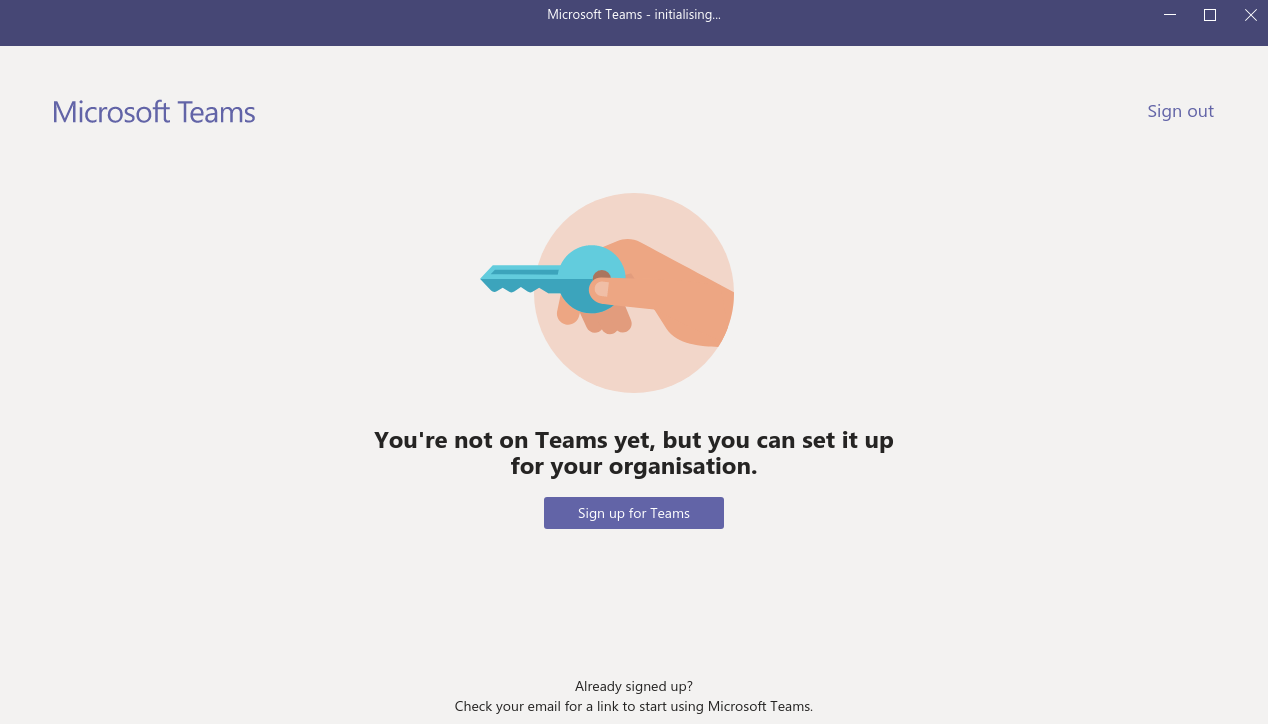
I can't get past this page. If I click on Sign out I'm referred to this sign in screen as above.
(Sign up for Teams is no option either since all I'm trying to do is to join a held meeting as a guest)
I already tried to remove the settings, deleting everything unter ~/.config/teams (previous verion) and "~/.config/Microsoft/'Microsoft Teams'" and "~/.config/Microsoft Teams - Preview" (current version). This didn't change anything (except my previously chosen name was gone, as proof the settings where deleted).
So the problem can neither be related to my account nor the setup of the meeting since I'm able to join the meeting with the older version (even though, I'm forced to sign in) and also from within the Browser (Chromium) just fine.
People who are member of the organisation and who use the Teams windows app on Win 10 can join the meeting as a user. But this is unrelated to this problem.
Additional Information:
Operating System: openSUSE Tumbleweed 20201201
KDE Plasma Version: 5.20.3
KDE Frameworks Version: 5.76.0
Qt Version: 5.15.2
Kernel Version: 5.9.12-1.g46922da-default
OS Type: 64-bit