Connect your AI
to MCP in seconds.
Consistent prompts & tools across agents.
Secure, auditable and reusable.
Open source & local-first.
Package AI abilities as reusable playbooks
Director lets you group MCP tools, prompts and configuration into playbooks. They are flat YAML files that are easily shared across agents and team members.
So fast, it feels like magic
Start director and create your first playbook in a few seconds. Our 1-click client integrations make it easy to switch context as required.
Context as config
Playbooks are flat YAML files that group the tools, prompts and configuration needed by your agent to perform a workflow.
Fully MCP compliant
Director aggregates MCP servers, tools and prompts. It implements the latest version of the spec and will work out of the box with any client or server.
Strong context management
Control exactly which tools are added to context. Maintain separate playbooks for different tasks and switch between them instantly.
Centralized auth & logging
Director has full OAuth support, and provides fine grained JSON logs that you can pipe into your existing log aggregator.
Cloud ready. CLI, GUI & SDK
Director works in any deployment / management scenario. Run it locally or through Docker. Manage it via YAML config, CLI, GUI or SDK.
How it works
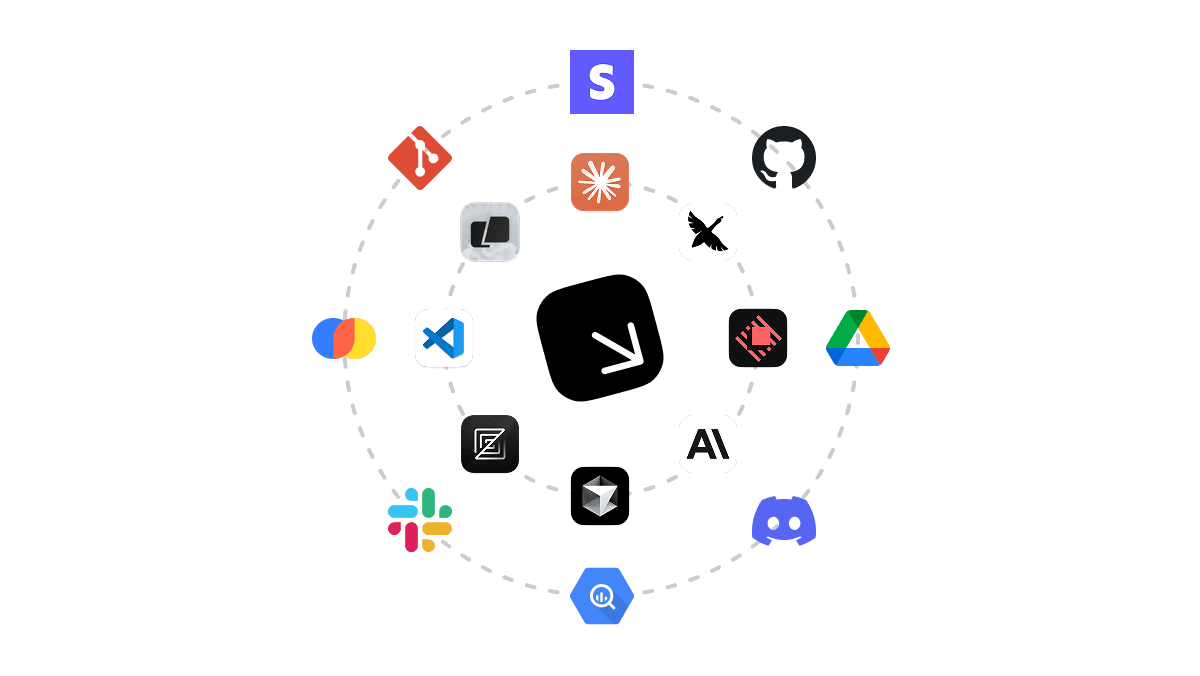
Director is a local first MCP gateway that makes it easy to extend your favorite AI applications and agents capabilities using MCP.
Run the gateway locally
Director's command line interface (CLI) gives you all the tools you need to run the gateway and manage playbooks. It's local-first out of the box, but can easily be connected to a cloud instance for production deployments.
Configure in your browser
The Studio is director's primary management interface. It's packaged as a web app and bundled with the CLI. It's simple, fast and easy to use and provides the same functionality as the CLI, SDK or YAML config.
Re-usable agentic workflows
Director packages sets of tools, prompts and configuration into playbooks which give your agents new abilities. It's plug and play with any MCP enabled client acting as a central orchestration layer for all of your agents and team members.
Deploy to the cloud
Deploy Director to your own infrastructure or use our hosted offering. Enable secure, scalable playbook reuse across your team while maintaining governance over usage and your data.
Why Director?
Maintain separate playbooks for each task so that agents can run successfully. Less confusion, less errors, more results.
Playbooks
Structure context using YAML files.
Group MCP tools, prompts and configuration into playbooks that enable a specific task. These are flat YAML files that are easy to share and edit.
Deployment
Deploy and connect to any MCP server.
Director is an MCP aggregation and management layer that makes it easy to deploy, manage and share servers across your agents and team members.
Context Management
Switch context instantly for different tasks.
Director's tool aggregation and filtering functionality coupled with 1-click client integrations allow you to maintain separate contexts for each task. And switch between them instantly.
Infrastructure
Centralize authentication, config and logging.
Director provides universal OAuth, configuration management and logging functionality. This makes it easy to centralize your MCP integrations for reuse across your team and agents.
Proudly open source
Director is completely open source so you can see exactly how it works under the hood.