
Your full-time design reviewer
Design Buddy is your AI-powered design reviewer that catches issues, suggests improvements, and boosts your confidence before you share your work.
What is Design Buddy
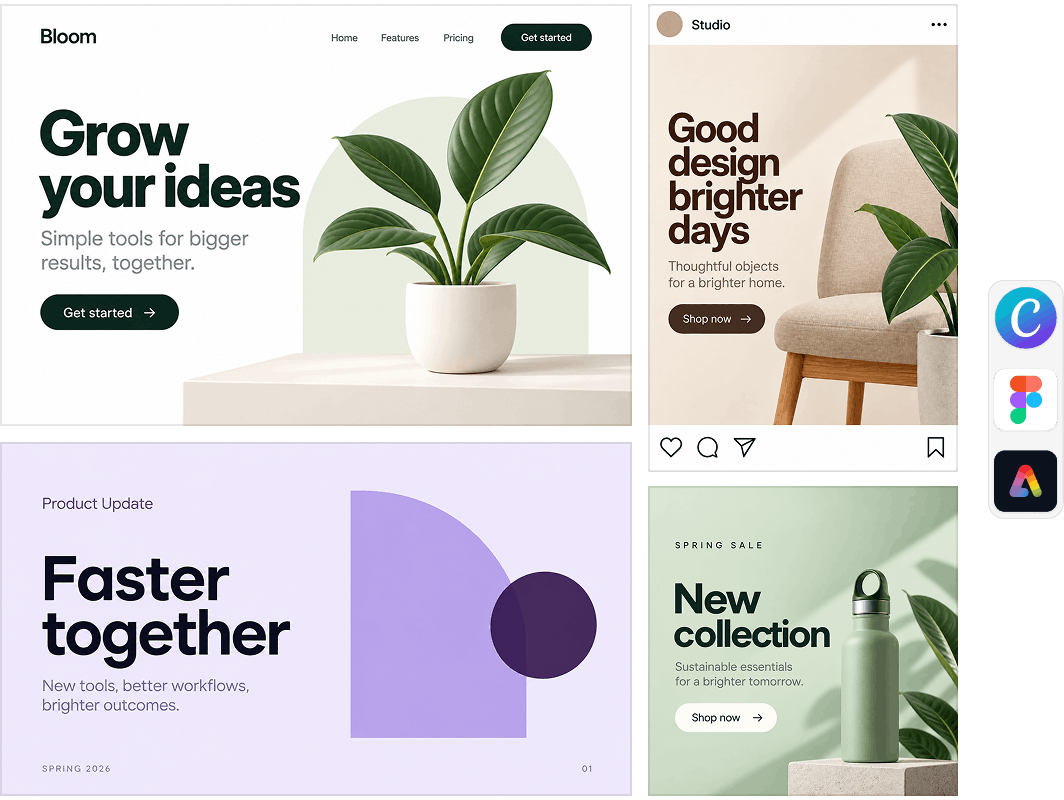
Design Buddy is an AI-powered reviewer, providing actionable feedback on various design types, from UI to social media posts. Available for Canva, Figma, and Adobe Express, it works wherever you design.
How it works
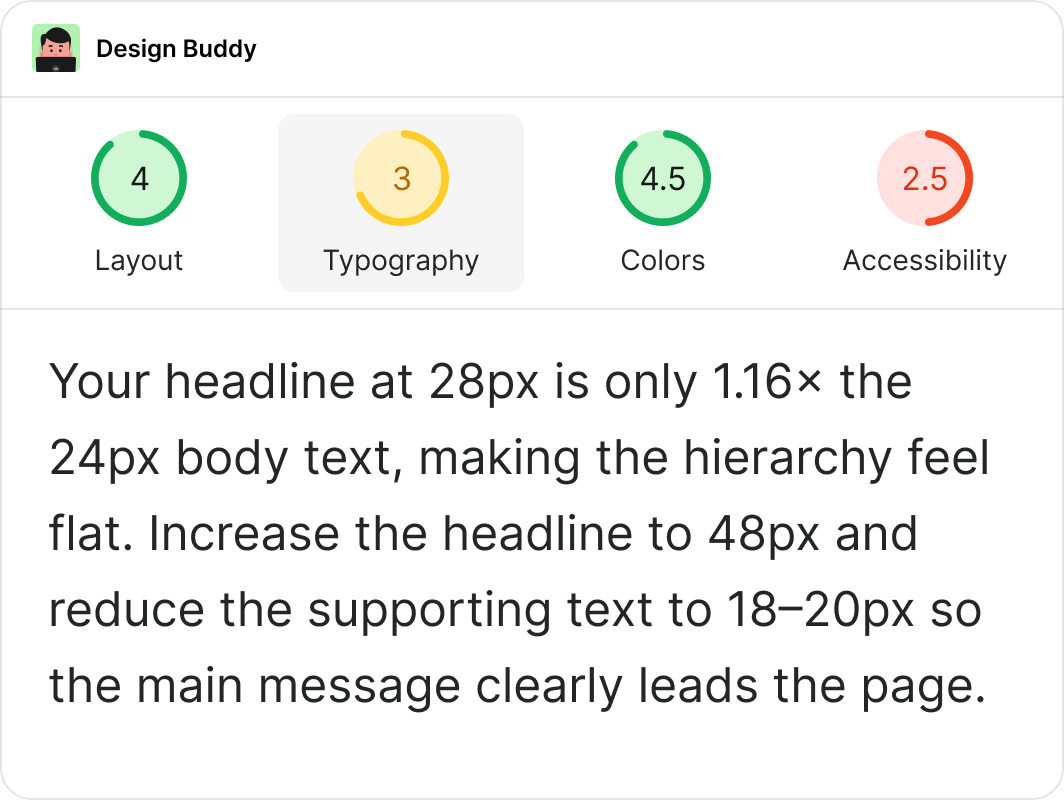
Design Buddy helps you perfect your work by guiding improvements step-by-step. Select your design, click "Review this design," then make targeted changes based on actionable feedback.
Why it works
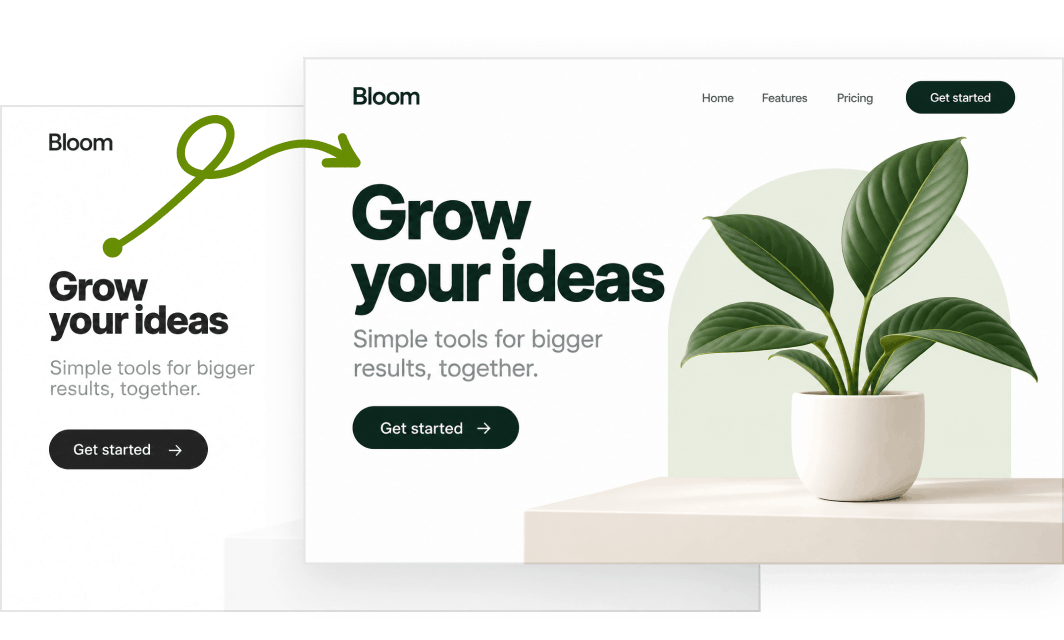
Design Buddy catches design flaws before they reach stakeholders, saving you revision cycles and building confidence in your work. Get professional-quality feedback without a team of designers.
Who is it for
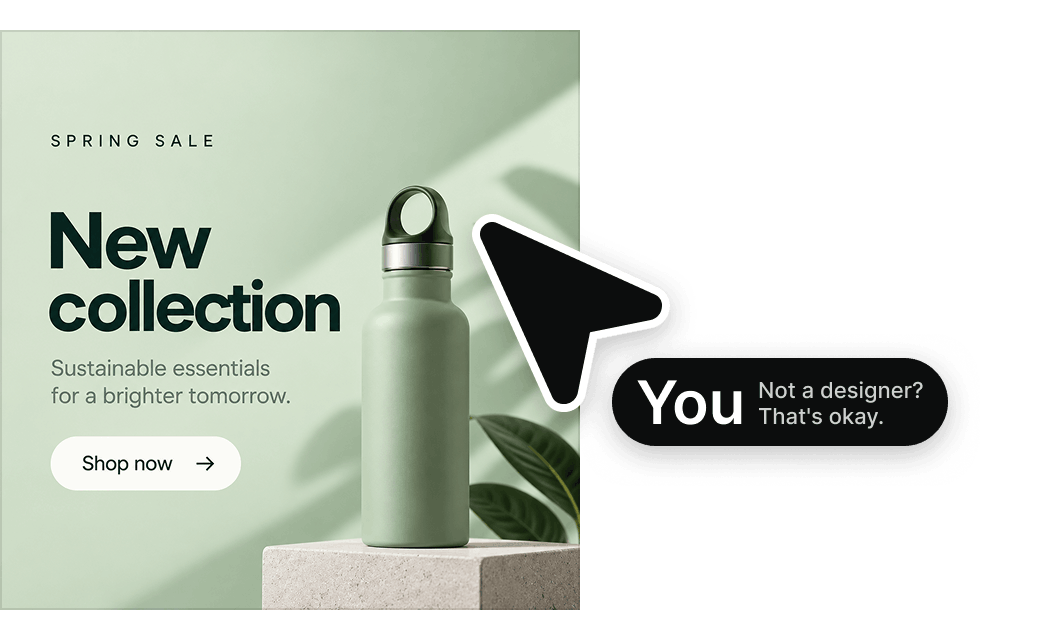
Design Buddy is built for non-designers including marketing teams, product managers, startups, and anyone creating designs without formal training. If you design but aren't a designer, this is for you.

“Design Buddy is like an extra teammate focused solely on reviewing your design iterations, on-demand. Quick feedback loop—tweak, retest, and watch scores climb.”
Blake Ferguson Product Management, Lucid
Honest feedback on demand.
- Catches the issues you'd miss on your own
- Tells you exactly what to fix, no second-guessing
- Covers everything a designer would check
- Helps you explain and stand behind your work
- Works in Canva, Figma, and Adobe Express
7-day free trial · No charge until day 8 · Cancel anytime
Built for people who ended up doing design.
🫠 "Suddenly, you do design. Nobody told you that was part of the job."
🤓 "You picked the colors because they looked nice. That's the whole process."
😅 "Something looks off. You just don't know how to explain or fix it."
Sort it out quietly. Show up confidently.
~ Future you will thank you

“Working on some slides, Design Buddy identified contrast, complexity, and visual flow issues. I knew they were there but was hoping they were 'ok.' It pushed me to actually fix them, and the result is markedly improved.”
Eric J. Kort Founder, Voisee.io
Analyzes your design visually
Reviews an image rendition of your design and gives feedback based on what it sees.
Yes
Yes
Knows your real colors and fonts
Reads the exact hex codes, font names, and sizes straight from your file, not a guess based on how a screenshot looks.
No
Yes
Sees how your design is actually built
Understands your elements, spacing, and alignment instead of just a flat image, so it catches what a screenshot hides.
No
Yes
Tells you if people can actually read it
Calculates real contrast ratios, so you're not guessing whether that text holds up on someone else's screen.
No
Yes
Knows a social post isn't a pitch deck
Identifies what you're making and adjusts its review accordingly, instead of one generic checklist for everything.
No
Yes
Reviews it like a designer would
Checks your work against an actual design review framework, not a gut reaction or a vague "looks good to me."
No
Yes
Lives right inside your design tool
Works directly in Canva, Figma, and Adobe Express. No exporting, uploading, or re-explaining your design in another tab.
No
Yes
Frequently asked
questions
What is Design Buddy?
Design Buddy reviews your designs the way a designer would — covering layout, color, typography, and accessibility — and gives you clear, specific feedback on what to change. Works in Canva, Figma, and Adobe Express.
How does it help?
It finds the problems before your work reaches a manager, client, or stakeholder. You go in knowing your design holds up, not hoping it does.
How do I activate it?
After subscribing, you'll get an API key via email. For Figma and Adobe Express, paste it into the plugin or add-on to activate.
For Canva: if you subscribed directly inside the Canva app, it's already active — nothing to do. If you subscribed from the website, watch this short video to activate it in Canva.
Either way, your API key works across all three platforms.
How do I use it?
Select your design, click "Review this design," read the feedback, make changes, and request another review if needed.
Are reviews limited?
No. Current plans are unlimited — review as much as you want.
If you're on an older plan (50, 150, or 500 reviews/month), you're grandfathered in and nothing changes. Your quota continues on a 30-day rolling cycle.
Do you offer refunds?
We don't offer refunds — but both plans come with a 7-day free trial, so you have plenty of time to try it before you're charged. You can cancel anytime.
How do I cancel my plan?
Visit the customer portal and log in with the email you used to purchase.
I have feedback or questions.
Feel free to send email to hi@designbuddy.net with any feedback or inquiries.

“Two heads are better than one, even if one head is artificial. Exactly because AI is not you, it’ll give you something different, whether in ideation or when providing a free crit of your work.”
Jakob Nielsen | Usability Pioneer Citation from an article on UXtigers.com