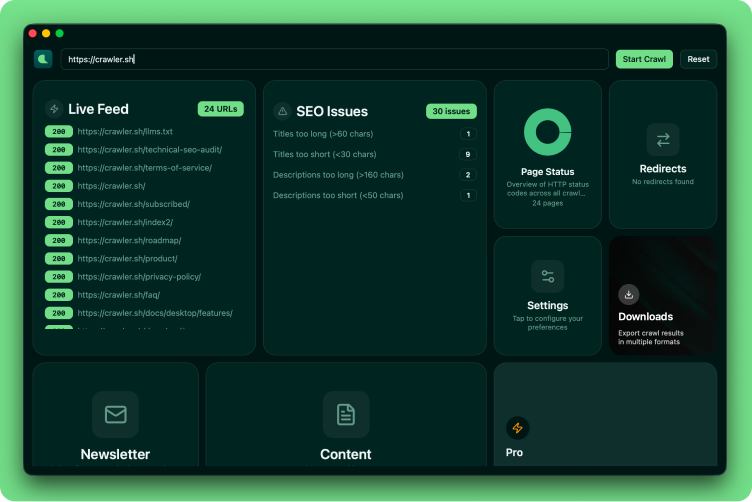
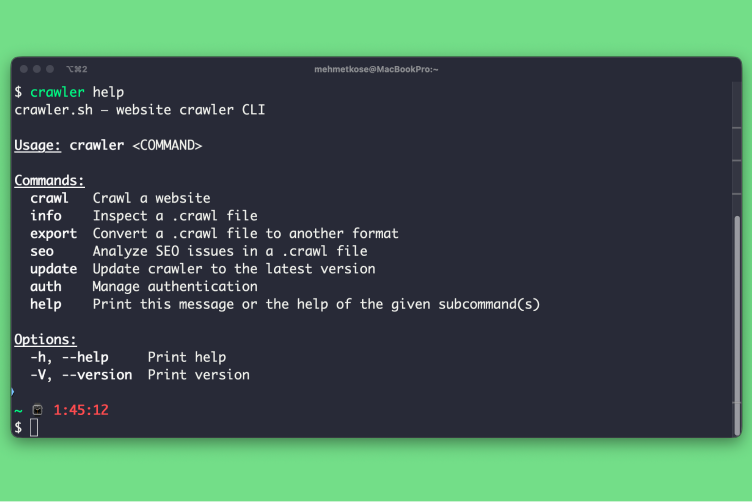
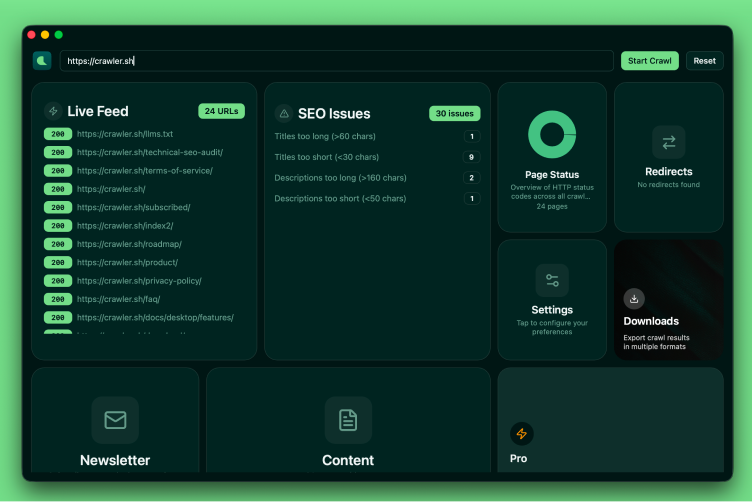
Desktop app and CLI for crawling any website and extracting clean Markdown content — plus SEO analysis, HTTP status visualization, and export to JSON or Sitemap XML.
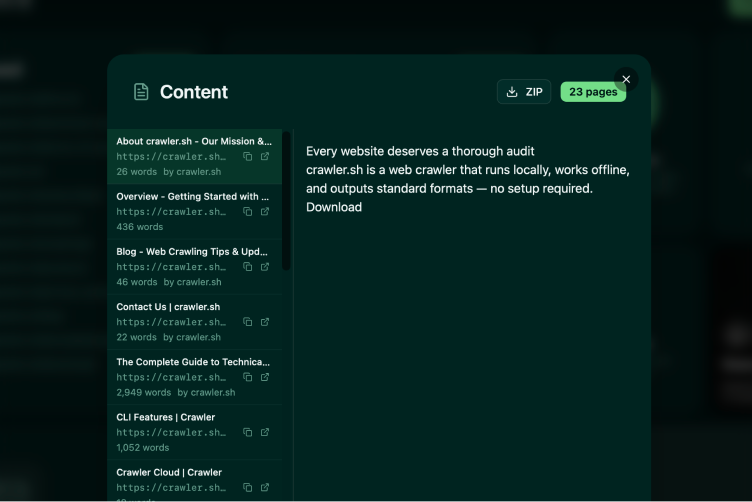
Content Extraction
Readable content as clean Markdown.
Extract the main article content from any page and convert it to clean Markdown automatically. Includes word count, author byline, and excerpt for every page.
Site
Crawling
Crawl entire sites in seconds.
Crawl any website while staying within the same domain. Configurable concurrency, depth limits, and polite delay between requests — fast enough for thousands of pages.
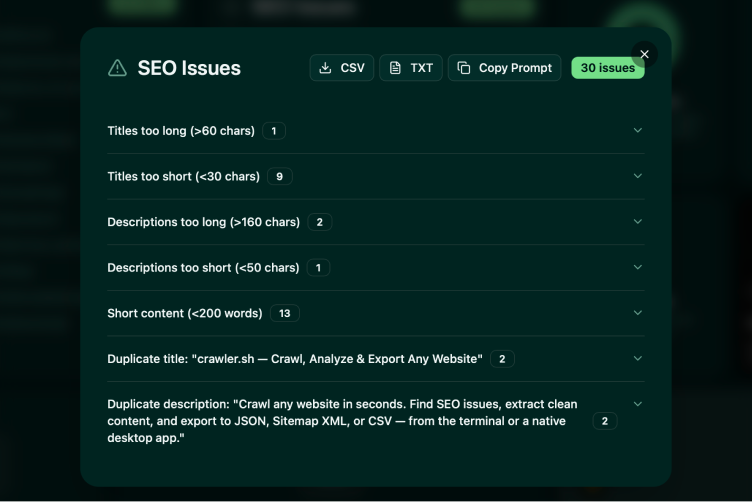
SEO Analysis
23 automated checks on every page.
Detect missing titles, duplicate meta descriptions, noindex directives, thin content, broken links, long URLs, and more. Export issues as CSV or TXT for your team.
Multiple Output Formats
NDJSON, JSON, Sitemap XML, and more.
Stream results as NDJSON during the crawl, or export to JSON arrays and W3C-compliant Sitemap XML. SEO reports export as CSV or human-readable TXT.
Workflow Examples
From quick crawl to full pipeline
Built for Every Workflow
Extract readable content from any website as clean Markdown. Perfect for backups, migrations, or feeding content into other tools.
Run 23 automated checks across every page - find missing titles, duplicate descriptions, thin content, and more before they hurt your rankings.
Generate W3C-compliant Sitemap XML from a live crawl. Keep your sitemaps accurate and up to date without manual maintenance.
Crawl your site regularly to catch broken links, missing pages, and status code changes before your visitors do.
Crawl any website, find every issue, and export the data you need — all from your own machine.