Cosyra | Build from anywhere

· Cosyra

3 min read Original article ↗

With the standalone mobile coding platform

Your agent writes the code, but you still need to do your part.

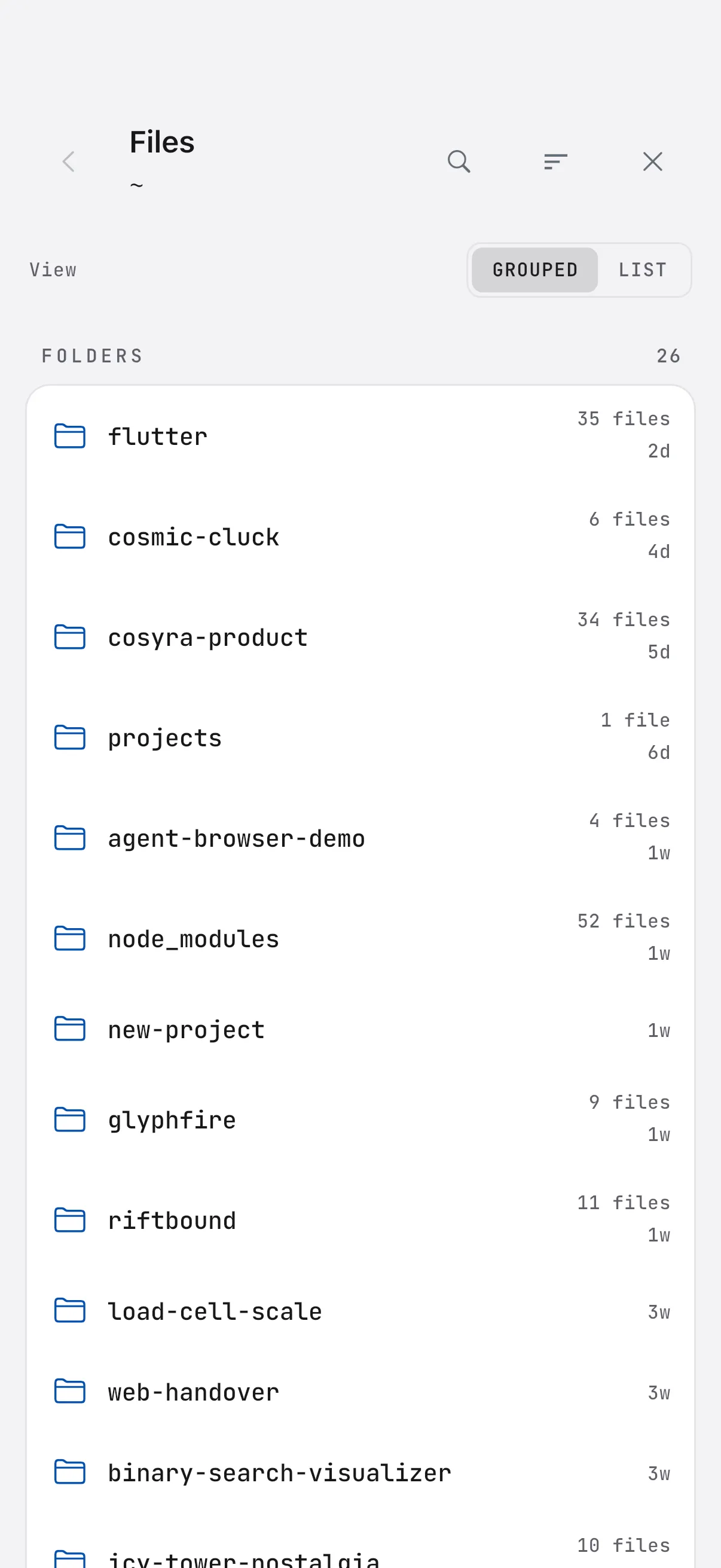
The Cosyra file browser listing project folders on an iPhone

View your files

Browse your workspace in a native file viewer.
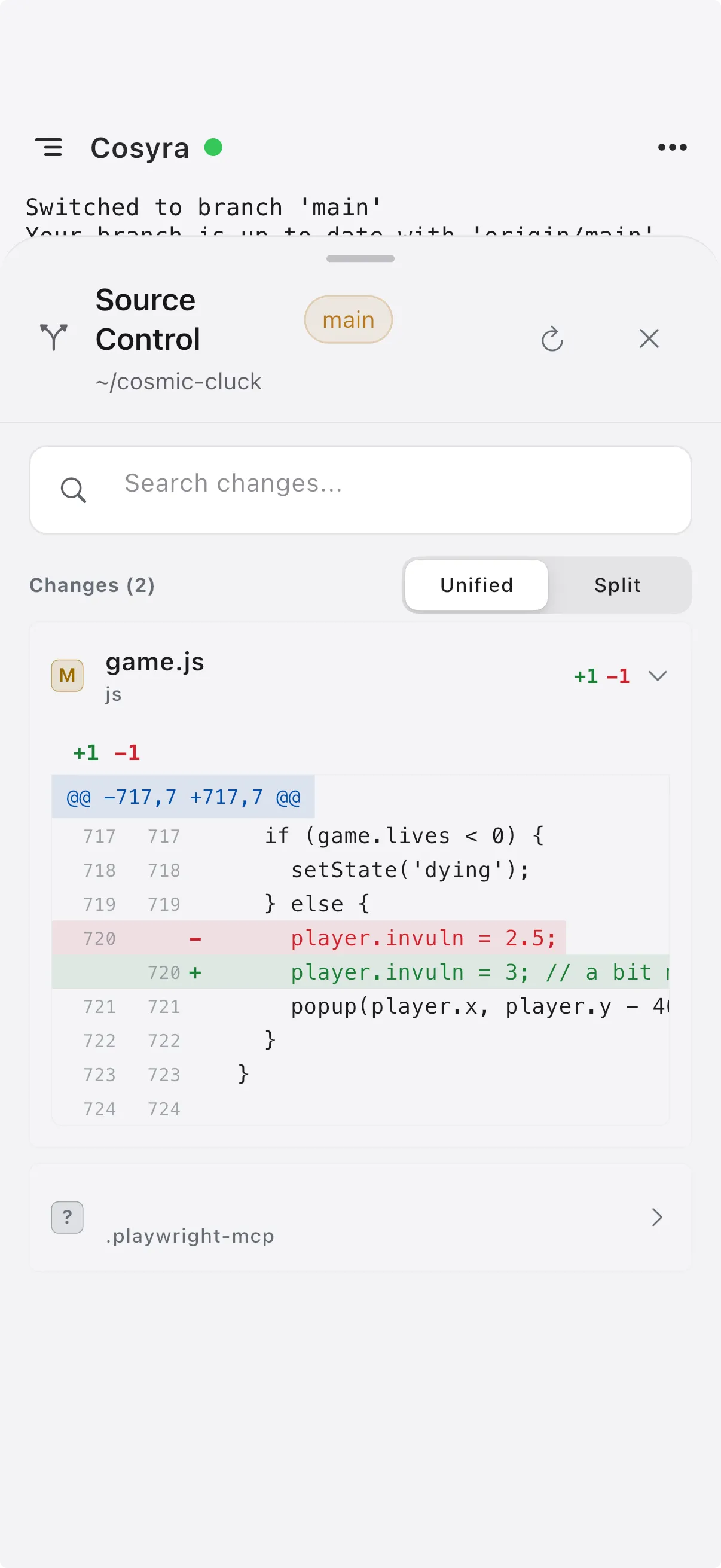
The Cosyra source-control view showing a unified diff of changed files

Review your diffs

Read every change the agent makes, file by file.
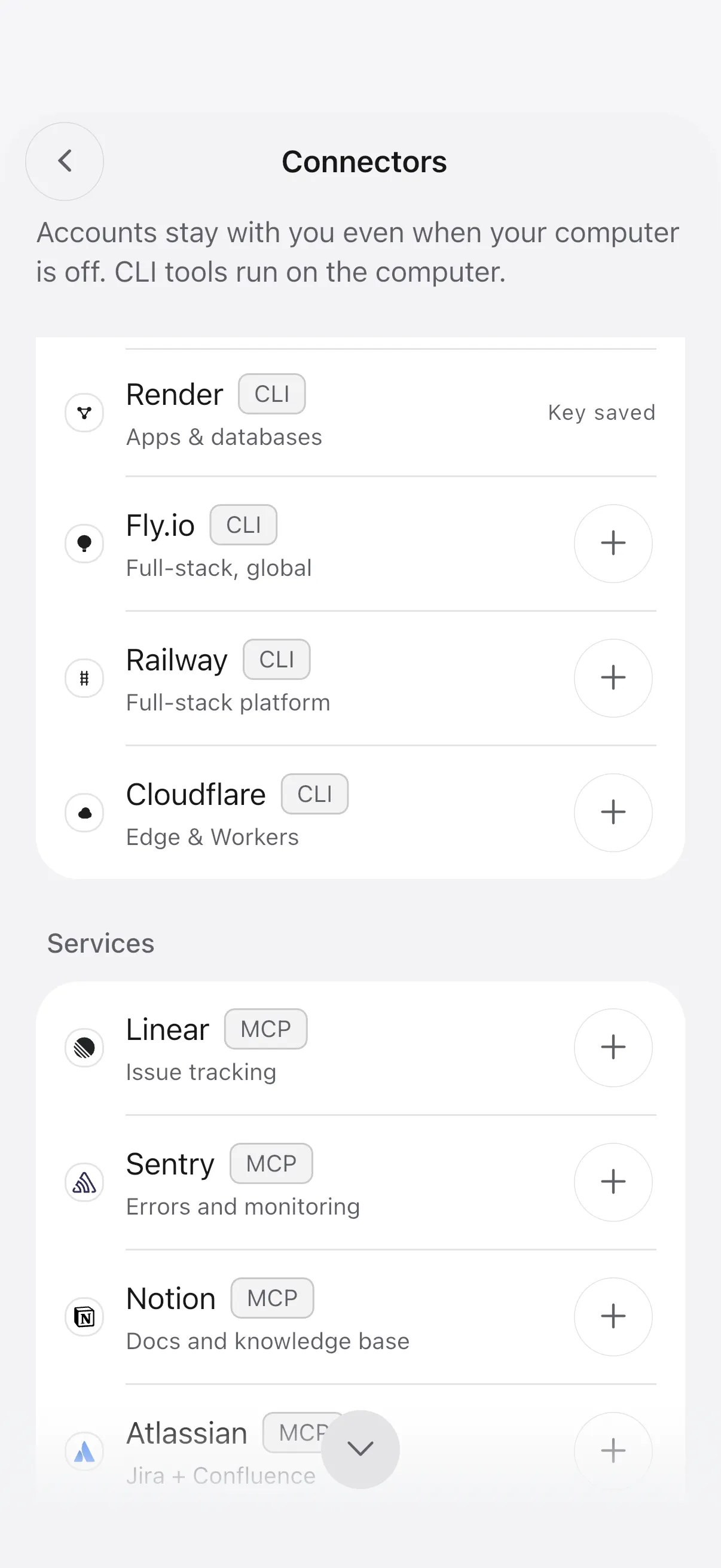
The Cosyra connectors screen listing Linear, Azure, AWS, Google Cloud, Vercel, Netlify, and Render

Connect your services

Linear, AWS, Google Cloud, Vercel, Netlify, and more, installed inside your workspace.
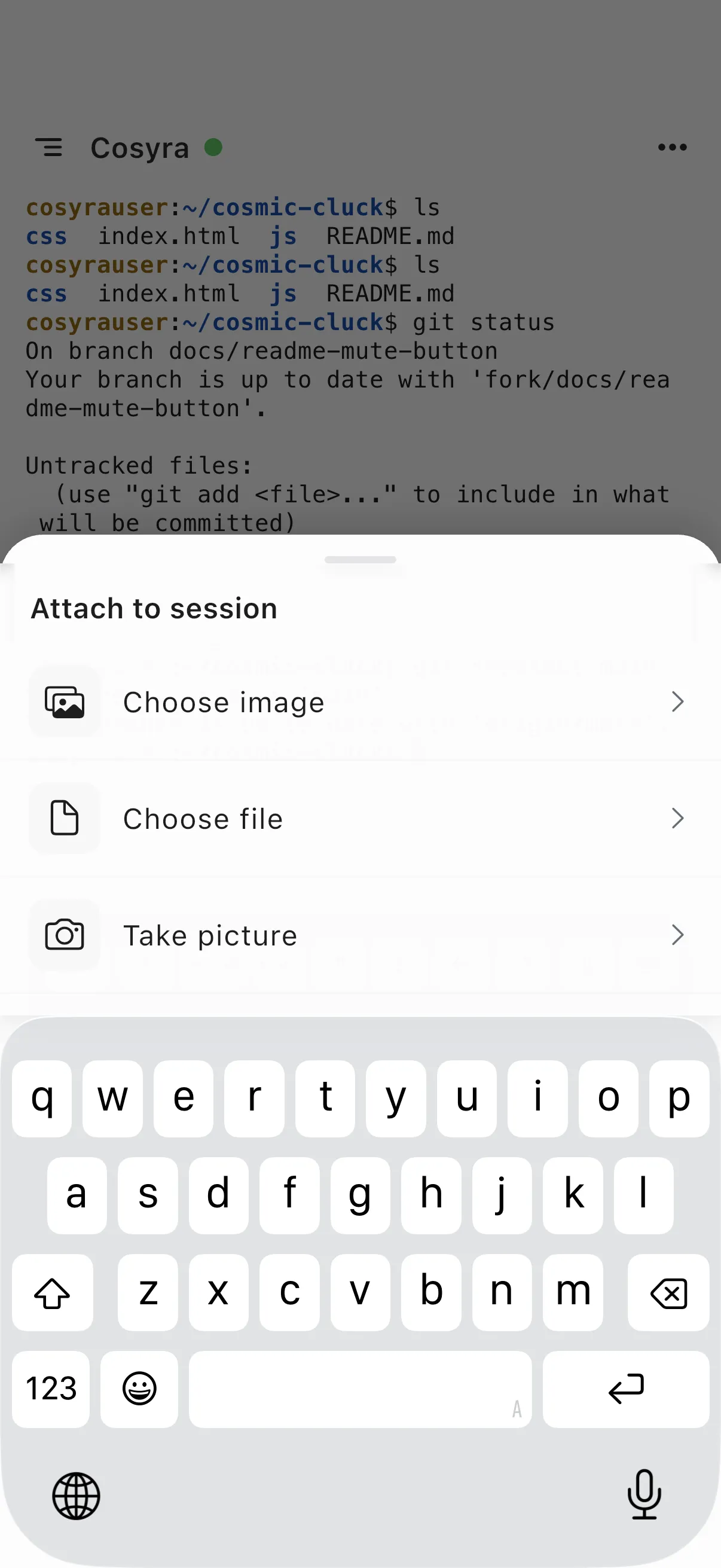
The attach-to-session sheet with options for images, files, and camera

Add screenshots

Attach photos, screenshots, and files straight into the session.
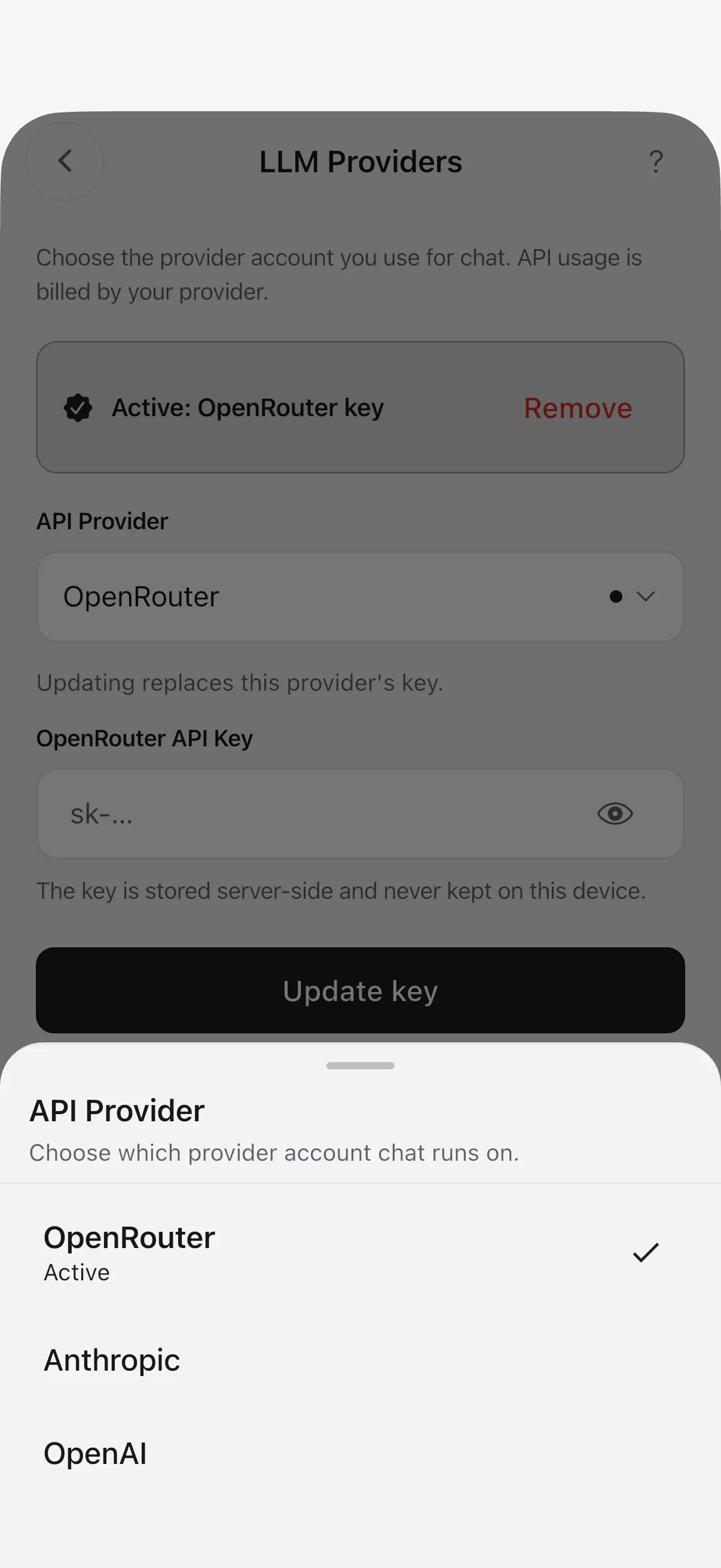
The LLM providers sheet with an active OpenRouter key and Anthropic and OpenAI options

Bring your own keys

Chat on your own Anthropic, OpenAI, or OpenRouter account.

How it works

No VPS to manage. No Linux distro to install. No SSH keys to wrangle.

Cosyra app iPhone · Android TLS Orchestration layer · authentication · security assignments · port management · preview orchestration YOUR SANDBOX dedicated virtual machine Terminal · agents Claude Code Codex OpenCode + Persistent storage 30 GB · survives restarts deployed across multiple availability zones Key vault your API keys HTTPS AI providers Anthropic · OpenAI Google · OpenRouter

Security and privacy

Your repo and your API keys stay under your control.

isolation

A full virtual machine.

Your workspace is hardware-virtualized, not a shared-kernel container. Every account gets its own VM with its own kernel, isolated from every other tenant.

encryption

Encrypted in transit and at rest.

TLS on every connection. Your storage and your keys are encrypted at rest.

key management

Keys live in a key vault.

API keys are never stored in our database. They sit in a dedicated managed key vault; the vault handles the secrets, we handle the mobile experience.

Want the architecture? See exactly how isolation, key handling, and egress work on the security page.

How Cosyra compares

Four other ways to run AI coding agents from your phone, side by side.

Feature comparison: Cosyra, Replit mobile, Claude Code Remote Control, Termius with Tailscale, and an SSH client with a VPS for running AI coding agents on a phone.
Feature Cosyra Replit mobile Claude Remote Control Termius + Tailscale SSH client + VPS
Works on iOS and Android via Claude app
Always available
Any AI agent
Server to manage No No Yes Yes Yes
Persistent storage Yes Yes Yes Yes Yes
Price $29.99/mo (8 GB RAM) Credit-based plans With paid Claude plan Apps free–$10/mo + your hardware $48–63/mo for 8 GB

Cosyra that's us

Works on iOS and Android

Always available

Any AI agent

Server to manage
No

Persistent storage
Yes

Price
$29.99/mo (8 GB RAM)

Replit mobile

Works on iOS and Android

Always available

Any AI agent

Server to manage
No

Persistent storage
Yes

Price
Credit-based plans

Claude Remote Control

Works on iOS and Android
via Claude app

Always available

Any AI agent

Server to manage
Yes

Persistent storage
Yes

Price
With paid Claude plan

Termius + Tailscale

Works on iOS and Android

Always available

Any AI agent

Server to manage
Yes

Persistent storage
Yes

Price
Apps free–$10/mo + your hardware

SSH client + VPS

Works on iOS and Android

Always available

Any AI agent

Server to manage
Yes

Persistent storage
Yes

Price
$48–63/mo for 8 GB

deep dives

Reviewed April 2026. Competitor offerings vary; see individual vendors for terms.

Start coding from your phone now