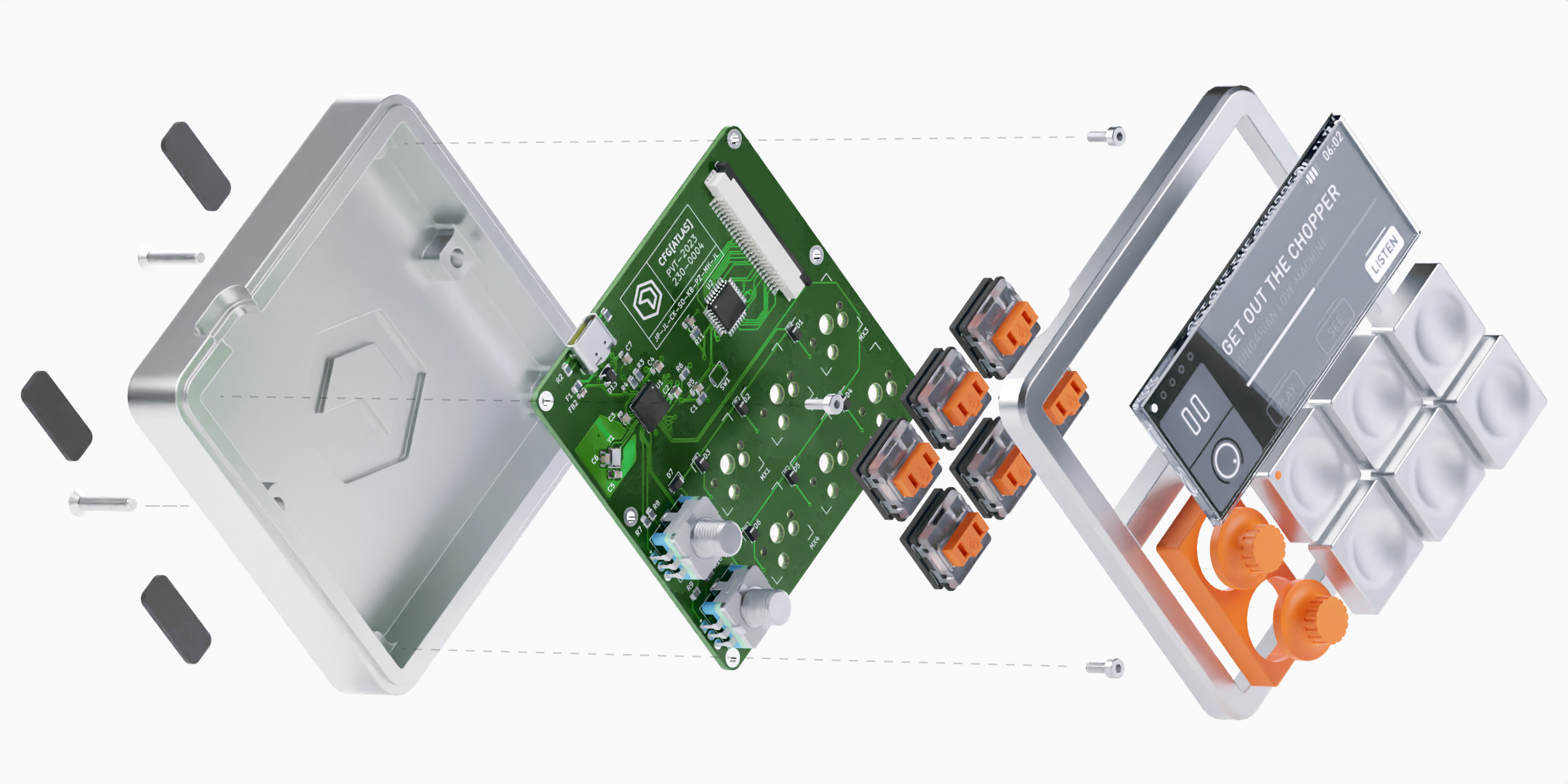
Config brings together engineering, operations, and manufacturing to make shipping high-quality hardware easier at scale.
01
Mechanical
Drawings and designs managed in a way that works the way you think, with automatically generated BOMs. Compatible with NX and SolidWorks.
02
Electrical
Manage your whole team's schematics and layouts with ease, also with automatically generated BOMs. Compatible with Altium.
03
Firmware
Complete your BOM with firmware releases. Revision build assets manually and automatically with GitHub Release integration.
Groundbreaking Design Management
First-of-its-kind version control designed just for hardware. Config lets you track, annotate, and approve every critical decision. All without files, formats, and out-of-date versions getting in the way.
Config works right out of the box with the CAD software of your choice. Manage designs, commit changes, and create revisions for mechanical and electrical designs directly from NX, SolidWorks, or Altium.
One-click Bill of Materials
Save your team's precious time. Config replaces the lengthy process of manual BOM creation with one-click BOM from your engineering assembly, all driven by CAD.
Toggle and re-order asssembly hierarchies by just dragging them around. No more manual marking of levels.
See what has been changed, added, or removed between your BOM revisions just by glancing at the colors.
Automatic Revision Updates
Keep your part revisions up to date with one-click that re-synchronizes CAD data throughout your entire assembly.
Assign new or existing part numbers to parts right from the BOM. Never end up with duplicate part numbers ever again.
Every change to a BOM item is recorded at both a part and BOM level for maximum traceability.
No CAD yet? Easily sketch out your first BOM just like a spreadsheet and assign part numbers before CAD is ready.
Magical Design Reviews
Collaborate with your team on every revision of every part right in the browser. Add annotations, comments, and complete reviews.
Finally. Your Team, on the Same Page
Config brings together all your teams to speed up and simplify shipping high-quality hardware.
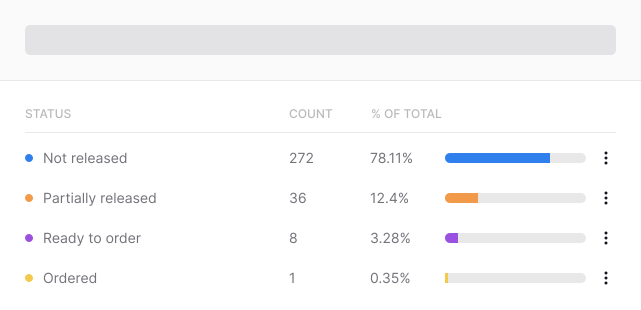
Builds and Procurement
Birds-eye view of your build progress without relying on out-of-date and error-prone spreadsheets.
Capture Every Decision
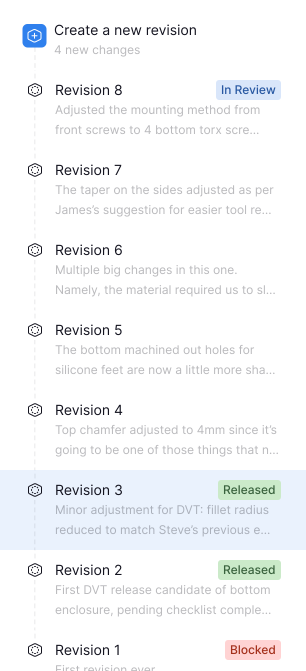
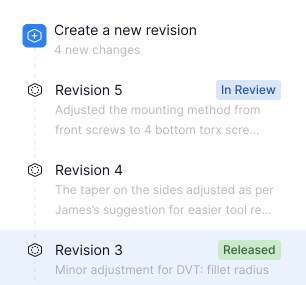
Fully reviewable revision and commit history for every part in your project. Never question which version or which part ever again.
Smart Part Numbers
Designate part type-specific families in highly customizable number schemes.

One-Click Ownership
You don't have to give up accountability to make hand-off easier. Easily take ownership of any part.
Welcome Your Vendors In
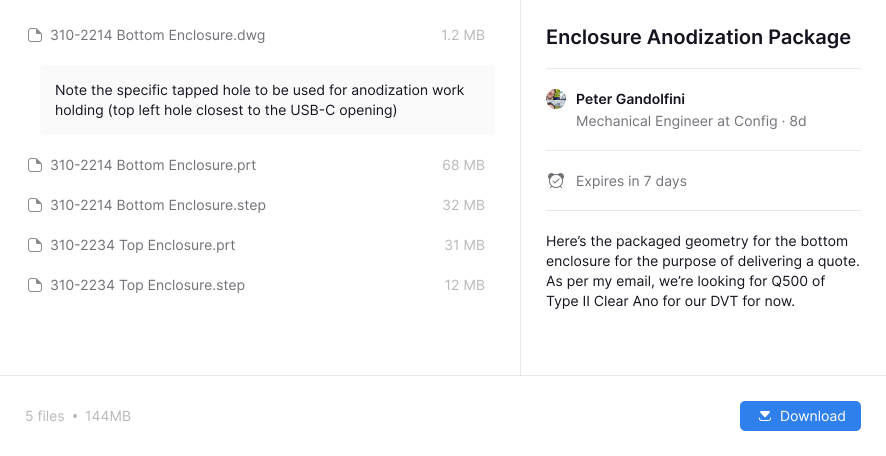
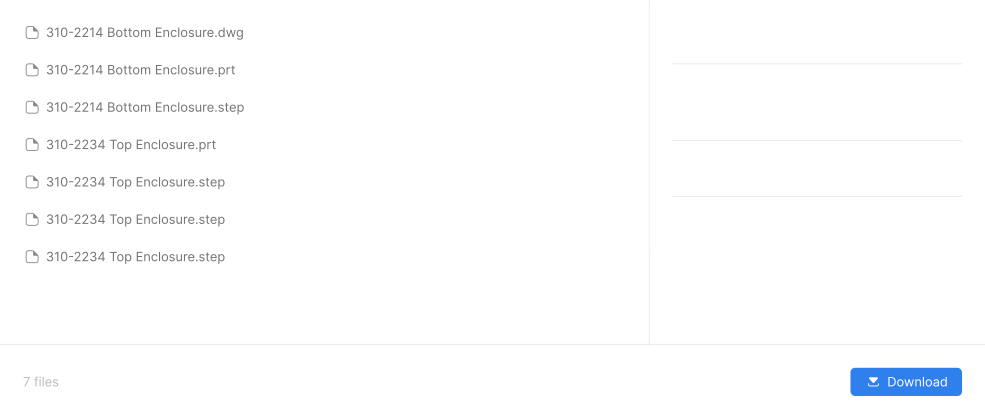
Data sent to vendors doesn't get lost with Config. Ditch email for a solution that's secure, traceable, and easy-to-use.
Vendor BOM Access
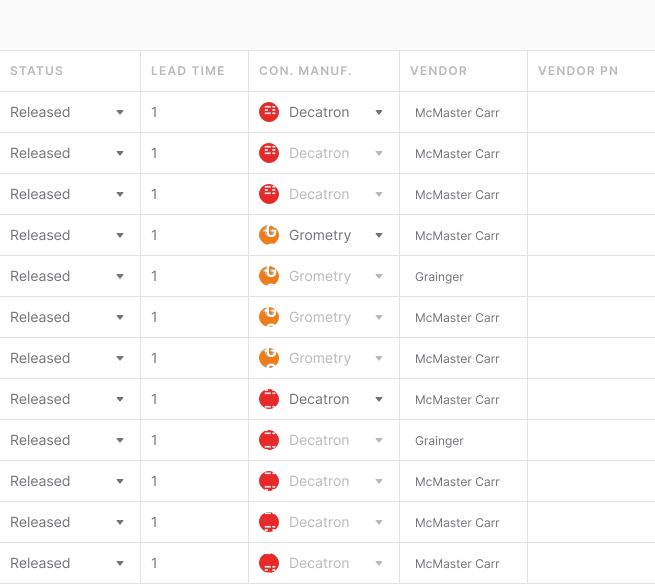
Give multiple manufacturers access to the same BOM and they'll only see subassemblies they're building.
Structured Permissions for Vendors
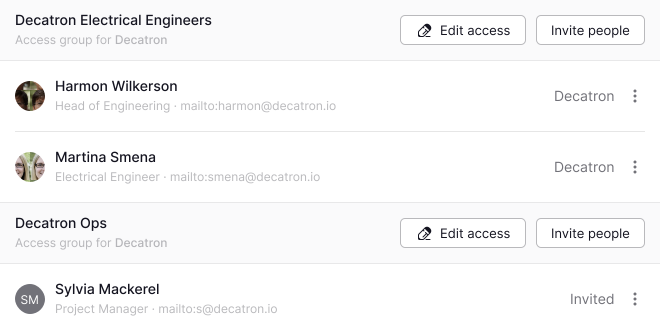
Invite multiple teams from the same vendor and give each of them different granular permissions for designs and projects they can access within Config.
...And Much, Much More.
Do you want to revolutionize how your team collaborates and builds hardware together? You need Config.