Import your setup to ChatGPT to keep working with fewer interruptions.
1
Download the ChatGPT app
Install ChatGPT and sign in with your ChatGPT account.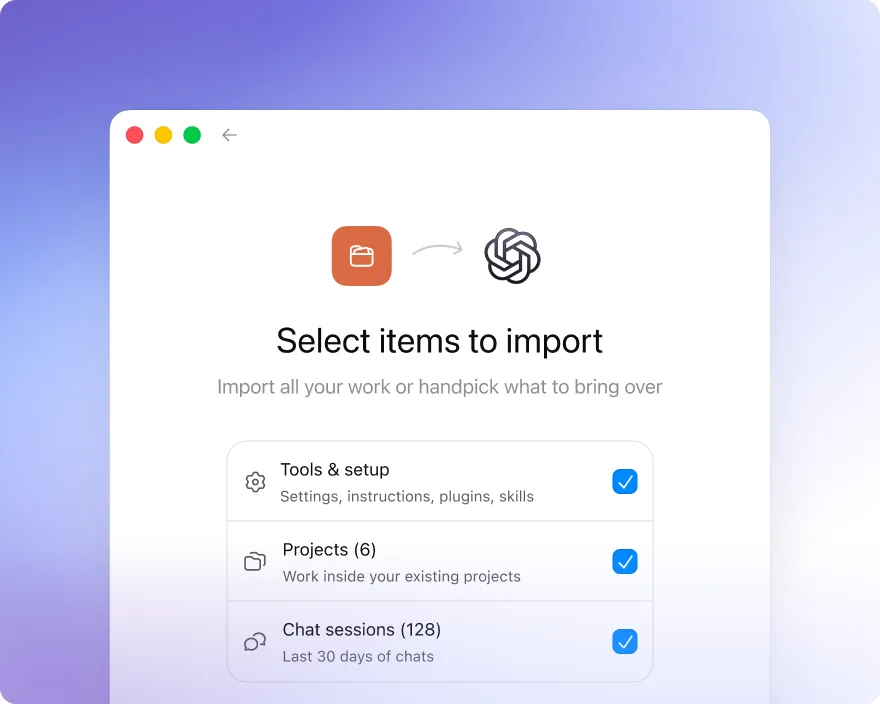
2
Import your setup
Complete the agent import flow in onboarding, or go to Settings → General and press “Import agent setup.”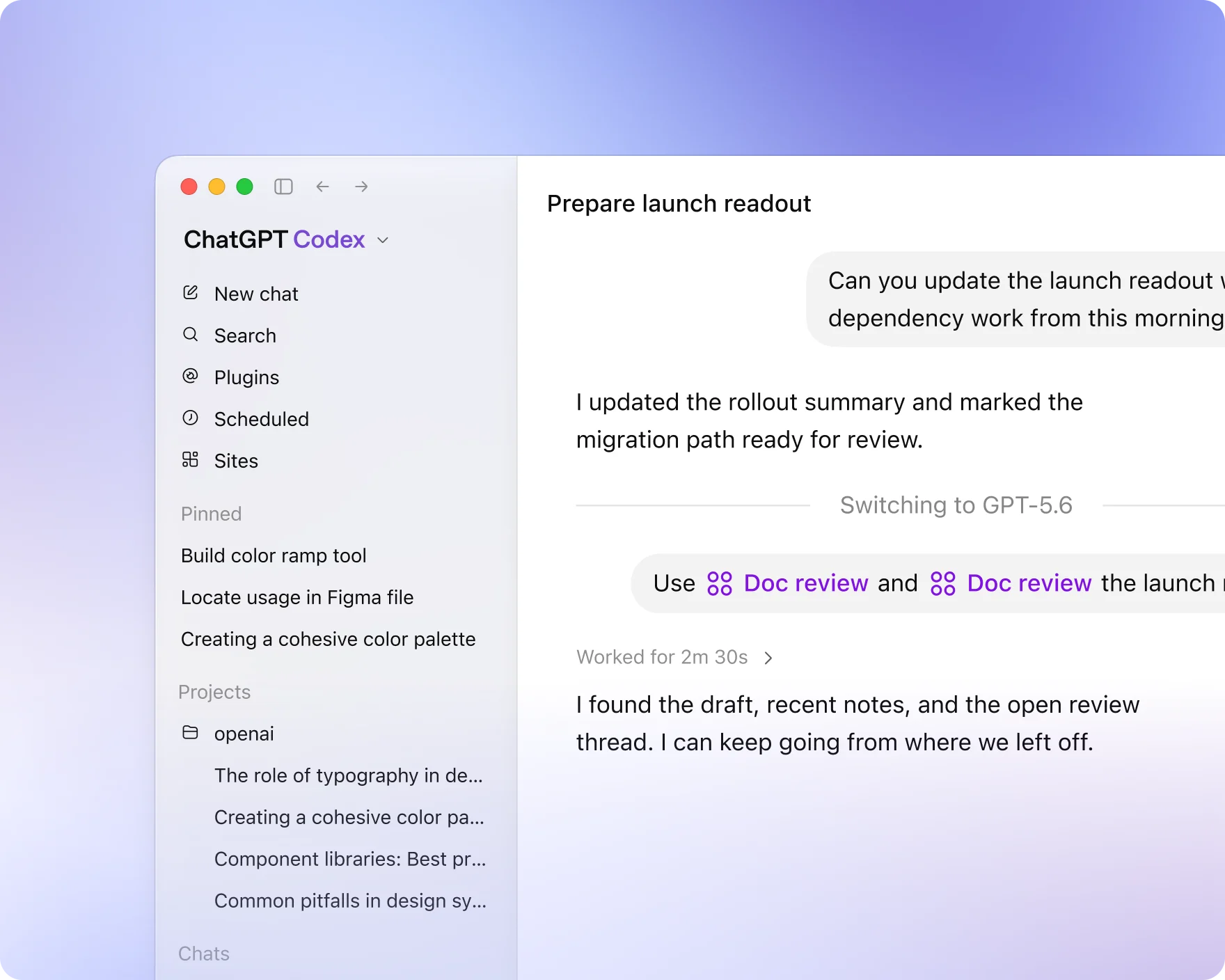
3
Resume working in Codex
Open your project in Codex to pick up where you left off.
Bring over your existing workflow in a few clicks
How it works
Scans for existing config
ChatGPT in Codex mode automatically detects existing configuration from other agents.
Creates an import checklist
Displays global and project-level config, skills, plugins, and other settings to copy.
Guides you through the migration
Codex mode opens a new chat to complete the import process.
Download and get started with ChatGPT