Bring ChatGPT with you across the web for instant answers, smarter suggestions, and help with tasks—all with privacy settings you can control.
Unlock the web with ChatGPT by your side
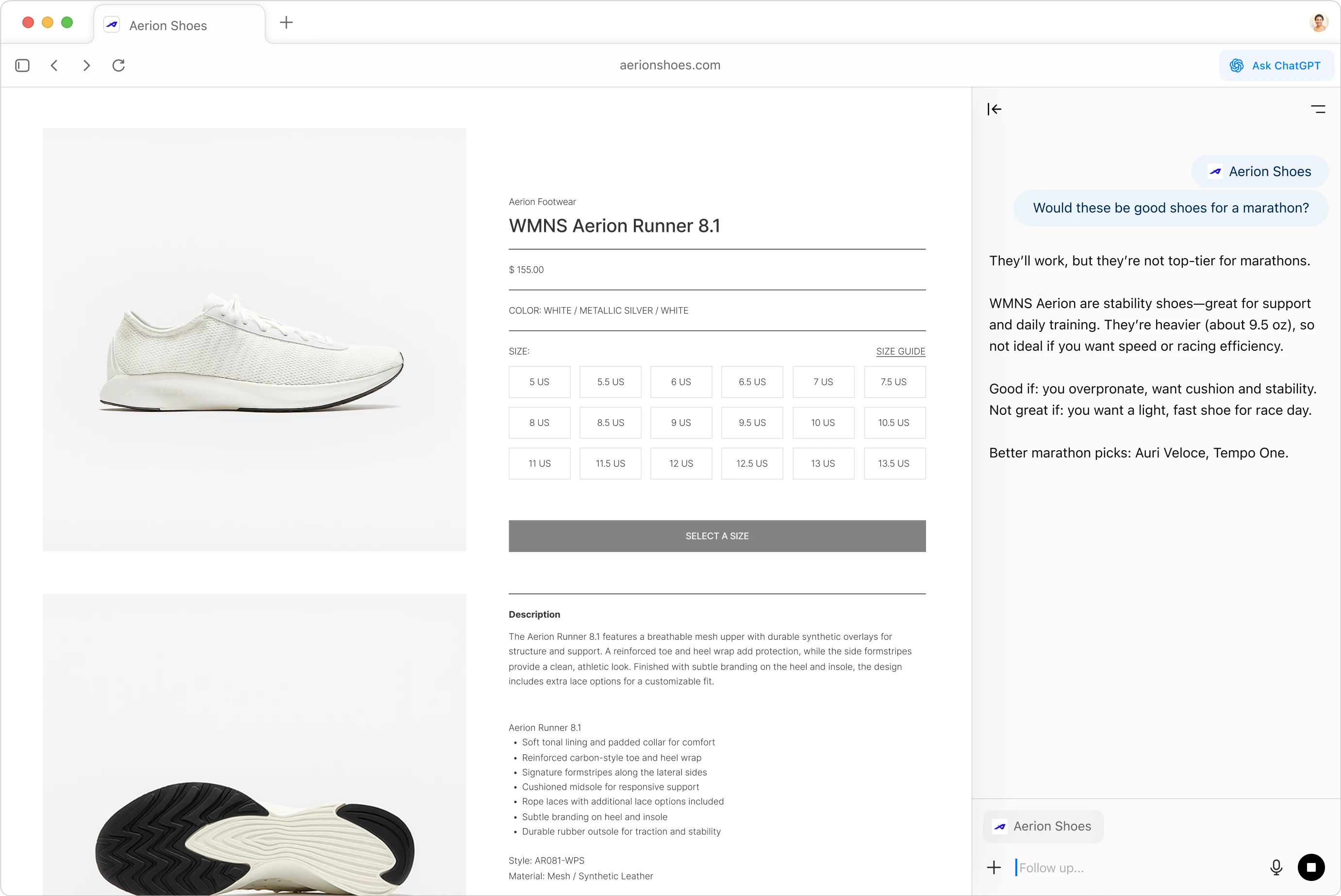

Open a ChatGPT sidebar in any window to summarize content, compare products, or analyze data from any site you're viewing.
Picks up where you left off
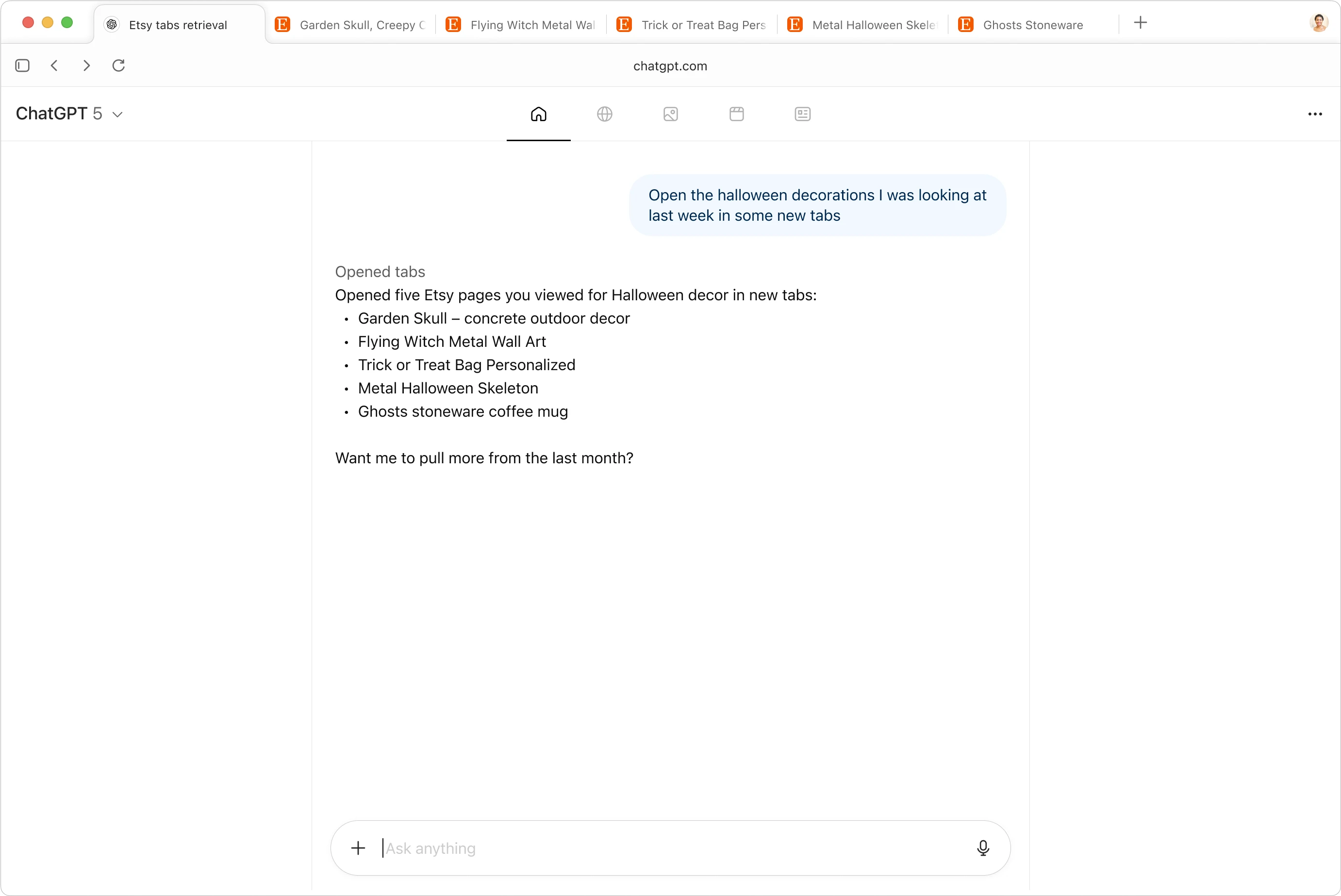

You can choose what ChatGPT remembers, so it can bring you relevant details when you need them.
Takes action for you
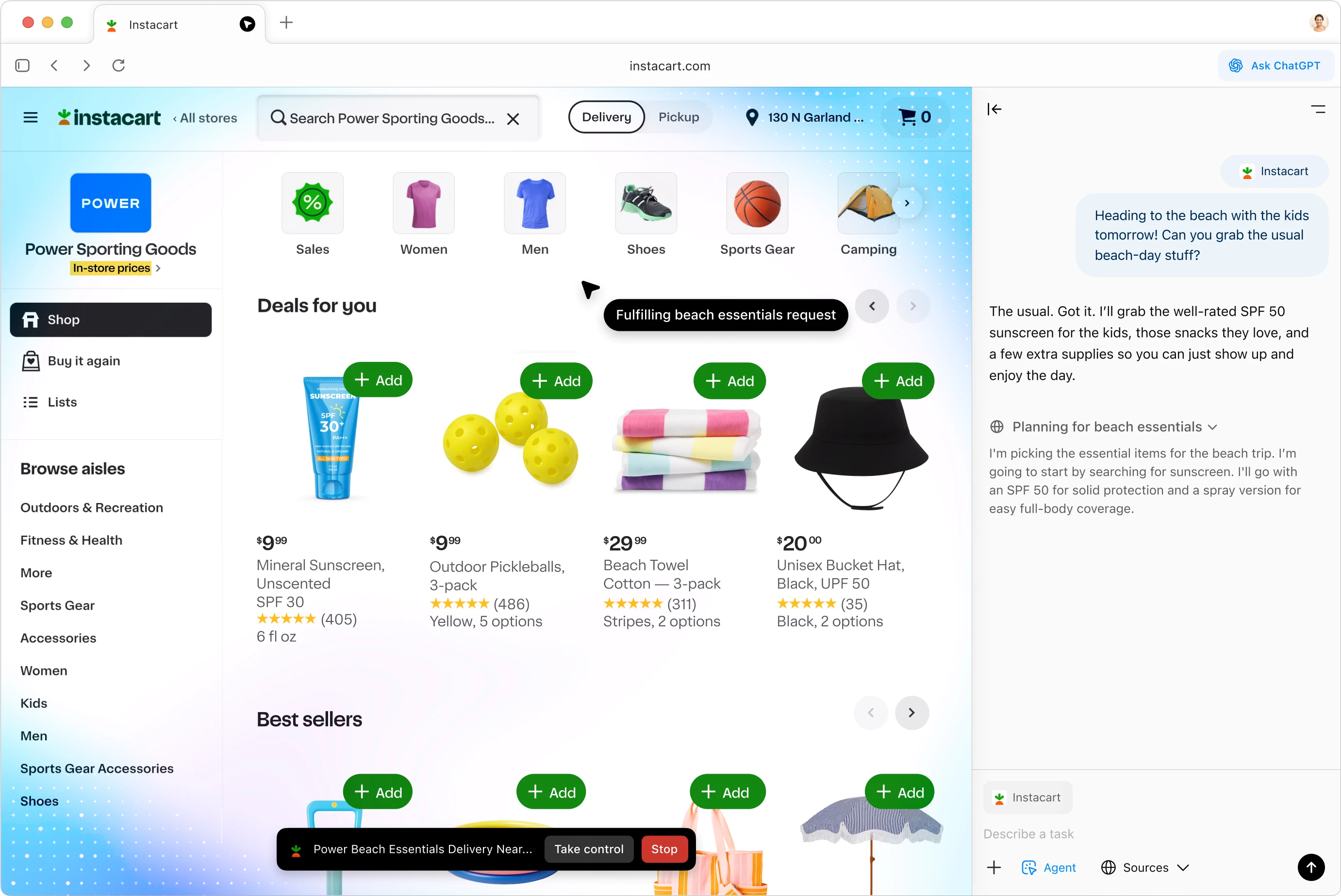

In agent mode, ChatGPT interacts with sites for you, always under your control. Use it to do tasks from start to finish, like researching and shopping for a trip. Available in preview for Plus, Pro, and Business accounts.
Assists you when and where you need it
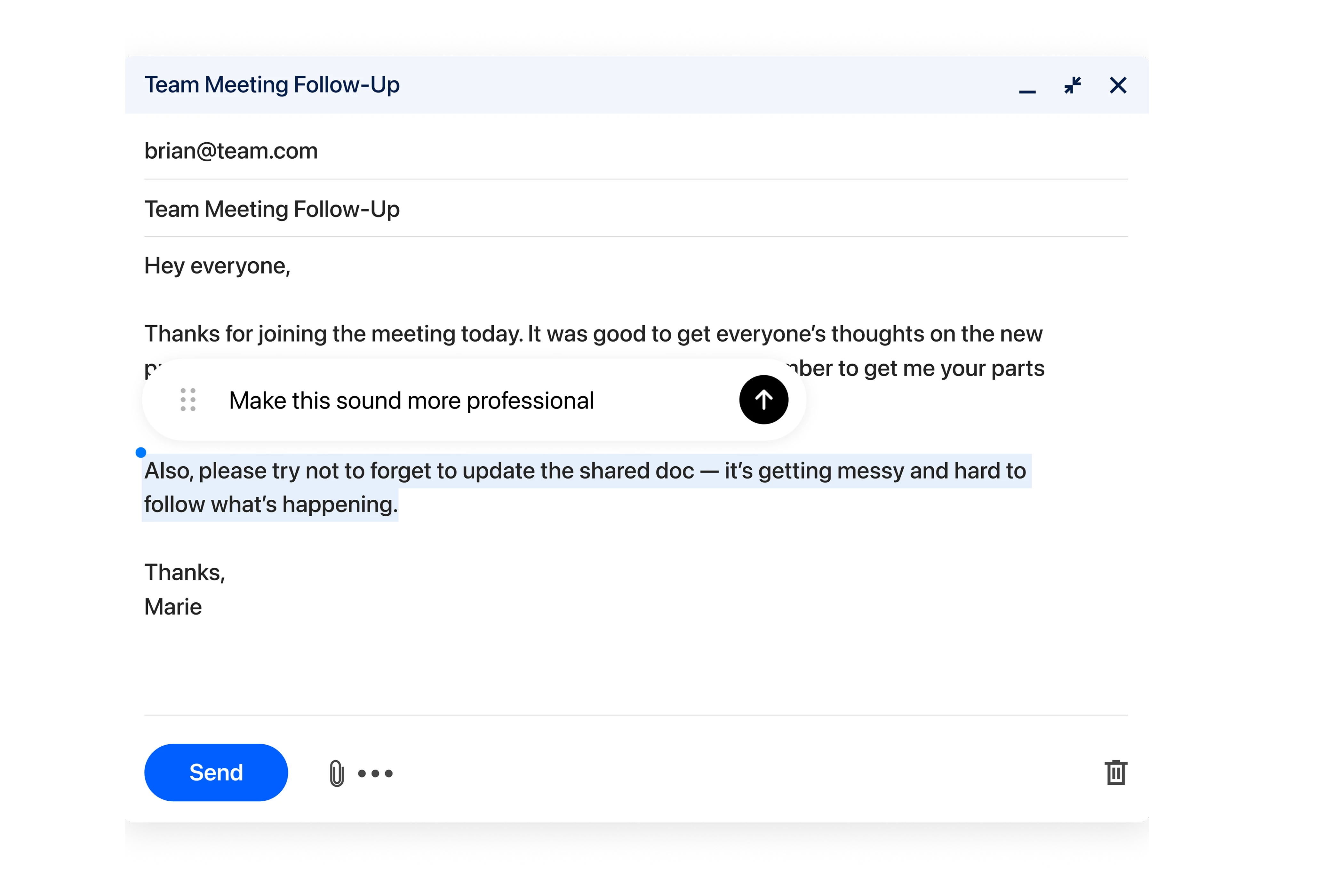

Turn your cursor into a collaborator. Highlight text in emails, calendar invites, or docs, and get help from chat in one click.
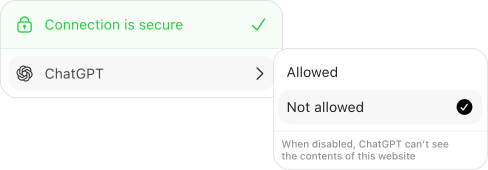
You’re in control
You can decide which sites ChatGPT can see, clear your browsing history, use incognito, and manage browser memories anytime.
More features

Smarter searches
Get information the way you want to. Search text, images, videos, or news articles.
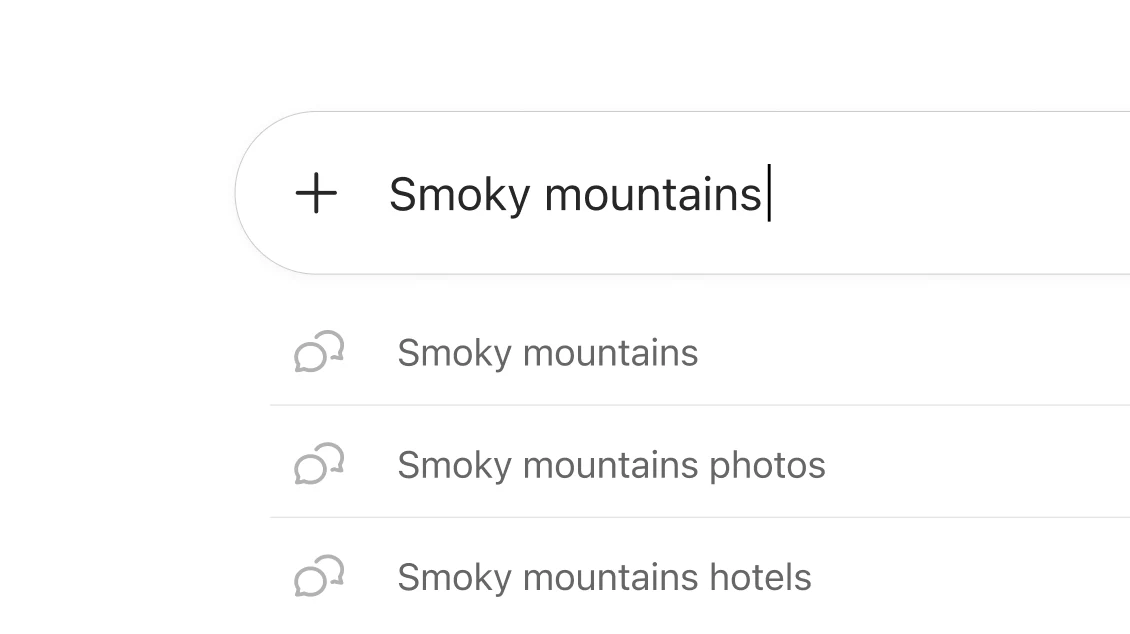
Easy to use
Use tabs, autocomplete, a search bar, and bookmarks to easily navigate the web.

Make it custom
It’s easy to set your browsing preferences and colors.