Bring ChatGPT’s frontier intelligence into Microsoft Word to draft, edit, and format your documents.
Available globally across all plans: Free, Go, Plus, Pro, Business, Enterprise, Edu, Teachers, and K–12.
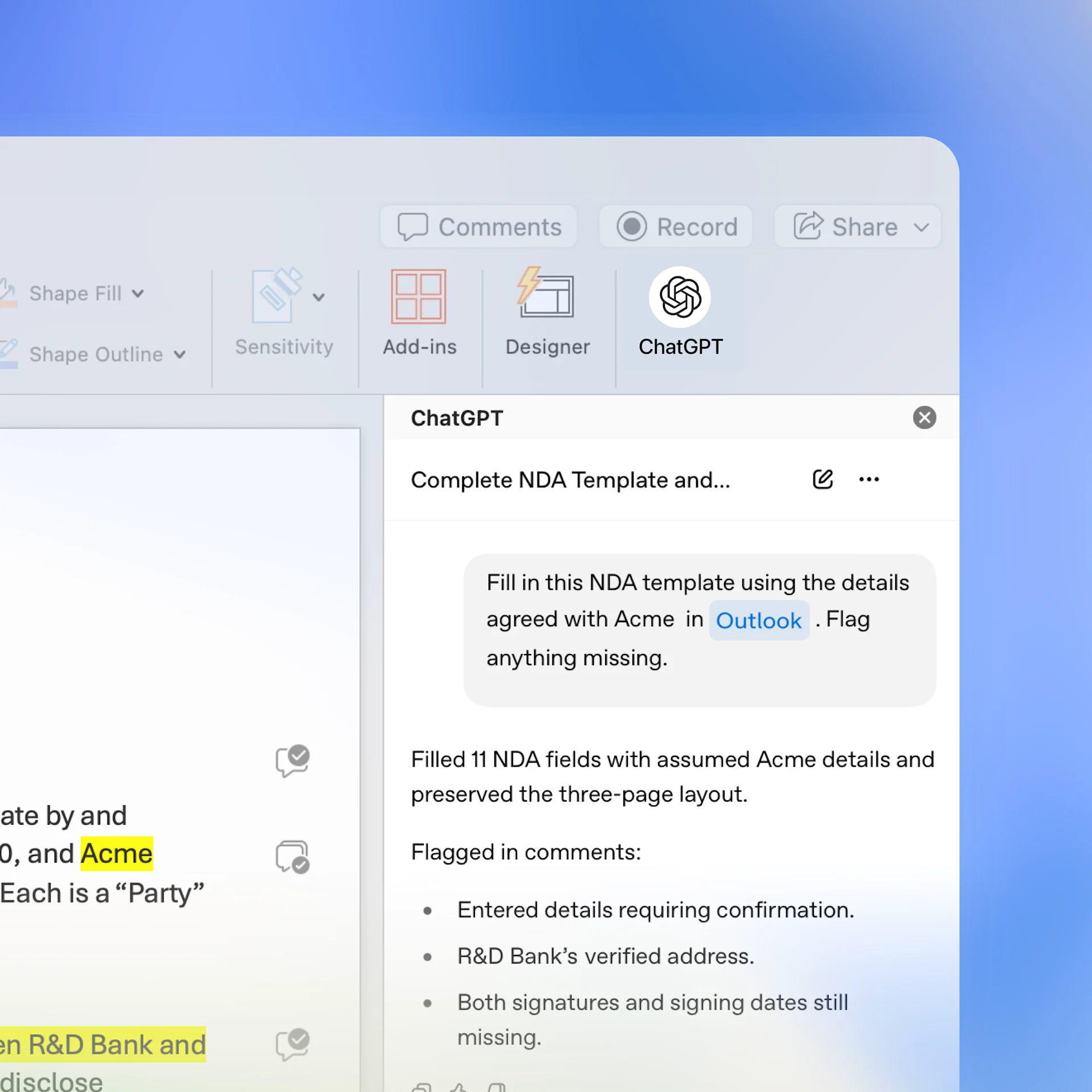
Turn rough notes into stronger documents
Work directly in Word
Draft, edit, and format without leaving Word. Ask ChatGPT to sharpen an argument, rework a section, or help you think through a draft.
Bring in the right context
Ground your writing in relevant emails, files, and team knowledge from connected apps like Outlook, SharePoint, Google Workspace, and Dropbox.
Make great work repeatable
Use skills to apply consistent instructions and standards to recurring work—from executive memos and research summaries to contract review and document formatting.
How to install
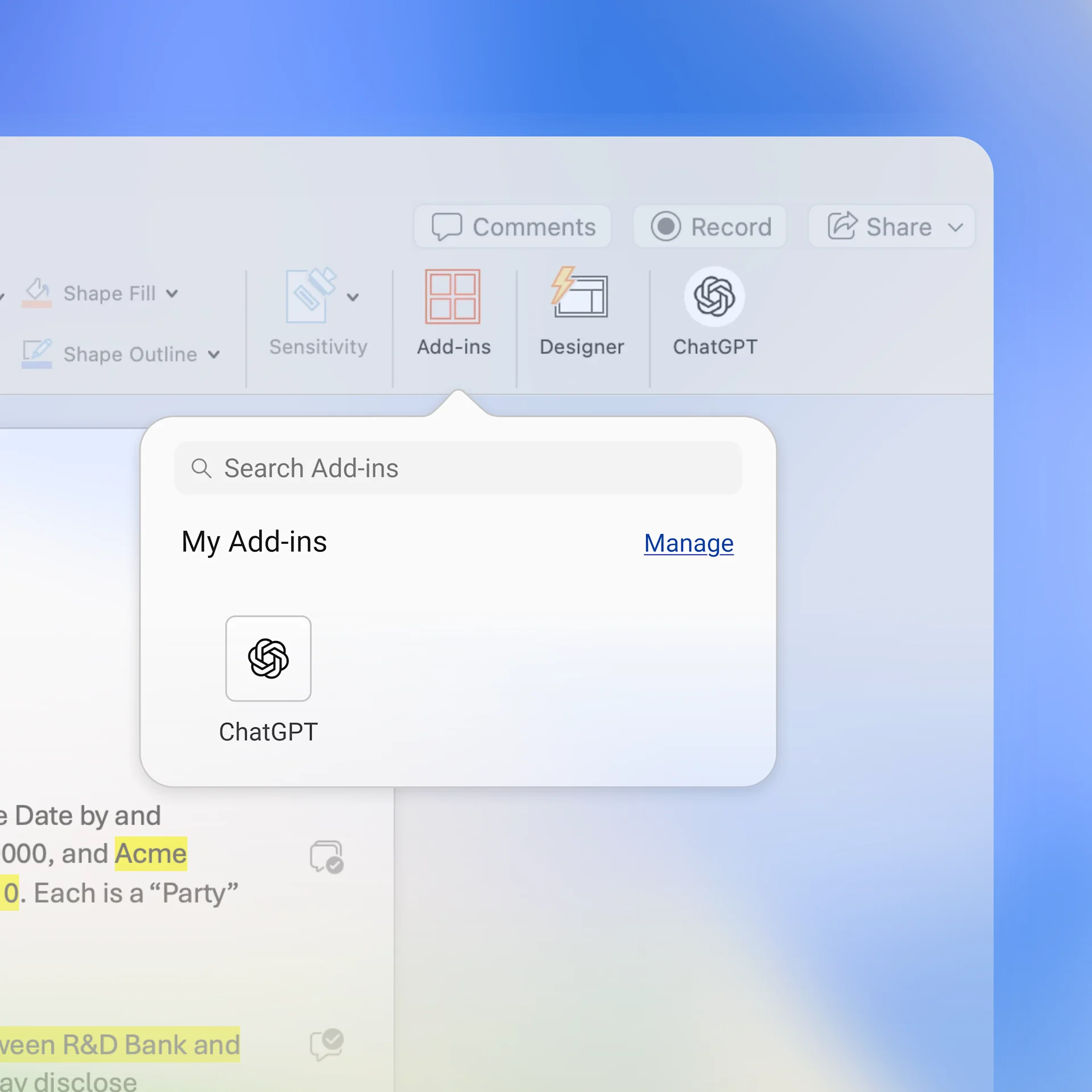
Bring ChatGPT to Word, Excel, and PowerPoint through one Microsoft add-in.
Install the ChatGPT add-in from Microsoft Marketplace, open it in Word, and sign in with your ChatGPT account. Your Microsoft administrator may need to enable access.
Ways to use ChatGPT for Word
Frequently asked questions
Data use depends on your ChatGPT plan and data controls. For ChatGPT Business, Enterprise, Edu, and Teachers, data is not used to train OpenAI models by default.