Ask ChatGPT to build full spreadsheets, get insights across tabs and formulas, and update workbooks in real time so projects move forward faster.
Available globally for ChatGPT Business, Enterprise, Edu, Teachers, and K-12 users, and for ChatGPT Pro and Plus users outside the EU.
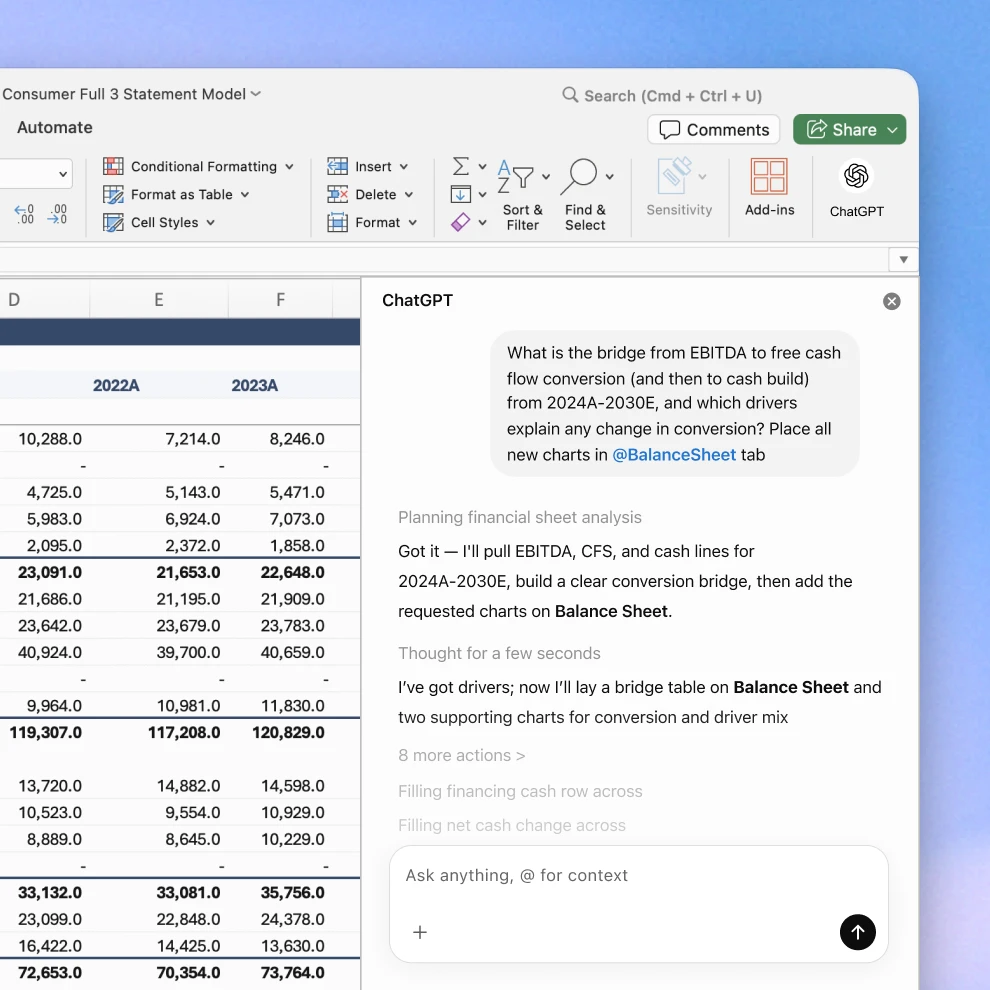
Turn conversations into spreadsheets in minutes
Create and update in plain language
Start with a blank spreadsheet or edit an existing one by describing what you need, like a survey results analysis, a discounted cash flow model, or business plan proposal. ChatGPT can build a formatted sheet with formulas included, so you don’t have to start from scratch.
Get faster answers from your data
Ask questions about what’s in your spreadsheet and get clear summaries across tabs. Understand formulas, find and fix errors, spot patterns, and quickly turn data into insights you can act on.
Follow along so you can trust the work
ChatGPT explains what it’s doing, links answers to the cells it references and updates, preserves your formulas and formatting, and asks for permission before making changes, so you can verify each step and revert edits if needed.
ChatGPT works directly in Excel
Install ChatGPT for Excel to build, analyze, and update spreadsheets without switching tools.
Get ChatGPT for Excel (beta)
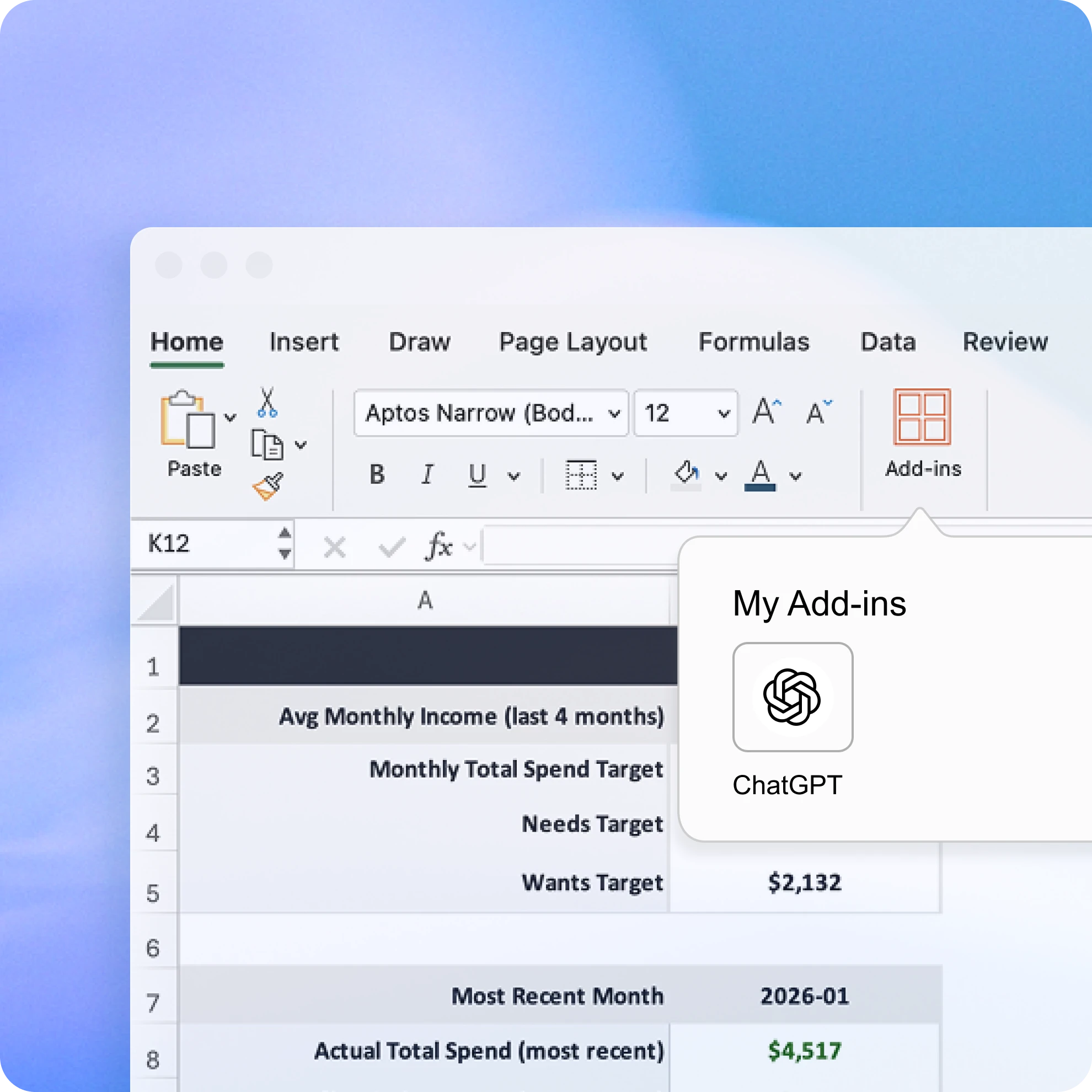
Add ChatGPT for Excel from Home → Add-ins, then search for ChatGPT. You should then see ChatGPT in the ribbon above your workbook. Open it and sign in with the OpenAI account that has your ChatGPT Plus, Pro, Business, or Enterprise plan.
Ways to use ChatGPT for Excel
Frequently asked questions
More ways to use ChatGPT
- Chat with spreadsheets
Understand data faster, fix formulas confidently, and turn raw numbers into clear insights and templates.
- ChatGPT for finance
Analyze financial statements in seconds, summarize reports instantly, and automate routine tasks.
- Automate tasks
Connect apps like Google Drive, Slack, and GitHub so ChatGPT can pull information, organize it, and help you get more done.