Back when Ghostty released I played around with the entire config, including trying to get some shaders to work. iTerm2 has the ability to have an image background in your terminal and ghostty does not, at least not directly. I wanted to get a custom image with a shader but couldn’t get it working.
Well, today in the Bullpen Sam posted this link to a repo full of shaders so I decided to give them a go. Pretty soon I realized I should take a picture or video of these so other people don’t have to go through the pain.
I ended up finding a couple of combinations I really liked so I’ll highlight those at the top, then the rest is just each shader with a link to the repo. I recommend cloning the entire repo into ~/.config/ghostty/shaders and then you can specify your shaders in the order they will be applied.
custom-shader = ./shaders/tft.glsl
custom-shader = ./shaders/bettercrt.glsl
custom-shader = ./shaders/bloom.glsl

# only set this during testing, defaults to "true" which animates only active windows
# custom-shader-animation = always
drunkard+retro-terminal+bloom
glitchy+bettercrt+water+bloom
retro-terminal+tft

tft+bettercrt
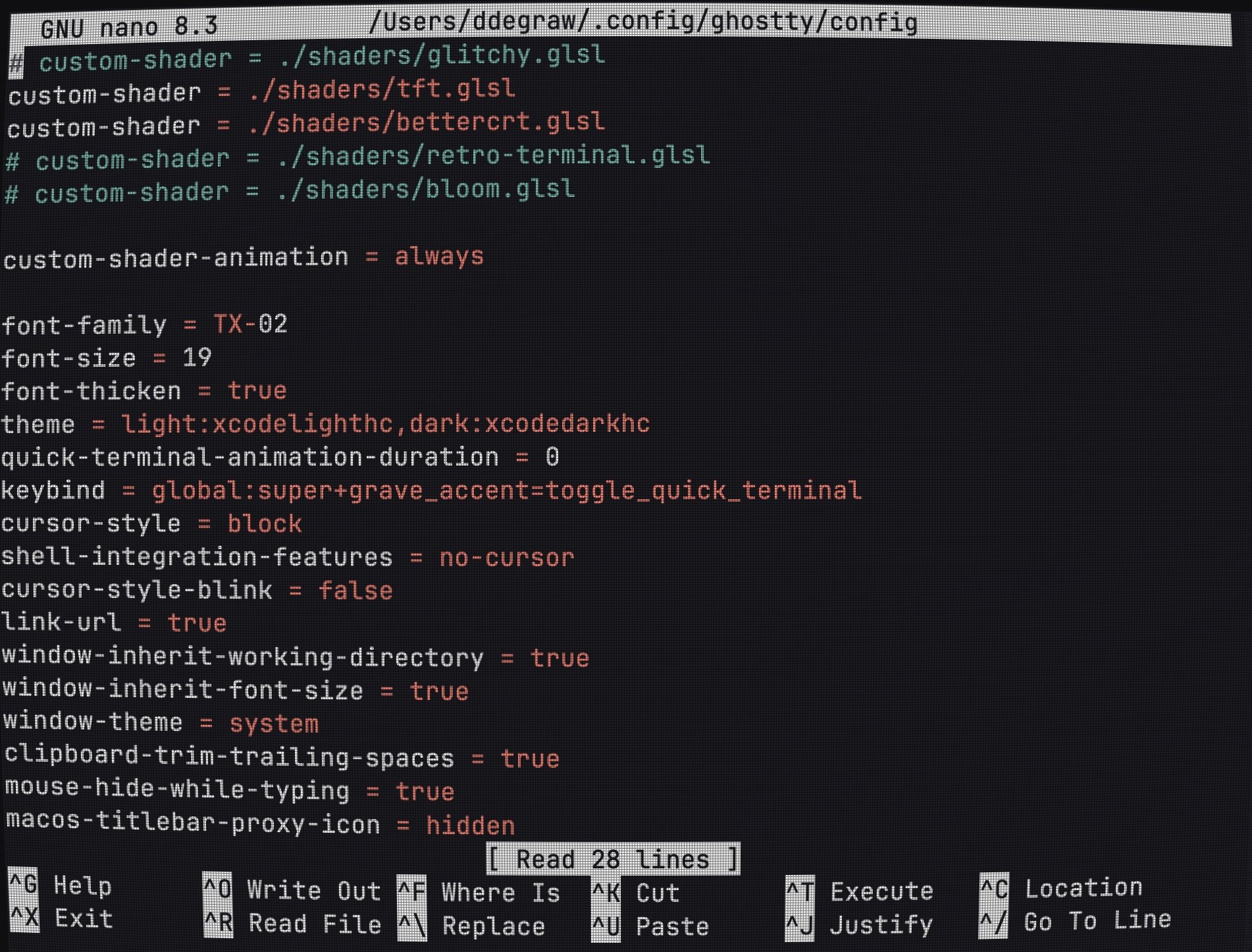
tft+retro-terminal+bloom
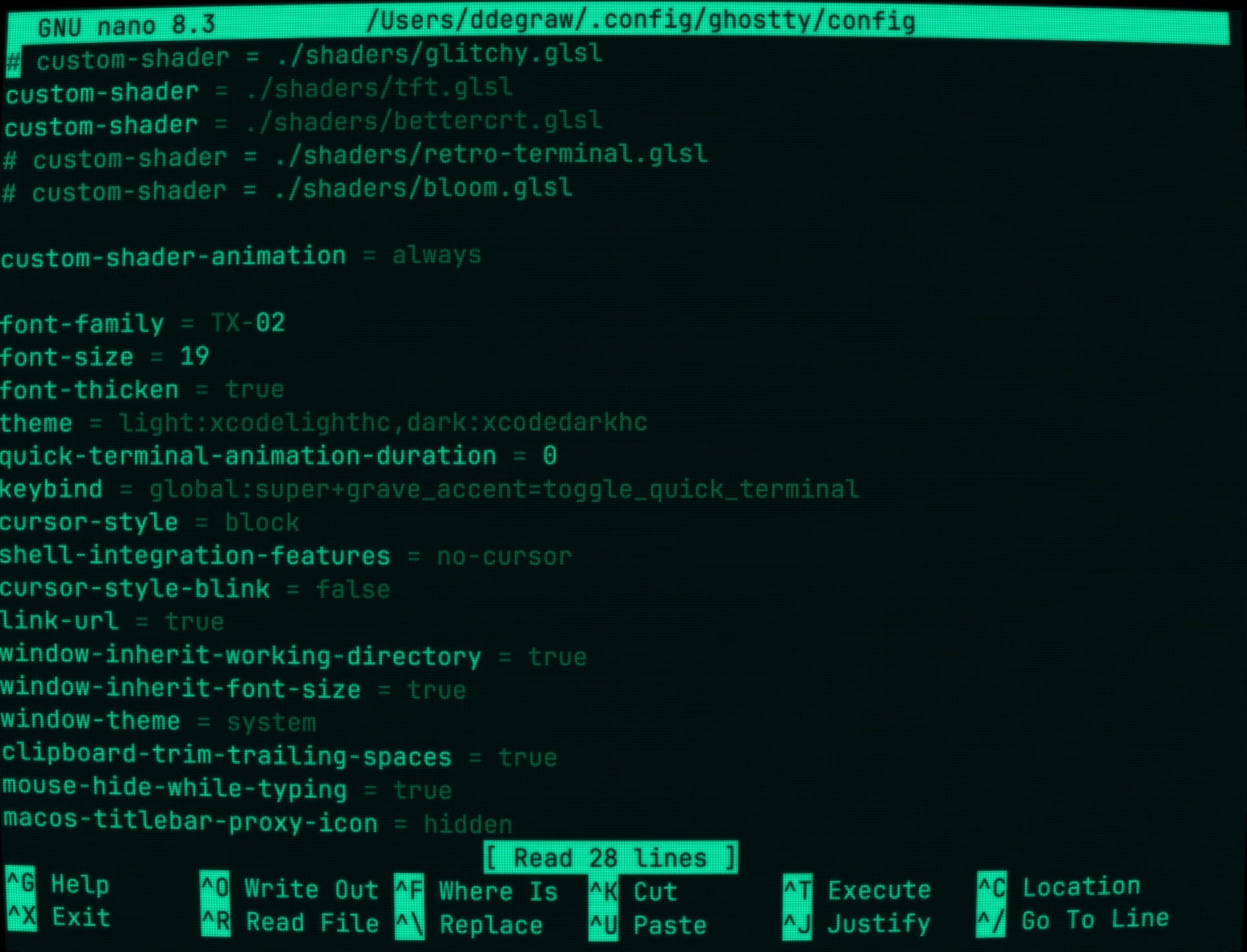
animated-gradient-shader↗
bettercrt↗
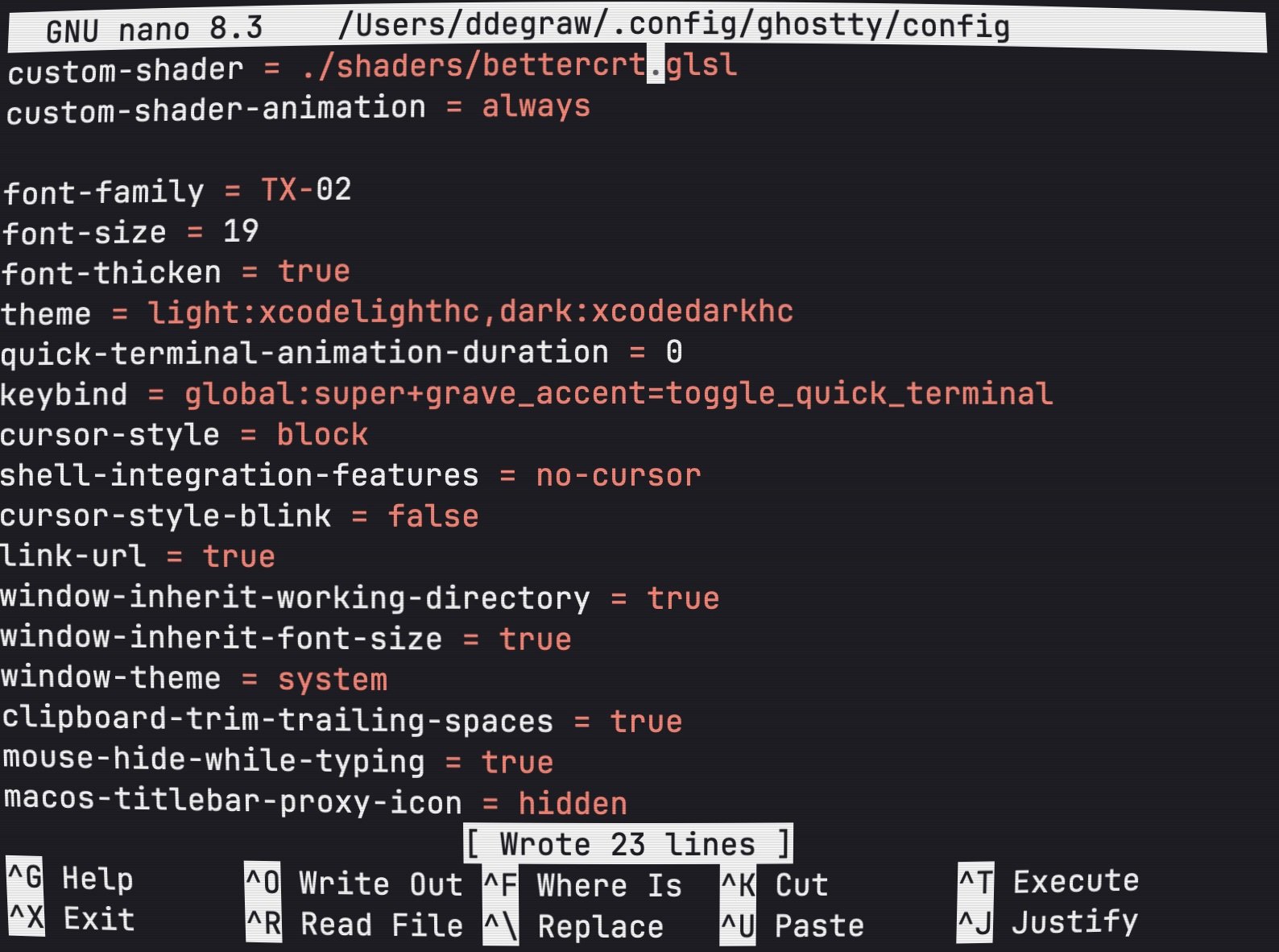
bloom↗
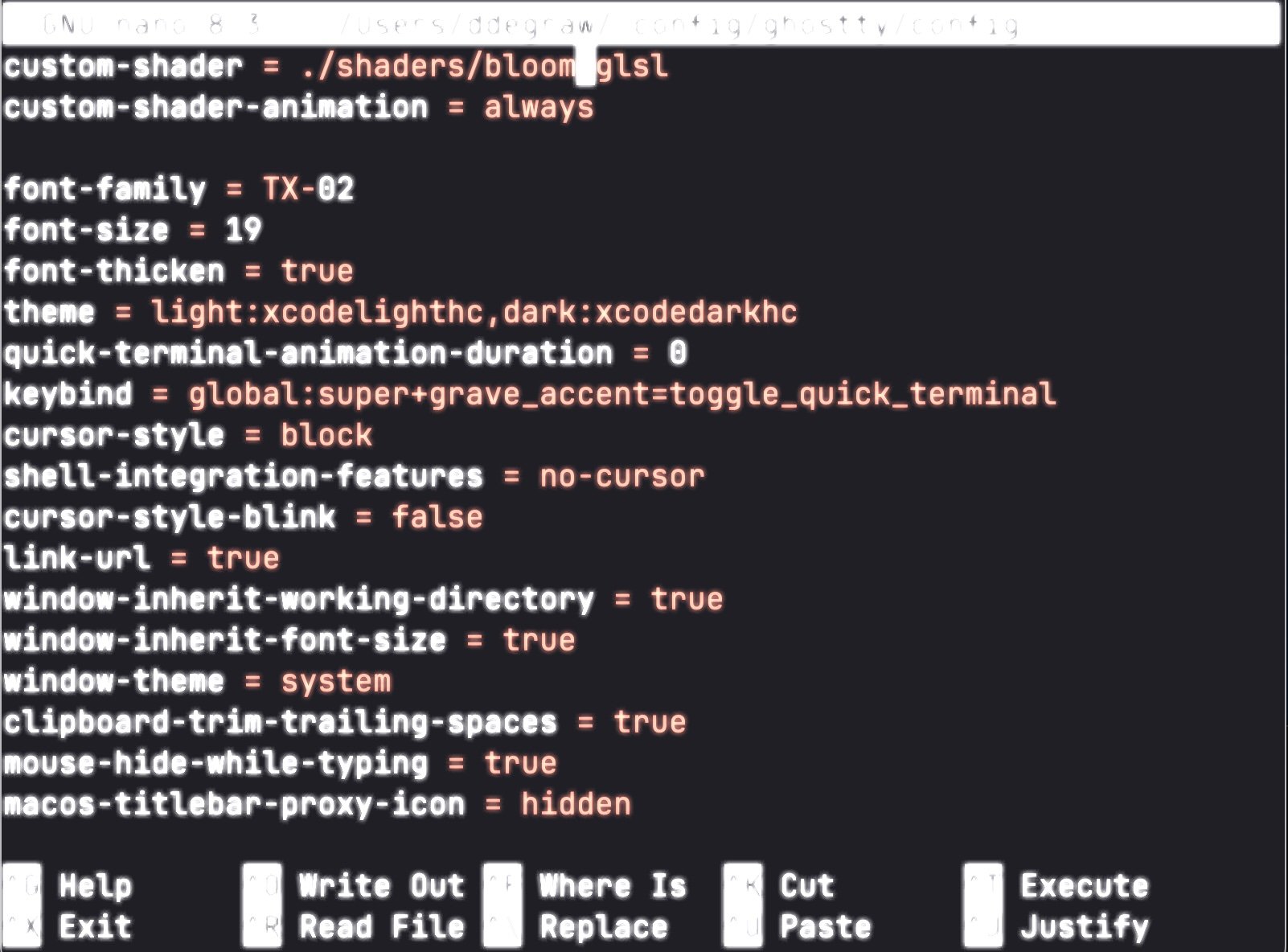
cineShader-Lava↗
crt↗
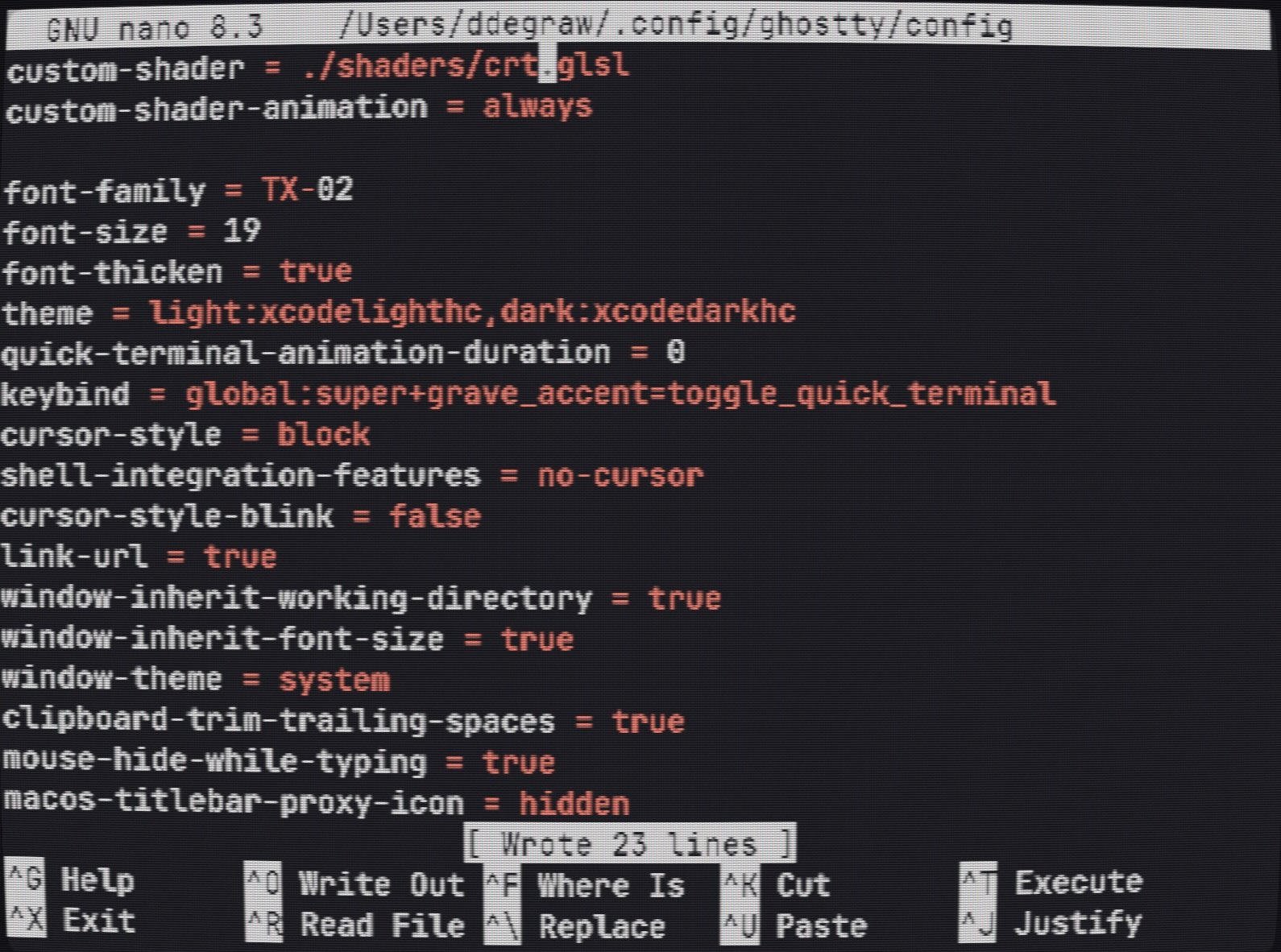
cubes↗
dither↗
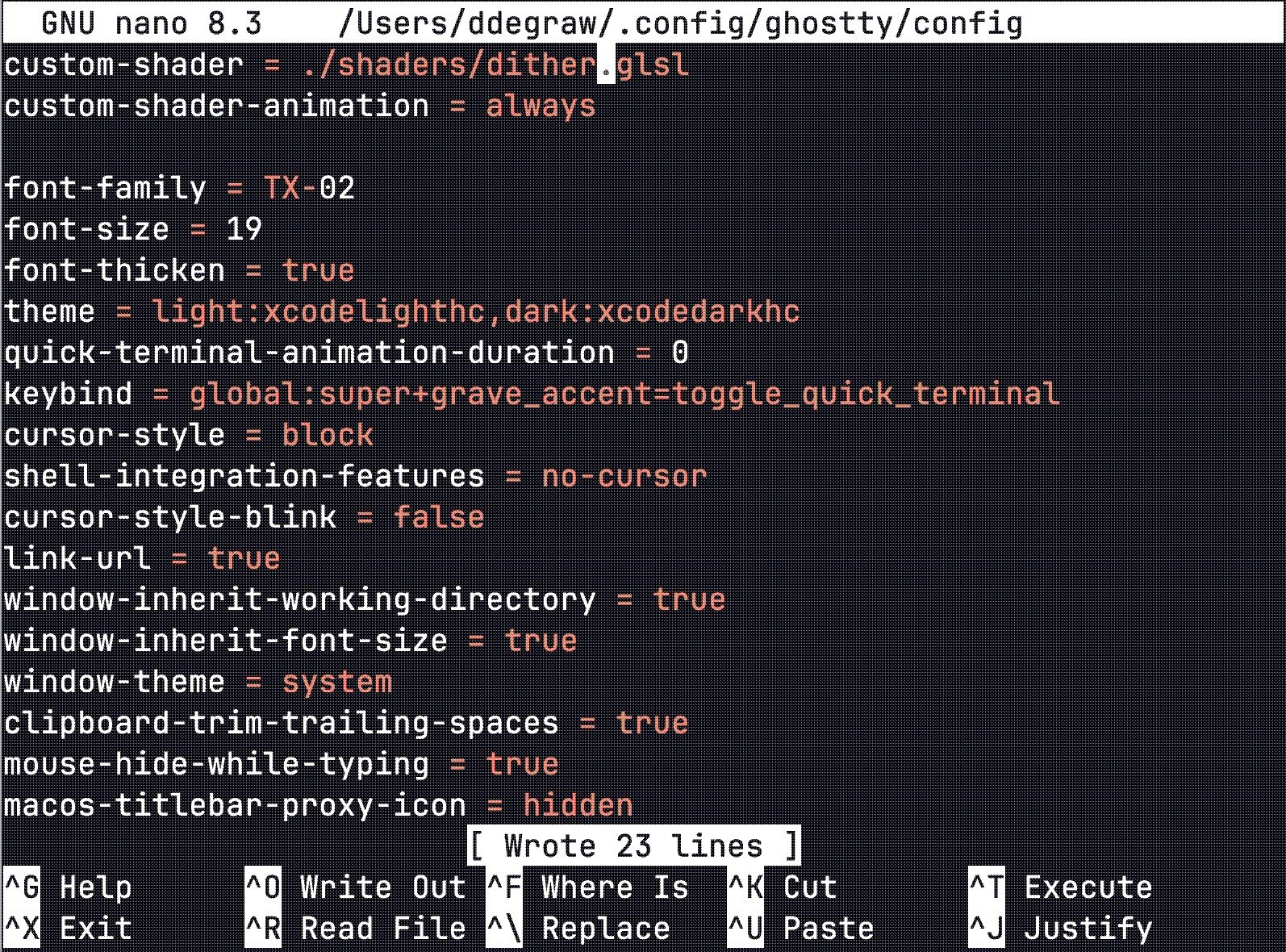
drunkard↗
fireworks-rockets↗
fireworks↗
galaxy↗
gears-and-belts↗
glitchy↗
glow-rgbsplit-twitchy↗
gradient-background↗
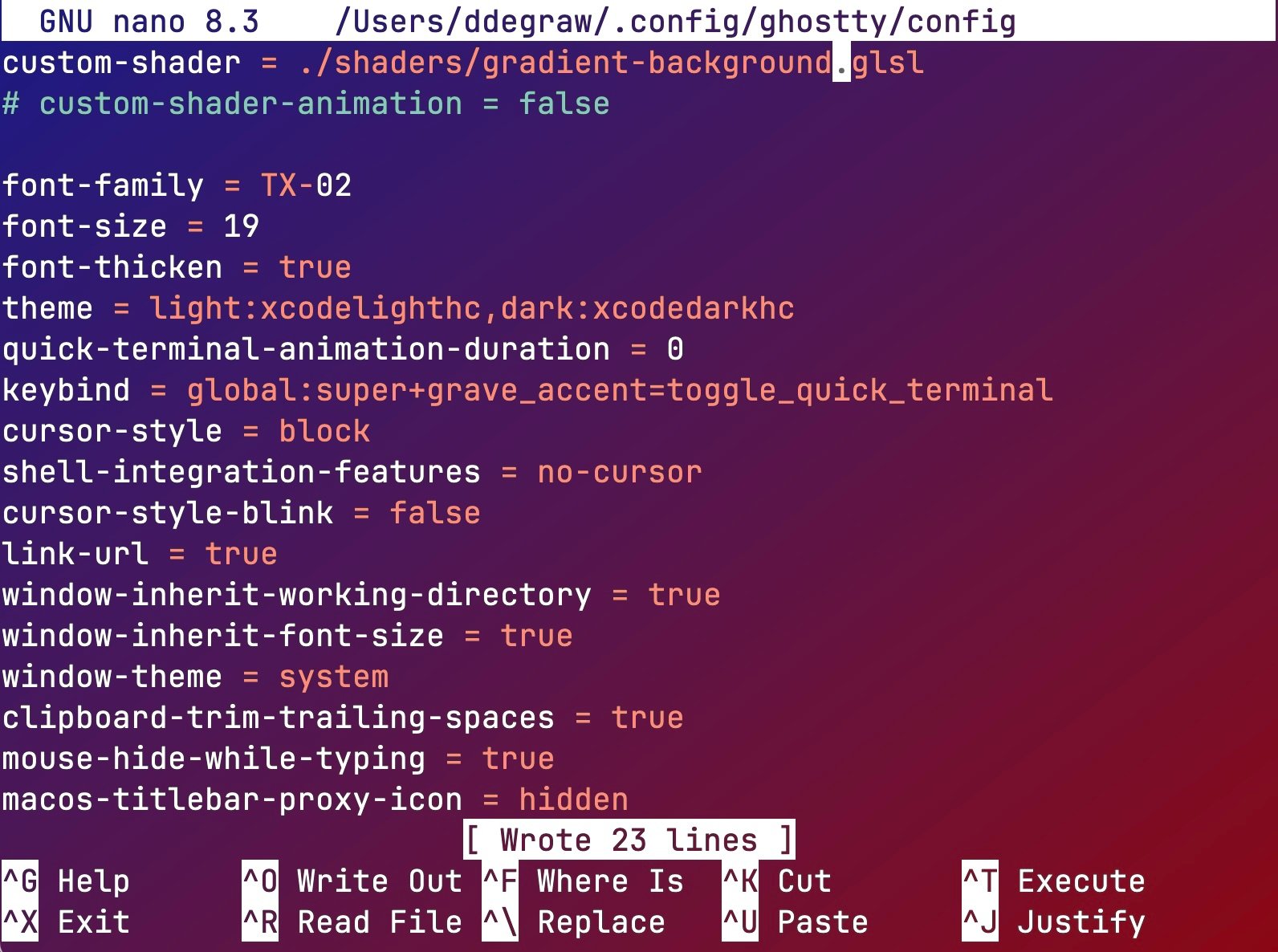
in-game-crt↗
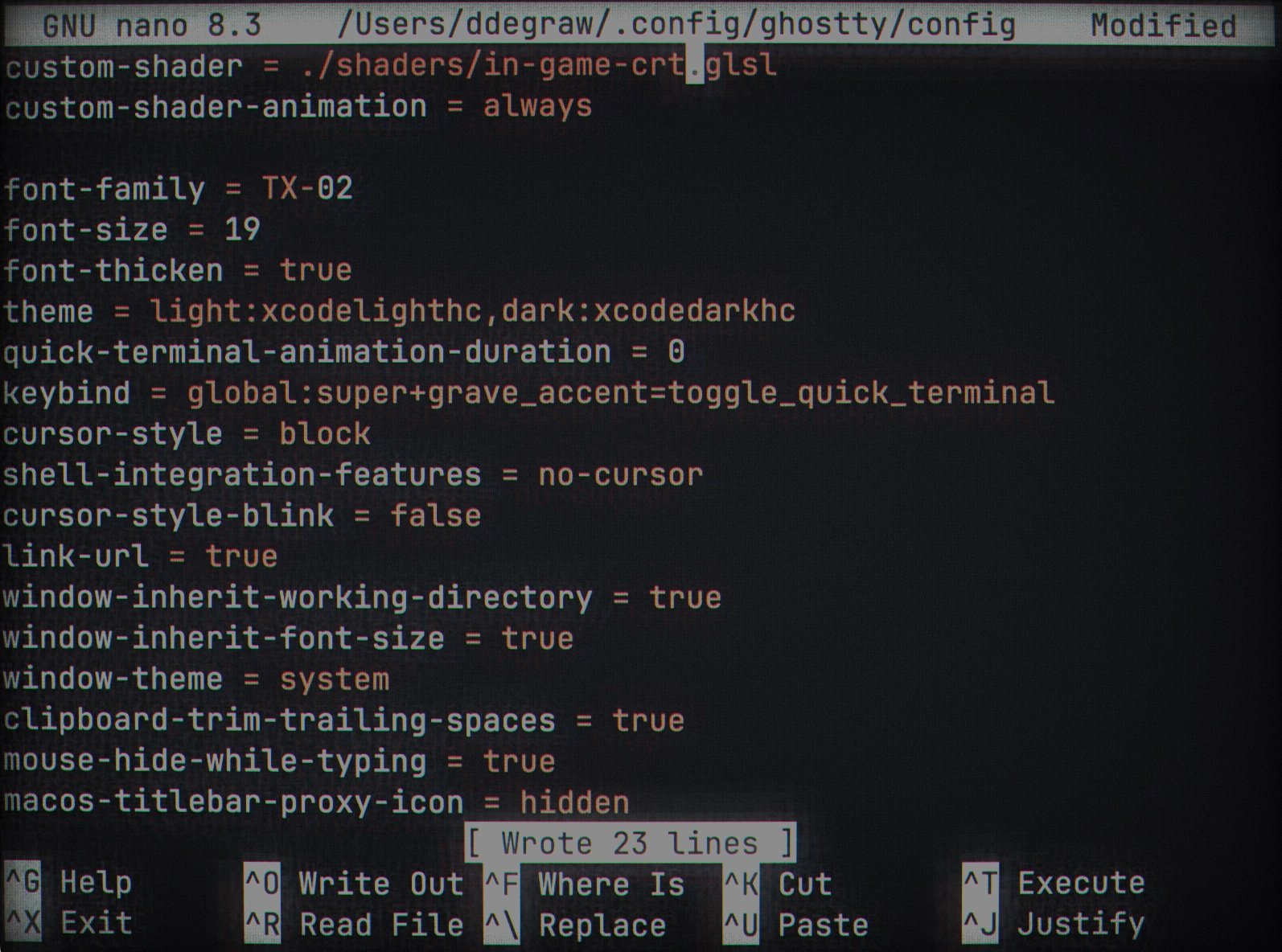
inside-the-matrix↗
just-snow↗
matrix-hallway↗
negative↗
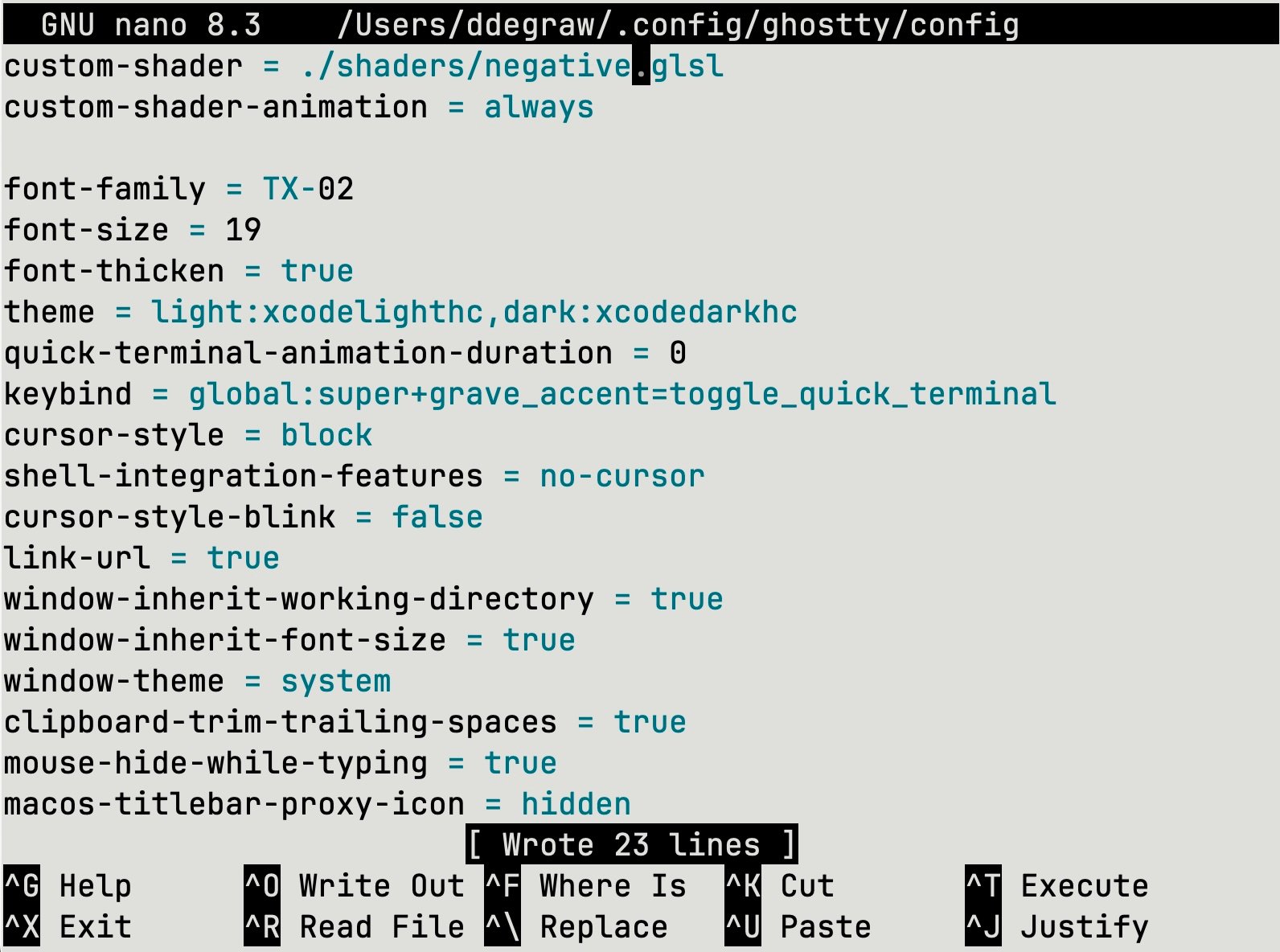
posters↗
retro-terminal↗
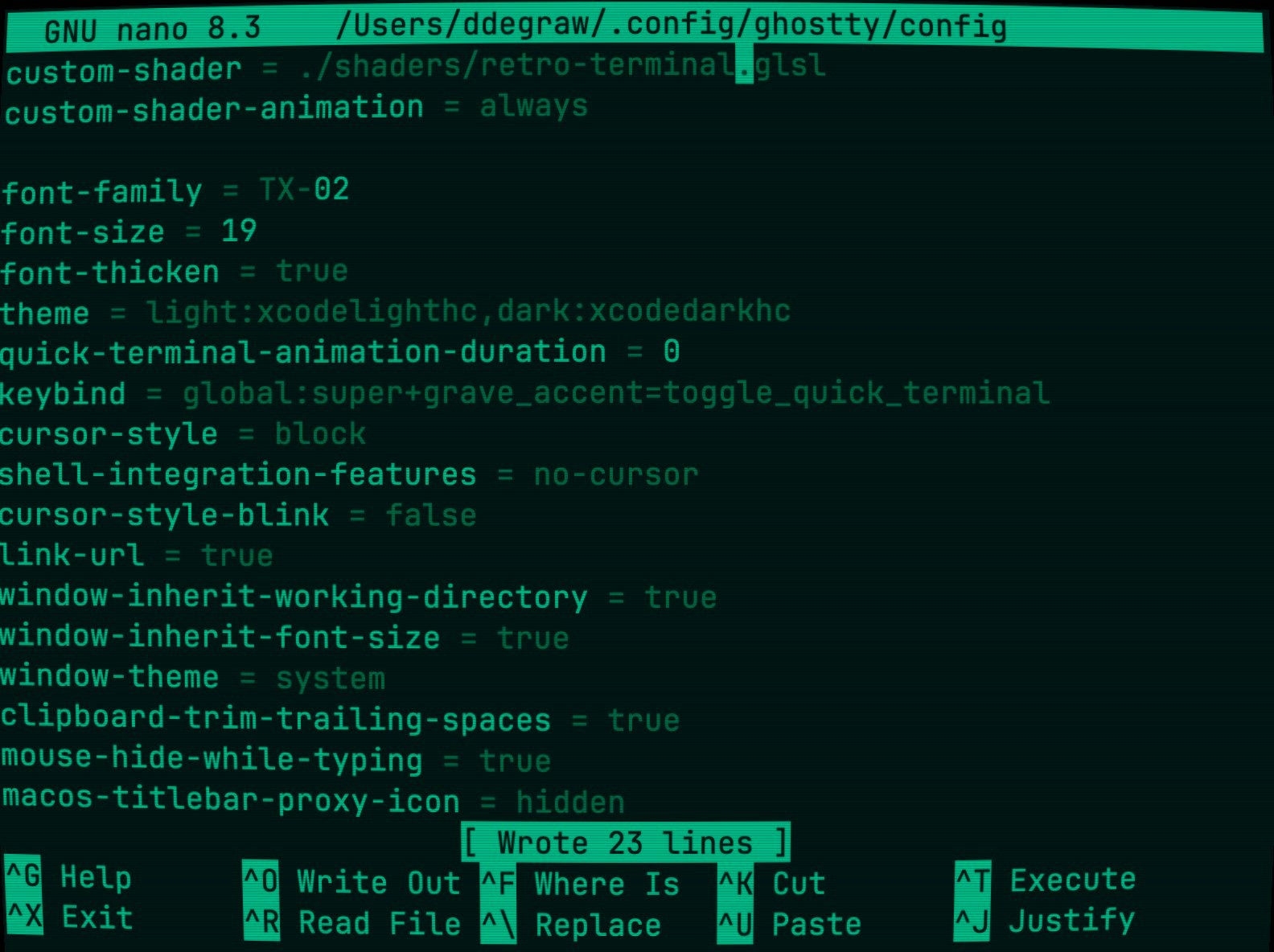
sin-interference↗
smoke-and-ghost↗
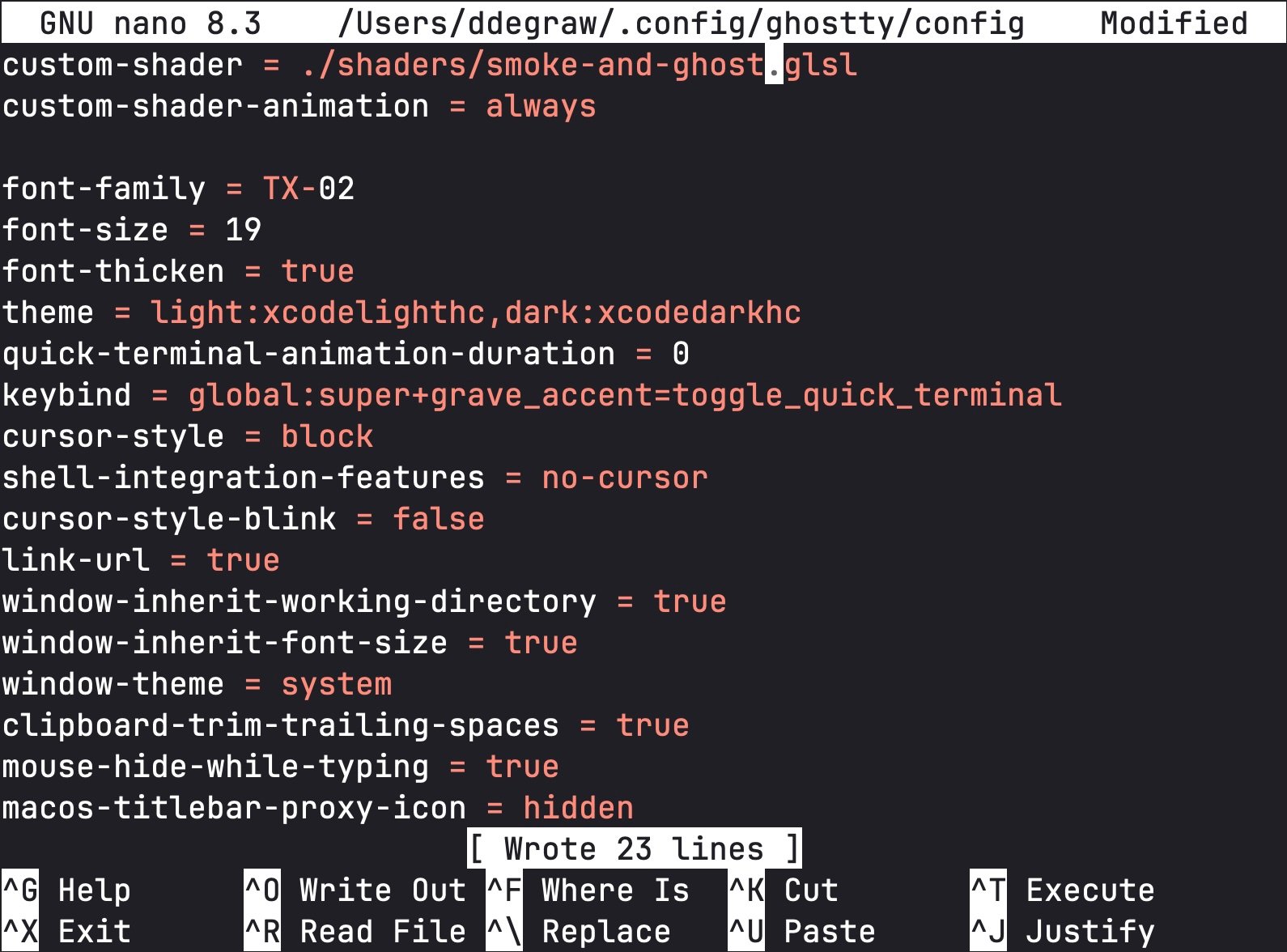
sparks-from-fire↗
spotlight↗
starfield-colors↗
starfield↗
tft↗
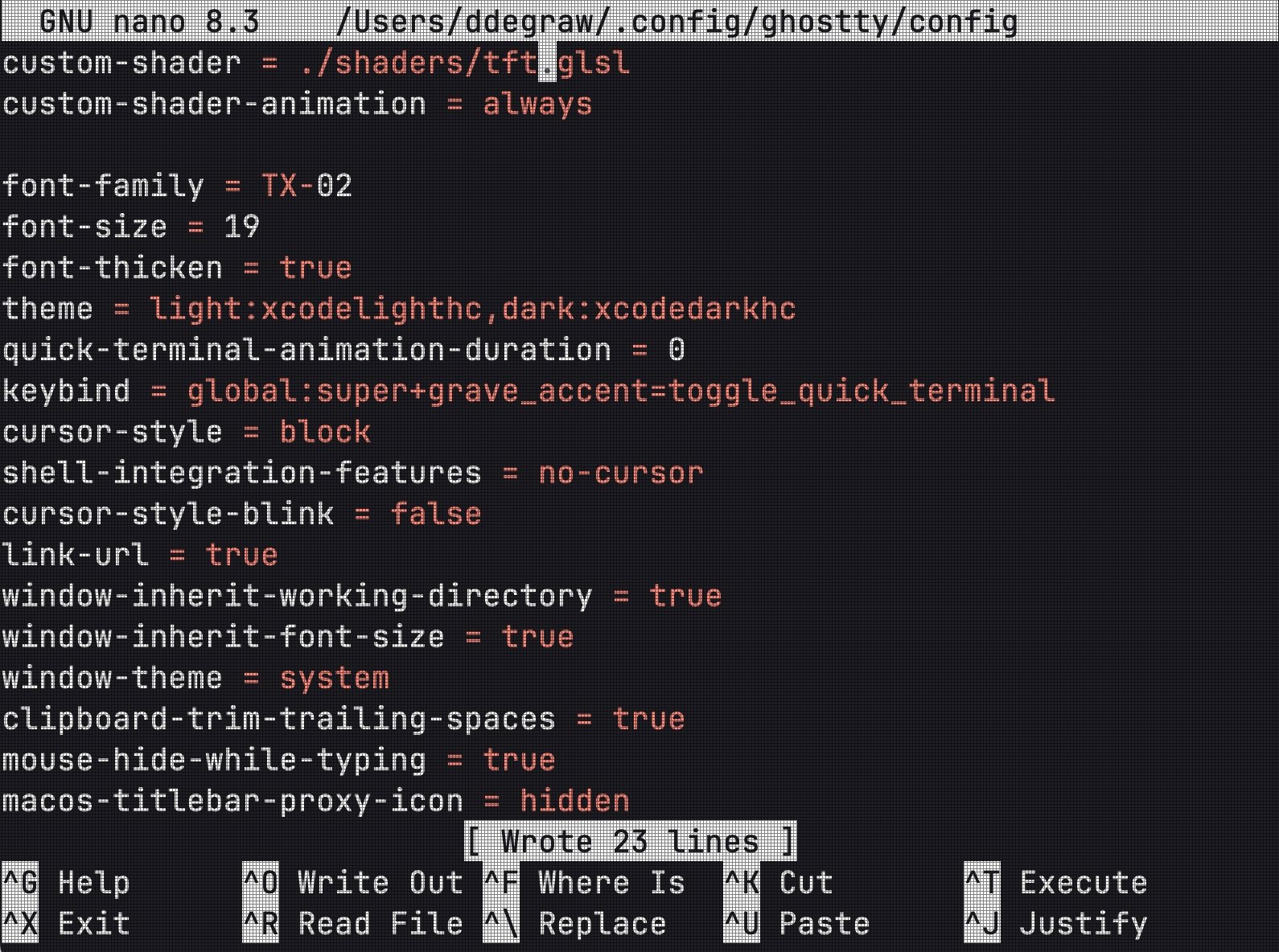
underwater↗
water↗
Finally for all you young players at home here’s my full current daily ghostty config:
custom-shader = ./shaders/starfield.glsl
font-family = "SF Mono"
font-size = 19
font-thicken = true
theme = light:Xcode Light hc,dark:Xcode Dark hc
quick-terminal-animation-duration = 0
keybind = global:super+grave_accent=toggle_quick_terminal
cursor-style = block
shell-integration-features = no-cursor
cursor-style-blink = false
link-url = true
window-inherit-working-directory = true
window-inherit-font-size = true
window-theme = system
clipboard-trim-trailing-spaces = true
mouse-hide-while-typing = true
macos-titlebar-proxy-icon = hidden
macos-icon = custom-style
macos-icon-frame = plastic
macos-icon-ghost-color = FFFFFF
macos-icon-screen-color = 000000