
Budget Kanban
Prevent budget mistakes before they happen
Quickly identify budget overruns and misallocations from multiple projects using collaborative Kanban boards

Tap play button to see how it works 👆
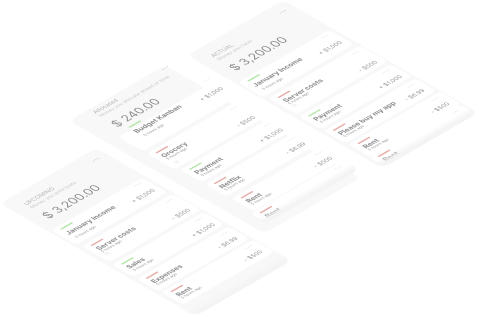
As your project grows, finances gets messier
Difficulty in tracking real-time budget updates across multiple projects.
Stress from trying to reconcile expenses at the end of each project.
Time wasted on manual entry and adjustment of budget data.
Inability to quickly identify budget overruns or misallocations.
Frustration with the lack of a visually intuitive financial tracking system.

Only if there's a visual financial tracking tool that simplifies budget management for your projects 🤔
So you can oversee project finances at a glance
Importantly, so you can make informed decisions promptly 😌
... like a Trello board, but for your budget! 💡
Achieve that with
Real-time visibility into each project's financial status
Stress relief from having an organized and easily understandable financial overview
Reduction of time spent on manual data entry and corrections
Enhanced ability to identify and rectify budget issues swiftly
Increased accuracy in budget allocation and monitoring
Here's how it works
Start by creating your Kanban board from a template or from scratch. Add columns that match your project's workflow.
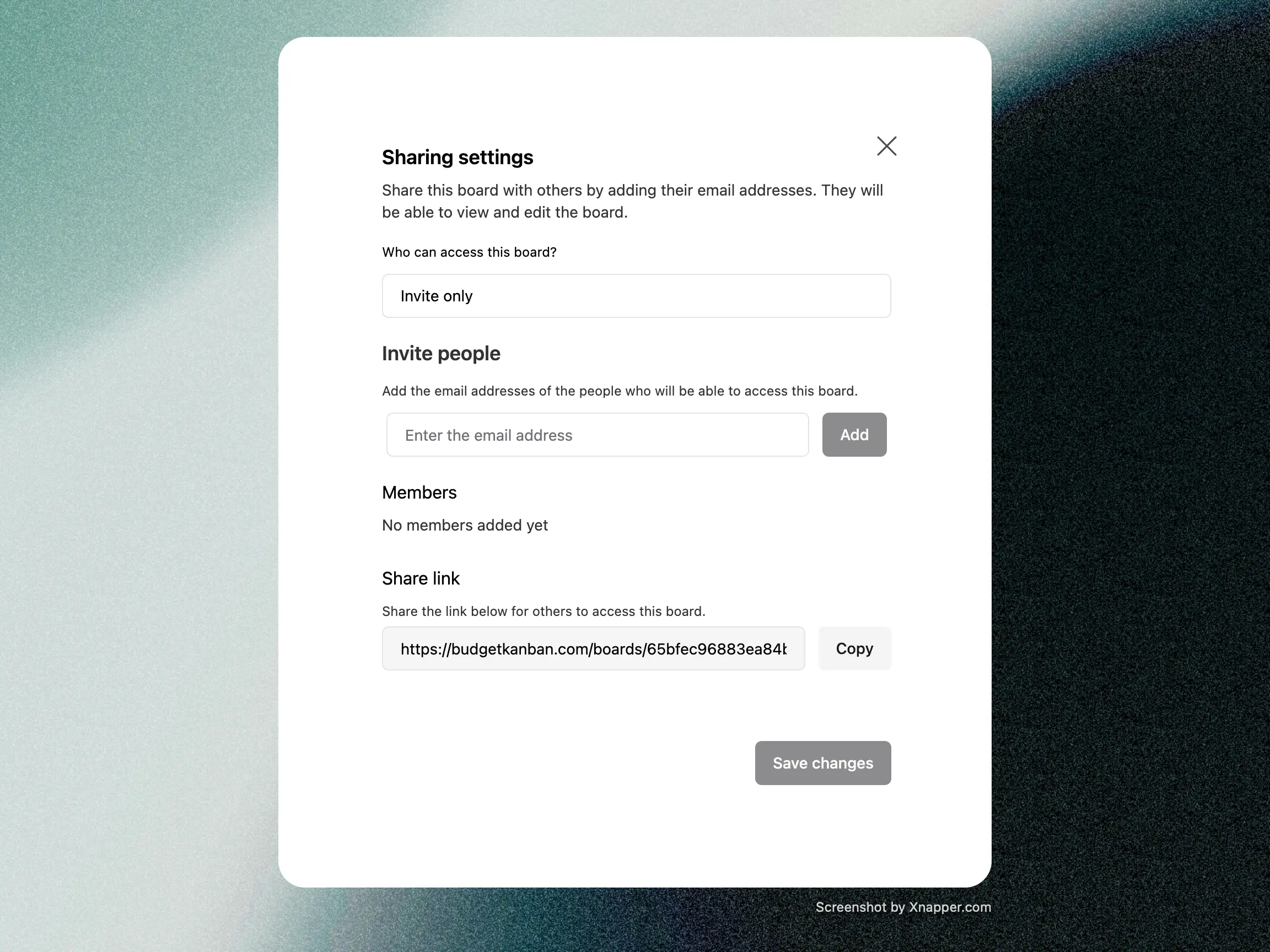
Optionally, configure sharing settings to allow collaboration with your team.
As incomes or expenses occur, add cards directly onto the appropriate column of your board.
You can easily drag and drop expense cards between columns, facilitating seamless organization and tracking of expenditures.
Budget Kanban automatically updates budget totals in real-time, providing with immediate insights into spending patterns and potential overruns.
Moreover, you can configure custom formulas to track specific metrics tailored to your project's requirements.
Let's take a closer look...
Drag-and-Drop Items
Move cards between columns to reflect changes in their budget allocation or progress, saving time and effort compared to manual data entry or editing.
Automatic Card Summation
Automating column summations not only prevents calculation errors but also keeps things flexible. This means you'll always have accurate financial data on hand, and the system can easily adapt to any changes you might need.
Real-Time Collaboration
Changes made by a member are immediately visible to others, ensuring that all team members have access to the latest financial data and can stay informed about budget adjustments or decisions.
Customizable workflows
You can modify columns as your financial needs evolve, accommodating changes in budgeting priorities, project requirements, or team dynamics without disrupting your workflow.
Security of financial data
Budget Kanban offer features designed to ensure the security and compliance of users' financial data, such as encryption, and access controls.
Use it in many ways!
There are millions of ways to use Budget Kanban.
Here are some examples:
Who is this for?
FOR you
Small businesses, freelancers, or founders needing simple and effective money organization.
Marketing or event teams in search of a focused solution to streamline budget management.
Families looking for a straightforward tool to track and control their spending habits.
Homeowners planning renovations or repairs and seeking an easy way to manage budgets.
NOT for you
Large corporations with complex financial systems already in place.
Businesses requiring highly specialized software tailored to stringent regulatory standards.
Traditionalists preferring manual methods like pen and paper for money management.
Individuals seeking feature-rich financial tools beyond basic budget management.
Here's what founders and indiemakers are saying
“This is really cool! Finance apps need a user interface (UI) overhaul and this is the solution.”


Dan Mindru, Morning Maker Show
“This is freaking awesome. It looks freaking fantastic. The design is so nice. It's so simple, it's so elegant.”

Sandra Djajic, Morning Maker Show
“I LOVE THIS! ... People need to check this out... It looks so freakin’ good.”

Hieu, Founder of SuperX.so
“Financial tracking in Kanban mode. Creative!”

Joseph, Founder of Tweqasoftware.com
“I used different budgeting app before, but Budgetkanban is the best! Glad I have a lifetime access.”

Rossveth Lopez, Founder of FontVisual
“Awesome UI and animation! It's also a fresh concept”

“It is going to make personal budgetting so fun!”

Andrew, Founder of ClipPilot
“The insights side window is a nice touch! Love how smooth the UI is.”

Mirza Leka, Fullstack Engineer
“Wish my bank app had this feature”

Thaha, Founder of WriteFastAI
“that is neatly done”
Pricing
Prevent Unexpected Expenses,
Save Time and Money
Single Project
For individuals and small teams who manage a single project.
Per month. Billed monthly
Calculated formulas for insights
5 collaborators at a time
Cancel anytime
Multiple Projects
For individuals and businesses who manage multiple projects.
Per month. Billed monthly
Calculated formulas for insights
20 collaborators at a time
Cancel anytime

Lifetime Deal
For individuals and businesses who want to save money in the long run.
Pay once. No monthly or yearly fees
Calculated formulas for insights
20 collaborators at a time
Pay once and use it forever
One time payment. No subscription
FAQ
Frequently Asked Questions
Answers to common questions about Budget Kanban. If you have any other questions, please shoot us an email at support@budgetkanban.com
Take control of your budget and avoid unexpected expenses. Get started with Budget Kanban today.