Tame Your Tabs
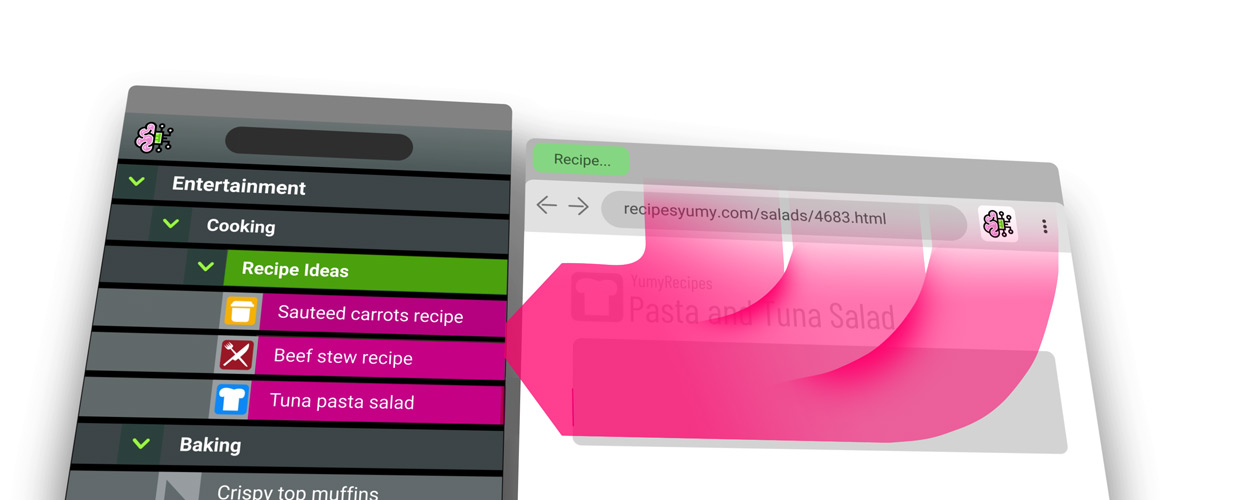
Easily Save Tabs by Topic.
Then close them until needed.
No longer fear closing a tab!
Curate your Topics
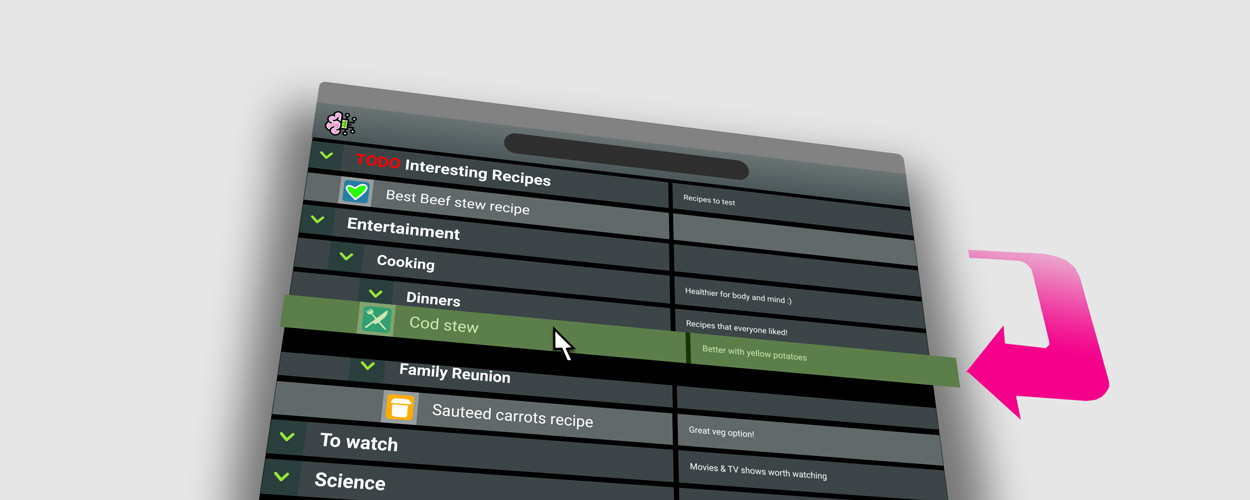
Organize and group your Topics however you wish.
Add Notes and TODOs
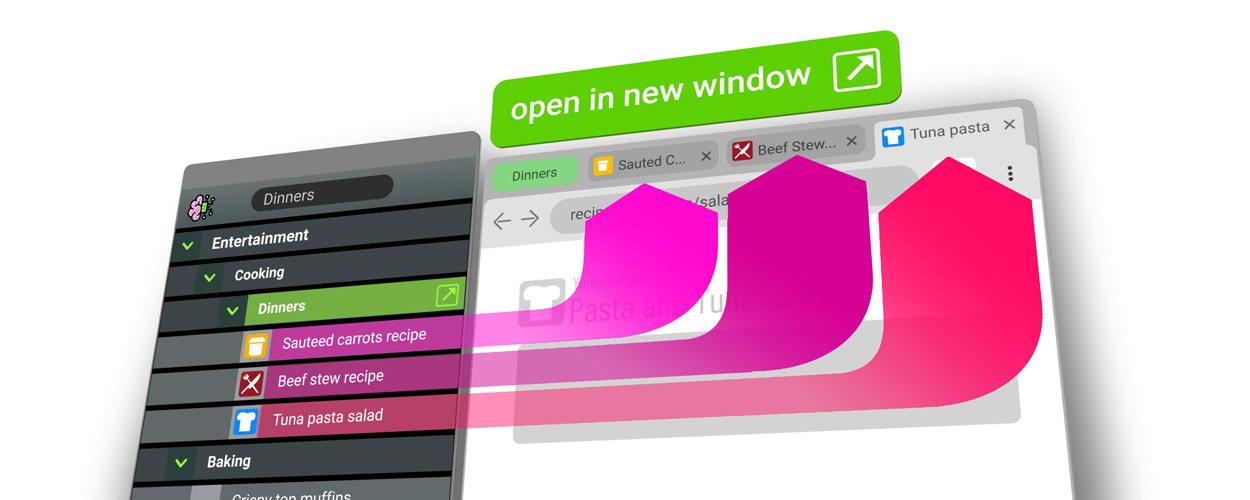
Control your Browser
Switch between contexts with ease.
Keep your workspace distraction-free!
What the Press says:
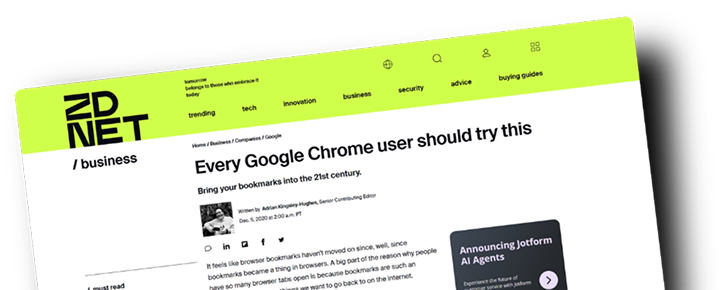
...Gave bookmarks the performance and usability boost that I'd been waiting for all these years...it's a very nice, very fresh, take on bookmarks...I really like BrainTool. The rather simple interface might not be for everyone, but behind that simplicity is a lot of power.
ZDNET BUSINESS

Organize your tabs and bookmarks into a common set of Topics.

Quickly categorize, save and close tabs to unclutter your browser.

Incremental search and filtering makes it easy to find things again.

Organize and nest topics to add structure.

Add notes to any bookmark or webpage for future reference.

Use the Topic Manager to open and close individual tabs or multiple tabs by topic.

Customize topics with colors and icons.

Mark bookmarks and tabs as tasks with TODO functionality.

Keyboard shortcuts and support for power users.

Intuitive drag and drop from the browser bar into and within the Topic Manager.

Fully configureable display including density, font size and darkmode.

Free forever at any scale, optional premium features lock after 30 days.
What Our Users Say:

Your data is kept in plain text in a private continuously synced and versioned text file.

No lock-in!
BrainTool uses structured org-mode syntax compatible with other productivity tools.

The file can be separately edited, used across devices with import and export to/from multiple sources.

BrainTool is open source. You can see what its doing!