
A lightweight Markdown editor that just works.
Free. Offline. No account needed. Available on macOS, Windows & Linux.
Why Bokuchi?
Lightweight
Tauri + Rust keeps it far lighter than Electron-based editors. Uses less than a third of the memory.
Instant startup
Starts in under a second. Write whenever you're ready.
Works everywhere
macOS, Windows, and Linux. UI in 14 languages.
Private & offline
No account, no cloud, no tracking. Your documents stay on your computer.
Features
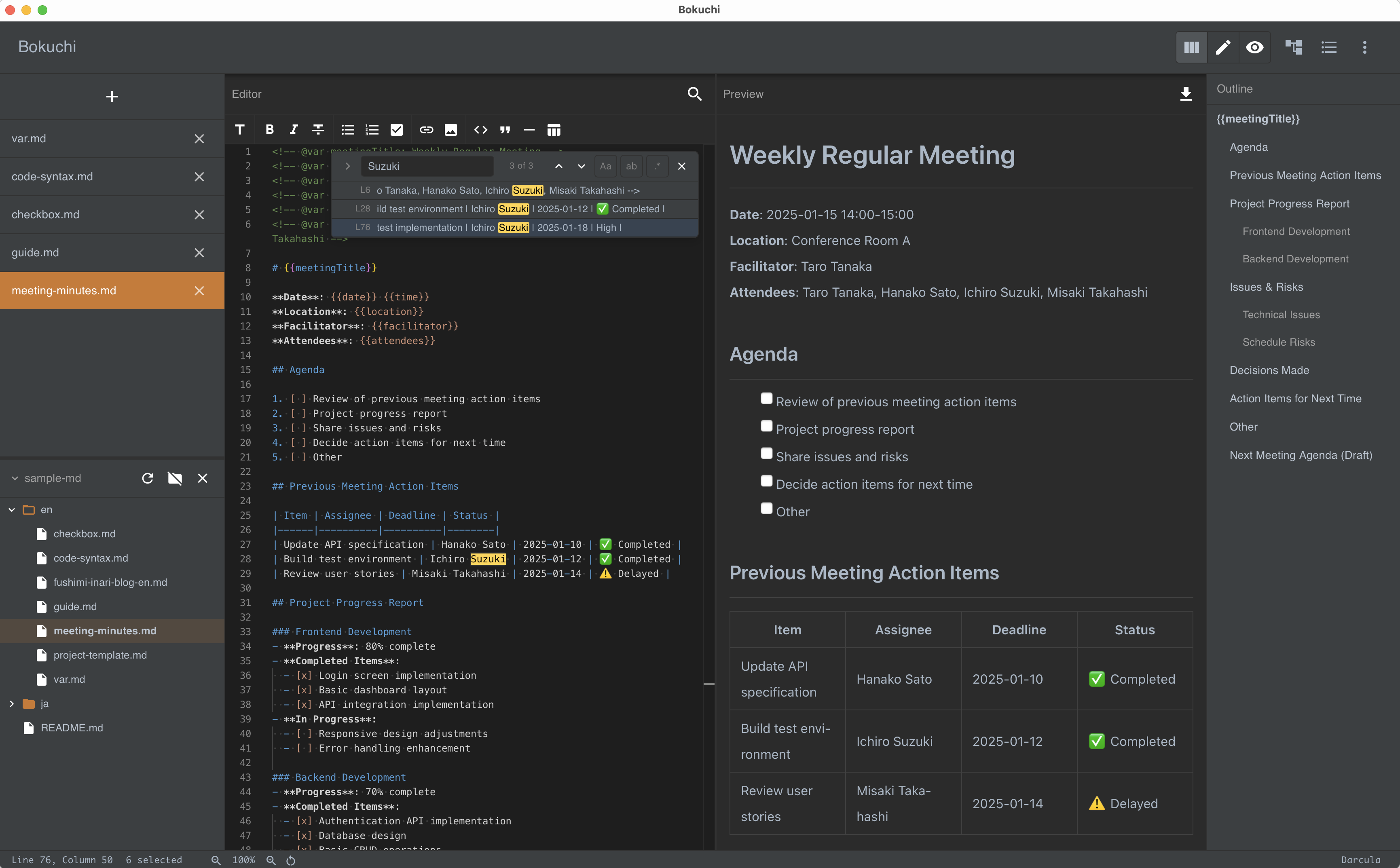
Real-time preview
Split view: edit on the left, live preview on the right. See your changes instantly as you type.

Math & diagrams
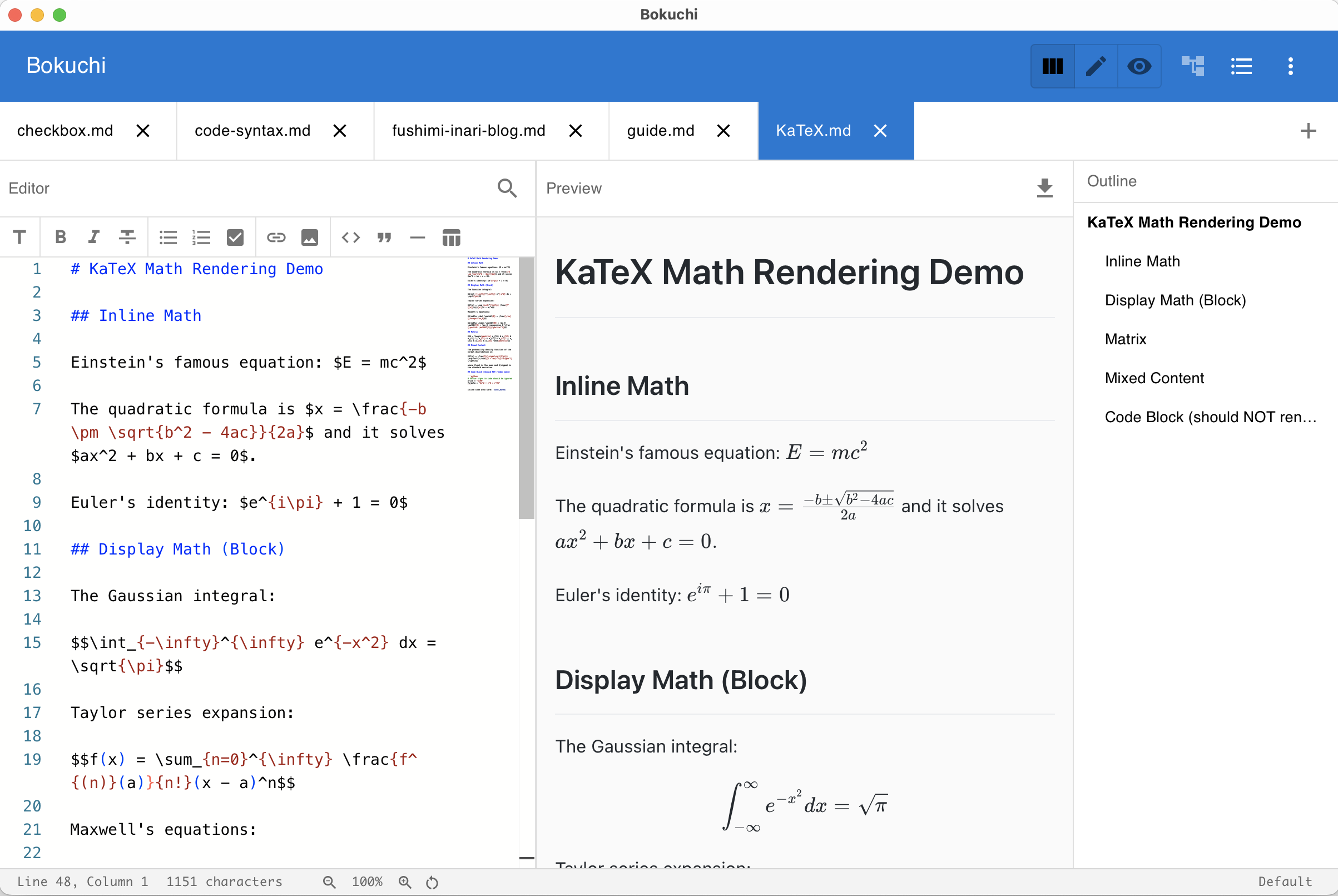
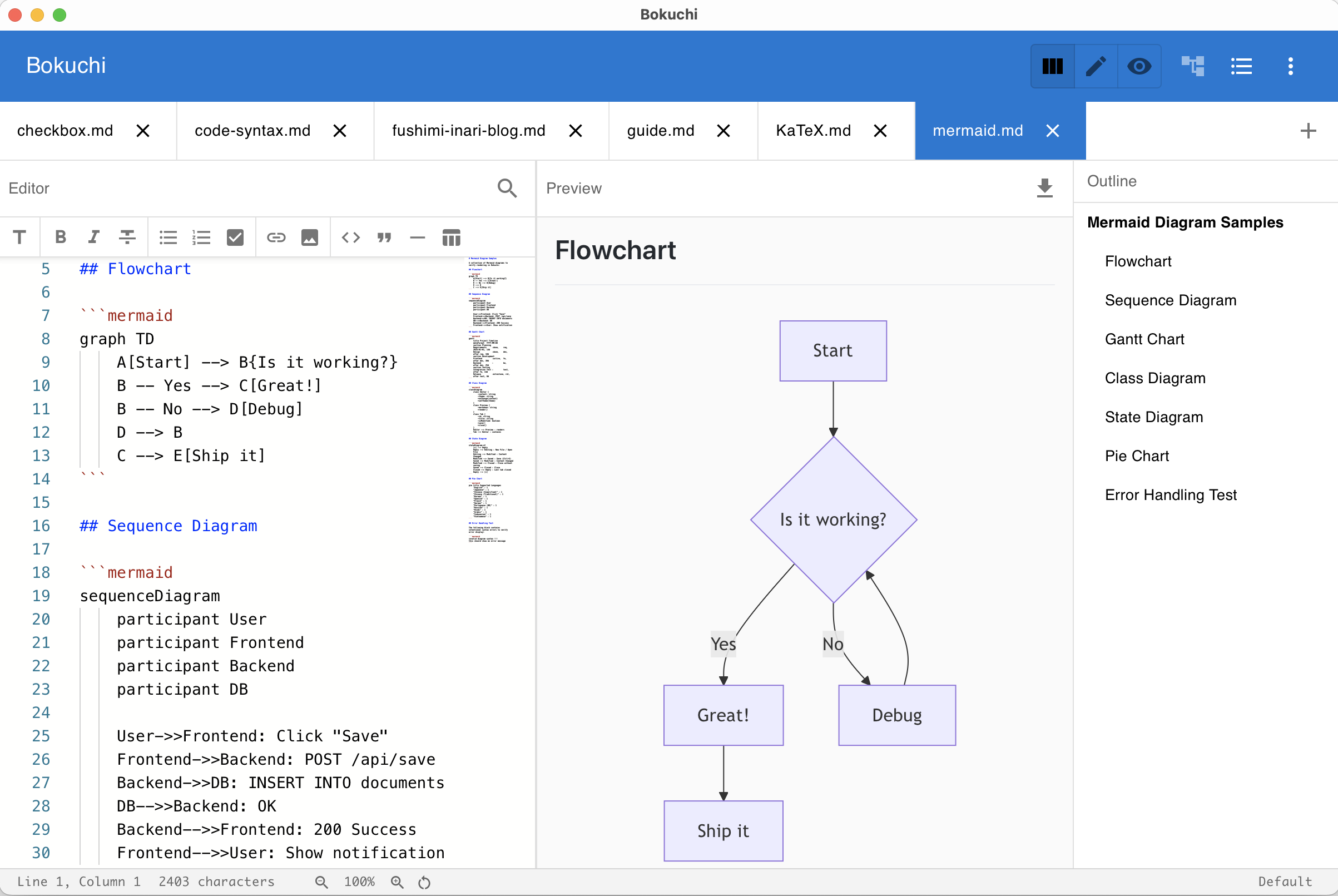
Render KaTeX math expressions and Mermaid diagrams directly in the preview. Perfect for technical and academic writing.
Markdown toolbar
Format text with toolbar buttons — no need to memorize Markdown syntax. Great for beginners and fast editing.

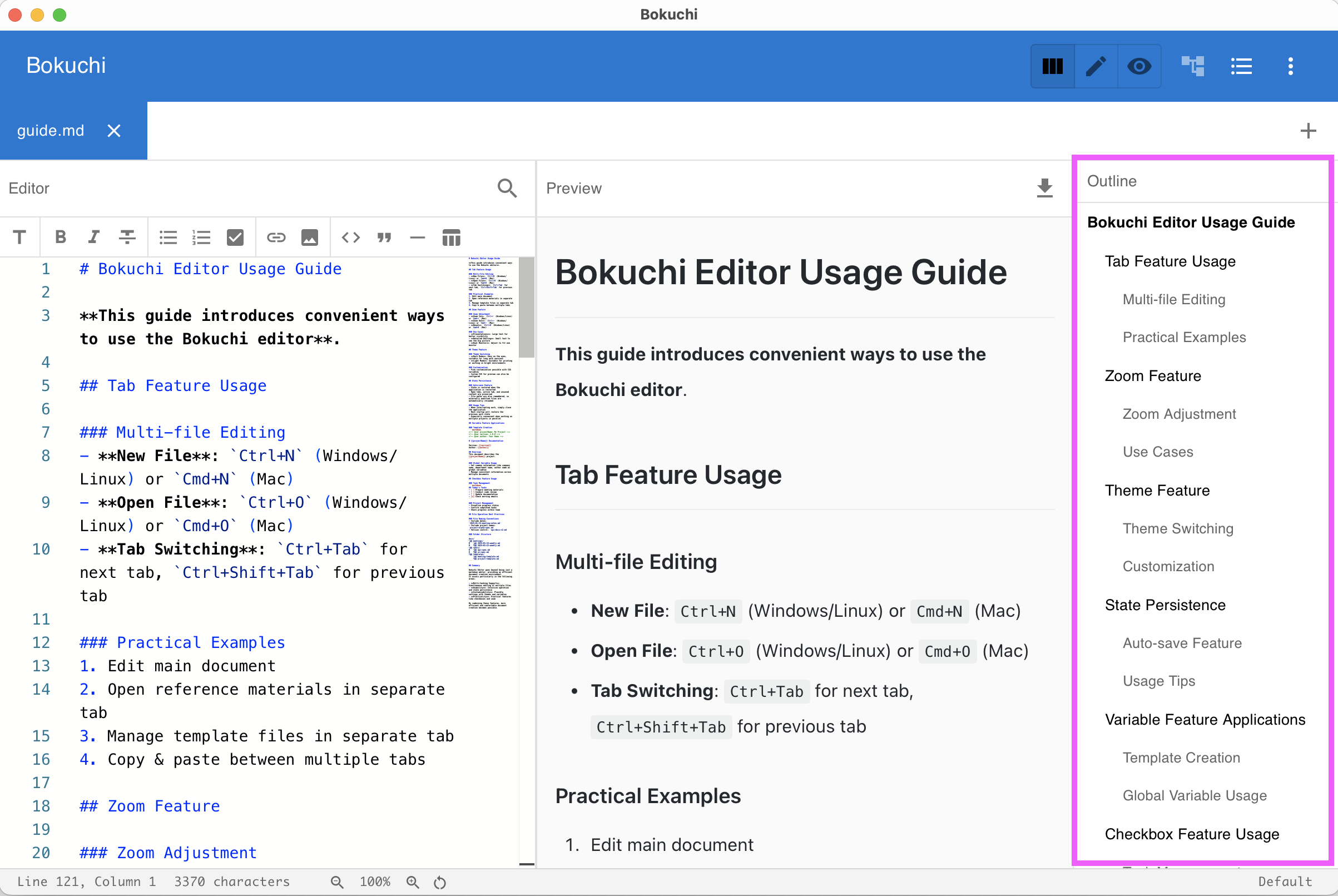
Folder tree & outline
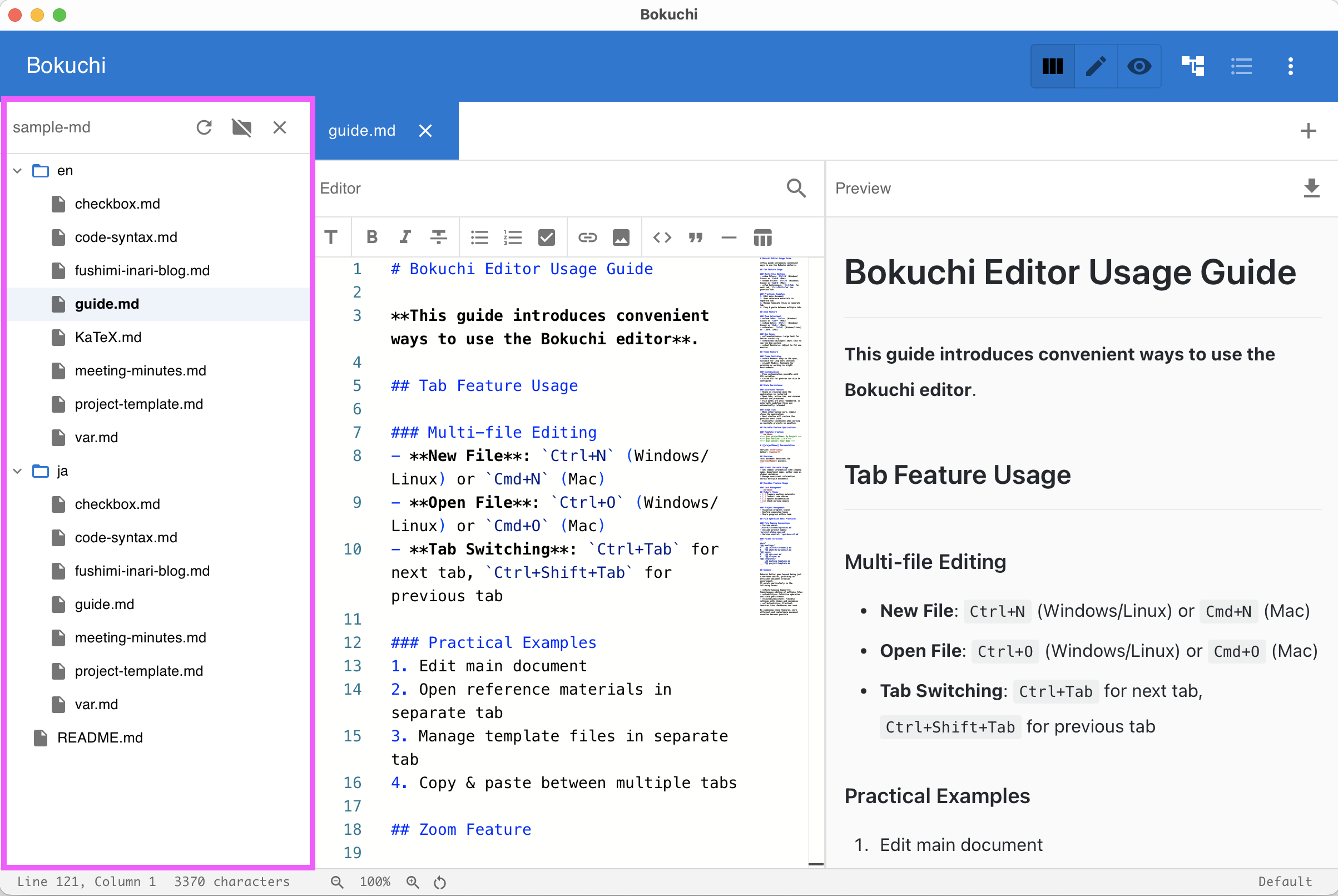
Browse files in a sidebar folder tree and navigate your document with the heading outline panel.
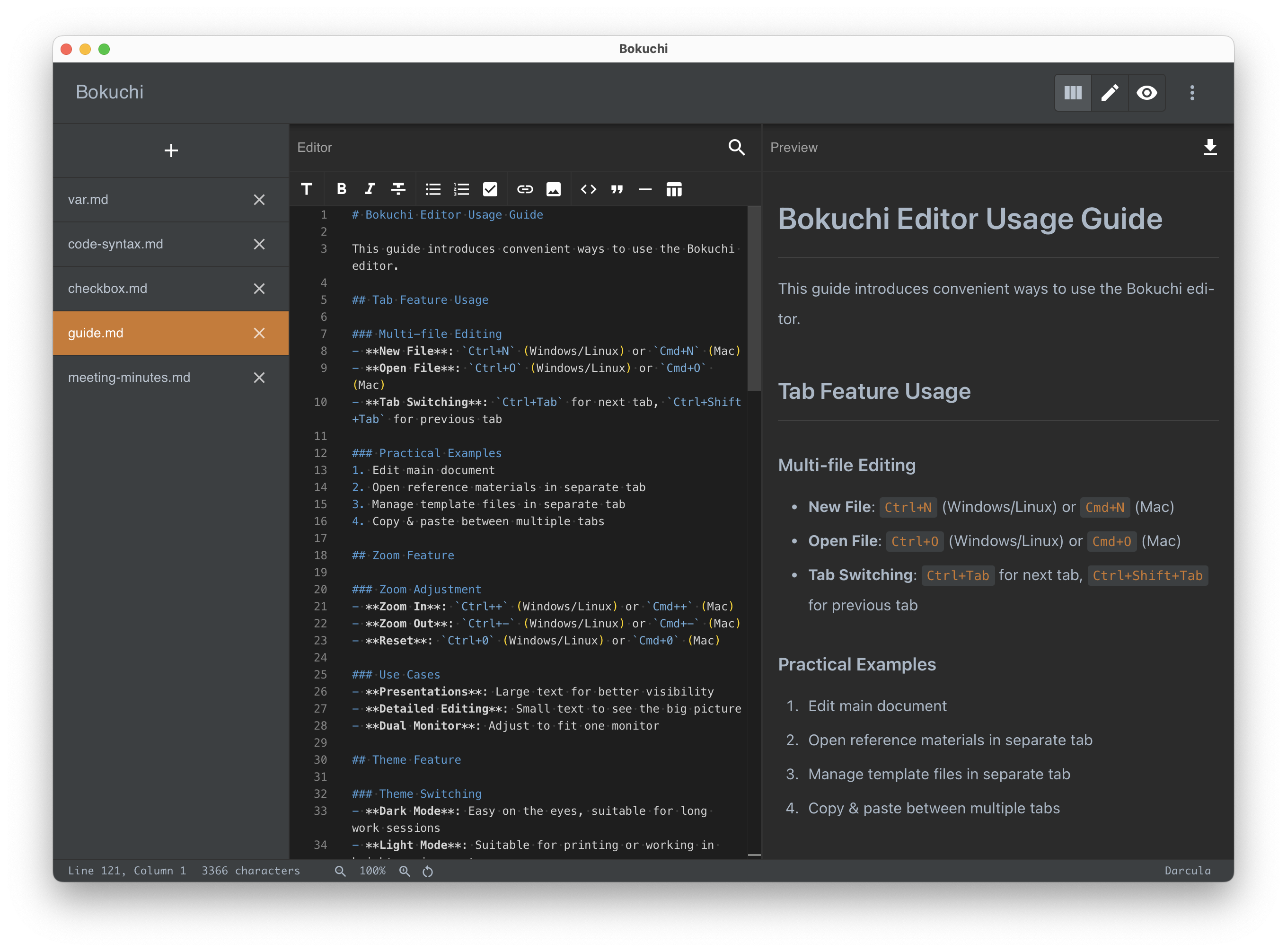
Multi-tab editing
Open and manage multiple files at once. Your session is automatically restored when you relaunch.
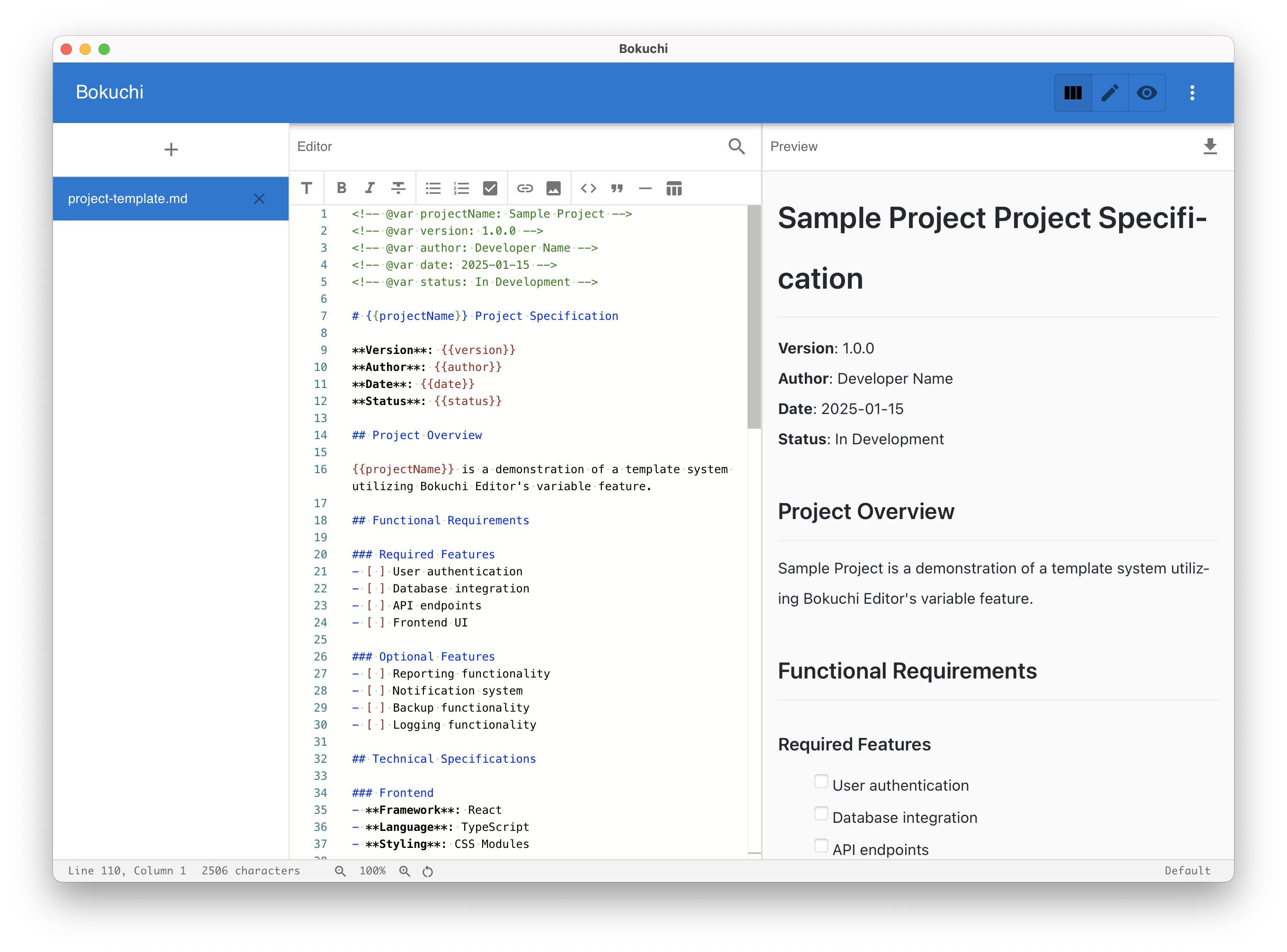
Variable system
Use placeholders like {{author}} that expand when you export. Define global or per-file variables.
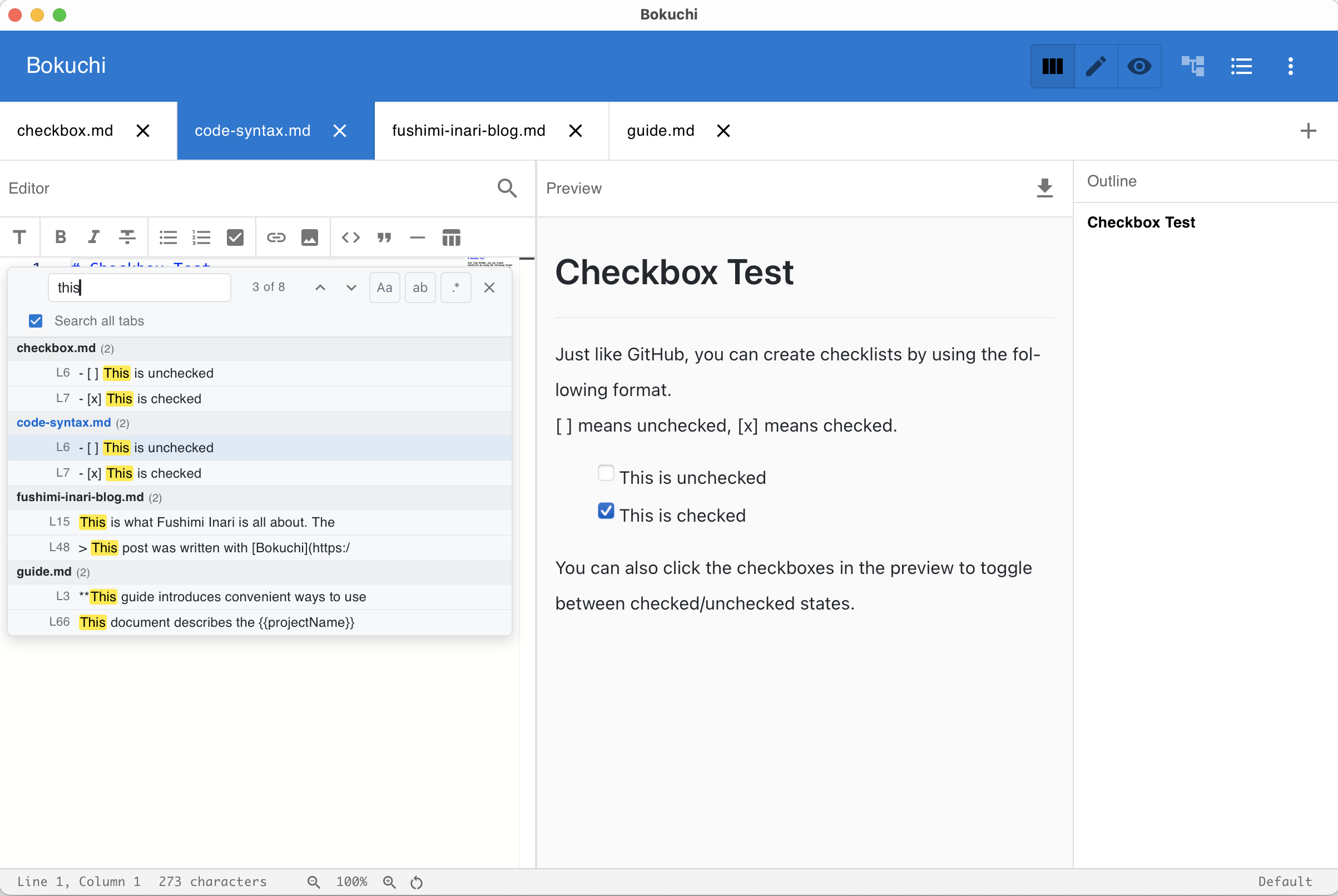
Cross-tab search
Search and replace across all open documents at once. Find what you need instantly.
Theme switcher
Choose from Default, Dark, Pastel, Vivid, and Darcula to match your style.
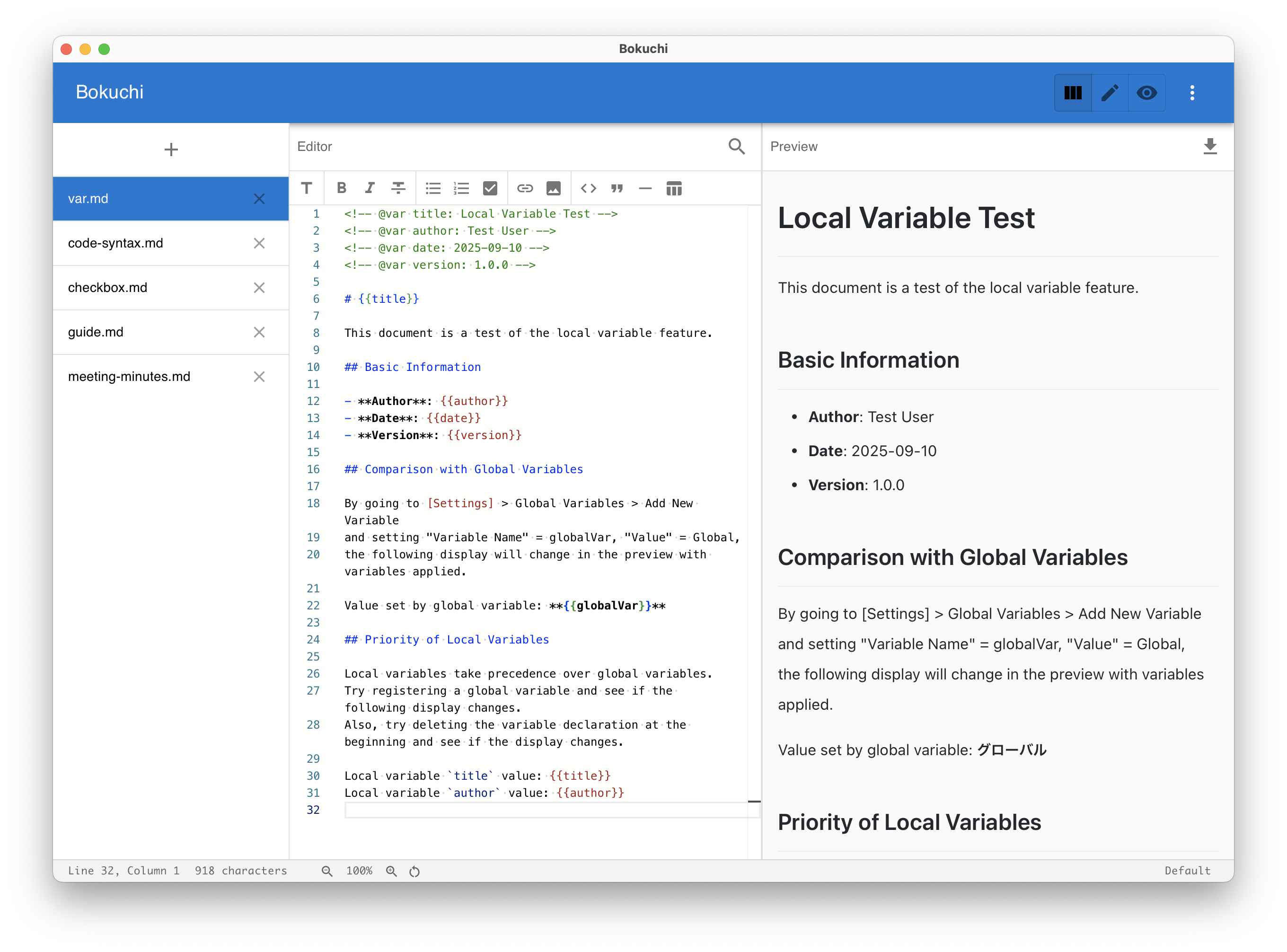
Theme gallery
Default
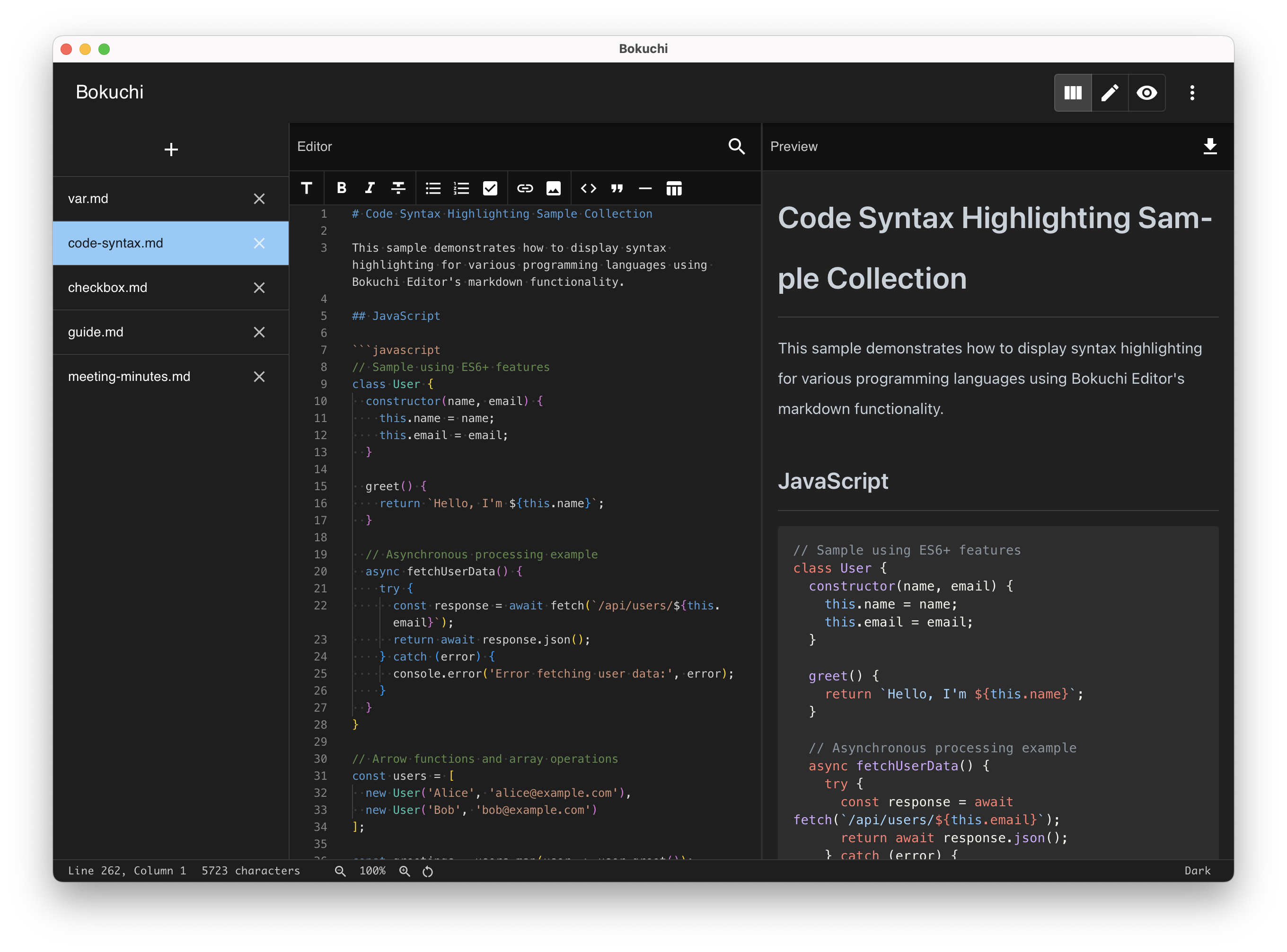
Dark
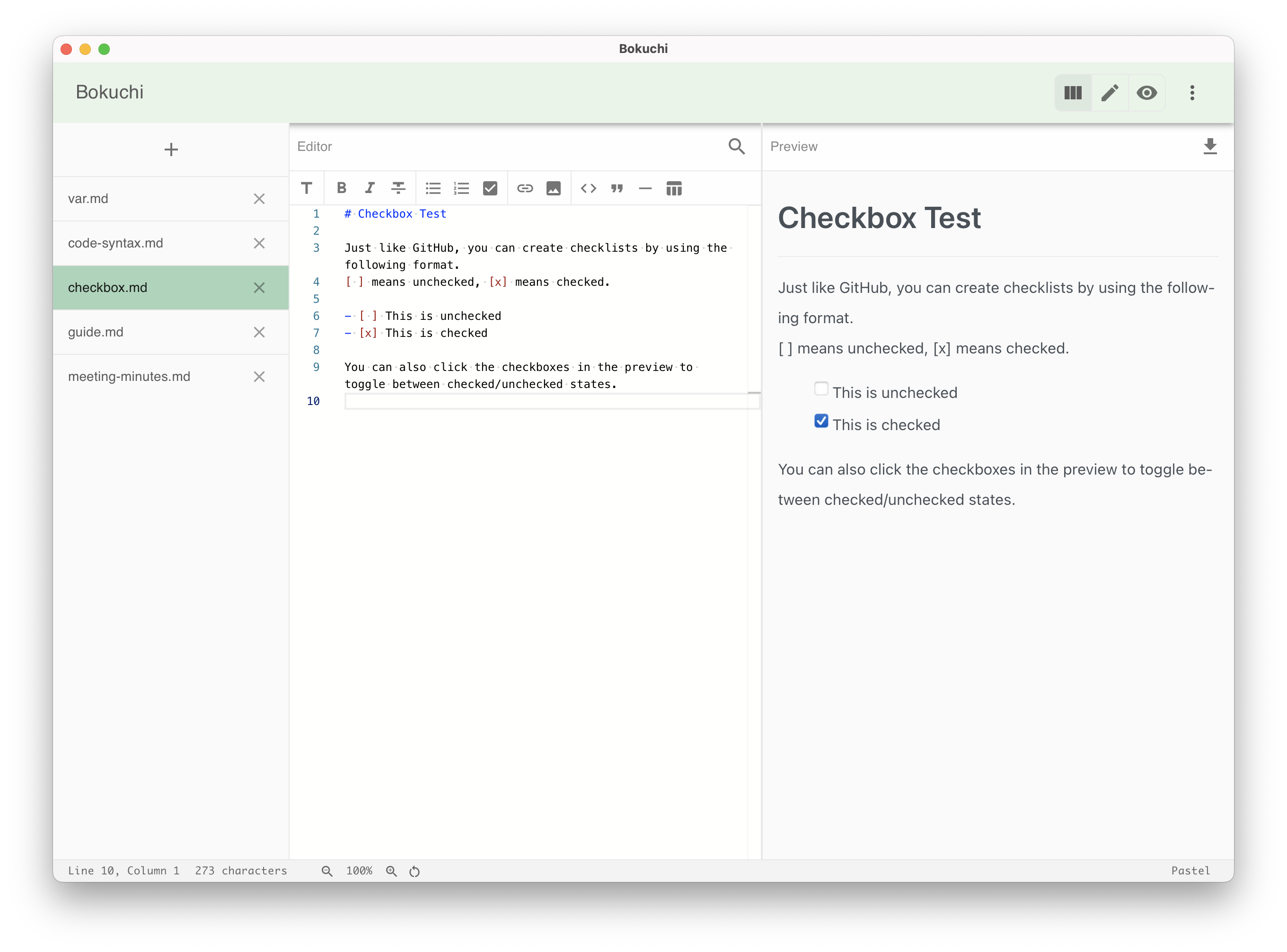
Pastel
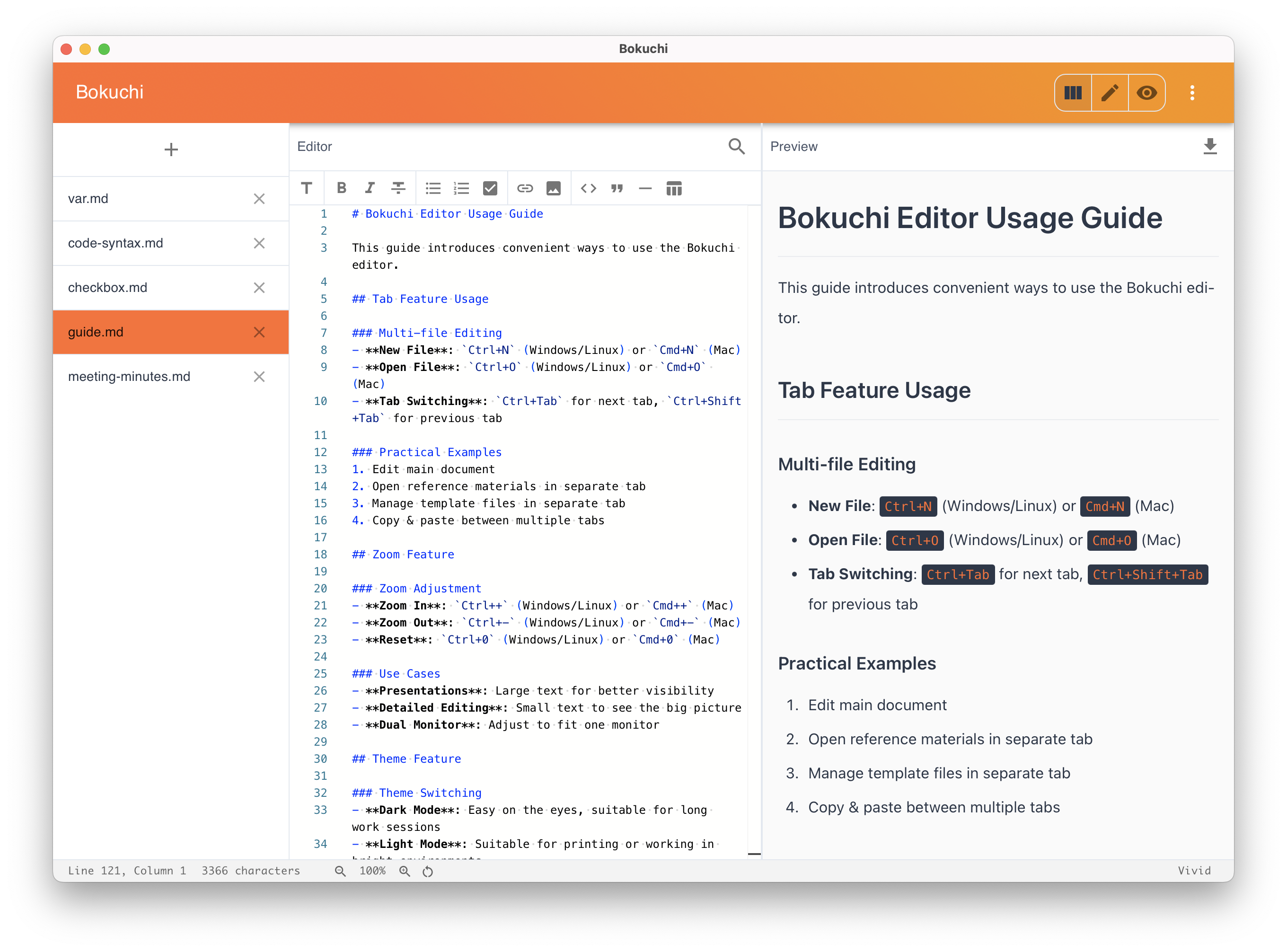
Vivid
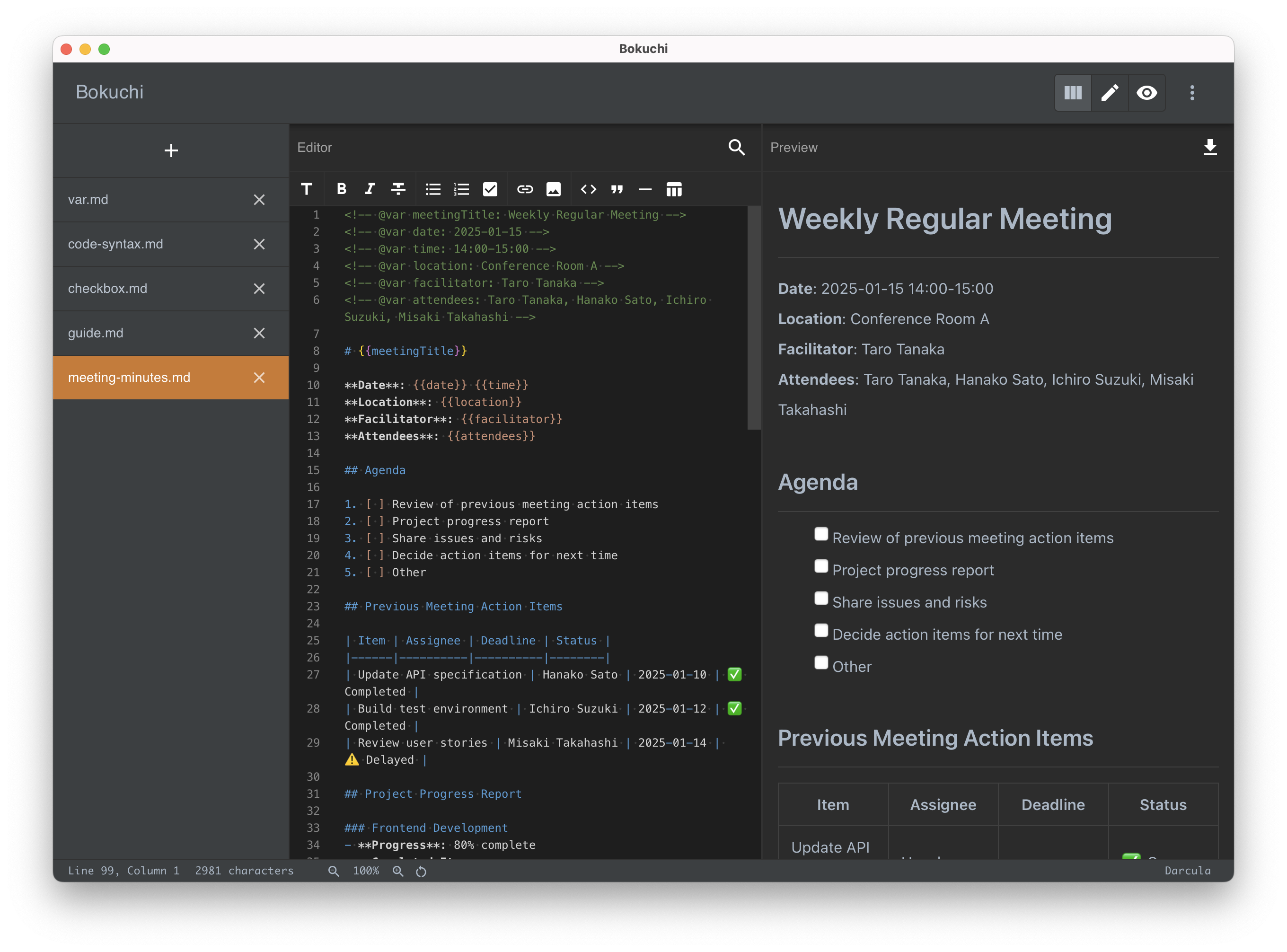
Darcula
Supported languages
The app UI is available in 14 languages. You can change the language in Settings → Language.
- English
- 日本語 — Japanese
- 中文 (简体) — Chinese (Simplified)
- 中文 (繁體) — Chinese (Traditional)
- Español — Spanish
- हिन्दी — Hindi
- Русский — Russian
- 한국어 — Korean
- Português (Brasil) — Portuguese (Brazil)
- العربية — Arabic
- Français — French
- Deutsch — German
- Bahasa Indonesia — Indonesian
- Tiếng Việt — Vietnamese
Download Bokuchi — it's free
Open source and free forever. No ads, no subscription.
Other platforms · GitHub Releases