Ghosts of the past, I/O errors, and big dreams.
A while back I did a Part I on digging through the old pile of Apple II equipment and floppy disks I found in my parents’ basement. It’s time to finish that job! I have no idea if this is going to be interesting for anyone who isn’t me. This is normally the part where I ask you to comment if you want more of this, but that would be moot here. I won’t ever be ten years old again (thank goodness).
What I did is sit down with the entire pile of floppy disks, and go through them one by one. As you might imagine from any such collection, it’s mostly pirated games that are all now available in various places online for use in emulators and such. That’s not particularly exciting these days. I’m more interested in the personal stuff. I had really hoped to find some of my very early programming efforts, from age four or five. To prevent an anticlimax, I’ll tell you now I didn’t find anything that early, unfortunately. At the time, floppy disk space was extremely precious, so old files tended to get deleted to make space for newer ones. When you’re paying up to five dollars for a single 143k floppy disk, you don’t care so much about that silly animated boat picture you made when you were six. I sure wish I had it now, though. The other program I was hoping to find is what I believe was the first one I ever wrote. I believe I would have been four or five years old, and it was intended to be a train simulator game. It was in BASIC, but the only statement I knew was PRINT. It was designed to have a series of decisions to make as your train went along, but the program just printed out one giant spew of all possible solutions, along with railroad tracks drawn in ASCII. Interactivity was not yet in my repertoire. Sadly, that program appears lost forever. My memory of refusing to come to dinner because I was working on it is very vivid, however. It was the moment I knew that programming computers was My Thing™.
Wouldn’t you know, as I sat down to go through the pile, my Apple IIc Plus started misbehaving. Keys typed on the keyboard started repeating themselves as though they were stuck down, completely at random. The ‘D’ key had always been a bit flaky on this machine, but I had written that off to a dirty keyswitch that I would get around to addressing one of these days. This new problem seemed systemic. Every key was doing it, and completely randomly. I dismantled the machine and didn’t see anything obviously wrong with the connections to the keyboard, so I opted to clean the keyswitches very thoroughly and see if that helped. It could be that one or two keys were sticking which was causing all those that share a row or column in the scanning matrix to also appear sticky. Just in case, I also ordered a replacement of the keyboard encoder IC off eBay. That chip could be failing. That’ll take several weeks to arrive on the slow boat from China, so in the meantime we’ll give cleaning a chance.
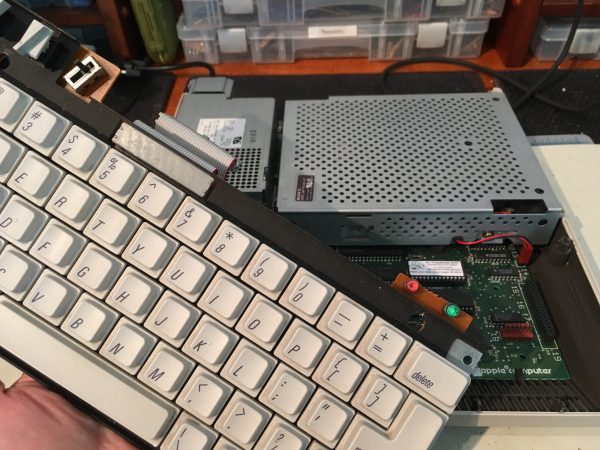
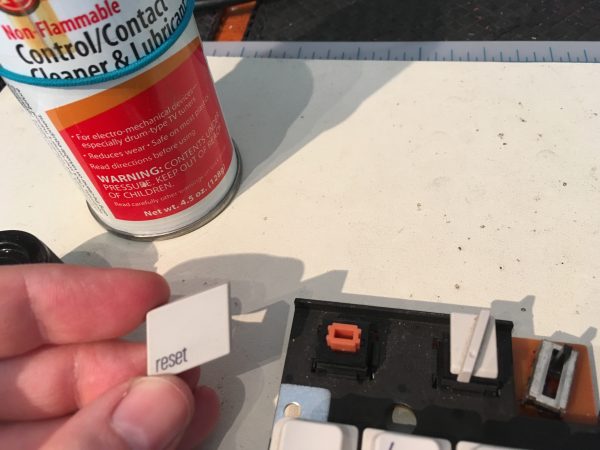
Pulling the keycaps off can be a bit pucker-worthy, because they are often stuck on there really good, having never been removed in 30 years or so of service. Some old keyboards, like the IIc Plus, are pretty much unobtainium short of buying a whole new machine for parts. Breaking a key stem could be a real bummer here. Luckily, I have a trick that works very well.
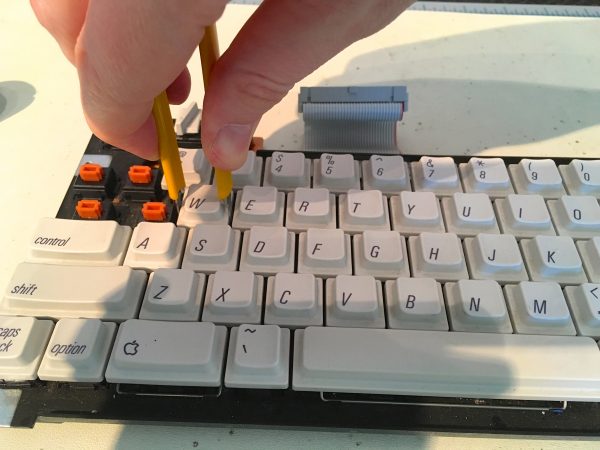
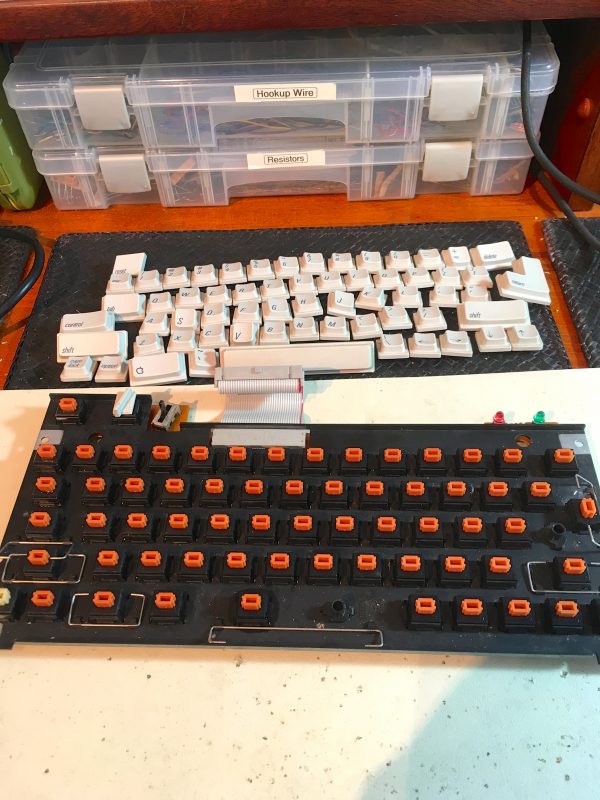
With all the keycaps removed and the key-switches cleaned, I focused on the PCB underneath. Way back when I first acquired this machine, I tore it down and found that someone had spilled soda in it. It seemed at the time that the dust filter caught everything, but that doesn’t seem to be entirely true. A close inspection of the keyboard revealed a thin layer of brown… something covering the PCB. I suspect this is latent soda residue. I spent a good hour with alcohol and cotton swabs, and got it all cleaned up.
After all that, the problem seems to be 98% fixed. It still very occasionally acts up and auto-repeats a key, but not often enough that I have been able to reproduce it for further debugging. So I guess that’s a win. It works well enough for me to continue with this project, anyway.
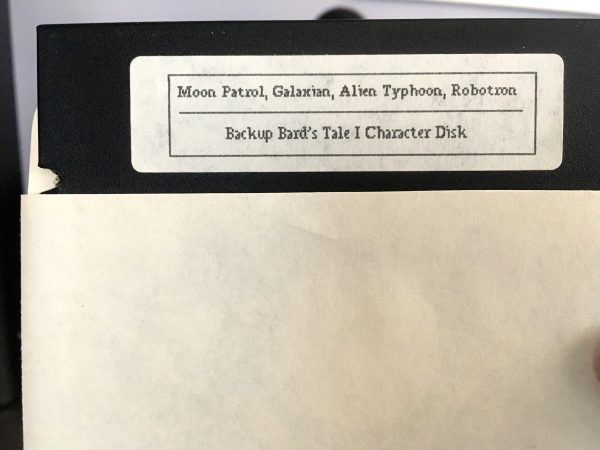
Okay, let’s get down to it. Here are a series of amusing floppies I found in the pile, in no particular order.
A note on my disk envelopes. On January 3rd, 1988, I typed in a program from Compute! magazine called “Jacket Lister”. It generates inventoried disk envelopes on your dot matrix printer. It’s a pretty neat idea- you insert a disk, and the program would generate an inventory of what’s on it. It would then print that out with lines drawn so you could cut out and fold a disk envelope from the printer paper. I got quite enamored with this, and proceeded to do all my disks this way (those that were readable by the program, anyway). That’s why you’ll see that date on all the envelopes. We got our first Apple II in 1979 or 1980 (I believe), so most of these disks are much older than 1988. I can roughly date each one by the labels, as we’ll soon see.
Also, if you’re under 25, you have no idea how loud dot matrix printers were. No idea. You live in a world of magically silent printer technology, if you even own a printer. Okay, I’m glad we got the obligatory Get Off My Lawn moment out of the way early.
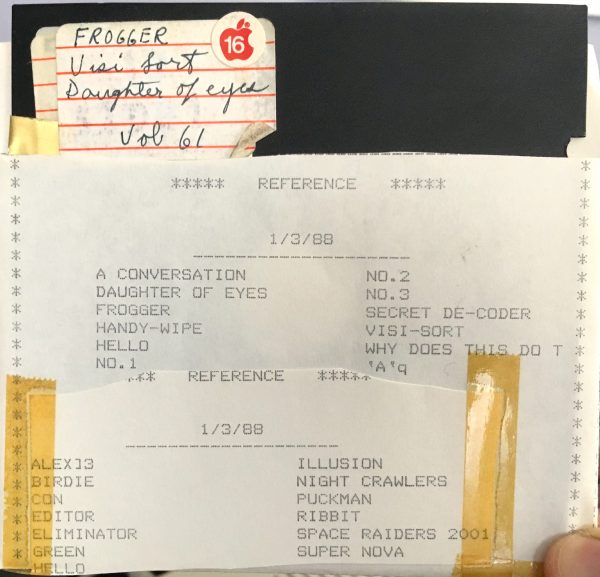
A lot of these early disks have a lot of little programs on them, of entirely unknowable origin. Early programs were small, often BASIC, and often typed in from magazines. That meant you could put a lot on a disk, and thus ended up with assorted random collections of games and utilities like this first one. I wouldn’t be surprised if this disk came from the dealer we bought the computer from. They would often give customers a few disks here and there with assorted programs on them to get you started with your computing life. Computer stores were a big source of meaning-no-harm piracy in the early days.
There are some funny little programs on this disk that are worth exploring. Side one appears to be Beagle Bros programs typed in from magazine advertisements. Beagle Bros was a fun and goofy software company that made a lot of great products. Their ads were particularly irreverent, done in a faux-sincerity woodcut style that modern hipsters would appreciate. The ads often had little software toys that you could type in. Let’s take a look at a couple.
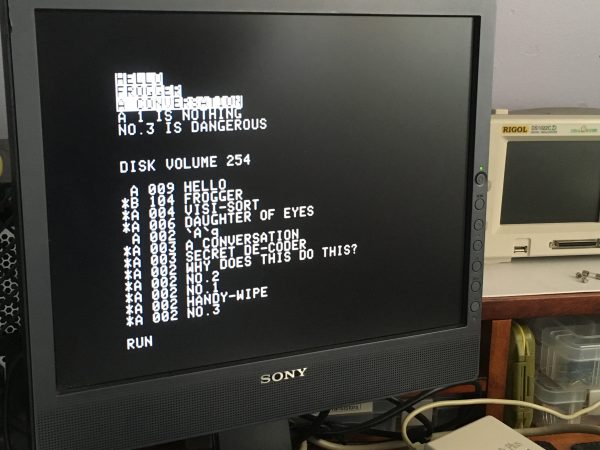
Here’s a good example- it’s called Handy-Wipe, and it erases its own source code from the screen in various mildly amusing ways. For…. some reason. That’s really all it does, and this is how we entertained ourselves in 1980, folks. It was either that or watch Archie Bunker on television, and no sentient being should be subjected to such treatment.
One of the challenges of some of these older disks is that the programs were probably written for older versions of BASIC, and/or earlier ROM revisions than what’s in my IIc Plus. Who knows what “No. 3” was supposed to do at the time, but now it just breaks the text window and stomps all over Applesoft’s program space. It was undoubtedly some clever exploit of something on earlier Apple II machines.
This next one is quintessential a Beagle Bros toy. It’s called Daughter of Eyes, and well, watch closely for the punchline.
It errors out at the end when it tries to load Integer BASIC off a language card (something the IIc Plus no longer has), but I hope you caught what it did just before then. It dotted the ‘I’s in whatever you type. This was good for a chuckle for sure, since you didn’t know what it would do when you were typing it in.
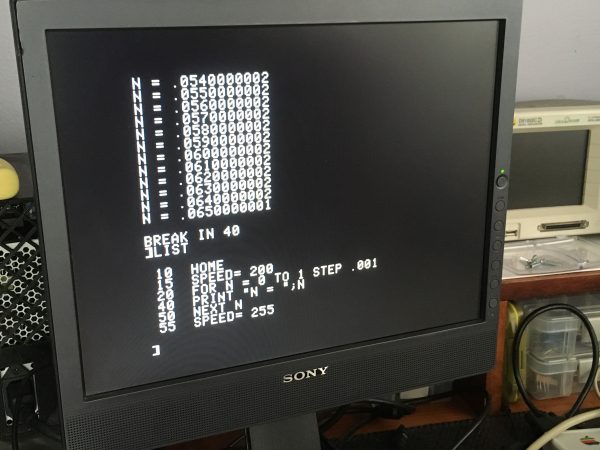
Here’s a nifty little test of your AppleSoft math knowledge. It’s titled Why Does This Do This, and I’ll leave it as an exercise to the reader:
The last Beagle Bros toy I want to share is called SECRET DE-CODER on the disk.
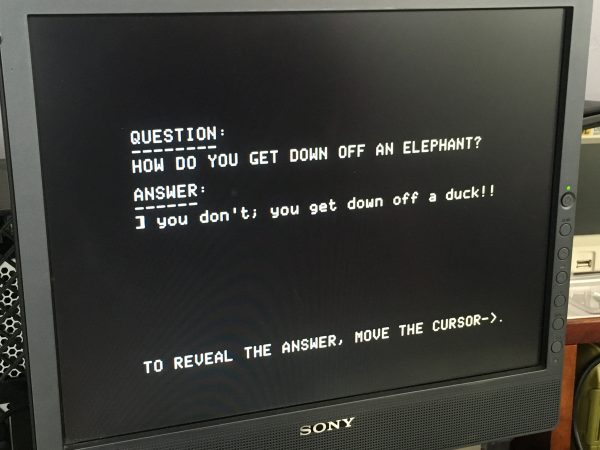
That punchline says it all. Beagle Bros was basically Dad Jokes turned into a corporate strategy. It worked for a while and they are remembered fondly.
Lastly, you may have noticed a file in that catalog called FROGGER. What on earth would that be?
Oh. It’s Frogger. Go figure.
Moving right along..
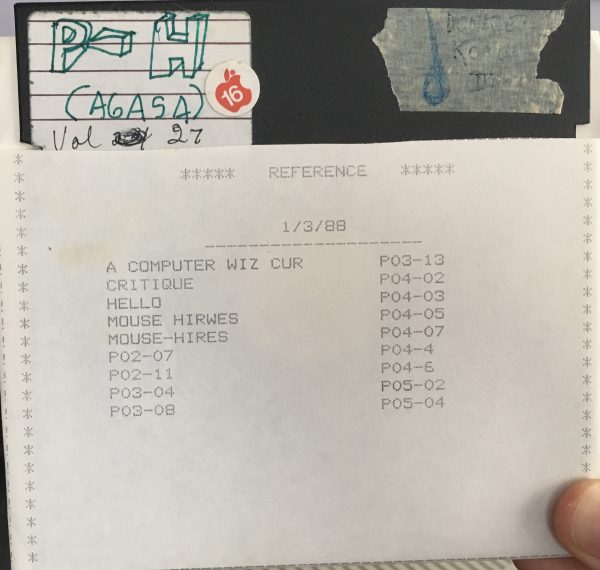
Your guess is as good as mine on the meaning of that disk label. It’s another early one though- I recognize my own pre-pubescent doodling. The contents appear to be school assignments. My guess is elementary school or perhaps a summer computer camp of some sort. You’ll see my father has dutifully included it in his mysterious Volume numbering system. The other interesting part is that Apple logo sticker with “16” on it. Around the Apple II+ era, you were given a sheet of those little ’16’ stickers with your computer. The earliest shipping operating system for the Apple II was DOS 3.2. This used a 13 sector disk format, and was only used for a short time. Very quickly, it was replaced with DOS 3.3, which continued to be used for a decade after that. DOS 3.3 stepped up to a 16 sector disk topography, which was not backward compatible. The stickers were supposed to help you remember which disks were the fancy new 16 sector ones. We never used the old DOS 3.2 in our house. I just liked the stickers and put them on everything. Oh, in case you’re wondering, this disk has a pirated copy of Donkey Kong on the back of it. I don’t know why it’s labeled Donkey Kong II (and on masking tape no less).
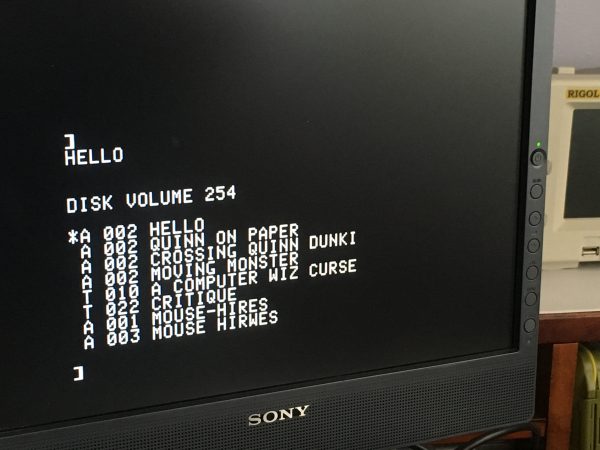
Let’s see what some of these eponymous programs do.
Oooookay. It’s my name, with dashes in between. Again, your guess is as good as mine. I have no memory of writing this. Then there’s Crossing Quinn Dunki, which writes my name in an X pattern on the screen. Crossing me is usually fatal, but luckily this time it is harmless.
This was definitely an elementary school assignment, and I remember really enjoying drawing that little monster with ASCII characters, then seeing it move. It probably seems like nothing in this day and age, but moving a rectangular block of characters together like that was neat to figure out. It definitely challenged my squishy little fifth grade brain.
Next!
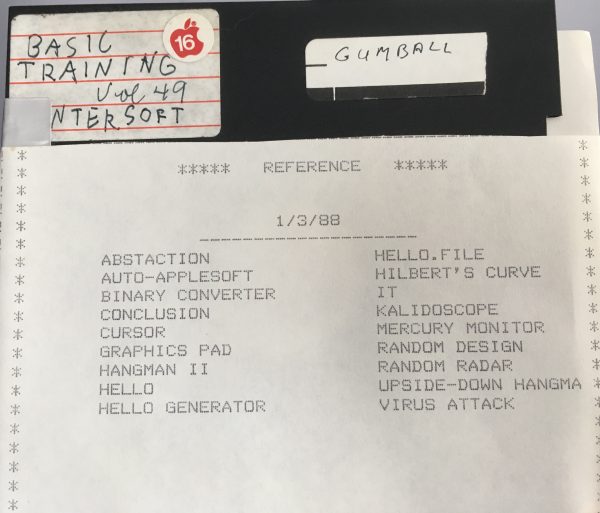
One interesting tidbit here is that these are programs entered from a magazine called ENTER. Any American or Canadian readers probably remember 3-2-1 Contact magazine, right? Great kids’ science magazine. For a brief period (I want to say six issues or so) they had a spin-off called ENTER that was dedicated to programming. It was fantastic, but sadly short lived. Delightfully, the entire run has been scanned and is available on archive.org.
This disk also got included here because of the Totally Legit Offsite Backup of Gumball on the back. That one’s for you, 4am and qkumba. The Gumball label is my dad’s handwriting again. He was also apparently going through A CAPITAL LETTERS PHASE. Maybe there’s some latent genetic Dunki desire to be great artists.
Okay, let’s go back. Waaaay back.
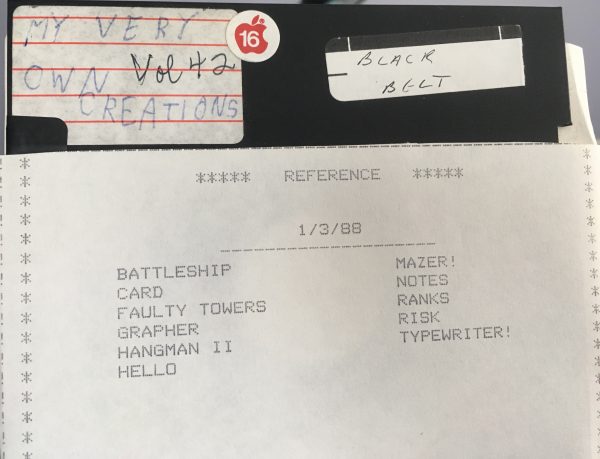
I’m about 90% sure that this is my very first programming disk. Finding out that I could type stuff that made the computer do what I wanted it to was pretty much the seminal moment of my life, and set me on the course that led to a long career in computer science. This is almost certainly the disk that had my aforementioned train “game”, and my animated boat image. Unfortunately, as explained earlier, floppy disk space was much too precious to let what seemed like stupid young kid programs linger around. It’s not all bad news though. Some of these are still my early programs. The rest seem to be things typed in from magazines.
Here’s a sample of one of mine. It appears to be an attempt at the Battleship board game. The ending is anticlimactic, and very typical of my early programming efforts.
Yup. That seems about right. Most of these old programs get to some partway-finished point and I got bored or frustrated with debugging them. Learning to stick it out and solve software problems didn’t come until much later in life.
Next up is Logo. Oh yes, you knew Logo would make an appearance sooner or later.
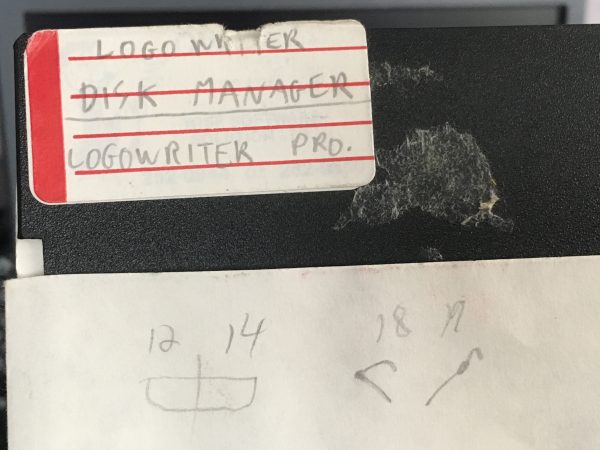
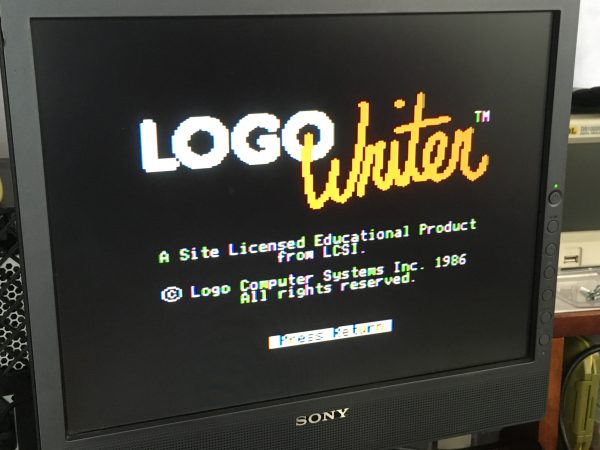
LogoWriter was a later version of Logo, different than the one that Apple distributed (which was used in most schools). Our junior high school used this one, and it was actually very sophisticated. In addition to the normal turtle drawing stuff we all remember, it also had a basic sprite system in that could be used to make little movies and animations.
Next up, we’re skipping forward a ways. I think we’re into late junior high, early high school at this point.
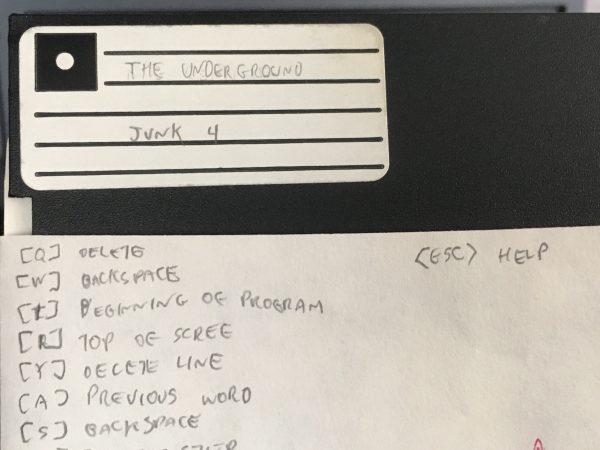
The back side of this disk (Junk 4) is one of my later project disks, and there are a few interesting things on it. The front side is from my attempt at writing my own BBS from scratch. Yes, it’s called “The Underground”. Like every other 1980’s tween’s BBS. That, or The Pirate’s Den, or The Secret Bunker. We all thought we were very edgy and original.
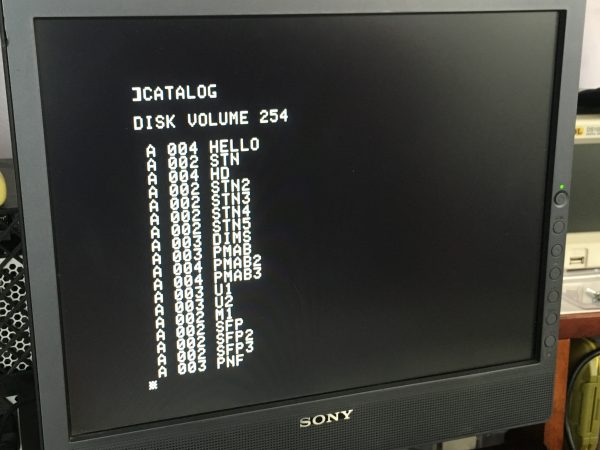
Note the different numbered versions of each acronym. I had worked out a primitive form of source control here. Whenever I got to a good point in development, I bumped the index number on the filename. That way I could iterate or experiment without risking my progress to that point. Let’s take a look at a couple of these.
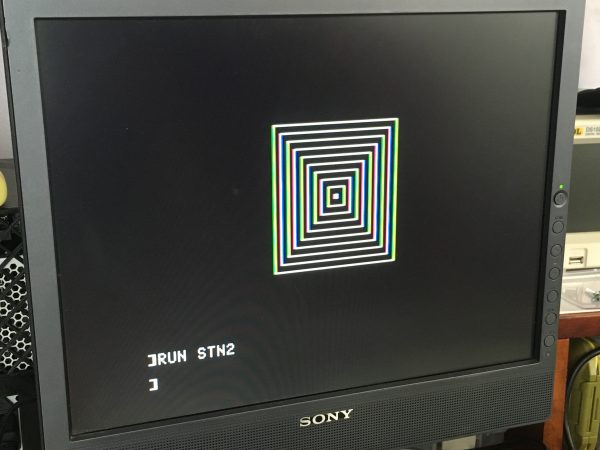
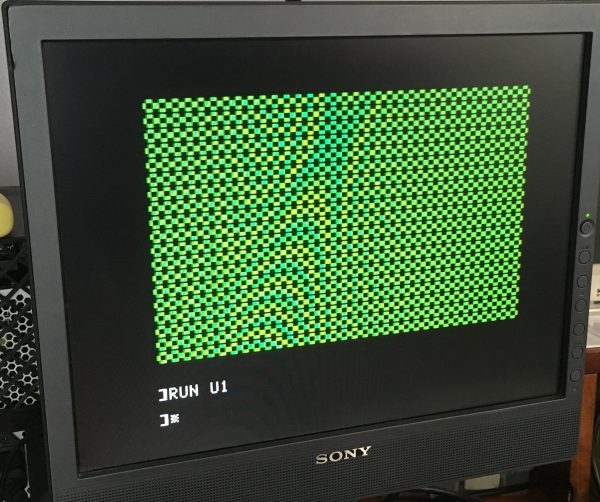
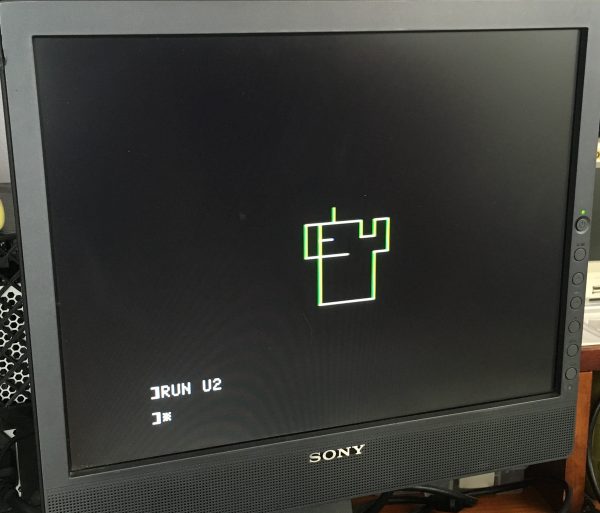
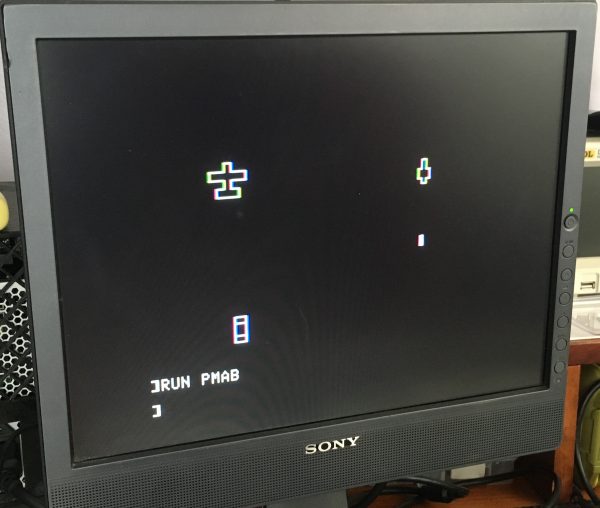
The Apple II didn’t have sprite hardware like a lot of other 8-bit computers, but it did have a software-implemented vector primitive system called Shape Tables. They weren’t as nice as sprites, but they did have the ability to draw over and restore backgrounds, and they could be called from BASIC for a modicum of speed. Looks like I was learning how to use them here, with the intent to make a vertical shooter.
The shape table isn’t quite rendering properly there, but it’s animating pretty nicely! Let’s see if I made more progress.
Not bad! I’m moving the joystick in that recording, and the plane flies back and forth. It also shoots when I push the button! This is almost a game! Seems like it was abandoned shortly thereafter though.
This looks like an attempt to make a moving crosshair or mouse pointer of some sort. It responds really nicely to joystick input, but clearly I hadn’t figured out erasing the previous position yet. This experiment didn’t seem to lead anywhere.
I had a text adventure phase as well, and took a few half-hearted shots at writing one. To my credit, it looks like I was trying to innovate on the interface a bit here. I’m moving a pointer between available commands with the keyboard, all in an interesting multi-level selection menu.
Once again though, it apparently went nowhere after this. My attention span was not long in those days, it seems.
This next one is another attempt at an actual game. This is using lo-res graphics on the Apple II, which gives you 40×40 pixels and 16 colors.
The paddle is responding to the joystick, but it only moves left, and moves verrrry slowly. Also the ball only bounces at 90° angles, so it very quickly gets stuck in a diamond pattern. I have no idea what the intended gameplay was here. This is probably earlier than the above attempts, judging by the sophistication level. Maybe age 10 or 11?
Next up on this disk, it seems I took a shot at productivity software for teachers. This appears to be a tool for writing exams called Test Creation Utility. I thoughtfully dated this one, so this is age 14.
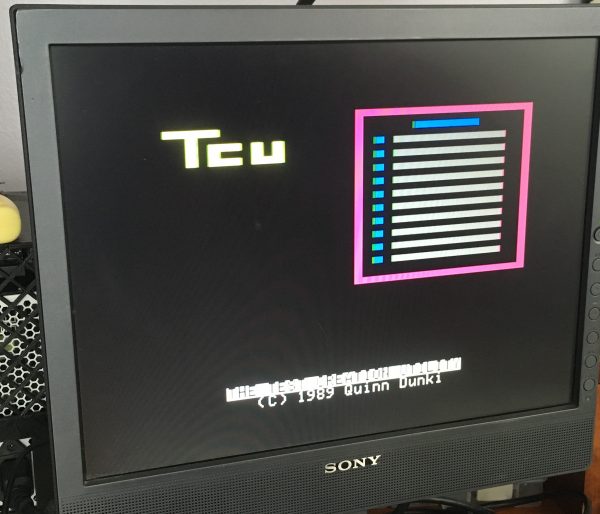
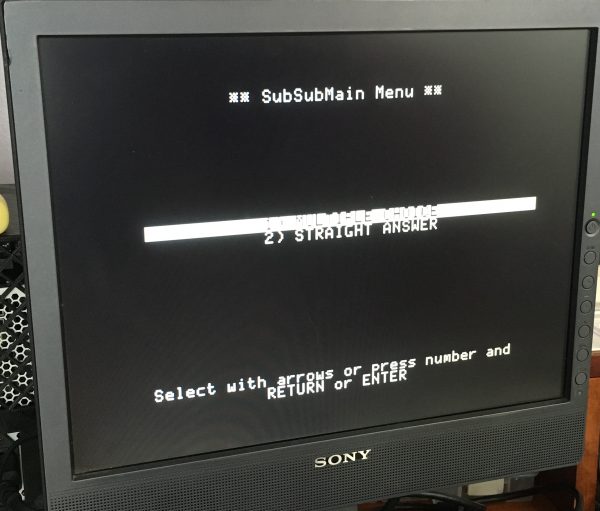
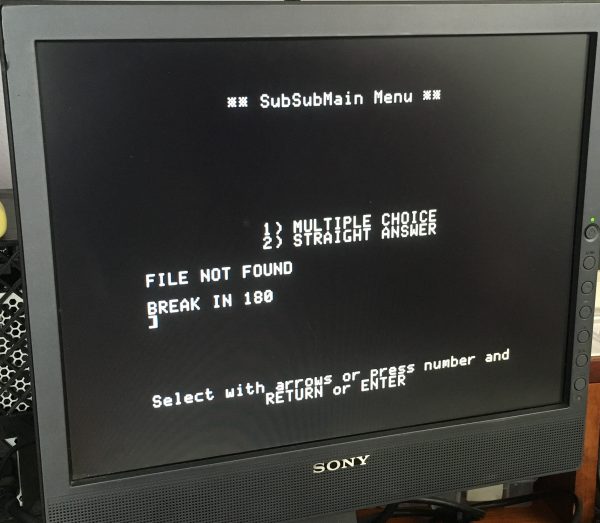
Next up, let’s go back in time a bit. This disk is helpfully labeled, so I know it was from 7th grade computer class. I loved those classes, and really enjoyed the assignments. Go figure.
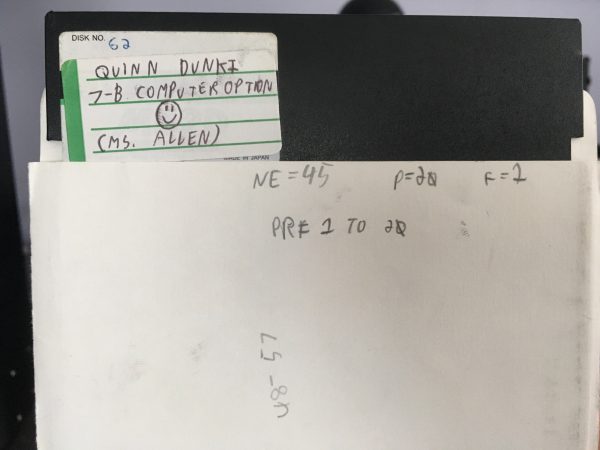
The assignments we used to get in these classes were a ton of fun for me. We’d get a little problem to solve, and I would always try to write the most fancy, polished version of the solution that I could. Here is a charming example of the problems. This one required you to accept input from the user for a list of colors, and render a “magic carpet” using those colors.
When the assignments were done, we would play with other ideas. Shortly after learning there was an extra character set in Apple IIe Enhanced computers called MouseText, I started figuring out to draw with it. A couple of the characters formed a running figure when placed next to each other, so I had to try that out.
Evidently there was a bug I couldn’t find that rendered an extra white square below the running track. Instead of fixing it, I helpfully instructed the user to ignore it. If only we could do this in modern software.
Moving along, I was continually amazed how many of these disks had copies of pirated games mixed in with whatever else. Here’s a random copy of Crisis Mountain sitting on one of my school disks. I definitely didn’t pay for this. Apologies to David Schroeder.
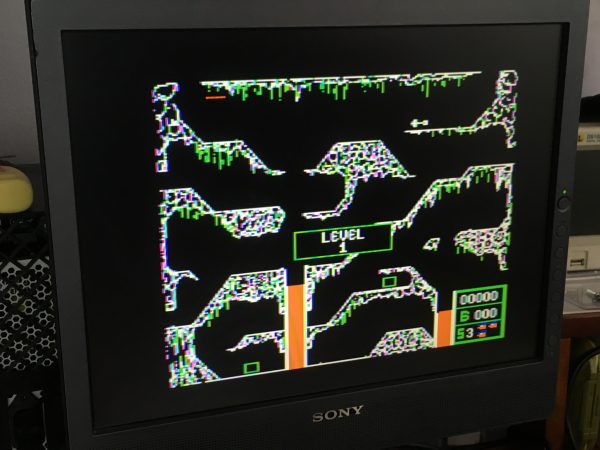
I did a little bit of hacking on commercial games as well. I was delighted to learn, for example, that the excellent classic game Pirates! (by Sid Meier) used BASIC as a scripting language for the menu system. That made it easy to go in and muck around with the text. I also recall changing the names of the countries and other shenanigans.
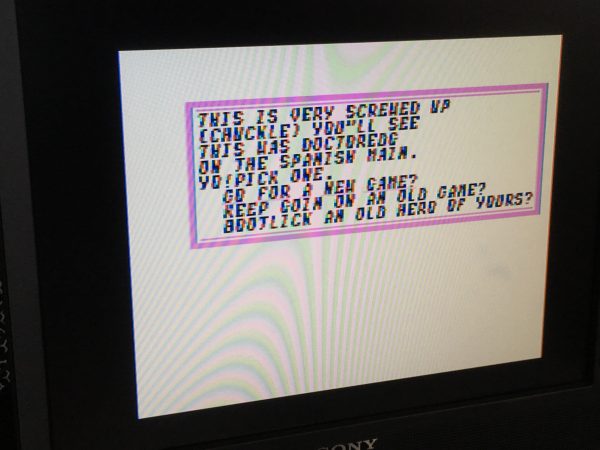
Incidentally, the intro for Pirates! is a truly lovely thing, and I have to share.
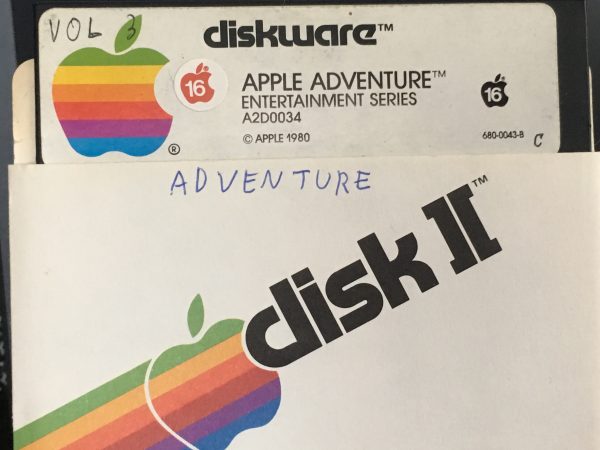
You may have noticed that a lot of the floppy disks have their name written on the envelope. Floppy disks inspired a lot of superstitions in their owners, because you lived in constant fear of magnetic fields from unknown sources wiping out your hard work while you slept. There was also a lot of heresy surrounding them. People would say you shouldn’t put them on or near your monitor. This was often true. People would say you shouldn’t put them on top of your floppy drive. This was obviously silly, since they were safe inside the drive. Nevertheless, I believed it. Another superstition I latched on to was that you should keep your disks with their same envelope for all time, because another disk’s envelope could interfere with the flux on your disk. This is patently ridiculous, but I took it seriously enough to label all my envelopes so as to keep them with their respective disks.
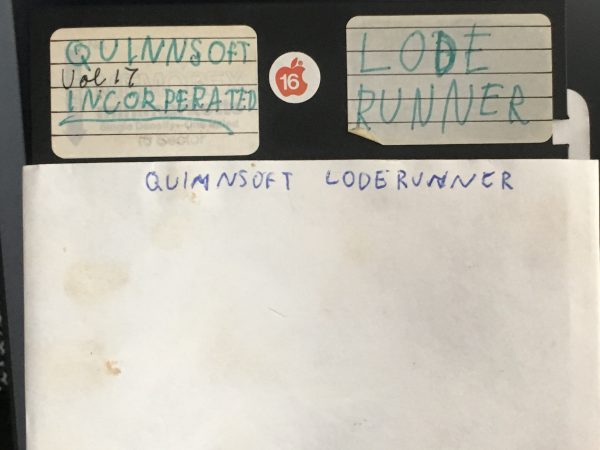
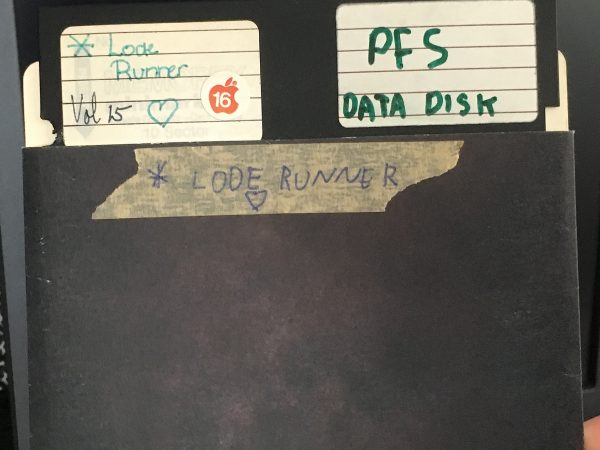
I have a very vivid memory of the day I learned there was a hidden level editor in the seminal platformer Lode Runner. Well, it wasn’t hidden if you bought the game and thus owned the manual. However if you had a Totally Legit Offsite Backup and didn’t know the hidden control keys to activate the editor, it was miraculous information. As you can see from that disk label, I had big plans for world domination centered around my soon-to-be custom-Lode-Runner-level-based software empire. Quinnsoft Incorperated was never able to close Series B funding though, and the venture ultimately folded. The board of directors blamed unionization for the failure.
It took activating some very deep memories to remember how to play custom made levels, but I did figure it out, so of course I had to try out the Quinnsoft edition of Lode Runner.
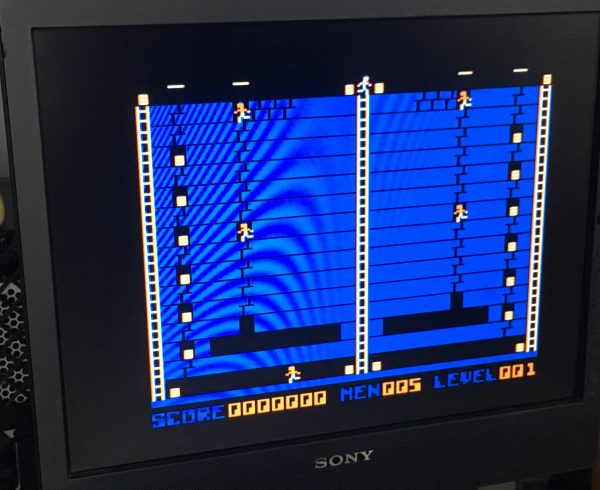
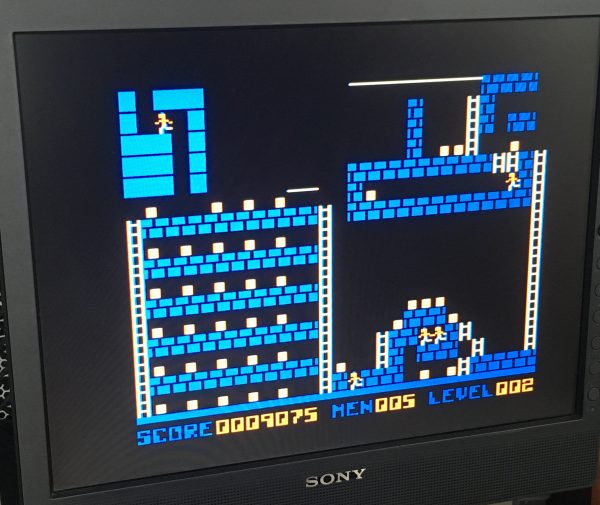
I’m not sure how many other levels there are on the disk, but I’ve imaged it here, if you’d like to try it out in an emulator.
Moving along…
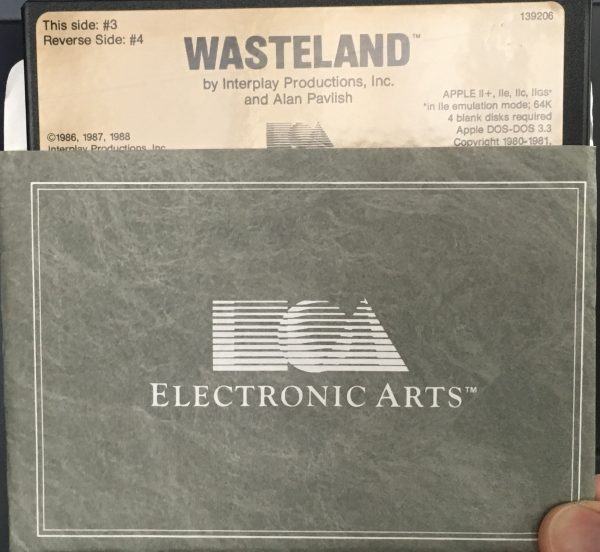
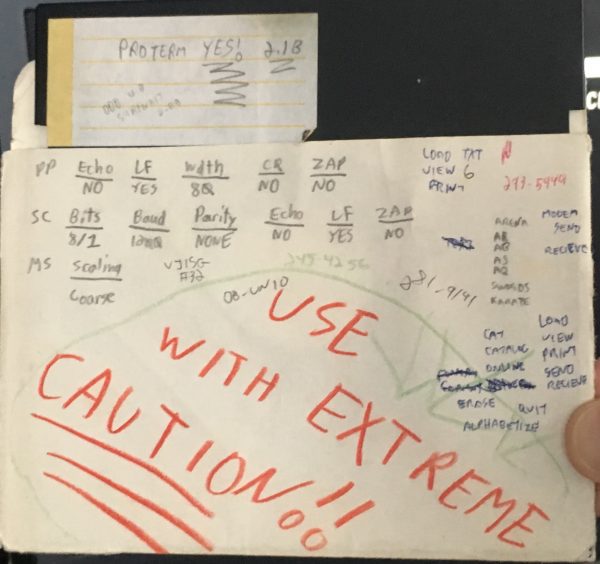
For reasons I no longer recall precisely, I was very excited to get ProTERM. It was without a doubt the premier terminal software package for the Apple II, and I was deep into the BBS scene for a while, so I suppose that’s why. I think it also finally gave me access to ZMODEM, the first BBS disk transfer protocol that wasn’t terrible. I got excited about lots of software, but my compulsion to express this emotion on the disk label itself appears to be unique to this case. I have absolutely no idea why I scribbled USE WITH EXTREME CAUTION on the envelope.
One last amusing software toy that turned up on one of my project disks is a copy of S.A.M.: The Software Automated Mouth. While the name is a regrettable backronym, the software is very impressive. Take a look. Keep in mind the Apple II has one-bit sound that has to be actively cycle-counted in code to make noise.
I said I was going to avoid pirated stuff and commercial software in this post, but this one is too good to pass by.
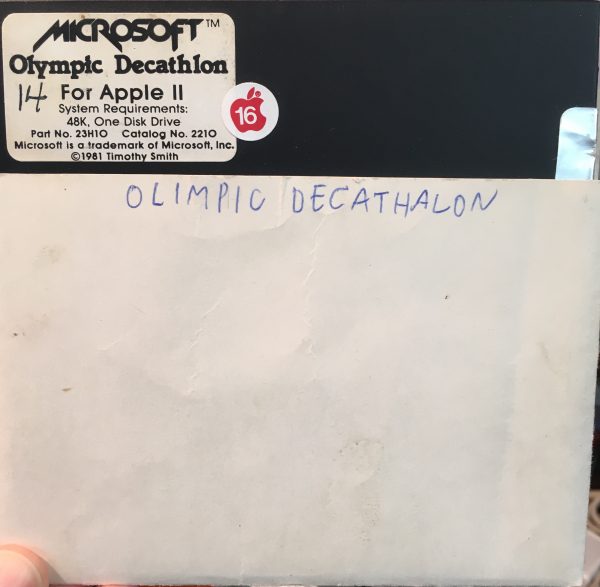
This next disk is another special one for me. It’s my collection of programs typed in from COMPUTE! magazine. What’s great is that this disk includes Laser Chess. It was a huge machine language listing- one of the biggest I ever attempted. I was so enamored with that game that I spent much of my programming career remaking various versions of it. Most recently, I made a version for iPhone called Beam Chess.
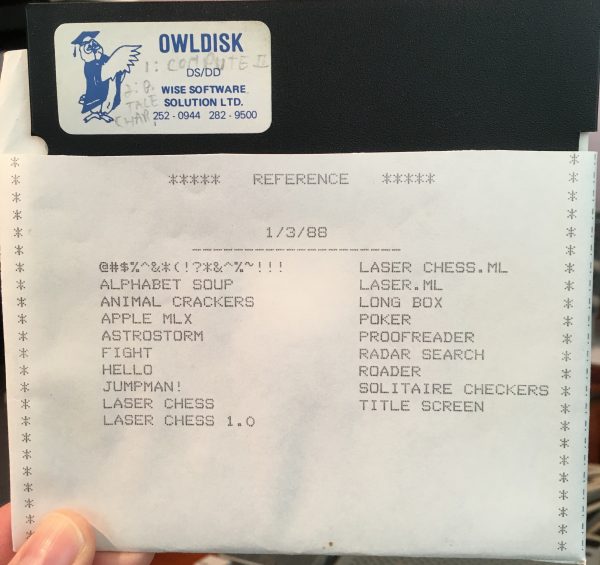
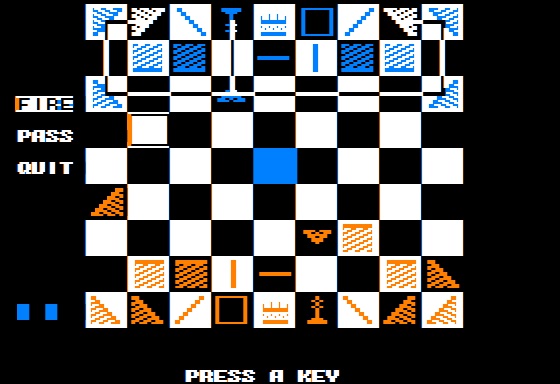
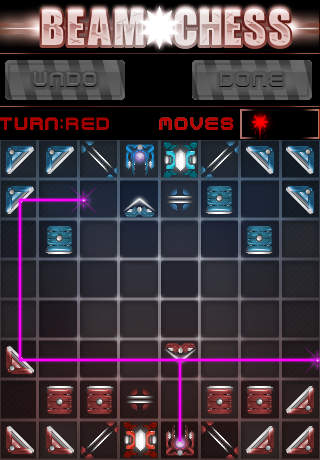
Speaking of type-in programs, here’s another special one. This is my collection of programs typed in from Usborne books.
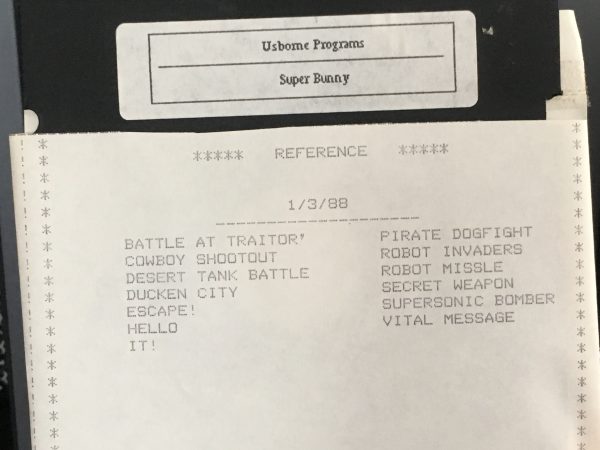
The Usborne computer books were quite remarkable for their boldness. Would you ever attempt to teach assembly language to a 10 year old? If so, how would you do it? I bet it would end up looking very much like this. Getting programming books of any sort was not easy if you didn’t live in a major American city in the 1980s. The Usborne books were an oasis in an information desert for kids craving technical knowledge about computers. Amazingly, Usborne has released all their early kids’ programming books into the public domain. Here’s a sample from archive.org. The rest are all there as well, and well worth your time. The art direction in these books is an explosion of charm that you have to see to believe.
That about wraps up the floppy disk pile. Just one more thing.
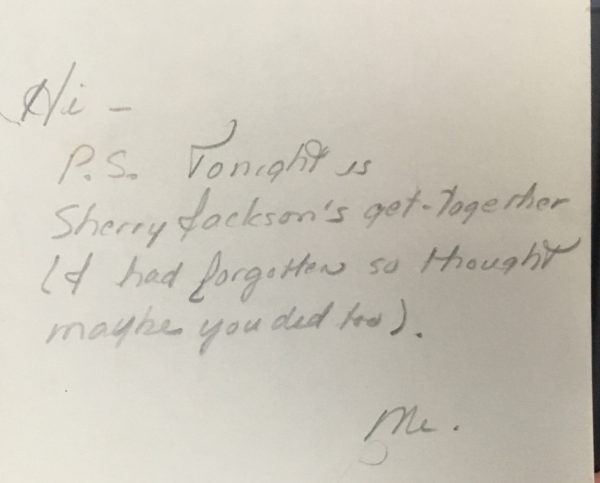
That’s all for this trip down Remembrance Drive. I hope this wasn’t utterly tedious for you. I’ve imaged all these disks for preservation and use in emulators, but I won’t bother sharing them all here unless someone really wants to see something. If you have a box of floppies in your basement somewhere, I encourage you to image them while you can. A number of mine had bad blocks on them, and they aren’t getting any fresher. These disks are already way past their intended operational life, so the clock is ticking. It’s on each of us to carry computing history across the air gap from the largely analog computing world of the 1980s to the fully interconnected digital one of today. We only have a few more years before all that hard work and history is lost for good.