TechLex goes back to 1994. Buckle up.
Editor’s note: This is a March 1994 review, written from 2026. The blue screen is real; the time machine is not.
There are moments that change the way lawyers work. The first time someone in the firm dictated into a tape recorder instead of to a person. The first time a fax came through in the middle of the night. And now, for everyone living inside DOS all day, the quiet arrival of WordPerfect 5.1+ for DOS — a blue‑screen upgrade that makes everyday drafting noticeably smoother for every lawyer I work with.
Over the past weeks I have been running WordPerfect 5.1+ on my own machine, using it the way a busy associate or secretary would: letters, contracts, long opinions. Based on that experience, I’m comfortable saying this: if your office is still fighting with typewriters or trying to make Microsoft Word behave, you are working harder than you need to.
From typewriters to 5.1+
Until very recently, a typical day in many firms looked like this: dictate into a small cassette recorder, hand the tape to a secretary, and wait. If you spotted a mistake in the final document, you either accepted it or asked for another round of typing and another round of waiting. Many older lawyers talk about “saving up” small changes because every correction meant more retyping.
WordPerfect grew up in that world and started to pull firms out of it. Version 5.0, released in 1988, brought higher‑quality printing and early print‑preview features so you could see roughly how a document would look before burning through paper. Then, in November 1989, WordPerfect 5.1 for DOS arrived and quickly became the standard word processor on DOS machines in many offices, especially where serious document work was happening.
5.1 added features that now feel obvious but were a big deal at the time:
- Drop‑down menus and context‑sensitive help instead of only cryptic key combinations.
- Built‑in tables that behave more like a simple spreadsheet than a typewriter hack.
- An equation editor for technical material and expert reports.
- Better support for laser printers and layout‑heavy documents.
Law offices noticed. Suddenly, editing no longer meant retyping. Fixing a typo did not require printing the whole thing again. People could move whole sections, renumber clauses, and adjust definitions without scissors and glue.
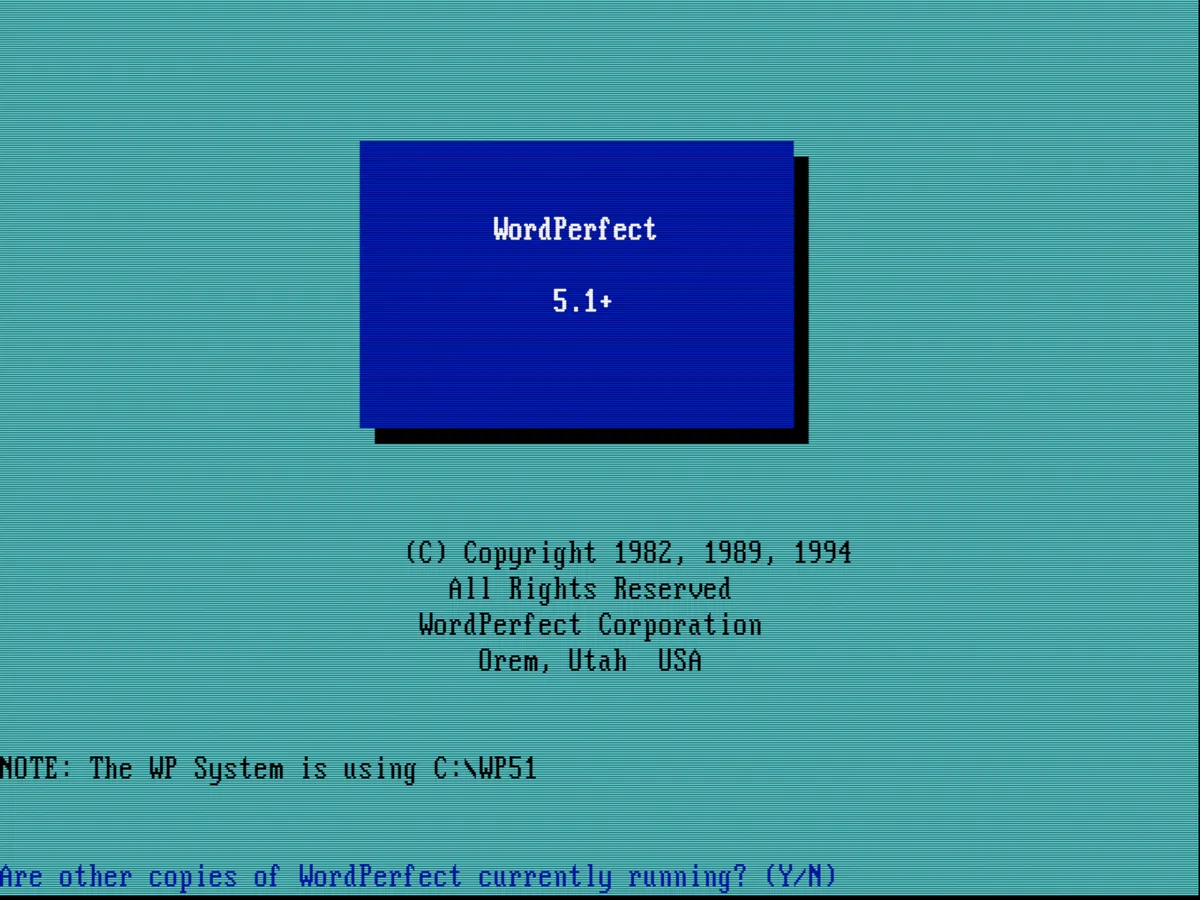
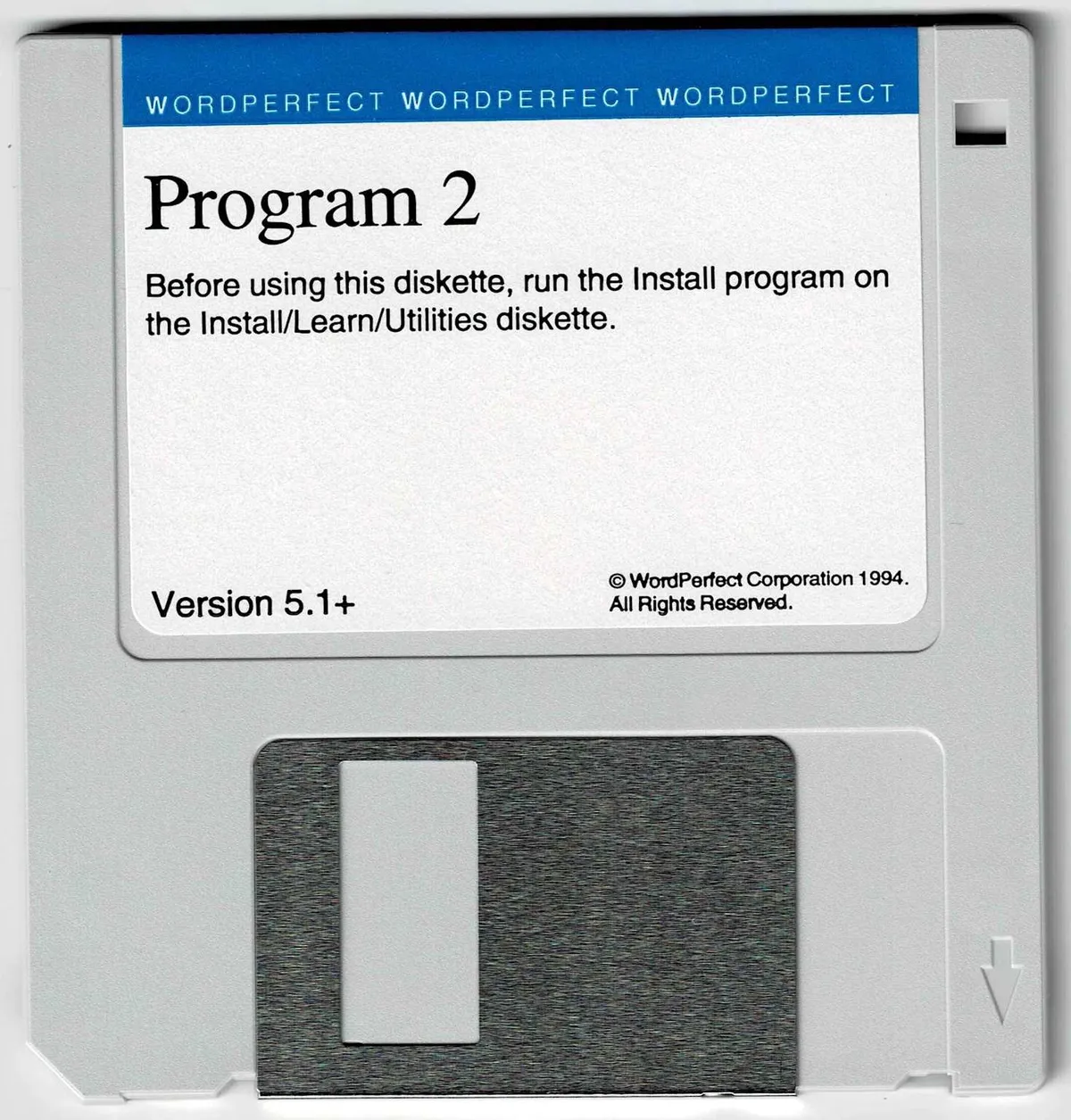
Now, with a release dated 21 March 1994, WordPerfect 5.1+ for DOS refines that mature version. It keeps the same file format as 5.1, adds improved conversion and printer support, and rolls in a long list of small fixes that came out after the original release.
What 5.1+ changes for a working lawyer
1. Stability and polish when it really matters
According to WordPerfect’s own materials, 5.1+ brings together a series of maintenance updates, adds better file‑conversion tools (including improved Word for Windows and WordPerfect for Windows converters), and fixes a variety of printing and layout issues. In plain language: it feels less fragile.
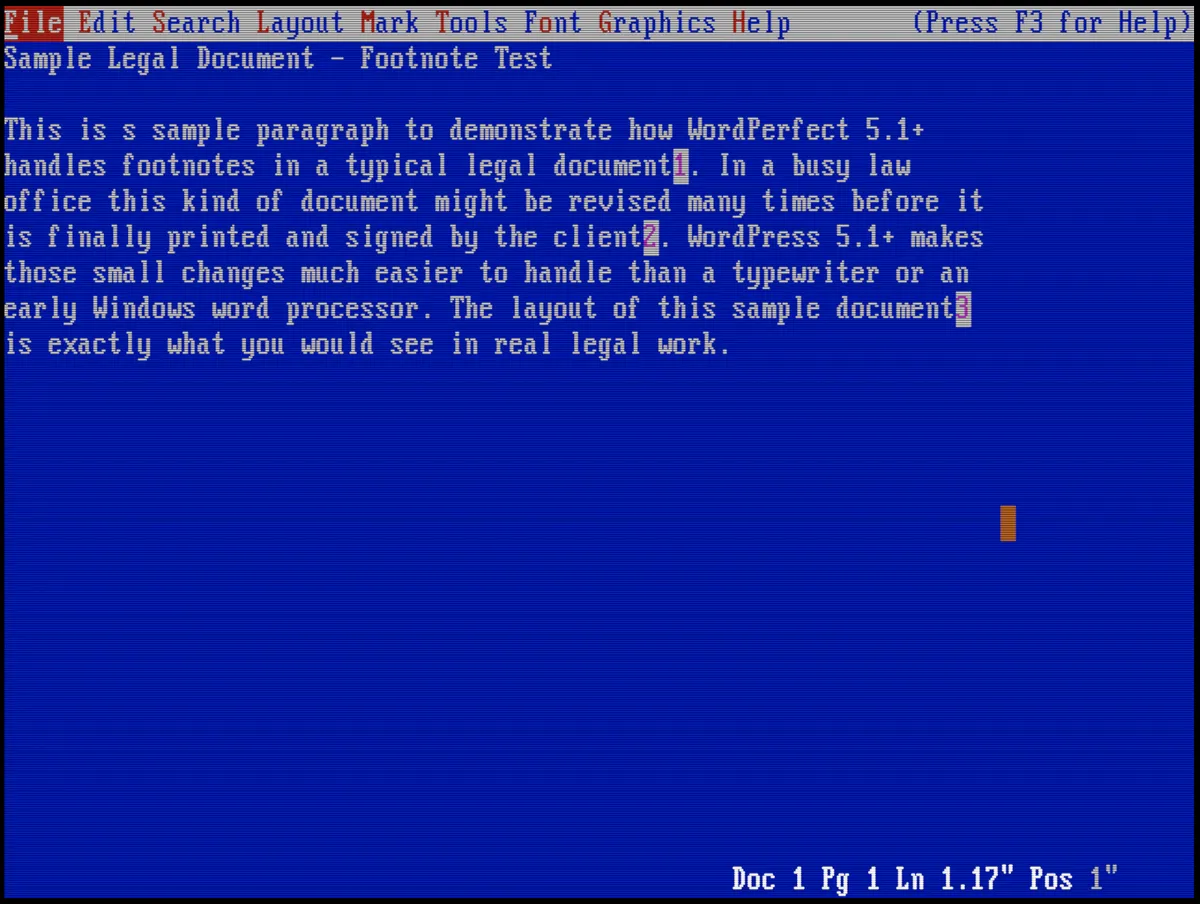
In my tests with long, footnote‑heavy documents, 5.1+ behaves like a tool that has seen a lot of hard use in offices and been corrected accordingly. Smoother edges and fewer unpleasant surprises — exactly what you want when your main job is to get documents out the door on time.
2. Footnotes and long documents that stay under control
For any lawyer drafting opinions, academic‑style memos, or court briefs, footnotes are not cosmetic; they are part of the argument. WordPerfect’s footnote handling has long been one of the reasons many firms prefer it, and 5.1+ builds on that reputation. It keeps the footnote and endnote system from 5.1 and improves how complex documents behave across pages and printers.
In practice, that means notes stay inside margins, numbering behaves, and the text reflows predictably when paragraphs are inserted or deleted. Consistency is often more valuable than flashy new features.
3. Macros: turning repetitive tasks into one keystroke
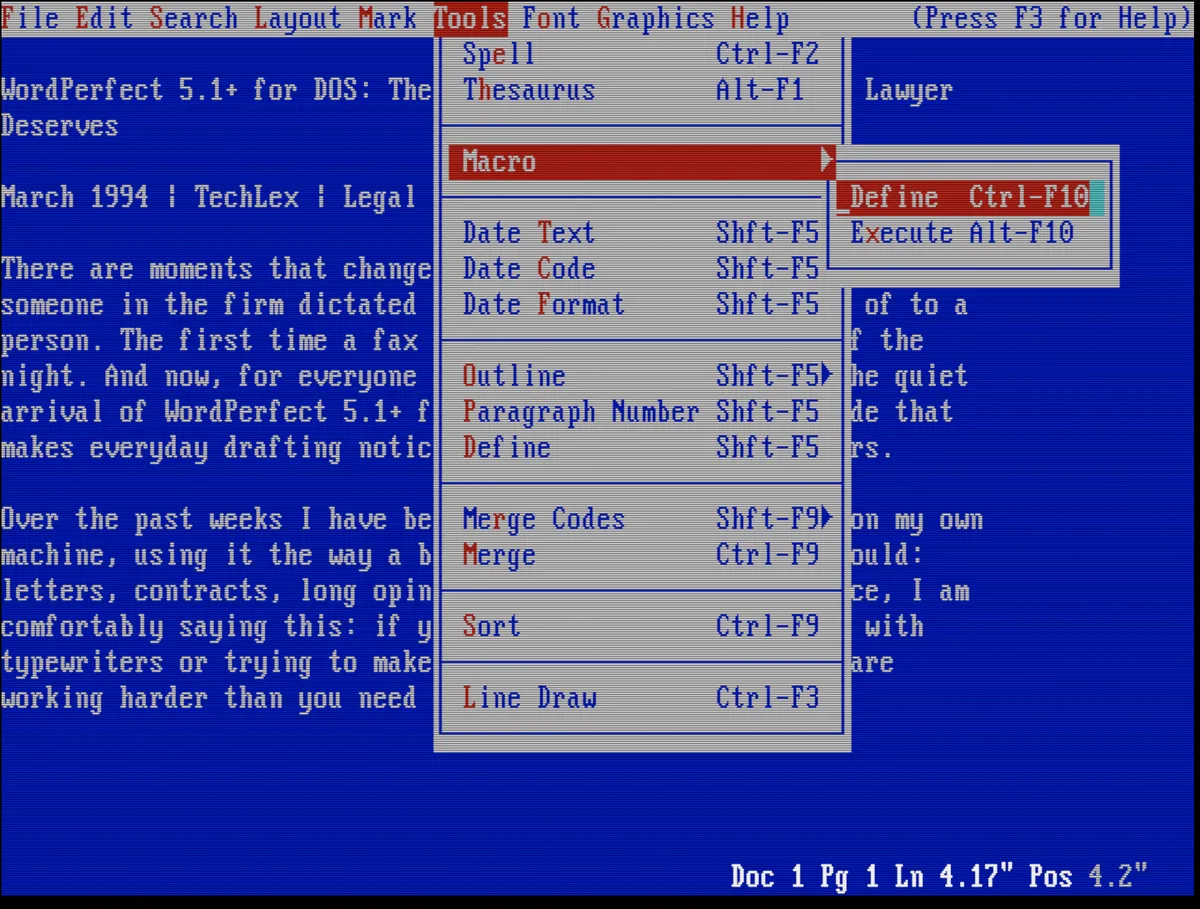
WordPerfect’s macro system is, in my view, its most underrated strength. Even in 5.1, macros let users automate standard letter headings, client references, boilerplate clauses, and complex formatting sequences. 5.1+ keeps that macro engine intact and adds a more stable foundation underneath it.
Once someone takes an afternoon to create a few good macros, the whole team starts saving minutes on almost every document. New pleadings start with a single keystroke. Standard opening paragraphs appear instantly. Common formatting problems get one‑key fixes.
4. Tables that no longer fight you
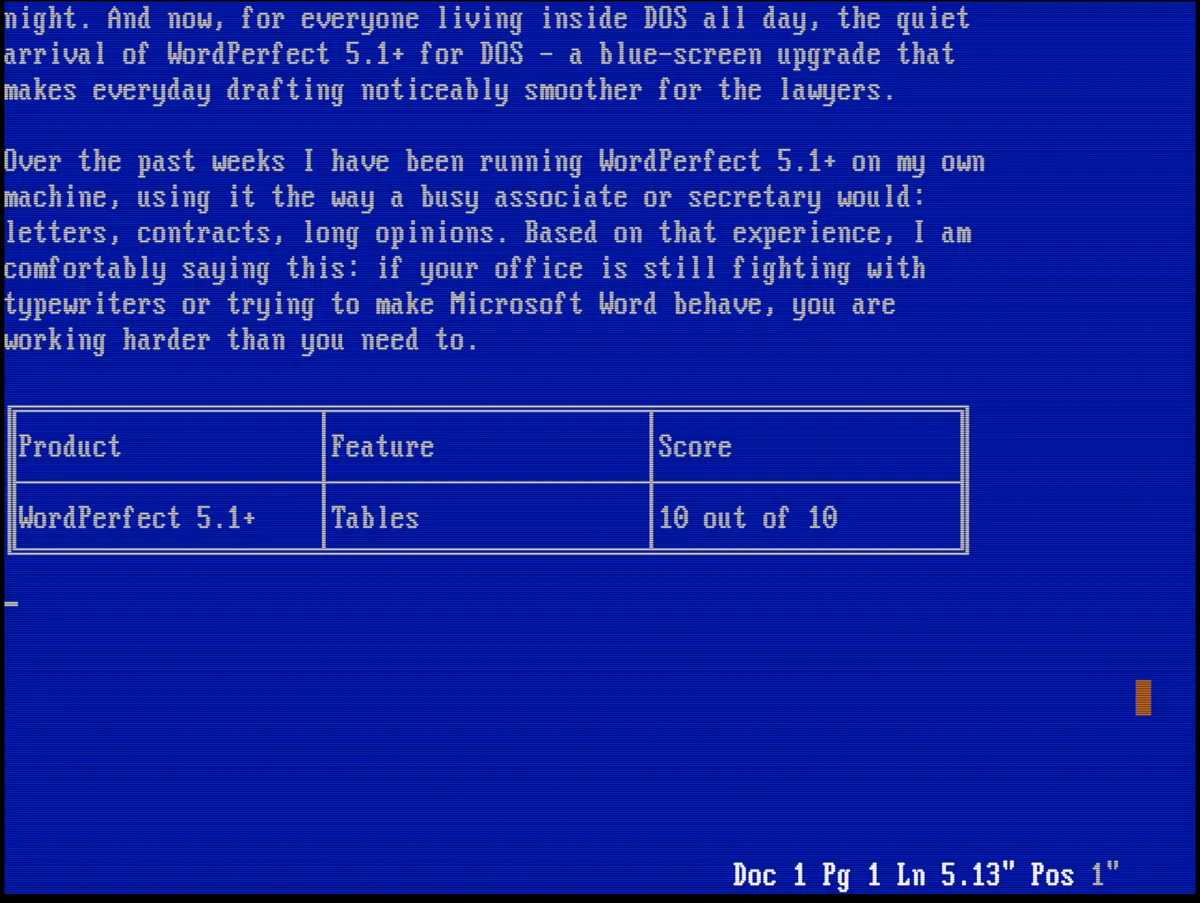
Before integrated tables, many users tried to line things up with spaces and tabs and hoped the printer would be kind. WordPerfect 5.1’s table feature already changed that by making tables a first‑class part of the document. 5.1+ continues that approach, with fixes and improvements drawn from years of real‑world use.
The benefit is simple: fee schedules, closing checklists, and simple timetables become much easier to maintain, and much less likely to break if you insert a new row or column at the last minute. You do not need a separate spreadsheet; you get a good‑enough table engine right in your word processor.
5. The famous blue screen: distraction‑free drafting
Let’s talk about the interface. WordPerfect 5.1+ still opens to that deep blue screen with white text and a status line at the bottom. There are menus, but no windows, no icons, no animations. There is certainly no animated assistant offering to “help you write a letter.”
From a technology perspective, this is focus. On the hardware sitting in most firms right now, a clean, full‑screen DOS application is often faster and more stable than early graphical tools. And for legal drafting, the blue screen has a real advantage: nothing else is happening. You see your document, your codes, your line numbers, and almost nothing that is not relevant to the page in front of you.
For many lawyers, that calm, slightly severe environment is not a bug. It is exactly what they want from a tool they use all day.
Why I still prefer this to Word and Windows in 1994
Microsoft is pushing Word for Windows hard. Windows itself is clearly where the broader market is heading. But in 1994, on the machines actually sitting in law offices, the story looks different.
- On modest hardware, WordPerfect 5.1+ under DOS feels fast and solid, even with long, complex documents.
- Word for Windows may look more modern, but opening and scrolling large files can feel slow and heavy, and crashes in the graphical environment tend to be more disruptive.
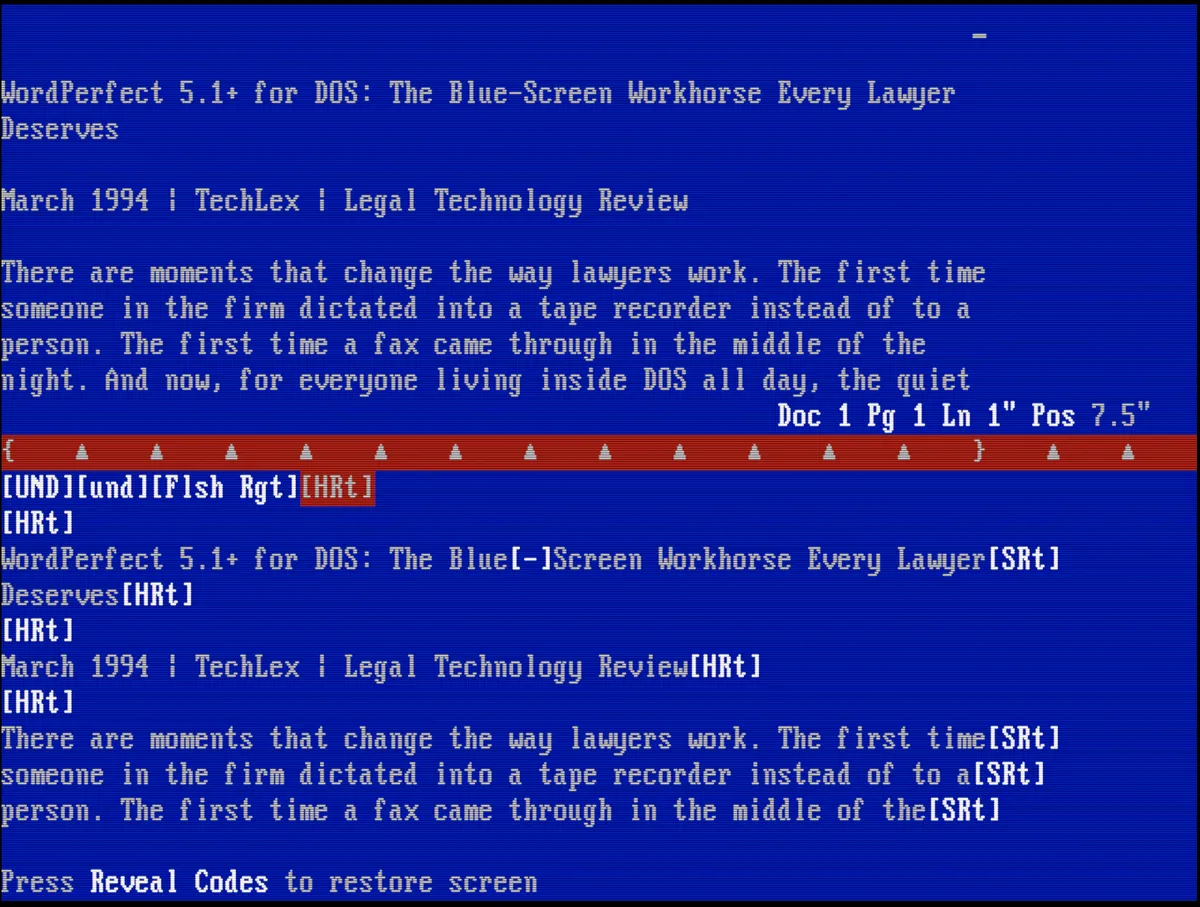
- WordPerfect gives users more direct control: the Reveal Codes view lets you see and edit every formatting code in the document, which many power users in law firms rely on to fix layout problems precisely.
Once people learn the keystrokes and the logic of WordPerfect, they become very fast. They can diagnose problems by looking at codes. They can move entire sections without breaking numbering. They trust the software to behave predictably.
In contrast, Word plus early Windows still feels like something you have to be careful around: good for some tasks, but not yet your tool for actual work.
Pricing
WordPerfect 5.1 for DOS launched at around $495 USD in the US market as a full professional package. 5.1+ is an enhanced update in that same product line rather than a completely new generation.
Will the upgrade pay for itself in time saved and problems avoided? From what I see in real use, the answer is yes. If your office already lives inside 5.1 all day, the cost of not upgrading — small bugs, conversion issues — adds up surprisingly quickly.
A note from 2026: If you are reading this in the future and wondering whether this affection for a DOS word processor is exaggerated, take a look at Edward Mendelson’s WPDOS site at https://mendelson.org/wpdos/index.html. It is the most complete, careful resource on WordPerfect for DOS: version histories, technical guides, and practical tips for running this classic software on modern systems.