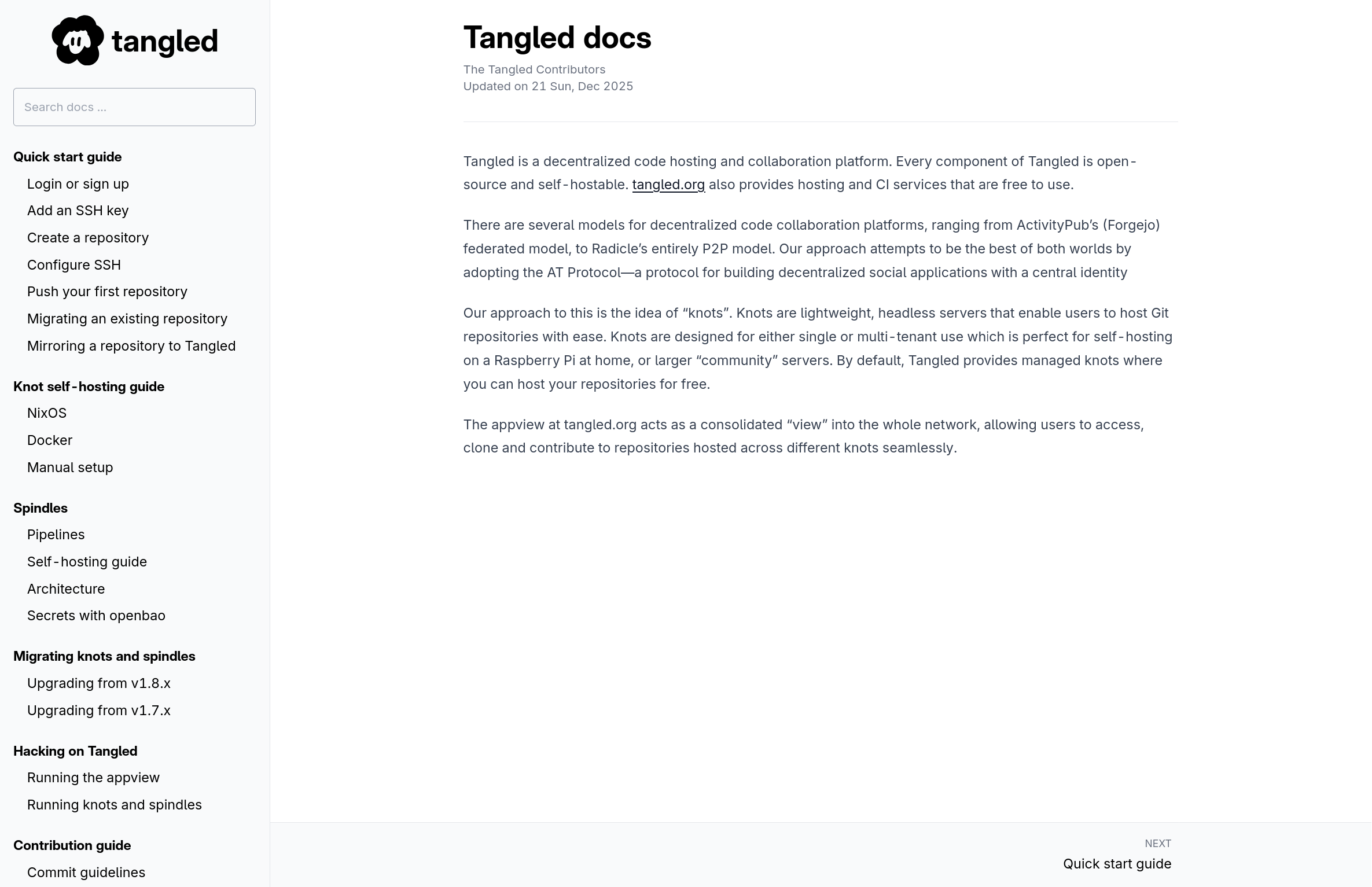
We recently organized our documentation and put it up on https://docs.tangled.org, using just pandoc. For several reasons, using pandoc to roll your own static sites is more than sufficient for small projects.
requirements#
- Lives in our monorepo.
- No JS: a collection of pages containing just text should not require JS to view!
- Searchability: in practice, documentation engines that come bundled with a search-engine have always been lack lustre. I tend to Ctrl+F or use an actual search engine in most scenarios.
- Low complexity: building, testing, deploying should be easy.
- Easy to style
evaluating the ecosystem#
I took the time to evaluate several documentation engine solutions:
- Mintlify: It is quite obvious from their homepage that Mintlify is performing an AI pivot for the sake of doing so.
- Docusaurus: The generated documentation site is quite nice, but the value of pages being served as a full-blown React SPA is questionable.
- MkDocs: Works great with JS
disabled, however the table of contents needs to be
maintained via
mkdocs.yml, which can be quite tedious. - MdBook:
As above, you need a
SUMMARY.mdfile to control the table-of-contents.
MkDocs and MdBook are still on my radar however, in case we need a bigger feature set.
using pandoc#
pandoc is a wonderfully customizable markup converter. It provides a "chunkedhtml" output format, which is perfect for generating documentation sites. Without any customization, this is the generated output, for this markdown file input.
- You get an autogenerated TOC based on the document layout
- Each section is turned into a page of its own
Massaging pandoc to work for us was quite straightforward:
- I first combined all our individual markdown files into
one big
DOCS.mdfile. - Modified the default
template
to put the TOC on every page, to form a "sidebar", see
docs/template.html - Inserted tailwind
proseclasses where necessary, such that markdown content is rendered the same way betweentangled.organddocs.tangled.org
Generating the docs is done with one pandoc command:
pandoc docs/DOCS.md \
    -o out/ \
    -t chunkedhtml \
    --variable toc \
    --toc-depth=2 \
    --css=docs/stylesheet.css \
    --chunk-template="%i.html" \
    --highlight-style=docs/highlight.theme \
    --template=docs/template.html
avoiding javascript#
The "sidebar" style table-of-contents needs to be collapsed
on mobile displays. Most of the engines I evaluated seem to
require JS to collapse and expand the sidebar, with MkDocs
being the outlier, it uses a checkbox with the
:checked
pseudo-class trick to avoid JS.
The other ways to do this are:
- Use
<detailsand<summary>: this is definitely a "hack", clicking outside the sidebar does not collapse it. Using Ctrl+F or "Find in page" still works through the details tag though. - Use the new
popoverAPI: this seems like the perfect fit for a "sidebar" component.
The bar at the top includes a button to trigger the popover:
<button popovertarget="toc-popover">Table of Contents</button>
And a fixed position div includes the TOC itself:
<div id="toc-popover" popover class="fixed top-0">
  <ul>
    Quick Start
    <li>...</li>
    <li>...</li>
    <li>...</li>
  </ul>
</div>
The TOC is scrollable independently and can be collapsed by clicking anywhere on the screen outside the sidebar. Searching for content in the page via "Find in page" does not show any results that are present in the popover however. The collapsible TOC is only available on smaller viewports, the TOC is not hidden on larger viewports.
search#
There is no native search on the site for now. Taking inspiration from https://htmx.org's search bar, our search bar also simply redirects to Google:
<form action="https://google.com/search">
  <input type="hidden" name="q" value="+[inurl:https://docs.tangled.org]">
  ...
</form>
I mentioned earlier that Ctrl+F has typically worked better
for me than, say, the search engine provided by Docusaurus.
To that end, the same docs have been exported to a "single
page" format, by
just removing the chunkedhtml related options:
 pandoc docs/DOCS.md \
     -o out/ \
-    -t chunkedhtml \
     --variable toc \
     --toc-depth=2 \
     --css=docs/stylesheet.css \
-    --chunk-template="%i.html" \
     --highlight-style=docs/highlight.theme \
     --template=docs/template.html
With all the content on a single page, it is trivial to search through the entire site with the browser. If the docs do outgrow this, I will consider other options!
building and deploying#
We use nix and
colmena to build and deploy all
Tangled services. A nix derivation to build the
documentation
site is written very easily with the runCommandLocal
helper:
runCommandLocal "docs" {} ''
    .
    .
    .
  ${pandoc}/bin/pandoc ${src}/docs/DOCS.md ...
    .
    .
    .
''
The NixOS machine is configured to serve the site via nginx:
services.nginx = {
  enable = true;
  virtualHosts = {
    "docs.tangled.org" = {
      root = "${tangled-pkgs.docs}";
      locations."/" = {
        tryFiles = "$uri $uri/ =404";
        index = "index.html";
      };
    };
  };
};
And deployed using colmena:
nix run nixpkgs#colmena -- apply
To update the site, I first run:
nix flake update tangled
Which bumps the tangled flake input, and thus
tangled-pkgs.docs. The above colmena invocation applies
the changes to the machine serving the site.
notes#
Going homegrown has made it a lot easier to style the documentation site to match the main site. Unfortunately there are still a few discrepancies between pandoc's markdown rendering and goldmark's markdown rendering (which is what we use in Tangled). We may yet roll our own SSG, TigerStyle!