By now, nearly every engineer has seen an AI assistant write a perfect unit test or churn out flawless boilerplate. For simple, greenfield work, these tools are incredibly effective.
But ask it to do something real, like refactor a core service that orchestrates three different libraries, and a frustrating glass ceiling appears. The agent gets lost, misses context, and fails to navigate the complex web of dependencies that make up a real-world system.
Faced with this complexity, our first instinct is to write more documentation. We build mountains of internal documents, massive CLAUDE.mds, and detailed READMEs, complaining that the AI is "not following my docs" when it inevitably gets stuck. This strategy is a trap. It expects the AI to learn our messy, human-centric systems, putting an immense load on the agent and dooming it to fail. To be clear, documentation is a necessary first step, but it's not sufficient to make agents effective.
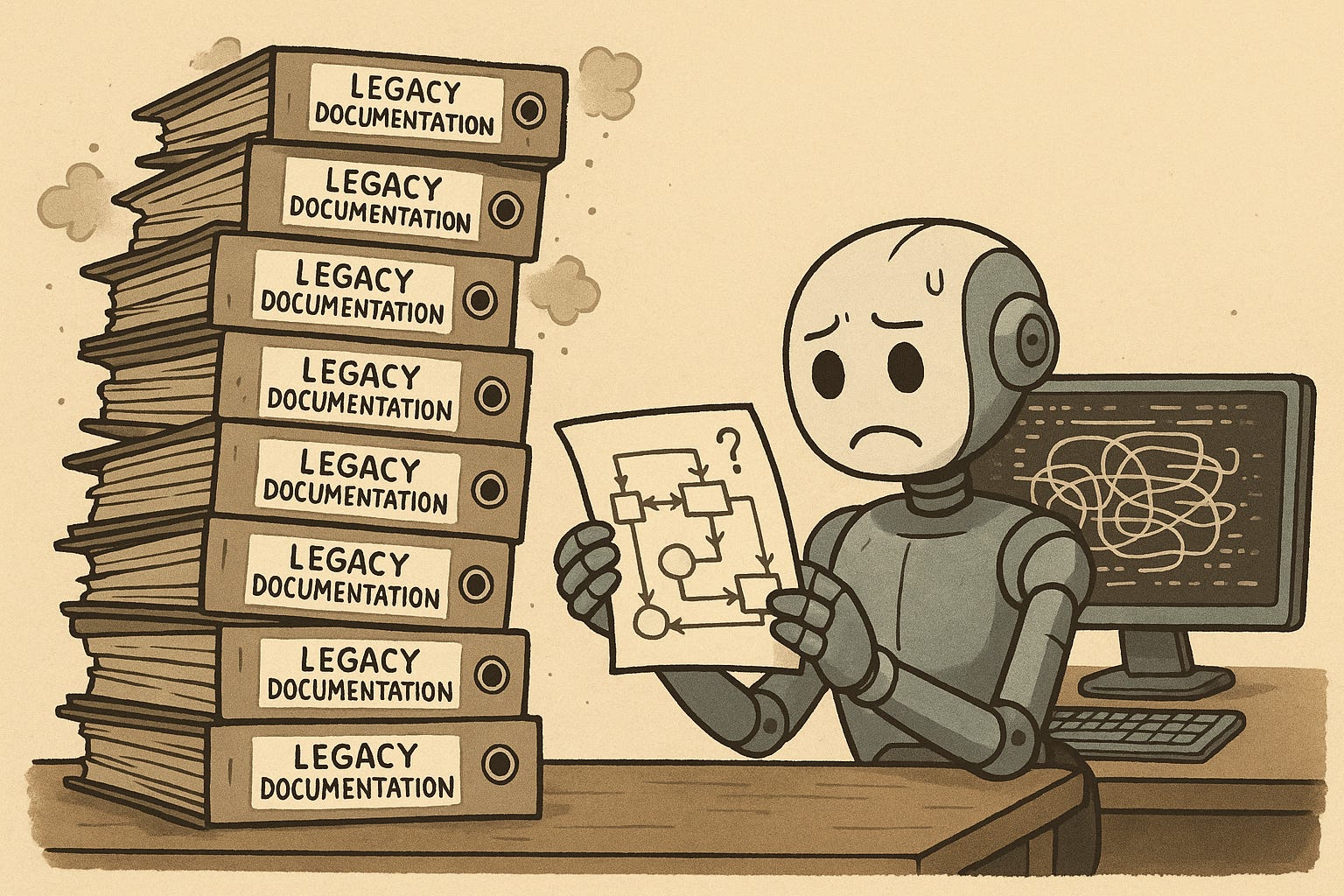
The near-term, most effective path isn’t about throwing context at the AI to be better at navigating our world; it’s about redesigning our software, libraries, and APIs with the AI agent as the primary user.
This post1 applies a set of patterns learned from designing and deploying AI agents in complex environments to building software for coding agents like Claude Code. You may also be interested in a slightly higher level article on AI-powered Software Engineering.
The core principle is simple: reduce the need for external context and assumptions. An AI agent is at its best when the next step is obvious and the tools are intuitive. This framework builds from the most immediate agent interaction all the way up to the complete system architecture. This isn’t to say today's agents can’t reason or do complex things. But to unlock the full potential of today’s models—to not just solve problems, but do so consistently—these are your levers.
In an agentic coding environment, every interaction with a tool is a turn in a conversation. The tool's output—whether it succeeds or fails—should be designed as a helpful, guiding prompt for the agent's next turn.
A traditional CLI command that succeeds often returns very little: a resource ID, a silent exit code 0, or a simple "OK." For an agent, this is a dead end. An AI-friendly successful output is conversational. It not only confirms success but also suggests the most common next steps, providing the exact commands and IDs needed to proceed.
Don't:
$ ./deploy --service=api
Success!
Do (AI-Friendly):
Success! Deployment ID: deploy-a1b2c3d4

Next Steps:
- To check the status, run: ./get-status --id=deploy-a1b2c3d4
- To view logs, run: ./get-logs --id=deploy-a1b2c3d4
- To roll back this deployment, run: ./rollback --id=deploy-a1b2c3d4
This is the other side of the same coin. For an AI agent, an error message must be a prompt for its next action. A poorly designed error is a dead end; a well-designed one is a course correction. A perfect, AI-friendly error message contains three parts:
What went wrong: A clear, readable description of the failure.
How to resolve it: Explicit instructions for fixing the issue, like a direct command to run or the runbook you already wrote but documented somewhere else.
What to do next: Guidance on the next steps after resolution.
By designing both your successful and failed outputs as actionable prompts, you transform your tools from simple utilities into interactive partners that actively guide the agent toward its goal.
The best documentation is the documentation the agent doesn't need to read. If an error message is the agent's reactive guide, embedded documentation is its proactive one. When intuition isn't enough, integrate help as close to the point of use as possible.
The CLI: Every command should have a comprehensive
--helpflag that serves as the canonical source of truth. This should be detailed enough to replace the need for other usage documentation. Claude already knows--helpis where it should start first.The Code: Put a comment block at the top of critical files explaining its purpose, key assumptions, and common usage patterns. This not only helps the agent while exploring the code but also enables IDE-specific optimizations like codebase indexing.
If an agent has to leave its current context to search a separate knowledge base, you’ve introduced a potential point of failure. Keep the necessary information local.
After establishing what we communicate to the agent, we must define how we communicate. The protocol for agent interaction is a critical design choice.
CLI (Command-line interface) via
bash: This is a flexible, raw interface powerful for advanced agents like Claude Code that have strong scripting abilities. The agent can pipe commands, chain utilities, and perform complex shell operations. CLI-based tools can also be context-discovered rather than being exposed directly to the agent via its system prompt (which limits the max total tools in the MCP case). The downside is that it's less structured and the agent may need to take multiple tool calls to get the syntax correctly.
$ read-logs --help
$ read-logs --name my-service-logs --since 2h
MCP (Model Context Protocol): It provides a structured, agent-native way to expose your tools directly to the LLM's API. This gives you fine-grained control over the tool's definition as seen by the model and is better for workflows that rely on well-defined tool calls. This is particularly useful for deep prompt optimization, security controls, and to take advantage some of the more recent fancy UX features that MCP provides. MCP today can also be a bit trickier for end-users to install and authorize compared to existing install setups for cli tools (e.g.
brew installor just adding a newbin/to yourPATH).
$ read_logs (MCP)(name: "my-service-logs", since: "2h")Overall, I’m starting to come to the conclusion that for developer tools—agents that can already interact with the file system and run commands—CLI-based is often the better and easier approach2.
LLMs have a deep, pre-existing knowledge of the world’s most popular software. You can leverage this massive prior by designing your own tools as metaphors for these well-known interfaces.
Building a testing library? Structure your assertions and fixtures to mimic
pytest.Creating a data transformation tool? Make your API look and feel like
pandas.Designing an internal deployment service? Model the CLI commands after the
dockerorkubectlsyntax.
When an agent encounters a familiar pattern, it doesn't need to learn from scratch. It can tap into its vast training data to infer how your system works, making your software exponentially more useful.
This is logical for a human developer who can hold a complex mental map, but it’s inefficient for an AI agent (and for a human developer who isn't a domain expert) that excels at making localized, sequential changes.
An AI-friendly design prioritizes workflows. The principle is simple: co-locate code that changes together.
Here’s what this looks like in practice:
Monorepo Structure: Instead of organizing by technical layer (
/packages/ui,/packages/api), organize by feature (/features/search). When an agent is asked to "add a filter to search," all the relevant UI and API logic is in one self-contained directory.Backend Service Architecture: Instead of a strict N-tier structure (
/controllers,/services,/models), group code by domain. A/productsdirectory would containproduct_api.py,product_service.py, andproduct_model.py, making the common workflow of "adding a new field to a product" a highly localized task.Frontend Component Files: Instead of separating file types (
/src/components,/src/styles,/src/tests), co-locate all assets for a single component. A/components/Buttondirectory should containindex.jsx,Button.module.css, andButton.test.js.
This is best applied to organization-specific libraries and services. Being too aggressive with this type of optimization when it runs counter to well-known industry standards (e.g., completely changing the boilerplate layout of a Next.js app) can lead to more confusion.
For a human, a ✓ All tests passed message is a signal to ask for a code review. For an AI agent, it's often a misleading signal of completion. Unit tests are not enough.
To trust an AI’s contribution enough to merge it, you need automated assurance that is equivalent to a human’s review. The goal is programmatic verification that answers the question: "Is this change as well-tested as if I had done it myself?"
This requires building a comprehensive confidence system that provides the agent with rich, multi-layered evidence of correctness:
It must validate not just the logic of individual functions, but also the integrity of critical user workflows from end-to-end.
It must provide rich, multi-modal feedback. Instead of just a boolean
true, the system might return a full report including logs, performance metrics, and even a screen recording of the AI’s new feature being used in a headless browser.
When an AI receives this holistic verification, it has the evidence it needs to self-correct or confidently mark its work as complete, automating not just the implementation, but the ever-increasing bottleneck of human validation on every change.
How do you know if you've succeeded? The ultimate integration test for an AI-friendly codebase is this: Can you give the agent a real customer feature request and have it successfully implement the changes end-to-end?
When you can effectively "vibe code" a solution—providing a high-level goal and letting the agent handle the implementation, debugging, and validation—you've built a truly AI-friendly system.
The transition won't happen overnight. It starts with small, low-effort changes. For example:
Create CLI wrappers for common manual operations.
Improve one high frequency error message to make it an actionable prompt.
Add one E2E test that provides richer feedback for a key user workflow.
This is a new discipline, merging the art of context engineering with the science of software architecture. The teams that master it won't just be 10% more productive; they'll be operating in a different league entirely. The future of software isn't about humans writing code faster; it's about building systems that the next generation of AI agents can understand and build upon.