This is for Mac, adjust for your system accordingly:
Make sure Docker is installed and running.
brew install x3270mkdir my-mainframecd my-mainframeThen write startup.sh in that file with content like this (basically copied from https://github.com/MVS-sysgen/docker-mvsce):
#!/bin/bashdocker run -d \--name=mvsce \-e HUSER=docker \-e HPASS=docker \-p 2121:3221 \-p 2323:3223 \-p 3270:3270 \-p 3505:3505 \-p 3506:3506 \-p 8888:8888 \-v ./mvsce/config:/config \-v ./mvsce/printers:/printers \-v ./mvsce/punchcards:/punchcards \-v ./mvsce/logs:/logs \-v ./mvsce/dasd:/dasd \-v ./mvsce/certs:/certs \--restart unless-stopped \--platform linux/s390x \mainframed767/mvscechmod +x startup.sh./startup.shIf it all starts smoothly, you can then run the command:
c3270 localhost:3270
It gives you a nice welcome screen:
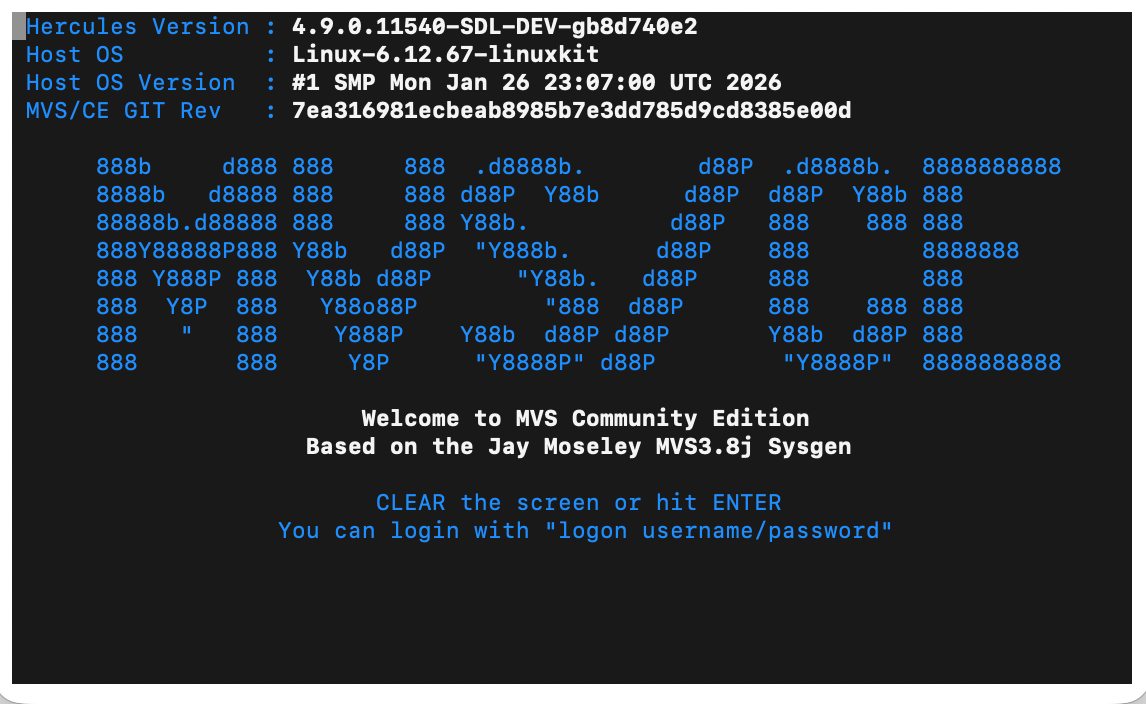
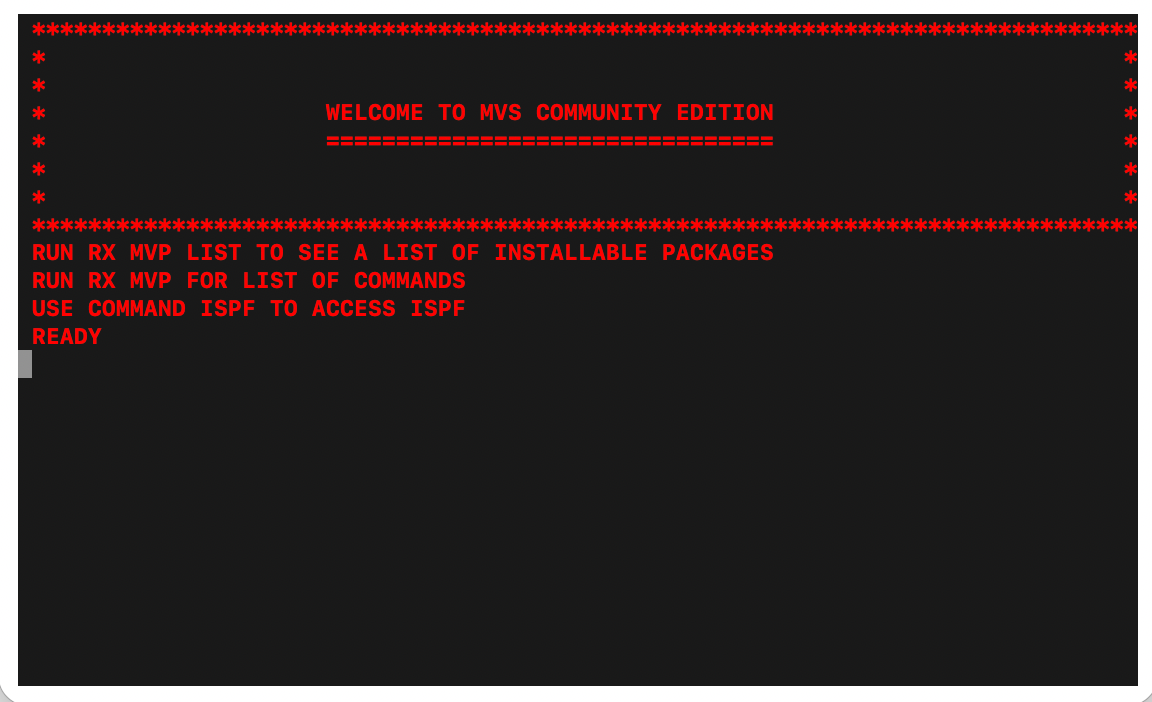
Then enter logon ibmuser/sys1 (the system doesn’t seem to distinguish between uppercase and lowercase, see the readme for all default users) and you have access to the mainframe!
This is also a nice destroy.sh script:
#!/bin/bashdocker stop mvscedocker rm mvscerm -rf ./mvsce
I also tried ZOC Terminal; the backspace didn’t work in the standard Mac terminal, but it did in ZOC Terminal.
It’s a strange wonderland. If you enter ispf, this happens:
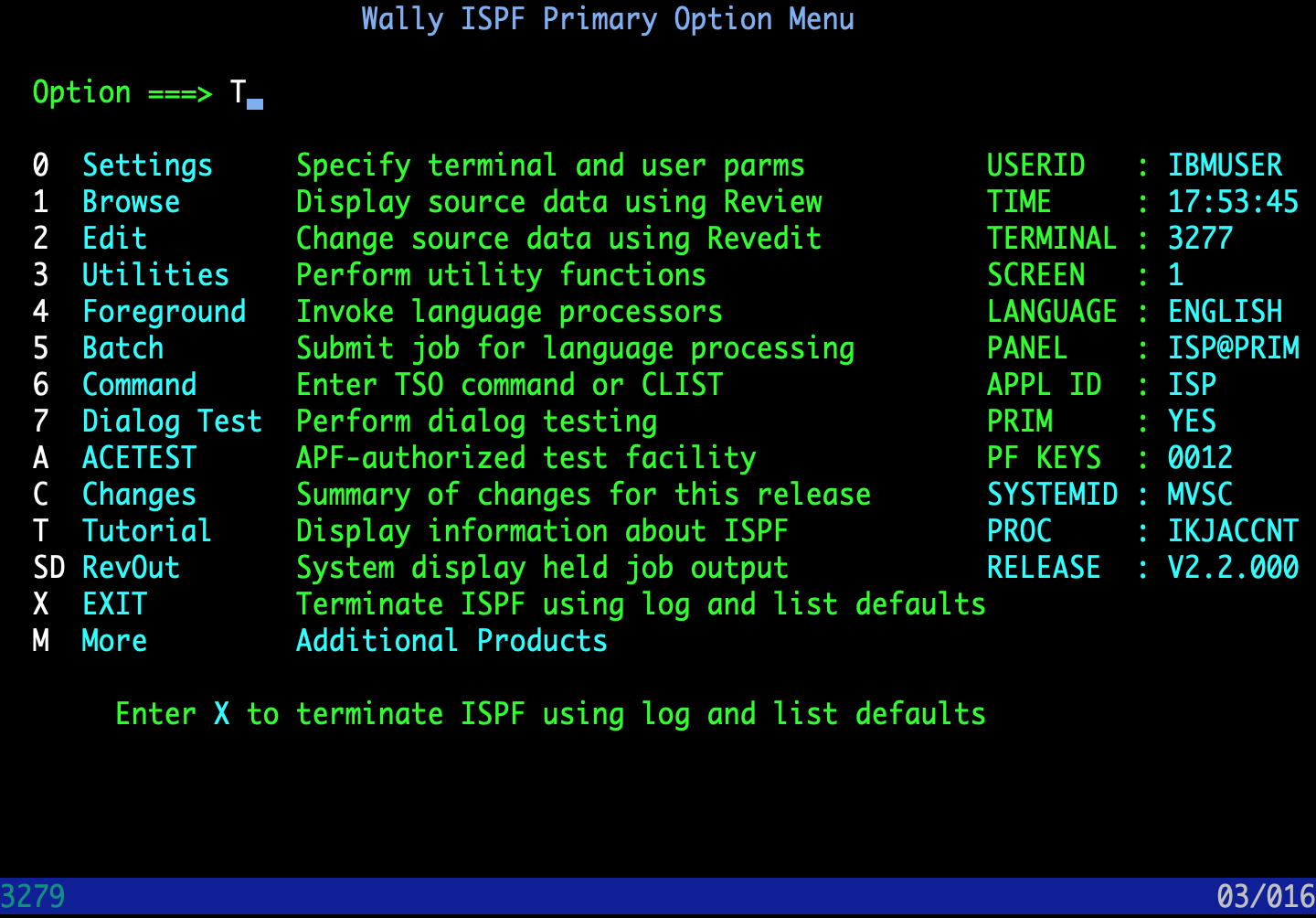
Then you can switch to KICKS with this kind of script (just run kicks after connecting to localhost:3270):
#!/bin/bashdocker run -d \--name=mvsce \-e HUSER=docker \-e HPASS=docker \-p 2121:3221 \-p 2323:3223 \-p 3270:3270 \-p 3505:3505 \-p 3506:3506 \-p 8888:8888 \-v ./mvsce/config:/config \-v ./mvsce/printers:/printers \-v ./mvsce/punchcards:/punchcards \-v ./mvsce/logs:/logs \-v ./mvsce/dasd:/dasd \-v ./mvsce/certs:/certs \--restart unless-stopped \--platform linux/amd64 \mainframed767/kicks
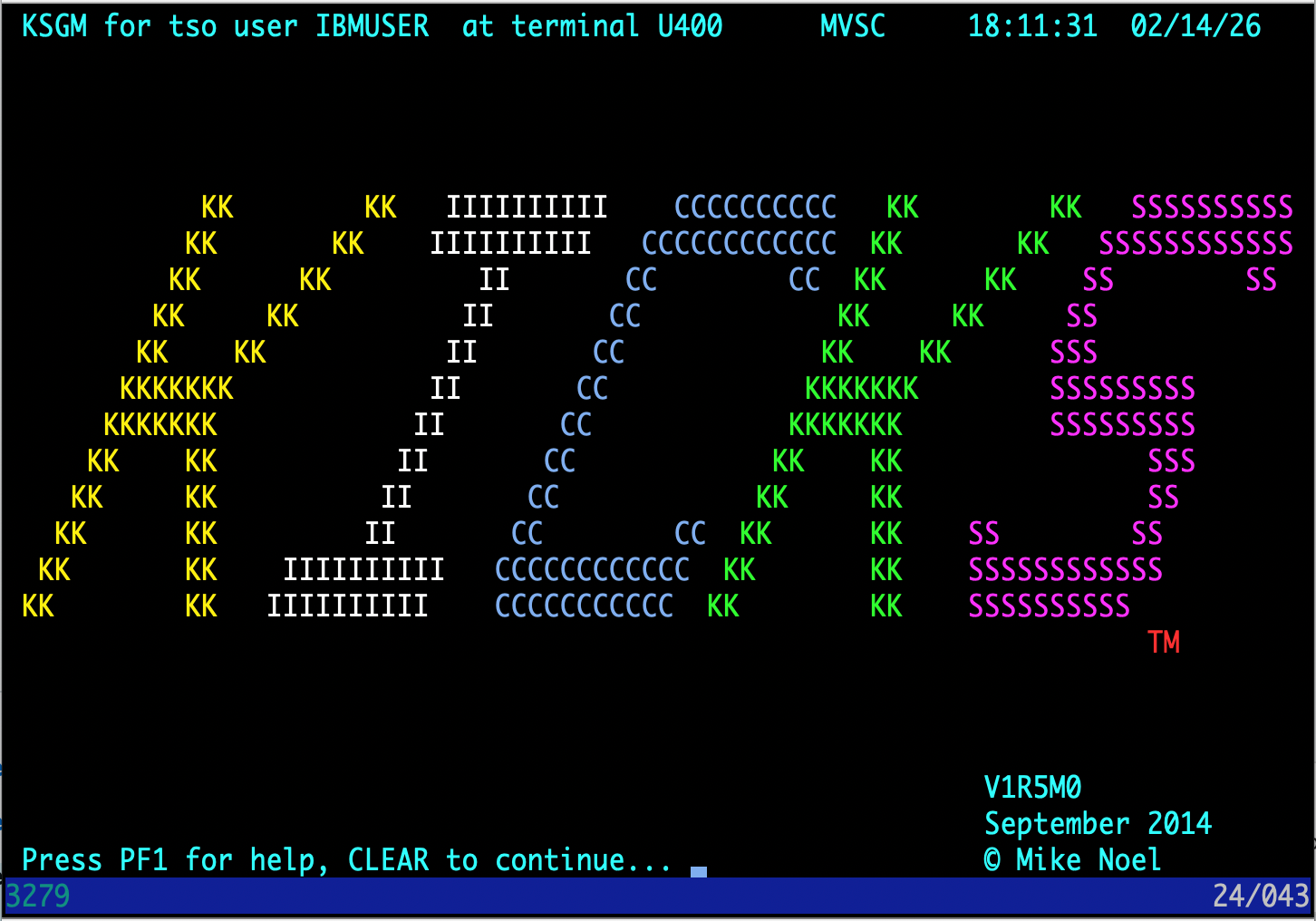
There’s even blinking text, but I took the screenshot when it was not visible, so you’ll need to try it out by yourself to find out what the blinking text is.
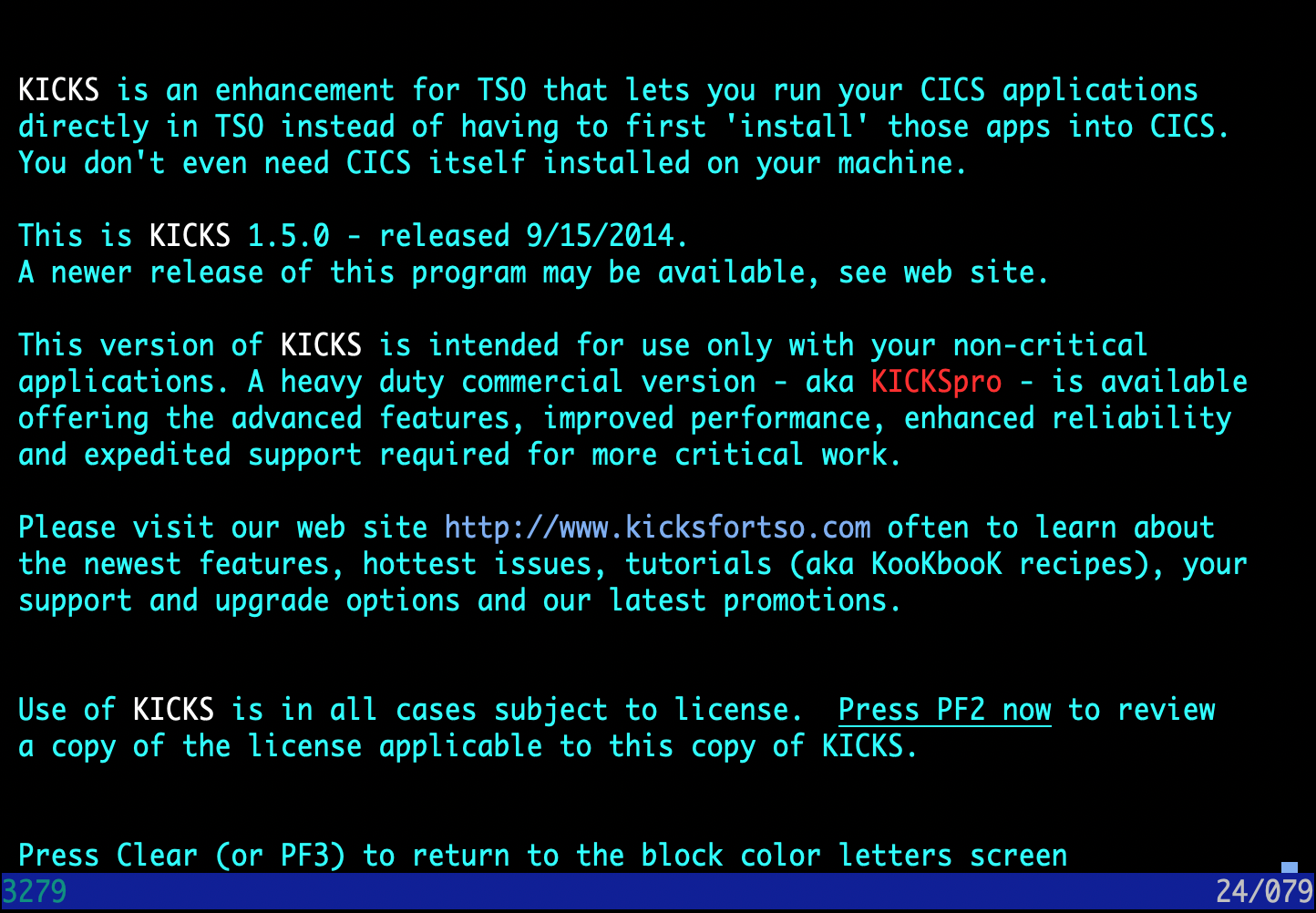
Also “Clear” is “Shift+Esc” in ZOC Terminal.
Within KICKS (after having pressed “Clear”), you can enter ksgm to get back to the KICKS title screen.
Or you can enter kssf to exit KICKS again.