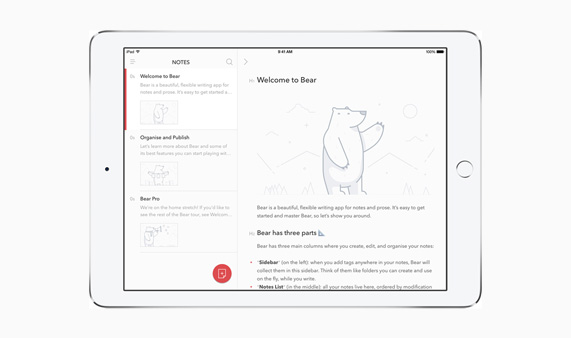
Back in 2013, three friends who loved Apple and design couldn’t find a notes app they liked, so they built their own. That side project became Bear. It arrived on the App Store in November 2016, and within a year it had been named Mac App of the Year and won an Apple Design Award. This November, the little Bear turns 10. Today it helps millions of people around the world capture their ideas and organize their lives every day, and we’ve felt so much love and support from all of you along the way.
2013
The idea
We couldn’t find a notes app that fit how we write, so we started building our own.
More
We built it in our spare time. Our day job back then was building apps and websites for clients.
October 2014
First prototype
Our friends loved it. Would everyone else?
November 2016
Launch day!
Bear arrives on the App Store and hits #1 on Product Hunt.
December 2016
Mac App of the Year
Apple names Bear its Mac App of the Year.
June 2017
Apple Design Award
Bear wins a 2017 Apple Design Award.
More
…and we got a selfie with Tim Cook!
2018
Project Panda
We start rewriting Bear’s editor from scratch, code name “Panda”.
More
Your feedback showed us where the original Bear was hitting its limits. Six months in, we realized we needed our own Markdown parser too, so we started over. Again.
July 2023
Bear 2 is here!
Bear 2 launches with an all-new editor and 20+ new features.
July 2025
Bear Web beta
Bear comes to your browser in public beta.
Coming soon
Bear Web
The full release of Bear Web is almost here, and we have more features brewing in house…

Over the years, one thing we hear again and again is that Bear just feels good to use. So for this special occasion, we want to share the principles behind every design decision we make. Along the way you’ll find some tiny details we’ve hidden all over the app (you may be using a few right now without knowing it), a peek at an idea that never shipped, and some brand new Bear swag. Grab a slice of cake and come on in!
Bear Principles
Every change in Bear goes through a long journey from first idea to final release. Big or small, visible or under the hood, they all follow the same two principles: Bear should be delightful to use, and safe to trust.
A feeling-good experience by design
We want you to feel delighted every time you open Bear. In practice, that comes down to three things.

(Note: If GIF is not playing, long press and select “Play Animation”)
Simple. No sign up, no tutorial. Just open a note and write. Bear has grown much more powerful over the years, but all of that power waits quietly underneath and never gets in your way.
💡 Did you know?
To make sure Bear stays easy to use, we always ask our parents to test it first!
Natural. We believe the best tools disappear while you use them. So we put a lot of effort into making things work exactly the way you expect, and you’ll find these quality of life touches all over the app.
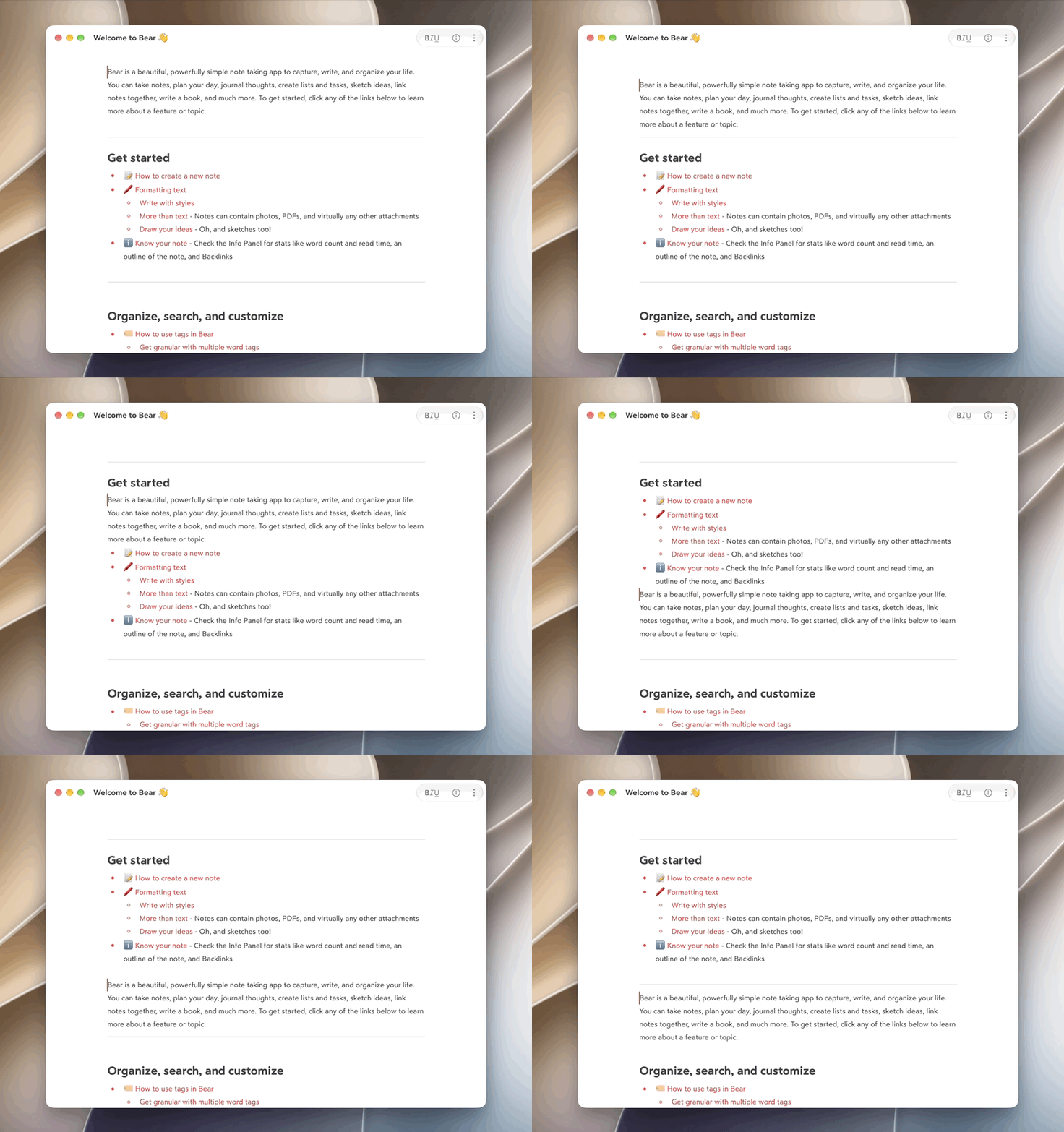
Take moving lines around. Press ⌘⌥ with the up or down arrow to move the current line, which is perfect for rearranging your writing. Bear understands what you’re moving and where it’s going, so it won’t break apart a list or a table along the way. It’s one of those things that feels so obvious you’d never guess someone had to design it.
Rewarding to explore. Bear has a lot of depth, but we don’t believe in pushing everything to your face to promote it because we don’t know when or if you will need them. Many of our favorite user stories start with a happy little accident. Resize an image from its corner, and it snaps to line up with the images around it; swipe left on a note on iOS, and the Info Panel slides into view. We love those “Oh wow, I didn’t expect that to work!” moments. They’re a big part of why we sign off every post with “Happy writing!”
💡 Did you know?
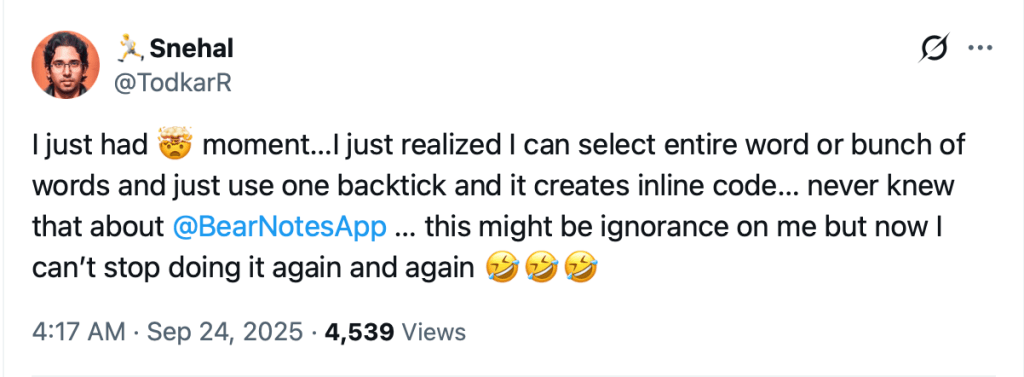
Some of our favorite details are so small that you may be using them without ever noticing. Here are a few to try:
✍️ Typing in bold or italic? Press Return or the same shortcut again to step right out of the style.
⌨️ Press ⌘A inside a code block to select just the code. Press it again to select the whole note.
🖱️ Select some text and type (, [, " or`. Bear wraps your selection instead of replacing it.
🔗 Select some text and paste a URL. The text becomes a link.
Built to be safe
You can’t feel truly comfortable in a space you don’t trust. Your notes hold your ideas, your plans, and sometimes things you’d never share with anyone. That’s why safety has shaped Bear’s most fundamental choices from the very start.
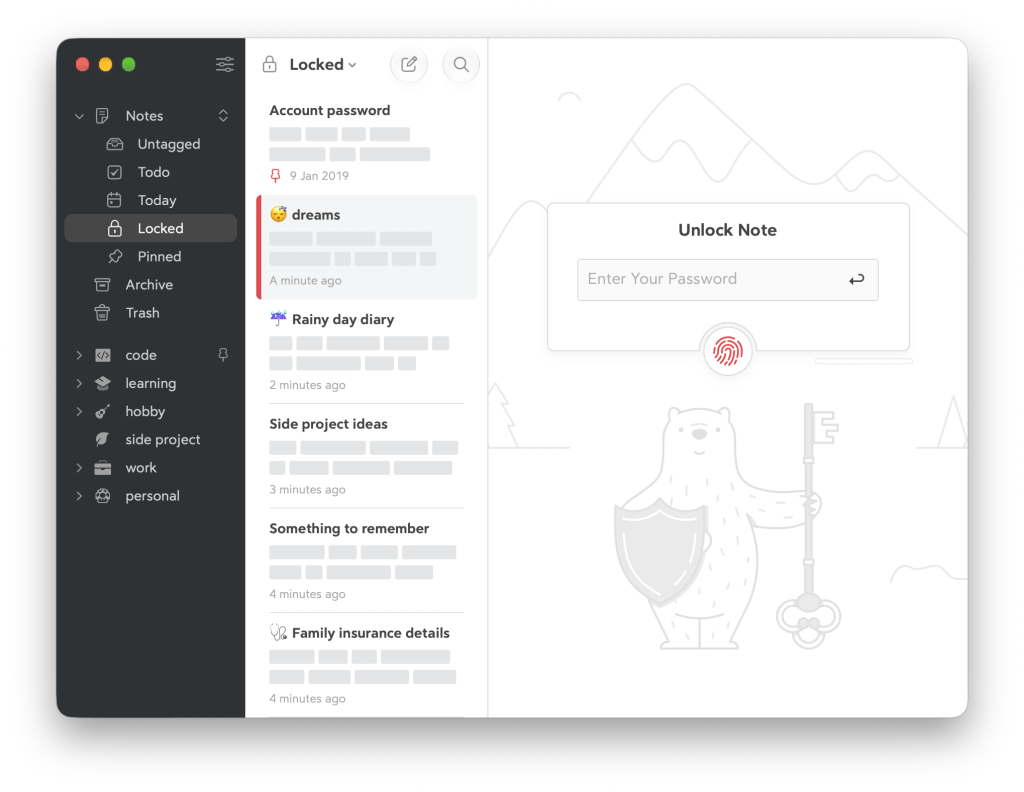
Private. We have no servers holding your notes, and we never see what you write. We also don’t build Bear on top of third party APIs, plugins, or outside services we can’t control. If one of them changed its rules, shut down, or simply stopped working, you would be the one paying the price. So we build what matters ourselves, and Bear keeps working the way you expect.
💡 Did you know?
We collaborated with Cossack Labs for note encryption to ensure a reliable and smooth experience. Even if your iCloud account were ever hacked, you can rest assured your encrypted notes stay unreadable.
Keeping a note taking app private and standard wasn’t a revolutionary idea in 2016 when we first launched Bear, but today, it kind of is. And we are glad we stick to what we believe since day 1. The world is changing and we don’t know where it leads us to, but we know your notes are safe with us and you have full control of them anytime, anywhere.
How features get made
Every design in Bear starts with a problem: a feature people need, something that’s broken, or simply something we don’t like. From there, we are on a journey of problem solving.
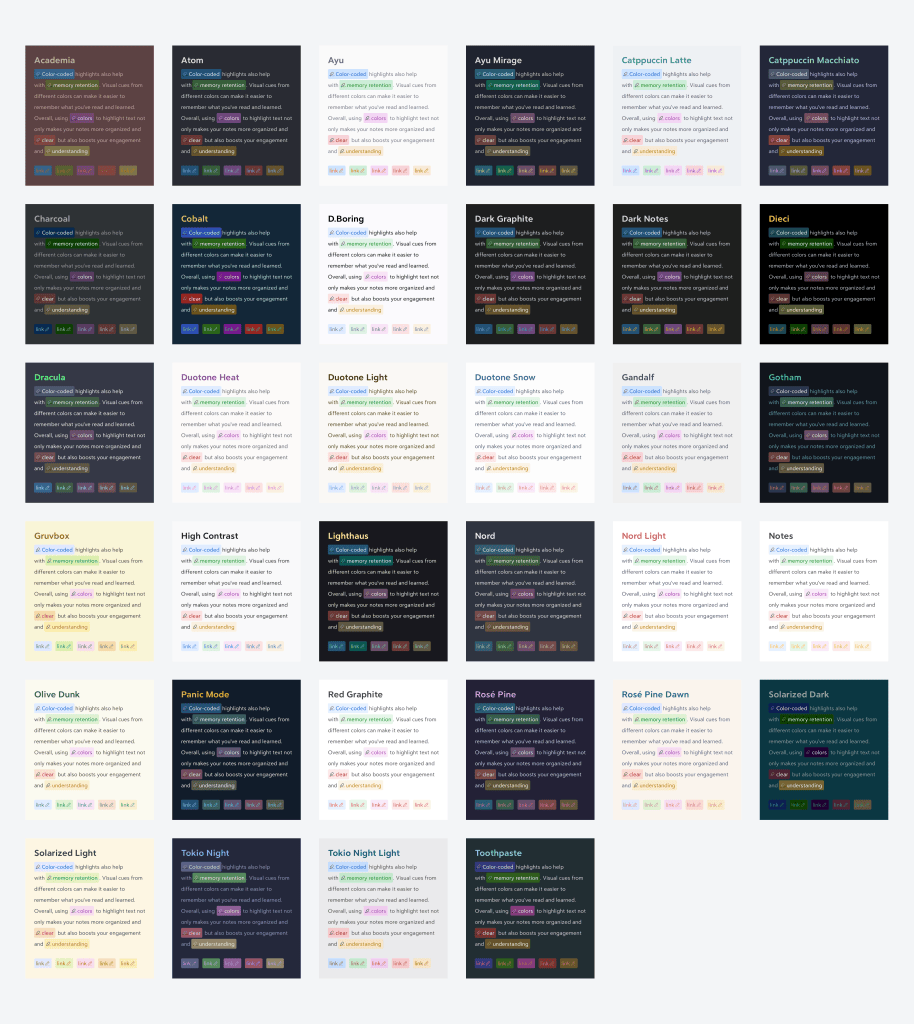
That usually means a designer and a developer pairing up for a week or two, then bringing something working to the whole team. Then the real fun begins. Matteo, one of our cofounders, describes fun as “clashing heads with wonderful people to make great things.” Everyone in the team gets to express their opinions no matter what title they have. As a matter of fact, job titles mean nothing to us as you can see on our website.
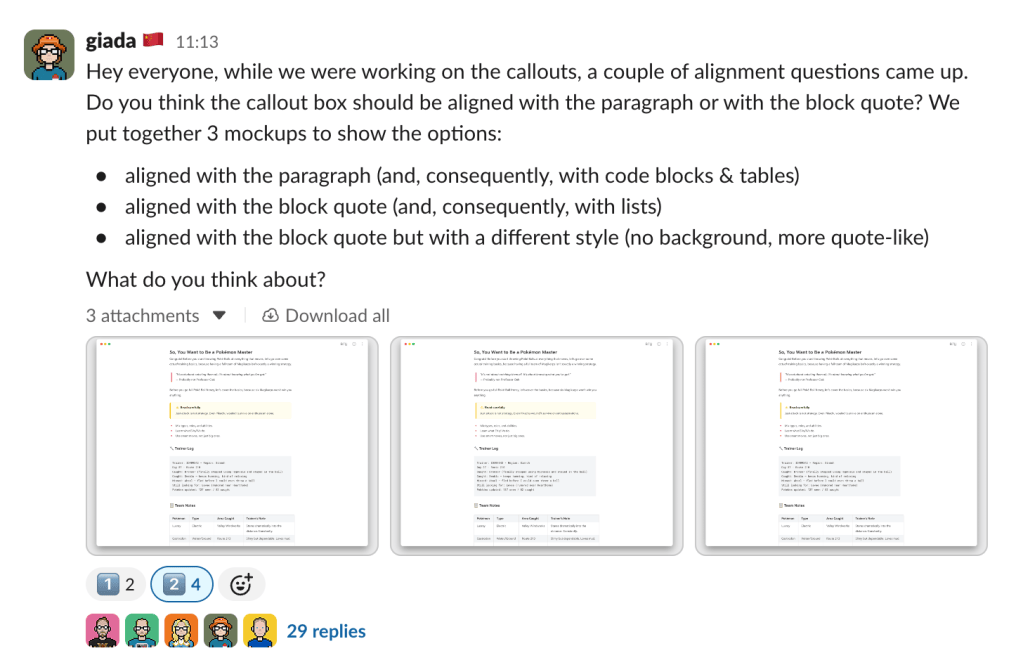
The feedback discussion can be brutal. “No” is a very welcome answer here, with one house rule: you have to give a reason. Wall of text and hour long slack huddles come and go, then the paring up buddies return to the improvement part and provide a second round, a third round, until we are all happy with it. There are lucky days that some ideas get a big yes on the first try. Others spark weeks and months of debate and never ship at all. We’d rather be a little stubborn about what feels like Bear than chase every trend.
💡 Did you know?
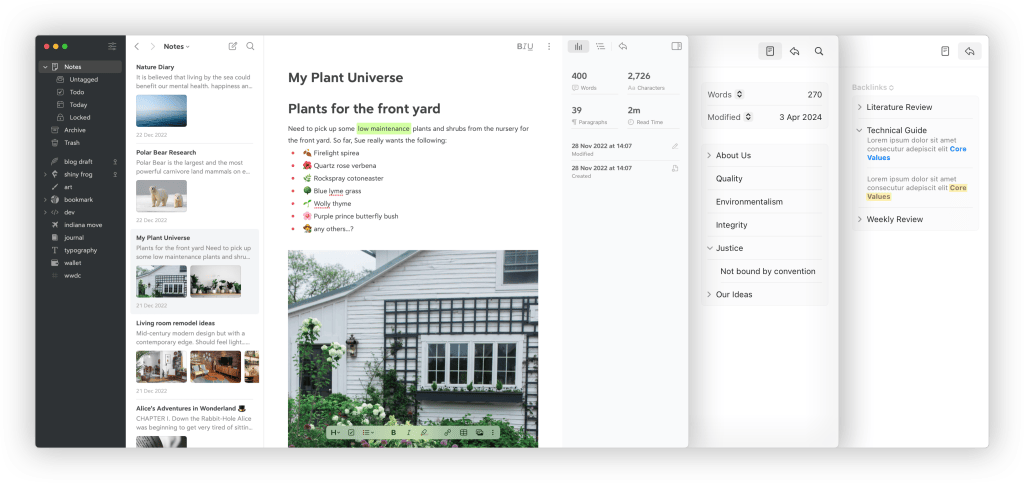
Back in 2022, we had the idea to create a fourth column for the info panel, TOC, and Backlinks in Bear 2 update. The concept was discussed internally and also shared with on our forum, but at the end we were not convinced by the design at practical level, and thus the feature was never born in Bear 2.
A milestone, and more to come
Over the years, Bear has grown up much bigger than we expected with millions of users enjoying Bear everyday. We’ve seen so many different ways of using Bear: prepare teaching materials in school, work as their second brain, or just write grocery lists (yes, that’s our parents!). 10 years is a huge milestone for us and we want to say a huge thank you to everyone no matter if you have been here since day 1 with us, or just downloaded Bear two minutes ago.

We won’t hand you a flashy roadmap, but here’s what we can say for sure. Bear Web is almost ready for its full release, and we’re also working on note versioning and some other top secret things. Beyond that, we’ll keep doing what we’ve done for ten years: working our best to provide you a comfortable, private space to create beautiful notes.
🎁 Present time!
Kumagotchi: a writing pal for your Home Screen
Meet Kumagotchi1, a cute pixel bear who lives in a widget on your Home Screen and keeps you company while you write. Its status quietly follows how you use Bear: it strolls around the meadow when you’ve opened Bear recently, scribbles in its own little notebook while you write, watches the clouds while you read, and takes a nap in the grass when you’ve been away for a while. It’s as old as your very first note, and its weight grows with every note you write.
Six new app icons
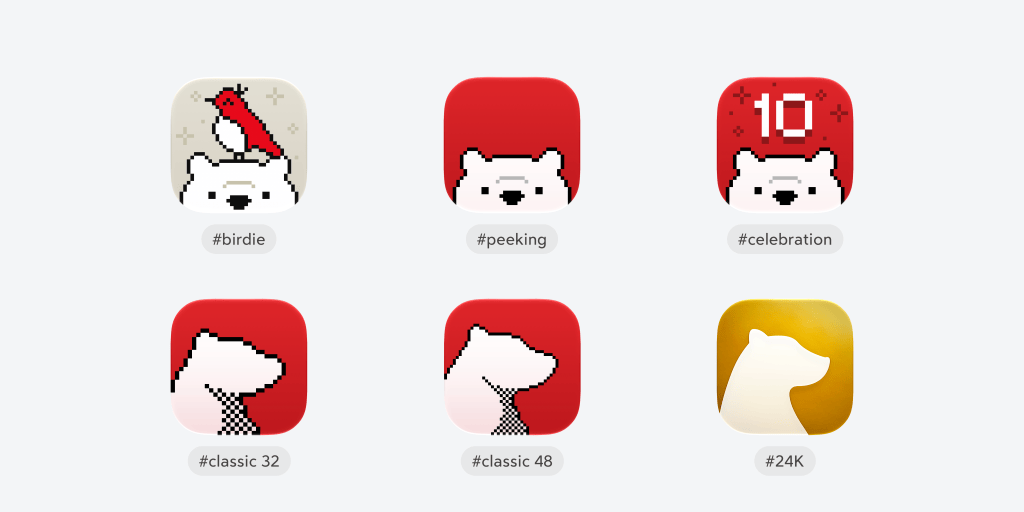
What’s a birthday without a little dress up? We’ve crafted six new app icons2 for the occasion: a special 10th anniversary icon, Bear with Birdie, a golden Bear, a peeking Bear, and two classic pixel Bears. We hope they bring a bit of fun to your Home Screen, and a gentle reminder to enjoy the little things in life.
Did somebody say Bear swag?
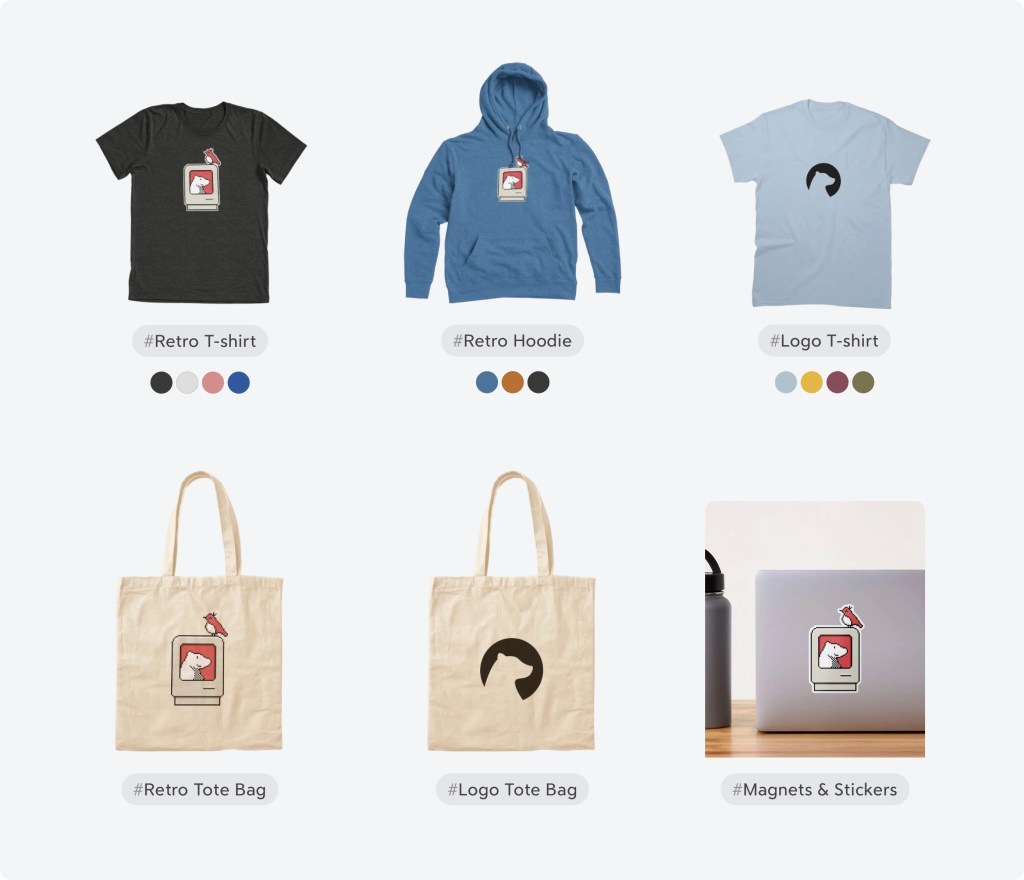
Yes, they are finally here! Many of you have been asking for Bear merch and we have been secretly working on them! Our 10th anniversary merch features pixel art of a classic Macintosh with the Bear logo glowing on its screen and our little Birdie perched on top, a nod to where it all began. Check our merch page below to grab your Bear swag!
See you in the next decade

Thank you for being part of the story, whether you’ve been here since day one or found Bear last week. We’d love to hear about your favorite hidden detail, or one you just discovered in this post. Come say happy birthday to us on our Community Forum, Reddit, X (Twitter), Bluesky, or directly at bear@shinyfrog.net.
Happy Writing!
🐻❤️📝