
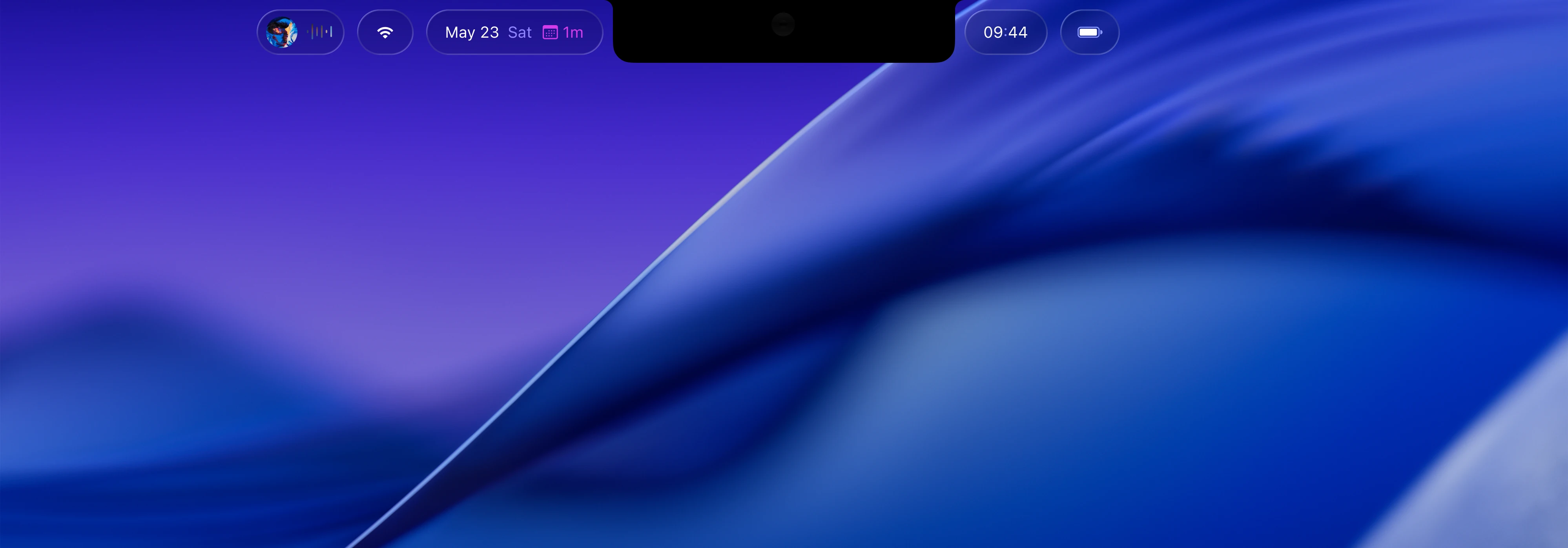
Barstool sits next to your notch and gives you more control over your mac, in a simpler, prettier interface.
Keep an eye on the day
Media Controls
You’ve got time for that
Replace macOS’ volume alert
Battery at a glance
Brightness,
Handled.

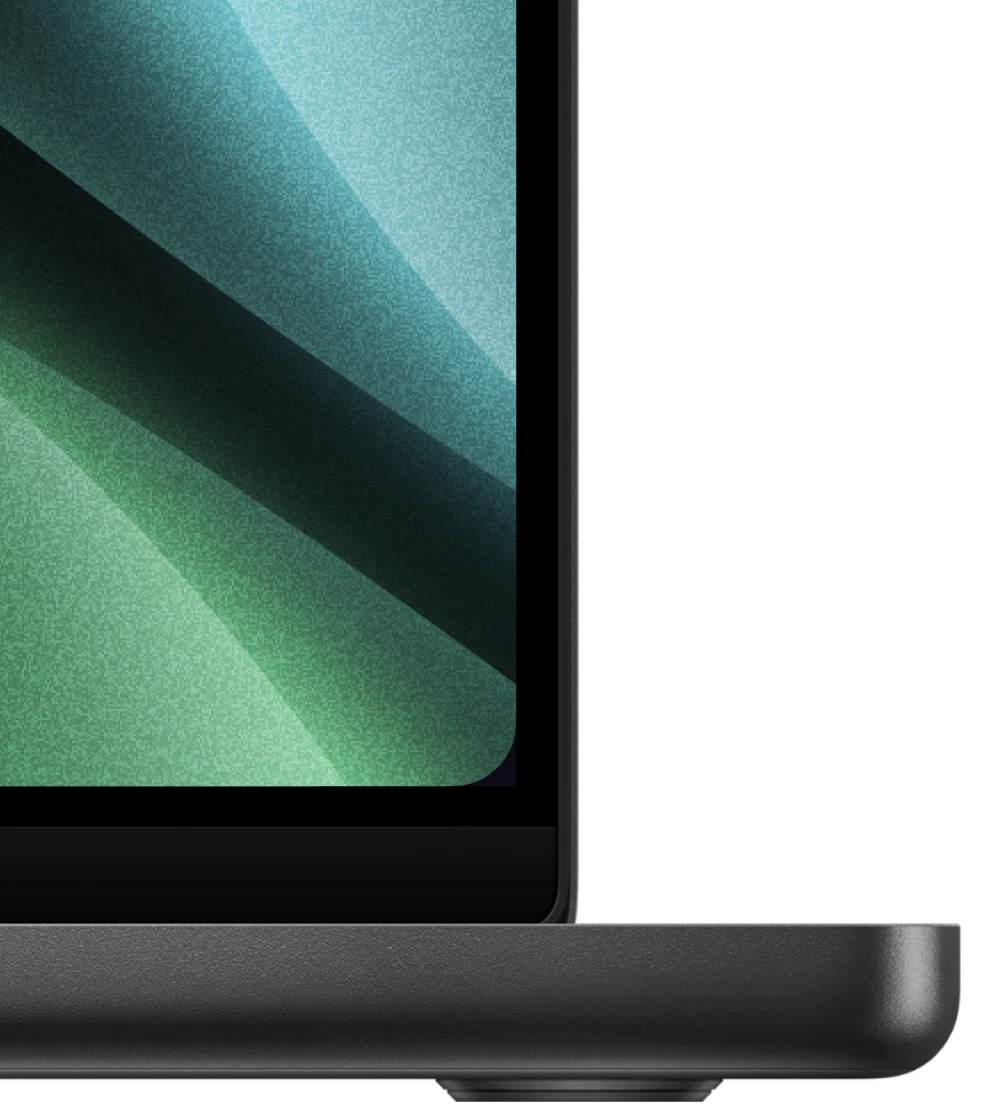
Virtual Display Corners

All Features
- Wi-Fi - Monitor your Wi-Fi network and connection status.
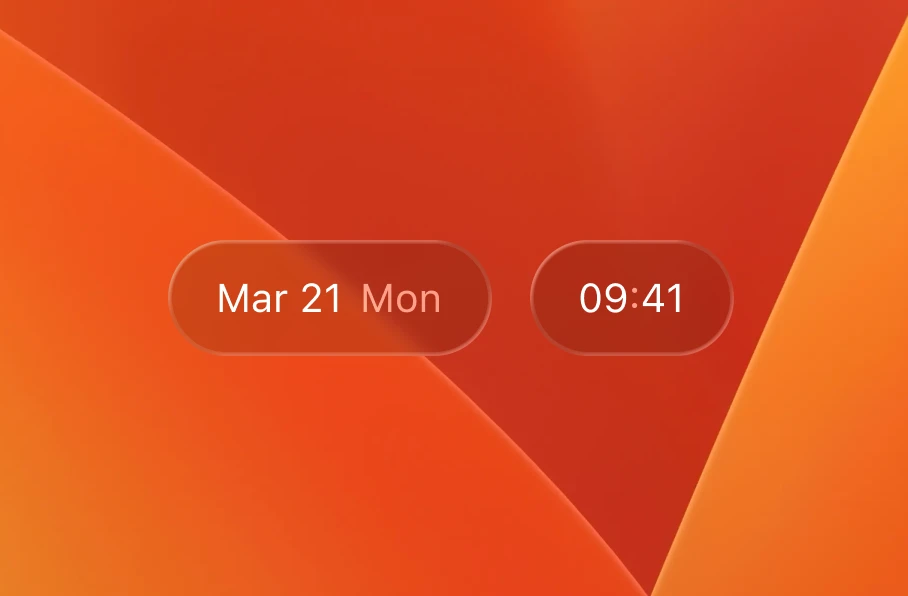
- Date & Time - View the current date and time.
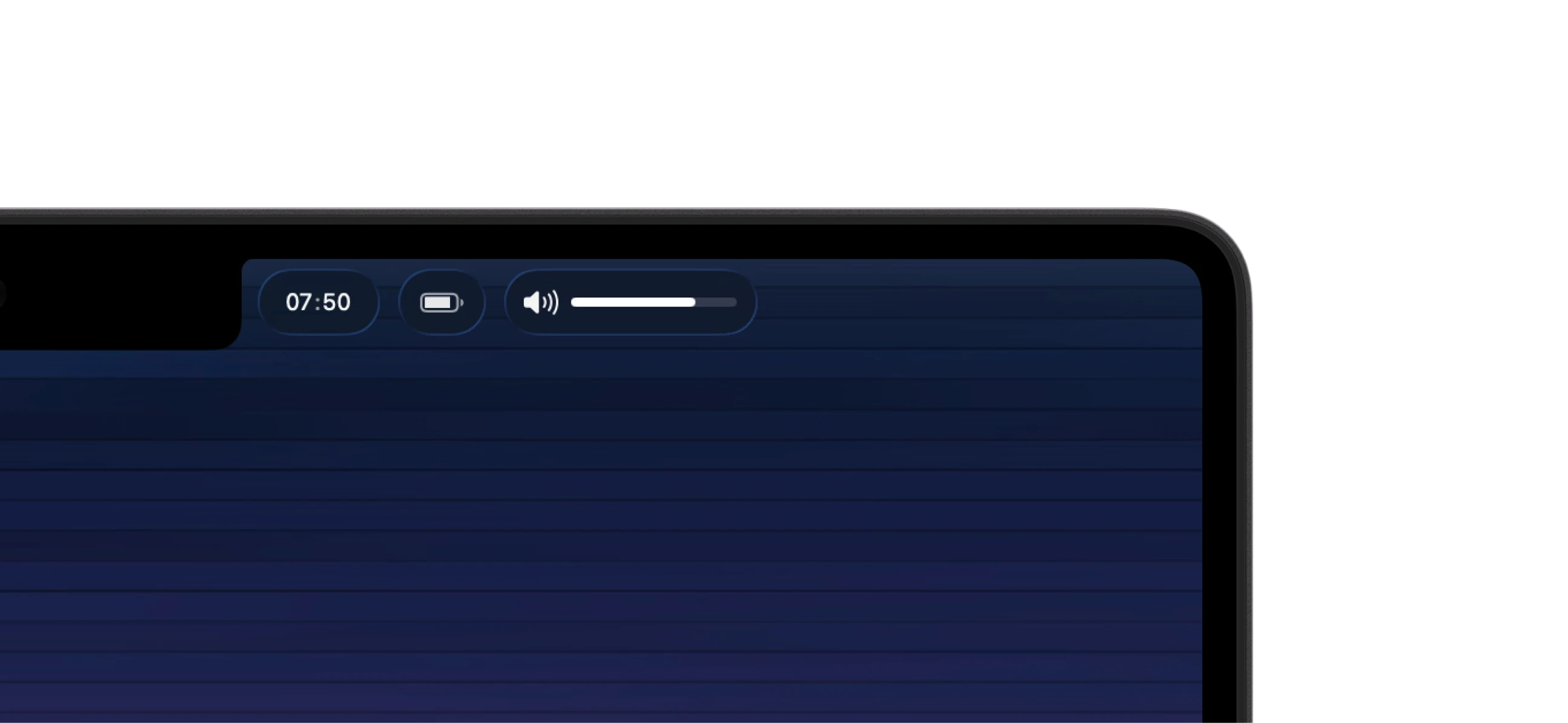
- Battery - View the current battery level and charging status.
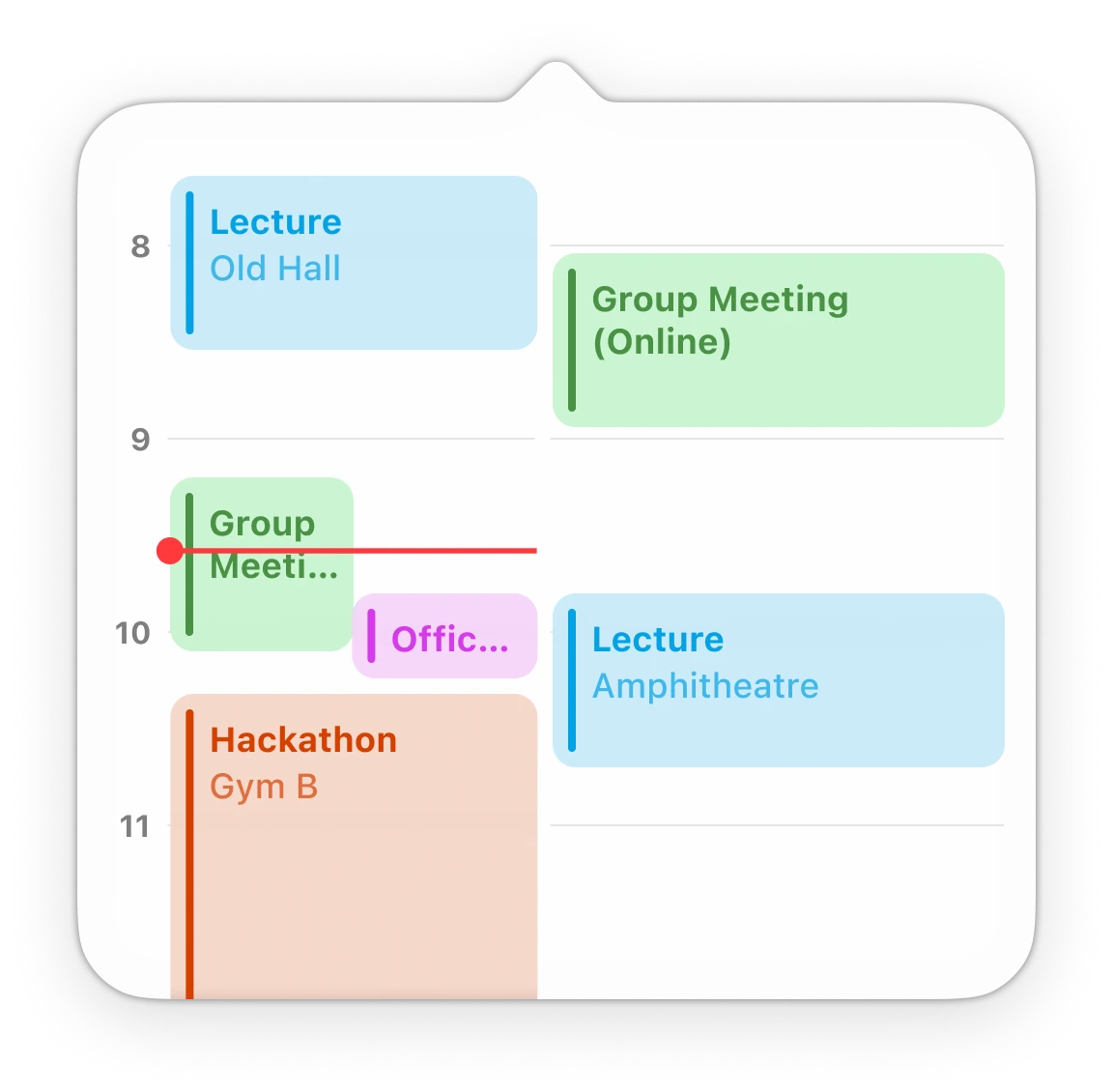
- Calendar - View today and tomorrow’s calendar events at a glance, straight from Apple Calendar.
- Year Overview - Swipe right from the calendar to see a year view, showing each month in a classic calendar grid. Great for quickly referencing dates without opening the calendar app.
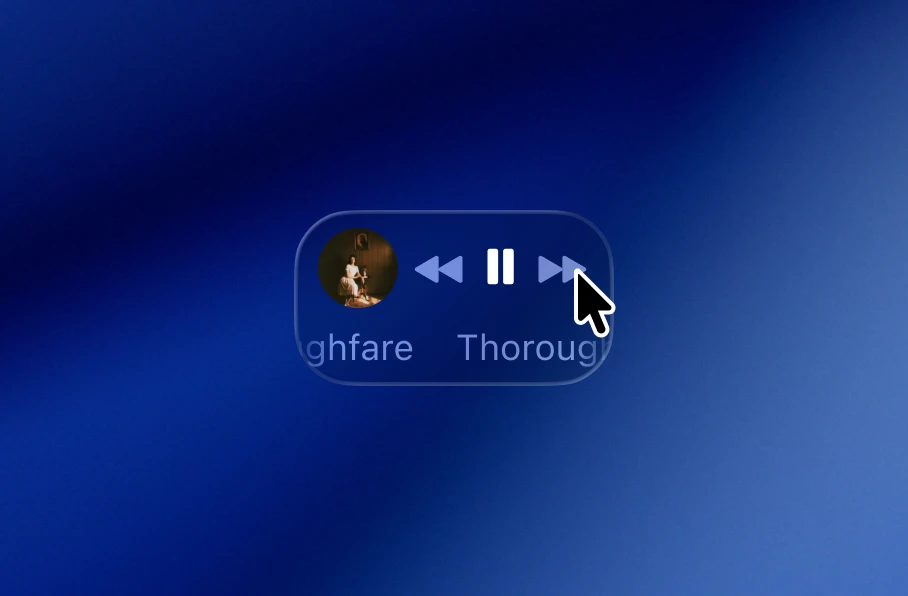
- Now Playing - Control your music and media with a beautiful widget with album art, track title, playback controls including play/pause, and next/previous track buttons. Supports Apple Music, Spotify, and any other media players that integrate with macOS’ media controls.
- System Brightness - View and control your screen brightness with a sleek slider that appears when you adjust brightness with your keyboard. Can replace the macOS Tahoe alert.
- System Volume - View and control your volume, just like brightness. Additionally show when headphones are connected/volume changes, and can replace the macOS volume alert as well.
- Virtual Display Corners - Round the bottom corners of you MacBook display to match the physical rounding at the top of the screen. Supports circular/continuous corner styles.
- Global Hide Shortcut - Configurable shortcut to instantly hide Barstool, like when screensharing.