Your Kobo can run apps now.
Cobalt is an open-source application platform for Kobo e-readers: a launcher, a signed App Store, a Rust SDK, and a runtime that keeps every app in its own unprivileged process.
Install it once over USB. Every app after that installs, updates and removes on the reader itself, over Wi-Fi. A reboot returns to the stock Kobo reader.
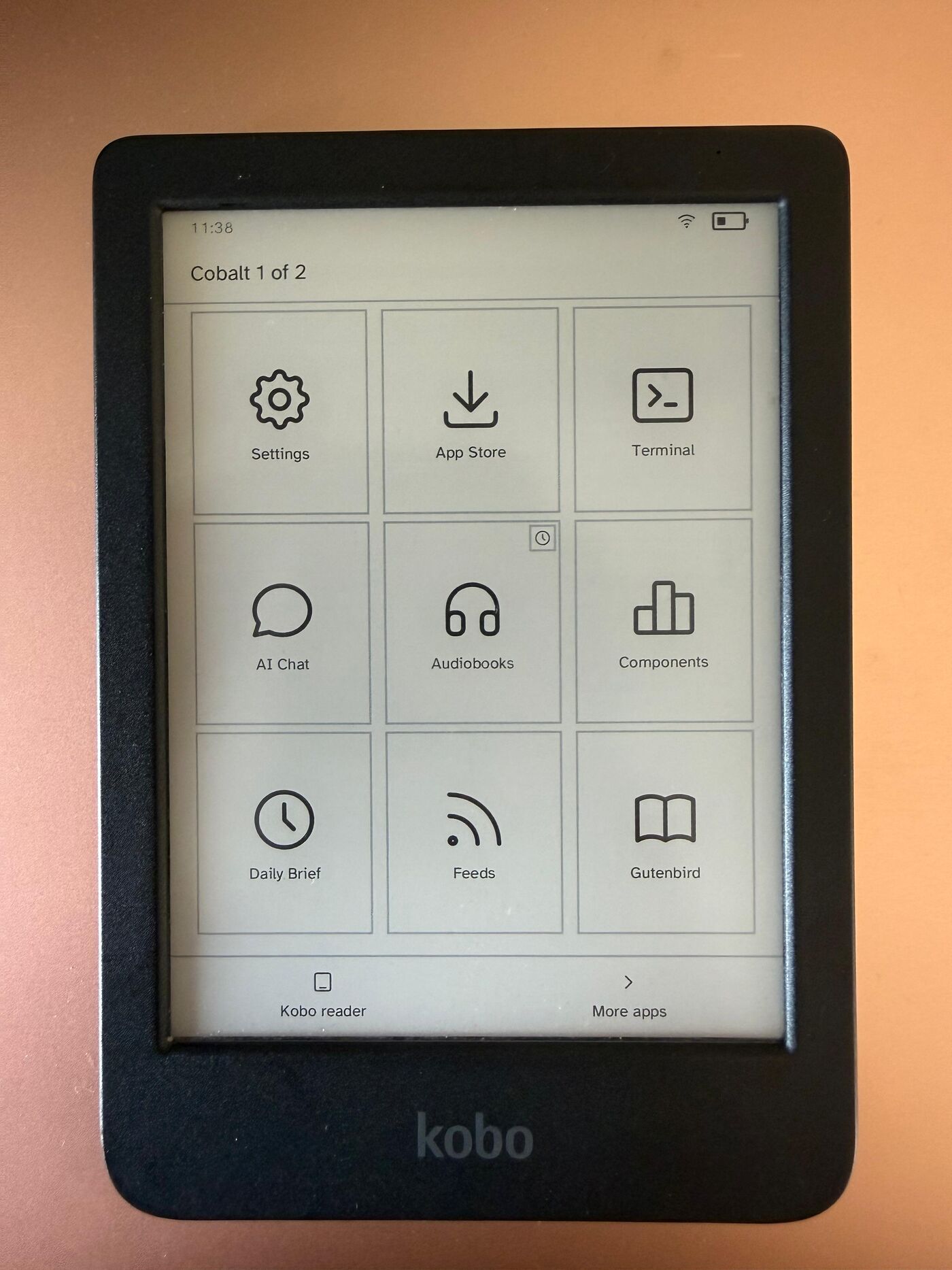
Not affiliated with Rakuten Kobo
Running on a Kobo.
Every app is a static ARM binary running as its own unprivileged process on stock hardware. The App Store installs, updates and removes them over Wi-Fi, with signatures verified before anything launches.
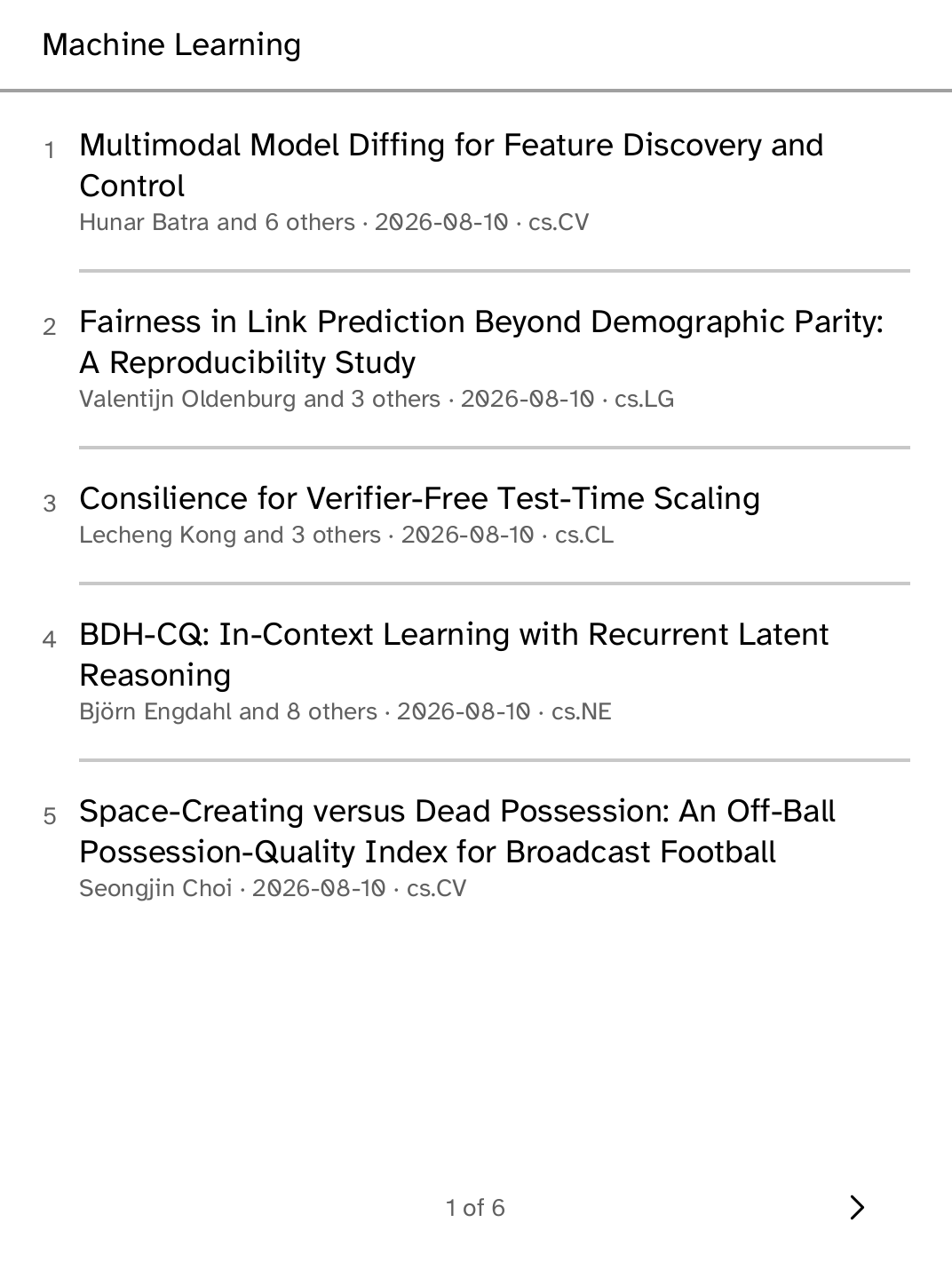
arXiv papers and coding agents, on the panel.
These are photographs of the device, not simulator captures. The arXiv app reads the HTML rendering arXiv publishes for every paper since December 2023: abstracts, sections, math and result tables, paginated for the panel.
Apps
The apps.
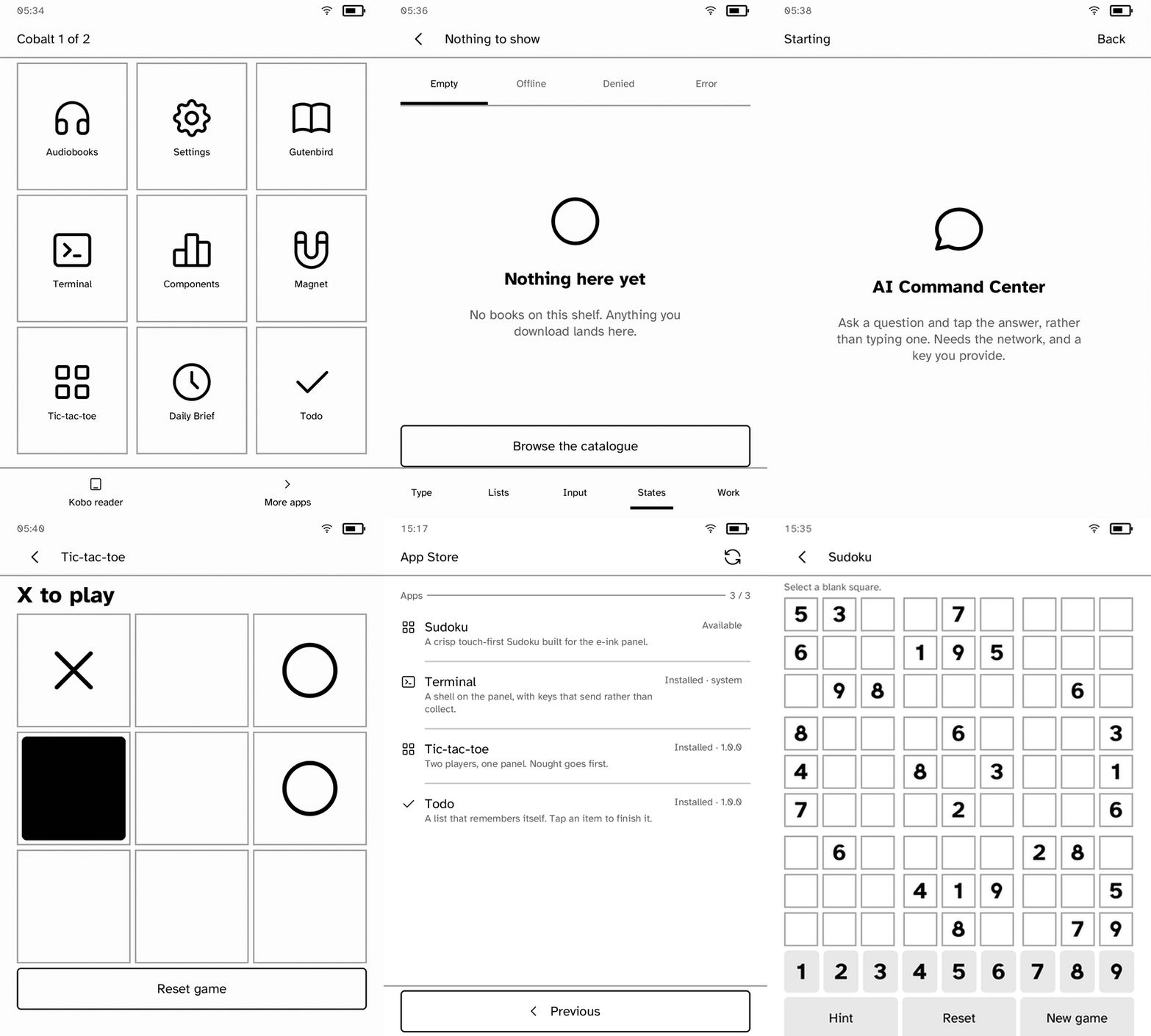
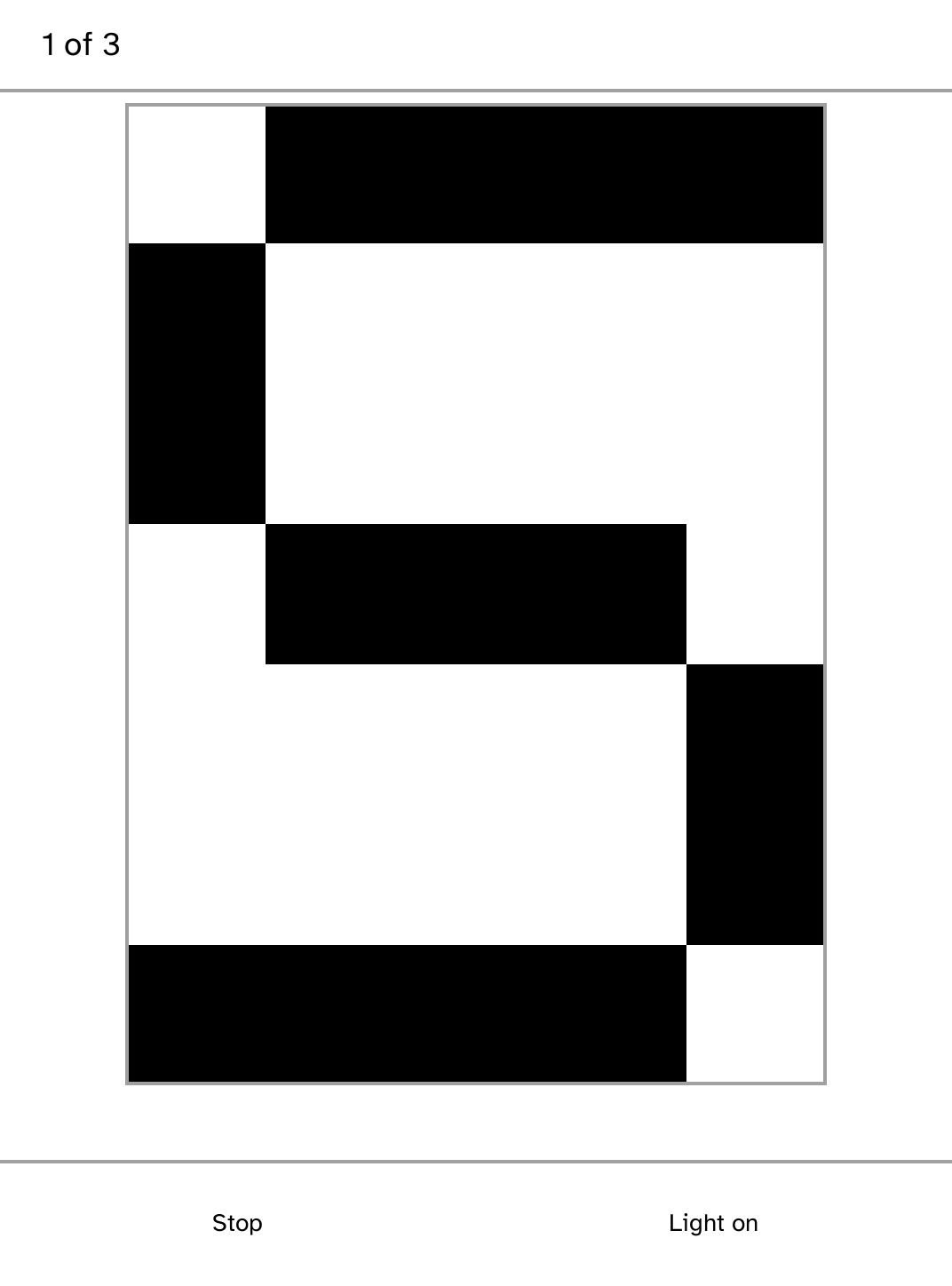
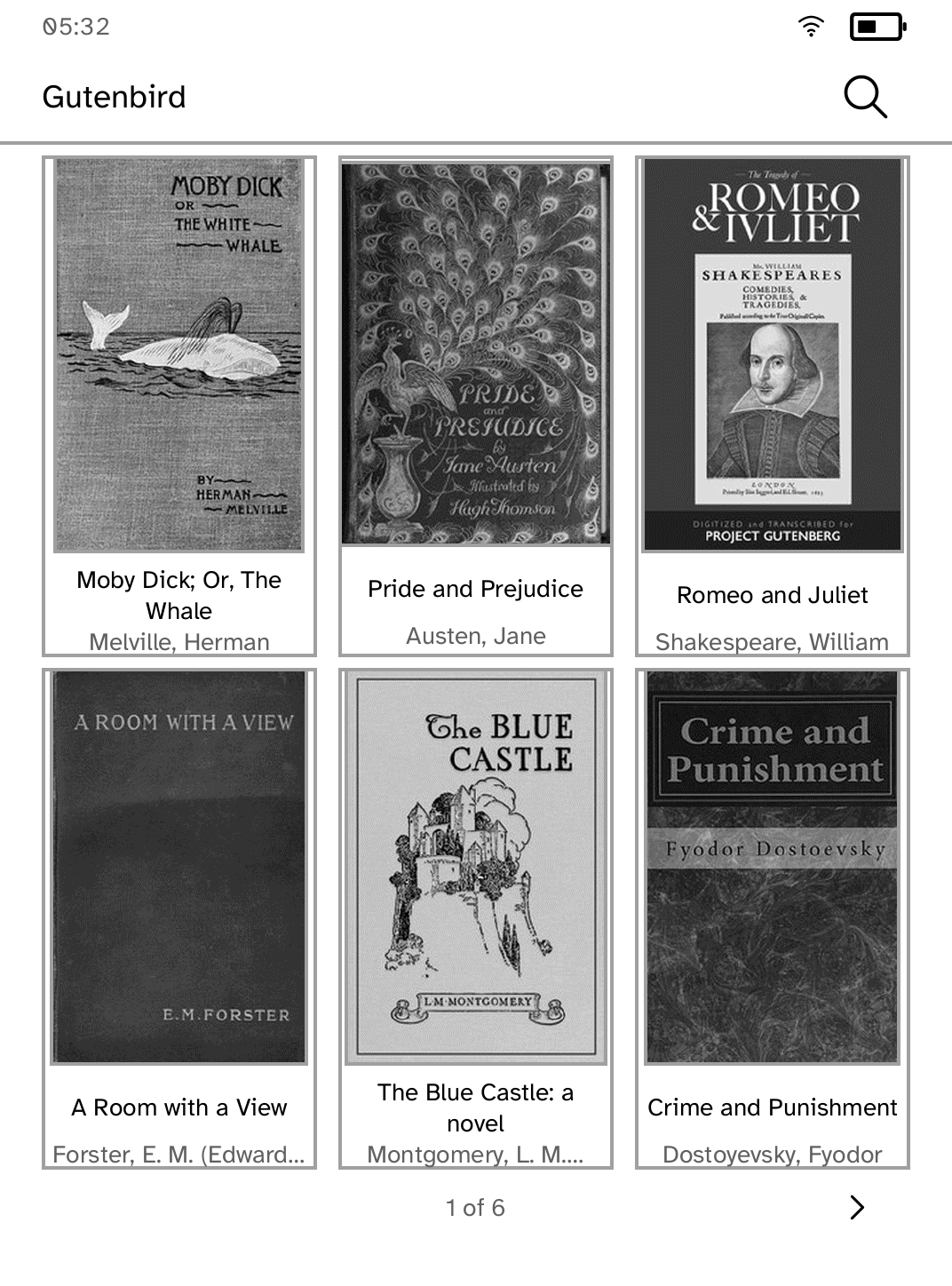
Every screenshot below is a capture from a Kobo Clara BW. Store apps version independently of the platform; the rest ship with the platform install.
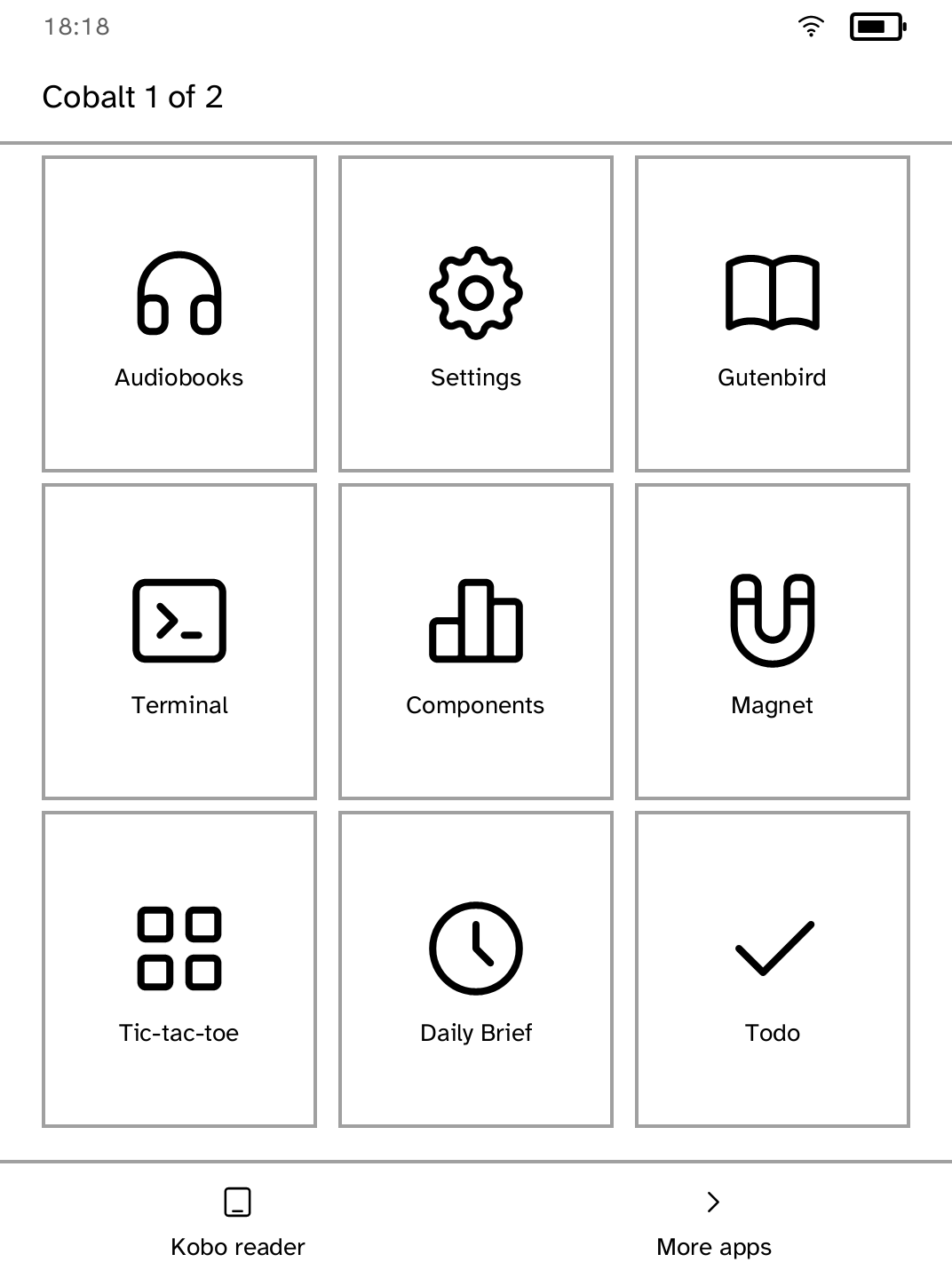
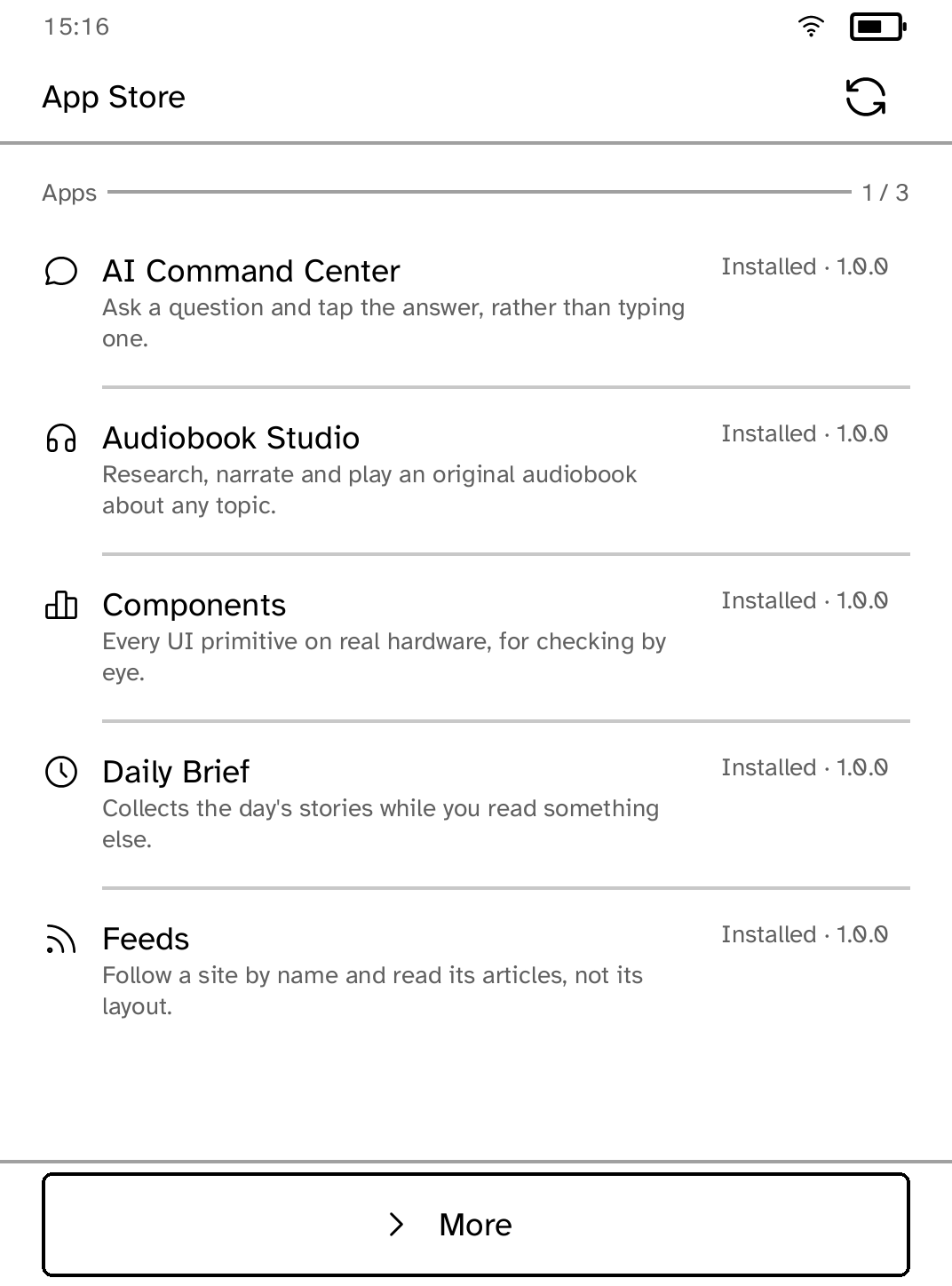
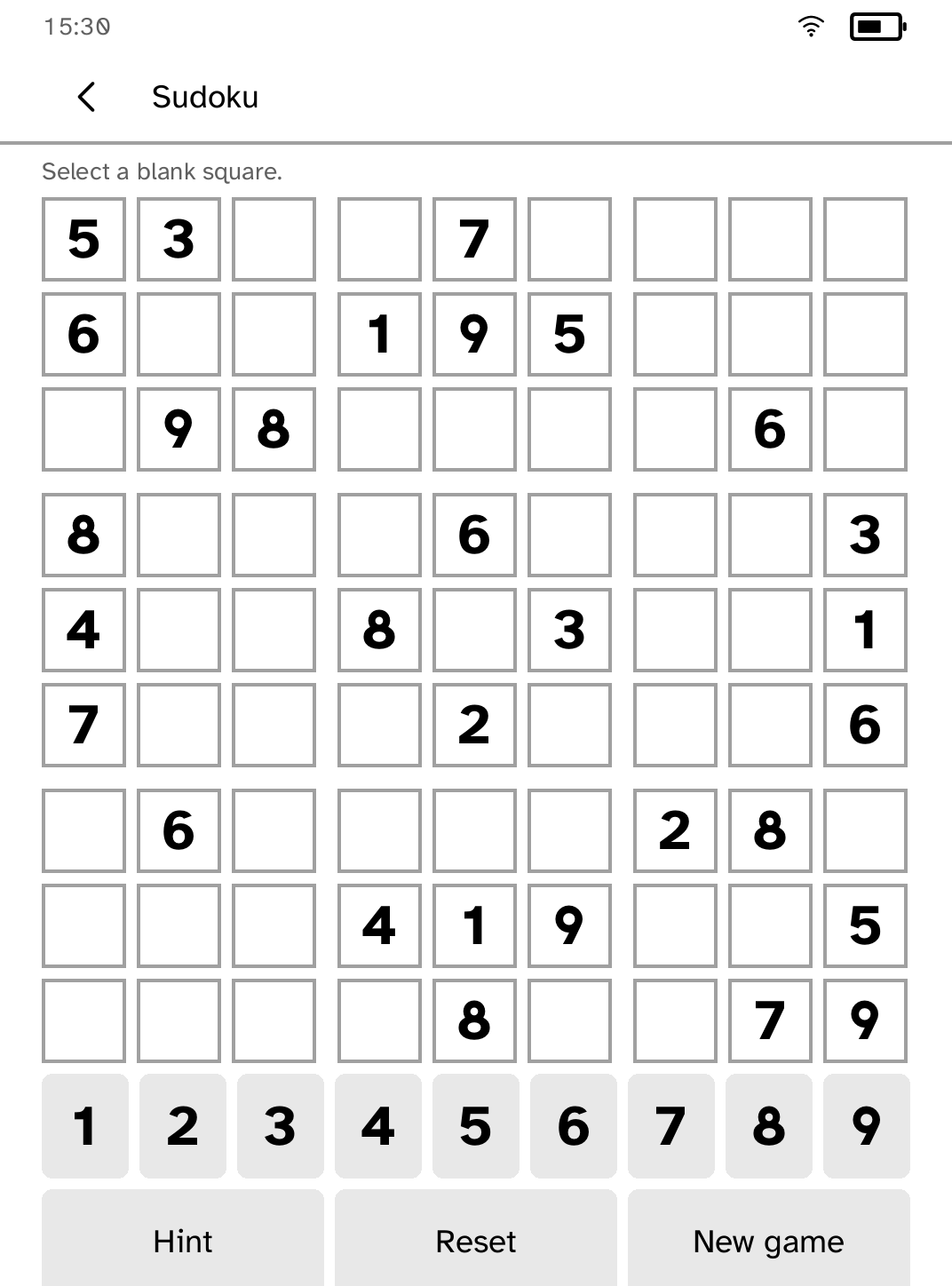
Sudoku
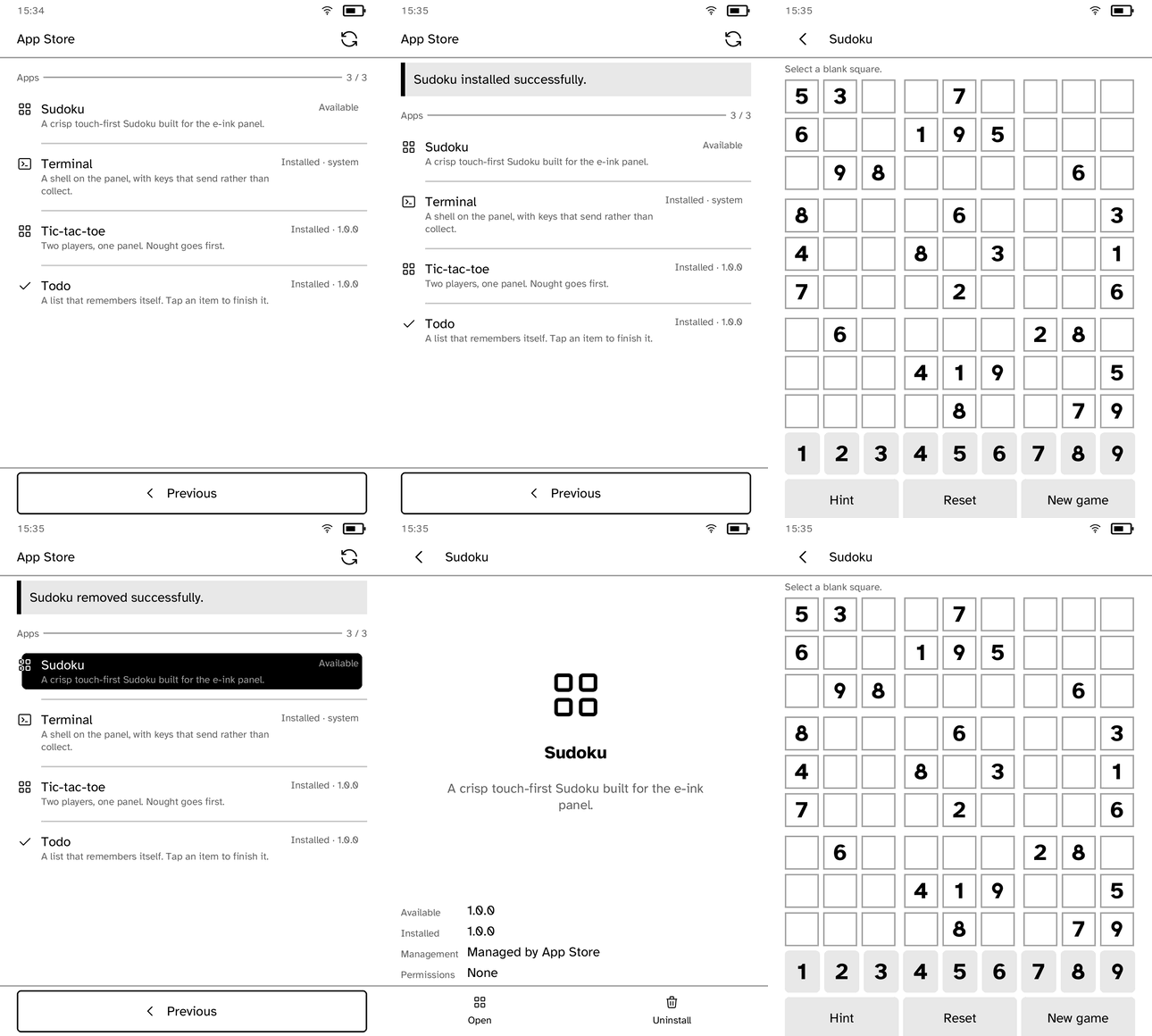
Store-only by design: installing it proves delivery of an app the USB package never contained.
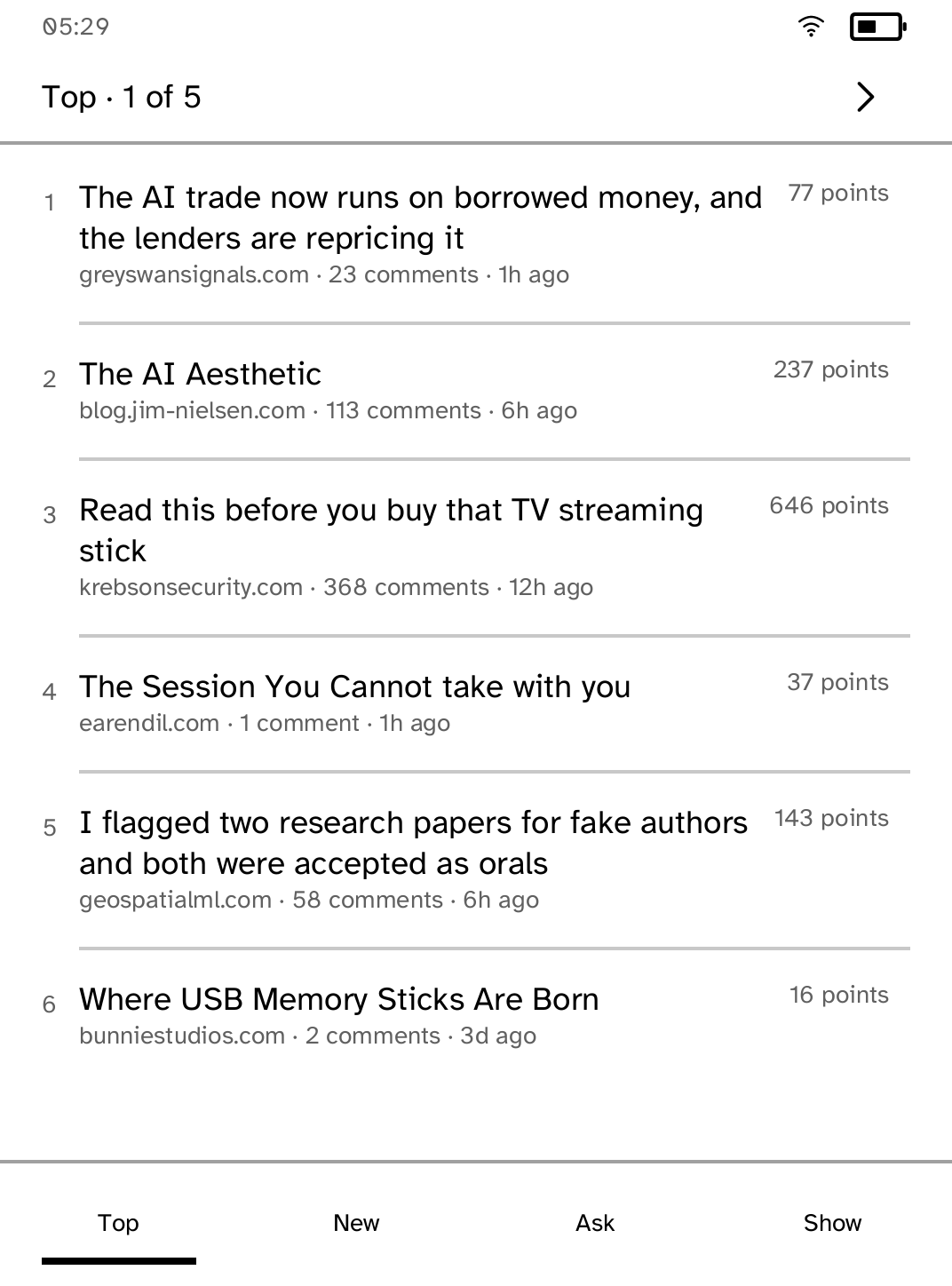
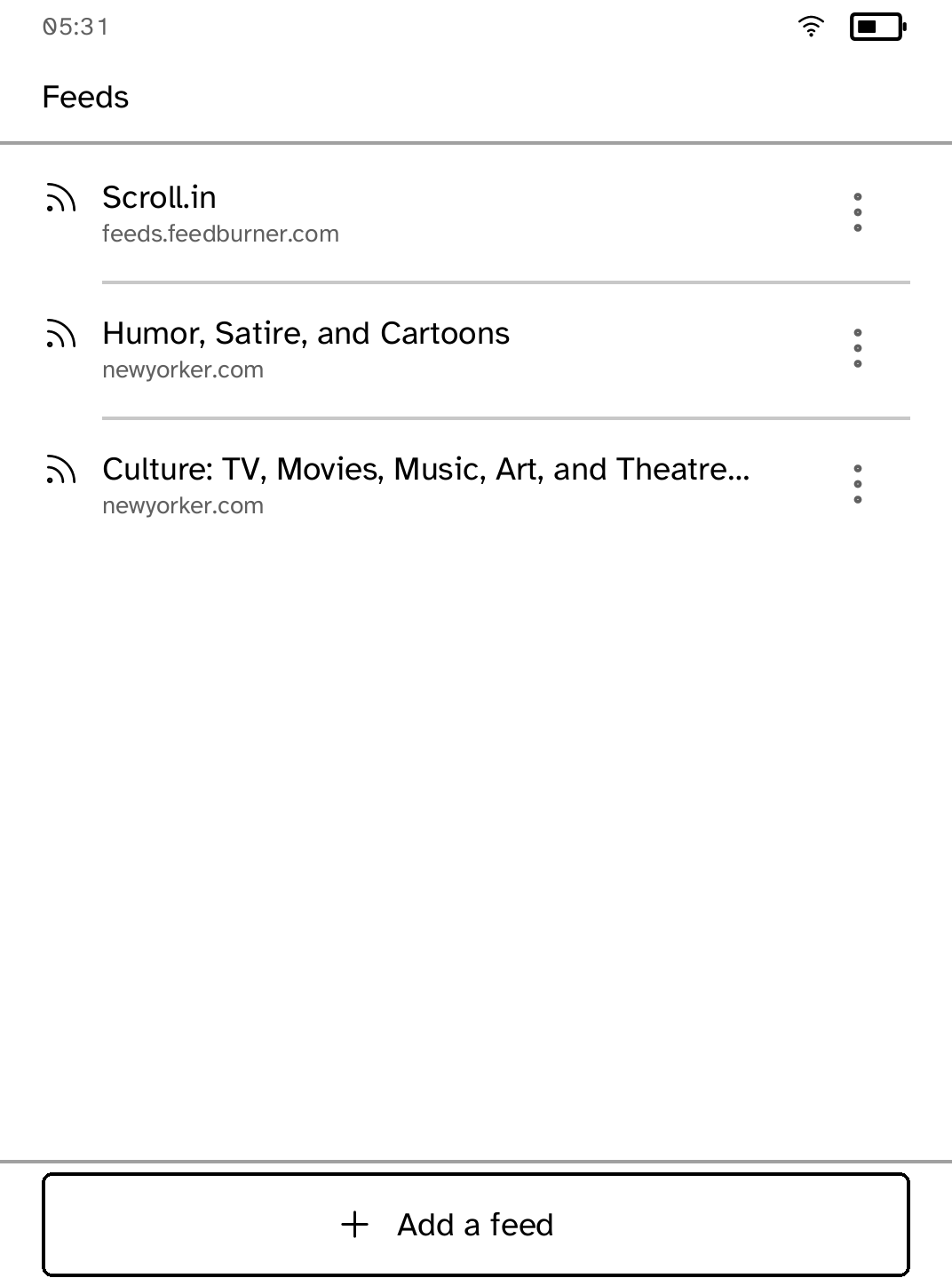
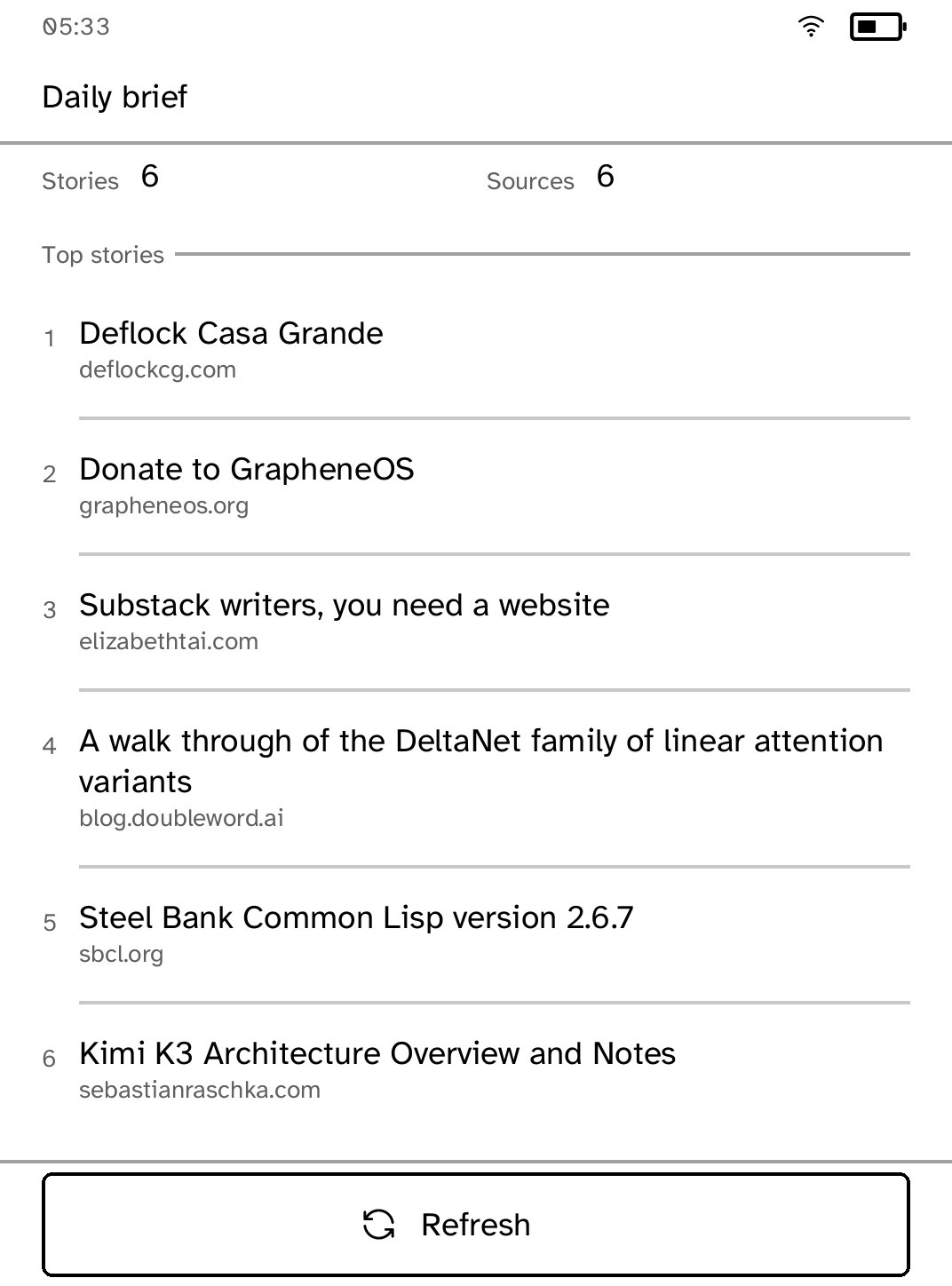
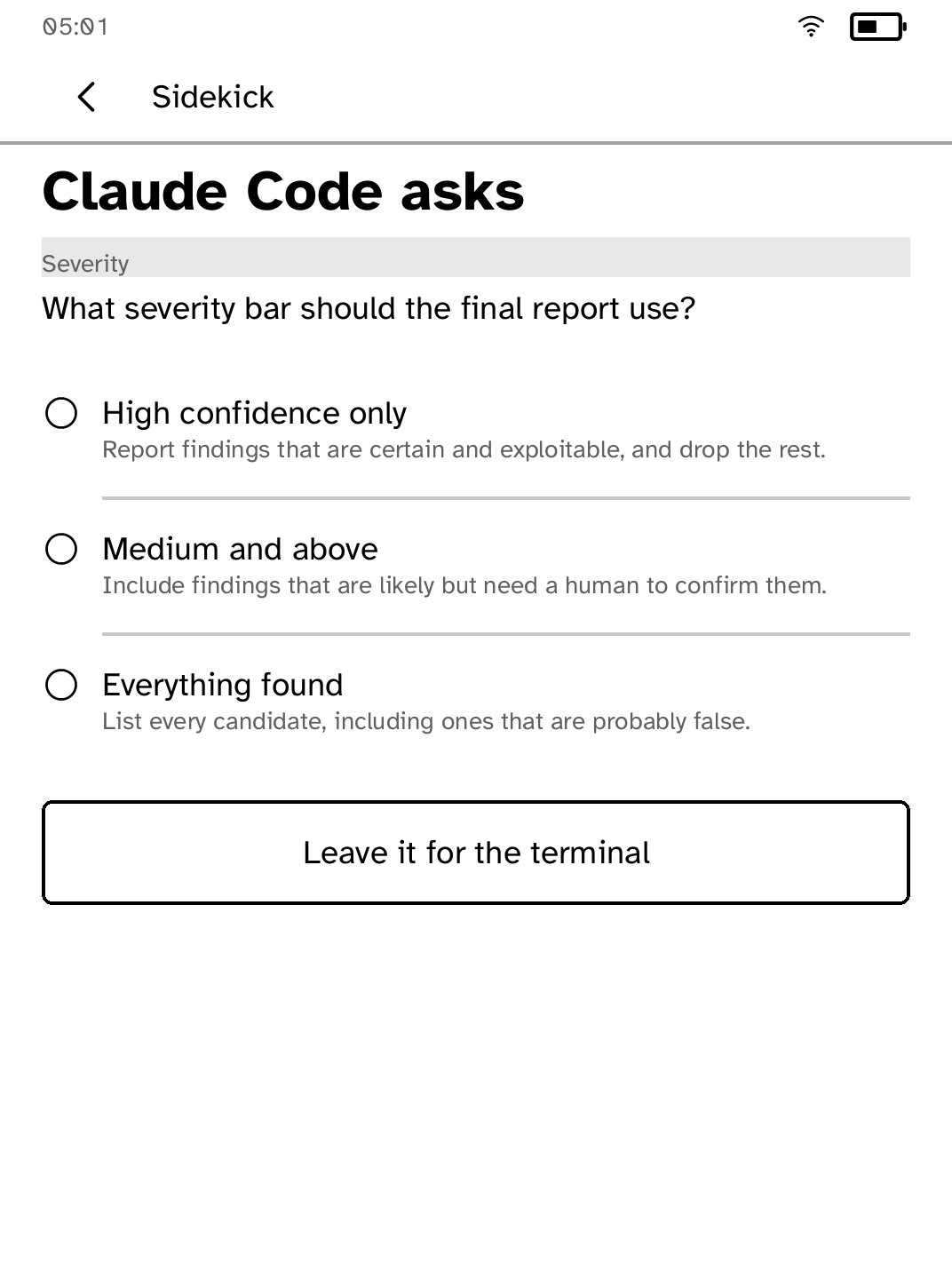
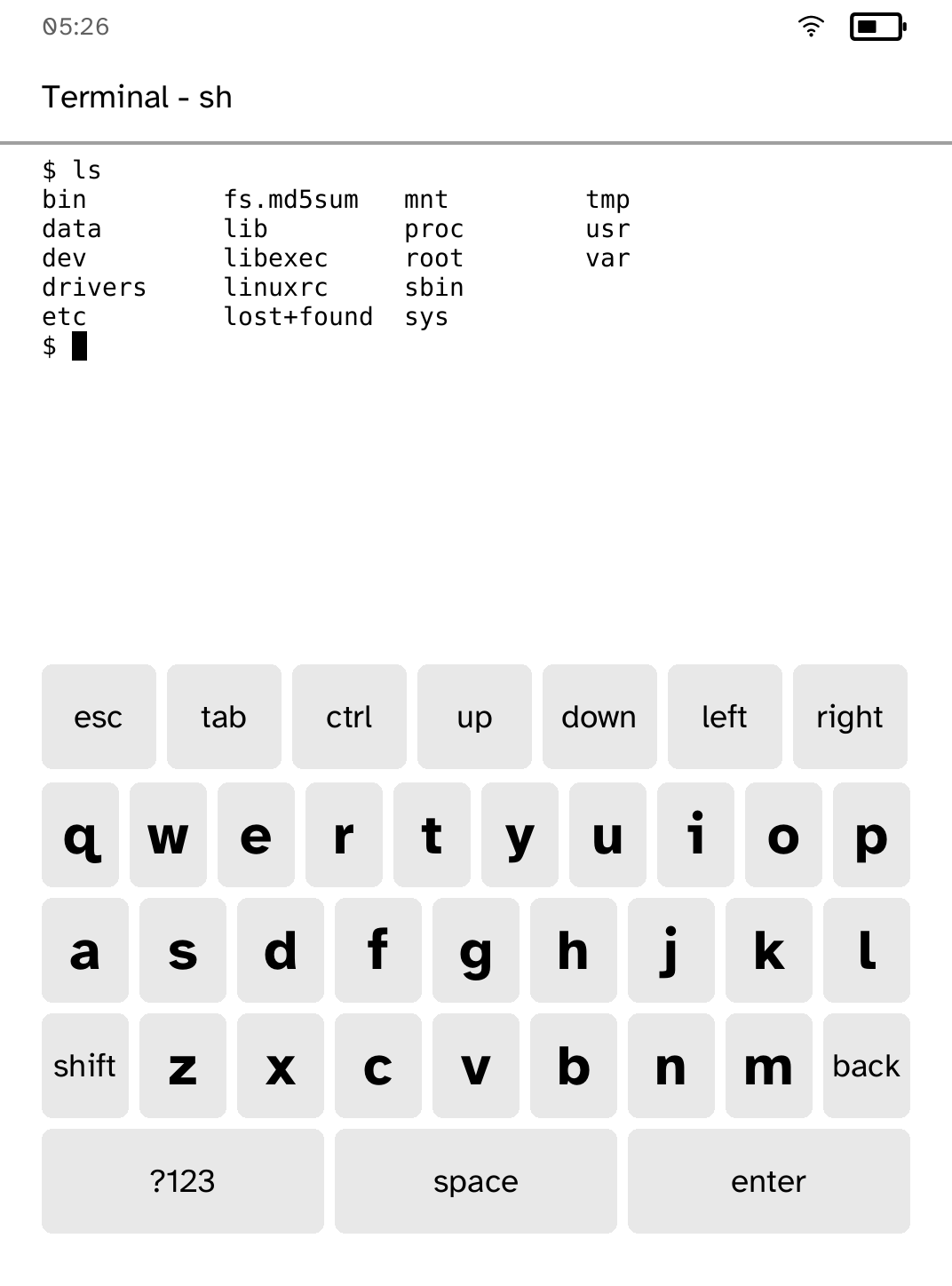
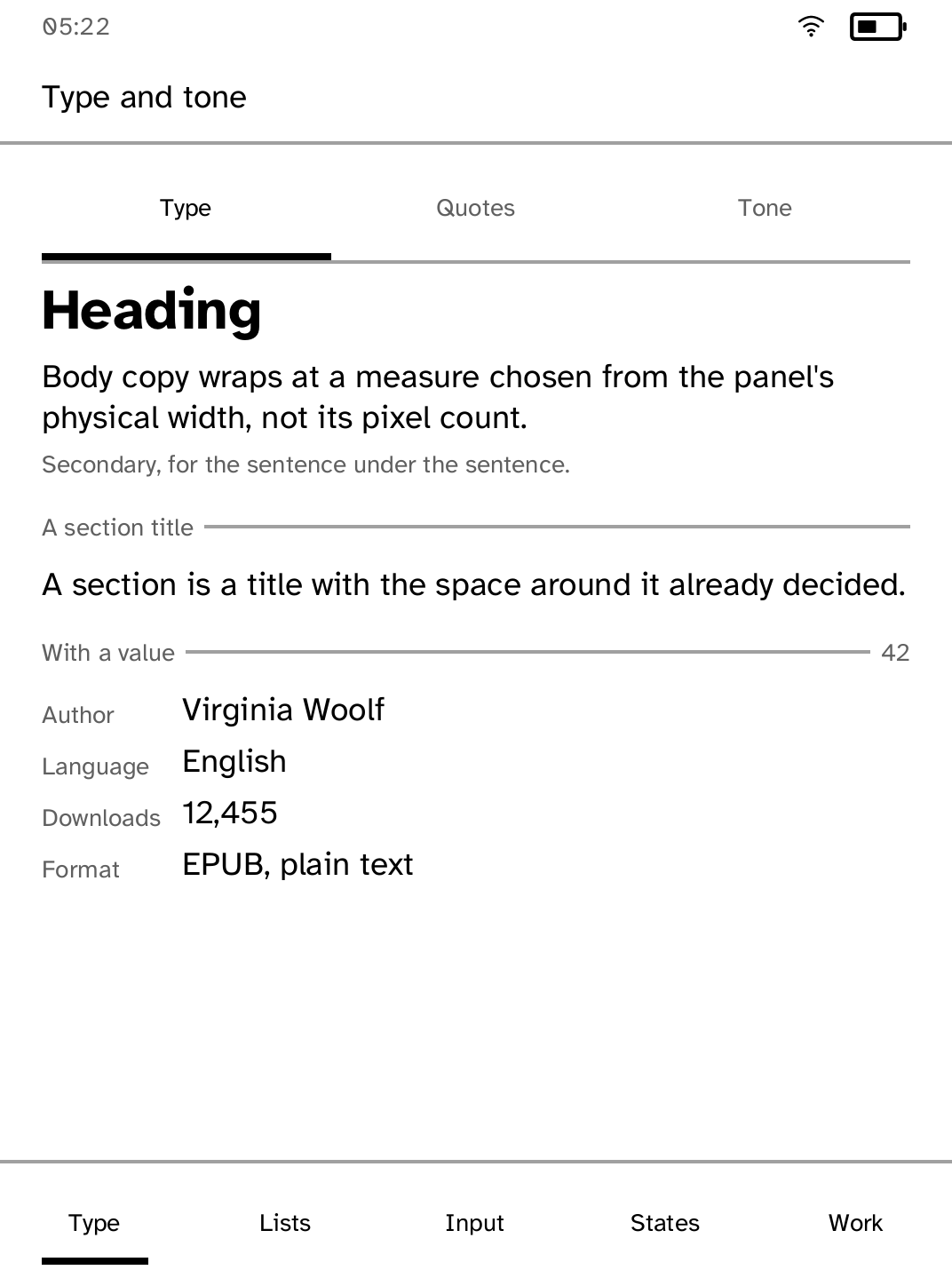
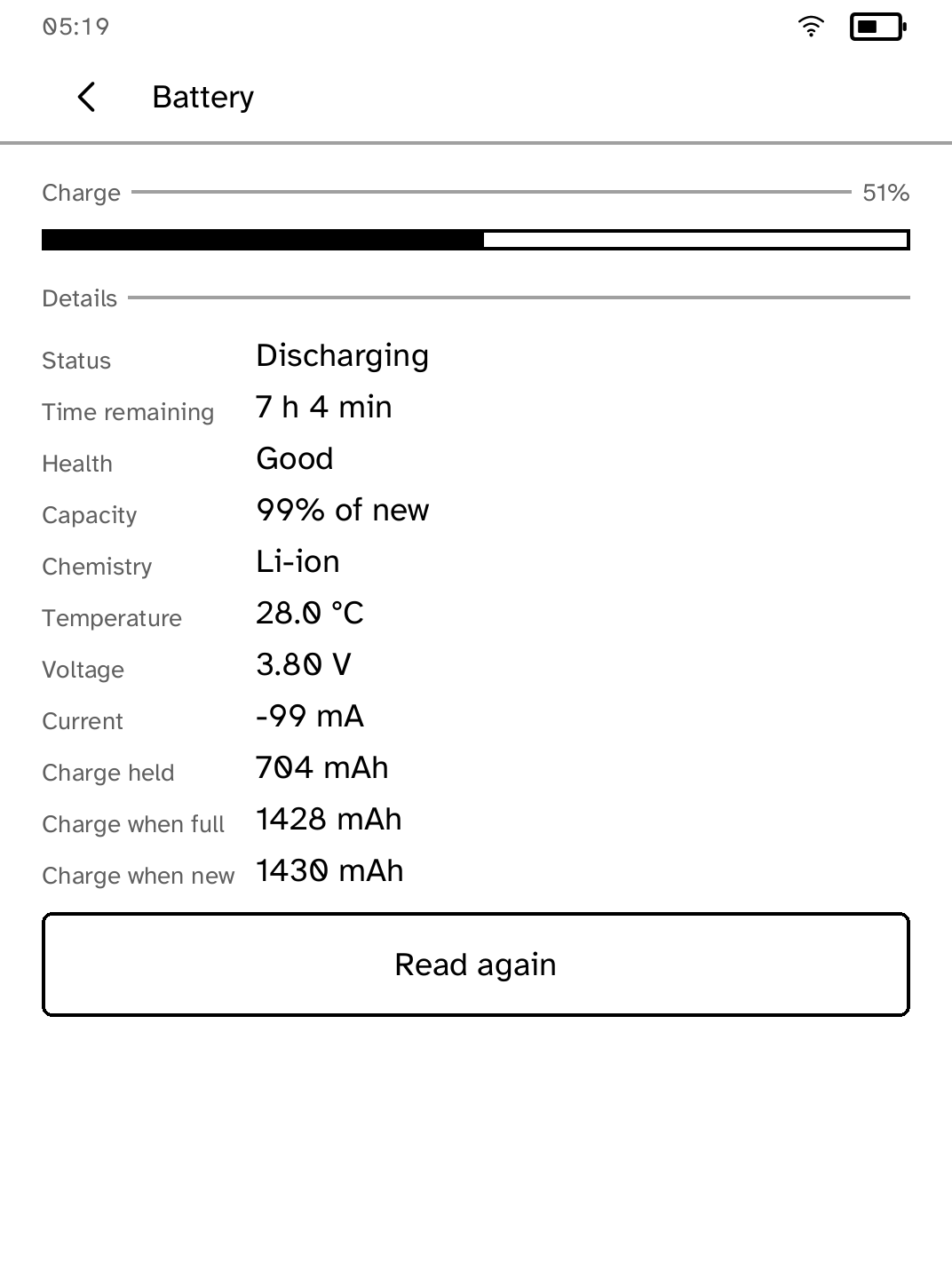
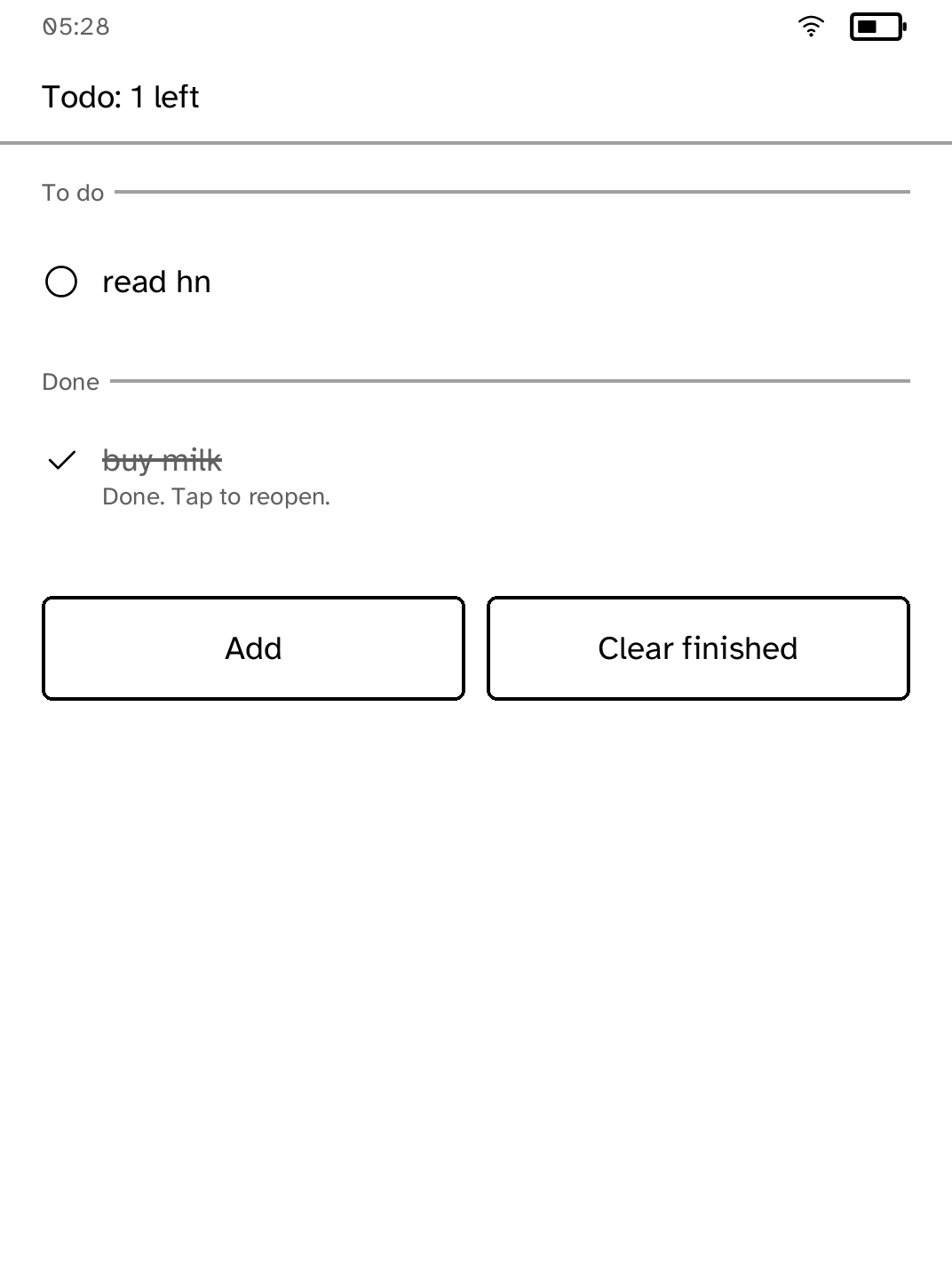
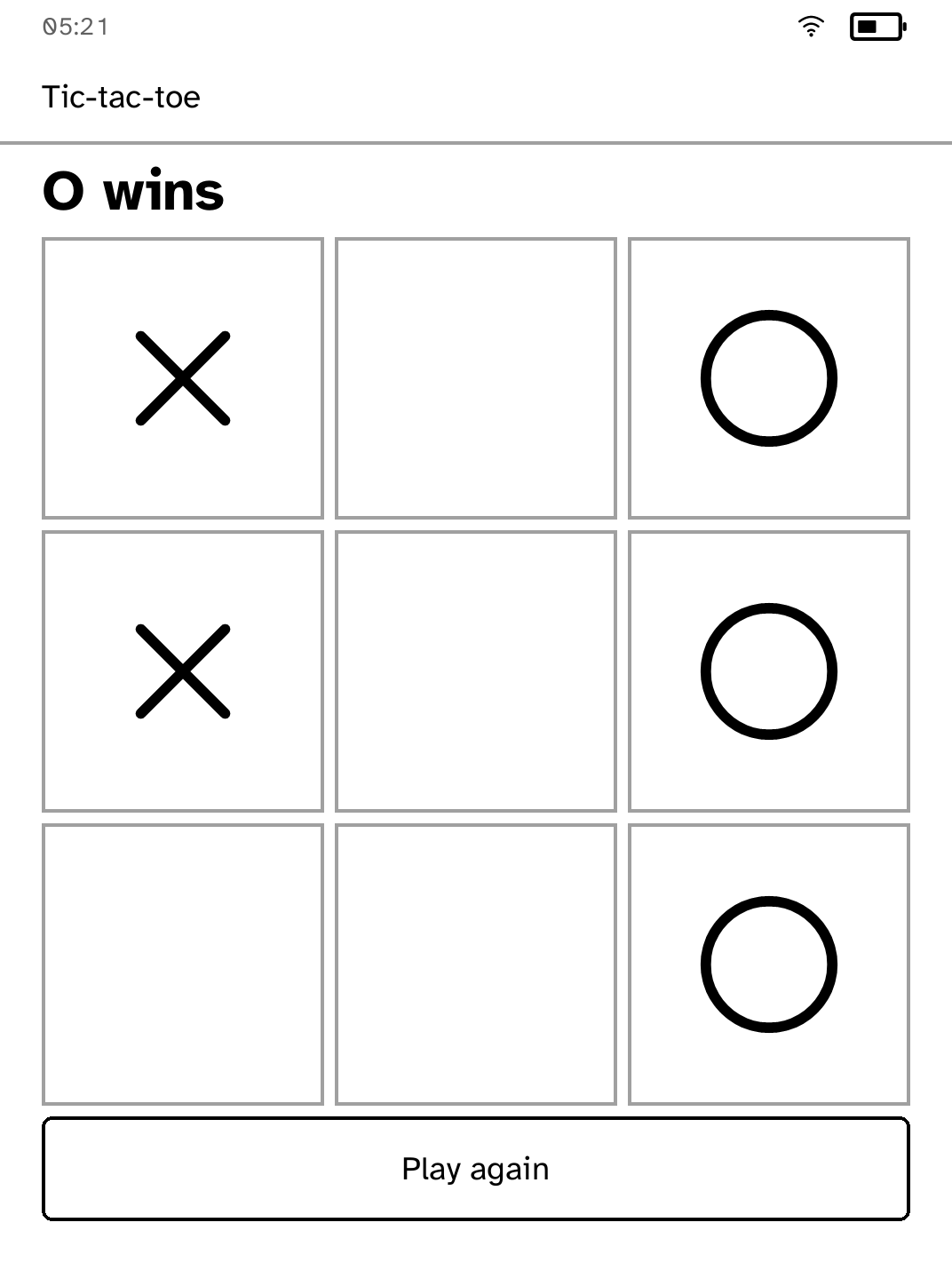
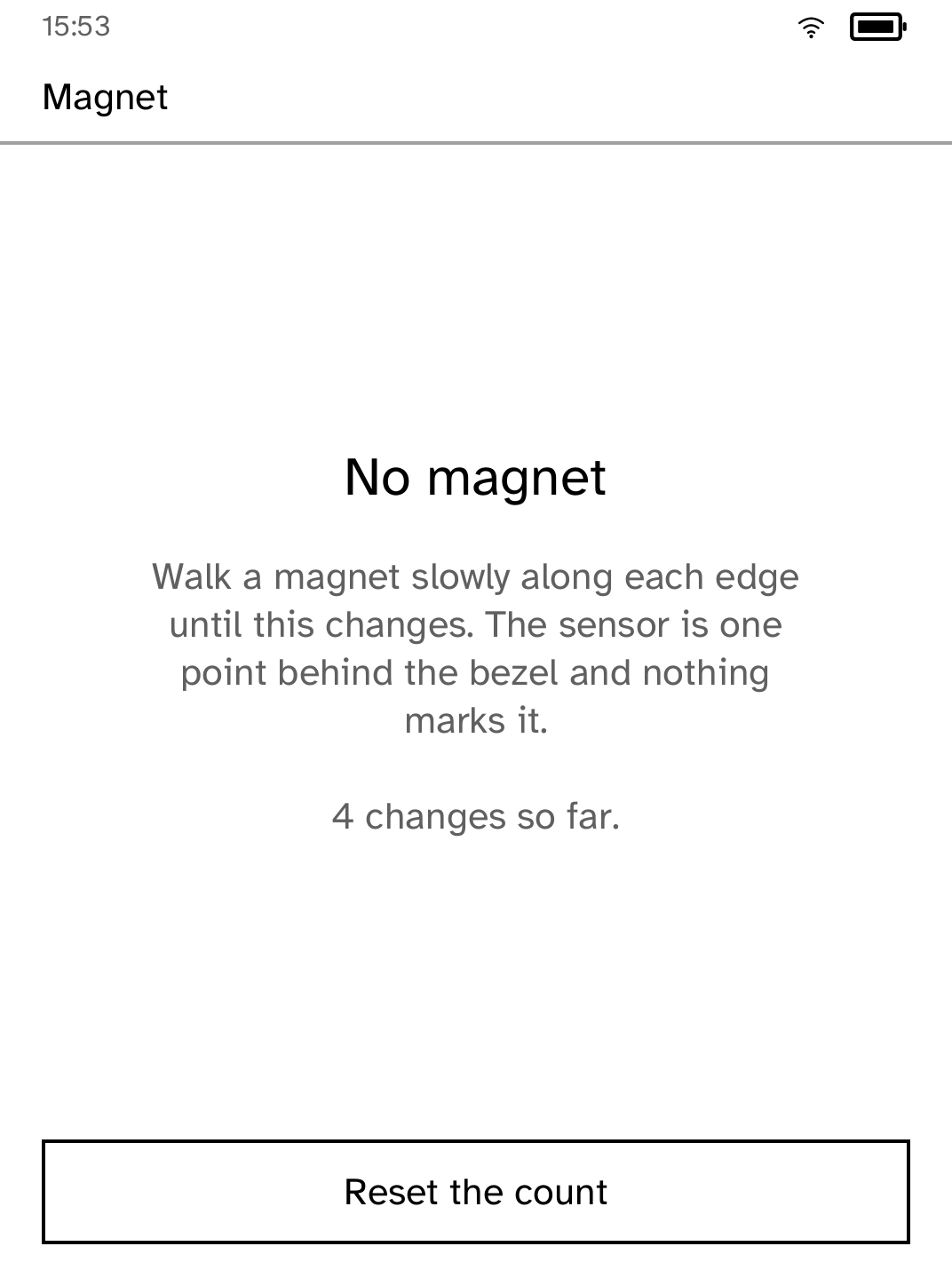
The SDK
An app is one Rust file.
Implement KoboApp, describe screens declaratively, and the runtime handles layout, e-ink refresh planning, Back navigation and lifecycle.
Apps don't open device resources; they ask. Network, storage, audio, frontlight and Wi-Fi are capability-gated, and a refusal comes back as a value the app can handle.
- E-ink UI
- Text, tiles, dialogs, keyboards, pagination, partial refresh planning
- Simulators
- Browser and runtime simulators with layout diagnostics
- Async work
- HTTPS, ranged downloads, cancellable tasks, scheduled wakes
- State
- Atomic per-app keyed storage
- Shipping
- Signed static ARMv7 binaries, published when an app PR merges
kobo new my-app
cd my-app
kobo devuse kobo_sdk::{
ActionId, Context, KoboApp, ScreenBuilder,
};
#[derive(Default)]
struct Hello { taps: u32 }
impl KoboApp for Hello {
fn on_start(&mut self, ctx: &mut Context) {
self.show(ctx);
}
fn on_action(
&mut self, ctx: &mut Context, a: ActionId,
) {
if a == kobo_sdk::action_id("tap") {
self.taps += 1;
}
self.show(ctx);
}
}
impl Hello {
fn show(&self, ctx: &mut Context) {
let screen = ScreenBuilder::new("hello")
.top_bar("Hello")
.heading(format!("{} taps", self.taps))
.button("tap", "Tap me")
.build();
ctx.set_screen(screen);
}
}
fn main() {
let app = Hello::default();
let _ = kobo_sdk::run("hello", app);
}The Store
Signed packages, verified before launch.
Store reads a signed catalog from a fixed GitHub release. Each package holds one ARM executable and a signed canonical manifest. The runtime verifies the catalog, the package, the installed manifest and the binary before an app runs.
App releases are independent of platform releases: merging an app PR builds it for ARM, signs it, and updates the catalog. No Cobalt version bump, no reinstall. The app simply appears in Store.
The Cobalt platform itself also updates over Wi-Fi, through Settings, on a channel separate from the app catalog. The USB cable is only ever needed once.
Install and catalog transactions are recovery-safe; an interrupted update leaves the reader with the version it had.
Install
Installing from source.
- Charge a Kobo Clara BW (N365) and connect it over USB. Other models are refused, not guessed at.
- Run the setup:
git clone https://github.com/BandarLabs/Cobalt.git
cd Cobalt
rustup target add armv7-unknown-linux-musleabihf
cargo run -p kobo-cli -- setup- Restart the reader and open Cobalt from Kobo's menu.
- Open Store. Everything from here on arrives over Wi-Fi.
The complete walkthrough, including recovery steps, is in docs/INSTALL.md.
Contributing
Contribute an app.
App contributions are regular pull requests. If it runs on your device and the PR shows it running, it gets merged and published.
- Build it. Add the app as a workspace package under
apps/<app-id>/and register it inapps/catalog.json. - Test it. Add unit and layout tests, and run it in the browser and runtime simulators.
- Run it on your own device. A real Clara BW, not just the simulator.
- Open a PR with a gif or photos of it running. Once reviewed and merged, the publish workflow signs it and it appears in Store. No platform release needed.
Own a different Kobo model? Porting is welcome too; open an issue first so the device profile can be agreed. Full details in docs/CONTRIBUTING_APPS.md.
Safety
Device support and safety.
Cobalt does not replace Kobo's boot chain. Device writes are gated on an exact hardware and firmware match, and a reboot returns to the stock reader. The first installation does modify files on the user storage partition, and it is provided without warranty.
Only the Clara BW profile has been hardware-tested. Don't install on another model until it has a reviewed, hardware-tested profile. Cobalt is an independent project, not affiliated with Rakuten Kobo.