Bambuddy - Self-Hosted Print Management for Bambu Lab

4 min read Original article ↗

Self-hosted · Bambu Lab

Run the whole farm from your own hardware.

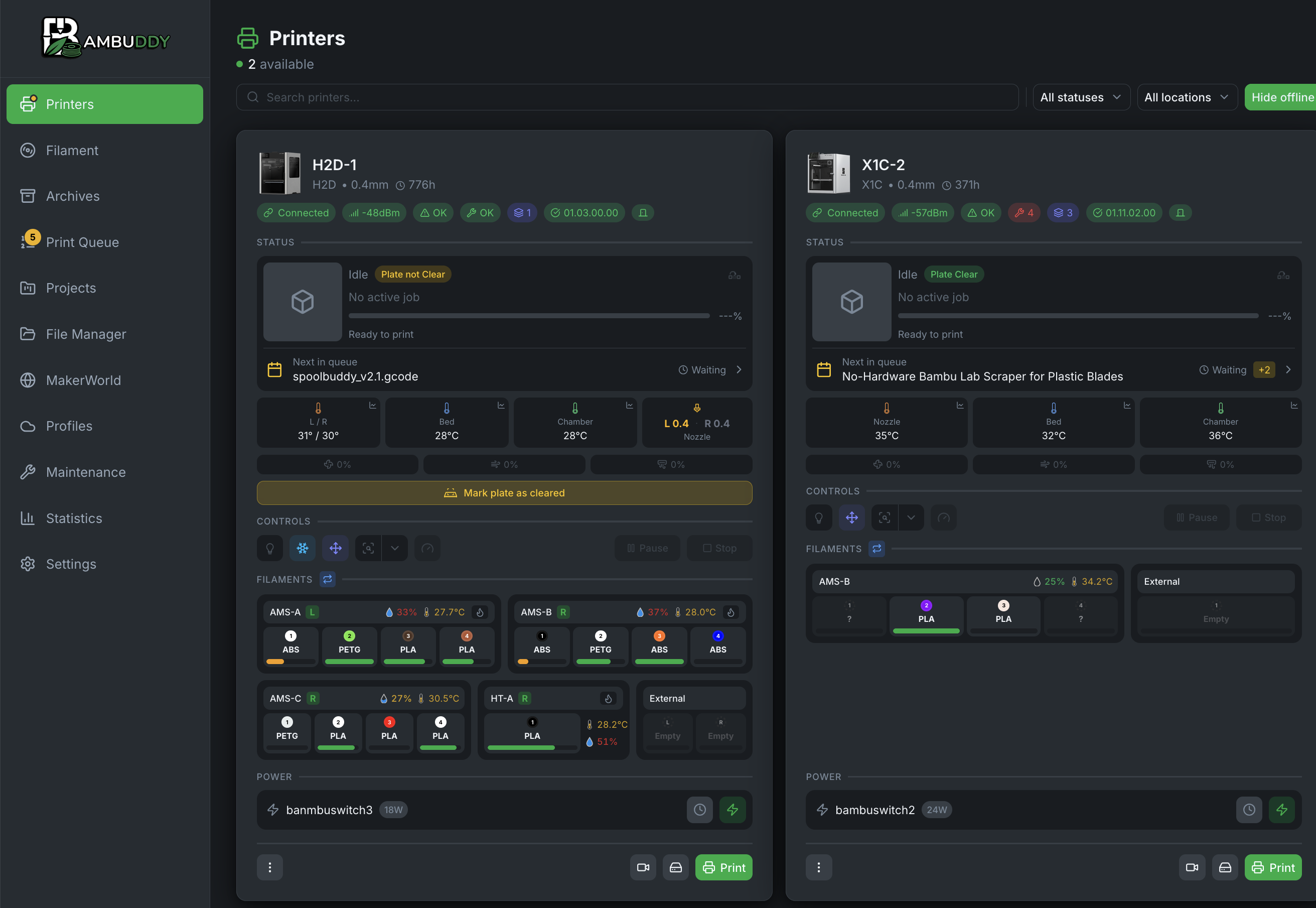
Bambuddy is a self-hosted control plane for Bambu Lab printers — one A1 or an entire print farm. Monitoring, queueing, archiving and slicing, all on a box you own.

Docker Pi 5 · NAS · mini-PC SQLite or PostgreSQL No account required

The Bambuddy printer dashboard: two connected machines showing status, next queued job, nozzle, bed and chamber temperatures, controls, AMS filament slots and smart-plug power state

Bambuddy: self-hosted 3D printing beyond the vendor cloud. Kevin Purdy — Tailscale Blog

Step 01

Everything you printed, with the file still attached.

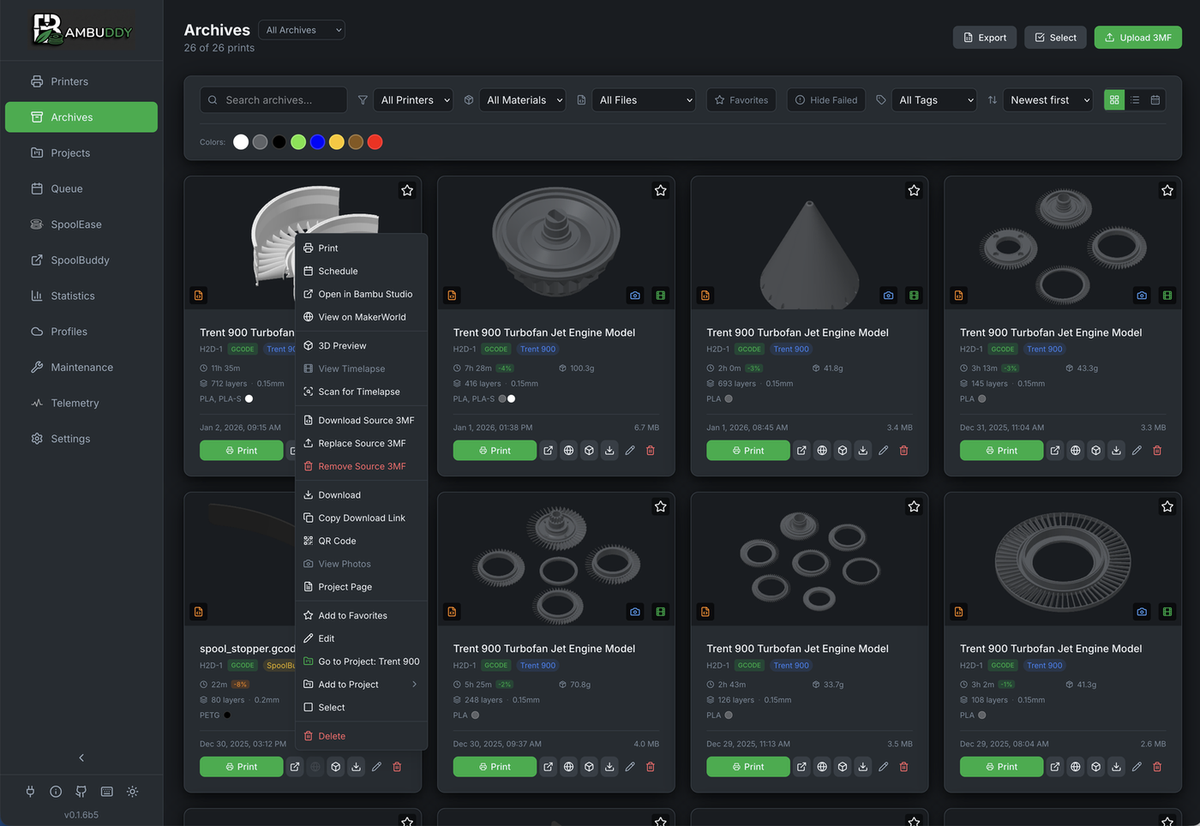
Every job is archived automatically — the 3MF, a 3D preview, the material, layer height, weight, duration and cost. Search it, filter by printer or material, tag it. Reprint straight from the card, or open it in the slicer without leaving the page.

The Bambuddy archive: a grid of past prints with 3D previews, material and duration on each card, and a context menu offering reprint, open in slicer, and 3D preview

Step 02

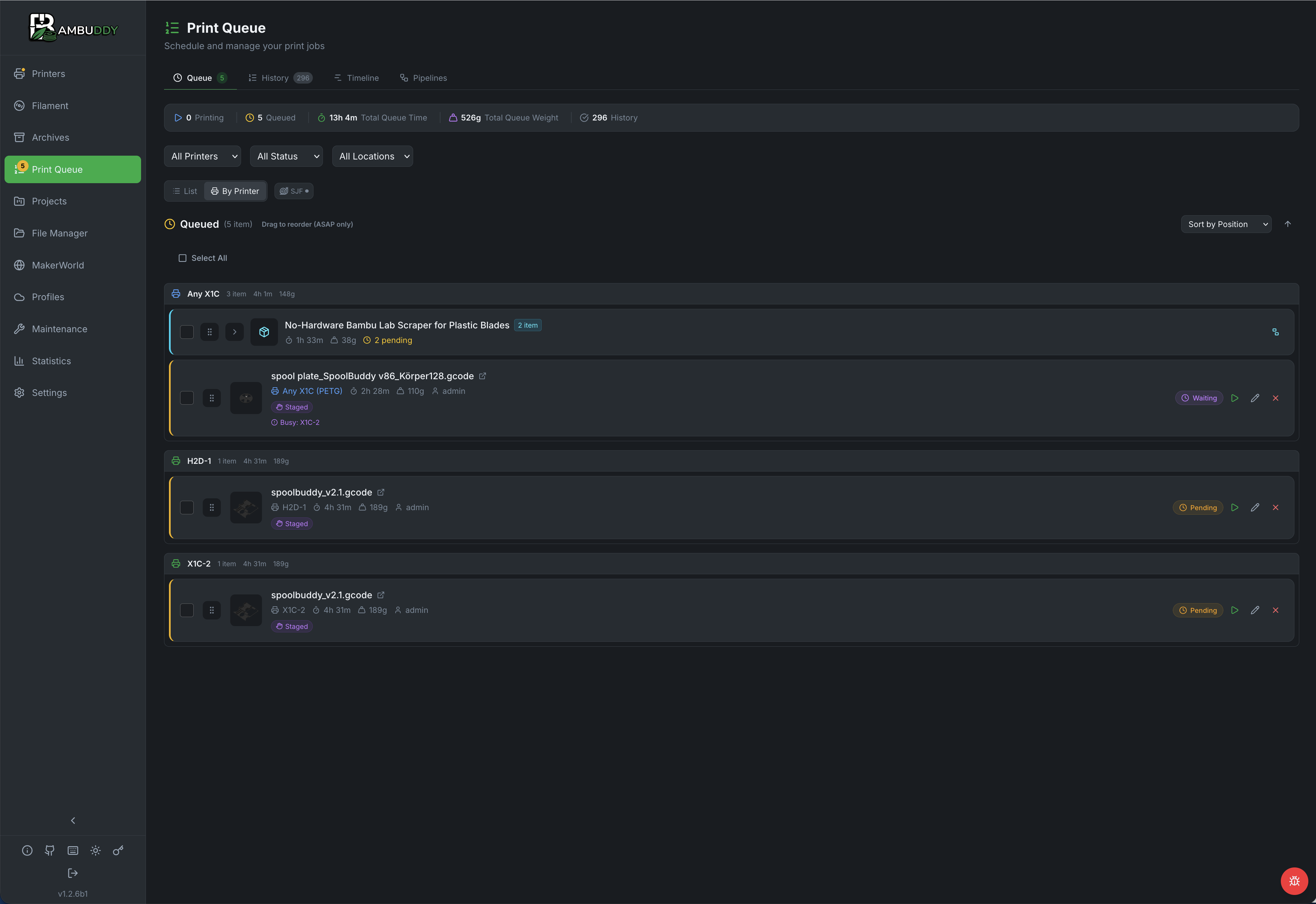
Queue it to whichever machine is free.

Target a specific printer or any machine of a model — jobs grouped per printer, dragged to reorder, with total queue time and total filament weight up top. A job can wait on the previous print succeeding, and power the printer down when the last one finishes.

The print queue: counters for queued jobs, total queue time and total print weight, jobs grouped under Any X1C, H2D-1 and X1C-2, each with duration, weight and status

Step 03

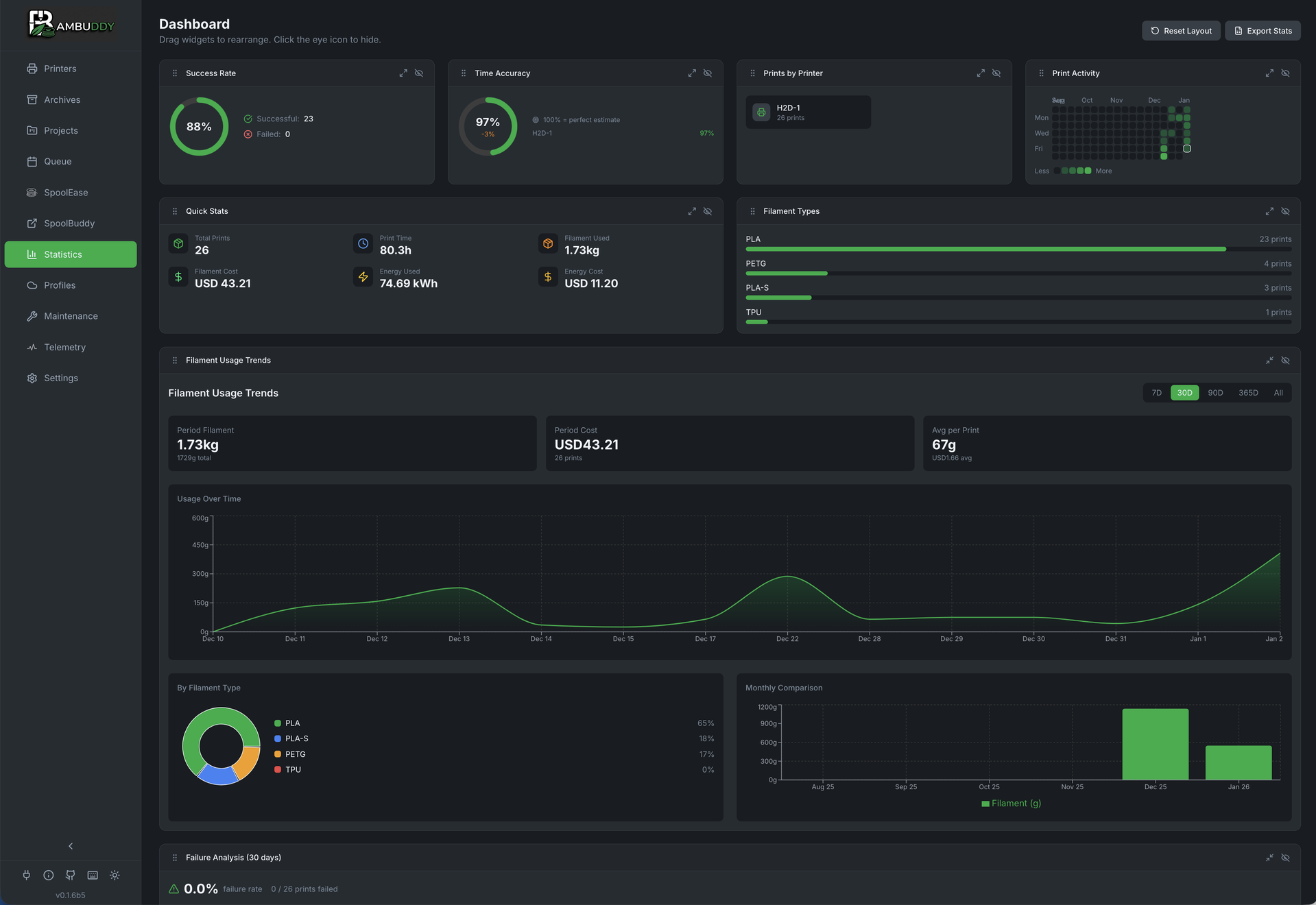
Find out what it actually cost you.

Success rate and estimate accuracy per printer, filament consumed by type, energy in kWh, cost per print, and a 30-day failure analysis. The numbers you need when someone asks whether the farm is worth running.

The statistics dashboard: success rate, time accuracy, prints per printer, filament usage trends, cost and energy figures, and failure analysis

Everything in the loop, in detail

Local by construction

Nothing leaves your network.

Bambuddy talks to each printer directly over your own LAN. There is no vendor relay in the path, no account to create, and no telemetry going anywhere. If your internet connection drops, your print farm does not notice.

Transport
MQTT and FTPS straight to the machine, using the printer's own access code in Developer Mode.

Storage
SQLite out of the box, PostgreSQL when you want it. Your prints, your disk, your backups.

Remote access
Proxy Mode forwards slicer traffic end-to-end over TLS — print from anywhere without a cloud account.

Accounts
Local users, LDAP or OIDC single sign-on, with per-permission roles. All optional.

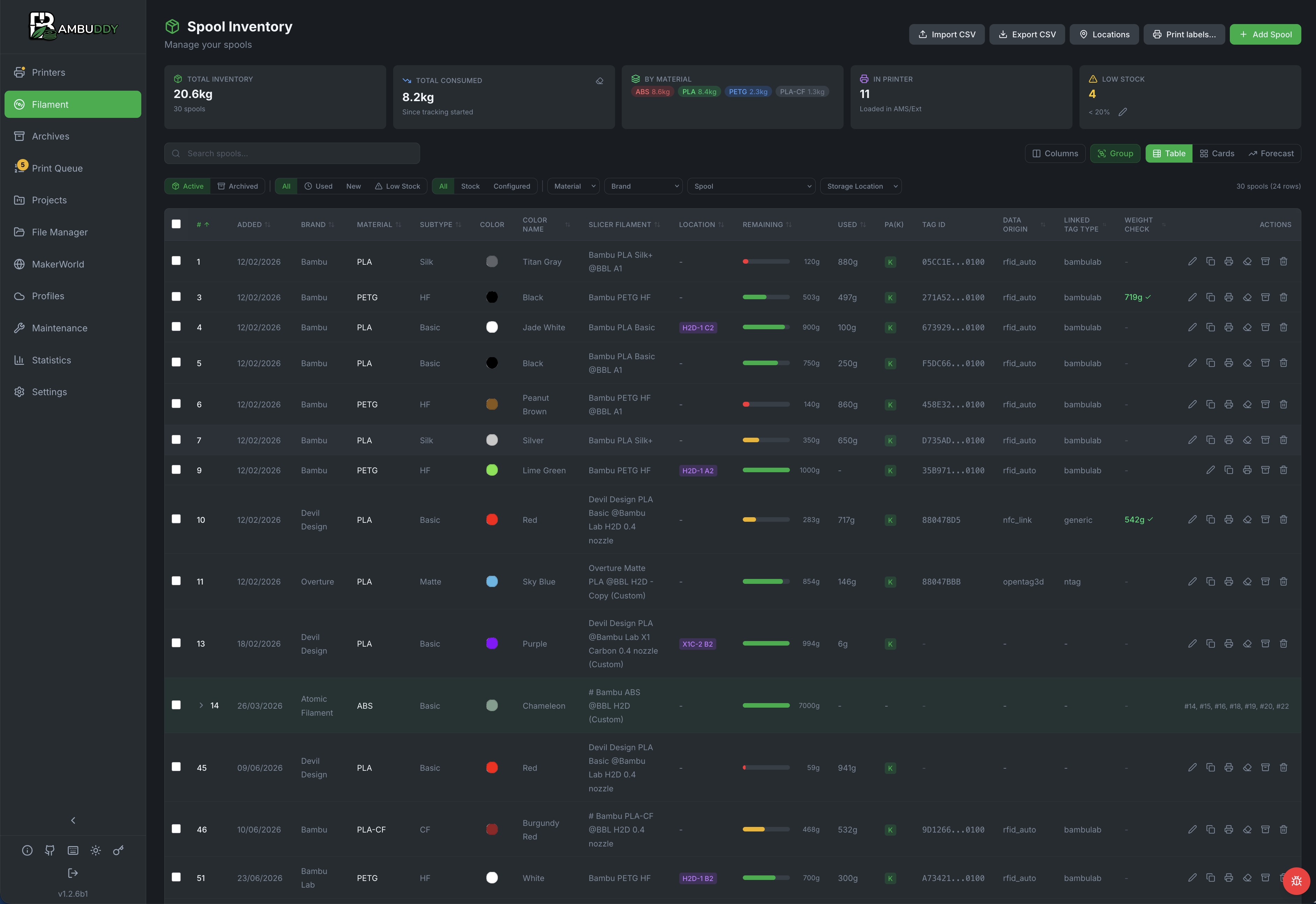
The spool inventory: total inventory and consumed weight, a breakdown by material, low-stock count, and a table of every spool with brand, material, colour, slicer filament profile, location, remaining weight and RFID tag

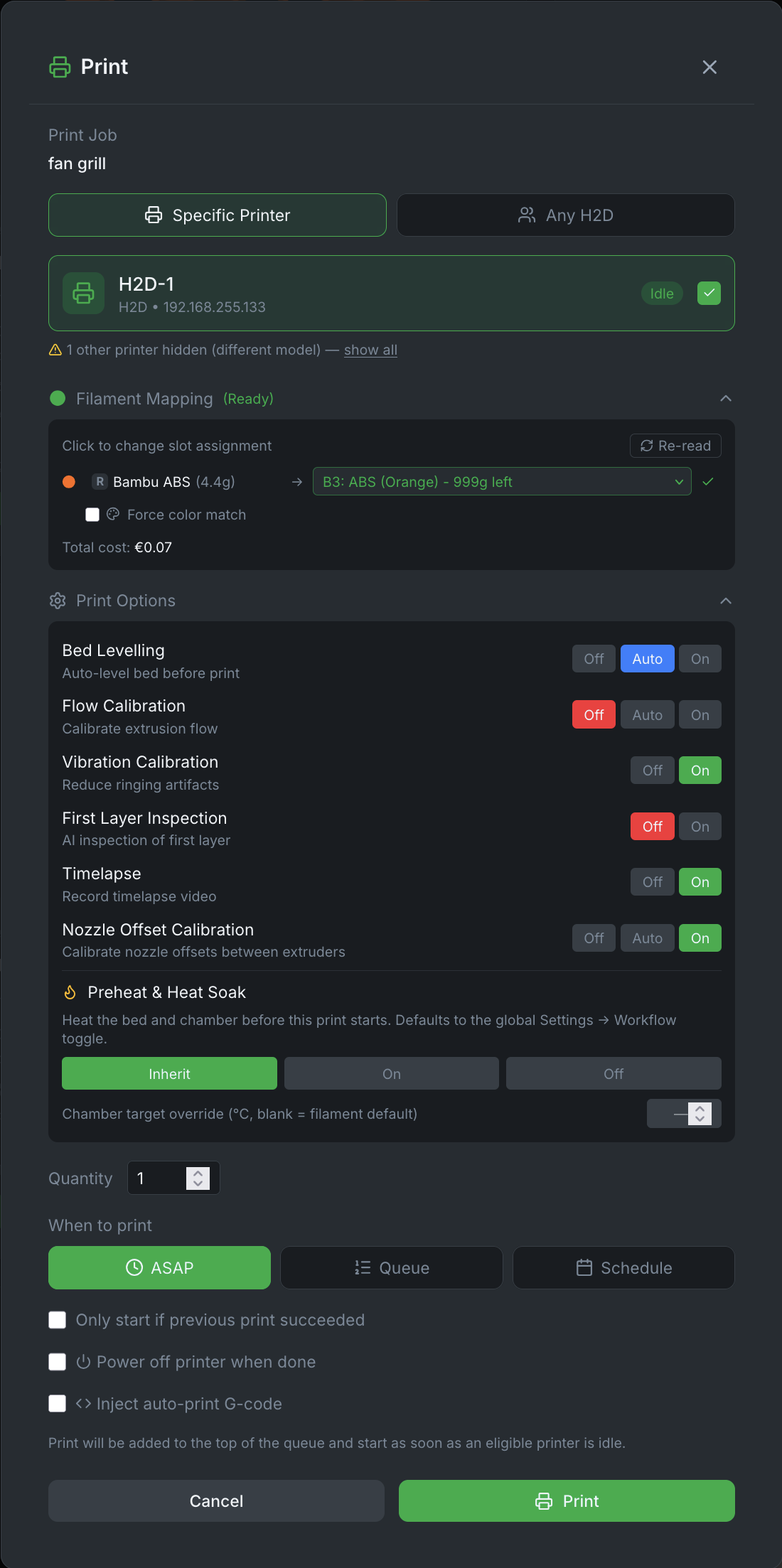
Then decide exactly how it prints.

Send a job to a named machine or to any printer of that model. Bambuddy maps each filament in the file to a real slot, flags a colour mismatch, and tells you what the print will cost before it starts.

Bed levelling, flow and vibration calibration, first-layer inspection, timelapse and nozzle offset each get their own off / auto / on — so a production run is not repeating calibration it does not need.

The print dialog: printer selection, filament mapping from the file to a real AMS slot with the cost of the print, per-print toggles for bed levelling, flow and vibration calibration, first layer inspection, timelapse and nozzle offset, plus scheduling options

SpoolBuddy · Beta

And a device that knows every spool you own.

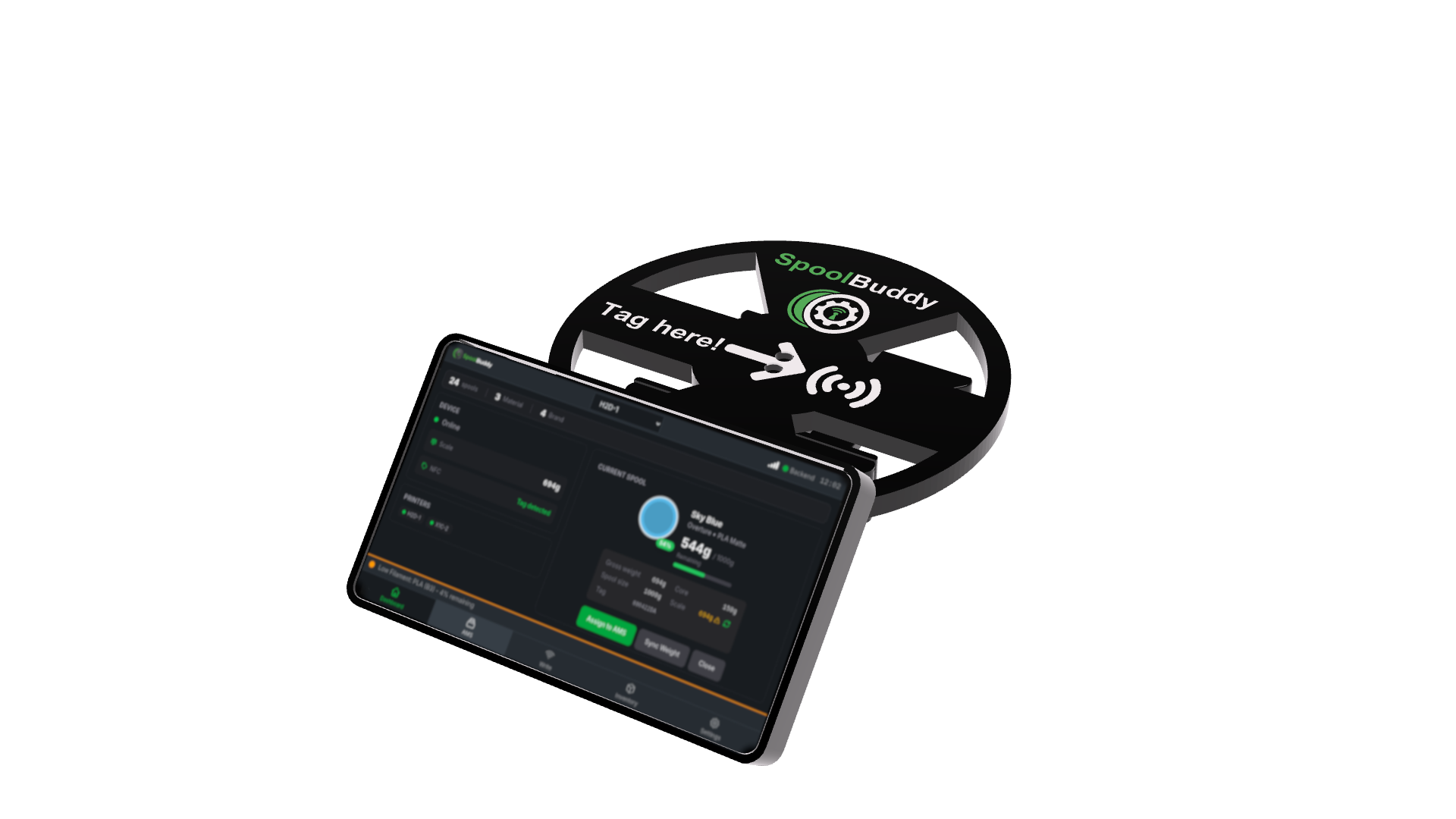
SpoolBuddy reads Bambu Lab's RFID spools and writes your own tags for every other brand — so a no-name PETG gets tracked exactly like a Bambu one. Tap to identify, weigh what is left, and it lands straight in the inventory above.

A Raspberry Pi, a touchscreen and an NFC reader. Build it yourself; the parts list and wiring diagrams are on the wiki.

About SpoolBuddy

A SpoolBuddy device: a spool on the weighing platform with a Tag here NFC target, beside a touchscreen showing the identified filament and its weight

Supported hardware

Every current Bambu Lab machine.

Connected over Developer Mode — no firmware modification, no soldering.

X1 Series

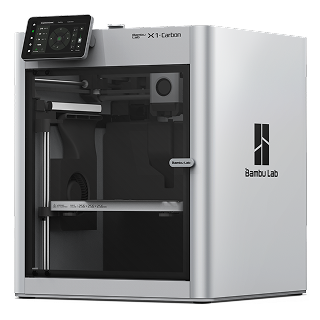
X1 Carbon · X1E

P1 Series

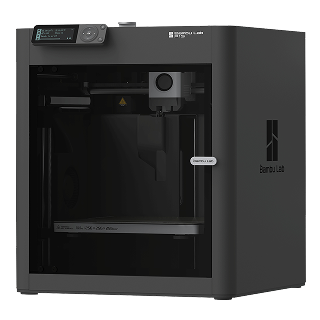
P1P · P1S

P2 Series

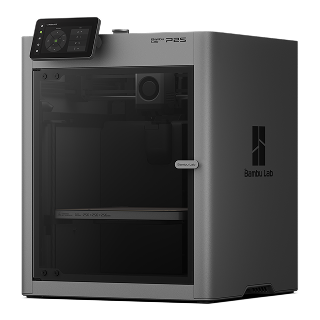
P2S

A1 Series

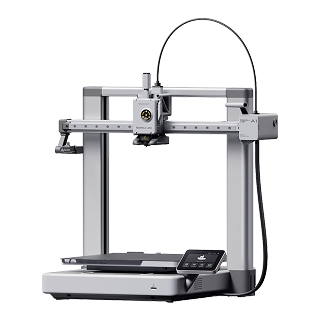
A1 · A1 Mini

H2 Series

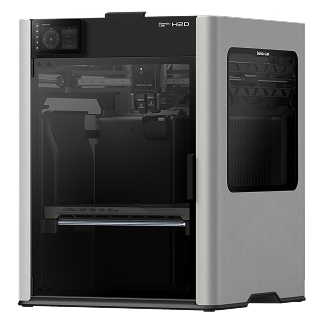
H2D · H2D Pro · H2C · H2S

Dual nozzle and nozzle rack support

X2 Series

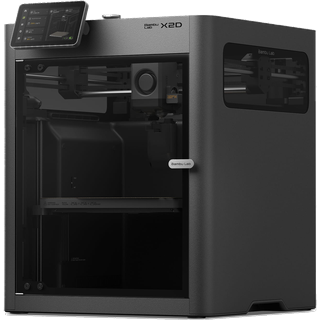
X2D

Dual nozzle, steel-rod gantry

A2 Series

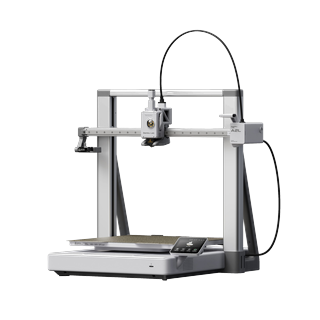
A2L

3D printer plus integrated cutter/plotter

Print archive

Automatic 3MF archiving with metadata, duplicate detection, photo attachments and a searchable log of everything that ever ran.

Live monitoring

Per-printer status over WebSocket, HMS error tracking, on-the-fly speed control, and success-rate trends across the fleet.

Queue and scheduling

Tabbed queue with multi-drag, batch grouping and a Gantt-style timeline. Idle printers can auto-dry filament before the next job.

Filament inventory

Spool tracking with RFID matching, AMS slot presets and per-slot pressure-advance profiles. Syncs with Spoolman if you already run it.

Notifications

WhatsApp, Telegram, Discord, email, Pushover or ntfy, with templates you control and quiet hours that are actually respected.

Power and automation

Tasmota, Home Assistant, MQTT and REST/webhook smart plugs, so a finished farm can power itself down without you being there.
Full feature list