Auto-Focus
Detects Focus.
Disables Notifications.
A tiny macOS menu bar app that watches what you're working on and automatically enables Do Not Disturb when you're in the zone.
How it works
1
Watches your apps
Tell it which apps are "focus apps" (your IDE, Figma, writing app). It monitors which one is active.
2
Waits 12 minutes
Stay in a focus app for 12 minutes and it automatically enables Do Not Disturb. No buttons to press.
3
Brings them back
Switch away from focus apps? After a short buffer, notifications return. Seamless.
What it is not
-
✗
Not a time tracker. No Pomodoro timers. No sessions to start or stop.
-
✗
Not a productivity score. No judgment. No daily goals. No streaks to maintain.
-
✗
Not a distraction blocker. It doesn't block apps or websites. Just silences notifications.
-
✗
Not cloud-based. All data stays on your Mac. Nothing sent anywhere.
See it in action
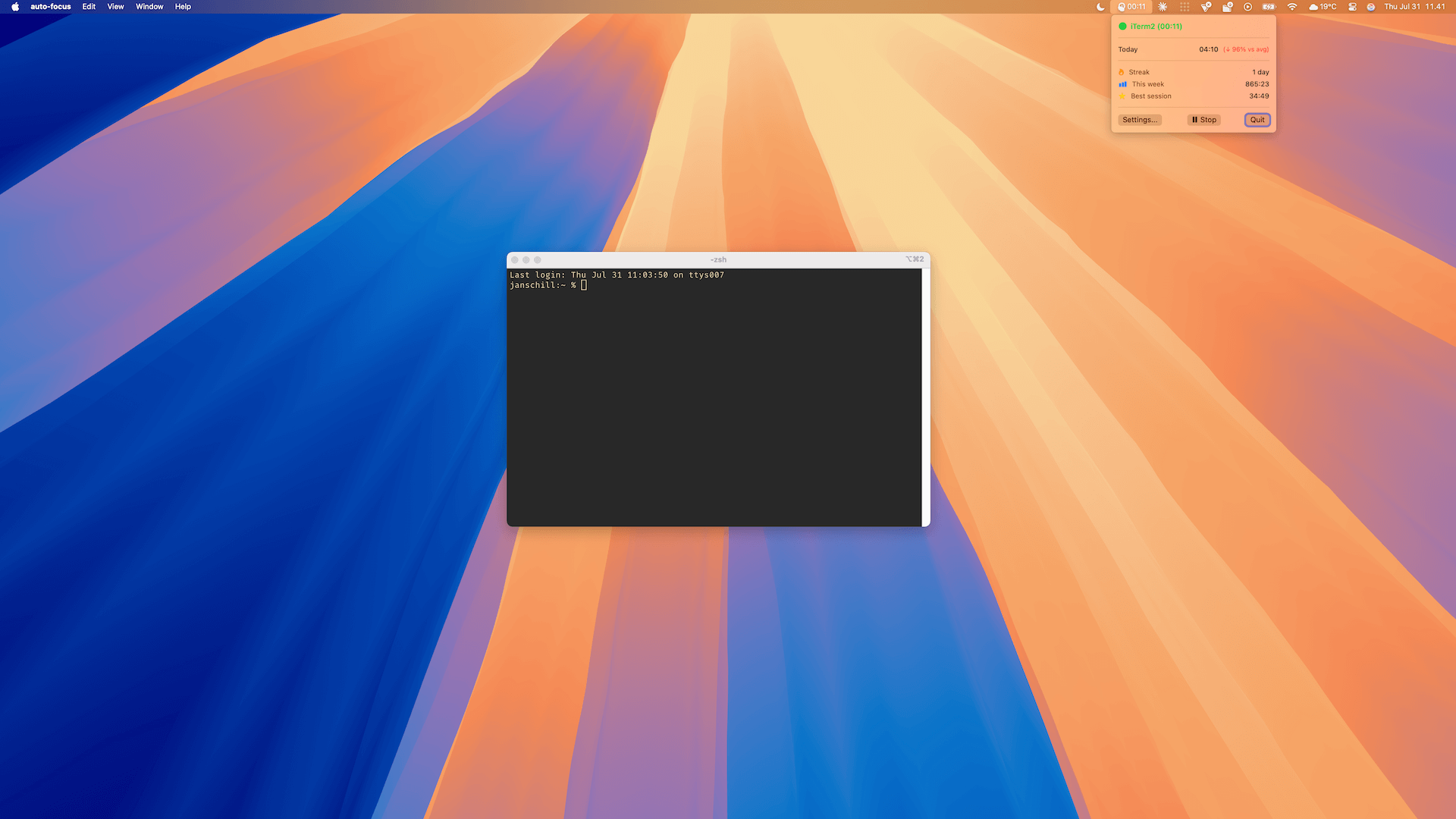
The menu bar shows your focus status and session time.
Simple pricing
Plus
$9
One-time. Lifetime.
- ✓ Everything in Free
- ✓ Unlimited focus apps
- ✓ Unlimited browser URLs
- ✓ Advanced analytics
- ✓ Export data (CSV/JSON)
- ✓ Future updates
Works with your browser too
Install the Chrome extension to track focus on web apps like GitHub, Linear, Figma, and Notion. Configure which URLs count as "focus" in the app.